Create a Christmas Lights Competition Voting Poll
A Christmas lights competition poll lets your community choose its favorite displays. A Christmas lights competition poll made with SurveyLegend brings pictures of participating homes and businesses into one vote, with responses collected in Live Analytics.
Create a free account to start your poll.

From a festive idea to everyone’s vote
Create your voting poll in three steps
-
Add your light displays
Add each display as a picture choice with a clear entry label. Set Picture Selection to Single voting so neighbors choose one favorite per question.
-
Share the community vote
Share one poll link through your community channels so neighbors and local businesses can join the vote.
-
Follow the responses
See responses in Live Analytics and review your community’s choices before announcing the winner.
A little inspiration for your own poll
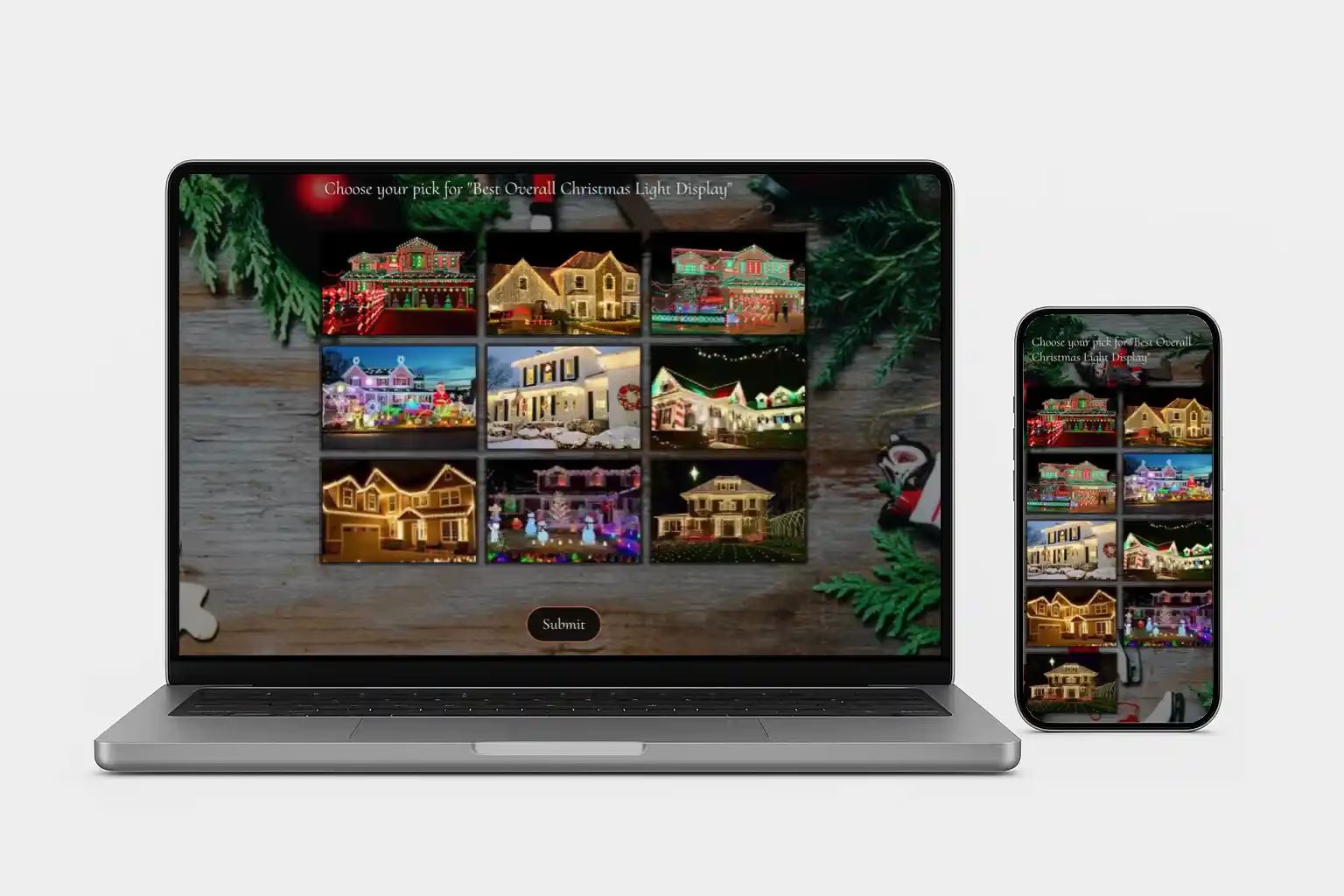
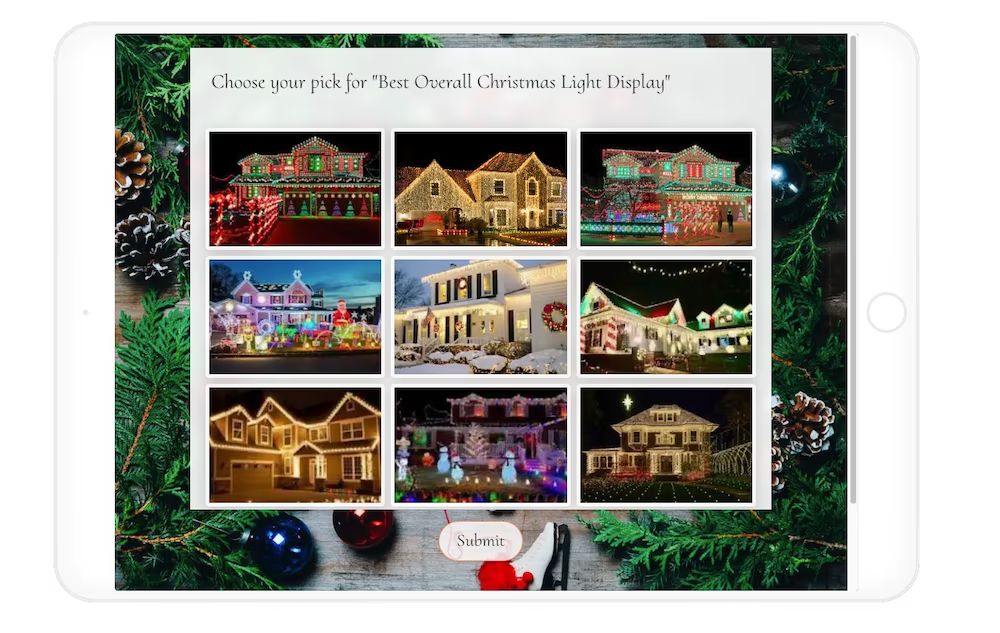
Share Christmas lights pictures so neighbors can vote for their favorite display
Give every display in your Christmas lights competition a clear picture and label in the same poll. Share the link through your community channels so neighbors can compare the entries and vote from their phones. Use separate questions for home and business awards when you want a winner for each group, then review the responses before announcing the results.
One overall favorite, or a few special awards
Christmas lights competition awards for homes and businesses
Give your community a people’s choice vote or use separate questions for different awards. Adapt these example questions to your competition, and include only business entries in the storefront vote.
Organizing the whole competition? Find planning ideas, categories, and judging considerations in our light contest guide.
-
People’s choice
“Which Christmas light display is your overall favorite?”
-
Most creative
“Which display uses Christmas lights most creatively?”
-
Best theme
“Which display has your favorite Christmas theme?”
-
Best storefront
“Which business has your favorite Christmas light display?”
A few things before you share
Make the poll your own
Decide what people are voting for, explain the rules, and share a clear deadline. Give each entry a clear picture and label so guests know what they’re choosing.
How should I prepare Christmas lights pictures for voting?
Use a clear picture with the lights switched on and the full display visible. Choose a view that shows the layout and main details, then give each entry a name or number. Collect the pictures before sharing your competition poll so voters can compare the participating displays.
Can I run a neighborhood Christmas lights contest?
Yes. Add a picture and clear label for each participating display, then share your poll link with the neighborhood. Explain the voting deadline and how the contest winner will be chosen before voting starts.
Can homes and businesses have separate awards?
Yes. Use a separate picture question for each group or award so voters can choose a favorite from the relevant entries.
Can I get started for free?
Yes! Create a free SurveyLegend account to use all picture question types, including picture selection, with up to six pictures per survey. That may be all you need for your poll. If you need more pictures or higher limits, paid plans are available with monthly or yearly subscriptions. Compare plans to find the right fit.
Can I limit repeat votes?
SurveyLegend’s participation setting reduces repeat submissions from the same browser. It does not verify voter identity or guarantee one vote per person across browsers and devices. Choose controls that fit your contest, and review responses before confirming the winner.
Bring the people. We’ll bring the poll.
Ready to let your community choose its favorite display?
Share your voting poll and give every bright idea a place in the celebration.
Create a free account to start your poll.