Create an Ugly Sweater Contest Voting Poll
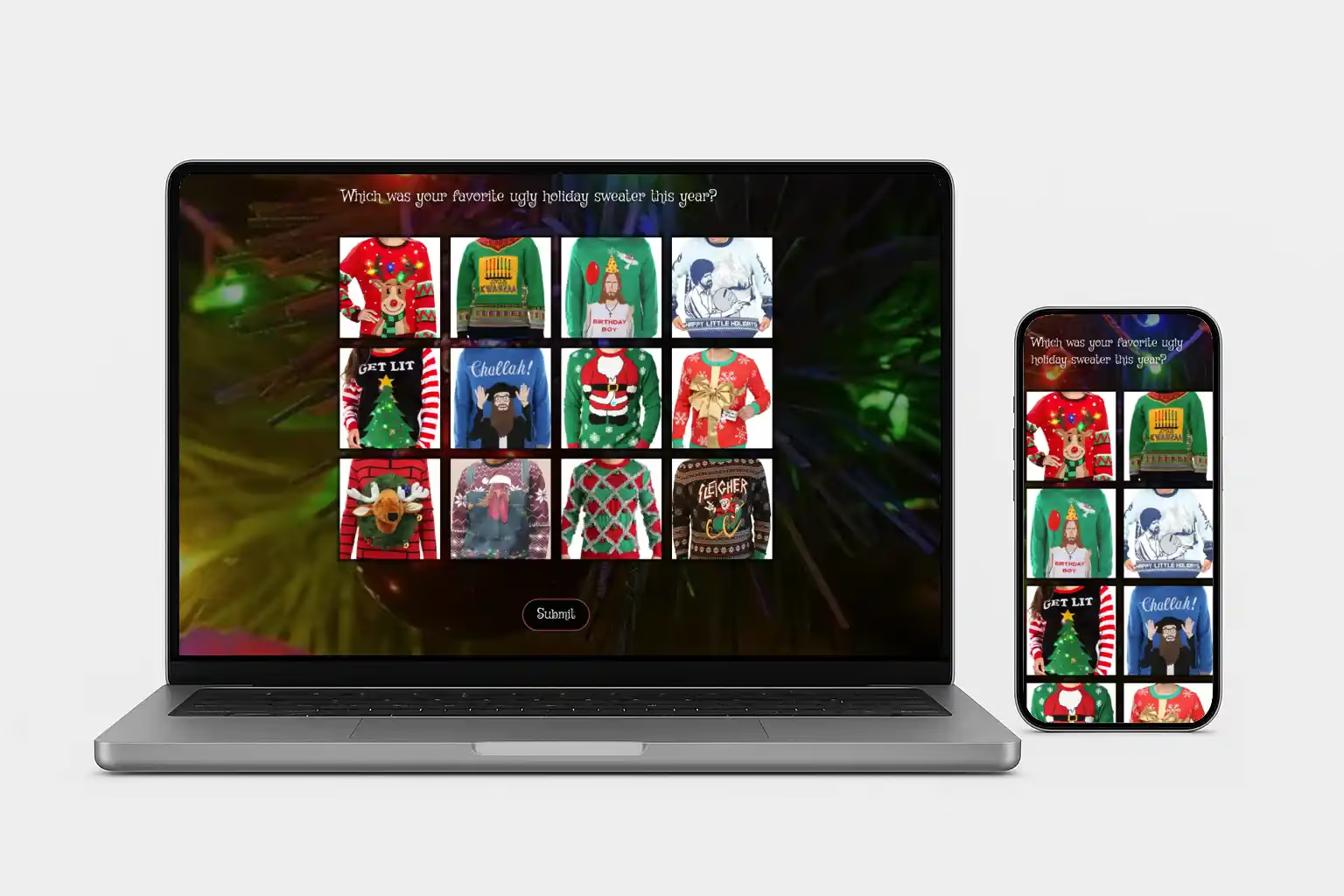
An ugly sweater contest poll lets guests choose or rank their favorite Christmas sweaters. An ugly sweater contest poll made with SurveyLegend lets guests at the party and colleagues joining remotely vote on the same entry pictures.
Create a free account to start your poll.
From a festive idea to everyone’s vote
Create your voting poll in three steps
-
Add your sweater entries
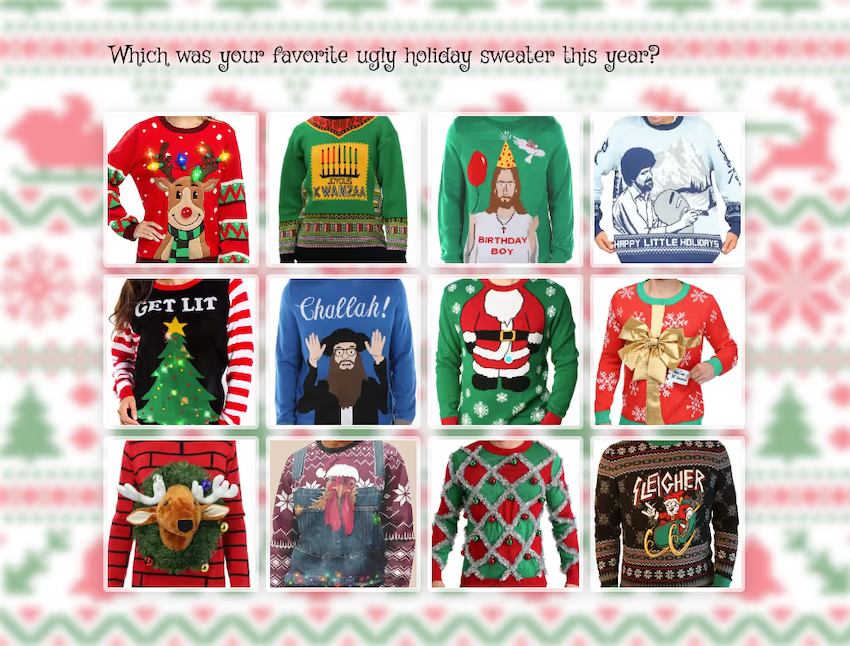
Upload a picture of each sweater and label it with an entry name or number. Use Picture Selection with Single voting for one favorite, or Picture Ranking to rank several.
-
Invite everyone to vote
Share the same poll link with guests at the party and colleagues joining remotely.
-
See the favorites emerge
Review the responses in Live Analytics, then announce each award using the voting rules you set.
A little inspiration for your own poll
Upload ugly sweater pictures and let guests choose the contest winner
Add a picture of each entry to your ugly sweater contest poll, with a name or number to identify it. Share the same voting link with guests at the party and colleagues joining from home. Everyone can choose or rank their favorite sweaters from their phones, and you can review the votes in Live Analytics before announcing the winners.
One overall favorite, or a few special awards
Choose categories for your ugly Christmas sweater contest
Let guests choose an overall favorite or vote separately for the awards you want to offer. Adapt these example questions to your contest, and include only eligible entries in each category, such as handmade sweaters for the handmade award.
Need ideas for the party, categories, or judging rules? Start with our sweater contest guide.
-
Ugliest overall
“Which sweater deserves the title of ugliest overall?”
-
Best handmade
“Which handmade sweater is your favorite?”
-
Funniest
“Which sweater makes you laugh the most?”
-
Most festive
“Which sweater has the most Christmas spirit?”
A few things before you share
Make the poll your own
Decide what people are voting for, explain the rules, and share a clear deadline. Give each entry a clear picture and label so guests know what they’re choosing.
How should I prepare ugly sweater pictures for voting?
Show the full sweater design clearly, with enough space around it to avoid cutting off decorations. Use a simple background and a consistent view across entries. Give each sweater a name or entry number so guests can identify it in the poll.
Can guests choose one sweater or rank their favorites?
Yes. Use a Picture Selection question with its Voting type set to Single for one favorite, or a Picture Ranking question for an ordered list of favorites. Tell voters how each award will be decided before sharing your poll.
Can remote colleagues join the sweater vote?
Yes. Collect their sweater pictures before voting starts, add them alongside the other entries, and share the same poll link with everyone.
Can I use this for a Christmas jumper competition?
Yes. Use the same voting approach for a Christmas jumper competition. Add a picture and clear label for each jumper, then share your poll link with guests at the party and colleagues joining remotely.
Can I get started for free?
Yes! Create a free SurveyLegend account to use all picture question types, including picture selection, with up to six pictures per survey. That may be all you need for your poll. If you need more pictures or higher limits, paid plans are available with monthly or yearly subscriptions. Compare plans to find the right fit.
Can I limit repeat votes?
SurveyLegend’s participation setting reduces repeat submissions from the same browser. It does not verify voter identity or guarantee one vote per person across browsers and devices. Choose controls that fit your contest, and review responses before confirming the winner.
Bring the people. We’ll bring the poll.
Ready to put those Christmas sweaters to the vote?
Give every outrageous outfit its moment. Your audience can take it from there.
Create a free account to start your poll.