U.S. Civic Knowledge Survey Template
Use this U.S. civic knowledge survey to plan an adult lesson on basic federal government roles. Seven optional questions cover the branches, Congress, checks and balances, and the cabinet, with “Not sure” available in every item.

Knowing an officeholder's name is different from understanding what an institution does. These questions focus on basic federal roles and avoid current candidates, party preferences and political opinions.
When to Use This Template
Use the questions for adult lesson planning or a discussion starter. They are original examples, not an official citizenship test. For expectations and learning goals before a session, use a separate pre-training survey .
7 U.S. Civic Knowledge Survey Questions
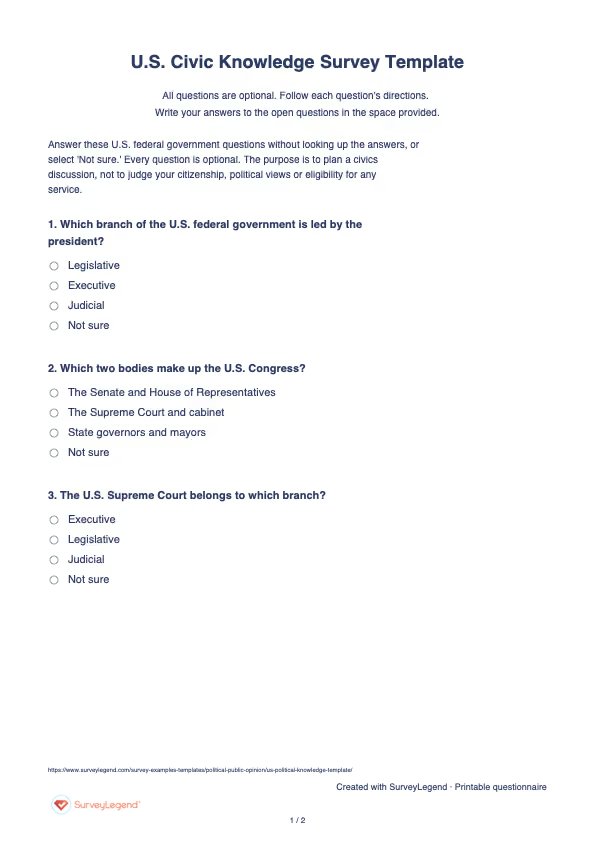
Answer these U.S. federal government questions without looking up the answers, or select 'Not sure.' Every question is optional. The purpose is to plan a civics discussion, not to judge your citizenship, political views or eligibility for any service.
A little feedback. A clearer picture.
Explore this 7-question example at your own pace. Every question is optional.
U.S. Civic Knowledge Survey
Thank you for trying the survey!
You’ve tried the template from the respondent’s side. Make it your own with SurveyLegend.
Create your own surveyChecking submission availability…
This is a demo. We count starts and submissions only. Your answers stay in your browser and are never sent or saved.
Activity · no starts yet
How to Adapt the Questionnaire
Keep the federal level explicit and retain 'Not sure' in every item. Do not mix confidence questions into a knowledge total. Check the answer key against current authoritative government information if wording changes. Provide explanations after the initial response, and do not pressure learners to guess. This public page includes the answers, so it cannot serve as a secure examination.
When to Ask
Ask before presenting the lesson's explanations. Give everyone the same instructions about looking up answers and skipping questions. For a later review, remember that seeing the same items and answer key can affect performance; repeated correct answers alone do not show durable learning.
How to Use the Responses
Instructor key: Q1 Executive; Q2 Senate and House of Representatives; Q3 Judicial; Q4 Checks and balances; Q5 Vice president; Q6 Advise the president; Q7 U.S. Constitution. Review each topic separately. Show correct, incorrect, 'not sure' and skipped counts rather than turning every nonanswer into an error. Use the pattern to choose explanations, such as why the vice president also has a Senate role. Do not label learners politically competent or incompetent, compare this original set with standardized scores, or infer party views.
Review the federal roles in the official USAGov branches overview before teaching the answers. The key appears here for instructor review; the printable respondent questionnaire contains no answers.
Frequently asked questions
Is this a U.S. citizenship practice test?
No. It is an original adult classroom questionnaire. Do not present it as an official exam, current test bank or eligibility assessment.
Why include 'Not sure'?
It lets people report uncertainty without being forced to guess. Keep it separate from both incorrect and skipped answers in the review.
Can it reveal political preferences?
It is not designed to do that. These factual institutional questions do not ask about parties, candidates or preferred policies.
Printable U.S. Civic Knowledge Survey template
Use the blank seven-question PDF for an adult classroom discussion or when learners prefer paper. Keep it separate from the instructor key in the “How to Use the Responses” section above. Explain the low-stakes, unofficial purpose and where to return completed forms. Paper responses need separate review or manual entry; they are not automatically added to online results.
AI prompt for a U.S. civic knowledge survey
Identify which basic institutional roles learners want to clarify through an original low-stakes knowledge check.
The full prompt below specifies your U.S. civic knowledge survey, including all 7 questions and response settings. Copy this prompt into an AI assistant to draft the questions. Review the draft, then build and customize the survey in SurveyLegend before sharing.
Copy the prompt into an AI assistant to draft the questions, then build your survey in SurveyLegend.
Already have an account? Sign in to create your U.S. civic knowledge survey.
-
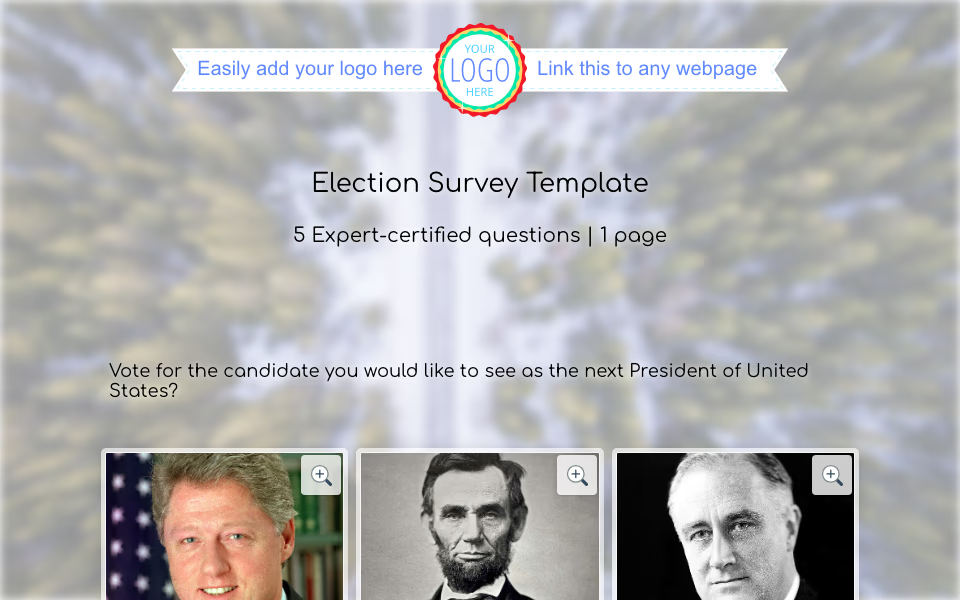 Election Survey Template Elections are everywhere. From high school prom royalty to class president, from “employee of the month” to the real-deal mayor or president—voting is how we make choices. But what if we told you that running your poll could be both powerful and surprisingly fun?
-
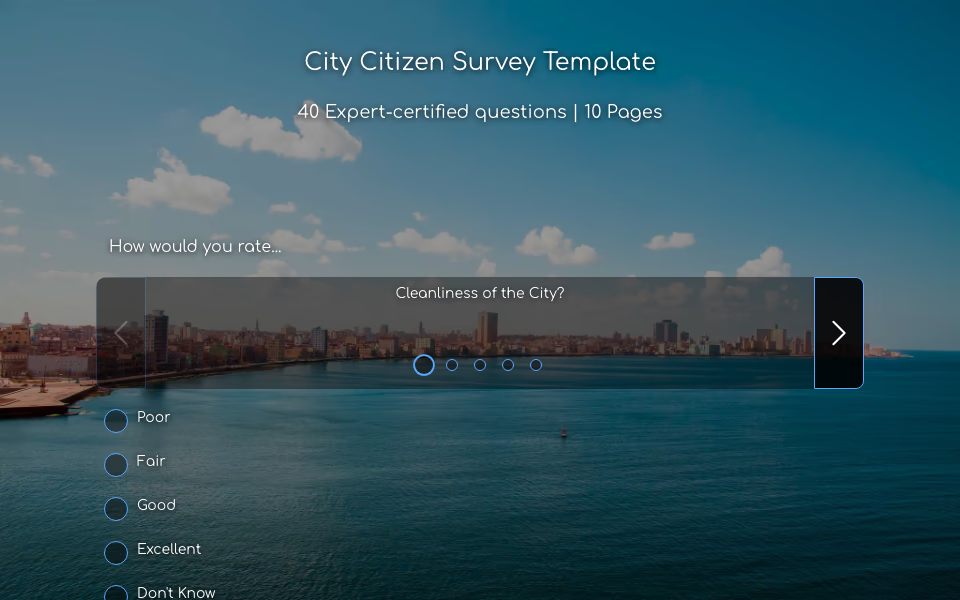 City Citizen Survey Template Let’s be real. If you’re a city mayor, council member, or public official, you’ve probably asked yourself, “Are our citizens happy? Are our city services actually helping?” Great news — you don’t have to guess. You just need to ask, and that’s where the City Citizen Survey Template from SurveyLegend comes in.
-
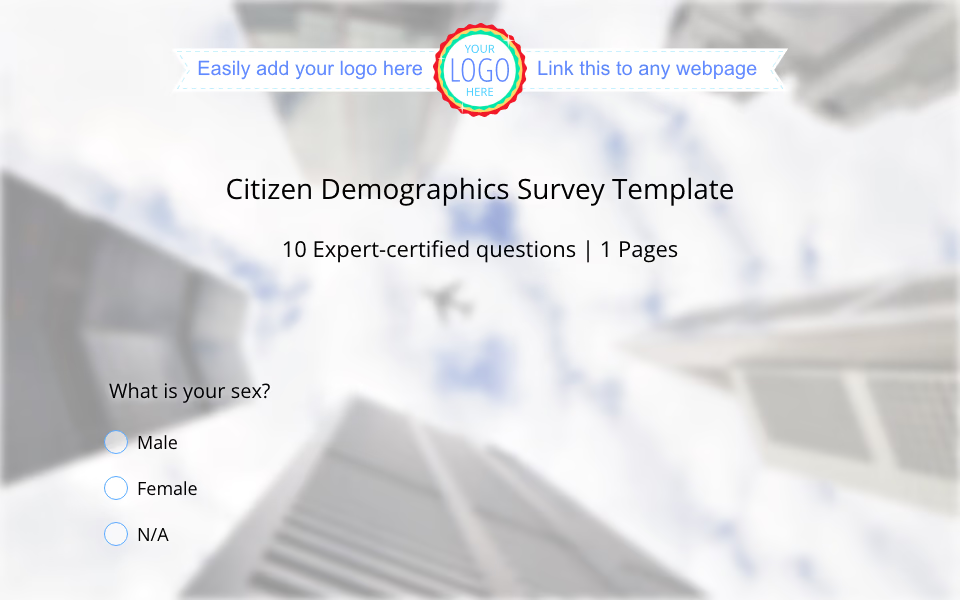 Citizen Demographic Survey Template If you’re running a city, managing a state, or leading a country, there’s one golden rule you cannot ignore: you need to know your people. And not just vaguely. We’re talking about real, up-to-date, detailed demographic information.
-
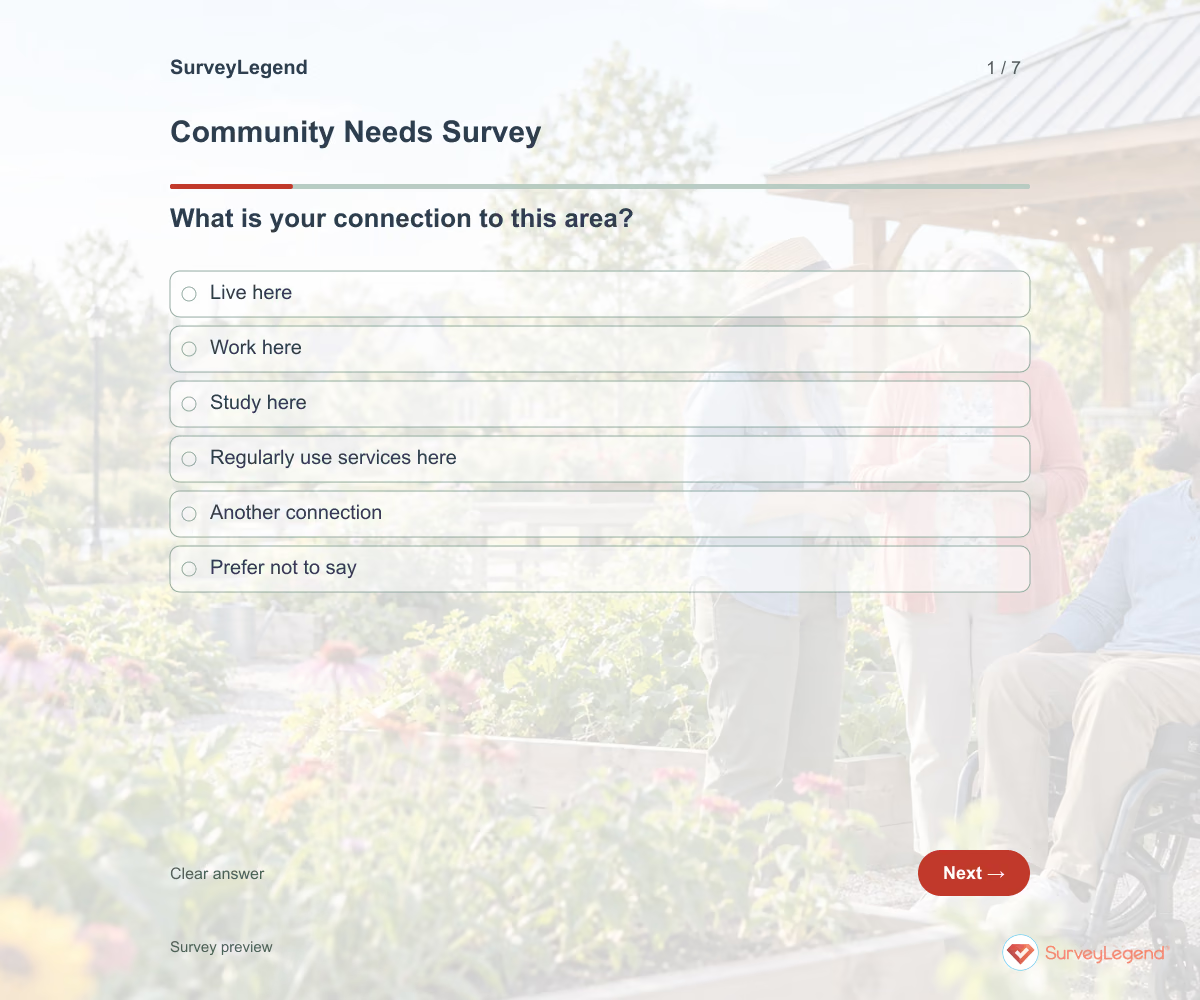 Community Needs Survey Template A useful needs survey gives residents a clear area and planning purpose. Ask about services people have tried to use, and give them a way to identify a priority without describing private circumstances. Combine responses with other evidence before allocating resources.
-
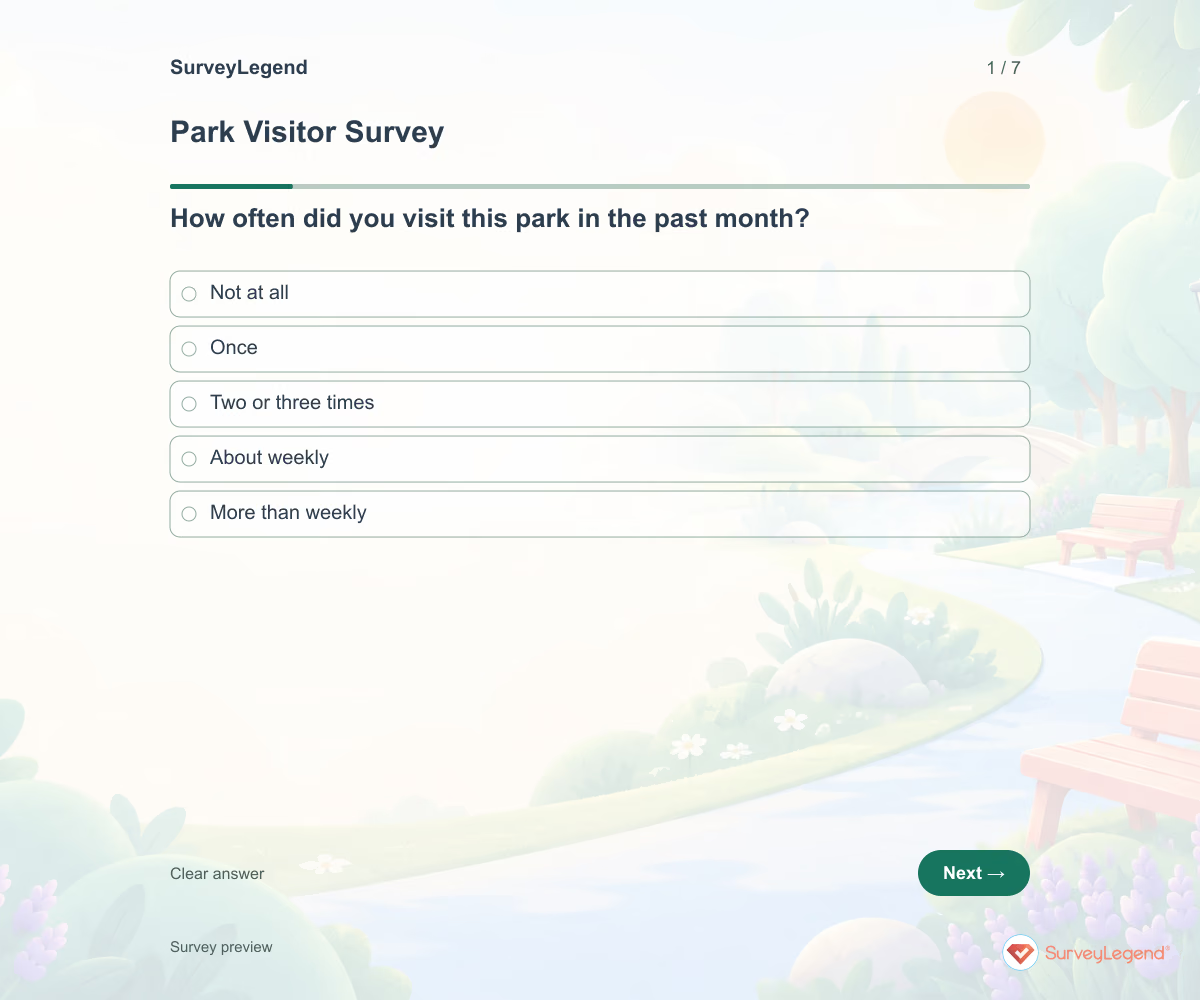 Park Visitor Survey Template Visitors may use the same park for walking, play, or quiet time. Start with their main activity and recent use before asking what needs attention. Include people who have not visited so barriers are not lost.
-
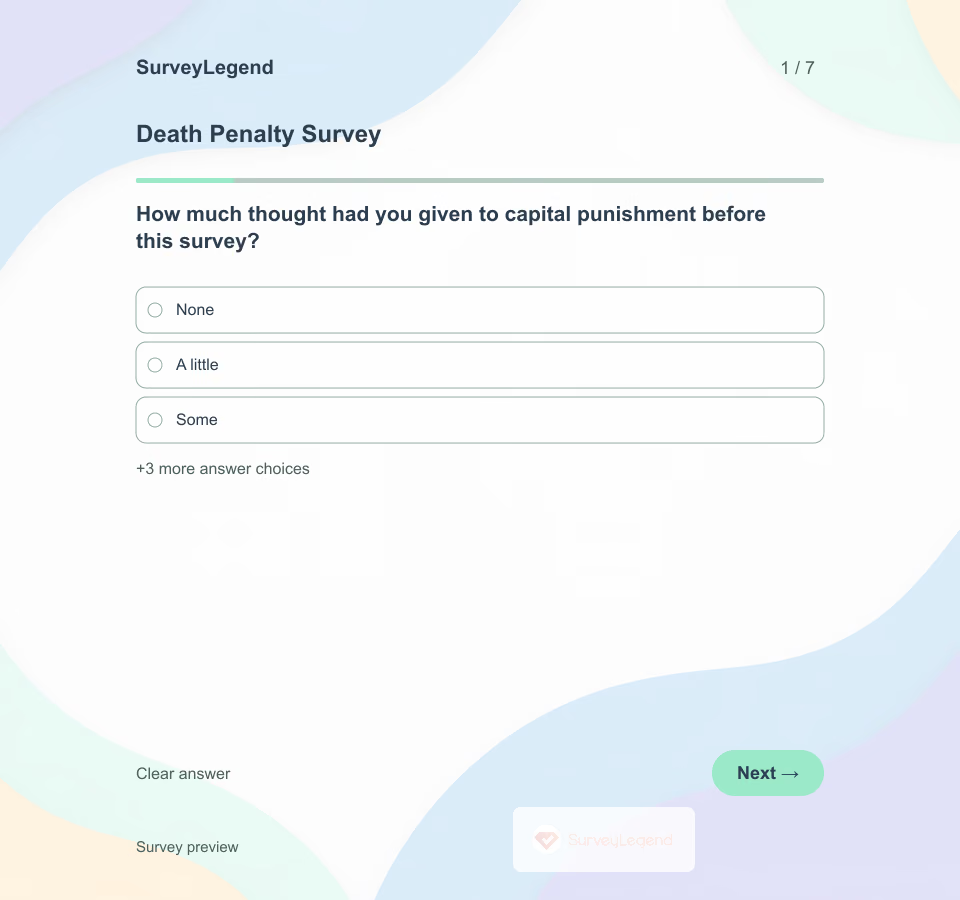 Death Penalty Survey Template An overall position does not explain how someone thinks about individual circumstances. Create this questionnaire in SurveyLegend to collect those distinctions respectfully, without graphic examples or assumptions about what a respondent ought to believe.
-
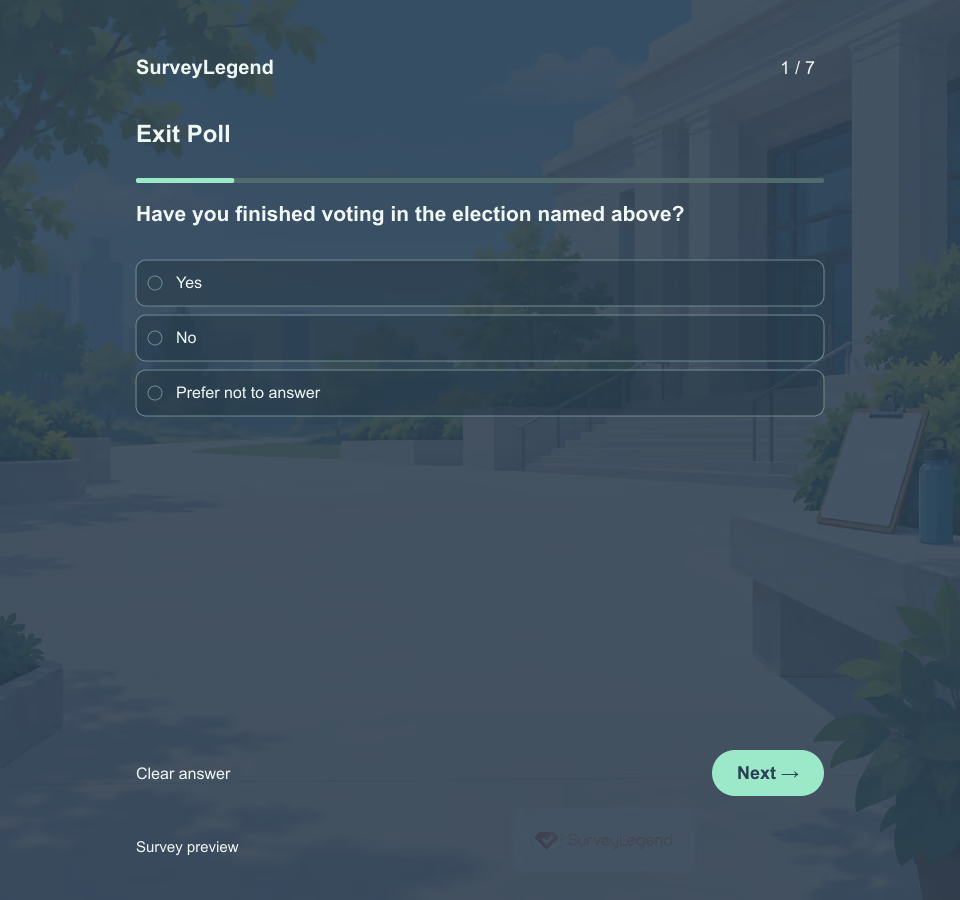 Exit Poll Template An exit poll is a survey of participating voters, not the election itself. Define the contest and sampling approach before collecting answers, and keep participation separate from voting.
-
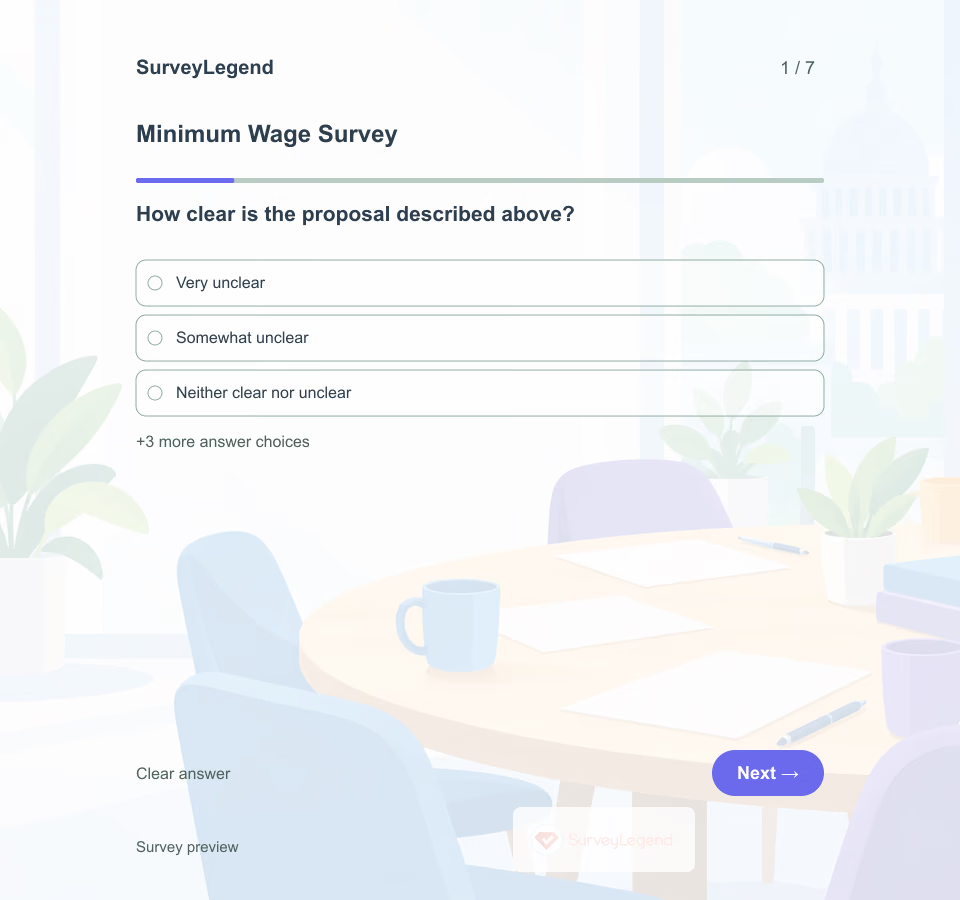 Minimum Wage Survey Template “Should the minimum wage change?” can mean different things to different people. Specify the proposal's location, amount, coverage and timing before asking for an opinion. Create your questionnaire in SurveyLegend with the same neutral description for every respondent.
-
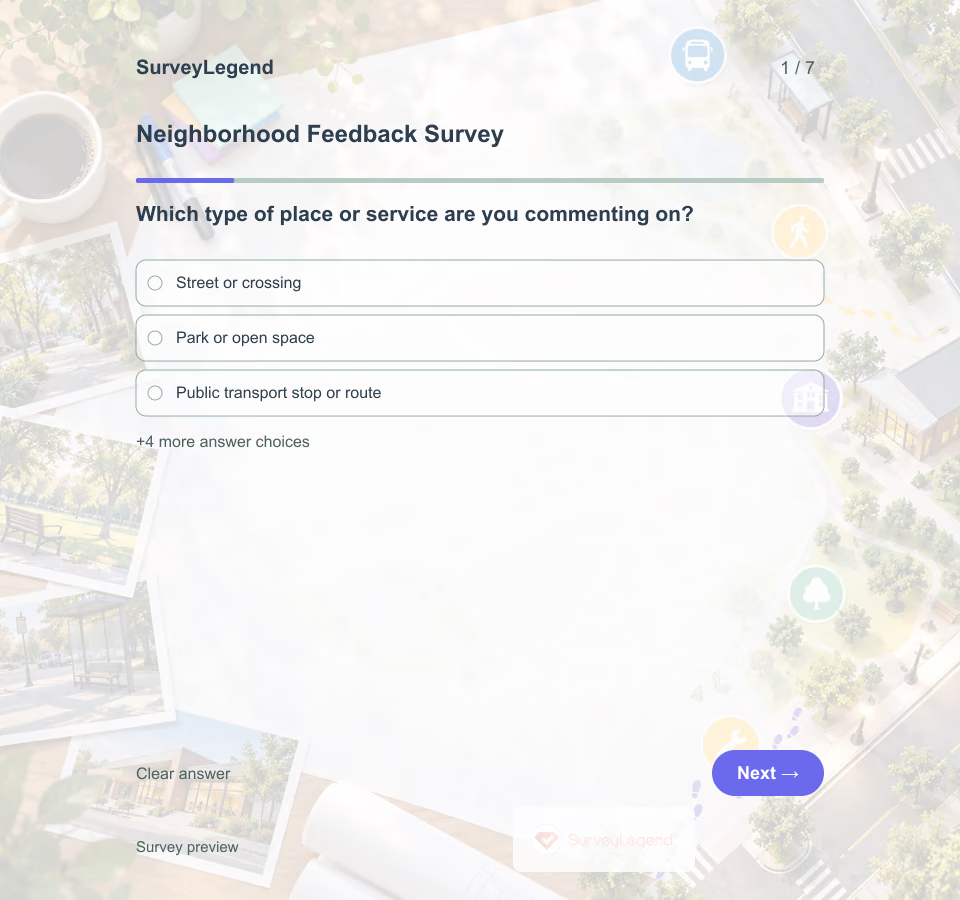 Neighborhood Feedback Survey Template A neighborhood feedback survey gathers place-based experience from residents and other local users. A focused version asks about one frequently used place or service so limited planning or maintenance resources can be discussed with clearer context.
-
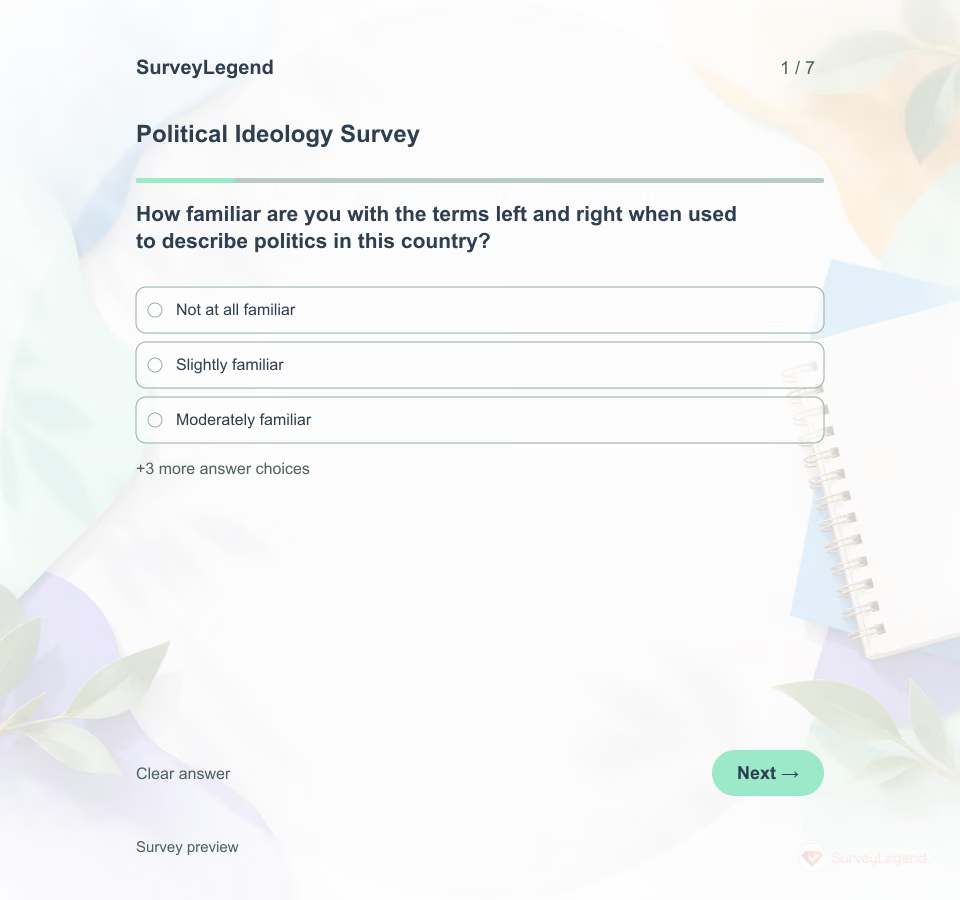 Political Ideology Survey Template This political ideology survey asks adults how they describe their own views and how useful familiar political labels feel to them. It does not assign a political type, infer a party choice or produce an ideology score. Build the questionnaire in SurveyLegend for a clearly explained academic or civic education purpose.
-
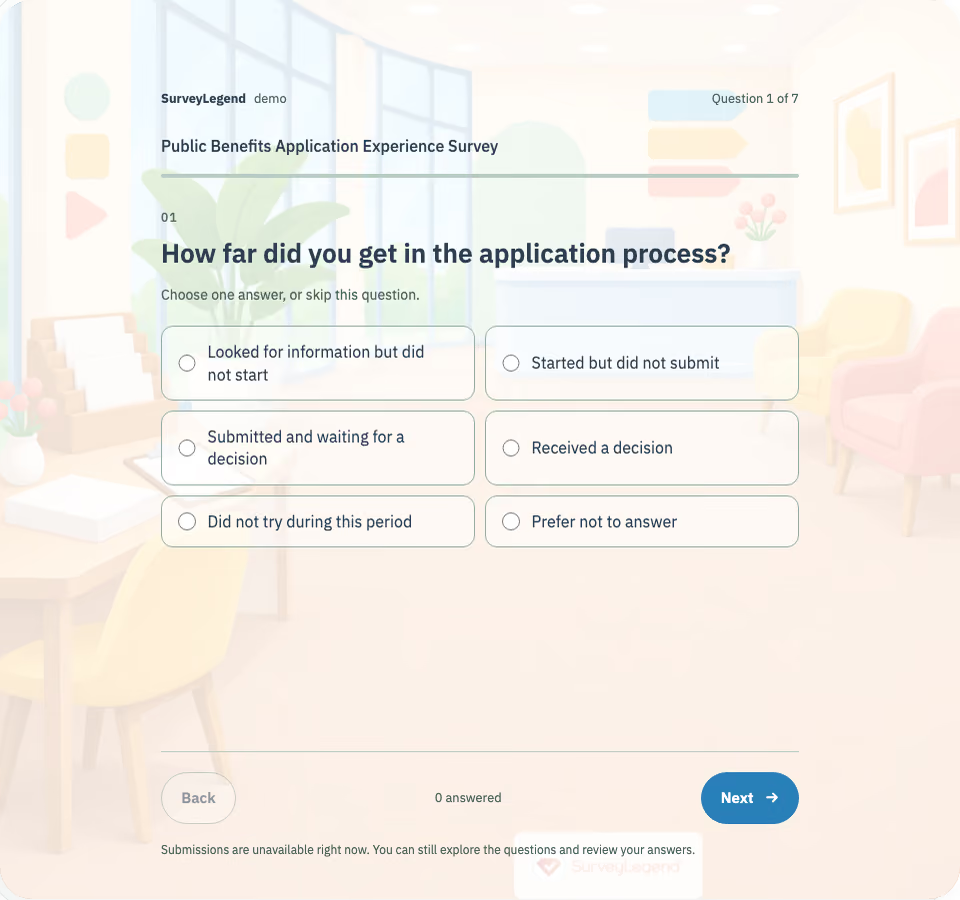 Public Benefits Application Experience Survey Template Use this public benefits application experience survey to learn where adults find a named program’s application process difficult. Seven optional questions cover instructions, documents, appointments and access to help, including attempts that were not completed.
-
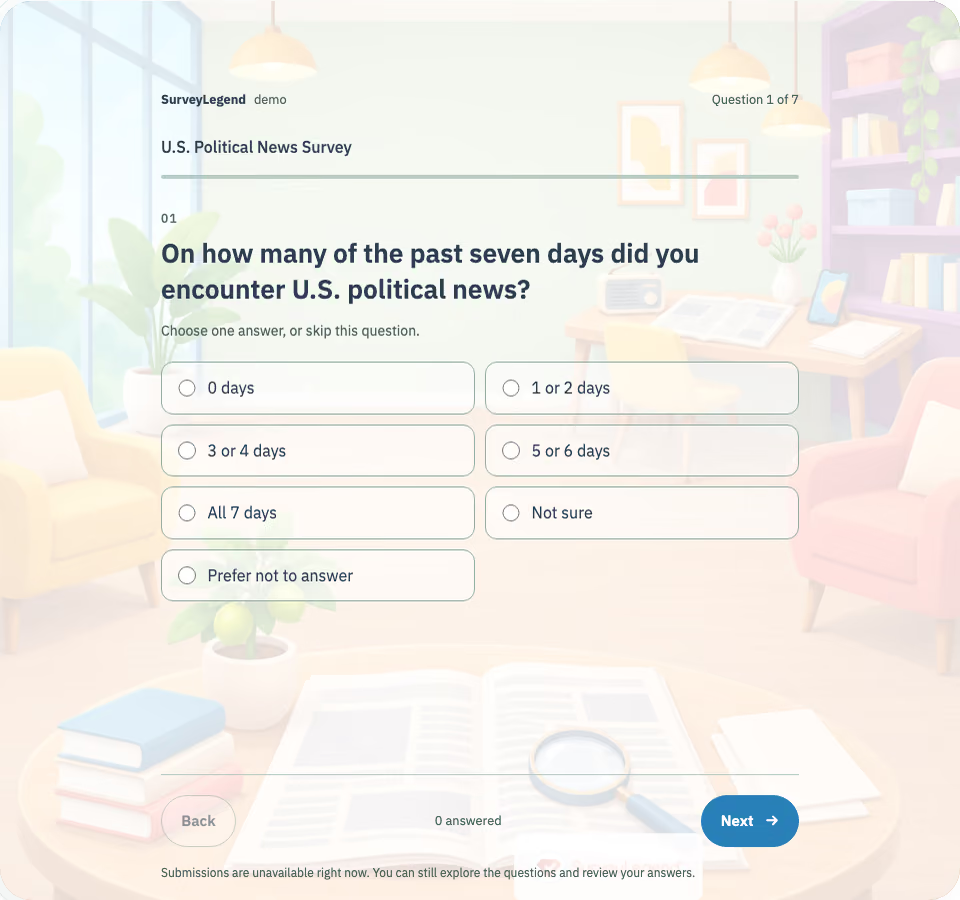 U.S. Political News Survey Template Learn how adults come across U.S. political news and what makes it easier or harder to understand. Seven optional questions cover information channels, checking habits, confidence, and practical support needs.
Free survey maker
Start creating surveys today for free
Create and bring your ideas to life with the survey tool used by people all over the world.
Ready to collect better research data?
Create academic surveys and questionnaires from ready-made templates.