All-Star Voting Poll Template
This all-star voting poll template collects fans’ written player choices, team names, and reasons for an informal selection. Define the eligible players and event rules, then review the replies before announcing results; the template does not verify voter identity.

This all-star voting poll template collects fans’ written player choices, team names, and reasons for an informal selection. Define the eligible players and event rules, then review the replies before announcing results; the template does not verify voter identity.
When to use this all-star voting poll
Use a write-in poll when you want fans to name an eligible player rather than select from a fixed shortlist. State the sport, event, selection period, and whether the result is advisory or determines an award. If you already have an approved shortlist, replace the write-in fields with a single-choice list. Keep voting separate from asking whether people enjoyed the event; our post-event survey template covers that feedback task.
4 questions for your all-star voting poll
Start with these questions and adapt them to your audience. Every field is optional. Where answer choices are listed, respondents choose one.
Respondent introduction:
Please read the event's eligibility, closing time, and voting rules before entering
one player choice. Include the team so we can identify the player. You may leave
questions unanswered, but an incomplete entry may not be a valid vote under the
published rules.
A little feedback. A clearer picture.
Explore this 4-question example at your own pace. Every question is optional.
All-Star Voting Poll
Thank you for trying the survey!
You’ve tried the template from the respondent’s side. Make it your own with SurveyLegend.
Create your own surveyChecking submission availability…
This is a demo. We count starts and submissions only. Your answers stay in your browser and are never sent or saved.
Activity · no starts yet
How to customize your all-star voting poll
Add the event name, eligible players or eligibility criteria, closing date with time zone, repeat-voting rule, and tie-handling rule before sharing. Explain whether a reason is required for a valid vote; this starter keeps it optional. Do not display an invented player roster in a live poll. If you need one vote per eligible person, put a suitable verification process in place and test it. A public link alone does not establish voter identity.
Printable all-star voting poll template
Use this printable all-star voting poll template at your event for fans who prefer a paper ballot. Show the same eligibility rules and closing time as the online poll, and plan how paper votes will enter the official tally. SurveyLegend helps you offer both formats without confusing demo activity with event votes.
AI prompt for an all-star voting poll
Create an all-star voting poll in SurveyLegend with questions about the player's name, team, selection context, and reasons for the vote.
The full prompt below includes all 4 questions and their response settings. Copy this prompt into an AI assistant to draft the questions. Review the draft, then build and customize the survey in SurveyLegend before sharing.
Copy the prompt into an AI assistant to draft the questions, then build your survey in SurveyLegend.
Already have an account? Sign in to create your all-star voting poll.
Review valid all-star votes before announcing results
First separate submitted responses from valid votes under your published rules. Normalize clear spelling variations in player and team names, but investigate ambiguous entries rather than guessing. Keep a record of exclusions and apply the same rule consistently. Announce results using the number of valid votes, not the number of page visits or demo submissions. An open fan poll describes participating fans' choices and does not represent every supporter.
Frequently asked questions
Can I use a fixed list of players instead?
Yes. Replace the write-in player and team fields with a single-choice field containing your approved roster. Include enough information to distinguish players with similar names. Preview the list and update the copied prompt and printable ballot to match.
Does this template prevent repeat votes automatically?
No. The questionnaire itself does not verify voter identity or guarantee one vote per person. Set the eligibility and repeat-voting rules, then choose and test a collection process appropriate to your event before claiming those rules are enforced.
Should I display live results?
It depends on the voting rules you communicate before opening the poll. Decide that before voting opens and explain it to participants. If you display counts, label exactly what they represent. Keep demonstration activity separate from the actual event tally and verify any submitted votes that need review.
-
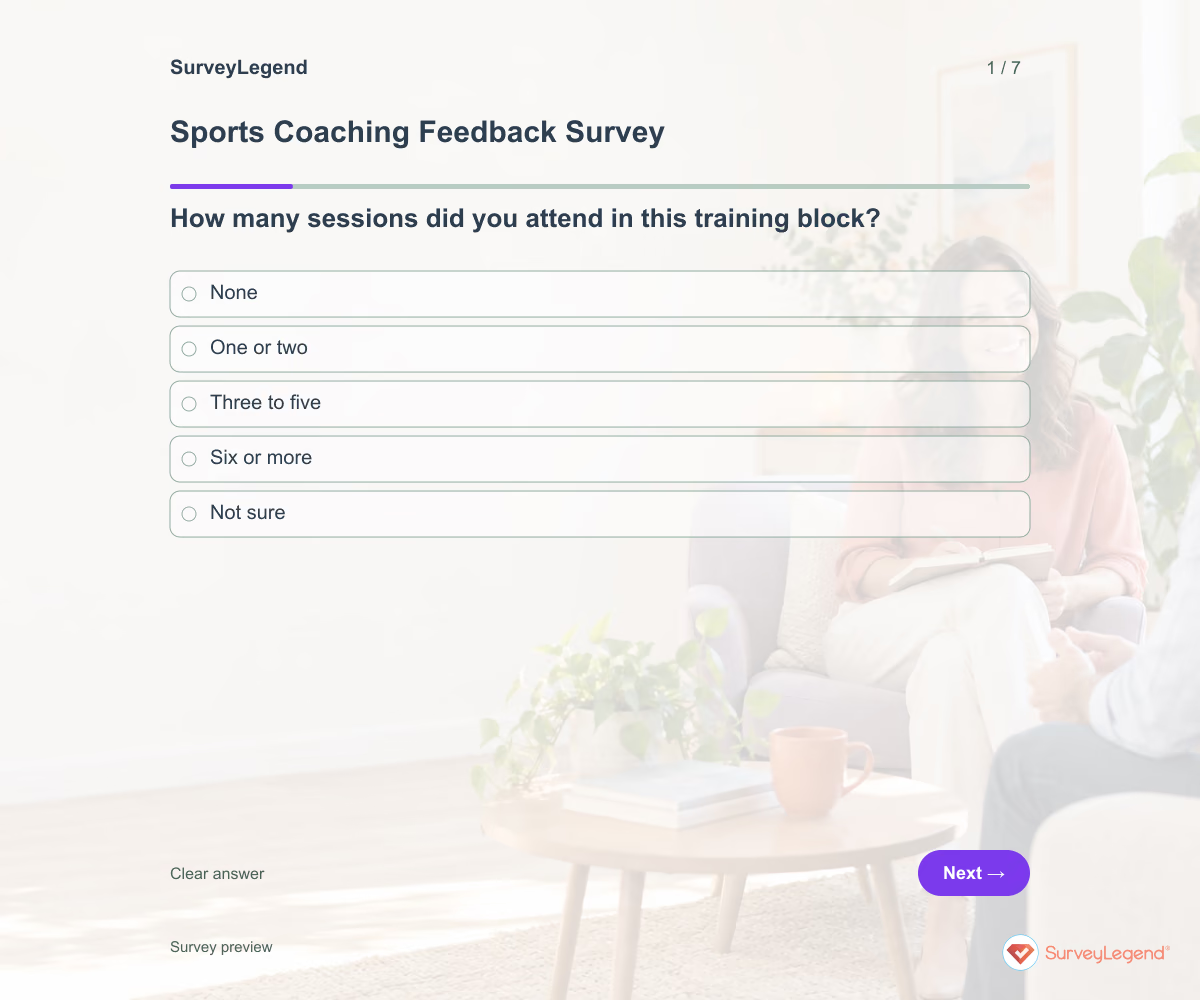 Sports Coaching Feedback Survey Template Useful coaching feedback describes what happened in sessions. Ask whether participants understood the goals and received information they could use, rather than asking for a single judgment about the coach. Name the training block so responses have a shared context.
 -
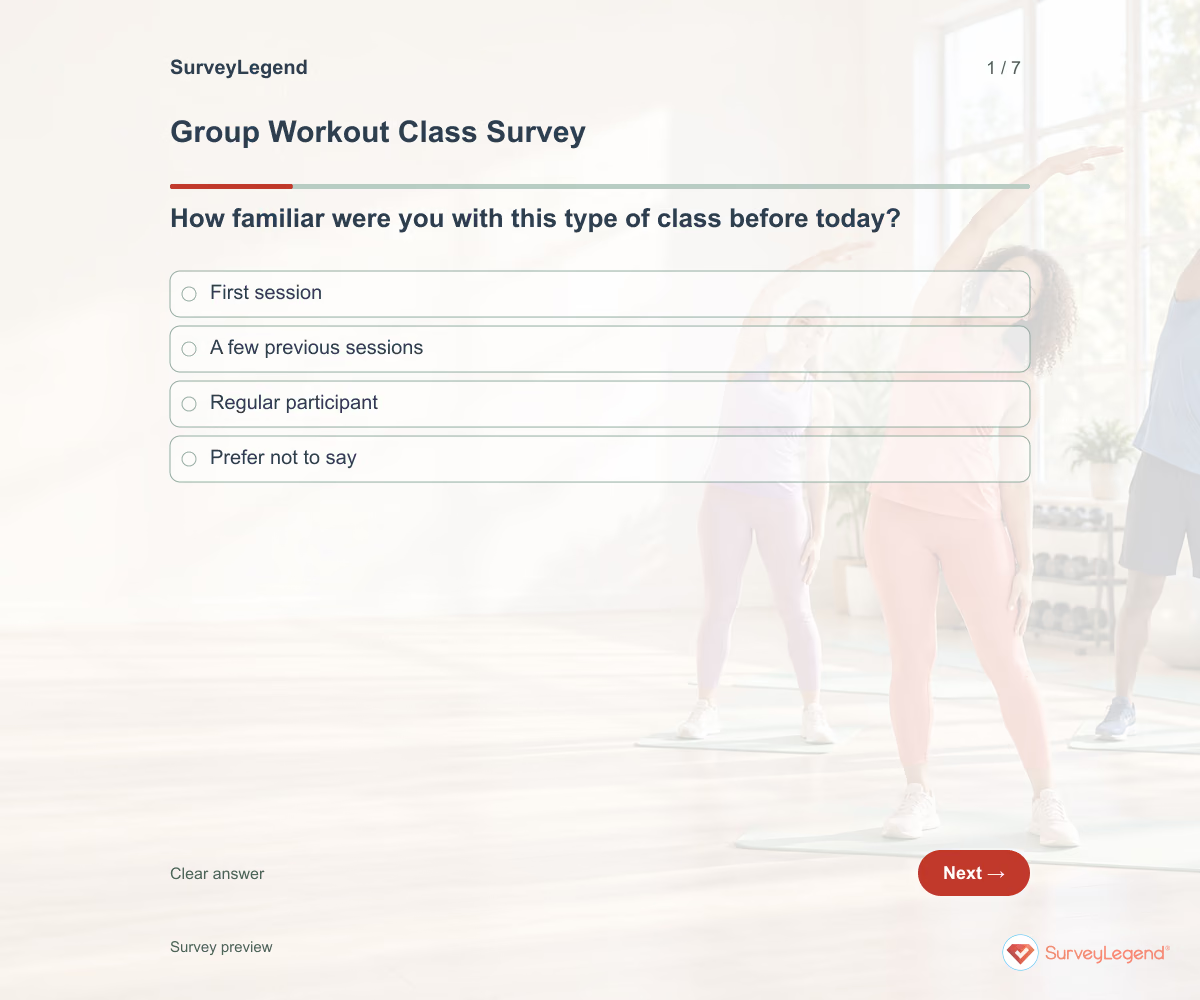 Group Workout Class Survey Template A full class does not explain how participants experienced the session. Give them a way to comment on instruction and pace without asking them to assess the instructor’s personality. Keep feedback tied to the named class and date.
 -
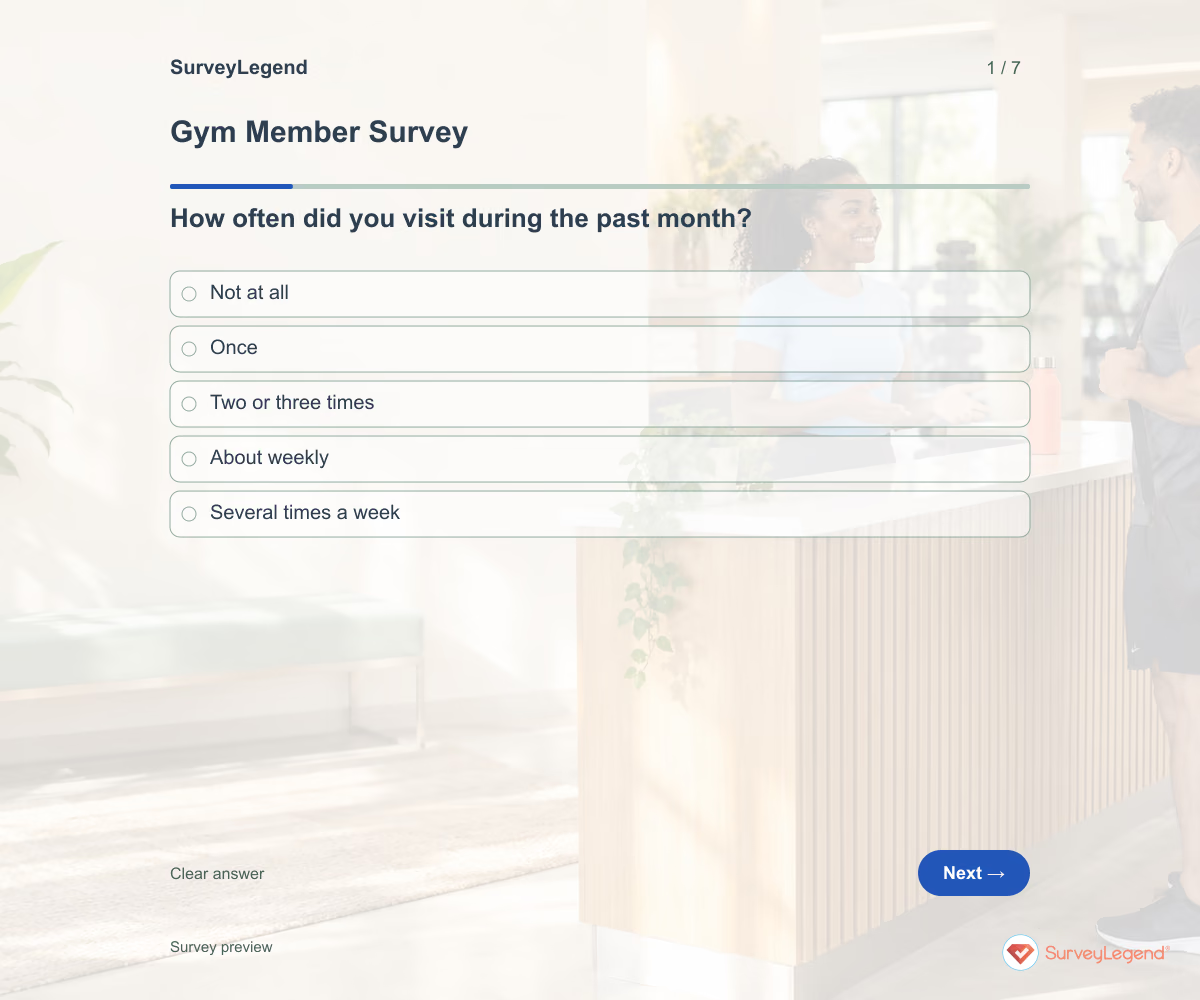 Gym Member Survey Template Members may value different things from the same gym. Someone visiting at peak time may struggle to find equipment while an early visitor needs different opening hours. Ask about their experience before deciding which change deserves attention first.
 -
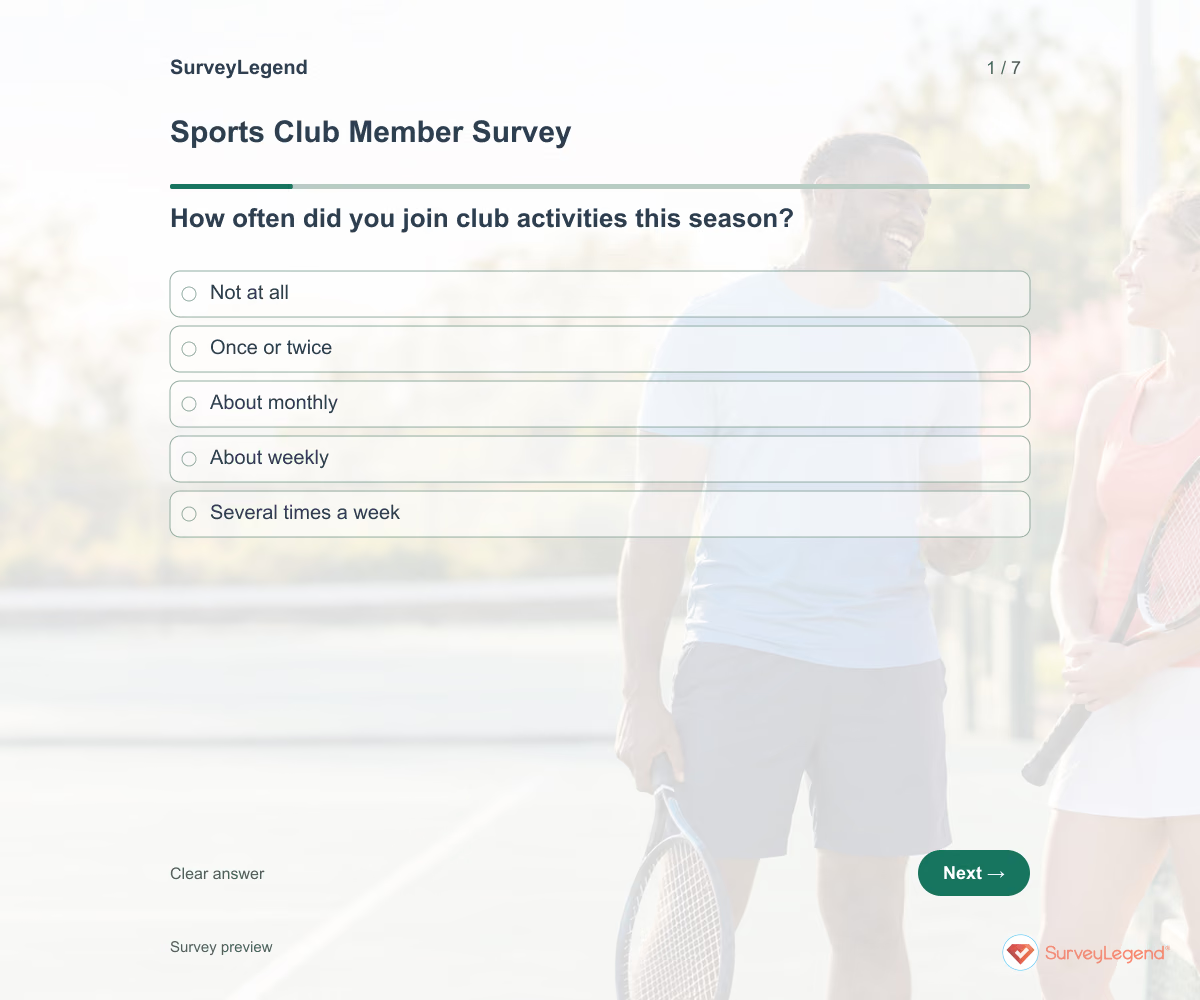 Sports Club Member Survey Template A club may offer activities that members value but cannot attend. Look beyond general satisfaction to scheduling and the barriers to taking part. Keep the review focused on the current season so the committee can identify realistic changes.
 -
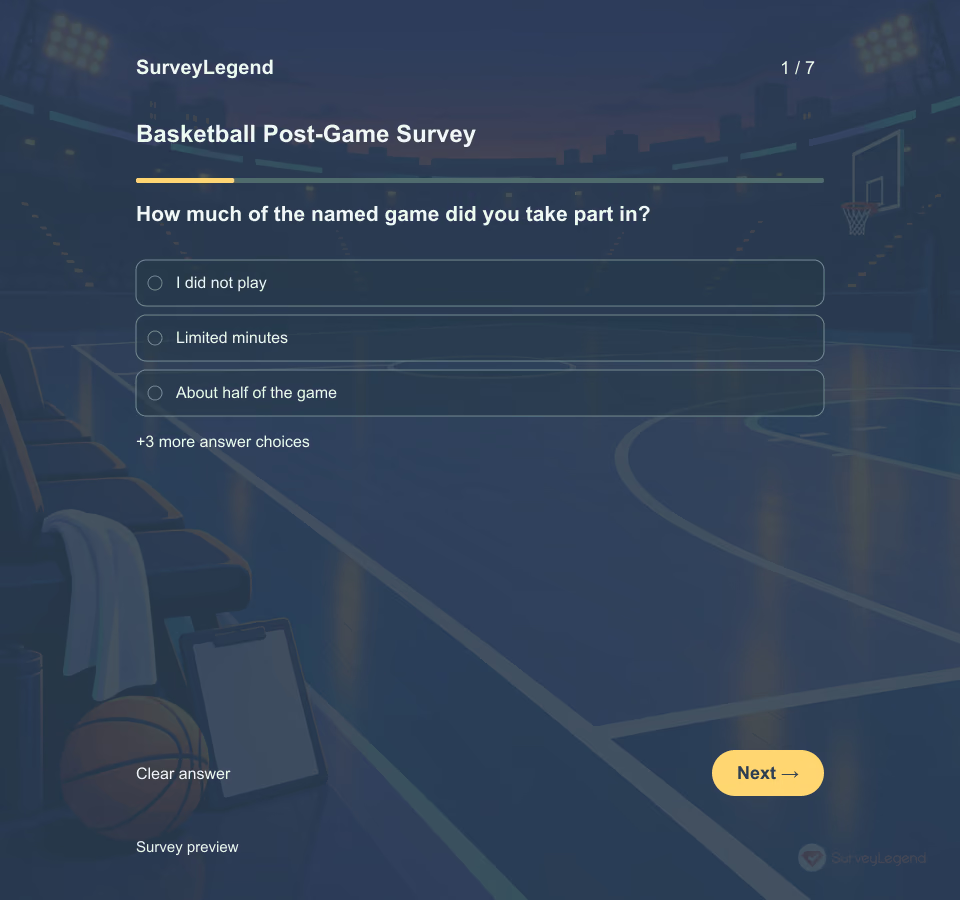 Basketball Post-Game Survey Template Use seven questions to review participation, role clarity, team phases, communication, practice priorities, feedback format, and one next-game adjustment. All seven questions are optional and the survey does not create a validated score.
 -
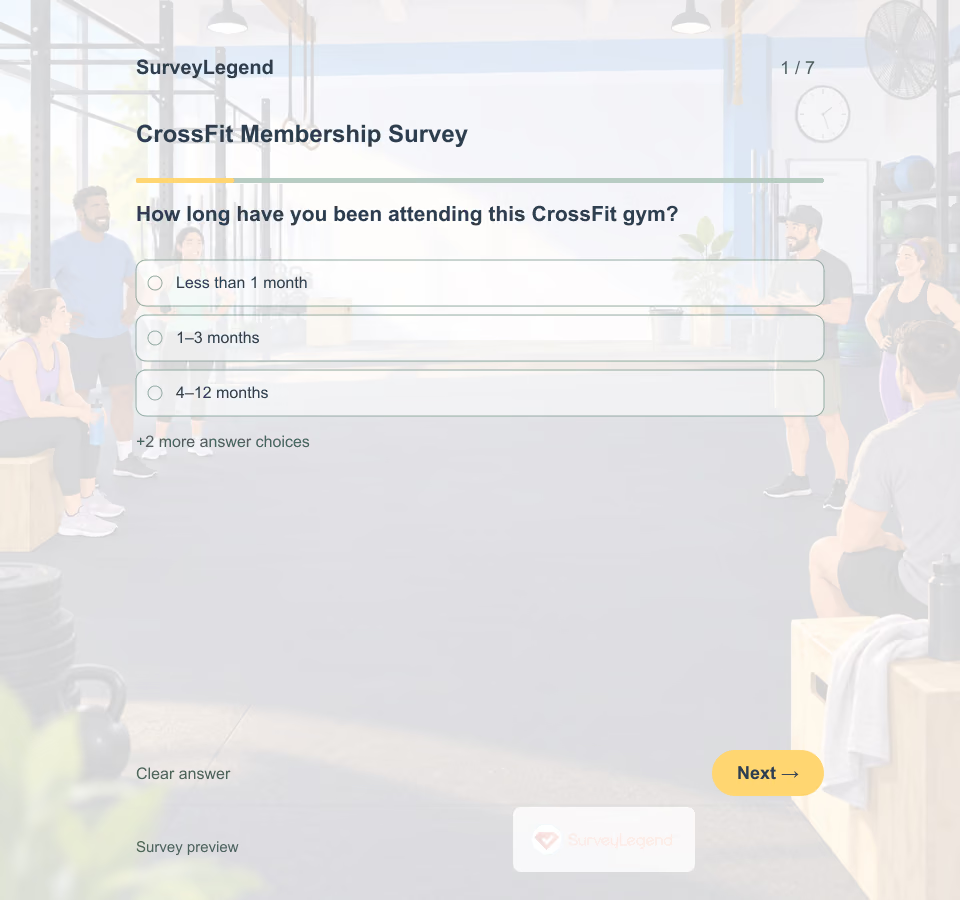 CrossFit Membership Survey Template A CrossFit membership survey turns attendance assumptions into member-reported needs. It is useful after an onboarding cycle or before changing a timetable. For adjacent needs, explore gym survey and fitness templates.
 -
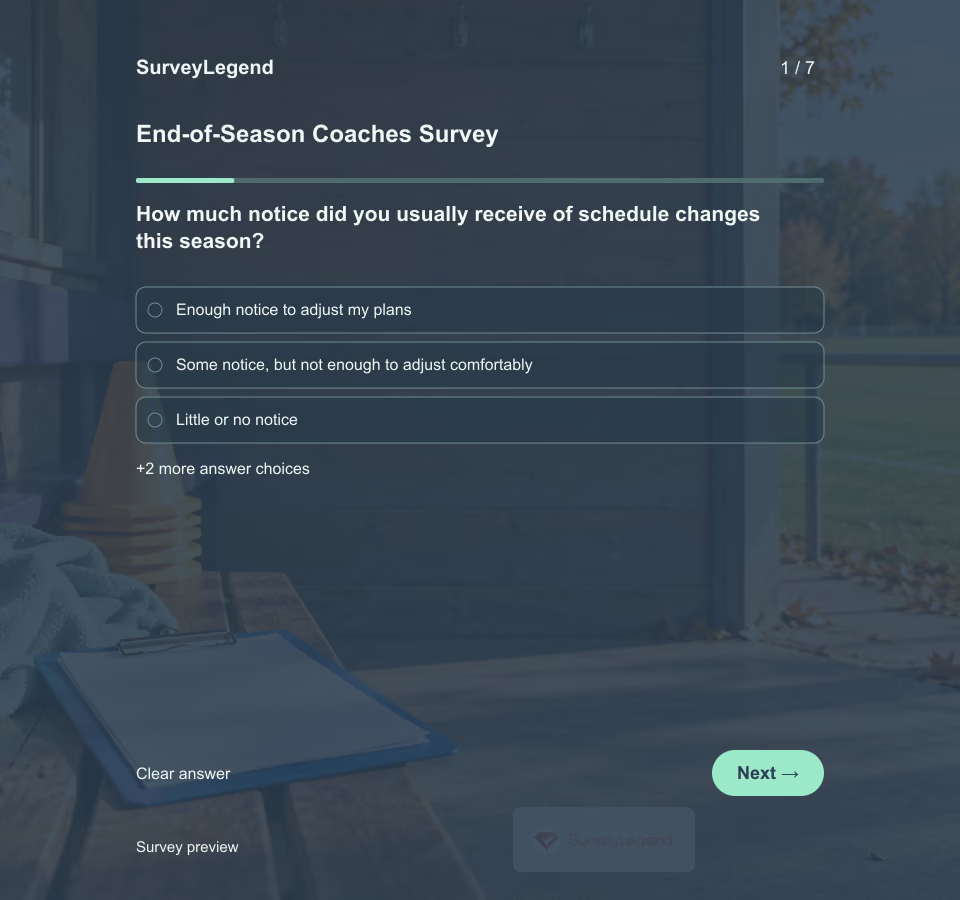 End-of-Season Coaches Survey Template A season review should leave the club with a practical next step. Ask coaches about the conditions they worked in before deciding whether next season needs a clearer schedule, easier equipment access, or better support. Customize these seven questions in SurveyLegend for one completed season.
 -
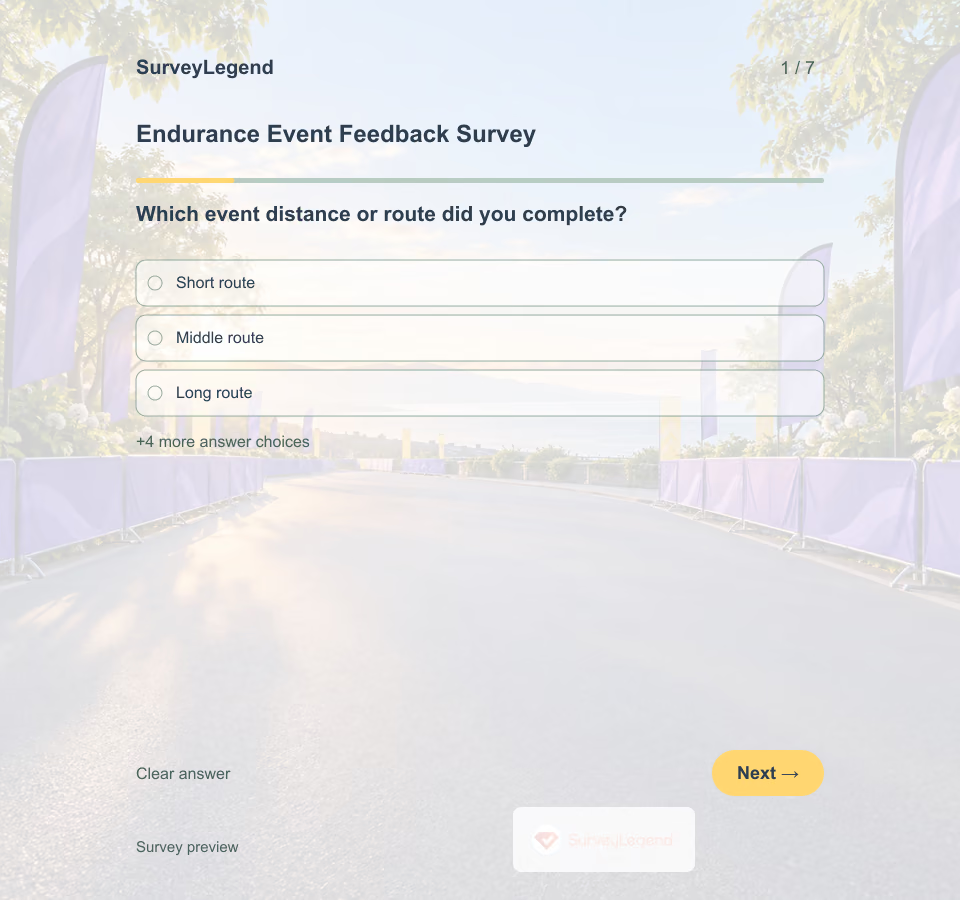 Endurance Event Feedback Survey Template A runner can enjoy the finish and still have struggled to find water or a turn on the course. SurveyLegend helps organizers separate those practical details before planning the next edition.
 -
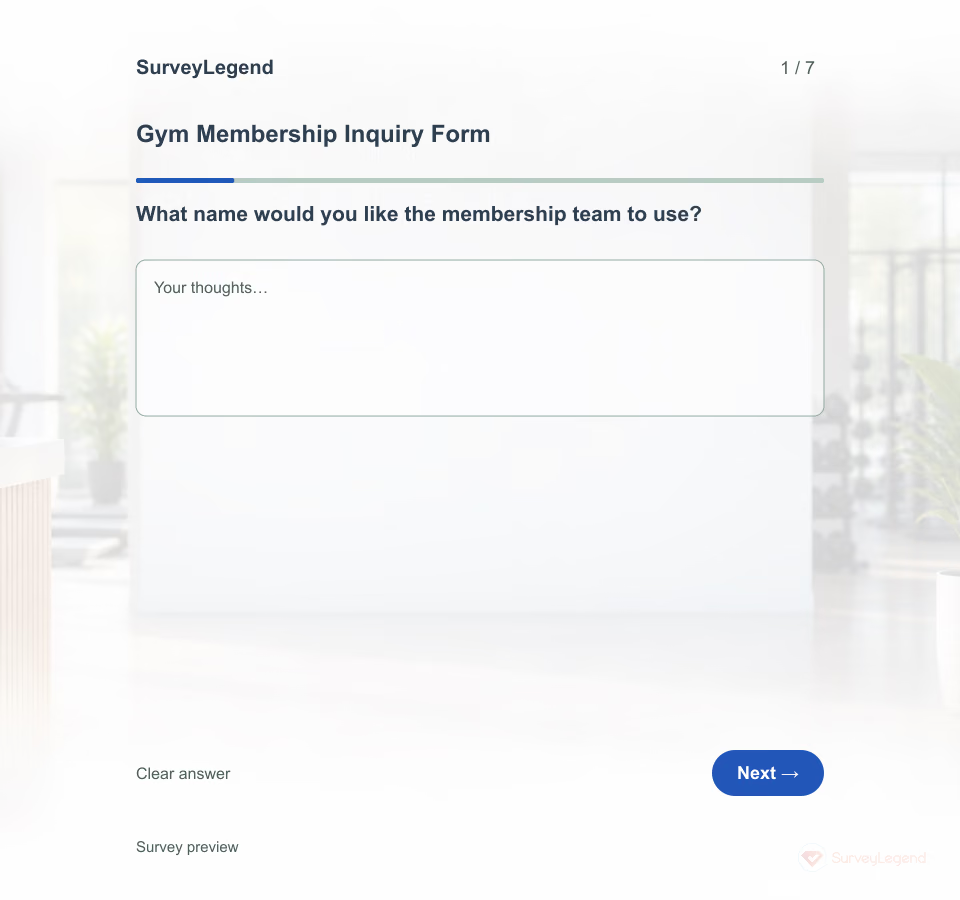 Gym Membership Inquiry Form Template Use this form when an adult is considering joining your gym and wants more information. A person who needs an evening visit and an introduction to the equipment may need a different conversation from someone comparing membership terms. SurveyLegend helps you organize those requests before your team follows up.
 -
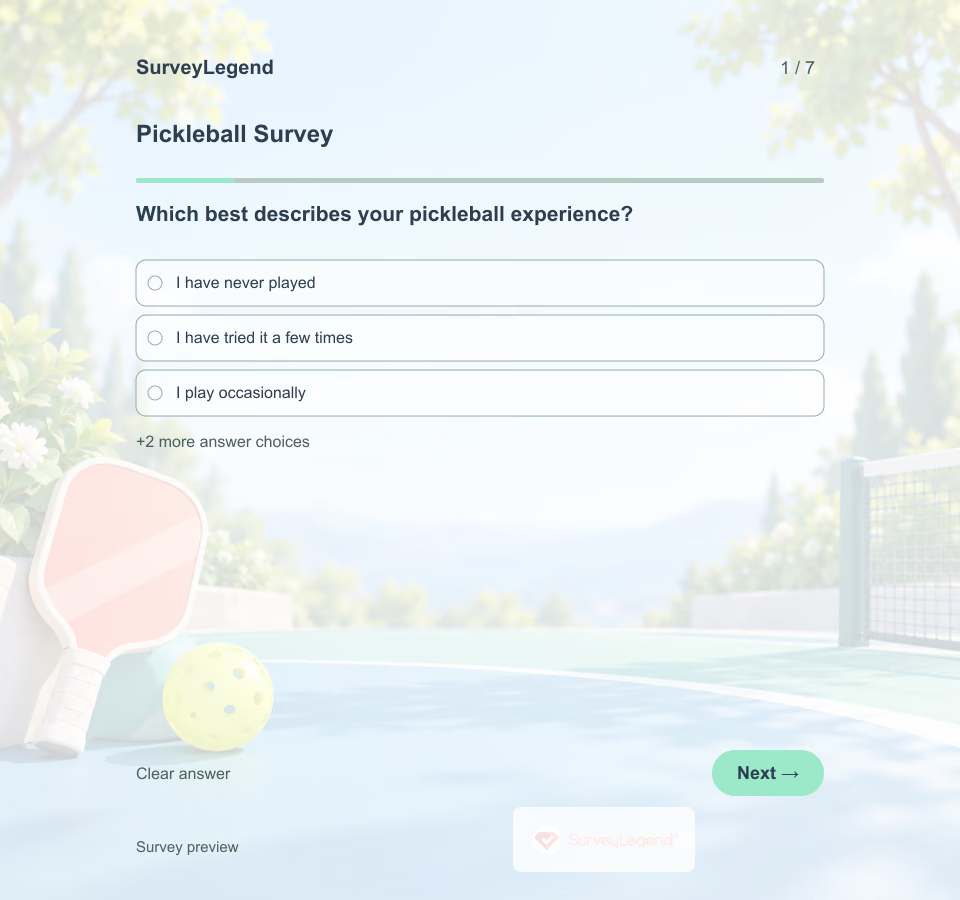 Pickleball Survey Template A beginner looking for an introduction and a regular player looking for organized matches may need different sessions. This SurveyLegend questionnaire makes those differences visible before a schedule is set. It also asks about access, so organizers can distinguish interest in playing from the practical ability to attend.
 -
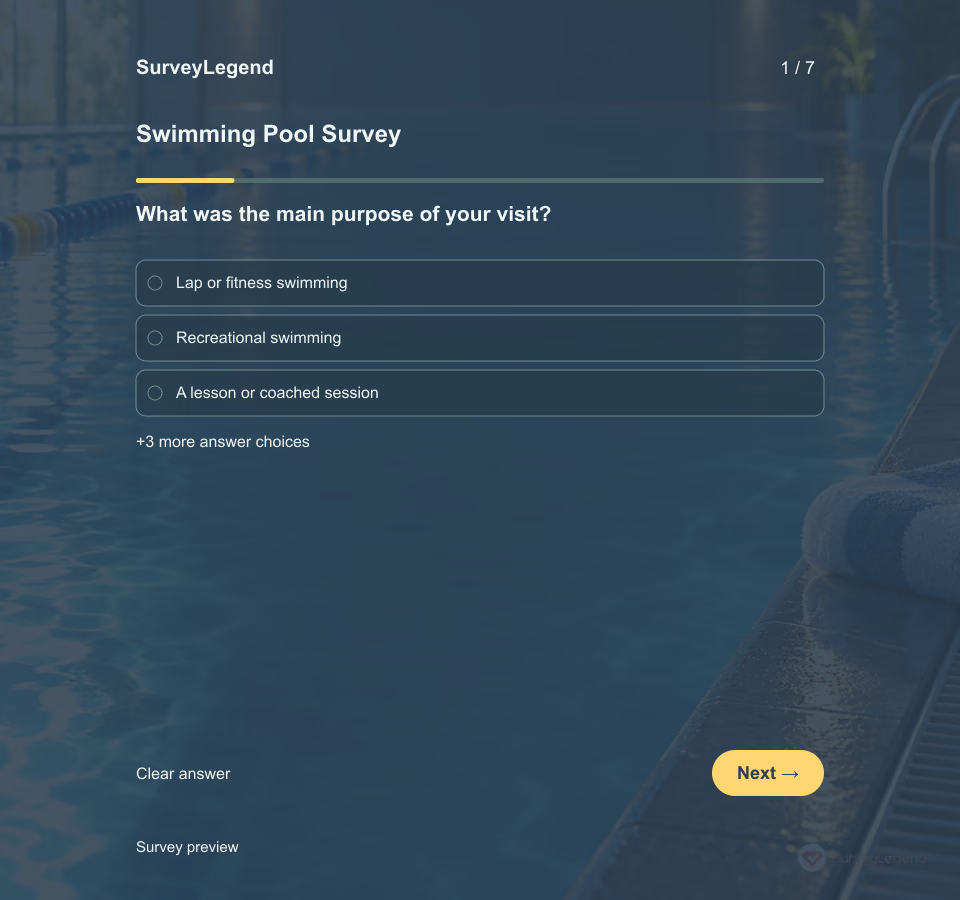 Swimming Pool Survey Template A visitor may find the pool comfortable but struggle to understand the session timetable or find enough space for the activity they came to do. This SurveyLegend questionnaire separates those parts of the experience. The answers help operators identify practical follow-up work without treating customer feedback as a technical inspection.
 -
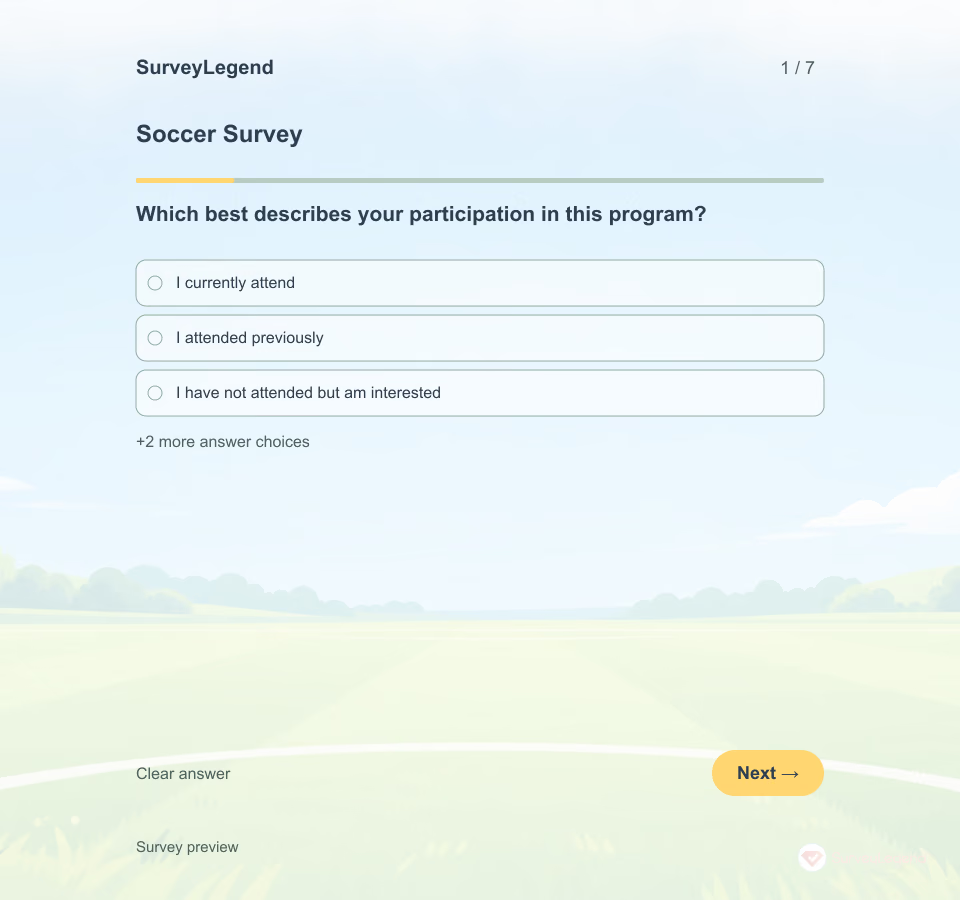 Soccer Survey Template A favorite session format is only useful if people can attend it. This SurveyLegend questionnaire separates playing preferences from practical constraints so organizers can make a clearer decision about the next program.
 -
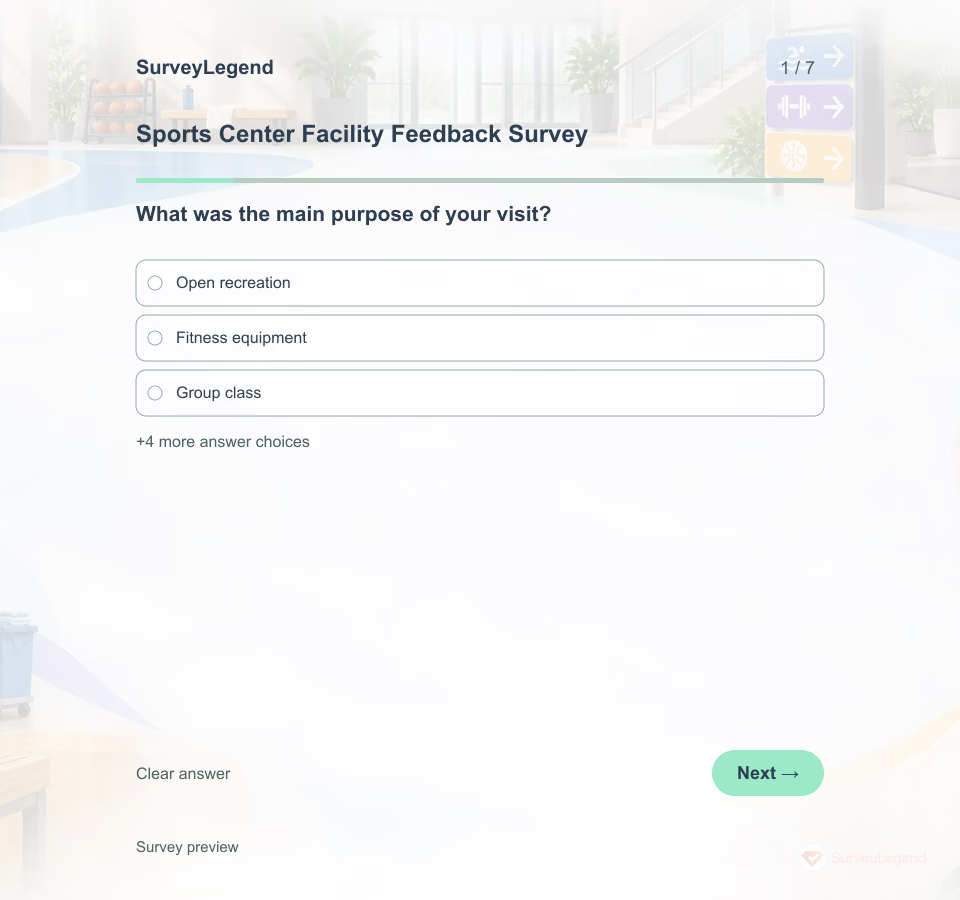 Sports Center Facility Feedback Survey Template Send the survey soon after a visit to a multipurpose sports or recreation center. The questionnaire separates physical-environment attributes so a general rating does not hide whether the priority is space, equipment, cleanliness, comfort or navigation.
 -
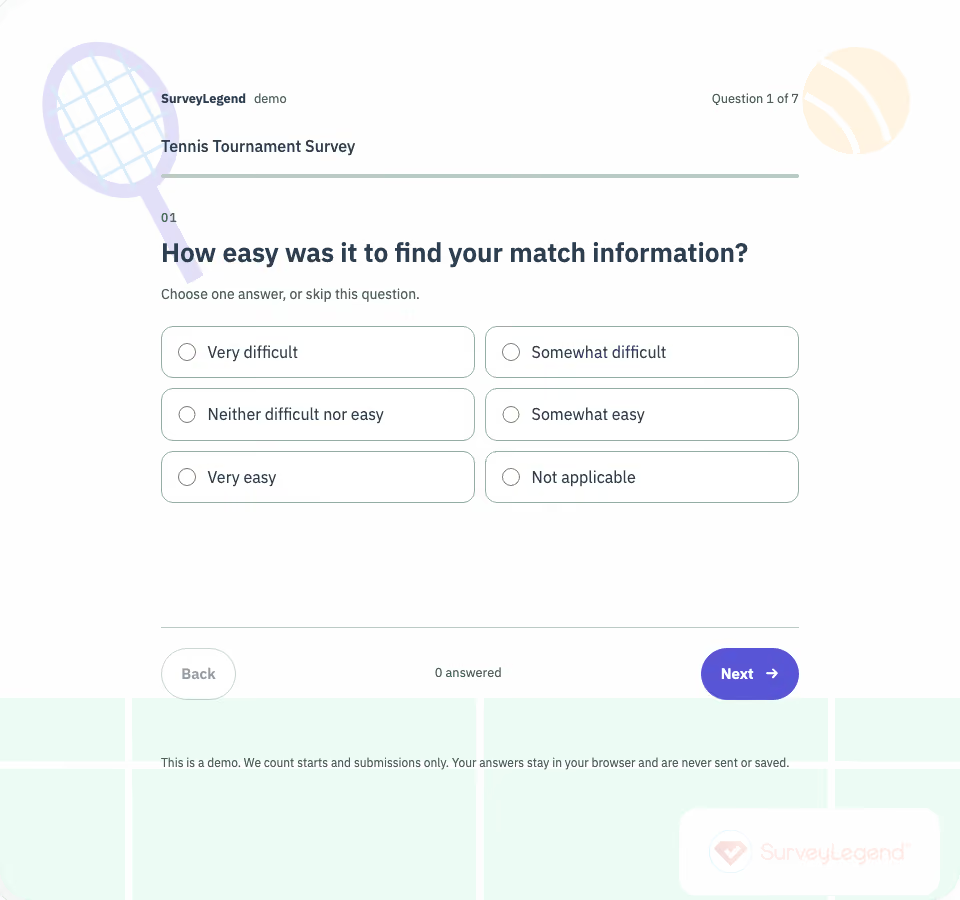 Tennis Tournament Survey Template This tennis tournament survey template asks players about the organization of an amateur event. Review match information, schedule changes, court conditions, and access to help before planning the next tournament.
Free survey maker
Start creating surveys today for free
Create and bring your ideas to life with the survey tool used by people all over the world.
Ready to collect better research data?
Create academic surveys and questionnaires from ready-made templates.