

Subscription Cancellation Survey Template
This subscription cancellation survey template asks departing subscribers about usage, unmet expectations, reasons for leaving, and what they plan to use instead. Use their optional feedback to investigate improvements while keeping the actual cancellation process separate.
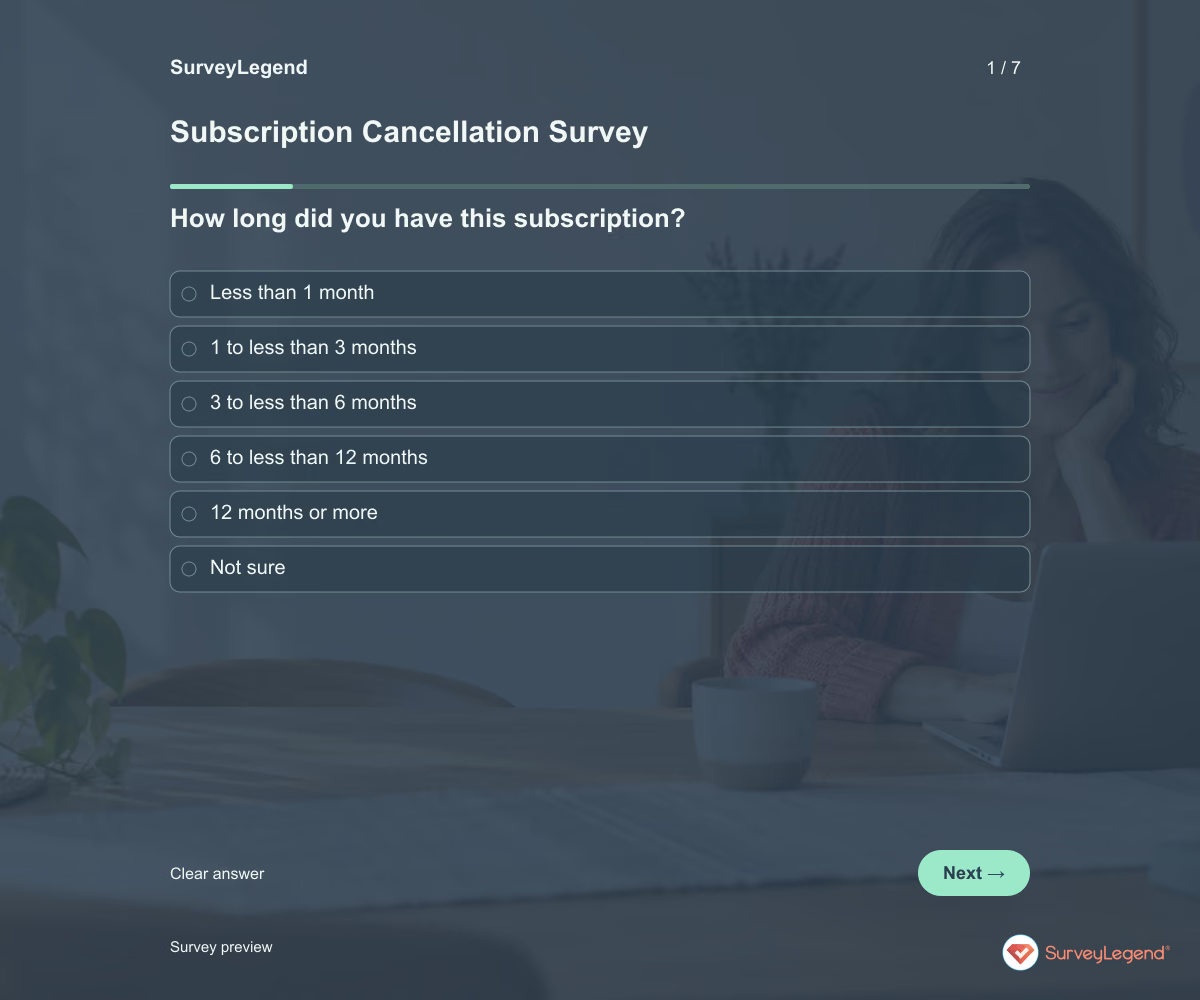
Use this subscription cancellation survey template to learn why subscribers leave and what they expected to achieve. The questions distinguish limited use, missing capabilities, cost, and a completed need. Build your feedback survey in SurveyLegend while keeping the actual cancellation process clear and separate.
When to use this subscription cancellation survey
Invite feedback after someone has submitted their cancellation through your normal account process. Make the survey optional and explain that answering is not required to cancel. Include people who leave quietly, not only those who contact support. This questionnaire collects reasons and context; it does not end a subscription, issue a refund, or confirm that an account change has been completed.
To investigate a specific support experience separately, use our customer service template.
7 questions for your subscription cancellation survey
Use these 7 questions as a starting point. All fields are optional; choose one answer where choices are listed. Leave an irrelevant open field blank.
Respondent introduction:
This optional questionnaire asks about your decision to leave. It does not process or confirm a cancellation. Use the cancellation instructions provided by the organizer. Please do not include passwords or payment details.
A little feedback. A clearer picture.
Explore this 7-question example at your own pace. Every question is optional.

Subscription Cancellation Survey
Thank you for trying the survey!
You’ve tried the template from the respondent’s side. Make it your own with SurveyLegend.
Create your own surveyChecking submission availability…
This is a demo. We count starts and submissions only. Your answers stay in your browser and are never sent or saved.
Activity · no starts yet
How to customize your subscription cancellation survey
Name the subscription and describe the real cancellation route before sharing. Replace the reason choices with relevant categories while retaining an alternative response. Do not turn the questionnaire into a sequence of unwanted offers. Ask for contact information separately only if you plan a clearly explained follow-up. For example, distinguish “I no longer need it” from “I could not complete my task”: those answers call for different product decisions. Before sharing widely, try the questions with a few people from the intended audience and clarify anything they interpret differently.
Printable subscription cancellation survey template
Use this printable subscription cancellation survey template during an in-person membership exit conversation. It includes the same questions and space to write, giving people who prefer paper or are less comfortable online another way to take part. SurveyLegend helps you offer both formats. Tell respondents where to return the completed form and who will review it. Paper answers need a separate review or manual entry process; they are not automatically added to online responses.
 Download PDF
 AI prompt for a subscription cancellation survey
Learn from departures with a short, optional survey that respects the customer’s decision.
The full prompt below specifies your subscription cancellation survey, including all 7 questions and response settings. Copy it, register for a free SurveyLegend account, and paste it into SurveyLegend’s AI survey creation tool. Review the result and add your organization’s details before sharing.
Create a free account, then paste the copied prompt into SurveyLegend.
Already have an account? Sign in to create your subscription cancellation survey.
Find the task or expectation behind a cancellation
Start with the primary reason, then read the intended task and the explanation of unmet expectations. Compare reasons across recent usage levels and subscription lengths. Record unknown reasons as unknown rather than assigning them to price. Use the alternatives question to distinguish switching providers from stopping the activity entirely. Look for recurring fixable friction, and assess actual cancellation records separately from this voluntary sample.
Frequently asked questions
Does submitting this survey cancel a subscription?
No. It collects feedback only. Your business must provide its own working cancellation process and confirmation; explain that clearly above the questionnaire.
Should the survey be required?
Keep this feedback questionnaire optional. People should be able to use your normal cancellation process without completing research questions.
Can I use responses to calculate churn?
Not by themselves. Survey participation is voluntary, so responses do not count every cancellation. Calculate churn from subscription records using a defined period and customer base.
-
 Customer satisfaction Survey Template Knowing your customers is essential. Every day, you run your business, and every day, you have opportunities to hear from the people who keep it going. If you are lucky, feedback comes in on its own. Good companies listen when it does. But the businesses that grow year after year are the ones that actively ask for it.
 -
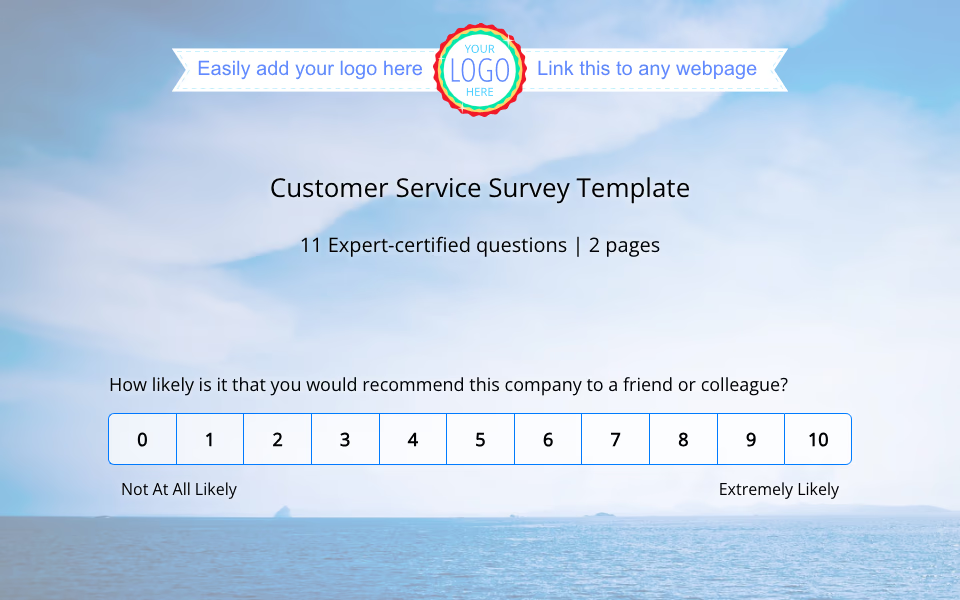 Customer Service Survey Template Great customer service matters just as much as a great product. When support is thoughtful, responsive, and reliable, it builds trust that keeps your existing customers coming back. These loyal customers are more likely to stick with your brand, even when things are not perfect, and they often become your strongest advocates, sharing their positive experiences with others.
 -
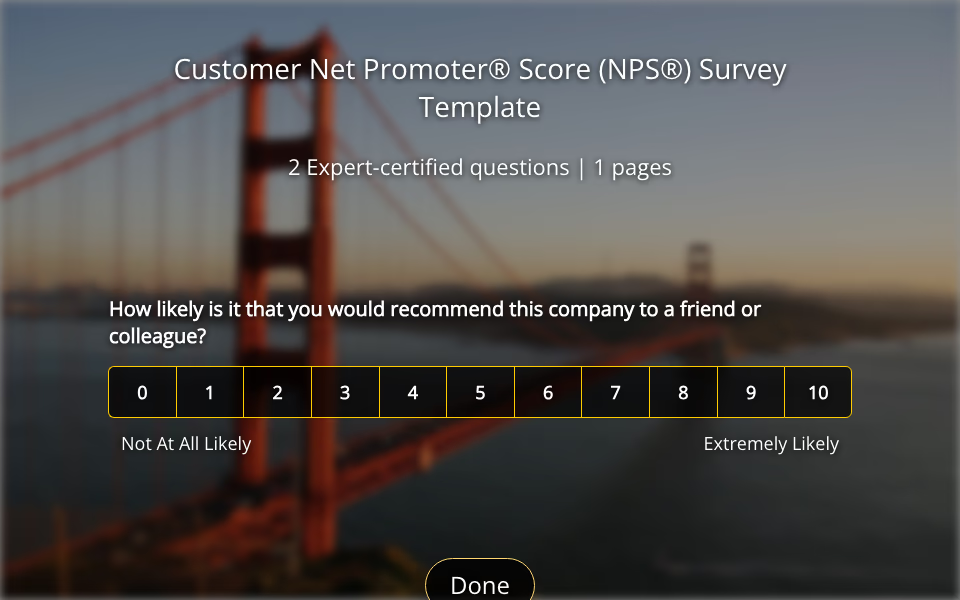 Net Promoter® Score (NPS®) Survey Template ‘Word of Mouth’ is the best marketing any company can get—and the most enthusiastic customers are the ones spreading it. With SurveyLegend’s powerful Net Promoter Score (NPS®) survey template , you’ll discover just how likely your customers are to recommend your brand to friends and colleagues.
 -
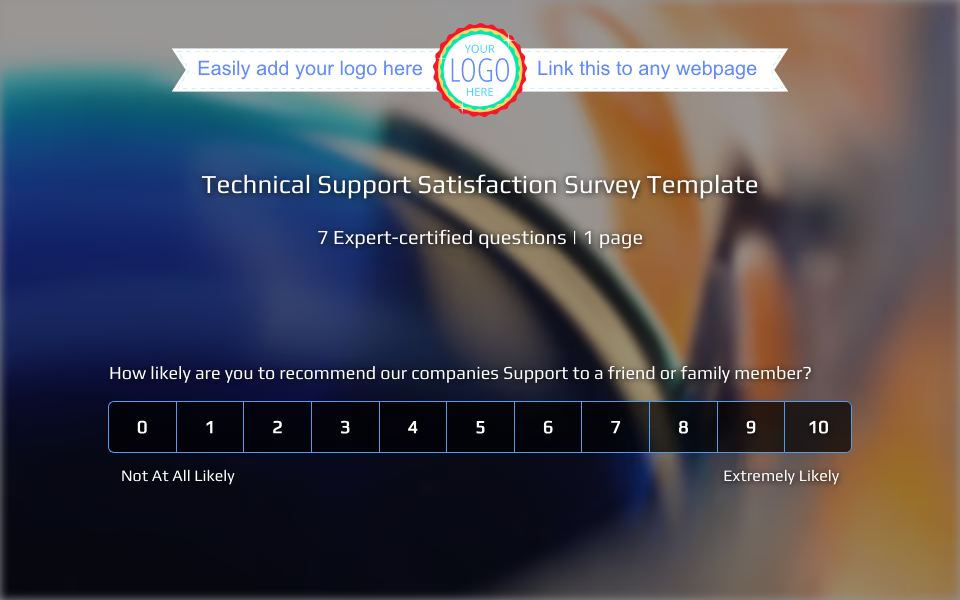 Technical Support Satisfaction Survey Template Every day, people turn to their phones, computers, or tablets to get things done, stay connected, or find answers. Technology is part of everything now, so if you provide it, good support is not optional. It is what keeps your customers coming back.
 -
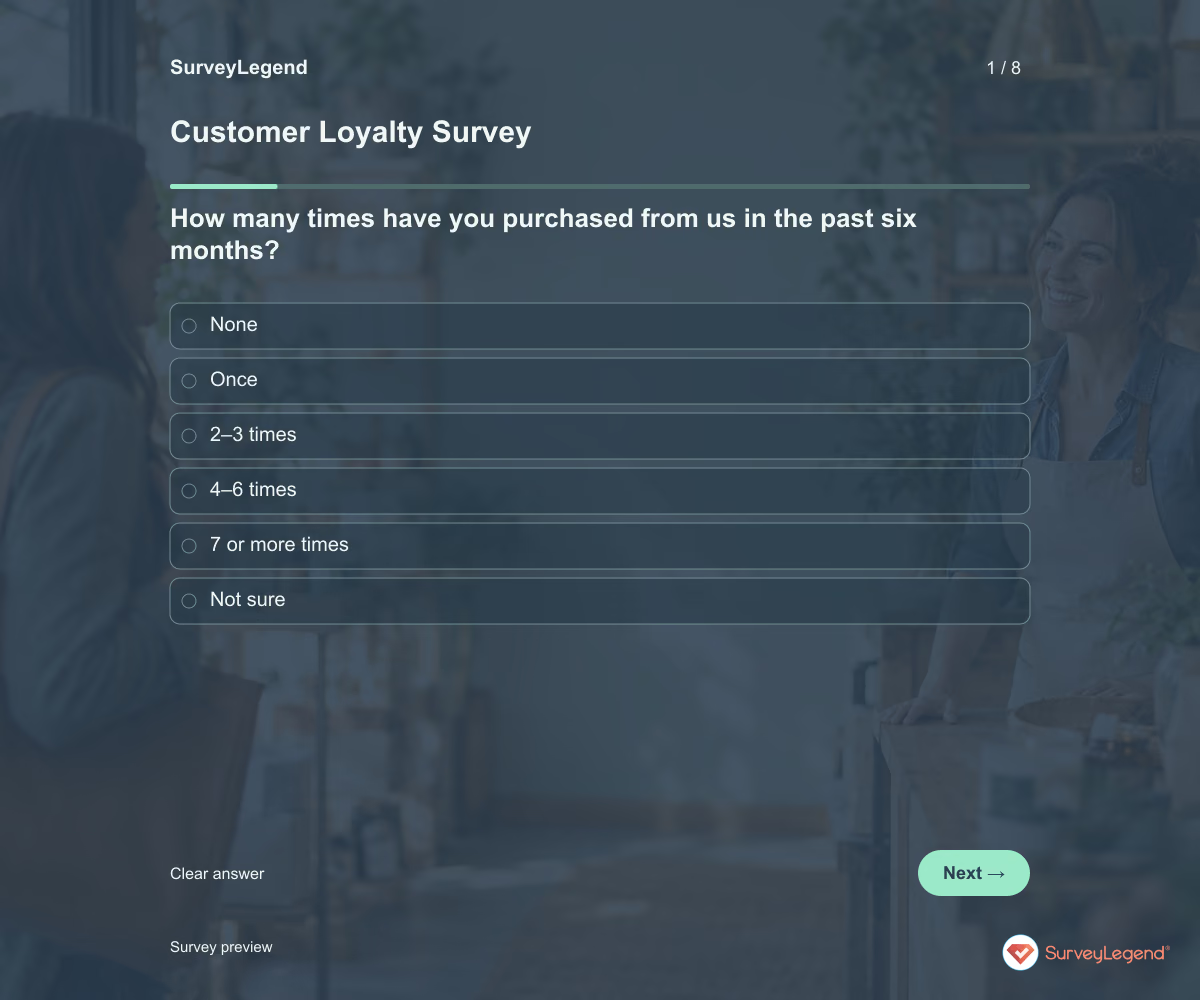 Customer Loyalty Survey Template Use this customer loyalty survey template to understand why customers return and what could make them choose another provider. It combines recent purchase behavior with reasons to stay, perceived alternatives, and next-purchase intentions. Create your version in SurveyLegend to investigate the relationship behind repeat business.
 -
 Customer Needs Survey Template Use this customer needs survey template to find out what people are trying to accomplish, what gets in their way, and which improvement matters most. The questions begin with the customer’s task rather than a list of features you want to sell. Adapt the questionnaire in SurveyLegend before planning a new service or improving an existing offer.
 -
 Customer Testimonial Form Template Use this customer testimonial form template to collect a customer’s experience in their own words. Ask what they used, what changed, and whether they are open to discussing a public testimonial. Create the form in SurveyLegend, then agree on the exact quote and attribution before publishing anything.
Free survey maker
Start creating surveys today for free
Create and bring your ideas to life with the survey tool used by people all over the world.
Ready to collect better research data?
Create academic surveys and questionnaires from ready-made templates.