

Anonymous Question Submission Form Template
Give students a place to ask the question they did not raise in class. Use this SurveyLegend template to collect a question, understand where it came from, and plan a useful explanation.

Give students a place to ask the question they did not raise in class. Use this SurveyLegend template to collect a question, understand where it came from, and plan a useful explanation.
When to use this class question survey
An anonymous question submission form gives students a way to send questions without a name field. This example is designed for one college class discussion, with the main question first and six optional fields that help an instructor prepare. Name the session and collection deadline in the invitation. Before describing the actual collection as anonymous, verify the form settings, access arrangements, and any identifying information in responses.
Turn unanswered questions into a discussion plan
A useful submission tells an instructor what a student wants explained, where the issue appeared, and what kind of response would help. A request for a worked example calls for a different answer from a question about an assignment instruction. Keep the invitation open to either.
Tan, Small, and Lewis (2020) studied an anonymous question-and-answer app in a module with 460 undergraduates. Their abstract describes questions showing “engagement beyond surface-level memorisation of module content”. Read the classroom question study . This was an initial pilot of an app with peer replies and voting; it does not validate this form or establish that anonymity alone improves learning.
SurveyLegend provides the starting questionnaire here. The instructor still decides how to review, group, and answer submissions. Plan that review before inviting questions so students know when and where to look for a response.
Seven class question questions
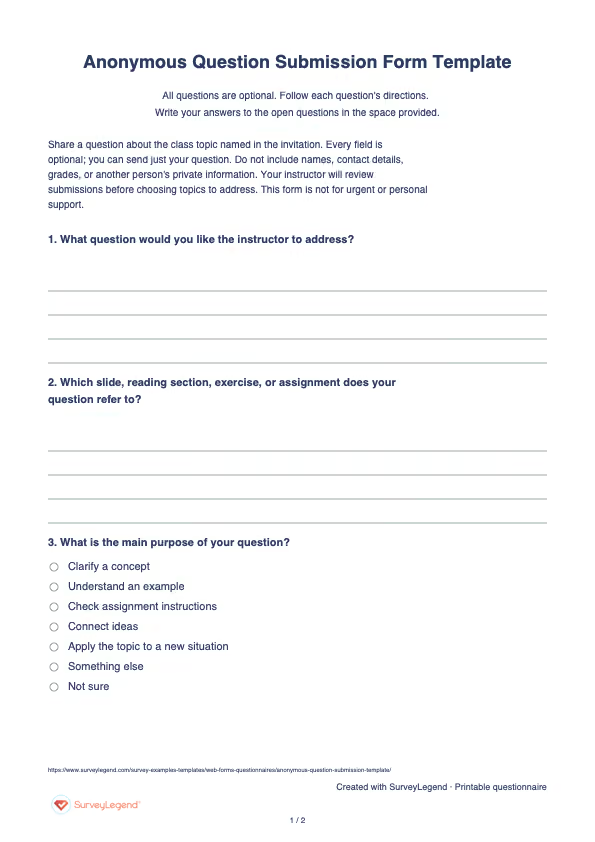
Share a question about the class topic named in the invitation. Every field is optional; you can send just your question. Do not include names, contact details, grades, or another person's private information. Your instructor will review submissions before choosing topics to address. This form is not for urgent or personal support.
A little feedback. A clearer picture.
Explore this 7-question example at your own pace. Every question is optional.
Anonymous Question Submission Form
Thank you for trying the survey!
You’ve tried the template from the respondent’s side. Make it your own with SurveyLegend.
Create your own surveyChecking submission availability…
This is a demo. We count starts and submissions only. Your answers stay in your browser and are never sent or saved.
Activity · no starts yet
Adapt the class question questionnaire
Replace “class topic” in the invitation with a specific lecture, reading, or assignment. Set a submission deadline that leaves time to prepare an answer. Keep the first field easy to find, and leave every supporting field optional so a student can send a short question without completing an intake interview.
Explain who reads submissions and whether paraphrased questions may be discussed with the group. Review SurveyLegend’s anonymous feedback guidance when planning identity protection, then check the actual collection setup. Omitting a name field does not prove anonymity; free text and access or tracking settings may still identify someone. Keep individual academic records and urgent support on the institution’s established channels.
Use the reference field for a slide, exercise, or reading section. SurveyLegend’s explanation of open-ended questions can help you keep prompts neutral while inviting the detail needed to understand a question.
Printable class question questionnaire
Use the printable class question form when students need a paper option. It includes the same seven optional fields, with space for the question and its reference. Explain how papers will be collected and reviewed; handwriting or response details may identify a student.
 Download the questionnaire
 Create this survey with an AI prompt
Copy this prompt into an AI assistant to draft the questions. Review the draft, then build and customize the survey in SurveyLegend before sharing.
Prepared survey prompt
Copy the prompt into an AI assistant to draft the questions, then build your survey in SurveyLegend.
Already have an account? Sign in to create your survey.
Interpret the class question responses
Read the question before sorting its labels. Group submissions by concept or task, then separate explanation requests from assignment logistics. Count submissions within each group, not unique students; the form does not establish how many different people raised an issue. Keep a separate list of questions whose authors did not permit a paraphrase for the group. Remove identifying details before discussing an allowed submission. A rare question may expose an important missing step, so frequency should not be the only selection rule. After the discussion, publish a short answer summary through your normal class channel and identify topics that need another explanation. Do not infer that students who submitted nothing understood the material.
Frequently asked questions
Does this template guarantee anonymous submissions?
No. It omits name and contact fields, but anonymity also depends on the actual collection setup and what a student writes. Check settings and explain the real privacy arrangements before sharing the form.
Do students need to answer all seven fields?
No. Every field is optional. Students can send only their question; the remaining fields help an instructor prepare when the student wants to provide more context.
Does the form display a live question wall?
This template is for collecting questions for instructor review. It does not promise a public question wall, peer replies, voting, or automatic answers. Share selected explanations through the class channel you already use.
-
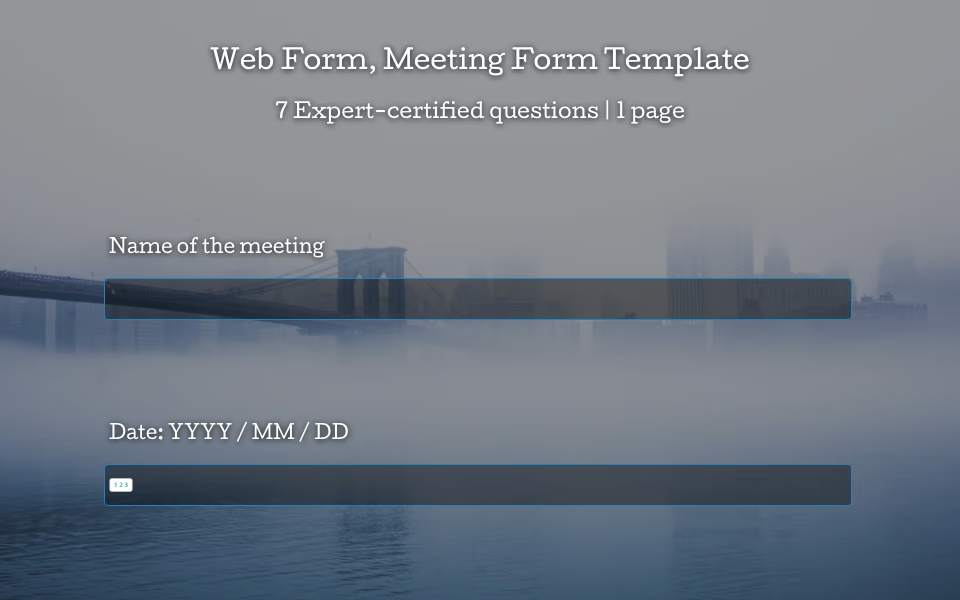 Web Form: Meeting Form Template Let’s face it: meetings have a reputation. Some people love them, others just survive them. But with the right tools, every meeting—yes, even the ones that could have been an email—can be clear, organized, and even enjoyable. That’s where the meeting form template from SurveyLegend comes in.
 -
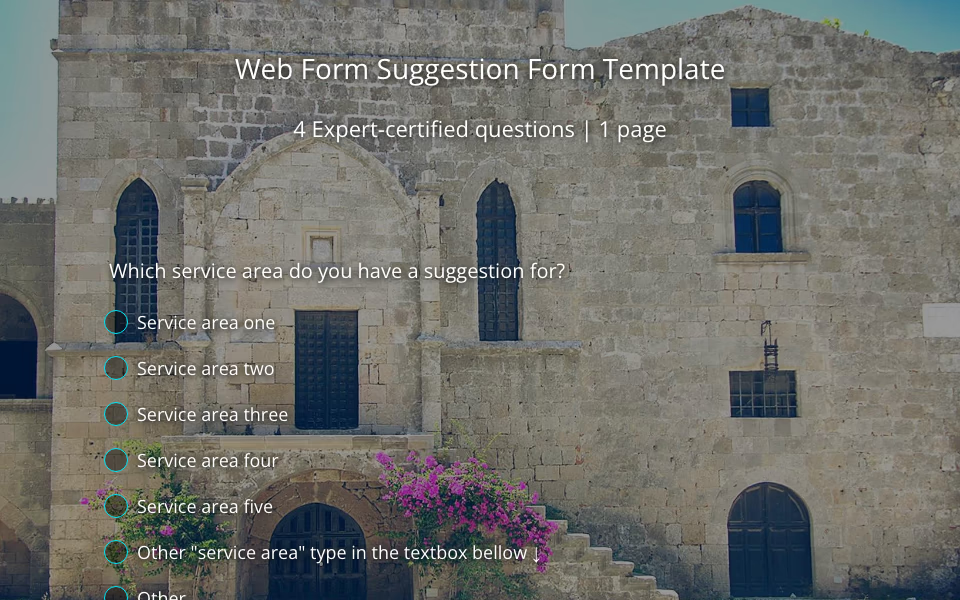 Web Form: Suggestion Form Template Ever wonder what your employees or customers are really thinking? Spoiler alert: they have thoughts. And they’re usually more than happy to share them—you just need to give them the right space to do it. That’s where our suggestion form template comes in.
 -
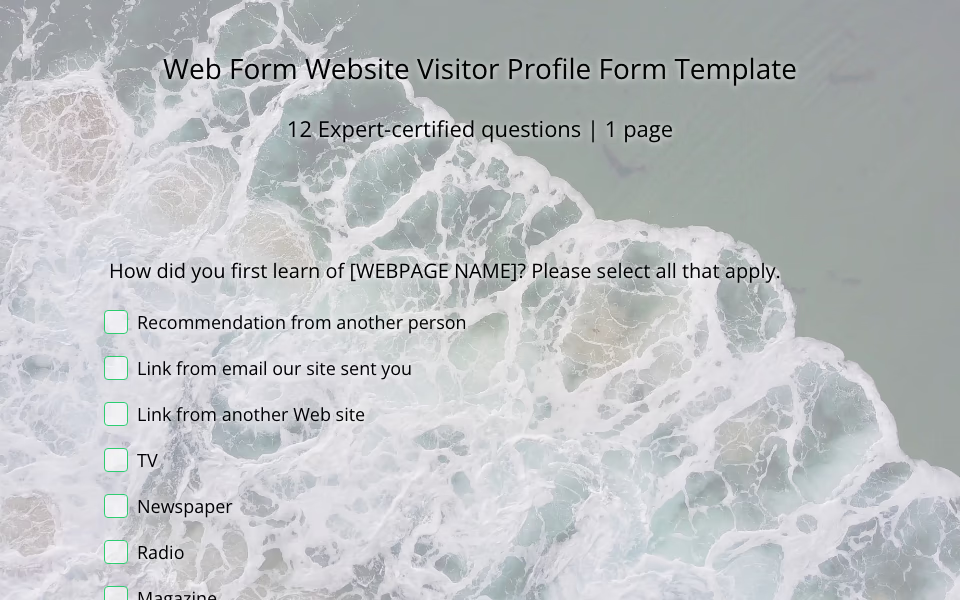 Web Form: Website Visitor Profile Form Template Your website looks great. Your content is on point. Your services are solid. But let’s ask the real question—who’s actually stopping by? That’s where the magic of a website visitor profile form comes in.
 -
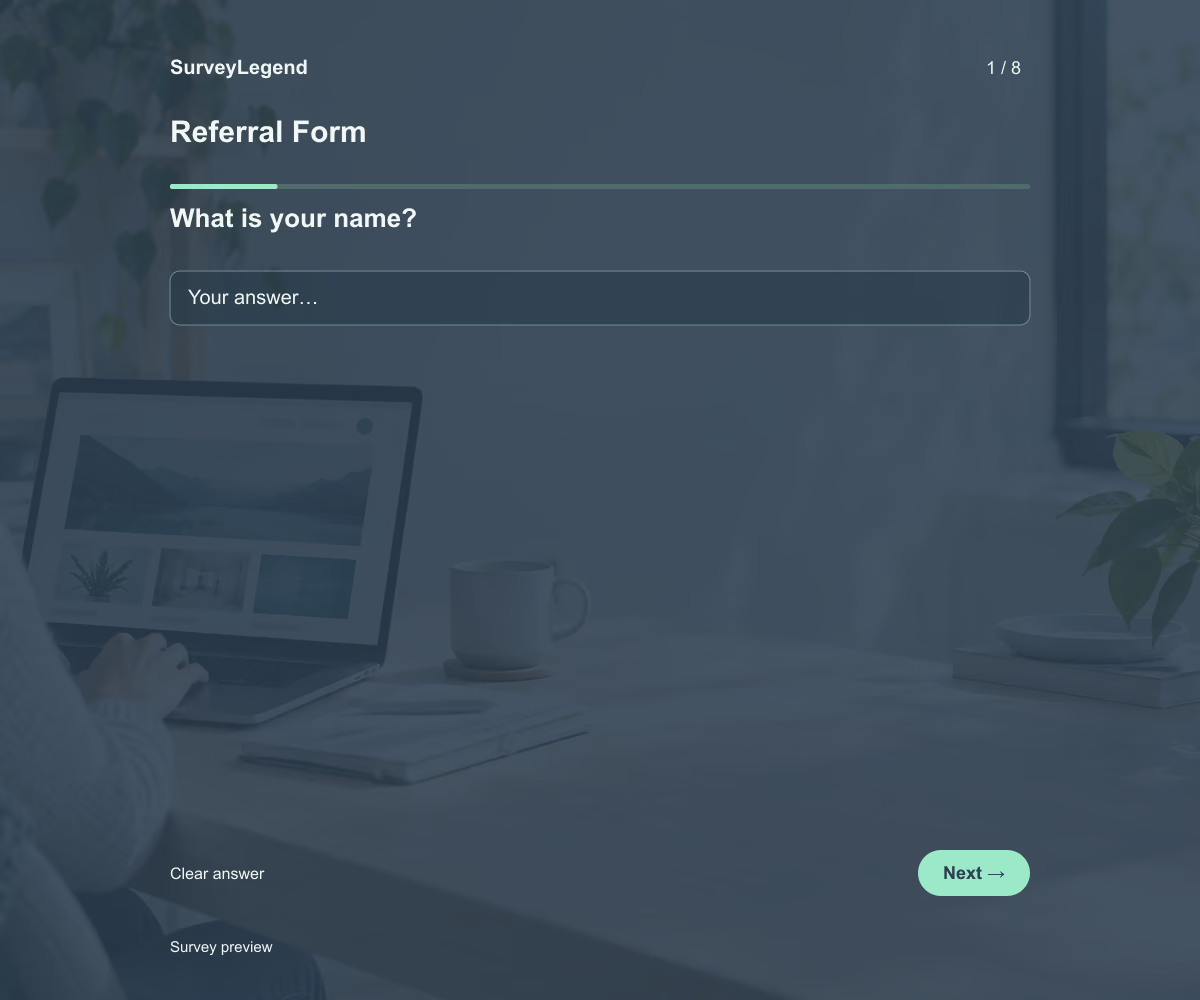 Referral Form Template This referral form template helps your team collect the information needed to introduce someone to a service or program. Its eight fields cover the referrer, the requested service, the reason for the introduction, and the next contact step. Adapt the example to your referral process and build your form with SurveyLegend.
 -
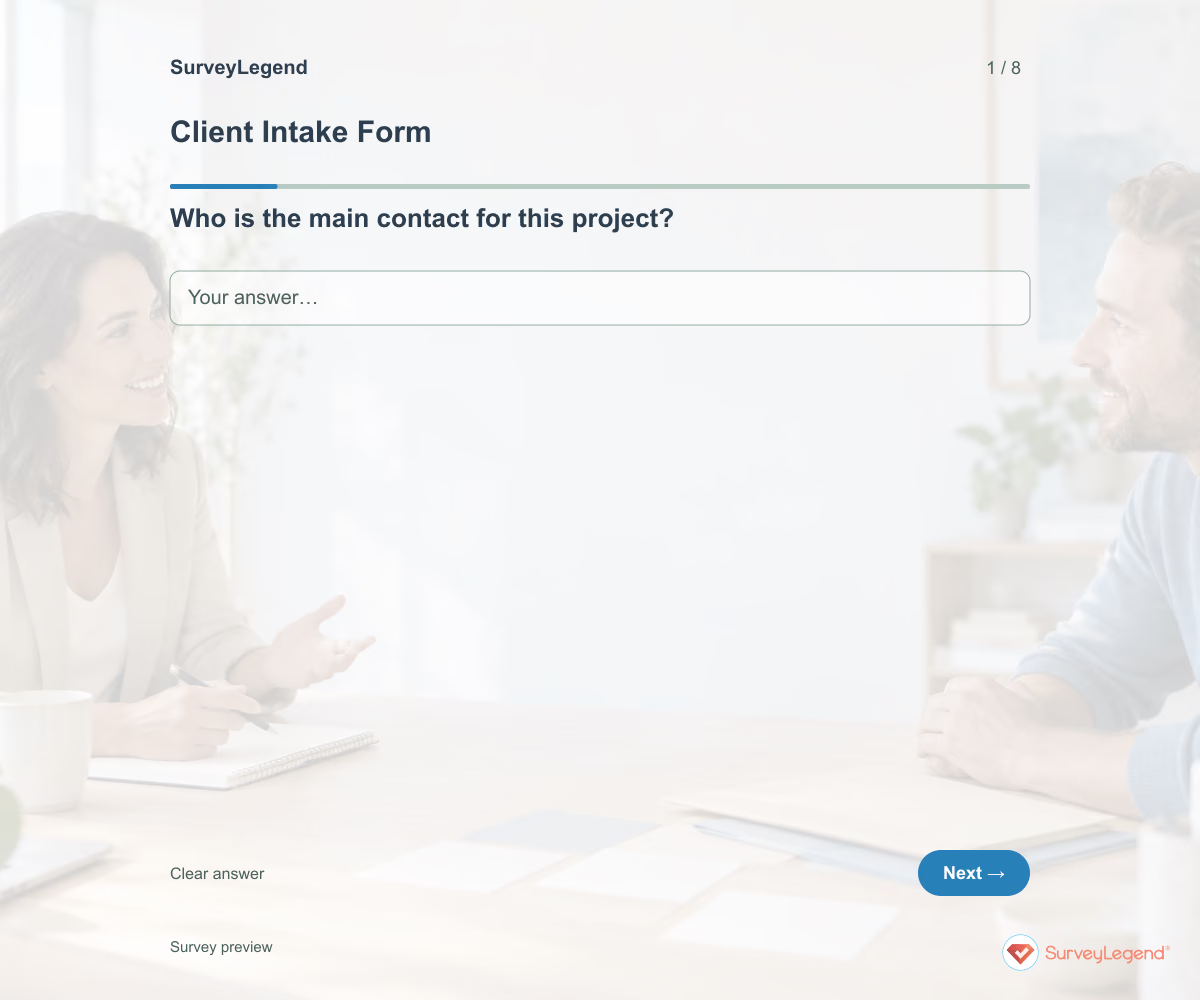 Client Intake Form Template Use this client intake form template to collect the details you need before starting a service project. It brings together the client’s goal, requested work, deadline, available materials, and main contact. Adapt it in SurveyLegend to prepare a more focused kickoff conversation and identify missing information early.
 -
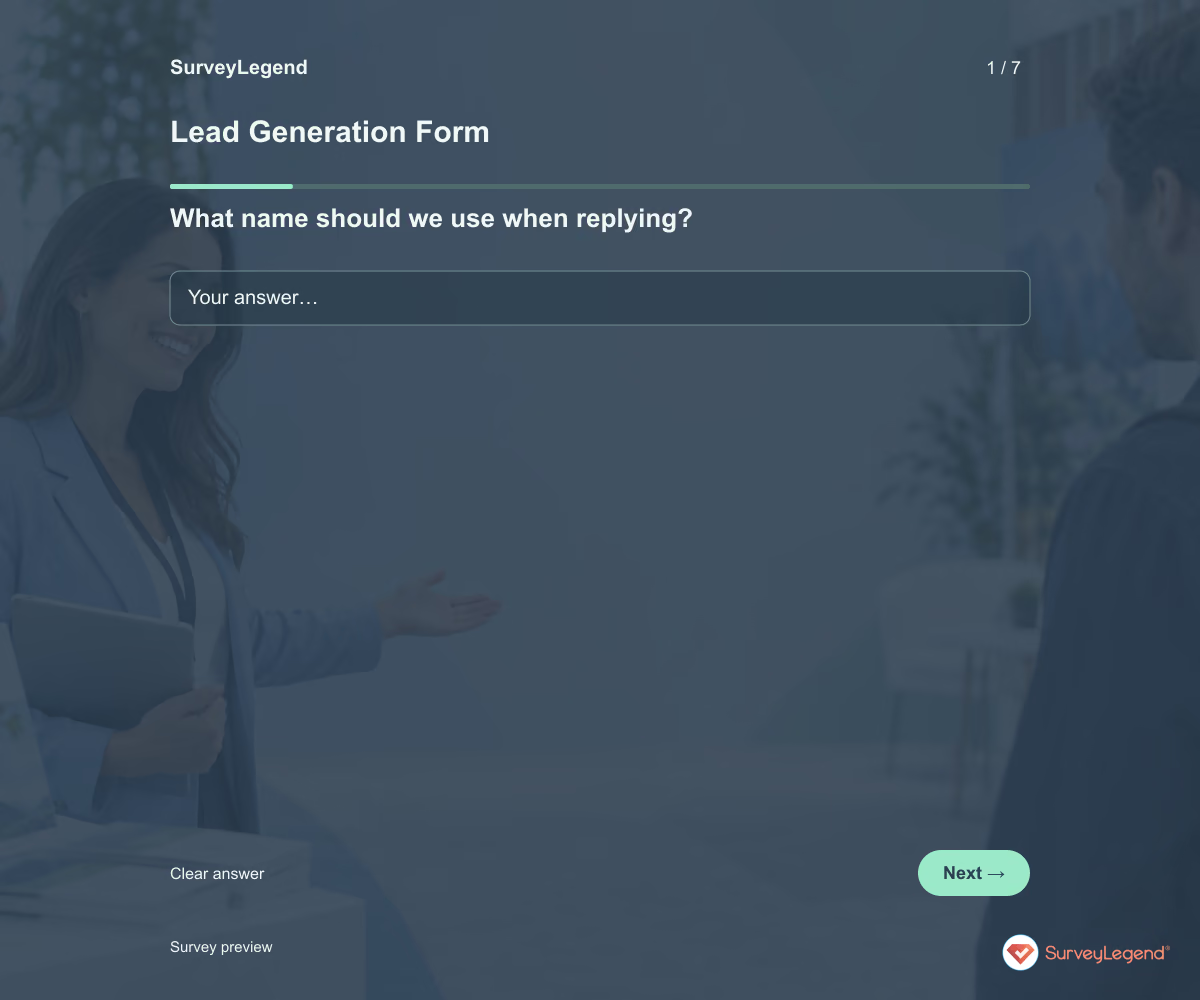 Lead Generation Form Template Use this lead generation form template to find out who wants to hear from your business, what they need, and when they hope to get started. The fields give your team enough context for a useful first reply. Customize the form in SurveyLegend for a service inquiry, consultation request, or product conversation.
 -
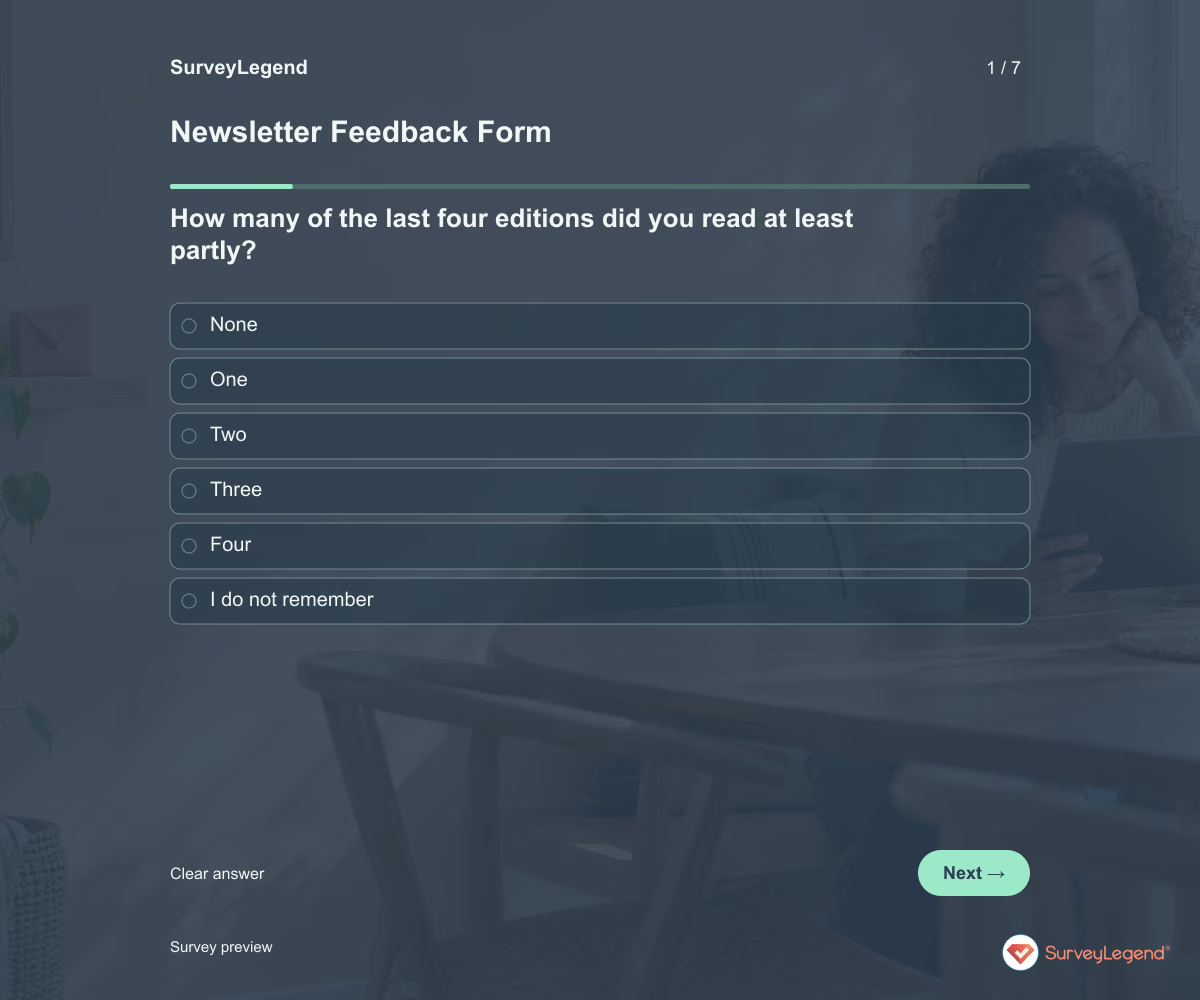 Newsletter Feedback Form Template Use this newsletter feedback form template to learn what readers find useful and what they would change. It asks about recent reading, topic relevance, frequency, and the ease of finding something worth their time. Create the form in SurveyLegend before planning the next run of editions.
 -
 Support Request Form Template Use this support request form template to understand what a customer was trying to do, what happened, and how the problem affects them. The fields help your team ask fewer avoidable follow-up questions. Create your form in SurveyLegend and connect it to a support process your team can monitor.
 -
 Feature Request Form Template 'Add an export button' describes an idea. Understanding what someone needs to export, why, and what happens today gives the team a problem to investigate. Keep that context attached to the suggestion.
 -
 Email Newsletter Subscription Form Template An email newsletter subscription form records a person's request to receive a named newsletter. A trustworthy version separates the address from the consent choice, explains what will arrive and avoids collecting preferences that will not actually be used.
 -
 Expense Reimbursement Report Template Use this SurveyLegend example to prepare a request for review. Keep one expense in each response so the date and amount refer to the same transaction. The organization's policy determines what supporting information is needed and who can approve payment; submitting the form does not approve a claim.
 -
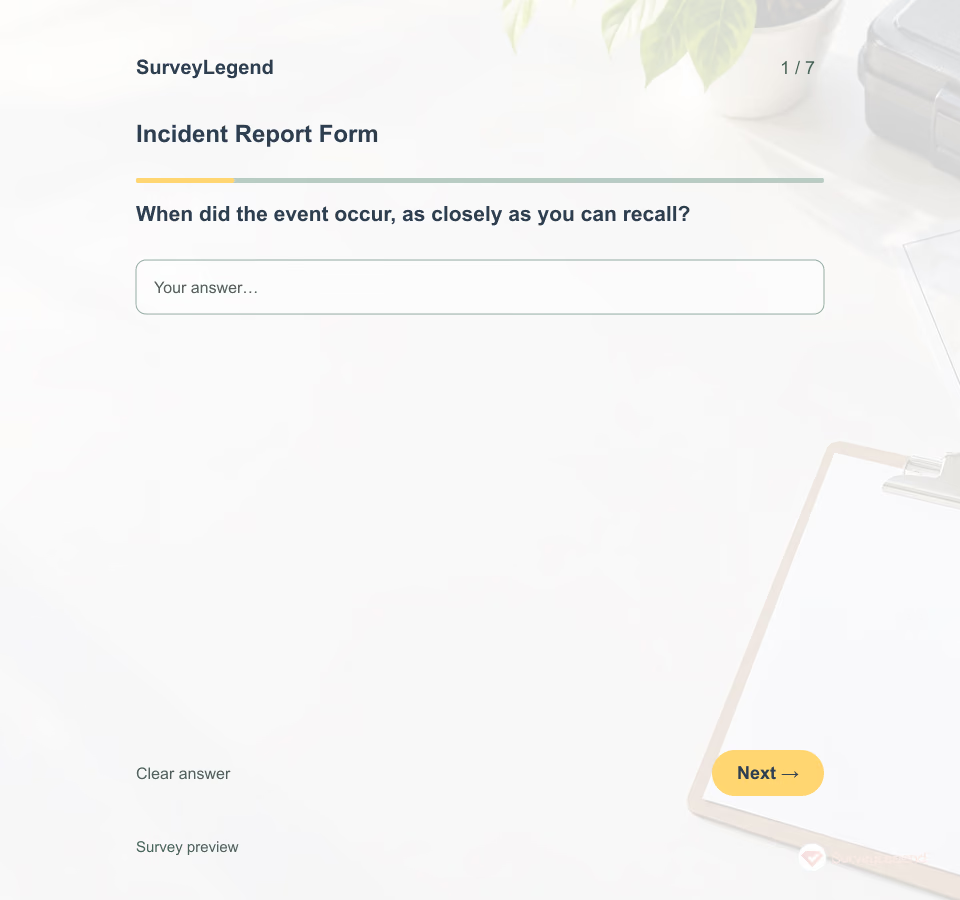 Incident Report Form Template A useful first report separates observations from assumptions. The person completing it may know the time and location without knowing the cause. Create the form in SurveyLegend and connect any real use to your organization's approved reporting process.
 -
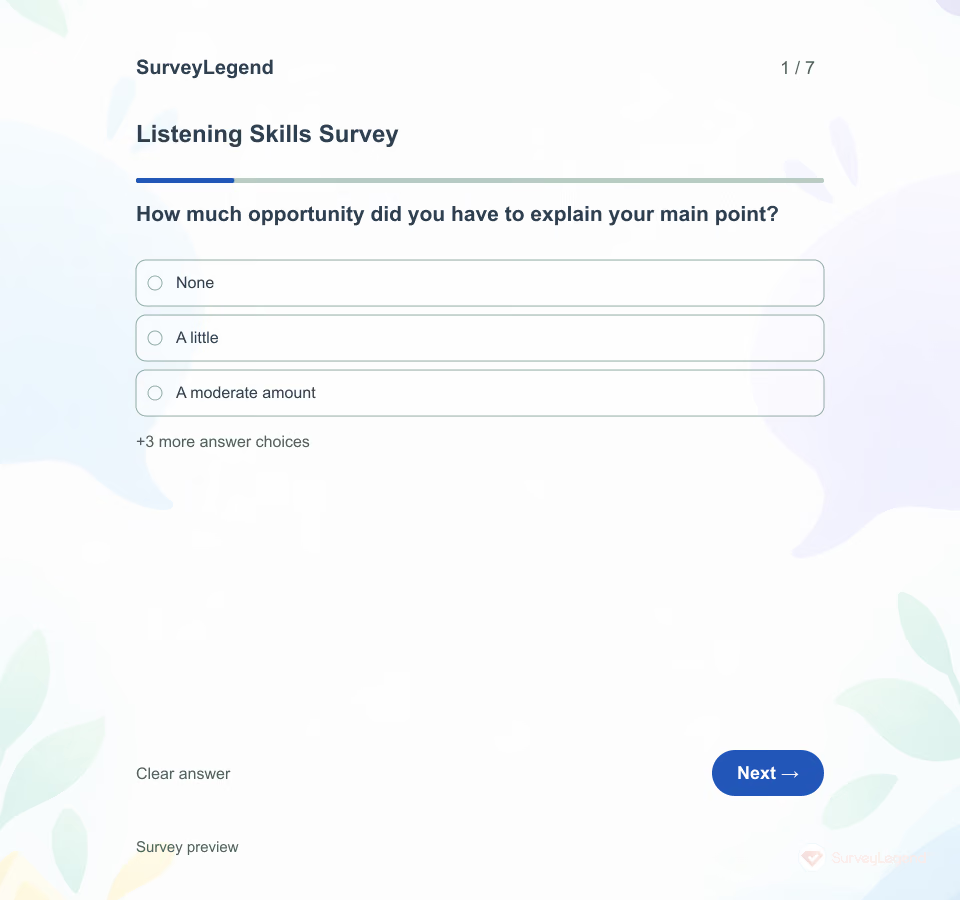 Listening Skills Survey Template A listener’s intention and a speaker’s experience may differ. This SurveyLegend questionnaire asks about one defined conversation so the feedback can lead to a concrete change rather than a broad label about someone’s character.
 -
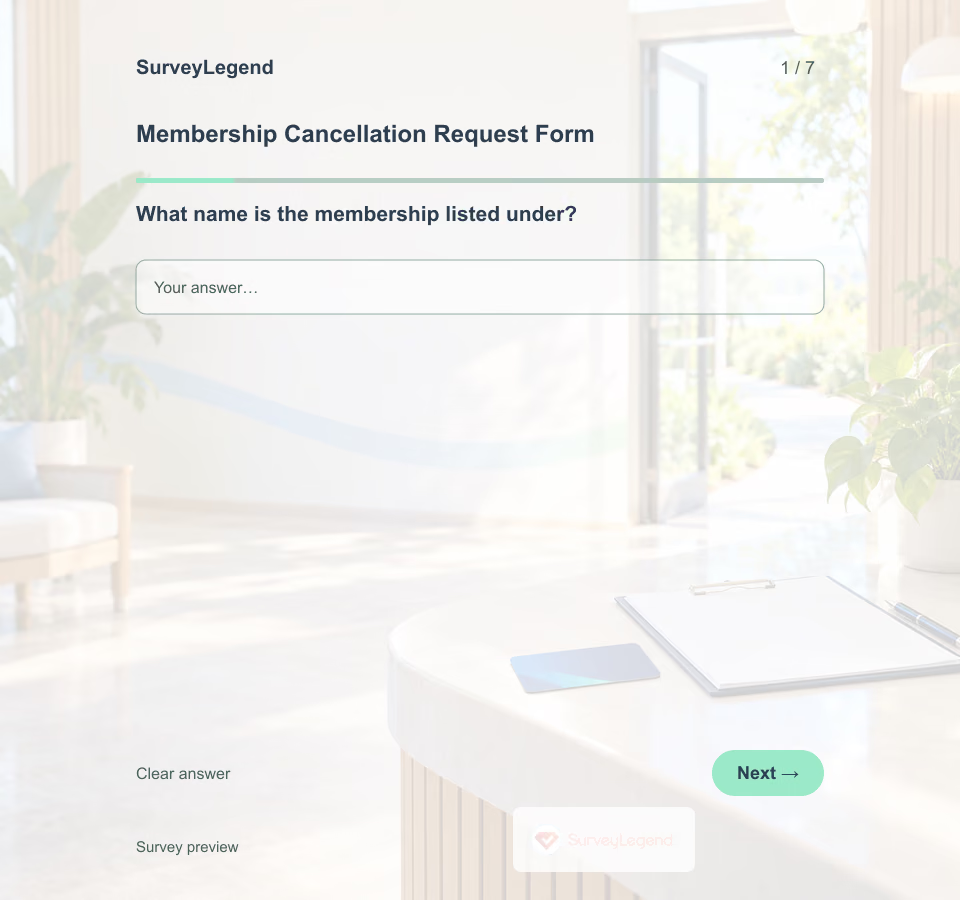 Membership Cancellation Request Form Template A clear request should be easy to route and easy to acknowledge. Use this example to plan the information your membership team actually needs, then explain how the organization will confirm the request and any next steps. Build your own form in SurveyLegend after checking the workflow.
 -
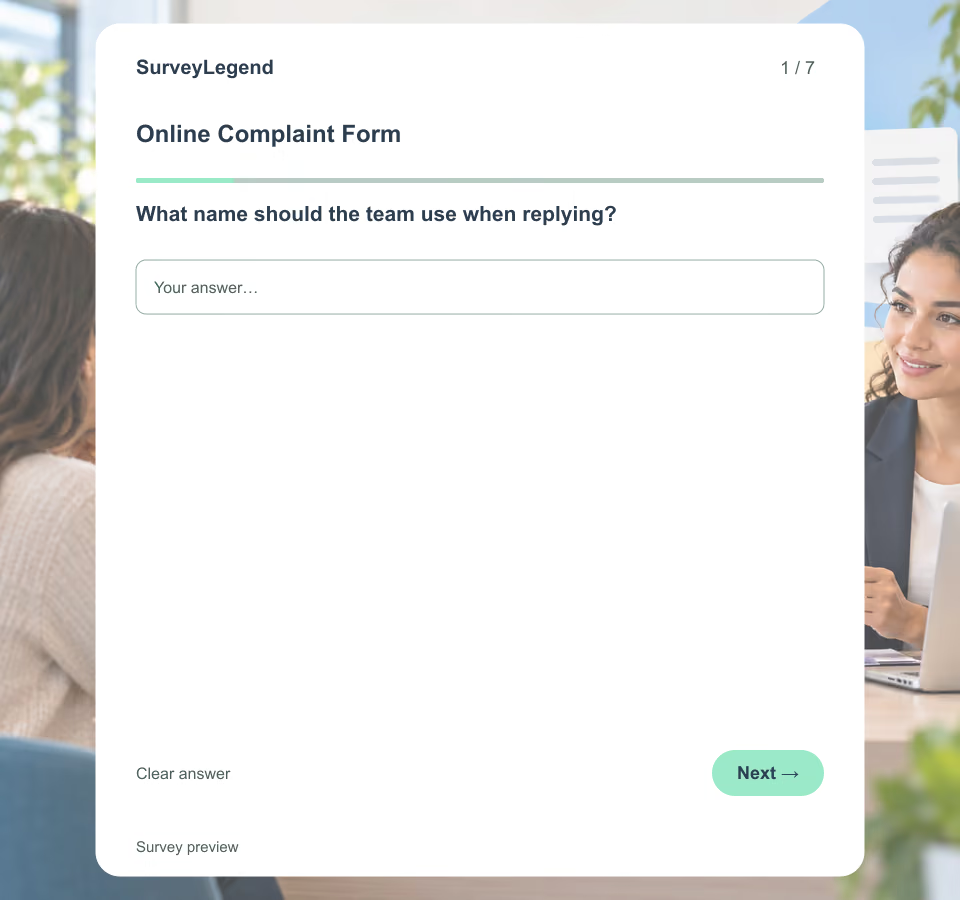 Online Complaint Form Template Publishing a form is not the same as managing a complaint. State where submissions go, when the channel is monitored, the normal response expectation and what people should do for emergencies, legal notices or urgent safety issues. Do not promise that the form creates a ticket unless that integration exists.
 -
 Staff Equipment Loan Request Form Template A request for “a laptop” may leave the coordinator guessing about software, accessories, or timing. Build the request form in SurveyLegend so the team has enough context to discuss a suitable item before making a reservation.
Free survey maker
Start creating surveys today for free
Create and bring your ideas to life with the survey tool used by people all over the world.
Ready to collect better research data?
Create academic surveys and questionnaires from ready-made templates.