

Lead Generation Form Template
This lead generation form template collects a prospective customer’s contact details, needs, goals, and preferred timing. Use the context to prepare a relevant first reply to a service inquiry, consultation request, or product conversation.
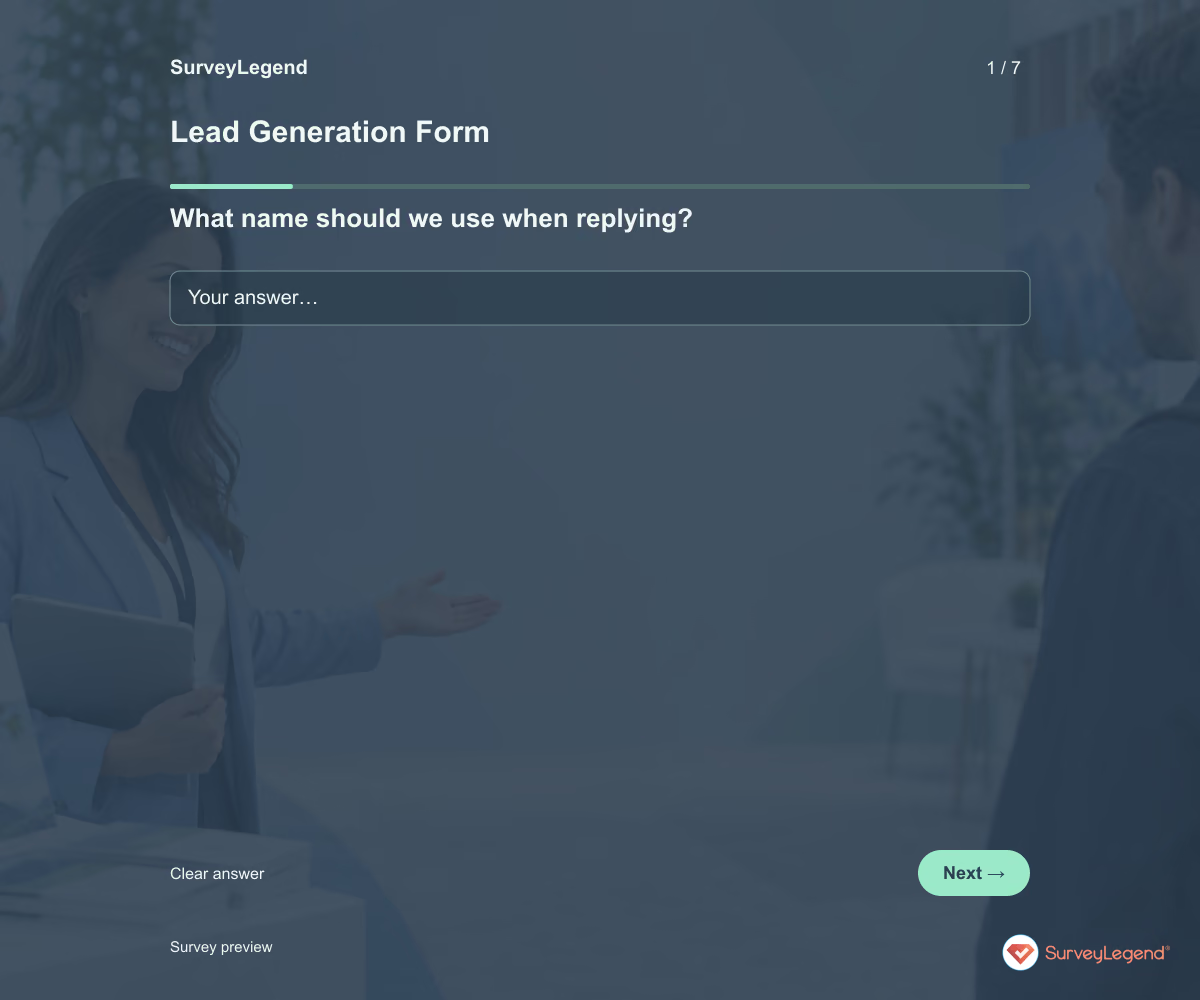
Use this lead generation form template to find out who wants to hear from your business, what they need, and when they hope to get started. The fields give your team enough context for a useful first reply. Customize the form in SurveyLegend for a service inquiry, consultation request, or product conversation.
When to use this lead generation form
Place it beside a clear offer so visitors know what happens after they respond. A short inquiry form works best when it asks for information your team will actually use in the first conversation. Explain the reply channel and a response time you can meet. Keep newsletter enrollment and other marketing preferences separate from the request to discuss an inquiry.
To research who visits your website without requesting a sales conversation, use our visitor profile template.
7 questions for your lead generation form
Use these 7 questions as a starting point. All fields are optional; choose one answer where choices are listed. Leave an irrelevant open field blank.
Respondent introduction:
Tell us what you would like help with. Share an email address if you would like a reply about this inquiry. All fields are optional. Do not include passwords or payment information.
A little feedback. A clearer picture.
Explore this 7-question example at your own pace. Every question is optional.

Lead Generation Form
Thank you for trying the survey!
You’ve tried the template from the respondent’s side. Make it your own with SurveyLegend.
Create your own surveyChecking submission availability…
This is a demo. We count starts and submissions only. Your answers stay in your browser and are never sent or saved.
Activity · no starts yet
How to customize your lead generation form
Replace the broad inquiry choices with your real services. Remove organization name for a consumer service and add only qualification questions that affect your reply. Choose whether to require an email in your own version after explaining why it is needed; all fields remain optional in this example. A design agency, for instance, can ask about the project goal before requesting a detailed brief or budget. Test the form on a phone before sharing it. Before sharing widely, try the questions with a few people from the intended audience and clarify anything they interpret differently.
Printable lead generation form template
Use this printable lead generation form template at a trade-show stand or a face-to-face business meeting. It includes the same questions and space to write, giving people who prefer paper or are less comfortable online another way to take part. SurveyLegend helps you offer both formats. Tell respondents where to return the completed form and who will review it. Paper answers need a separate review or manual entry process; they are not automatically added to online responses.
 Download PDF
 AI prompt for a lead generation form
Ask for the context you need to make your first reply relevant.
The full prompt below specifies your lead generation form, including all 7 questions and response settings. Copy it, register for a free SurveyLegend account, and paste it into SurveyLegend’s AI survey creation tool. Review the result and add your organization’s details before sharing.
Create a free account, then paste the copied prompt into SurveyLegend.
Already have an account? Sign in to create your lead generation form.
Turn inquiries into informed first conversations
Review inquiries by requested help and start timeframe. Route each one to a person who can respond and keep a separate record of follow-up progress. Form submissions are inquiries, not automatically qualified leads or sales. If you measure conversion, distinguish the form view, submission, real conversation, and eventual purchase. Missing contact details should not be mistaken for an integration failure.
Frequently asked questions
How many fields should a lead form have?
Ask for the minimum information that helps you reply well. This example has seven optional fields; remove anything your team will not use at the inquiry stage.
Does this form add someone to my mailing list?
No automatic enrollment is implied. If you want to offer a newsletter, ask about it separately and use an appropriately configured subscription process.
Will responses automatically reach my CRM?
This template specifies the form content. A CRM connection requires a separately configured and tested integration; do not promise one just because you use these questions.
-
 Web Form: Meeting Form Template Let’s face it: meetings have a reputation. Some people love them, others just survive them. But with the right tools, every meeting—yes, even the ones that could have been an email—can be clear, organized, and even enjoyable. That’s where the meeting form template from SurveyLegend comes in.
 -
 Web Form: Suggestion Form Template Ever wonder what your employees or customers are really thinking? Spoiler alert: they have thoughts. And they’re usually more than happy to share them—you just need to give them the right space to do it. That’s where our suggestion form template comes in.
 -
 Web Form: Website Visitor Profile Form Template Your website looks great. Your content is on point. Your services are solid. But let’s ask the real question—who’s actually stopping by? That’s where the magic of a website visitor profile form comes in.
 -
 Referral Form Template This referral form template helps your team collect the information needed to introduce someone to a service or program. Its eight fields cover the referrer, the requested service, the reason for the introduction, and the next contact step. Adapt the example to your referral process and build your form with SurveyLegend.
 -
 Client Intake Form Template Use this client intake form template to collect the details you need before starting a service project. It brings together the client’s goal, requested work, deadline, available materials, and main contact. Adapt it in SurveyLegend to prepare a more focused kickoff conversation and identify missing information early.
 -
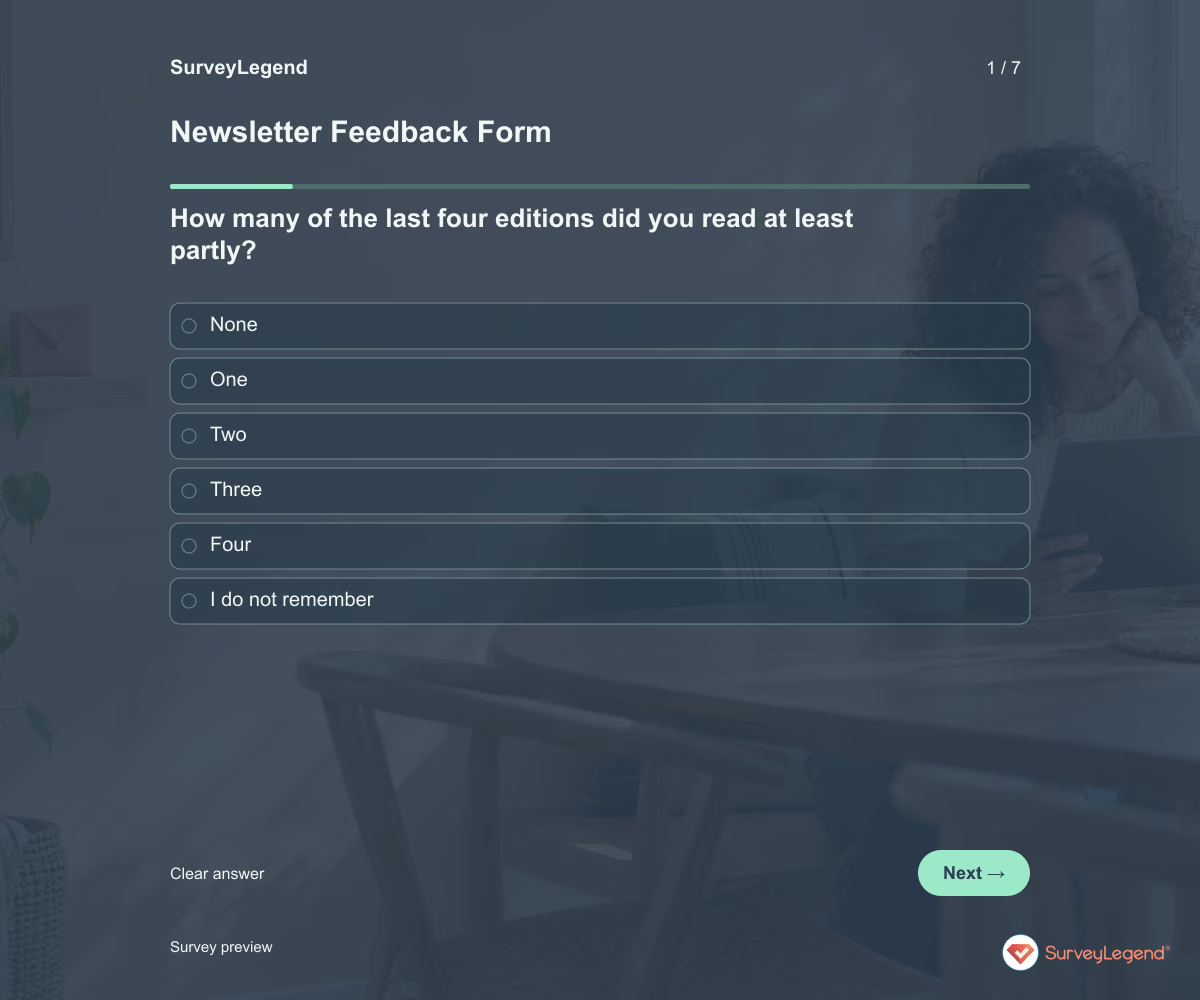 Newsletter Feedback Form Template Use this newsletter feedback form template to learn what readers find useful and what they would change. It asks about recent reading, topic relevance, frequency, and the ease of finding something worth their time. Create the form in SurveyLegend before planning the next run of editions.
 -
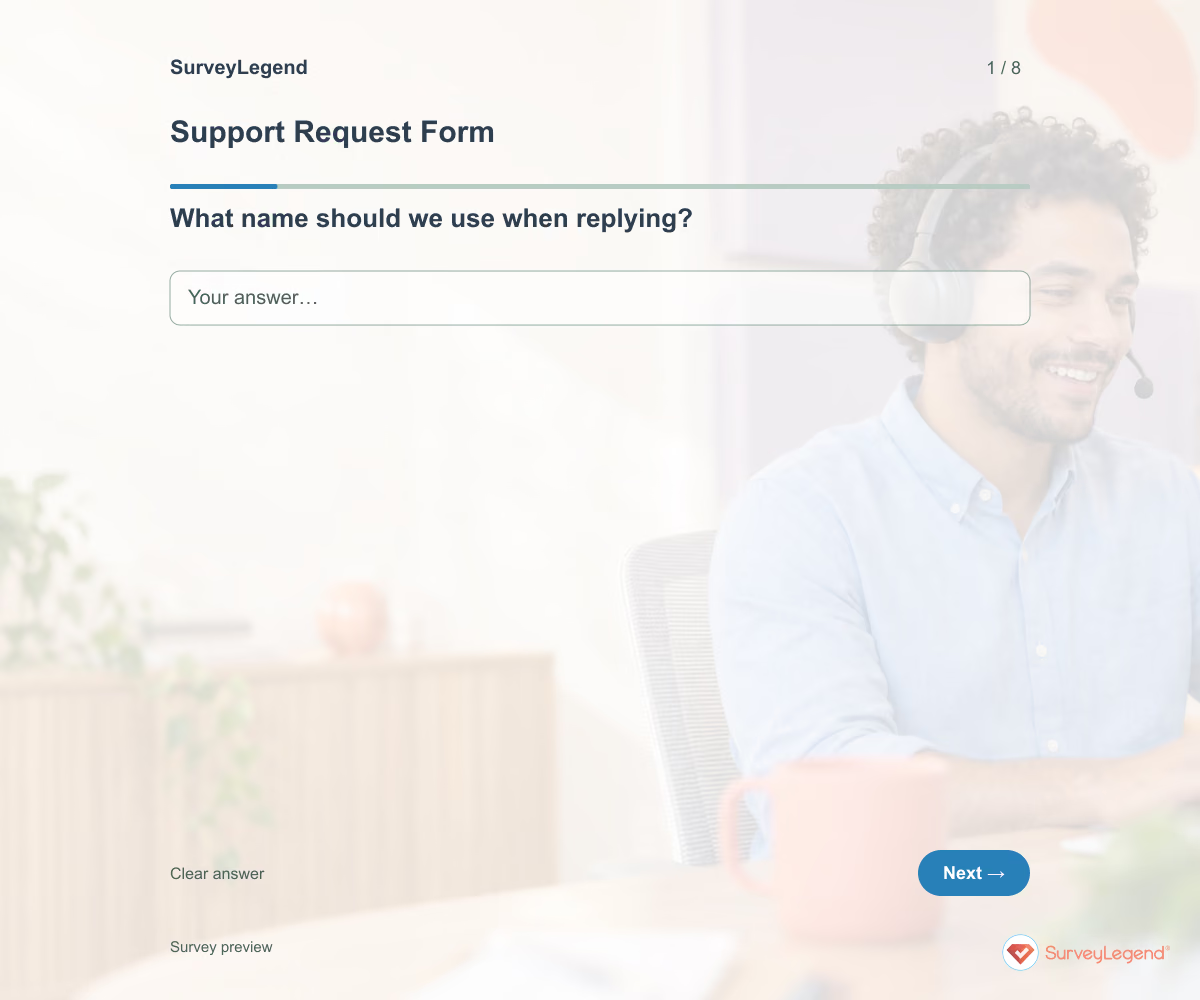 Support Request Form Template Use this support request form template to understand what a customer was trying to do, what happened, and how the problem affects them. The fields help your team ask fewer avoidable follow-up questions. Create your form in SurveyLegend and connect it to a support process your team can monitor.
Free survey maker
Start creating surveys today for free
Create and bring your ideas to life with the survey tool used by people all over the world.
Ready to collect better research data?
Create academic surveys and questionnaires from ready-made templates.