

Newsletter Feedback Form Template
This newsletter feedback form template asks subscribers about the last four editions, including useful topics, ease of finding relevant content, and preferred frequency. Use their suggestions to decide what to keep, change, or cover in upcoming editions.
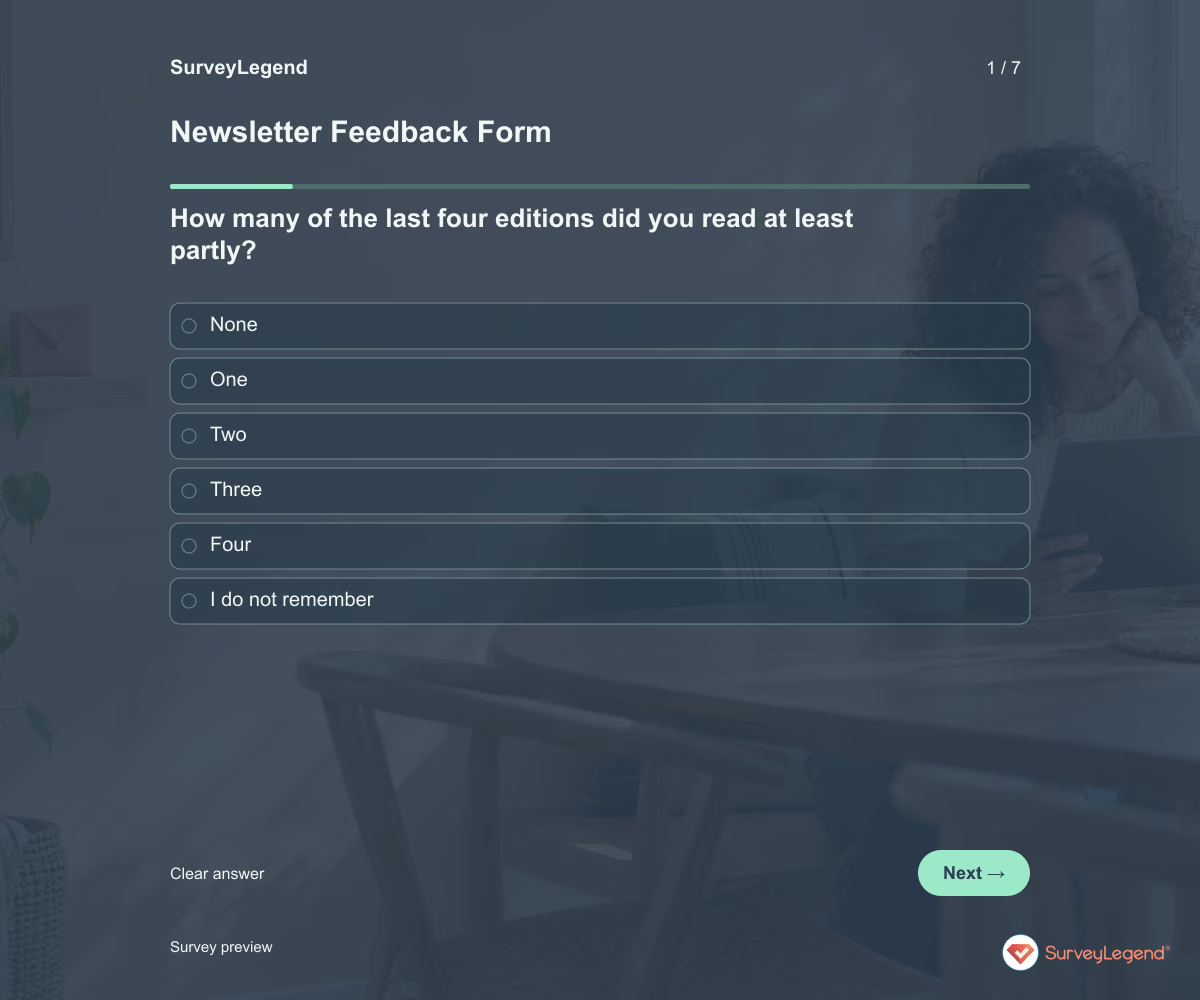
Use this newsletter feedback form template to learn what readers find useful and what they would change. It asks about recent reading, topic relevance, frequency, and the ease of finding something worth their time. Create the form in SurveyLegend before planning the next run of editions.
When to use this newsletter feedback form
Invite readers after several editions rather than asking them to judge a newsletter they have just joined. Identify the four editions you mean, or adjust the period for your schedule. Try to hear from occasional readers as well as frequent clickers. This form gathers editorial feedback; it does not subscribe someone, unsubscribe them, or change delivery preferences automatically.
For feedback on your website rather than your newsletter, use our website feedback template.
7 questions for your newsletter feedback form
Use these 7 questions as a starting point. All fields are optional; choose one answer where choices are listed. Leave an irrelevant open field blank.
Respondent introduction:
Think about the four newsletter editions identified by the organizer. Tell us what is useful and what could improve. This form does not change your subscription. All questions are optional.
A little feedback. A clearer picture.
Explore this 7-question example at your own pace. Every question is optional.

Newsletter Feedback Form
Thank you for trying the survey!
You’ve tried the template from the respondent’s side. Make it your own with SurveyLegend.
Create your own surveyChecking submission availability…
This is a demo. We count starts and submissions only. Your answers stay in your browser and are never sent or saved.
Activity · no starts yet
How to customize your newsletter feedback form
Use the newsletter name and current sending frequency in the introduction. Ask about topics in the readers’ own words before presenting your proposed content list. If you want to evaluate a particular edition, supply the same reference copy and change the recall questions accordingly. Keep your normal unsubscribe route available separately. For example, low usefulness with easy readability suggests a different response from useful content that readers struggle to scan. Before sharing widely, try the questions with a few people from the intended audience and clarify anything they interpret differently.
Printable newsletter feedback form template
Use this printable newsletter feedback form template at a member meeting or subscriber event. It includes the same questions and space to write, giving people who prefer paper or are less comfortable online another way to take part. SurveyLegend helps you offer both formats. Tell respondents where to return the completed form and who will review it. Paper answers need a separate review or manual entry process; they are not automatically added to online responses.

AI prompt for a newsletter feedback form
Make the next newsletter more useful with feedback from the people who read it.
The full prompt below specifies your newsletter feedback form, including all 7 questions and response settings. Copy it, register for a free SurveyLegend account, and paste it into SurveyLegend’s AI survey creation tool. Review the result and add your organization’s details before sharing.
Create a free account, then paste the copied prompt into SurveyLegend.
Already have an account? Sign in to create your newsletter feedback form.
Use reader feedback to plan the next editions
Compare how many editions people read with usefulness and their preferred frequency. Group topic requests into an editorial shortlist, then read what they would reduce or remove. Treat a small, enthusiastic group’s preferences as feedback from that group rather than from every subscriber. Combine the comments with appropriately interpreted delivery and engagement data, then explain which changes you are trying in upcoming editions.
Frequently asked questions
Can readers unsubscribe through this form?
No automatic unsubscribe action is included. Provide the newsletter’s real unsubscribe or preference-management route separately.
Should I ask readers which topics they want?
Yes, but also ask what is useful now and what they would reduce. New topic requests alone can make the newsletter longer without improving it.
Are responses representative of every subscriber?
Not necessarily. People who choose to respond may read more often or feel more strongly. Report the respondent group and compare feedback with other available evidence.
-
 Web Form: Meeting Form Template Let’s face it: meetings have a reputation. Some people love them, others just survive them. But with the right tools, every meeting—yes, even the ones that could have been an email—can be clear, organized, and even enjoyable. That’s where the meeting form template from SurveyLegend comes in.
 -
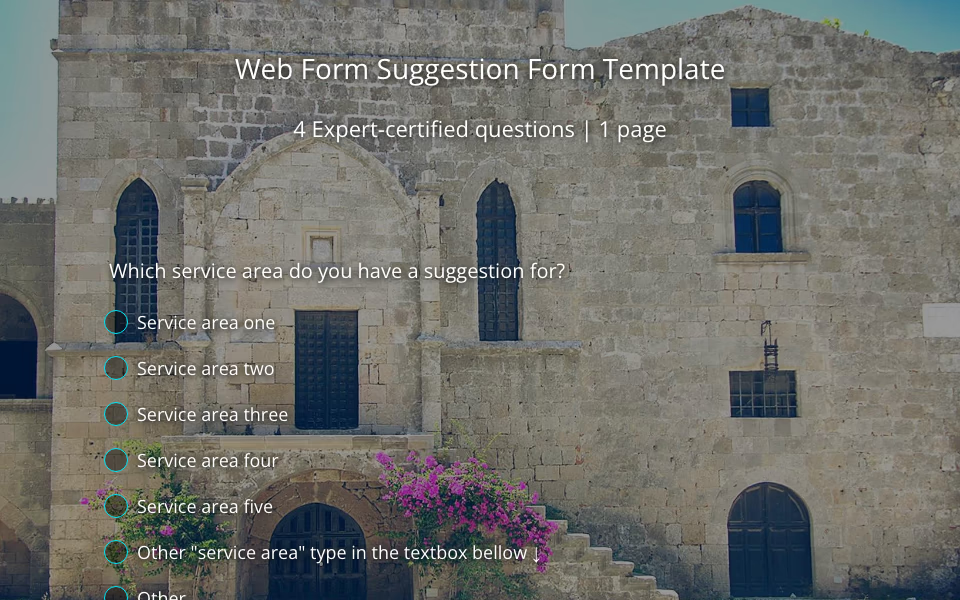 Web Form: Suggestion Form Template Ever wonder what your employees or customers are really thinking? Spoiler alert: they have thoughts. And they’re usually more than happy to share them—you just need to give them the right space to do it. That’s where our suggestion form template comes in.
 -
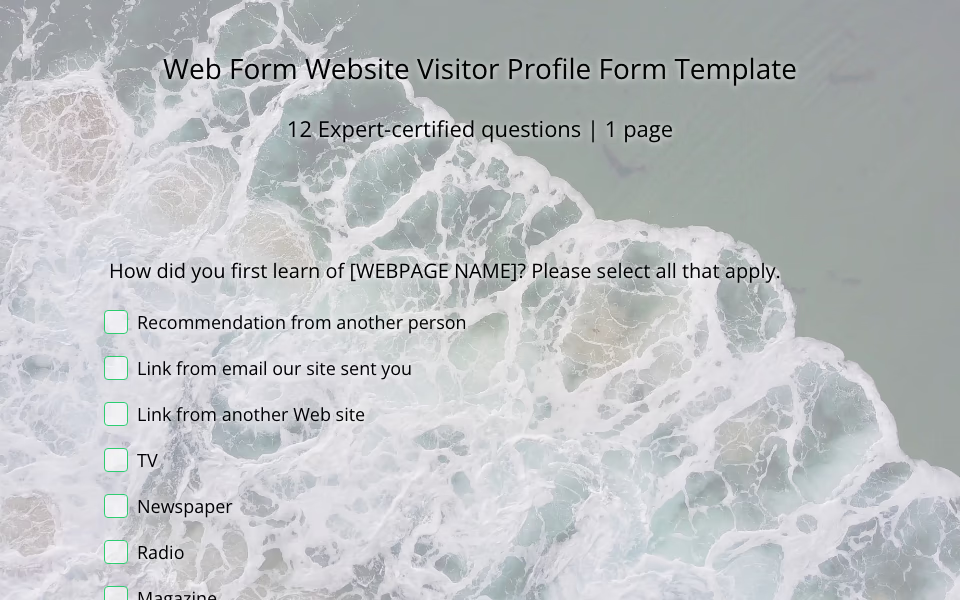 Web Form: Website Visitor Profile Form Template Your website looks great. Your content is on point. Your services are solid. But let’s ask the real question—who’s actually stopping by? That’s where the magic of a website visitor profile form comes in.
 -
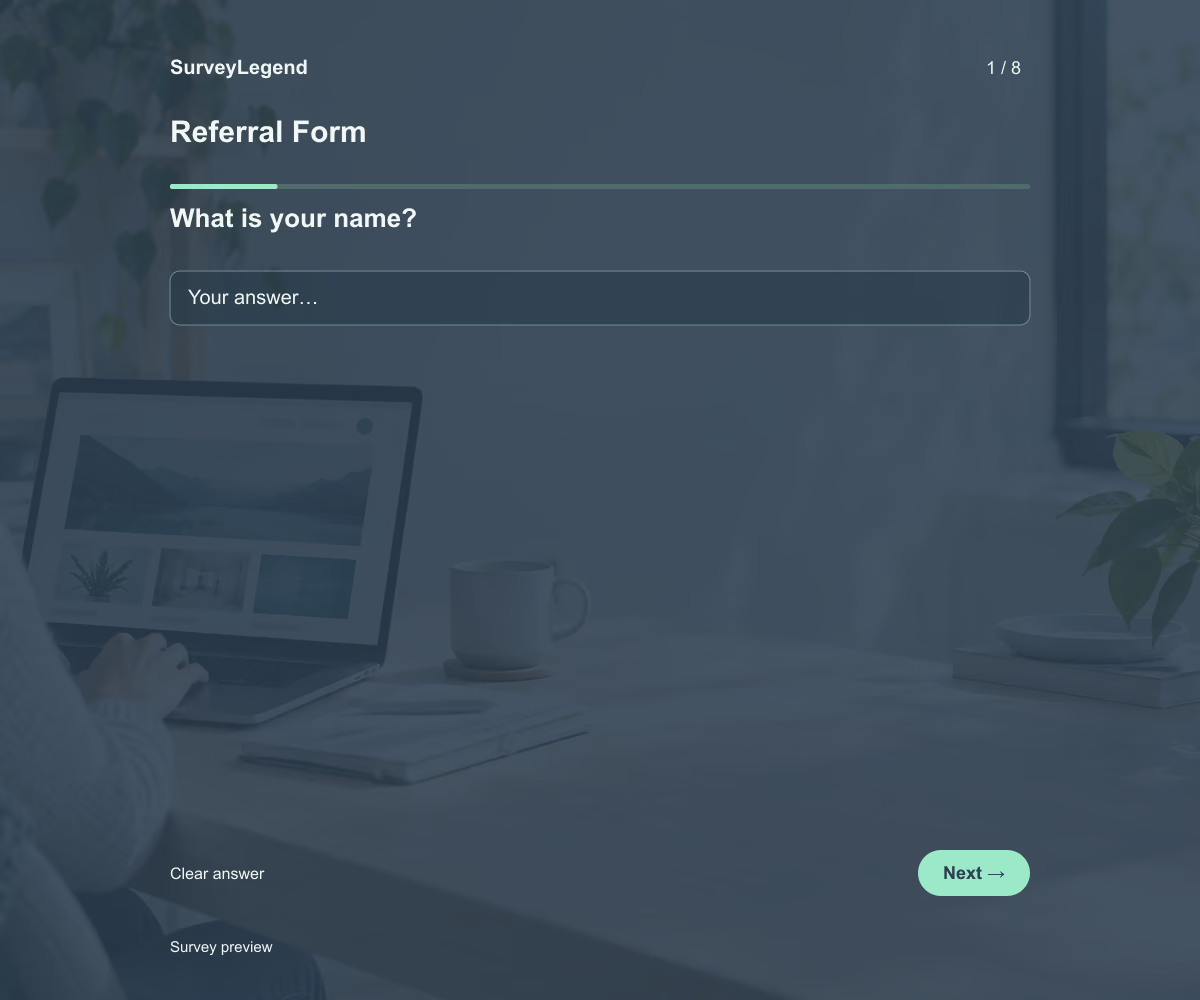 Referral Form Template This referral form template helps your team collect the information needed to introduce someone to a service or program. Its eight fields cover the referrer, the requested service, the reason for the introduction, and the next contact step. Adapt the example to your referral process and build your form with SurveyLegend.
 -
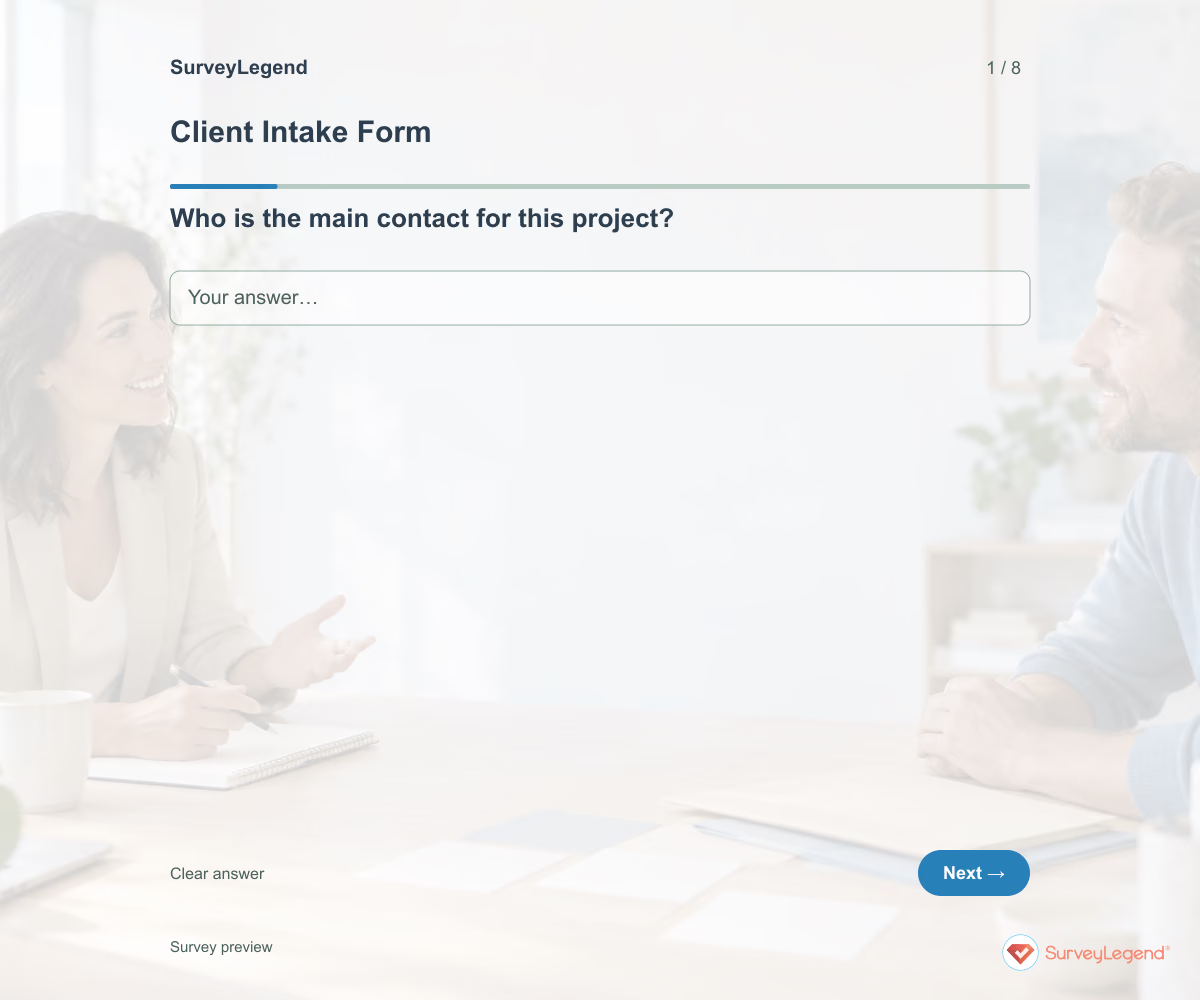 Client Intake Form Template Use this client intake form template to collect the details you need before starting a service project. It brings together the client’s goal, requested work, deadline, available materials, and main contact. Adapt it in SurveyLegend to prepare a more focused kickoff conversation and identify missing information early.
 -
 Lead Generation Form Template Use this lead generation form template to find out who wants to hear from your business, what they need, and when they hope to get started. The fields give your team enough context for a useful first reply. Customize the form in SurveyLegend for a service inquiry, consultation request, or product conversation.
 -
 Support Request Form Template Use this support request form template to understand what a customer was trying to do, what happened, and how the problem affects them. The fields help your team ask fewer avoidable follow-up questions. Create your form in SurveyLegend and connect it to a support process your team can monitor.
Free survey maker
Start creating surveys today for free
Create and bring your ideas to life with the survey tool used by people all over the world.
Ready to collect better research data?
Create academic surveys and questionnaires from ready-made templates.