Referral Form Template
This referral form template collects the information needed to introduce a person or organization to a general, nonclinical service or program. Ask why the referral is being made and whether direct contact is agreed so the receiving team can arrange the next step.

This referral form template collects the information needed to introduce a person or organization to a general, nonclinical service or program. Ask why the referral is being made and whether direct contact is agreed so the receiving team can arrange the next step.
Use a Referral Form for a Clear Next Step
Use this example when a person or organization recommends someone for a business service or general program. Decide who receives the referral and what they will do with it before sharing the form. A submission should lead to a review or contact step your team can actually provide.
Keep clinical referrals and other specialist intake processes in a workflow designed for their requirements. This example covers a general introduction; it does not assess eligibility or make a referral decision.
8 Fields to Include in Your Referral Form
Collect the referrer's name and email, the person or organization being introduced, the destination service, and a short reason for the referral. Then establish how the introduction should proceed.
Ask whether direct contact has been agreed before collecting the referred person's email. When the referrer should arrange the introduction, your team can follow up with the referrer instead. Avoid requesting detailed personal histories to explain a straightforward service need.
A little feedback. A clearer picture.
Explore this 8-question example at your own pace. Every question is optional.
Referral Form
Thank you for trying the survey!
You’ve tried the template from the respondent’s side. Make it your own with SurveyLegend.
Create your own surveyChecking submission availability…
This is a demo. We count starts and submissions only. Your answers stay in your browser and are never sent or saved.
Activity · no starts yet
Adapt the Form to Your Referral Process
Replace the service field with your actual programs or service names if your team routes referrals by category. Explain what information belongs in the reason field and give a short example, such as “Needs help comparing the available training programs.”
In the introduction, identify the team that reads submissions and describe the expected next step. Add a response timeframe only if your team can meet it. Decide which fields must be completed to route the request; leave optional context optional.
For an organization referral, ask for a contact only when that person has agreed to the introduction. An organization name alone does not establish agreement to contact a particular employee. Use SurveyLegend’s choice and email fields for the service, contact route, and email address. Before sharing the form, test both paths: direct contact agreed, and coordination through the referrer.
Printable referral form template
Use this printable referral form template to collect answers from people who prefer paper or are less comfortable with online forms. Give people a printed form for making an introduction when completing an online referral is less convenient.
Download the PDF, print the 8-question questionnaire, and provide copies for people to complete by hand. It includes the same core questions as the online template, with space for written answers.
Online or on paper, SurveyLegend helps you offer a response format that works for your audience. Explain where to return paper forms and who will review them; handwritten answers are not automatically added to your online results.
AI prompt for a referral form
Create a referral form in SurveyLegend with questions about the referrer, requested service, reason for the introduction, and agreed contact route.
The full prompt below includes all 8 fields and their response settings. Copy this prompt into an AI assistant to draft the questions. Review the draft, then build and customize the survey in SurveyLegend before sharing.
Copy the prompt into an AI assistant to draft the questions, then build your survey in SurveyLegend.
Already have an account? Sign in to create your referral form.
Review Referrals and Assign Follow-Up
Start by checking the requested service and the agreed contact route. Assign the referral to the relevant person, confirm missing details through the referrer, and record the next action in your team's tracking process.
Keep submission, contact, acceptance, and service delivery as separate stages. A submitted referral does not establish that the person was contacted or accepted. If many referrals reach the wrong team, improve the service choices or the form's introductory instructions.
Frequently asked questions
Is a referral form the same as a recommendation survey?
No. A referral form introduces a person or organization to a service. A recommendation survey asks how someone feels about recommending a business. Choose the referral form when your next task is arranging an introduction or reviewing a service request.
Should I collect the referred person's contact details?
Collect them only when direct contact is the agreed next step and your process allows it. Otherwise, ask the referrer to coordinate the introduction. Tell respondents how the details they provide will be used.
Can SurveyLegend collect these referral fields?
You can build the example with text, email, and choice fields. Review our survey and form features when choosing the fields and settings for your process. Any follow-up tracking described here is an operational step for your team.
-
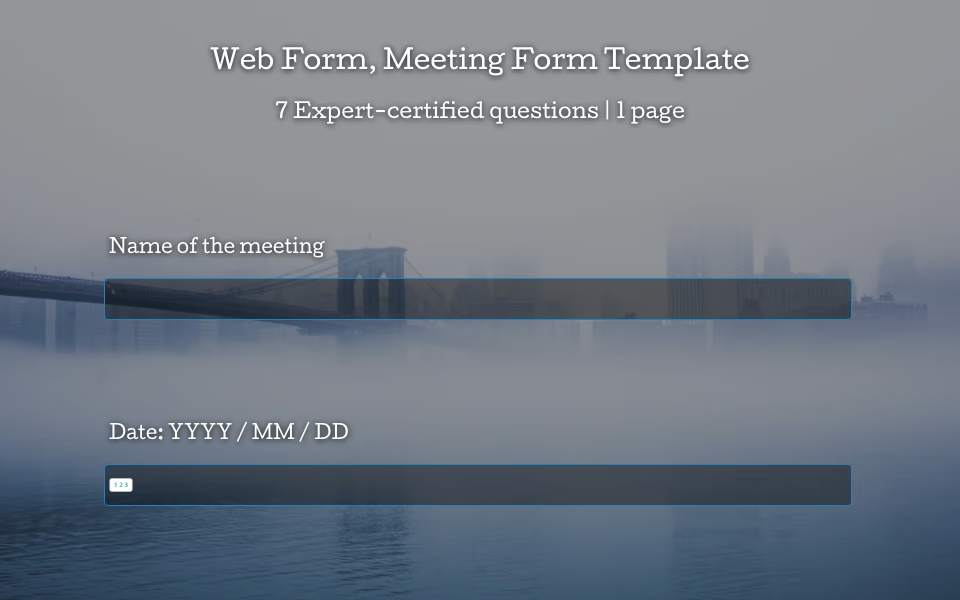 Web Form: Meeting Form Template Let’s face it: meetings have a reputation. Some people love them, others just survive them. But with the right tools, every meeting—yes, even the ones that could have been an email—can be clear, organized, and even enjoyable. That’s where the meeting form template from SurveyLegend comes in.
 -
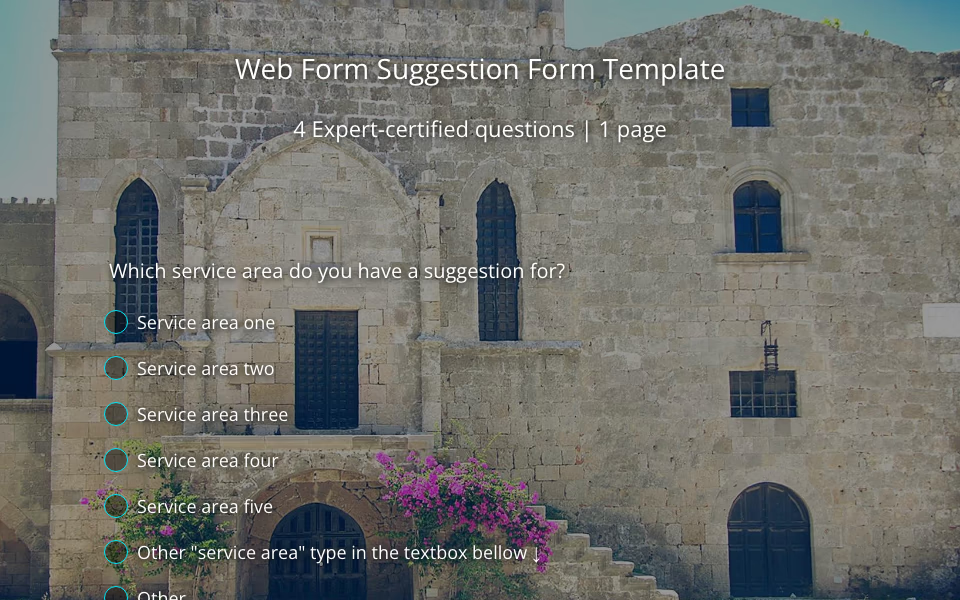 Web Form: Suggestion Form Template Ever wonder what your employees or customers are really thinking? Spoiler alert: they have thoughts. And they’re usually more than happy to share them—you just need to give them the right space to do it. That’s where our suggestion form template comes in.
 -
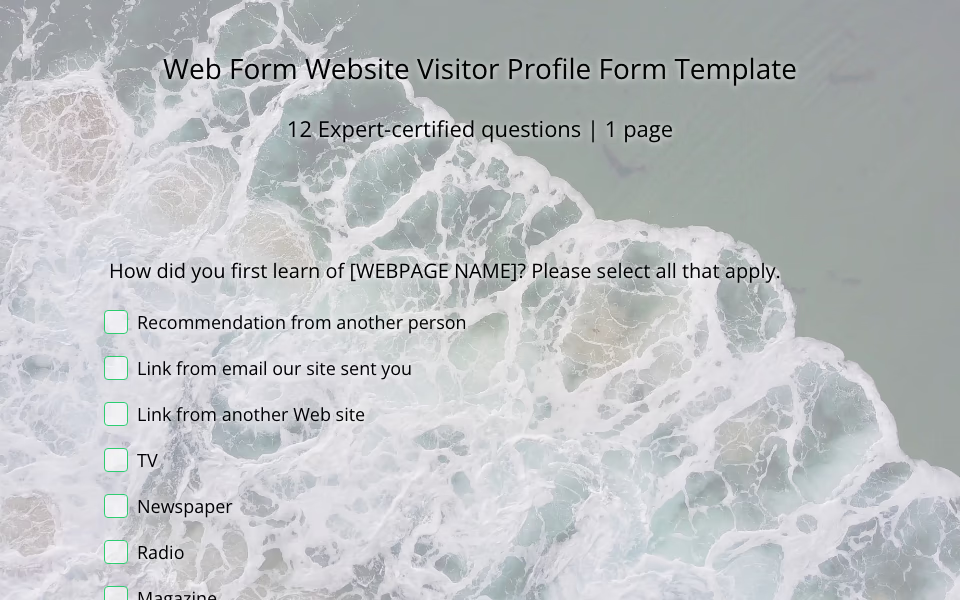 Web Form: Website Visitor Profile Form Template Your website looks great. Your content is on point. Your services are solid. But let’s ask the real question—who’s actually stopping by? That’s where the magic of a website visitor profile form comes in.
 -
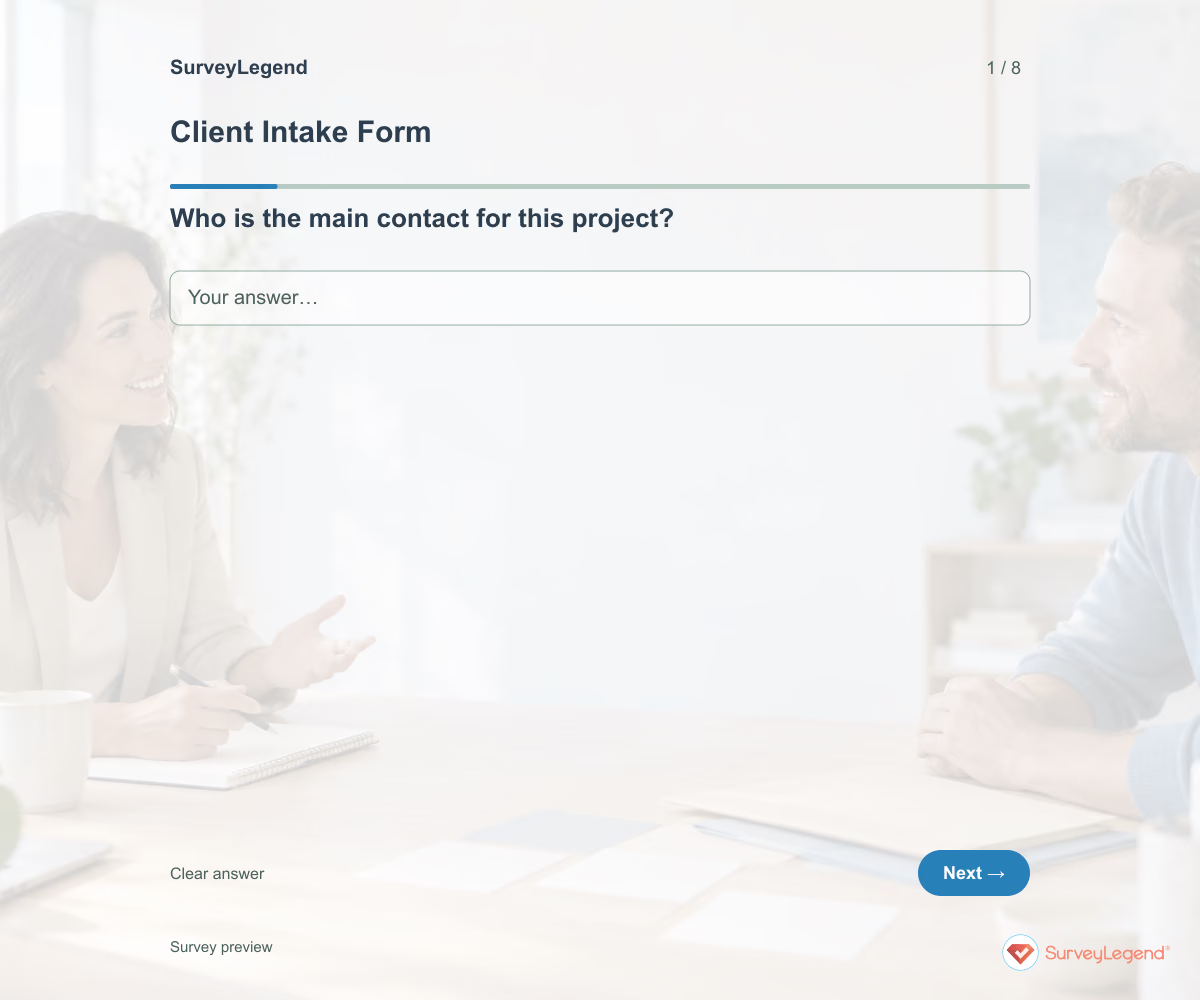 Client Intake Form Template Use this client intake form template to collect the details you need before starting a service project. It brings together the client’s goal, requested work, deadline, available materials, and main contact. Adapt it in SurveyLegend to prepare a more focused kickoff conversation and identify missing information early.
 -
 Lead Generation Form Template Use this lead generation form template to find out who wants to hear from your business, what they need, and when they hope to get started. The fields give your team enough context for a useful first reply. Customize the form in SurveyLegend for a service inquiry, consultation request, or product conversation.
 -
 Newsletter Feedback Form Template Use this newsletter feedback form template to learn what readers find useful and what they would change. It asks about recent reading, topic relevance, frequency, and the ease of finding something worth their time. Create the form in SurveyLegend before planning the next run of editions.
 -
 Support Request Form Template Use this support request form template to understand what a customer was trying to do, what happened, and how the problem affects them. The fields help your team ask fewer avoidable follow-up questions. Create your form in SurveyLegend and connect it to a support process your team can monitor.
 -
 Feature Request Form Template 'Add an export button' describes an idea. Understanding what someone needs to export, why, and what happens today gives the team a problem to investigate. Keep that context attached to the suggestion.
 -
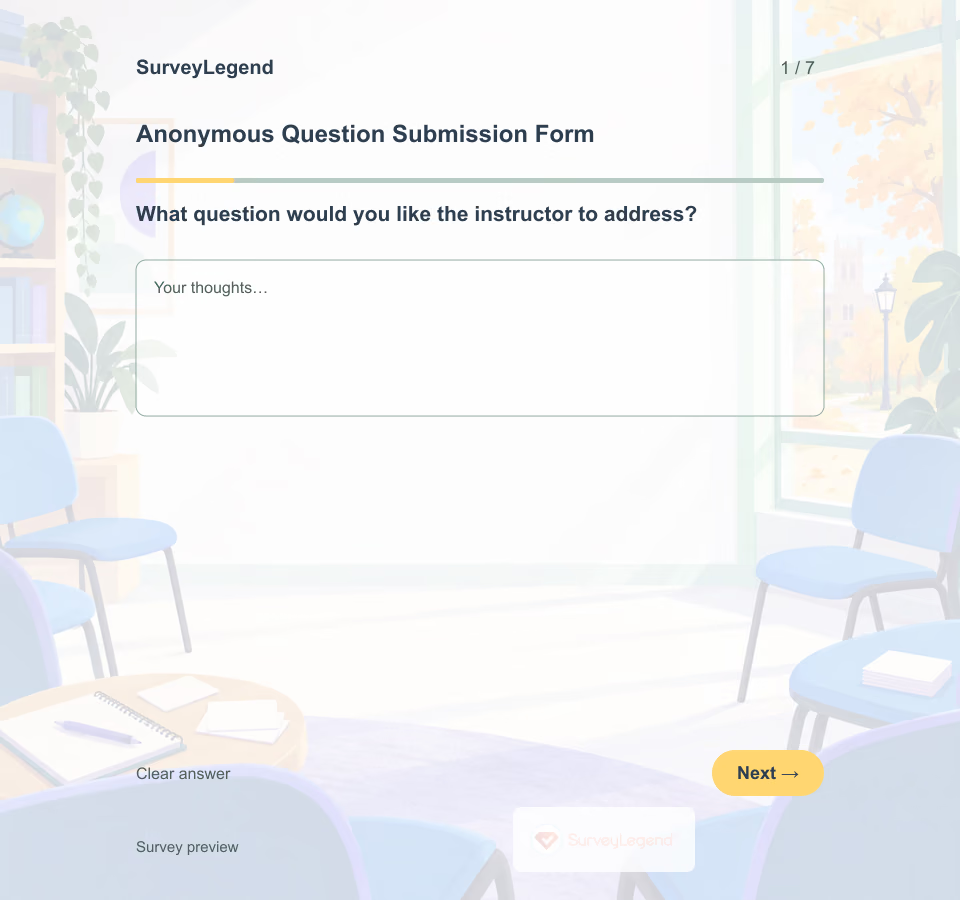 Anonymous Question Submission Form Template An anonymous question submission form gives students a way to send questions without a name field. This example is designed for one college class discussion, with the main question first and six optional fields that help an instructor prepare. Name the session and collection deadline in the invitation. Before describing the actual collection as anonymous, verify the form settings, access arrangements, and any identifying information in responses.
 -
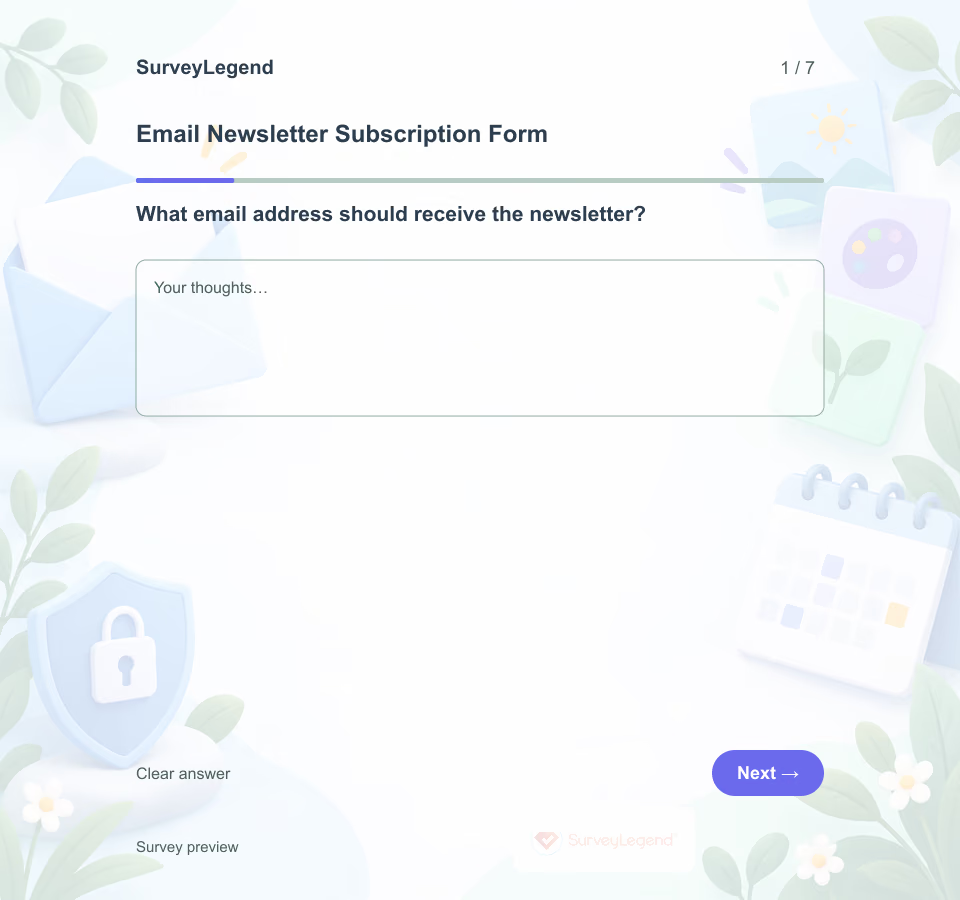 Email Newsletter Subscription Form Template An email newsletter subscription form records a person's request to receive a named newsletter. A trustworthy version separates the address from the consent choice, explains what will arrive and avoids collecting preferences that will not actually be used.
 -
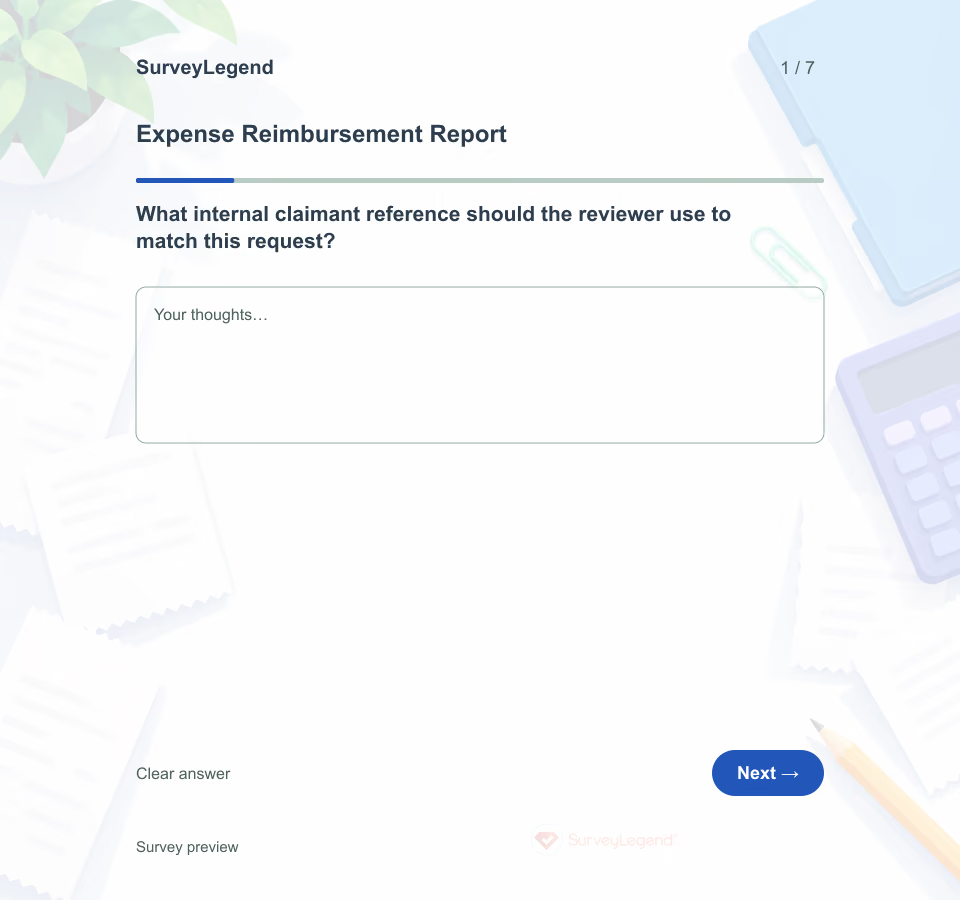 Expense Reimbursement Report Template Use this SurveyLegend example to prepare a request for review. Keep one expense in each response so the date and amount refer to the same transaction. The organization's policy determines what supporting information is needed and who can approve payment; submitting the form does not approve a claim.
 -
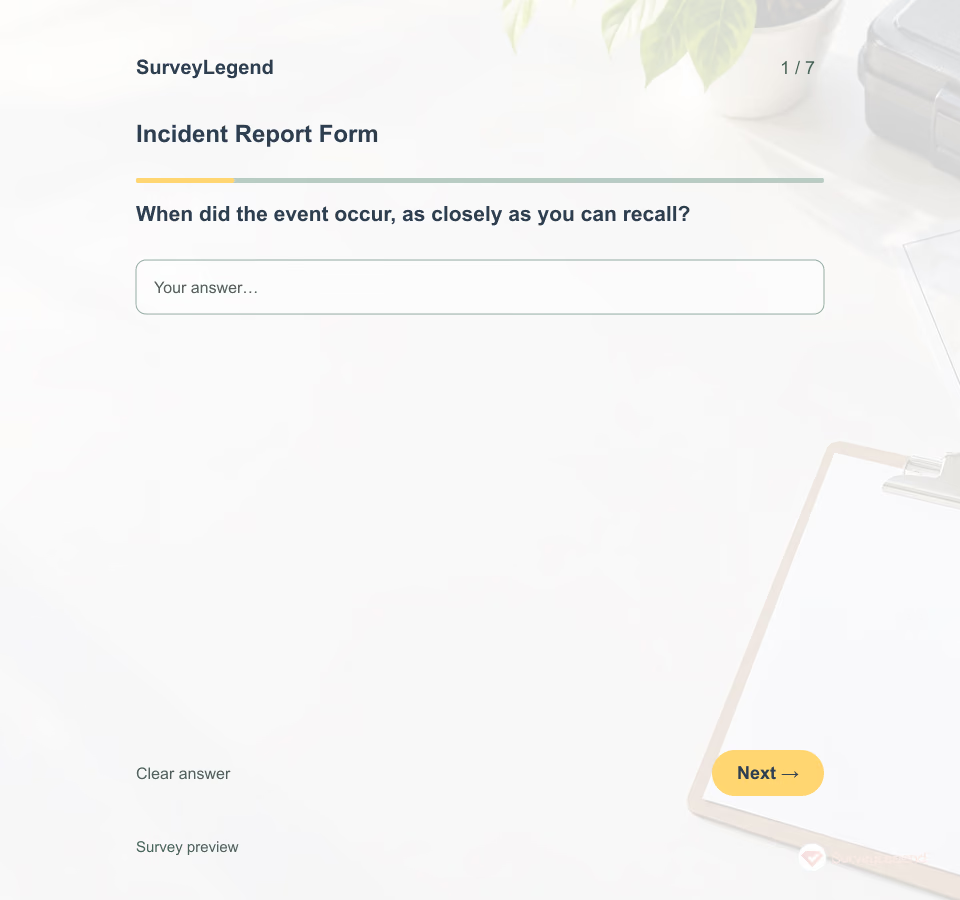 Incident Report Form Template A useful first report separates observations from assumptions. The person completing it may know the time and location without knowing the cause. Create the form in SurveyLegend and connect any real use to your organization's approved reporting process.
 -
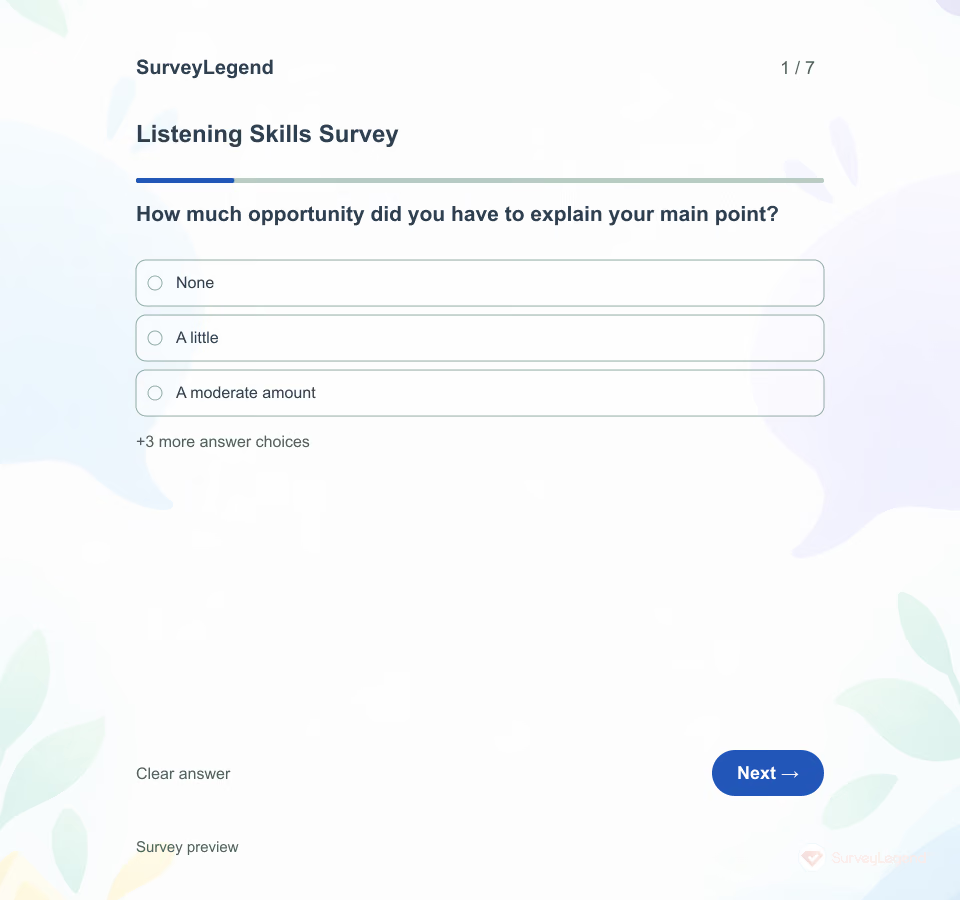 Listening Skills Survey Template A listener’s intention and a speaker’s experience may differ. This SurveyLegend questionnaire asks about one defined conversation so the feedback can lead to a concrete change rather than a broad label about someone’s character.
 -
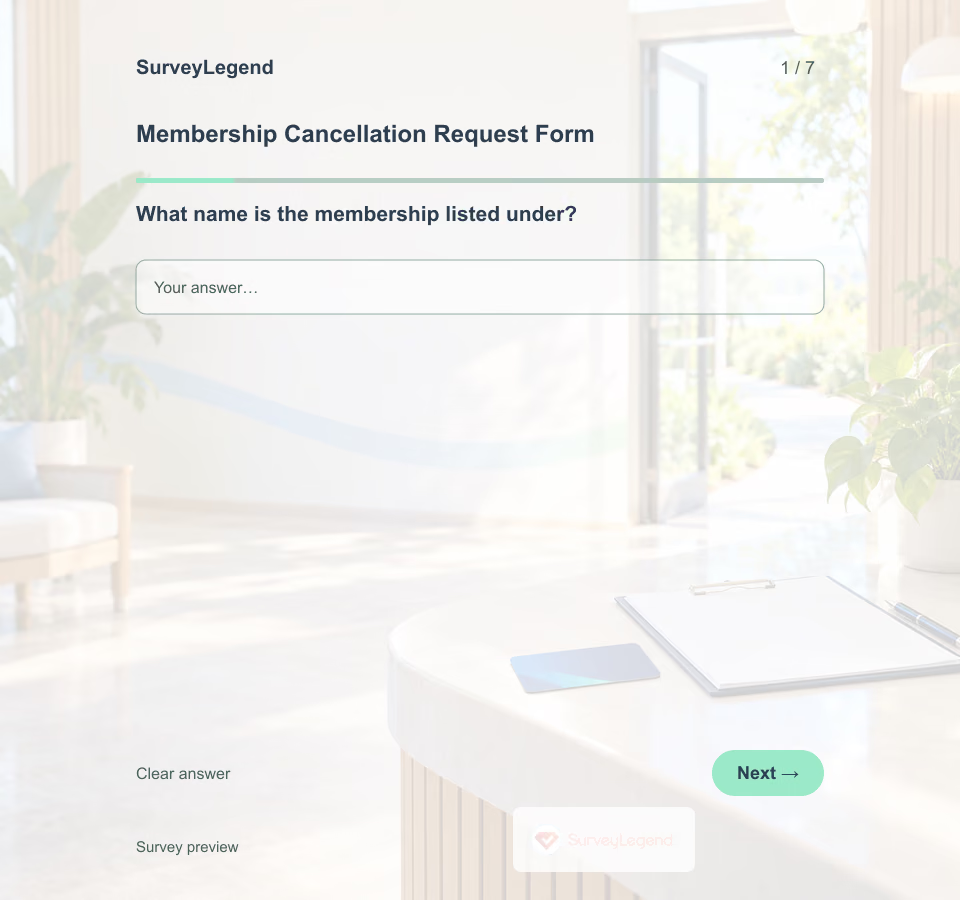 Membership Cancellation Request Form Template A clear request should be easy to route and easy to acknowledge. Use this example to plan the information your membership team actually needs, then explain how the organization will confirm the request and any next steps. Build your own form in SurveyLegend after checking the workflow.
 -
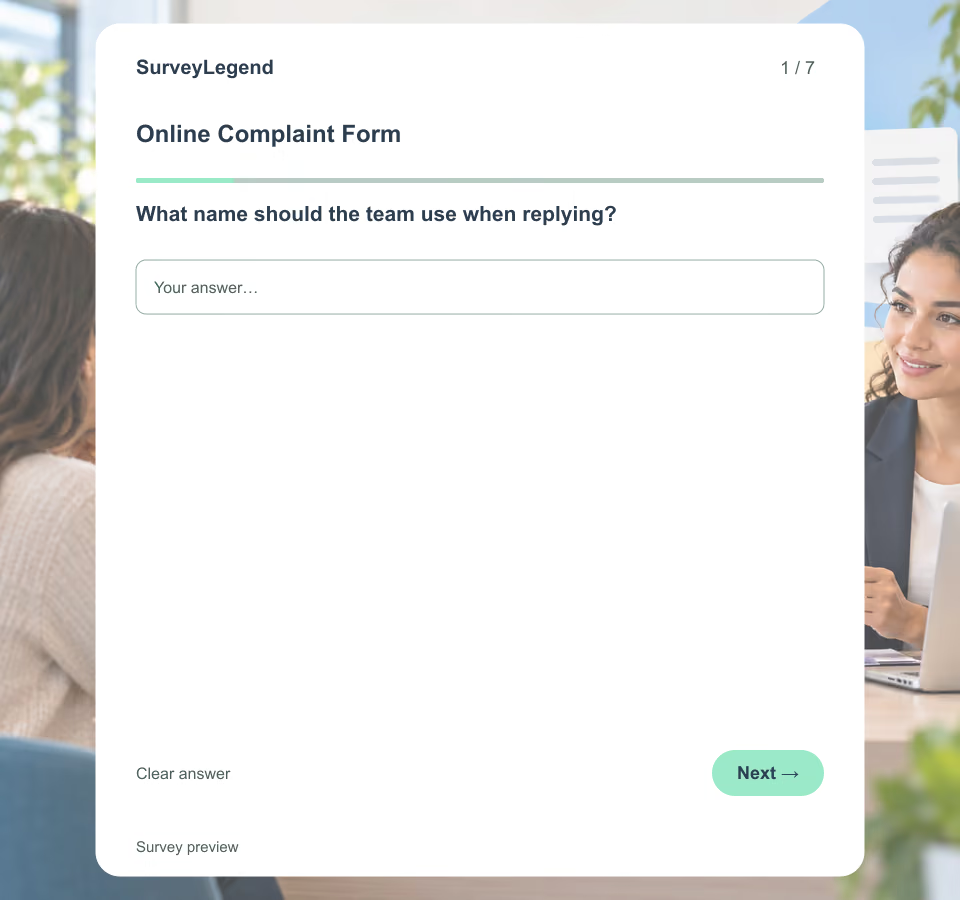 Online Complaint Form Template Publishing a form is not the same as managing a complaint. State where submissions go, when the channel is monitored, the normal response expectation and what people should do for emergencies, legal notices or urgent safety issues. Do not promise that the form creates a ticket unless that integration exists.
 -
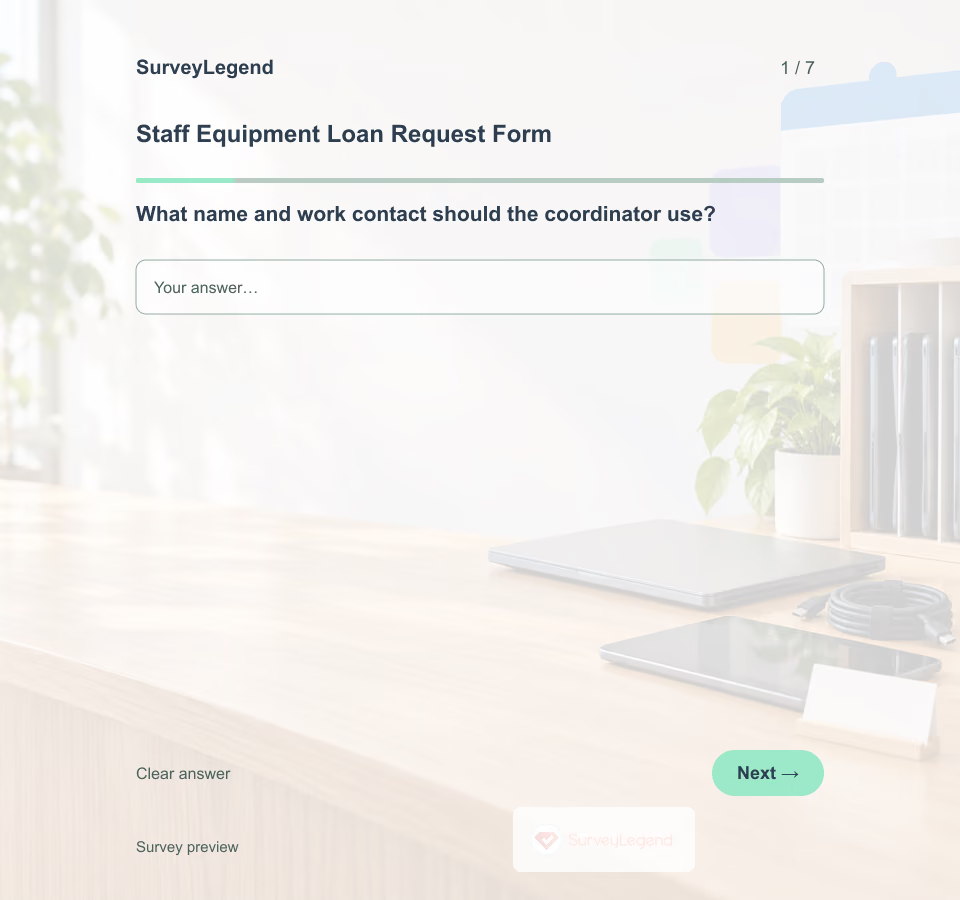 Staff Equipment Loan Request Form Template A request for “a laptop” may leave the coordinator guessing about software, accessories, or timing. Build the request form in SurveyLegend so the team has enough context to discuss a suitable item before making a reservation.
 -
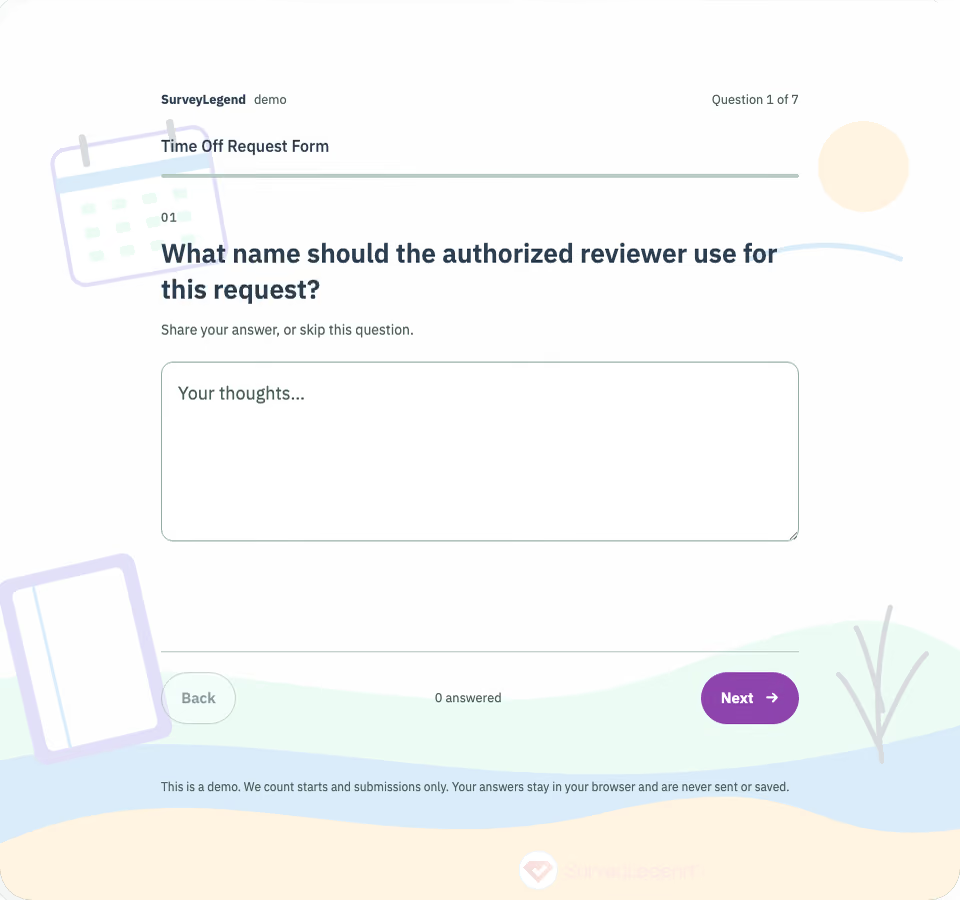 Time Off Request Form Template A useful request form makes the absence period clear and tells the employee what happens next. This SurveyLegend example provides seven optional fields for planned routine time off. Adapt it to the workplace's approved process before collecting real requests; submitting the public demo does not notify a manager or approve leave.
Free survey maker
Start creating surveys today for free
Create and bring your ideas to life with the survey tool used by people all over the world.
Ready to collect better research data?
Create academic surveys and questionnaires from ready-made templates.