

Design Feedback Survey Template
Review one named design version with seven optional questions about intended purpose, clarity, priority areas, strengths, improvements, and the next decision.
Review one named design version with seven optional questions about intended purpose, clarity, priority areas, strengths, improvements, and the next decision.
Turn design reactions into an actionable review
A design review is more useful when every respondent sees the same version, knows the intended audience and task, and separates observation from personal taste. This template helps a designer, product team, or client collect structured feedback on one supplied Design A before choosing what to refine or test next. Add the design as the shared review stimulus; do not treat decorative page art as the design being evaluated.
Why use a design feedback survey?
Structured feedback can surface differences between what a design intends and what reviewers perceive. In a 2025 design-education study, Chen and Mouchrek reported that feedback was most impactful when students had timely opportunities to apply it in settings supporting “clarity, reflection, and dialogue”. Read the design critique study . The study concerned undergraduate studio critiques and does not validate this questionnaire or show that responses predict design success. This original template applies the narrower practical idea of clear, reflective dialogue to one design review.
Design feedback survey questions
Use the same supplied Design A, intended audience, and intended task for every respondent. All seven questions are optional and always visible.
A little feedback. A clearer picture.
Explore this 7-question example at your own pace. Every question is optional.
Design Feedback Survey
Thank you for trying the survey!
You’ve tried the template from the respondent’s side. Make it your own with SurveyLegend.
Create your own surveyChecking submission availability…
This is a demo. We count starts and submissions only. Your answers stay in your browser and are never sent or saved.
Activity · no starts yet
How to customize this design feedback template
Identify the exact version as Design A and supply it separately in a consistent format. State the intended audience, intended task, design stage, decision owner, feedback deadline, and what is still open to change. Invite people who can review the design from a relevant perspective, and explain how comments will be used. Claim anonymity only when the collection and review process truly supports it.
Keep the review focused on one version. If the decision is between multiple propositions, use concept testing instead. For practical preparation ideas, read the design feedback guide . Avoid collecting names or sensitive details unless they are necessary, offer an accessible response route, and separate urgent accessibility defects from general preference comments.
Printable design feedback questionnaire
A printable version can support an in-person critique when every reviewer receives the same Design A and task statement. The printable PDF contains the same seven optional questions, selection circles, and writing space. It does not include example answers, scores, or an approval certificate.
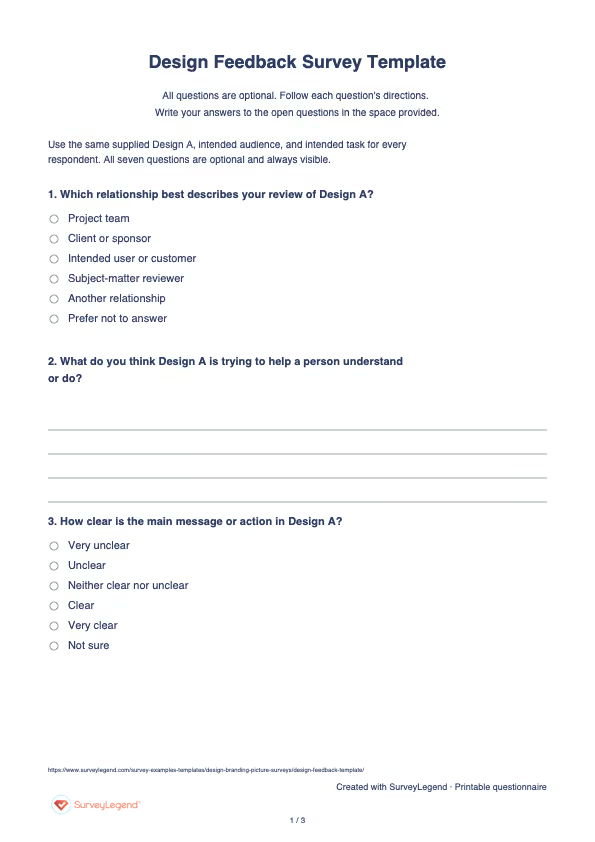
 Download the printable design feedback questionnaire
 Create this survey with an AI prompt
Copy this prompt into an AI assistant to draft the questions. Review the draft, then build and customize the survey in SurveyLegend before sharing. Check every field, answer option, and privacy statement against the template.
AI prompt for a design feedback survey
Copy the prompt into an AI assistant to draft the questions, then build your survey in SurveyLegend.
Already have an account? Sign in to create your survey.
How to interpret design feedback
Review each question separately rather than producing a single design score. Start by comparing question 2 responses with the stated purpose; group recurring interpretations without ranking respondents. Then examine clarity and the first area to review. Code the strengths and change requests into specific themes, preserve credible counterexamples, and distinguish defects from preferences. Compare reviewer relationships only when groups are large enough to protect privacy. Use the final question to choose a documented next step. A survey response can inform a design decision, but it cannot by itself certify usability, accessibility, or readiness to launch.
Frequently asked questions
Does this template compare two designs?
No. It reviews one supplied Design A. Use a concept-testing or visual-preference task when respondents must compare alternatives, and define a separate decision rule before collecting responses.
Is this a validated usability or accessibility measure?
No. These are original practical questions, not a validated scale, usability benchmark, or accessibility audit. Pair the survey with appropriate testing and expert review when the decision requires them.
Who should answer a design feedback survey?
Choose reviewers whose relationship to the design helps the decision: intended users for comprehension or task fit, clients for requirements, subject-matter reviewers for accuracy, and project-team members for constraints. Do not mix perspectives without recording enough context to interpret them responsibly.
-
 Logo Design Questionnaire Template Our mobile-ready surveys look gorgeous on any device! Scan the QRC to preview this one on your smartphone.
 -
 User Experience (UX) Survey Template If people do not enjoy using your product, they will not keep using it, no matter how clever the code or sleek the design, user experience is everything. That is why understanding the user experience has become essential for UX designers, interaction designers, and app developers everywhere. Surveys offer valuable insights into how users feel, what they expect, and how they behave, giving you a clear path to improvement before launch.
 -
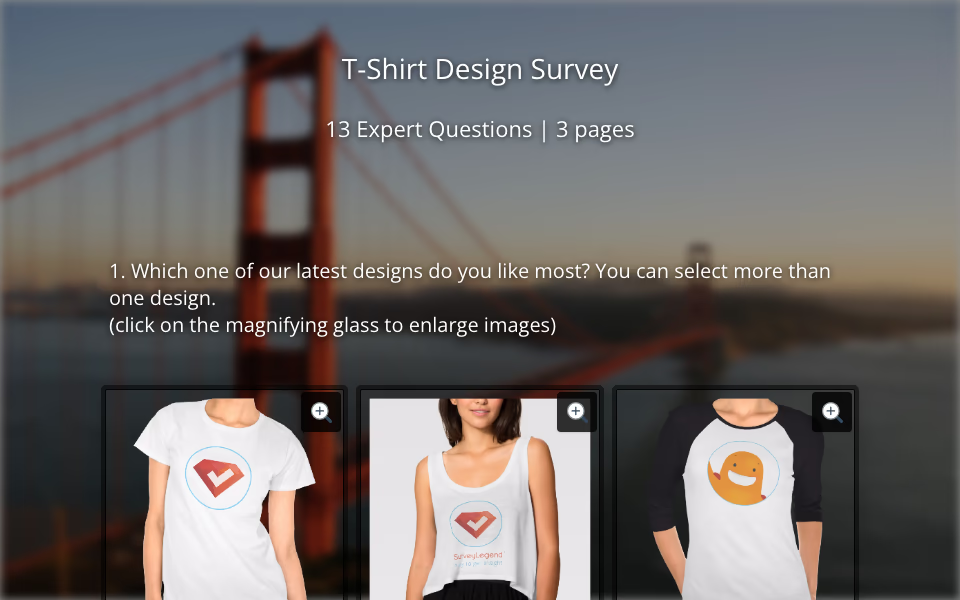 Product: T-Shirt Design Survey Template If you want your t-shirt designs to actually sell, you need more than just creativity—you need data. Whether you’re a fashion entrepreneur, apparel brand, or student working on your next clothing line, understanding your customers is what sets great designs apart from guesswork.
 -
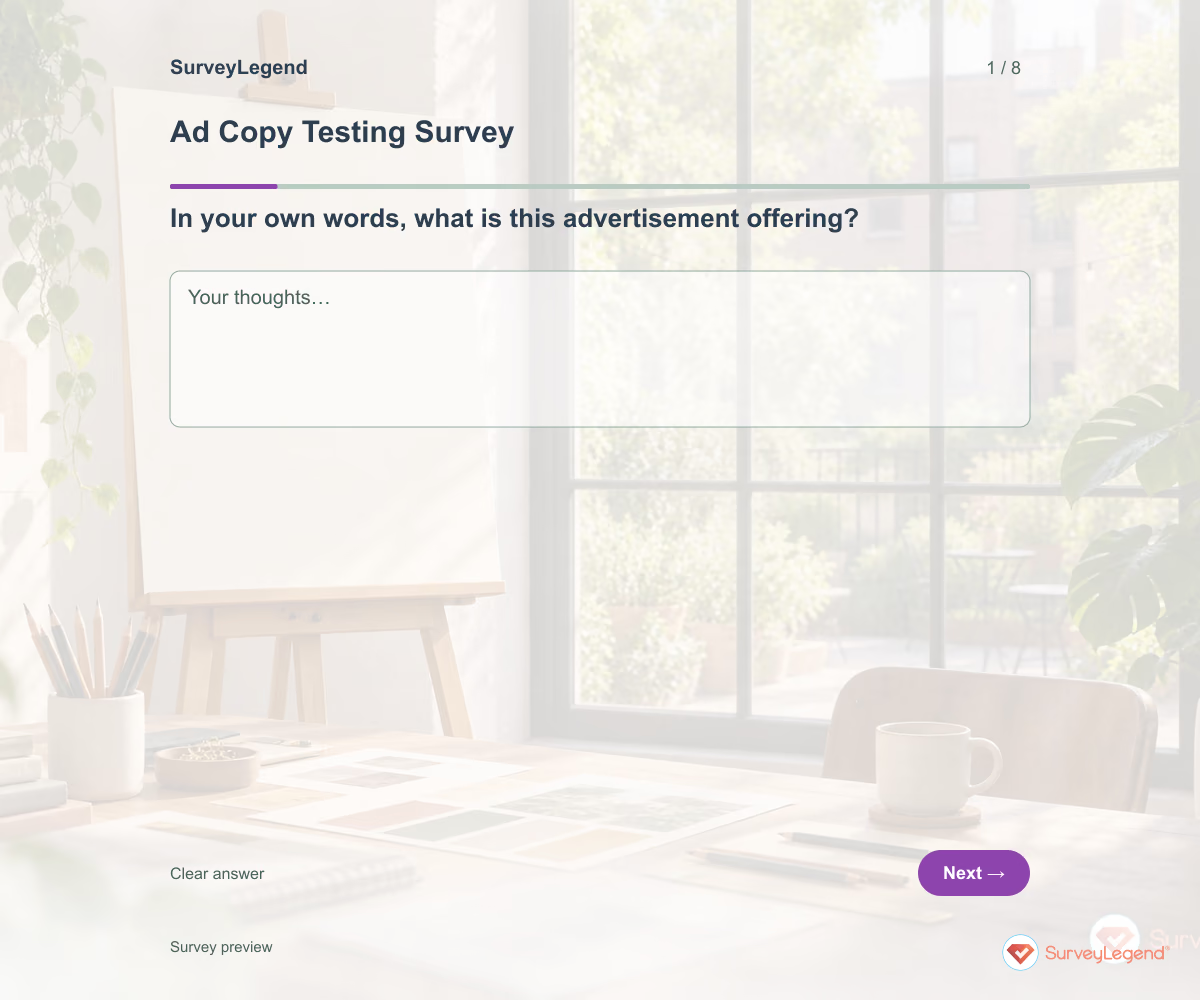 Ad Copy Testing Survey Template Use this ad copy testing survey template to learn what people understand from your advertisement before you launch it. Eight questions explore the message, its relevance, its credibility, and the next step the ad suggests. Add your creative to the questionnaire in SurveyLegend, then ask people from the intended audience to respond in their own words.
 -
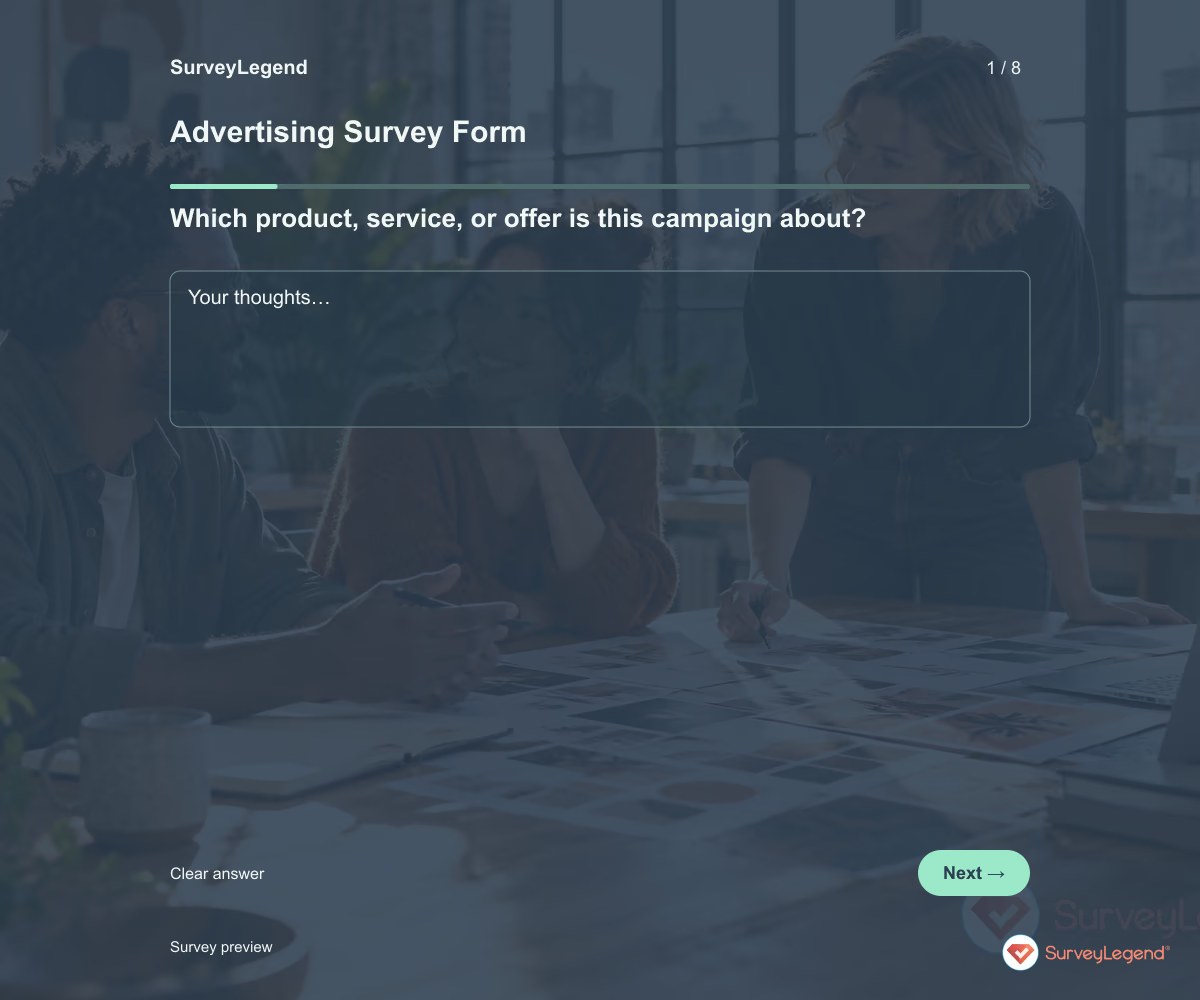 Advertising Survey Form Template Use this advertising survey form template to collect the information you need before planning a client's campaign. The eight fields cover the offer, audience, objective, channels, budget planning, and success criteria. Customize the form in SurveyLegend, then use the answers to prepare a focused briefing conversation.
 -
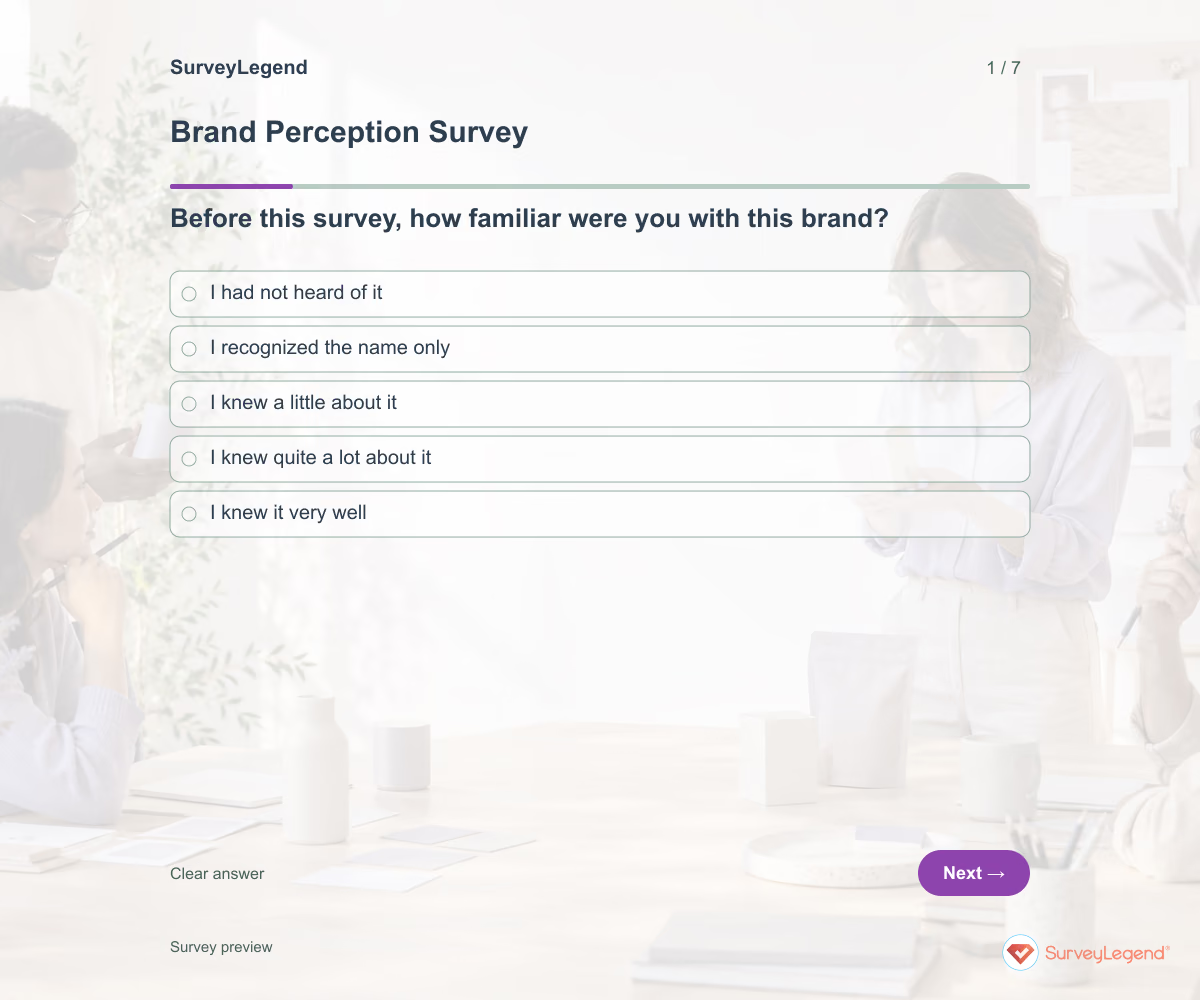 Brand Perception Survey Template Use this brand perception survey template to learn what your brand brings to mind and what experiences shape that impression. It asks for unprompted associations before specific evaluations. Create the survey in SurveyLegend to understand whether your intended positioning matches how people actually describe your business.
 -
 Concept Testing Survey Template Use this concept testing survey template to learn whether people understand a proposed idea and see a useful role for it. The questionnaire covers comprehension, relevance, current alternatives, and unanswered questions. Adapt it in SurveyLegend before investing in a product or service that your audience may interpret differently than you expect.
 -
 Logo Testing Survey Template A design team knows what a logo is meant to communicate. Customers may see something else. Start with their own descriptions, then ask about specific qualities so your explanation does not supply the answer.
 -
 Name Testing Survey Template A name can sound right in a meeting and mean something very different to a customer. Collect an unprompted reaction before explaining the product. That sequence helps you see what the name communicates on its own.
 -
 Package Testing Survey Template Good-looking packaging still has a job to do: help people understand the product. Start with what a person can identify from the mockup, then explore visual appeal and missing information.
 -
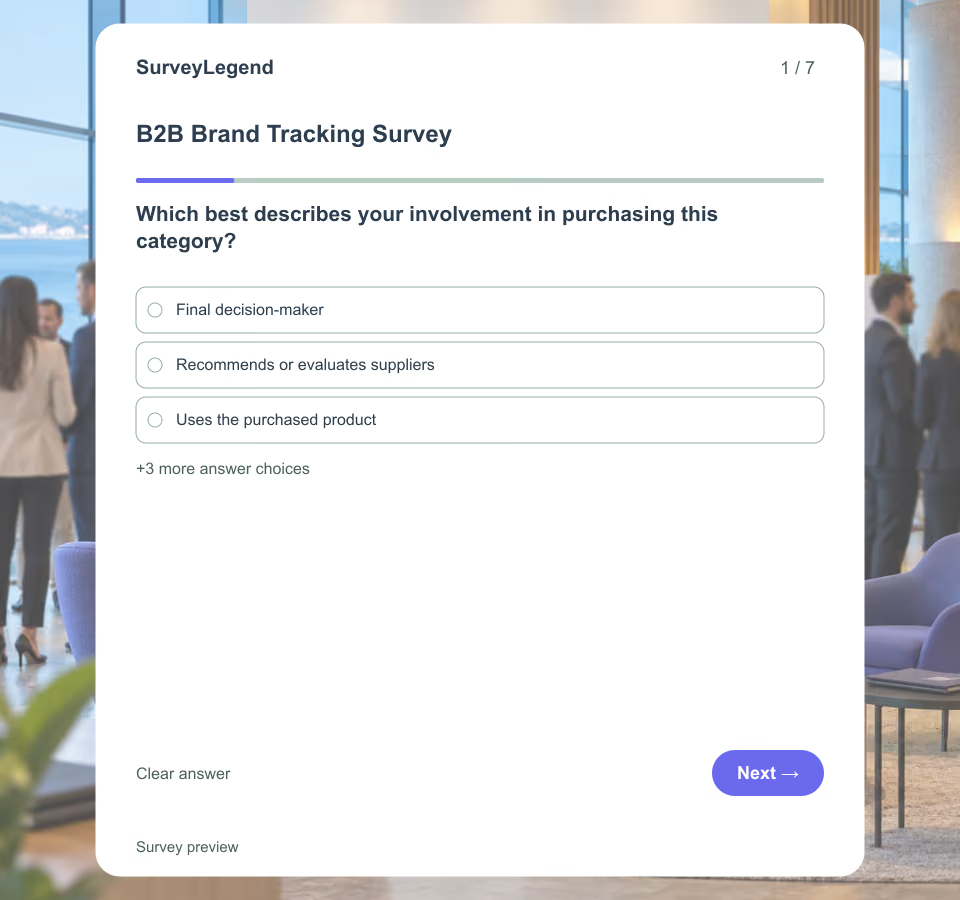 B2B Brand Tracking Survey Template A recognizable supplier name may still be absent from a buyer's shortlist. SurveyLegend helps marketing teams ask the same category-specific questions at regular intervals and learn where recognition stops short of consideration.
 -
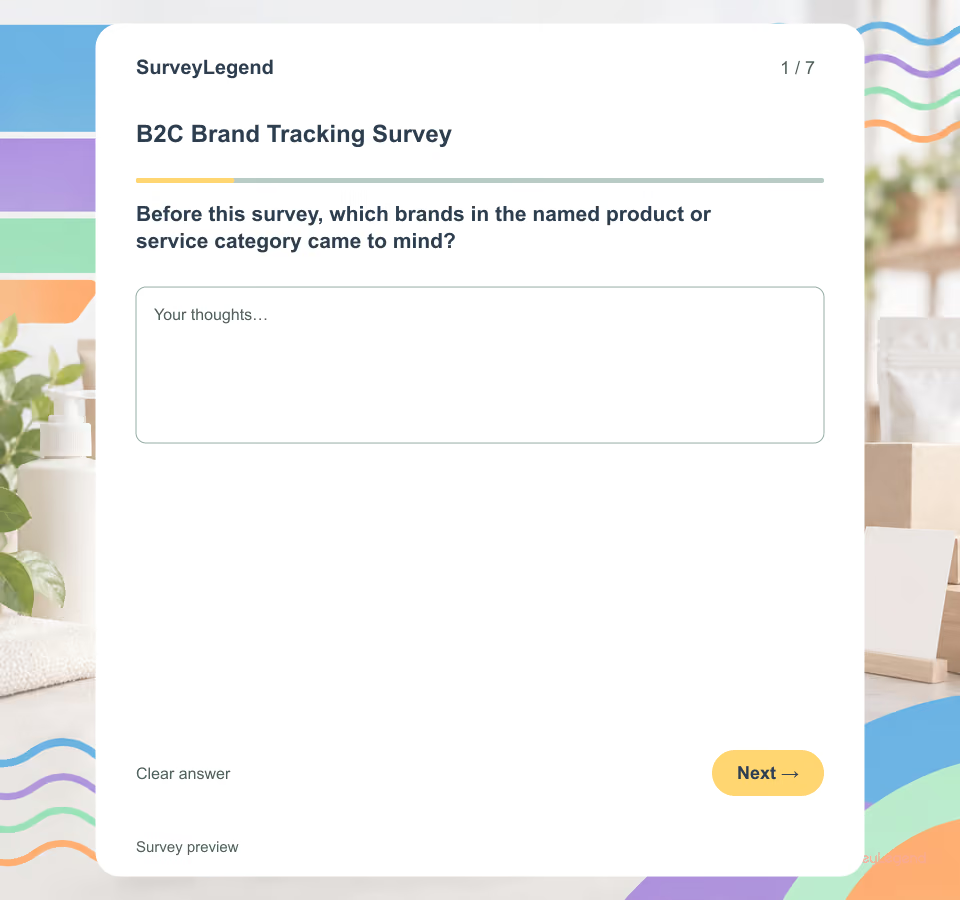 B2C Brand Tracking Survey Template A tracking survey is valuable only when each wave measures the same task in a comparable way. This template begins with unaided recall before revealing the tracked brand, then moves through familiarity, consideration or use, the source shaping perception, comparative value, future consideration, and one barrier. Explore related [design templates](https://www.surveylegend.com/survey-examples-templates/design-branding-picture-surveys/) when the research task concerns creative work or another branding decision.
 -
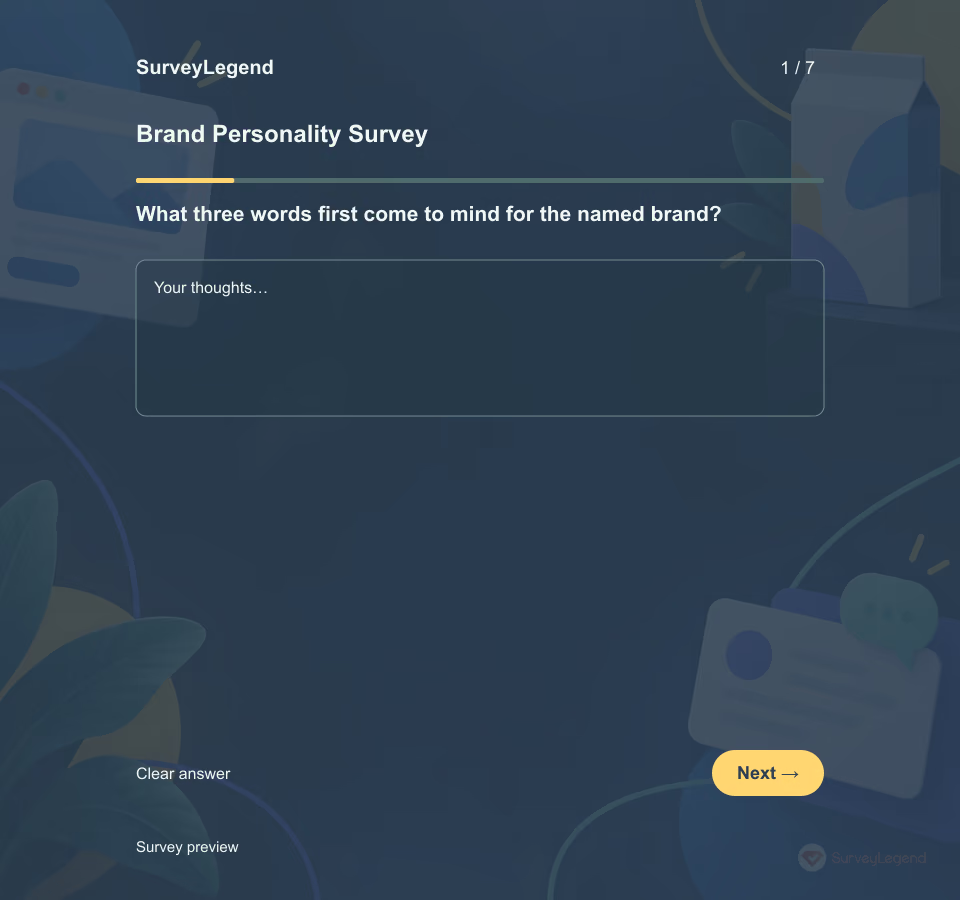 Brand Personality Survey Template Use this template with people who know the named brand through a recent product, service or communication touchpoint. It narrows the task to traits and consistency. For wider associations, experiences and information gaps, use the brand perception template.
 -
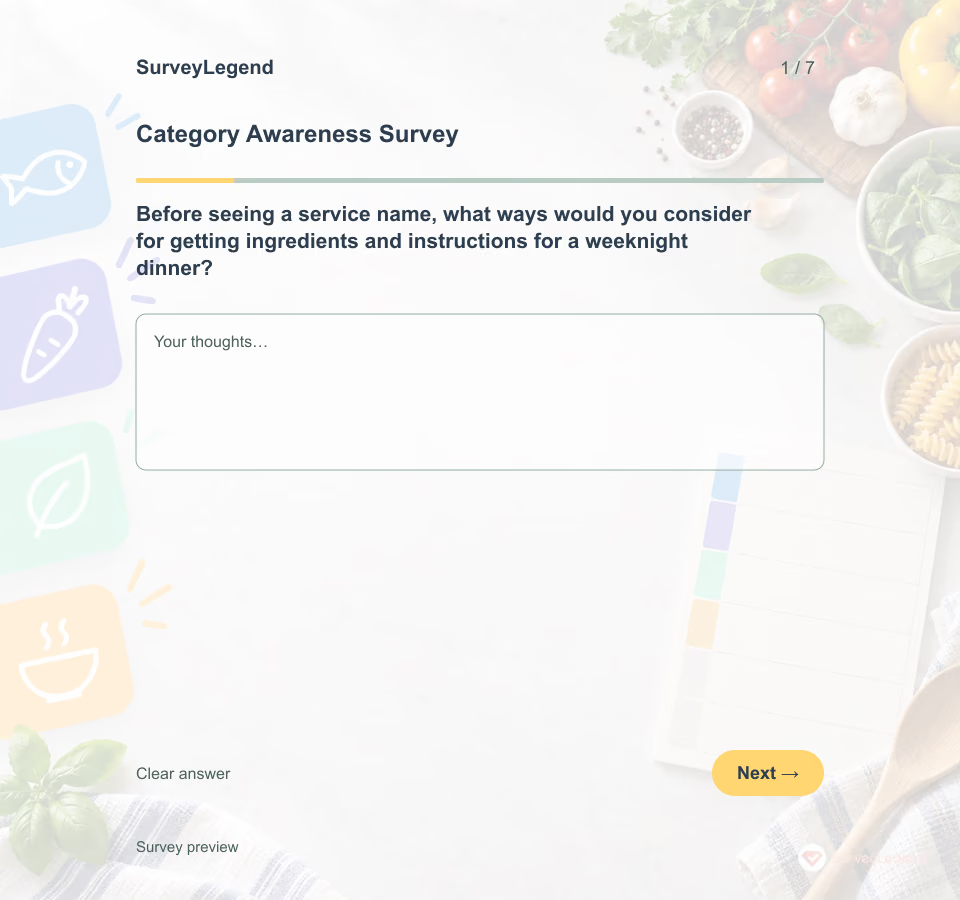 Category Awareness Survey Template The demo uses meal-kit delivery as a category, not a particular company. First, respondents describe how they would get ingredients and instructions for a weeknight dinner. Only then does the survey introduce “meal-kit delivery.” That order separates unaided solution routes from aided term recognition. In two category-structure studies, Nedungadi, Chattopadhyay and Muthukrishnan (2001) found that supplying structure affected recall and memory-based choice; their abstract says “provision of structure increases brand recall.” Read the university abstract. The studies did not validate this SurveyLegend questionnaire or show that a seven-item category survey predicts demand. Their result is a reason to record the respondent's unprompted view before supplying a category label.
 -
 Competitive Differentiation Survey Template A claimed advantage may not be a difference buyers recognize. SurveyLegend helps a product or marketing team separate familiarity with alternatives from the attributes people actually use to compare them.
 -
 Fabric Color Poll Template A fabric color poll tests clearly labeled swatches in one product context. It helps distinguish the strongest colorway from the color that merely looks best on a particular screen. For adjacent needs, explore logo testing and visual templates.
 -
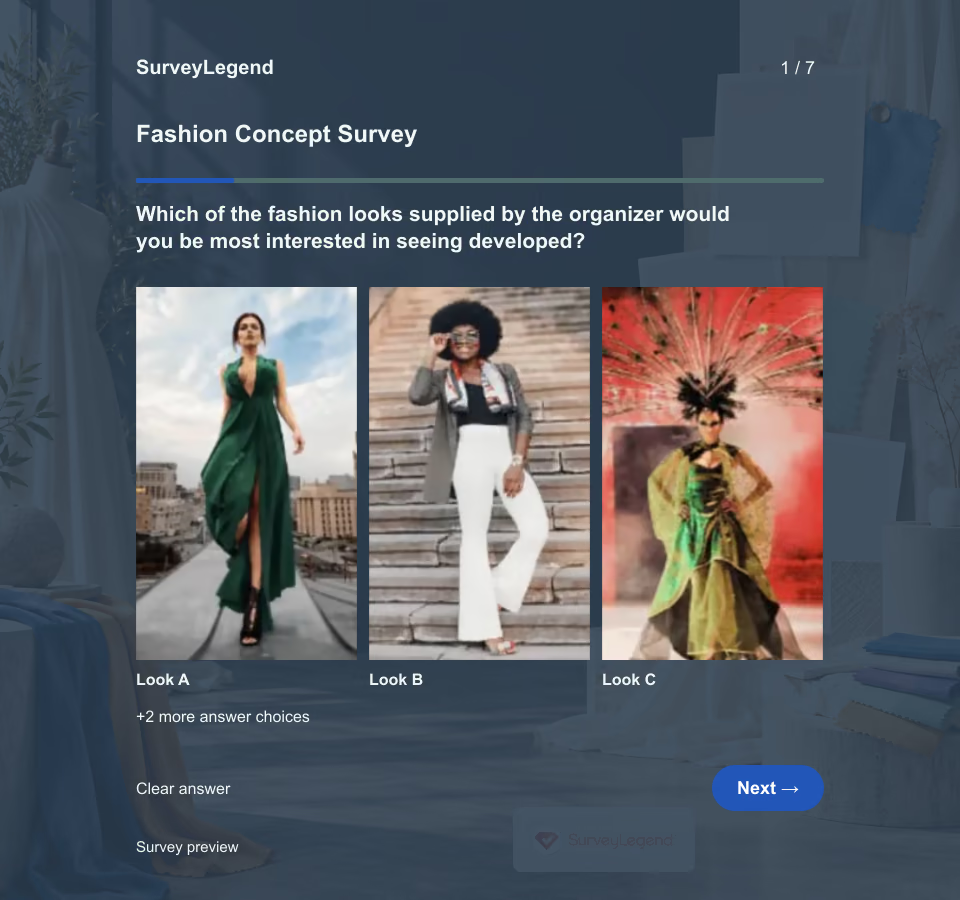 Fashion Concept Survey Template A preferred look is only the start. Ask what the concept would be used for, which visual cue mattered and what information is still missing. This questionnaire supports a design review; it does not forecast sales, fit or production quality.
 -
 Favorite Poster Voting Template A favorite poster vote collects a choice plus the reason it works for the intended audience. It is especially useful when a team has two or three finished routes. For adjacent needs, explore logo testing and design templates.
 -
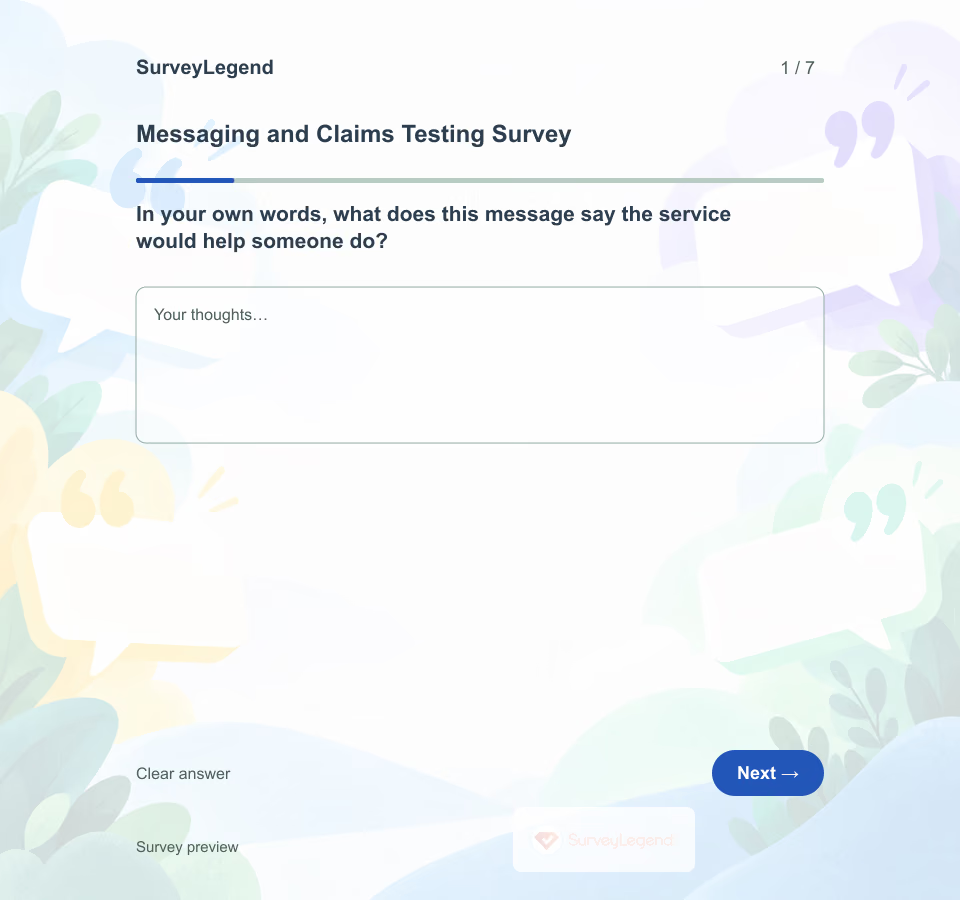 Messaging and Claims Testing Survey Template A message can sound clear to its writer while suggesting something different to a reader. This SurveyLegend questionnaire asks for an unprompted explanation before showing rating questions, so the first response is not shaped by a list of intended benefits.
 -
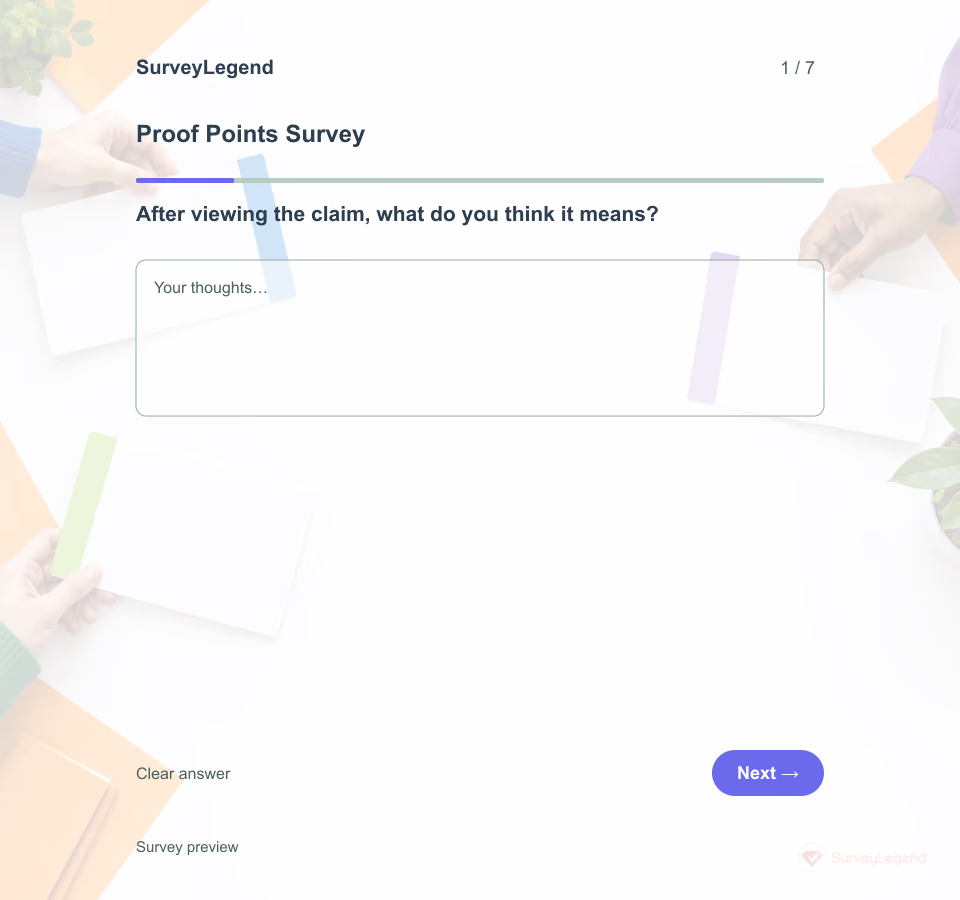 Proof Points Survey Template This survey compares accurately sourced proof points supporting one claim. It tests comprehension and perceived credibility, not whether a claim is true. Explore related logo testing and design templates.
Free survey maker
Start creating surveys today for free
Create and bring your ideas to life with the survey tool used by people all over the world.
Ready to collect better research data?
Create academic surveys and questionnaires from ready-made templates.