

What is a Multilingual Survey?
A multilingual survey, also known as a dual language survey, enables respondents to answer survey questions in their preferred language. Multilingual surveys enable respondents to select their preferred language, ensuring each participant can use their selected language or their native language. Multilingual surveys can be used to reach respondents across the globe or to reach respondents in an area where many languages are spoken. For example, in the U.S., California is the most linguistically diverse state, with more than 220 languages spoken. So, if you’re looking to survey Californians, simply sending a survey in English will not paint an accurate picture when it comes to representation.
To create surveys in different languages, most survey makers will reach out to native speakers of the languages in which they wish to survey to have them perform a survey translation. Another option is to use multilingual software that can automatically translate the survey to Spanish, French, Arabic, and so on. Today, Google Translate can accommodate more than 100 different languages! Then, it’s just a matter of finding the best multilingual survey tool for creating surveys in different languages.
5 Benefits of Multilingual Surveys
Philosopher Ludwig Wittgenstein once wrote, “The limits of my language mean the limits of my world.” This holds when it comes to conducting a survey as well! You don’t want to limit yourself by language. Multilingual surveys are important because they help you reach a significant portion of your audience, ensuring more inclusive and accurate data collection. Following best practices for multilingual surveys also improves engagement and the quality of your insights. So, here are the top five benefits of creating multilingual surveys.
1. Greater Quantity of Data
For every language you use in your survey, you increase your chances of collecting more data, which also means you can gather more customer feedback from diverse groups. And, the easier you make it for respondents to express their opinions, the more data you will collect!
2. Greater Quality of Data
With a multilingual survey, respondents can answer questions in the language they are most comfortable with. This improves the accuracy of data. Using a single survey for all languages ensures consistency in data collection and analysis. And, because using multiple languages helps you reach a larger group of people, your results will portray a more accurate reflection of the entire population.
3. Lower Drop-off Rates
There will always be some people who agree to take a survey but drop out while taking it. However, if they’re trying to take a survey in their second language and don’t understand the questions, they’re more likely to become frustrated and quit the survey. Providing different language options can help reduce drop-off rates by making the survey more accessible.
4. Better Relationship Building
When respondents see that you’re willing to take the time to perform survey translation to accommodate them, they’re more likely to react favorably and participate in your surveys in the future. Additionally, organizations can provide their own translations to further personalize the survey experience and ensure that content is tailored to their audience’s specific language needs.
5. Faster Survey Results
The better a participant understands your survey questions, the quicker they can complete the survey. This provides you with faster survey results, which allows you to get to data analysis that much quicker. Having all your responses consolidated in one place further streamlines the analysis process, making it easier to review and report on your data efficiently.
Survey Design Considerations for Multilingual Surveys
Designing a multilingual survey goes beyond simply translating words—it’s about creating an inclusive experience for every respondent, no matter which language they speak. Start by choosing a survey tool that supports multiple languages and allows you to set a default language that matches the primary language of your target audience. Always give respondents the option to select their preferred language at the beginning of the survey, so they can participate in the language they’re most comfortable with, whether that’s their native language or a second or third language.
When crafting your survey questions, consider the cultural contexts of each language group you’re targeting. Translation software, such as Google Translate, can help you automatically translate your survey content, but it’s important to review these translations for accuracy and cultural appropriateness. Idioms, humor, and certain phrases may not translate well, so always double-check that the intended meaning is preserved in the translated text.
Additionally, design your survey to be flexible for respondents who may not be fluent in the survey’s default language. For example, provide a clear language selector or allow respondents to switch languages at any point. This ensures that everyone can understand and respond to your survey questions, leading to more accurate and meaningful data from all language groups.
Translation Options for Multilingual Surveys
- Automatic translation: Tools like Google Translate can quickly translate your survey content into multiple languages. This is a fast and cost-effective way to reach a global audience, but keep in mind that automatic translation software may not always capture the nuances or context of your original text. Always review the translated text for accuracy and clarity.
- Human translation: Working with native speakers or professional translators ensures that your survey questions are translated accurately and are culturally appropriate for your target audience. While this method is more time-consuming and can be more expensive, it’s the best way to guarantee high-quality translations, especially for complex or sensitive topics.
- Existing translations: Some survey tools offer pre-translated templates or allow you to upload a translated file, such as a CSV file, for your survey. This can save time if you already have reliable translations available, but it may not cover all the languages you need or the specific context of your survey.
Often, the best approach is a combination: use automatic translation software for initial drafts, then have native speakers review and edit the translated text for accuracy. This ensures your survey is accessible in many languages and resonates with your entire target audience.
Cultural Sensitivity in Multilingual Survey Creation
Cultural sensitivity is essential when you create multilingual surveys, as language is deeply connected to culture. When translating survey questions and responses, it’s important to consider the cultural contexts of each language group you’re targeting. This means using language that is respectful and appropriate, and avoiding idioms or phrases that might be confusing or even offensive in another culture.
For example, a question that uses informal language in English may need to be more formal in Spanish or Arabic, depending on the cultural norms of your target audience. Similarly, some cultures prefer direct communication, while others value a more indirect approach. By tailoring your survey questions to fit these preferences, you’ll ensure that respondents feel comfortable and understood, no matter which language they choose.
It’s also important to provide language options that reflect the diversity of your audience. Allow respondents to select their preferred language at the start of the survey, and make sure your survey tool supports all the languages you need, including right-to-left languages like Arabic. By being mindful of cultural differences and language groups, you’ll collect more accurate and meaningful responses from all your survey participants.
Survey Deployment: Reaching a Global Audience
Successfully deploying a multilingual survey means making it easy for respondents around the world to access and complete your survey in their preferred language. Start by choosing survey tools that offer robust language options and support for multiple languages. Use features like browser language detection to automatically present the survey in the respondent’s home language, or provide a clear language selector so participants can choose the language they’re most comfortable with.
Consider the best distribution channels for your target audience—whether that’s email, social media, SMS, or embedding the survey on your website. Be mindful of time zones and cultural differences when scheduling your survey launch, especially if you’re reaching out to respondents in different countries. For example, deploying your survey at a convenient time for both Spanish-speaking and Arabic-speaking audiences can help increase response rates.
Finally, ensure your survey is accessible to everyone, including those with limited internet access or older devices. A mobile-friendly, easy-to-navigate survey design will help you reach a broader audience and collect more diverse feedback. By thoughtfully deploying your multilingual survey, you’ll maximize participation and gather valuable insights from all corners of your customer base.
Why SurveyLegend is the Best Multilingual Survey Tool
- Survey creation options. SurveyLegend lets you send separate surveys in each language, or you can create one survey for all languages and let respondents choose their preferred language. You can efficiently manage translations, including using existing translation files, and specify the survey’s default language before adding other languages for consistent localization.
- Easier promotional strategies. Our all-in-one solution makes it easier to promote your survey on different channels, e.g., email, social media, SMS, etc. All you need to do is share one survey link and let the audience choose their language.
- Sectioned data for each language. Not only do we show all your data on one analytics page but the data will also be sectioned by each language. This way, you will see how each language group responded and can compare and contrast answers. You can also filter results by language to analyze responses from other languages more effectively.
- Language-specific questioning.
Creating a Multilingual Survey with SurveyLegend
There are two different methods of creating multilingual surveys. We recommend the first method as it is easier, faster, and more flexible. However, you may choose the method that suits your survey best. Simply click on the method you prefer below for specific instructions for each.
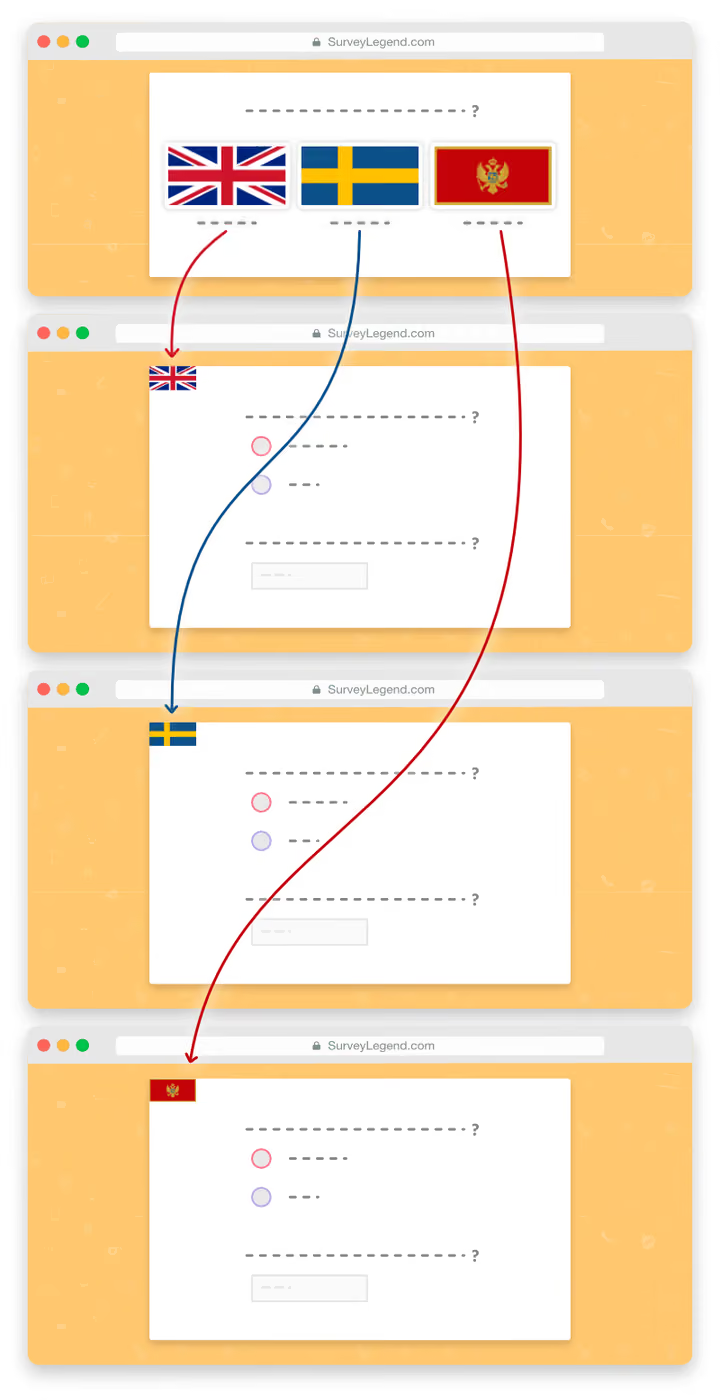
METHOD 1: Each Language in a Separate Multilingual Survey (★ Recommended ★)
This is the easiest and fastest way of creating a survey in different languages. All you need to do is to create one survey as an entry point in which respondents will choose their preferred language. The first survey will be linked to each additional translated survey. Advantages of this method:
- Easier to create and maintain. You design, customize, and set up logic flows for just one survey template. Them, simply duplicate it and translate it into different languages.
- Easier to add new languages. Every time you add a new language, you just duplicate the main survey template and link to it from the entry survey.
- Easier to keep data separated. Because each survey is intended for a unique language, collected data will be placed into distinct audience groups for further analysis.
- Different ending scenarios. Because surveys are in different languages, you can conclude them in unique ways using customized thank you pages or redirecting respondents to pages specific to their language or needs.
- Custom configurations or integrations. Each survey can have custom and individual configurations. For example, if you set up webhooks, each language can get a custom configuration. The same goes for integrating your survey with Google Sheets or other 3rd party integrations.
Step 1: Create a new multilingual survey to use as a template for other languages
Just login to your account and click on the New survey button. Here you’ll find more details about creating new surveys.
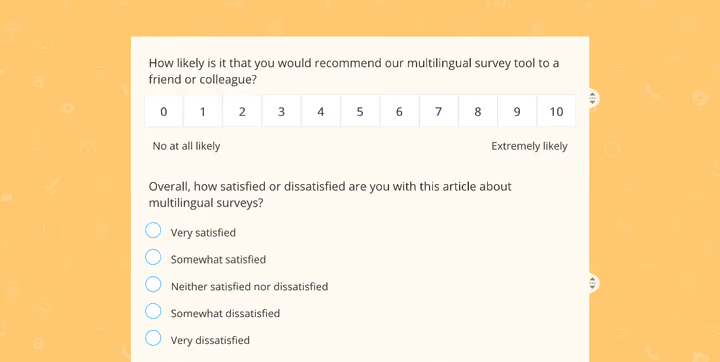
Now, start adding your questions, and if needed, customize the design or setup logic flows. For this example, we are adding only two questions, but you’re free to add as many questions as you need.
Step 2: Rename the survey
It’s important to give a recognizable name to your survey because you will need to know which one is which when looking at the list of surveys in your dashboard. To rename the survey, simply navigate to the Configure step and type a new name; for example: “Customer satisfaction survey | quarter 2 (English)”
Step 3: Duplicate the original template and translate it
Now that you have a survey template, you can easily duplicate it and translate it to a new language. The amazing thing here is that all your configurations and customizations will be duplicated as well, so all you need to do is to translate the new survey into another language. The new survey will then get a unique link. Read more about duplicating surveys here.
Repeat the process for each one of the languages and don’t forget to rename the surveys properly.
Step 4: Copy and save the survey links
When you duplicate a survey, our system will assign a new unique link to it. Now, go to the share step of each survey one by one, and copy and save their links in a text file. You will need to redirect to these links from a new survey that you’ll make next.
Step 5: Create a new questionnaire in which respondents choose their preferred language
In this survey, you need to add an initial question that lets respondents choose their preferred language. To do this, drag in a question type called Picture selection from the left panel where all question types are presented. This will give your survey a more beautiful look, but most importantly, it will make it easier and faster for your respondents to find their preferred language amongst all offered languages.
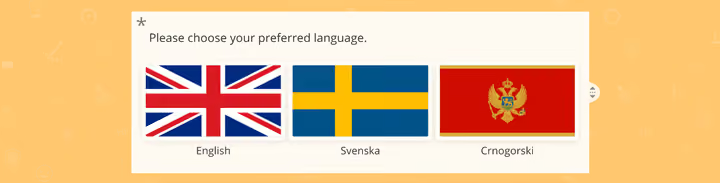
Next, you need to choose flags that represent the language you need from our flag list at the bottom of this post. Then, upload it to your Picture Selection question and name each choice respectively.
Step 6: Adjust these important settings for your initial question
This initial question will be used to let respondents choose which language they want to take this survey in. Therefore, it’s crucial to adjust these question settings and make sure they are correct.
Make the question compulsory
It’s very important to make answering this question a requirement! Otherwise, your respondents can bypass this question and see the rest of the survey in different languages. By making the answer required, respondents cannot continue to the rest of the survey and must select a language.
Answer is required 
Adjust the layout
Make sure that the layout settings are correct. Preferably, you want to set the aspect ratio of the pictures at 6:4 or 16:9 so items look more like real flags. You can also adjust the number of pictures per row to the number of languages.
No zoomable / enlargeable images
Make sure that the “Zoomable pictures” setting is OFF. This is not needed and can just complicate things.
Zoomable pictures 
Adjust the voting type
For “Voting type,” adjust it to “Single,” which means respondents cannot select more than one answer at a time.
Voting type

Single
Add redirect links to choices
Enable this feature to add links to the visuals. When respondents click on their choice, the system will load the link. Our system also records which choice they clicked on before they leave the survey. Read more about adding redirect links to pictures & choices.
Add redirect link to choices
Open redirect link in same the tab
Make sure this feature is enabled as well. This way, when someone clicks on a flag to choose their preferred language, the link opens in the same browser window as the survey itself.
Step 7: Link the flags to their respective surveys
Remember when you copied the links to your surveys? Now you need them. To add links to images, click on each flag button and paste the respective survey link.
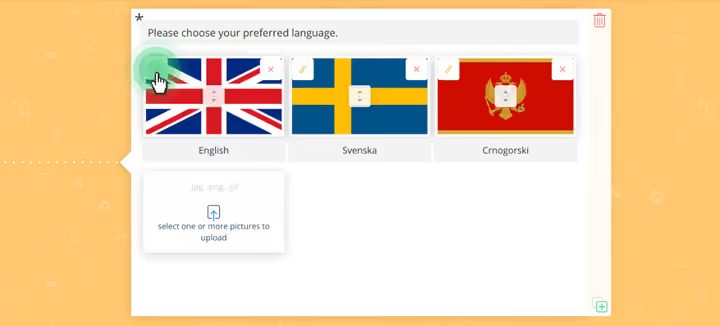
Step 8: Remove the submit button
It’s important to remove the submit button so respondents don’t click on it by mistake. When respondents get to your survey, all that matters is letting them choose the right language so you don’t want anything else to be clickable.
To remove the submit button, click on it, and then from the settings on the left side, enable the following feature:
Remove submit button
Step 9: Copy the link to this survey and share it
Now that you have made the entry point survey, go to its share step and copy its link. This is the survey that you will be sharing with your respondents. They will choose the language they feel most comfortable with and will automatically get redirected to it within the same browser window.
Check out this live example of a multilingual survey with redirects, made with our survey tool!
 Preview in full-screen
  Scan to preview on your phone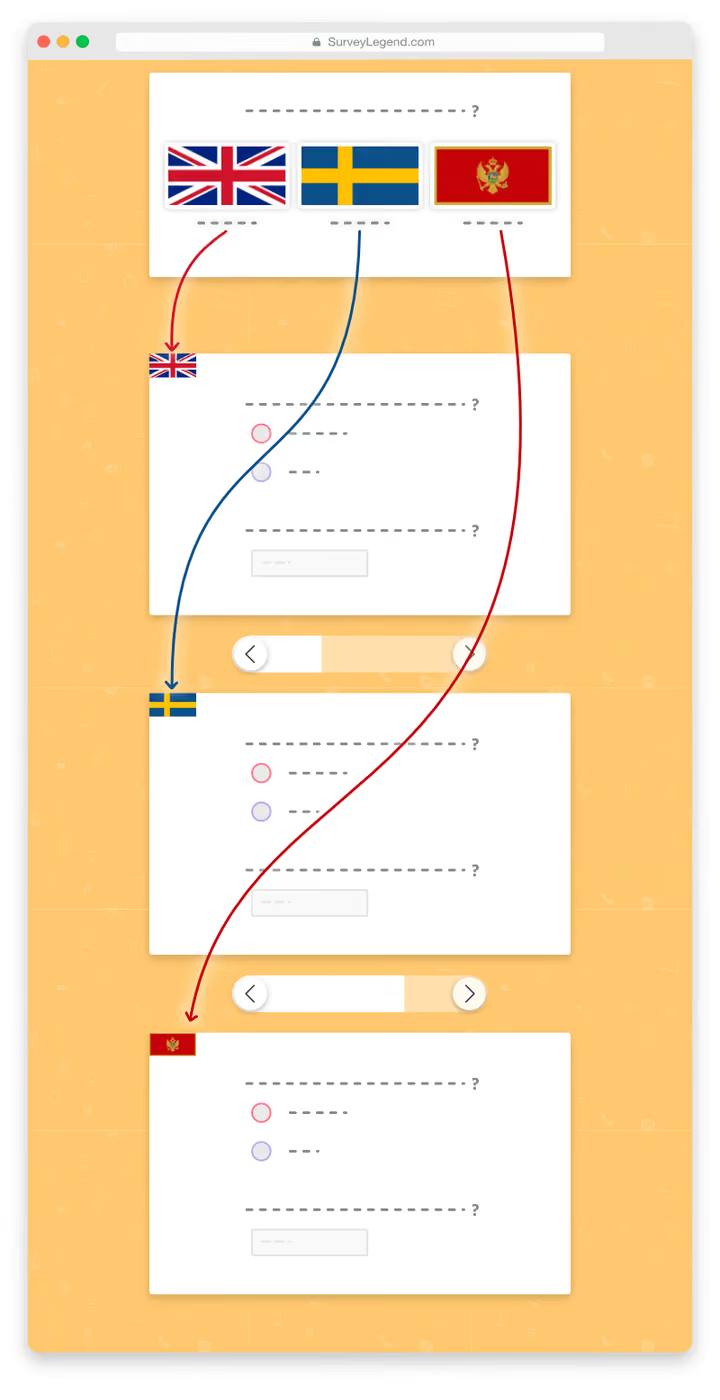
Method 2: All Languages in the Same Multilingual Survey
Advantages of this method:
- All data in one place: All collected data is accessible in real-time via our analytics tool. You can directly see statistics about which percentage of your audience have chosen which language. This means there is no need to navigate to other analytics pages, especially if you want to share the analytics using a private link.
- Better for short surveys: Some users may feel this method is better as they have everything they need in one place and they do not have to jump between different surveys, especially when the survey is short.
Step 1: Create a new multilingual survey
Just log in to your account and click on the New survey button. Give your survey a suitable name, and then go to the “Create” step. Learn more about creating new surveys…
Step 2: Add an initial language question
The first thing you need to do is to add an initial question that lets respondents choose their preferred language. To do this, drag in a question type called Picture selection from the left panel where all question types are presented. This gives your survey a more beautiful look, but more importantly, it makes it easier and faster for your respondents to find their preferred language amongst offered languages.
Next, you need to choose flags that represent the language you need from our flag list at the bottom of this post, and upload it to your Picture selection question. Then name each choice respectively.
Step 3: Adjust these important settings for your initial question
This initial question will be used to let respondents choose which language they want to take this survey in. Therefore, it’s crucial to adjust these question settings and make sure they are correct.
Make the question required
It’s very important to make answering this question required! Otherwise, your respondents can bypass this question and see the rest of the survey, including other languages.
By making the answer “required,” respondents cannot continue to the rest of the survey and must tell our system what language they prefer.
Answer is required
Adjust the layout
Make sure that the layout settings are correct. Preferably, you want to set the aspect ratio of the pictures at 6:4 or 16:9 so images look more like real flags. You can also adjust the number of pictures per row to the number of languages.
No zoomable / enlargeable images
Make sure that the “Zoomable pictures” setting is OFF. This is not needed and can just complicate things.
Zoomable pictures
Adjust the voting type
Adjust the “Voting type” to “Single,” which means respondents cannot select more than one choice at a time.
Voting type
Single
Step 4: Add a Page Break after this initial question
Now drag a  Page Break right after this initial question. This will make this question the first and only question your respondents will see after coming to your survey.
Step 5: Write your next questions in one of the languages
Now start by adding your questions in any language you prefer. For this example, we are adding only two questions but you’re free to add as many questions as you need.
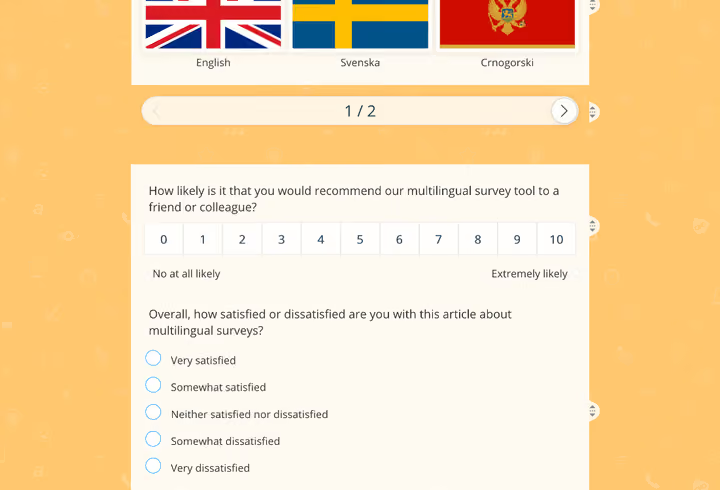
Step 6: Duplicate the questions and translate them
After adding your initial questions, you can select the questions individually and press the  duplicate button. This way, you’ll make a new copy of the question, which you can then translate to a different language.
When you’re done with the translations, use the drag-and-drop functionality to organize the questions. Simply put all questions that are written in the same language one after another.
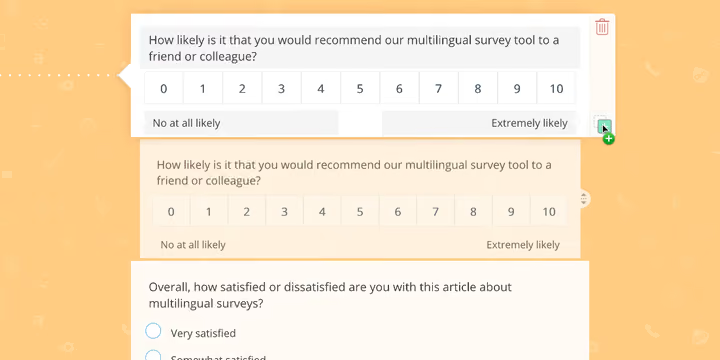
Step 7: Divide languages using page breaks
After organizing the questions into groups, it’s time to divide them into distinct pages using Page Breaks. Simply drag a Page Break file from the sidebar and drop it between the groups of questions.
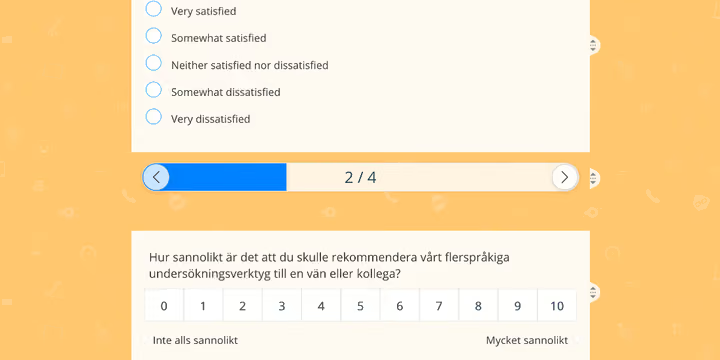
For this tutorial, we’ve divided our questions into three different languages. Therefore, we dragged in two Page Breaks to divide the questionnaire into three distinct pages. Also, remember that we have added one more Page Break right after the first initial question which separates that from the rest of the survey.
One page, per language…
Step 8: Add logic flows
Now the fun part begins, which is making your questionnaire react smartly to how respondents answer your first language question (which language they choose).
What you want to do is to tell our system to “SHOW”, for example, the English page, “IF” the respondent chooses the English language at the beginning of the survey. And then show the other language, if respondents choose the other one, and so forth…
Now, while you’re on the “Create” step, activate the “Logic” step using the toggle button at the bottom-left corner. When activated, go to the “Logic” step using the navigation buttons located at the top bar.
Start creating a logic flow by following these simple steps:
- A:
Click on the language question (first question) to create a new logic flow.
- B:
Now, when you’re in the logic flow creation mode, choose the choice “ is”.
- C:
Next, select the relevant language for this flow (in this example, we chose English).
- D:
Now, scroll down to the “THEN” section of your logic flow and add a consequence for the rule that you just made. You can do that by choosing “Show” from the first dropdown, and then from the second one, choose “Page.” Then, choose page number 2 from the list below (which is our English page in this example).
- E:
Repeat these steps for each language and create similar logic flows for each one of them.
Below, you see an illustration of the logic that we just created:
 answer to the following question
  is
is 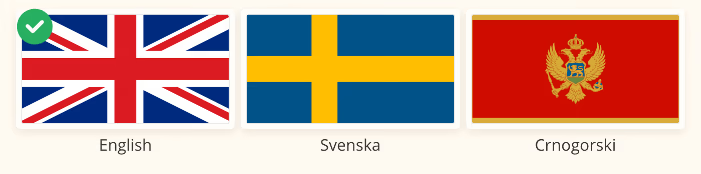
 show page(s) Page #2
 The above illustration shows a logic flow that is made to show the questions which are written in the English language (located on Page #2 of this survey) to respondents who choose “English” as their preferred language in the first question. Each language in this survey would need a similar logic flow to be displayed to respective respondents.
Step 9: Preview data
Now it’s time to share your survey and enjoy watching the collected data in real-time as responses come in.
You’ll notice that since we separated the questions into distinct groups, you can easily see how respondents from each language group have responded to your questions.
Check out this live example of a multilingual survey made by our survey tool, using the same survey for all languages!
Preview in full-screen  Scan to preview on your phone
 Download Flags for your Multilingual Surveys
Feel free to download any flag that you need for your multilingual or dual language surveys. The flags are divided into regions for ease of finding them.
Official languages by country
Browse 198 country flags across 8 regions.
Asia
| Flag | Country name | Official language name(s) in English | Official language name(s) in original language |
|---|---|---|---|
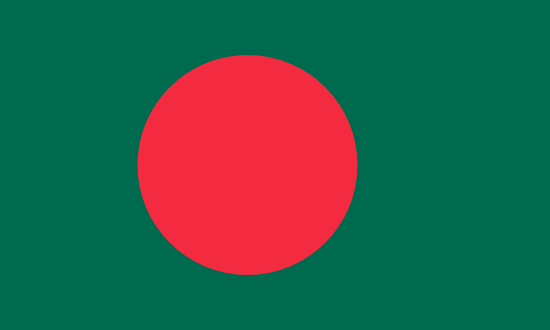 | Bangladesh | Bengali | বাংলা |
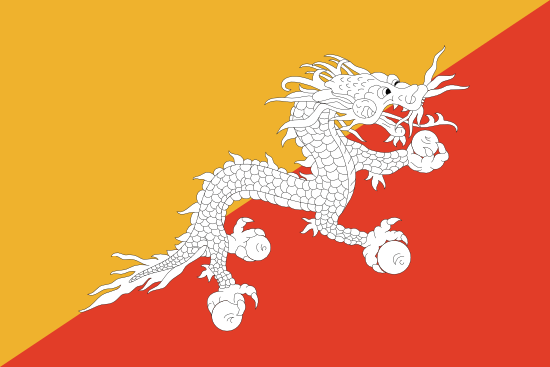 | Bhutan | Dzongkha | Dzongkha |
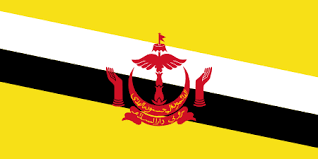 | Brunei | Malay | Bahasa Melayu, بهاس ملايو |
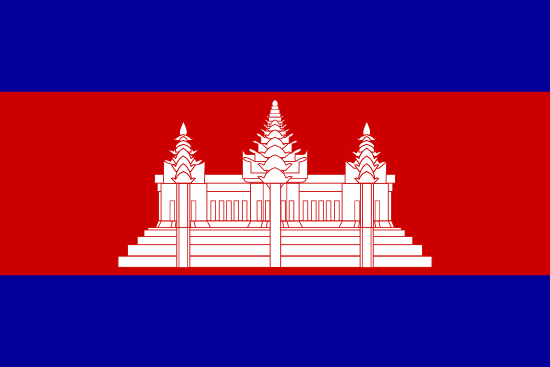 | Cambodia | Khmer | ភាសាខ្មែរ |
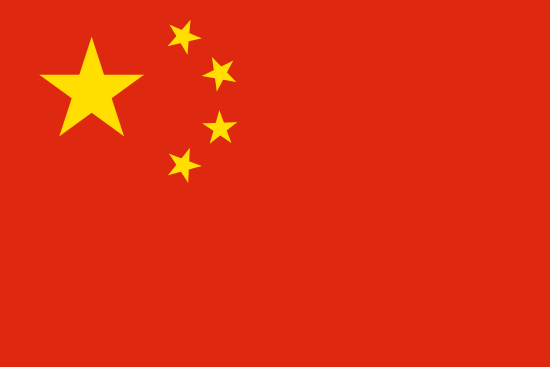 | China | Mandarin Chinese | 官話/官话 |
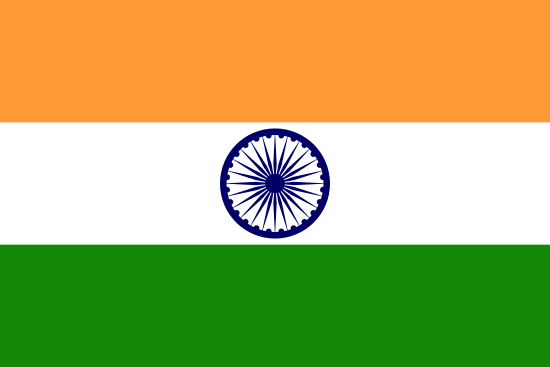 | India | Hindi (+ Bengali, English, Telugu, Marathi, Tamil, Urdu, Assamese, Gujarati, Malayalam, Kannada, Oriya, Punjabi, Kashmiri, Sanskrit, Sindhi) | मानक हिन्दी, (+ বাংলা, English, …) |
 | Indonesia | Bahasa Indonesia | Bahasa Indonesia |
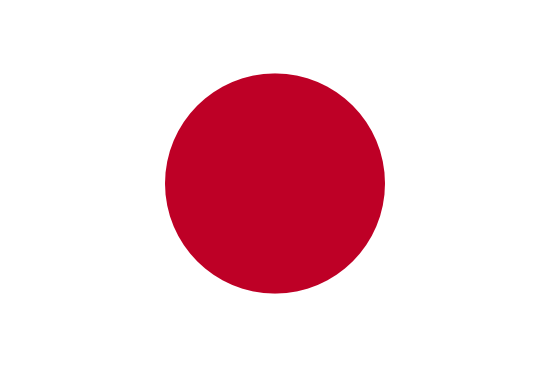 | Japan | Japanese | 日本語 |
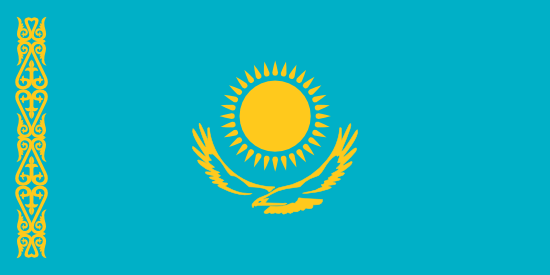 | Kazakhstan | Kazakh (+ Russian) | Kazakh (+ русский) |
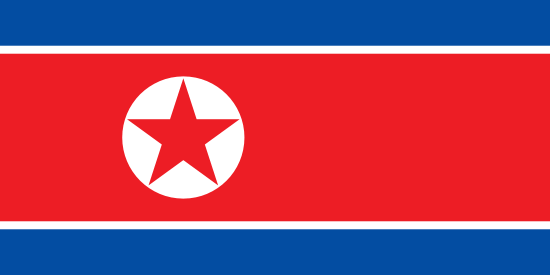 | North Korea | Korean | 한국어, 조선말 |
 | South Korea | Korean | 한국어, 조선말 |
 | Kyrgyzstan | Kyrgyz (+ Russian) | кыргызча قىرعىچه (+ русский) |
 | Laos | Lao | ພາສາລາວ |
 | Malaysia | Malay | Bahasa Melayu, بهاس ملايو |
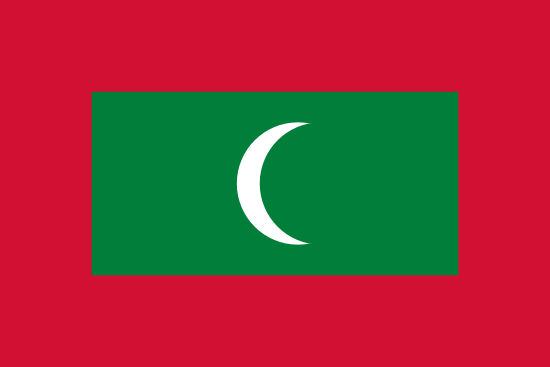 | Maldives | Arabic | العربية |
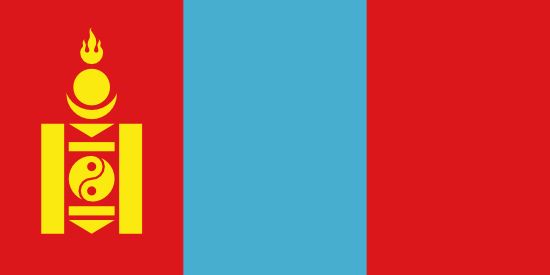 | Mongolia | Mongolian | Монгол |
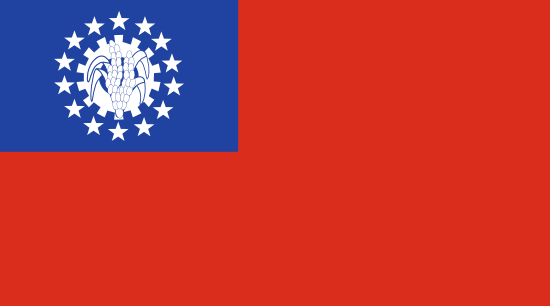 | Myanmar | Burmese | ျမန္မာစကား |
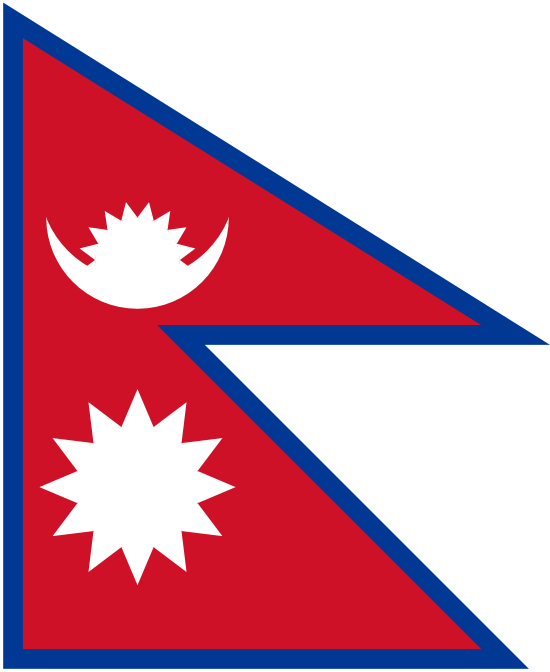 | Nepal | Nepali | नेपाली |
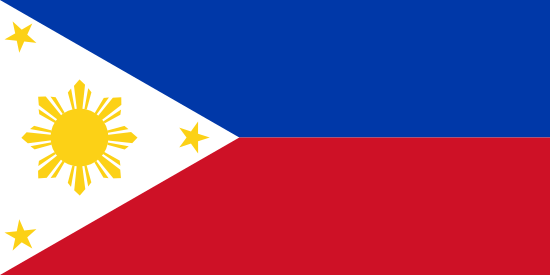 | Philippines | Filipino (+ English) | Filipino |
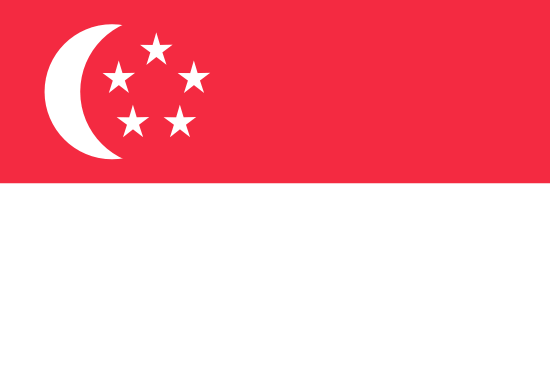 | Singapore | Tamil (+ Malay, English, and Mandarin) | தமிழ் (+ Bahasa Melayu, بهاس ملايو, …) |
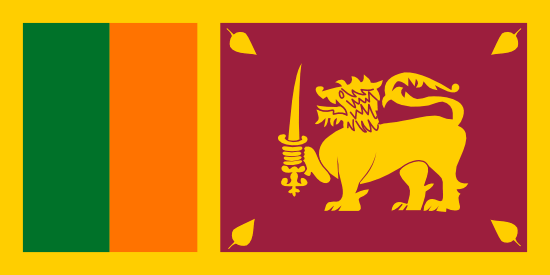 | Sri Lanka | Sinhala (+ Tamil, and with English as a link language) | සිංහල |
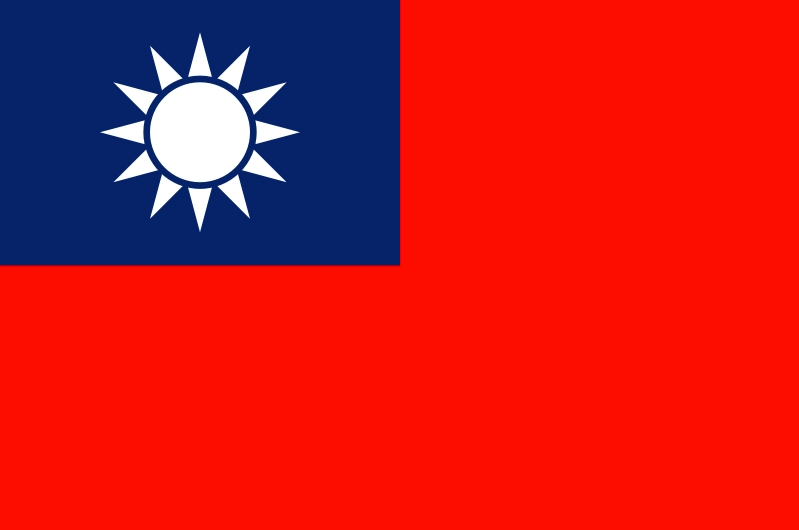 | Taiwan | Mandarin Chinese | 官話/官话 |
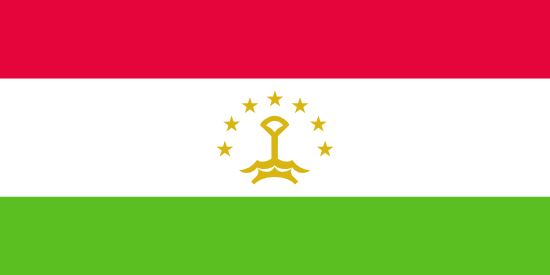 | Tajikistan | Tajik (or Persian) | تاجیکی (or فارسی) |
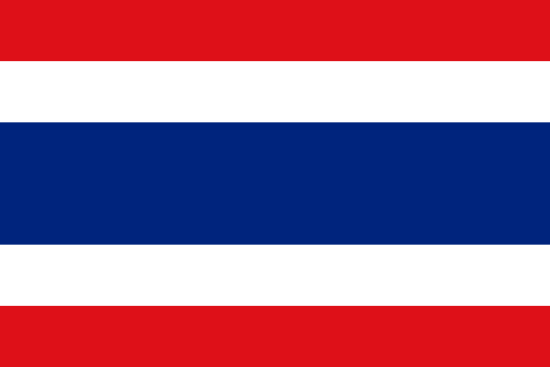 | Thailand | Thai | ภาษาไทย |
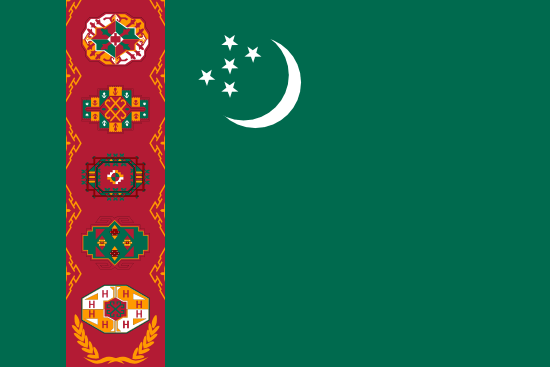 | Turkmenistan | Turkmen | تورکمن ﺗﻴﻠی, تورکمنچه |
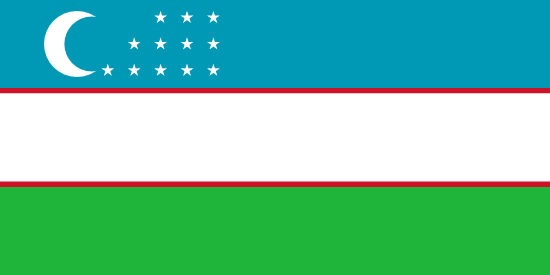 | Uzbekistan | Uzbek | Uzbek |
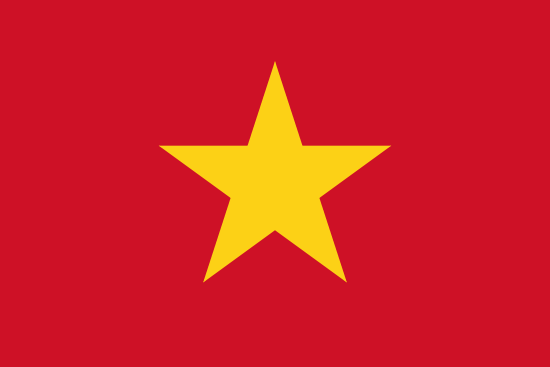 | Vietnam | Vietnamese | Tiếng Việt |
Africa
| Flag | Country name | Official language name(s) in English | Official language name(s) in original language |
|---|---|---|---|
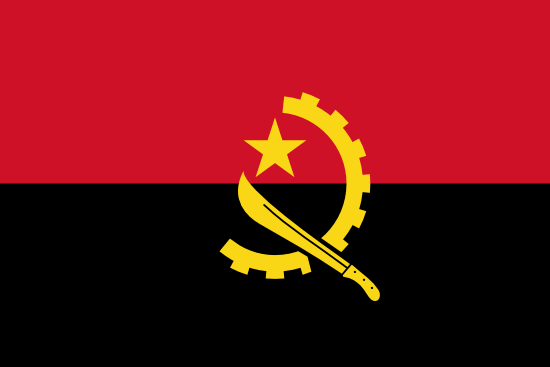 | Angola | Portuguese | português |
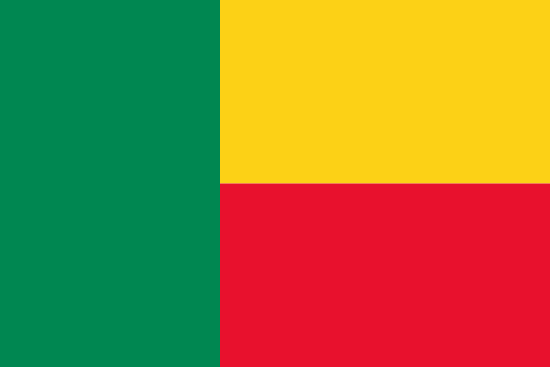 | Benin | French | Français |
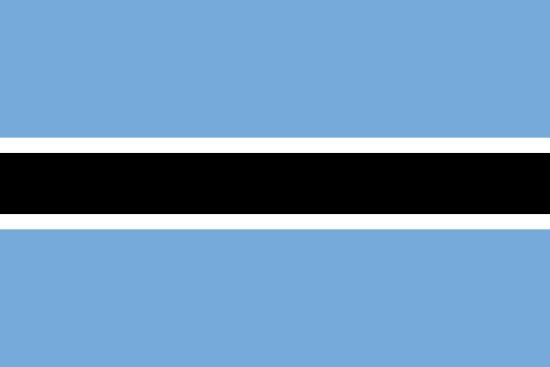 | Botswana | Tswana, English | Setswana |
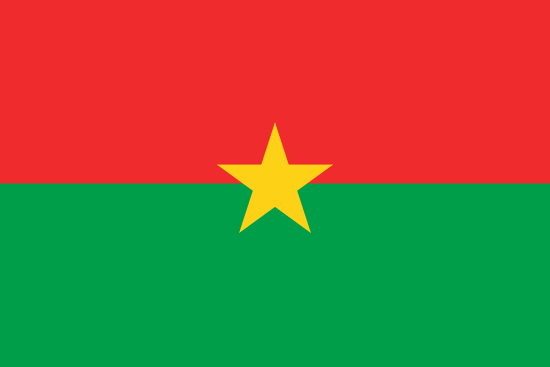 | Burkina Faso | French | Français |
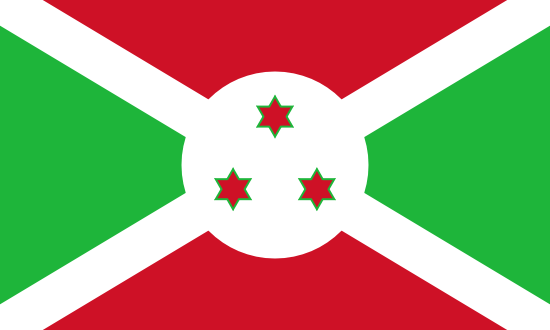 | Burundi | Kirundi, French | Kirundi, Français |
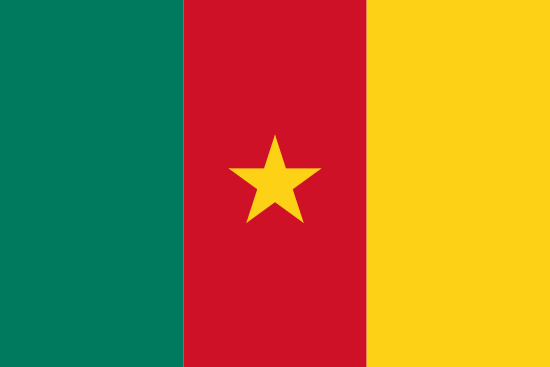 | Cameroon | French | Français |
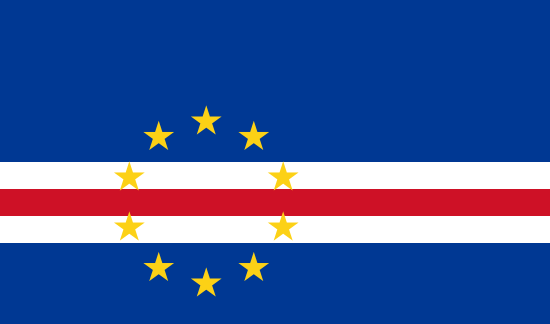 | Cape Verde | Portuguese | português |
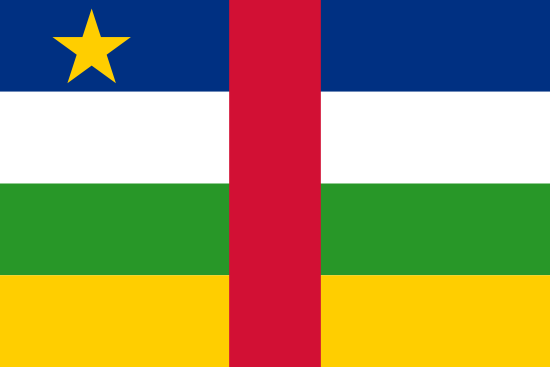 | Central African Republic | French, Sango | French, yângâ tî sängö |
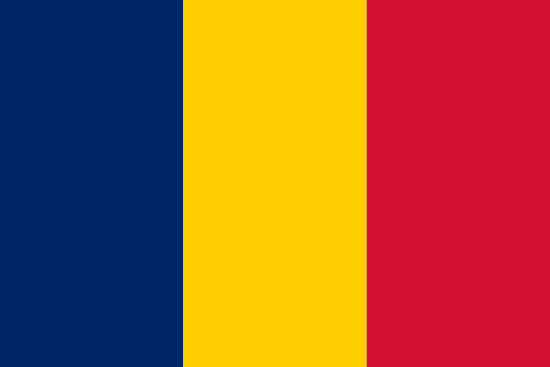 | Chad | Arabic (+ French) | العربية (+ Français) |
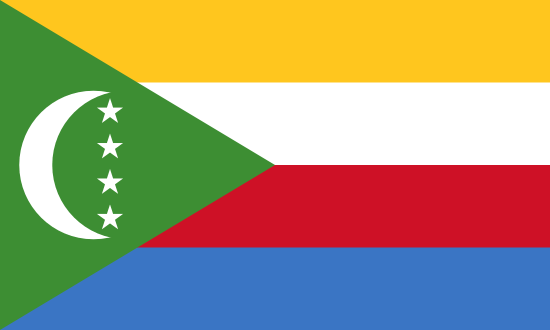 | Comoros | Comorian, Arabic, French | Comorian, العربية, Français |
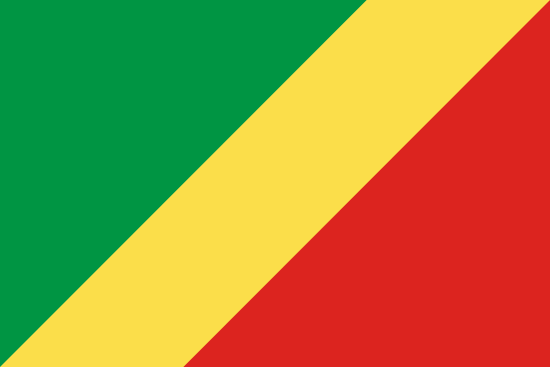 | Republic of the Congo | Swahili | Kiswahili |
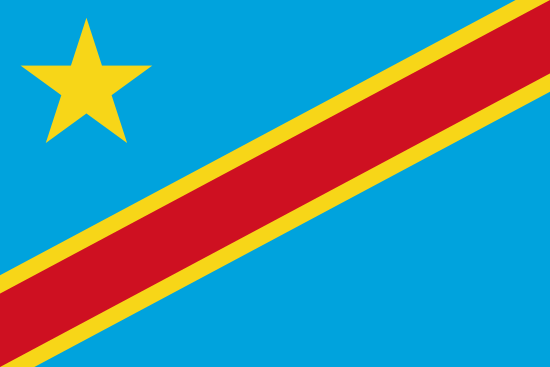 | Democratic Republic of the Congo | French | Français |
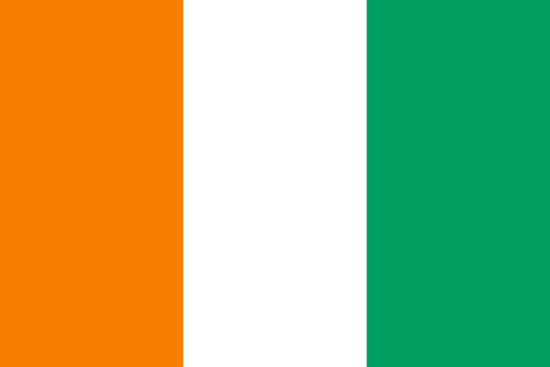 | Cote d’Ivoire | French | Français |
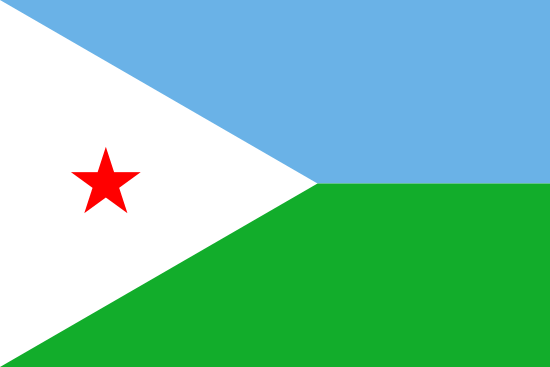 | Djibouti | Arabic (+ French) | العربية |
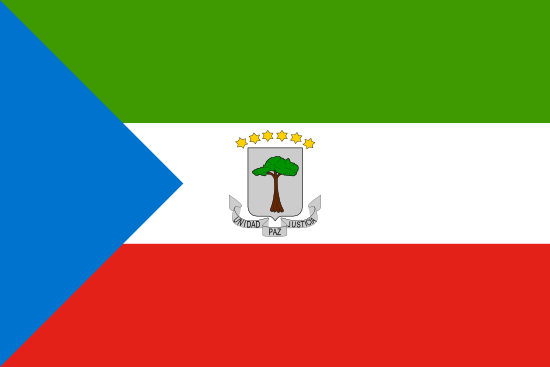 | Equatorial Guinea | Spanish | español |
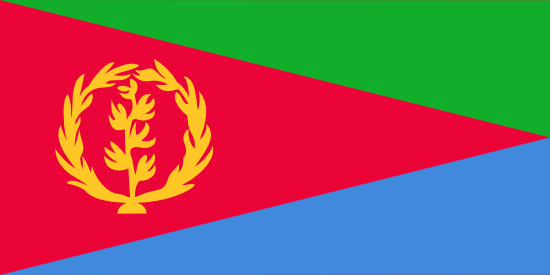 | Eritrea | Arabic | العربية |
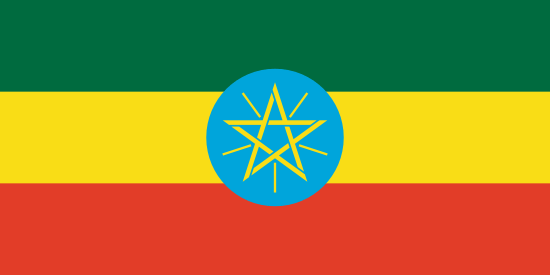 | Ethiopia | Amharic (there are ninety individual languages spoken in Ethiopia!) | … |
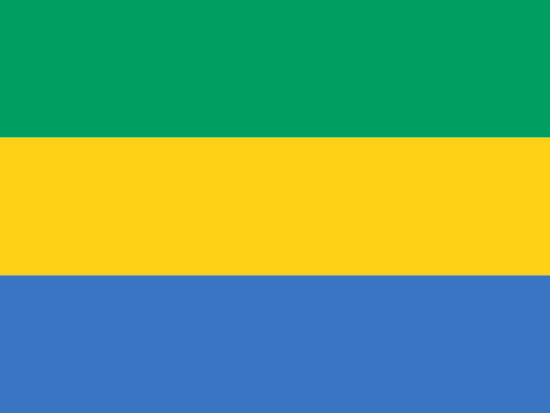 | Gabon | French | Français |
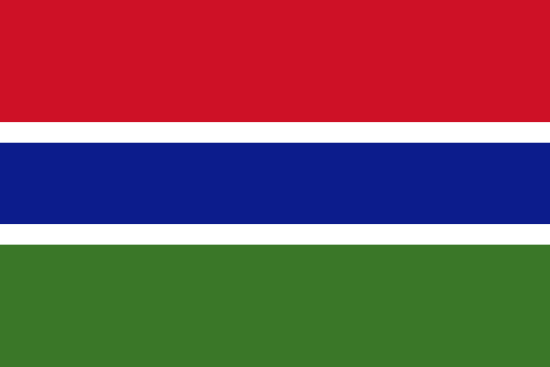 | Gambia | English | English |
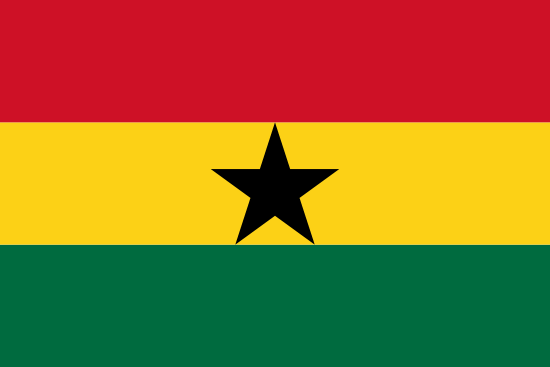 | Ghana | English | English |
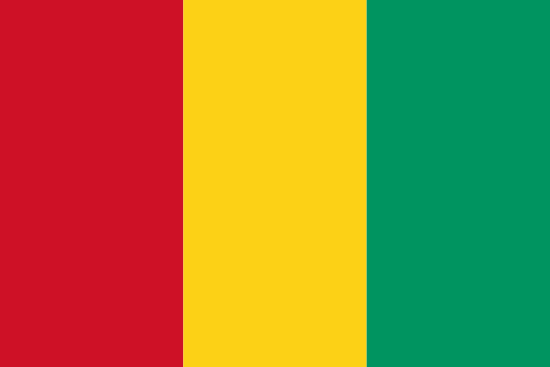 | Guinea | French | Français |
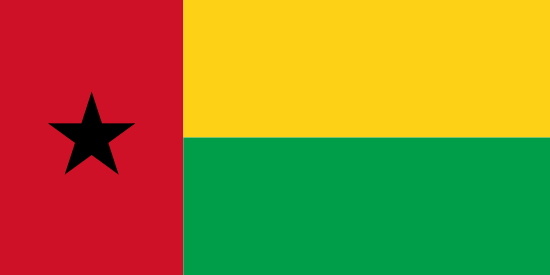 | Guinea-Bissau | Portuguese | português |
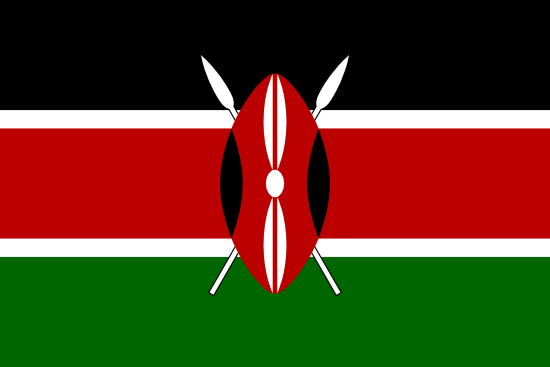 | Kenya | Swahili (+ English) | Kiswahili (+ English) |
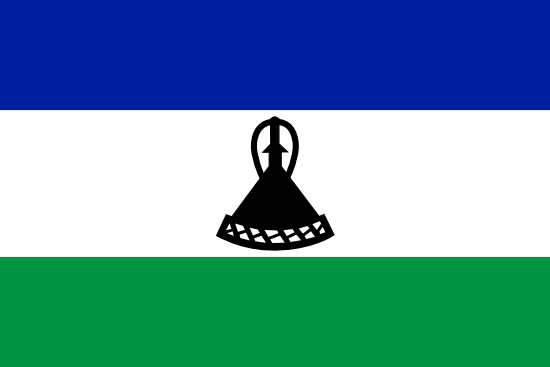 | Lesotho | English, Sesotho | English, Sesotho |
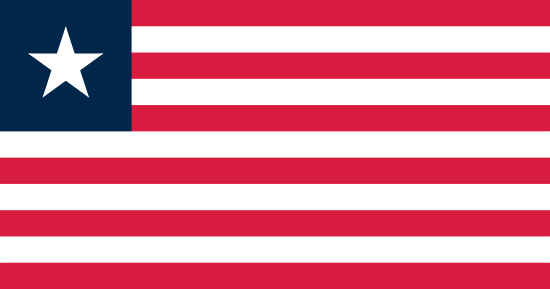 | Liberia | English | English |
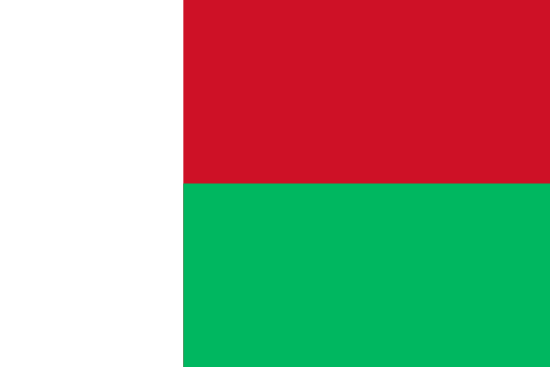 | Madagascar | Malagasy, French | Malagasy, Français |
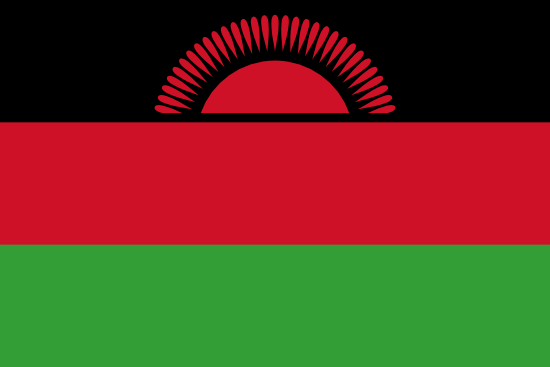 | Malawi | Swahili | Kiswahili |
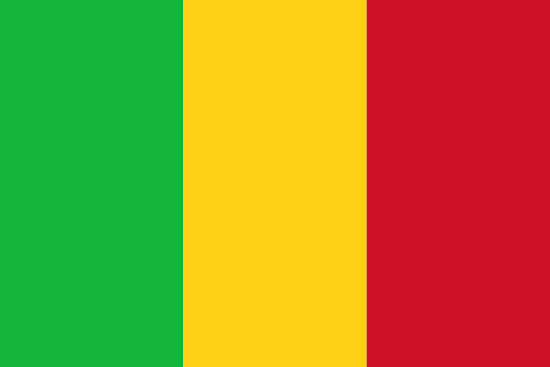 | Mali | French | Français |
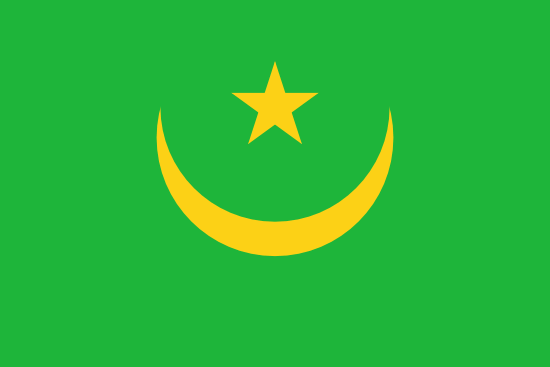 | Mauritania | Arabic | العربية |
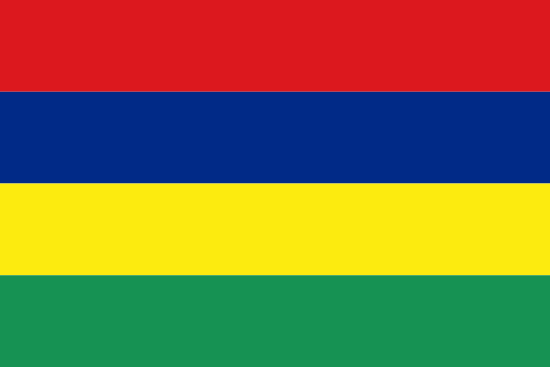 | Mauritius | English, Mauritian Creole, French | English, kreol, créole ,Français |
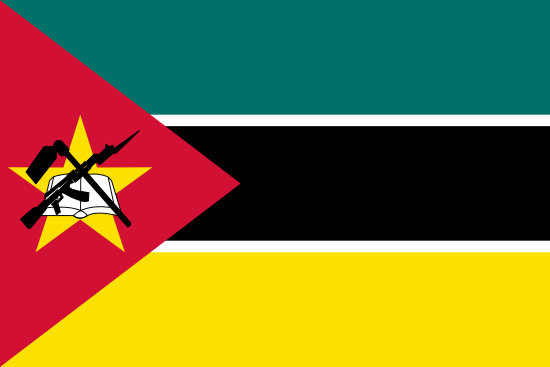 | Mozambique | Portuguese | português |
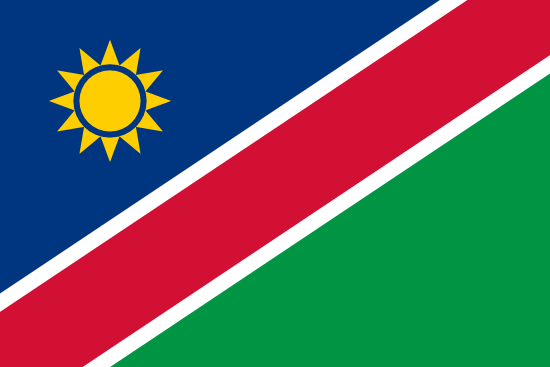 | Namibia | English | English |
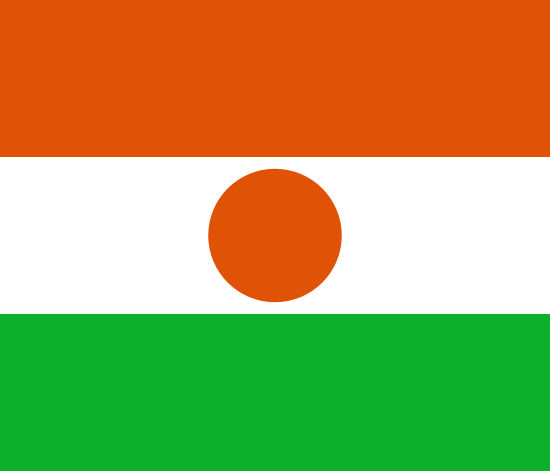 | Niger | French | Français |
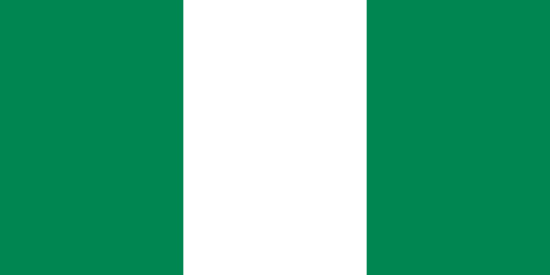 | Nigeria | English | English |
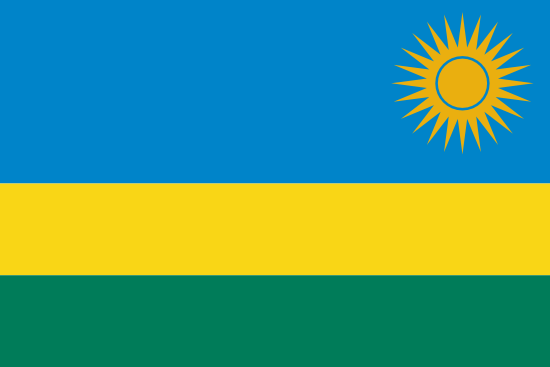 | Rwanda | Kinyarwanda, French, English | Ikinyarwanda, Français, English |
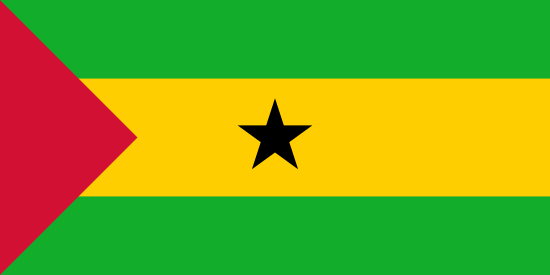 | São Tomé and Príncipe | Portuguese | português |
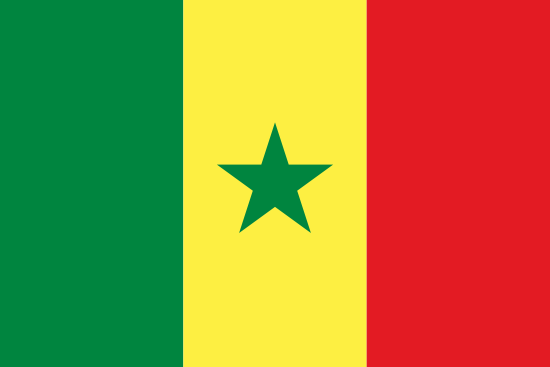 | Senegal | Arabic (+ French) | العربية |
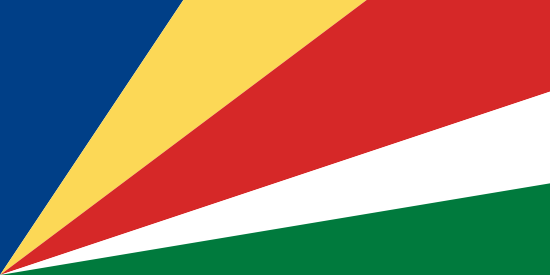 | Seychelles | English, French, Seychellois Creole | English, French, kreol, seselwa |
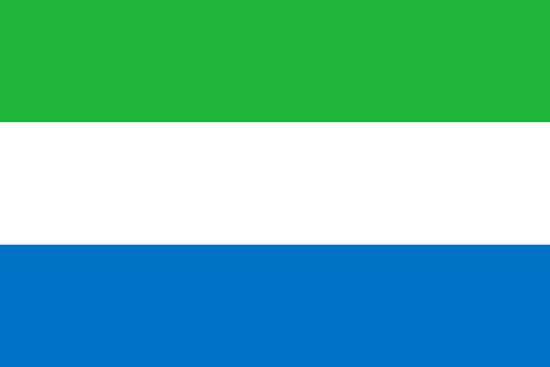 | Sierra Leone | English | English |
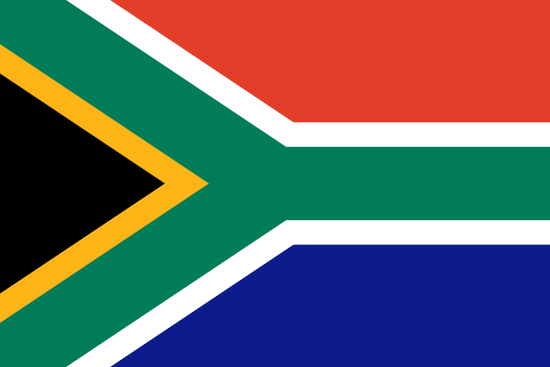 | South Africa | English (+ Afrikaans, Ndebele, Northern Sotho, Sotho, Swazi, Tsonga, Tswana, Venda, Xhosa, Zulu) | English |
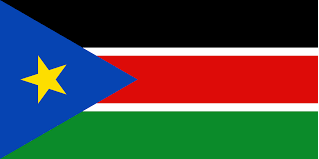 | South Sudan | Swahili | Kiswahili |
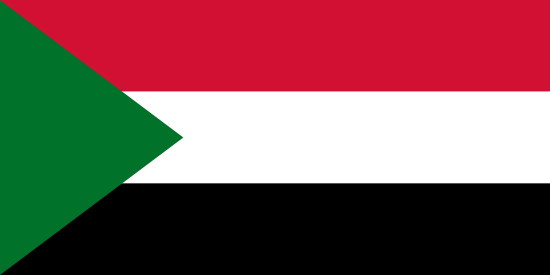 | Sudan | Arabic (+ English) | العربية (+ English) |
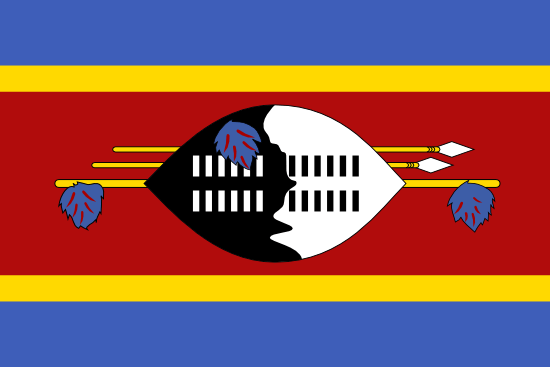 | Swaziland | Swati (+ English) | SiSwati (+ English) |
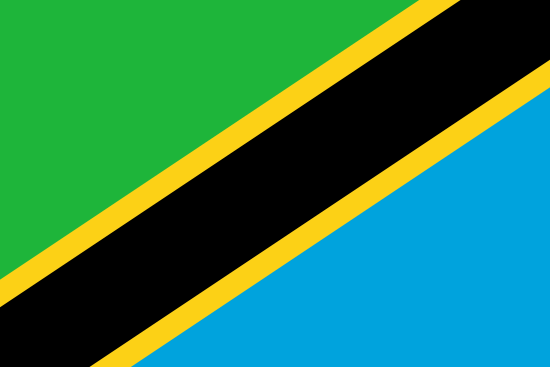 | Tanzania | Swahili (+ English) | Kiswahili (+ English) |
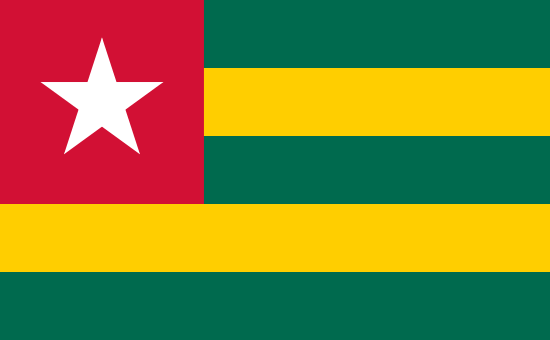 | Togo | French | Français |
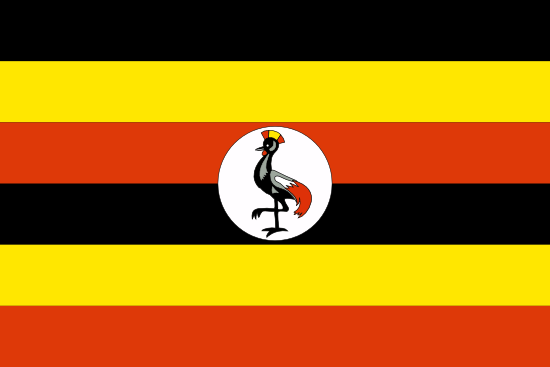 | Uganda | English (+ Swahili) | English (+ Kiswahili) |
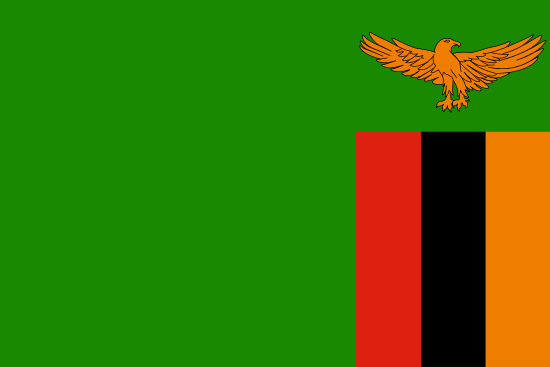 | Zambia | English (+ Chewa, Bemba, Lunda, Tonga, Lozi, Luvale, Kaonde, Nyanja) | English |
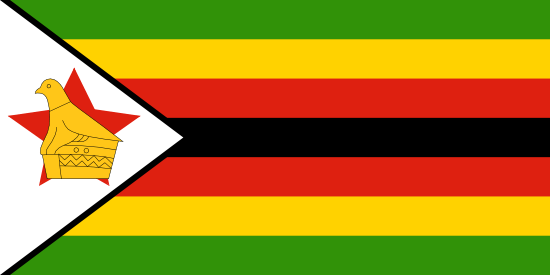 | Zimbabwe | Shona, Ndebele, Venda, Manyika, Nyanja, Chagani, and a unique-unified Zimbabwean English | Shona, Ndebele, Venda, Manyika, Nyanja, Chagani, and Zimbabwean English |
Australia
| Flag | Country name | Official language name(s) in English | Official language name(s) in original language |
|---|---|---|---|
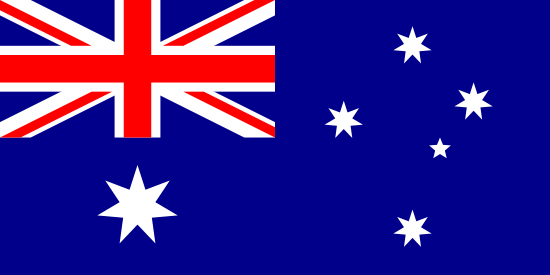 | Australia | English | English |
 | East Timor | Portuguese | português |
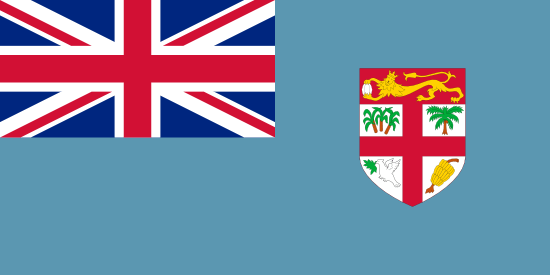 | Fiji | English | English |
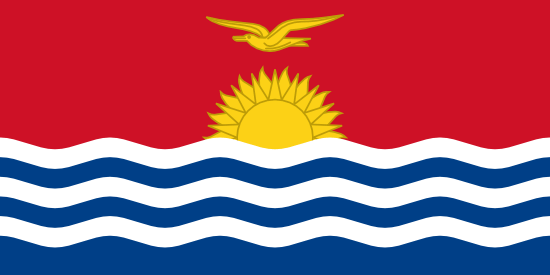 | Kiribati | English | English |
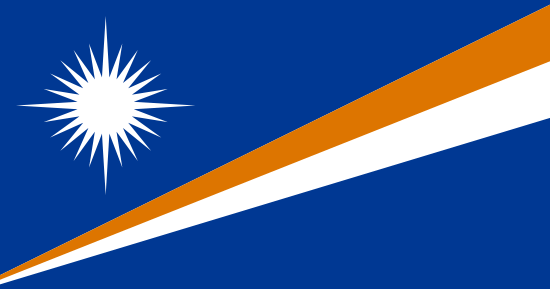 | Marshall Islands | Marshallese | … |
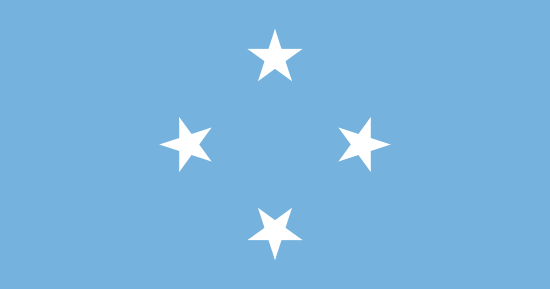 | Micronesia | English, Marshallese, Nauruan, Paluan, Chamorro and Carolinian | … |
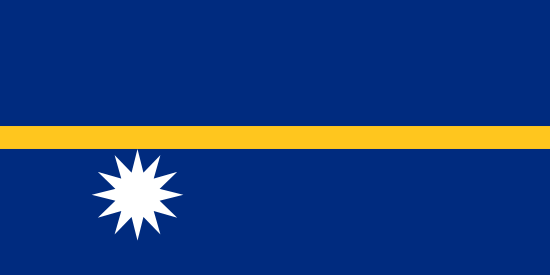 | Nauru | Nauruan (+ English) | Nauru (+ English) |
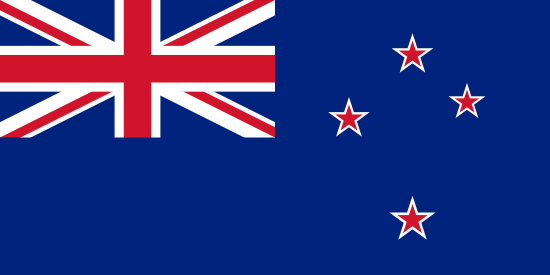 | New Zealand | English (+ Māori) | English (+ Māori) |
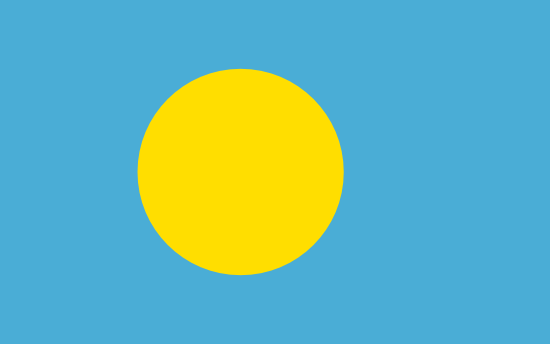 | Palau | Palauan, (+ English) | a tekoi er a Belau, (+ English) |
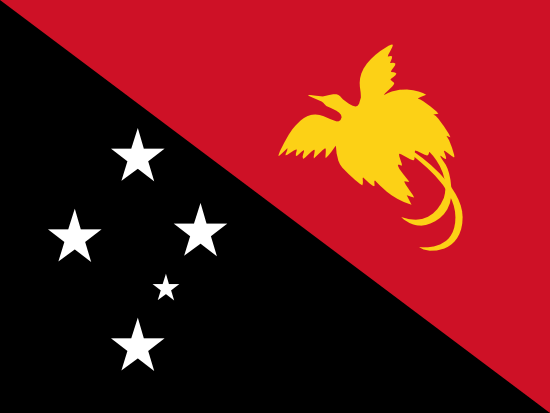 | Papua New Guinea | Tok Pisin (+ English and Motu) | Tok Pisin |
 | Samoa | Samoan, (+ English) | Gagana faʻa Sāmoa, (+ English) |
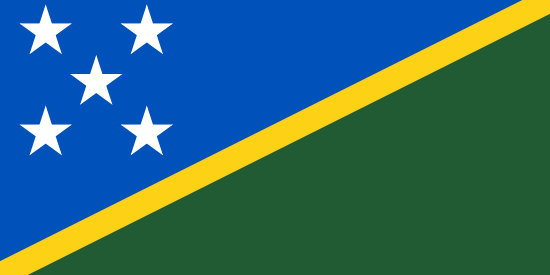 | Solomon Islands | English | English |
 | Tonga | Tongan, (+ English) | lea faka-Tonga, (+ English) |
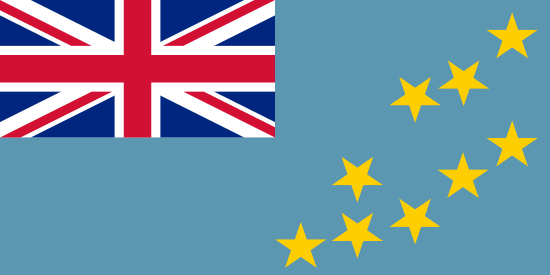 | Tuvalu | Tuvaluan, (+ English) | Te Ggana Tuuvalu, (+ English) |
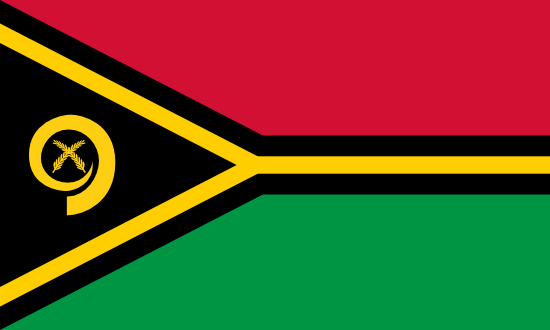 | Vanuatu | Bislama, French, English | Bislama, Français, English |
Europe
| Flag | Country name | Official language name(s) in English | Official language name(s) in original language |
|---|---|---|---|
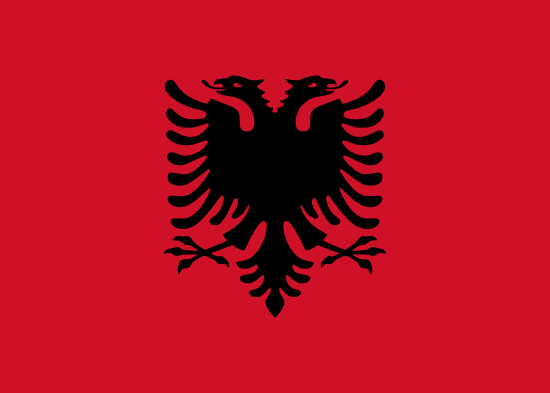 | Albania | Albanian | Shqip |
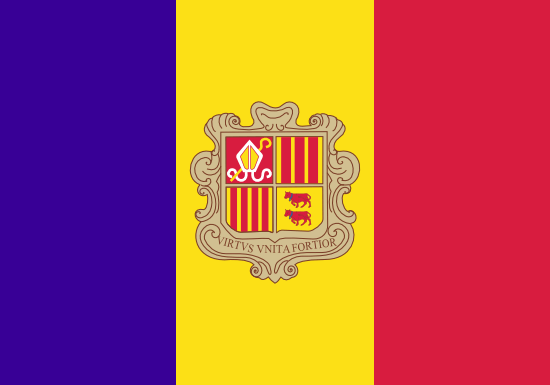 | Andorra | Catalan | català |
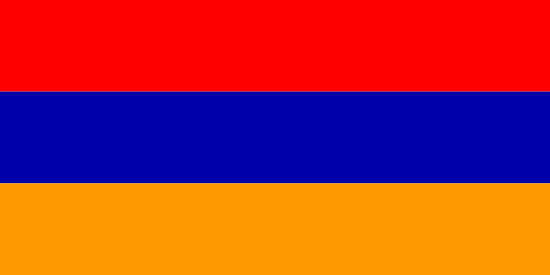 | Armenia | Armenian (+ Russian) | Հայ (+ русский) |
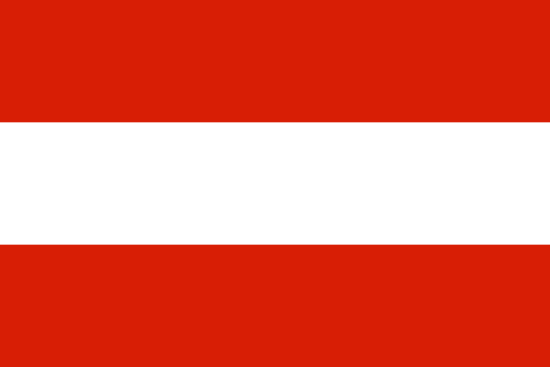 | Austria | German | Deutsch |
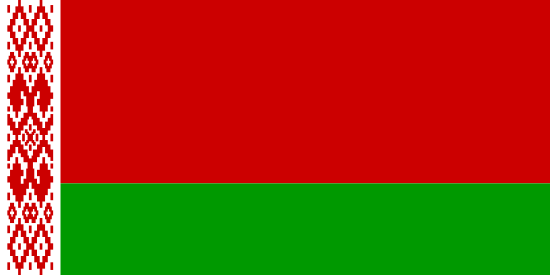 | Belarus | Belarusian, (+ Russian) | беларуская мова, (+ русский) |
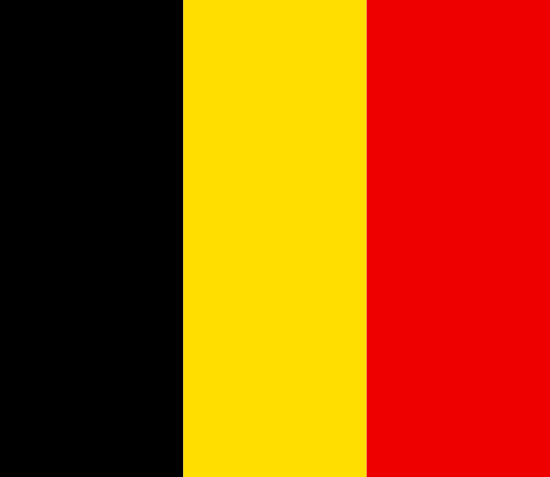 | Belgium | Dutch (+ French and German) | Dutch (+ Français, Deutsch) |
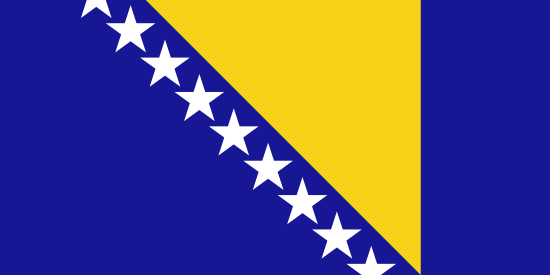 | Bosnia and Herzegovina | Bosnian | bosanski |
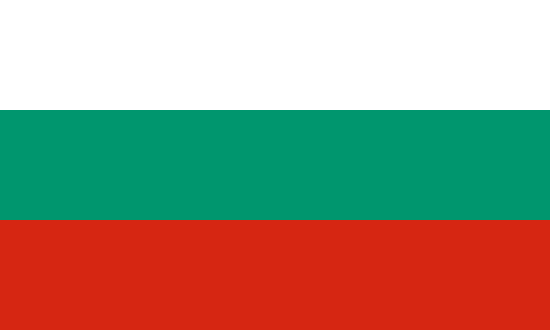 | Bulgaria | Bulgarian | български език |
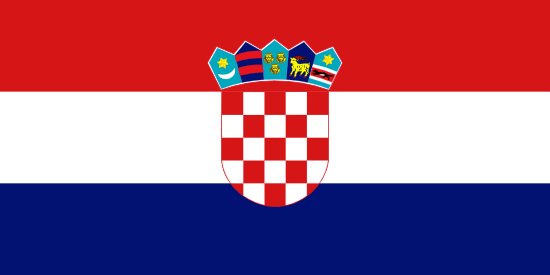 | Croatia | Croatian | hrvatski |
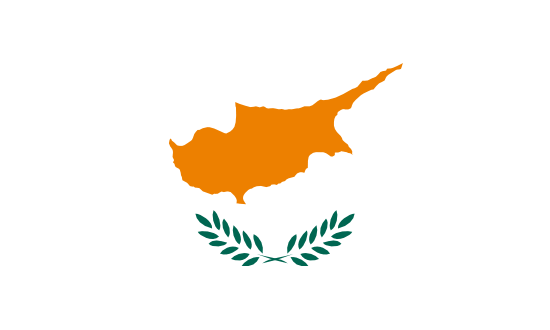 | Cyprus | Greek (Hellenic) (+ Turkish and English) | ελληνικά ellīniká |
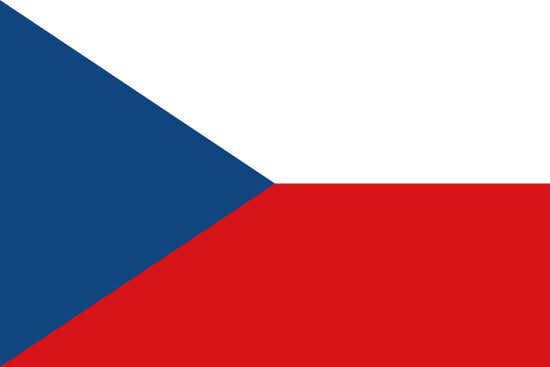 | Czech Republic | Czech | čeština |
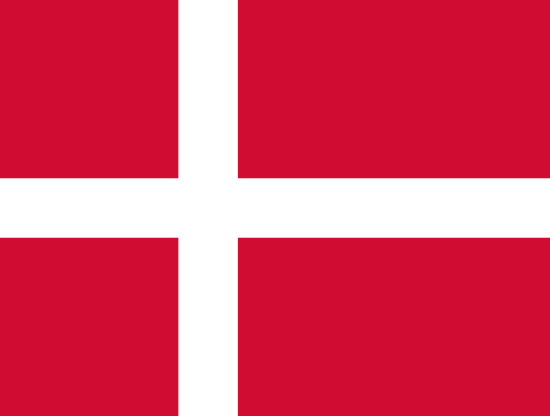 | Denmark | Danish | Dansk |
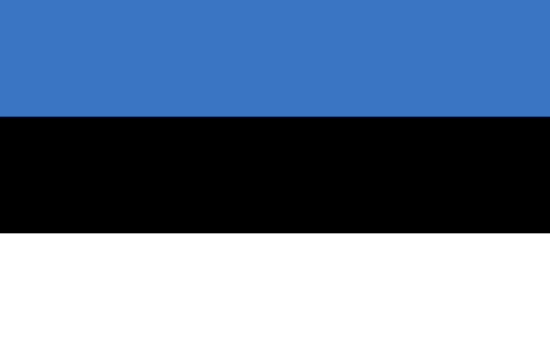 | Estonia | Estonian | eesti keel |
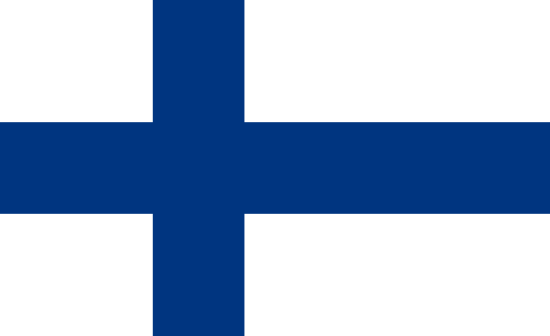 | Finland | Finish (+ Swedish, Sami) | Suomen kieli (+ Ruotsin kieli, Sami-kieltä) |
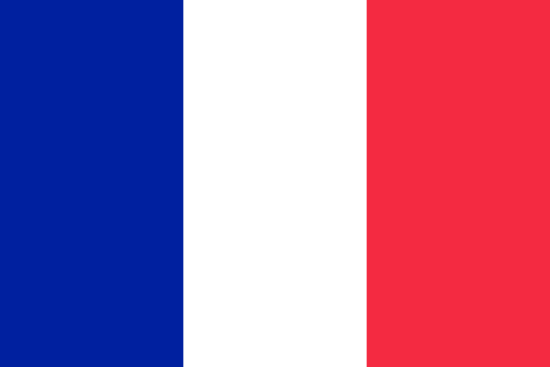 | France | French | Français |
 | Georgia | Georgian | ქართული |
 | Germany | German | Deutsch |
 | Greece | Greek | ελληνικά |
 | Hungary | Hungarian | magyar |
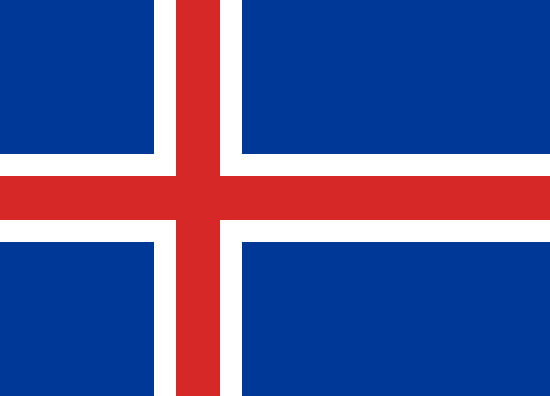 | Iceland | Icelandic | íslenska |
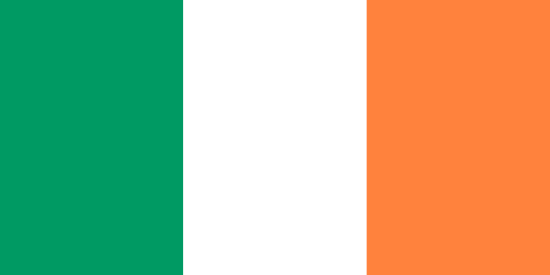 | Ireland | English | English |
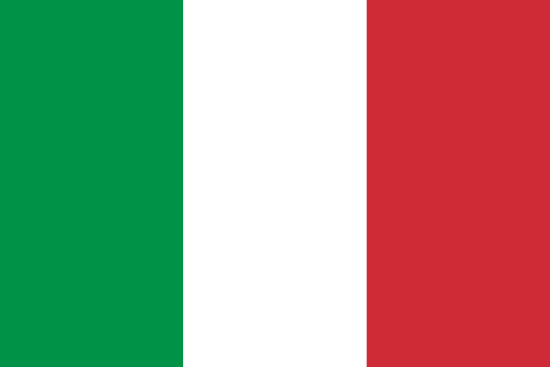 | Italy | Italian | Italiano |
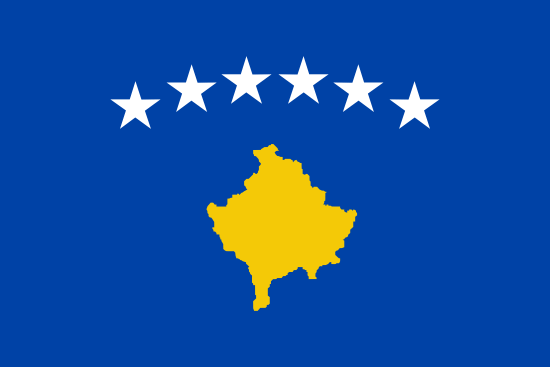 | Kosovo | Albanian, Serbian | Shqip, srpski |
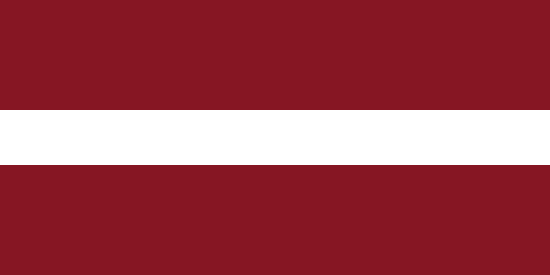 | Latvia | Latvian | Latviešu Valoda |
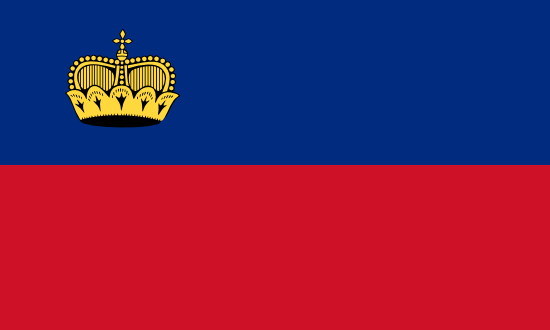 | Liechtenstein | German | Deutsch |
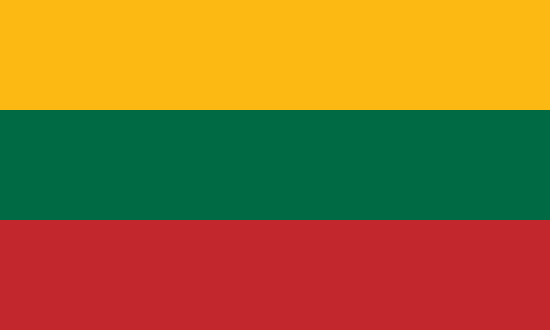 | Lithuania | Lithuanian | Lietuvių kalba |
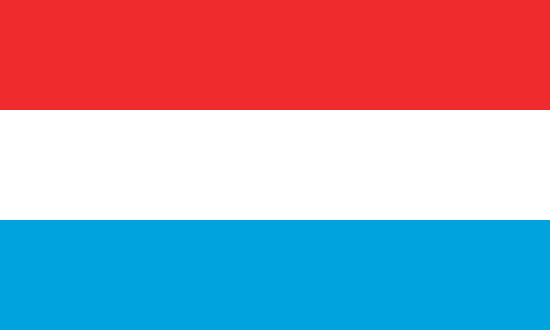 | Luxembourg | French (+ German) | Français (+ Deutsch) |
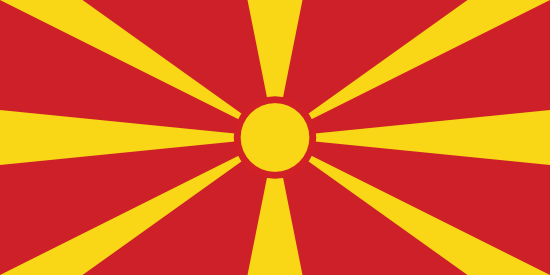 | Macedonia | Macedonian | македонски |
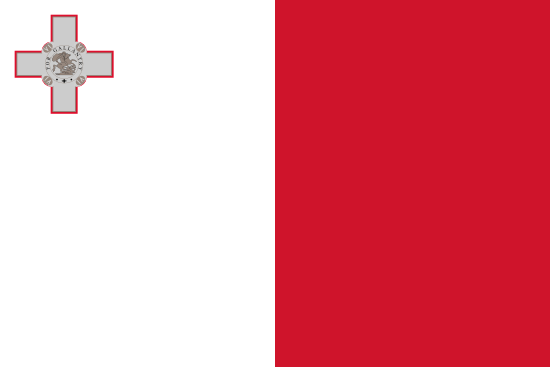 | Malta | Maltese (+ English) | Maltin (+ English) |
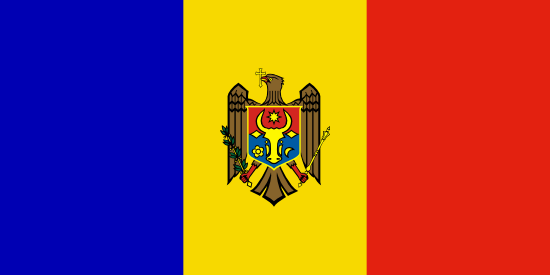 | Moldova | Moldovan | Лимба молдовеняскэ |
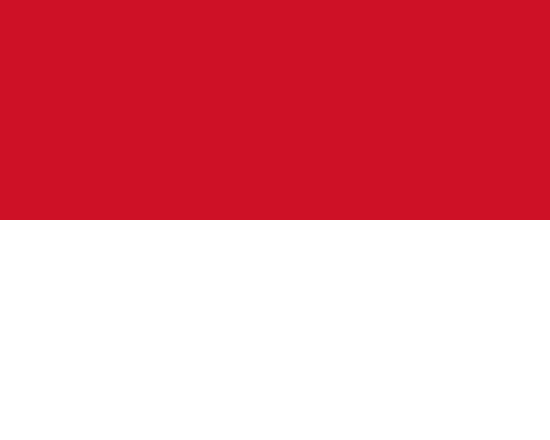 | Monaco | French | Français |
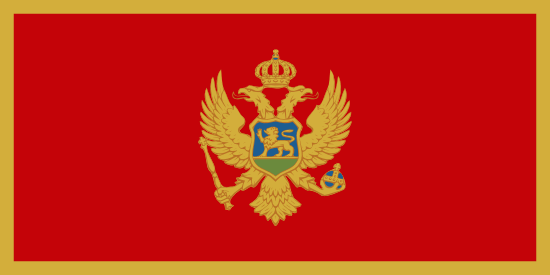 | Montenegro | Montenegrin | црногорски / crnogorski |
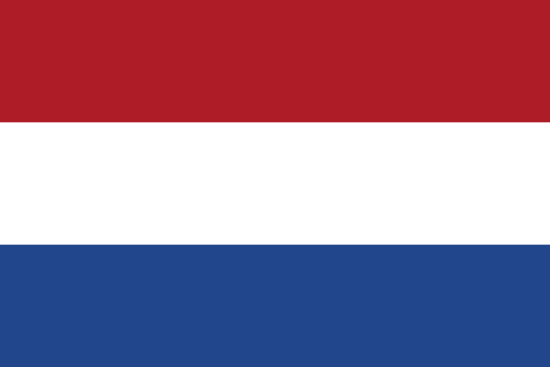 | Netherlands | Dutch | Dutch |
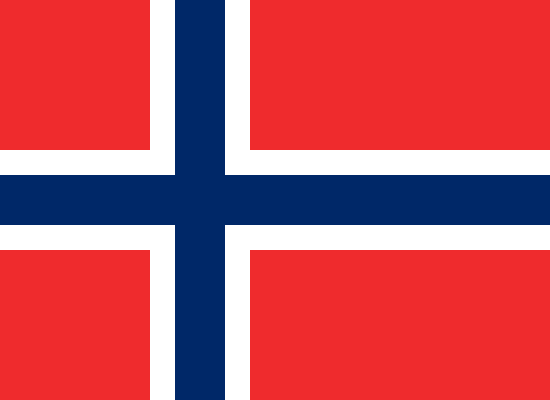 | Norway | Norwegian (+ Sami) | Kongeriket Norge (Bokmål), Kongeriket Noreg (Nynorsk), (+ Saami) |
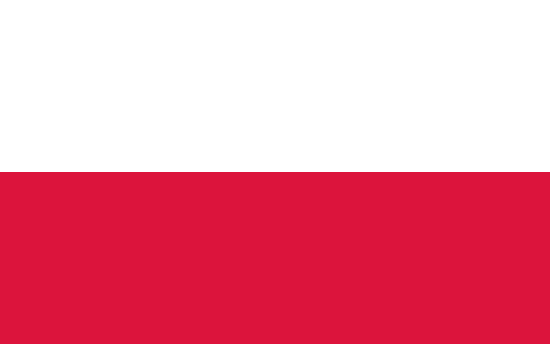 | Poland | Polish | język polski |
 | Portugal | Portuguese | português |
 | Romania | Romanian | Daco-Romanian |
 | Russia | Russian | русский |
 | San Marino | Italian | Italiano |
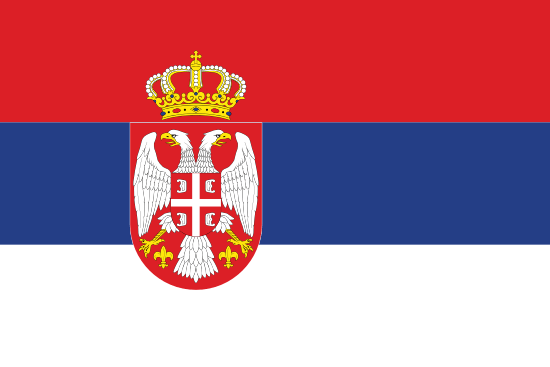 | Serbia | Serbian | srpski |
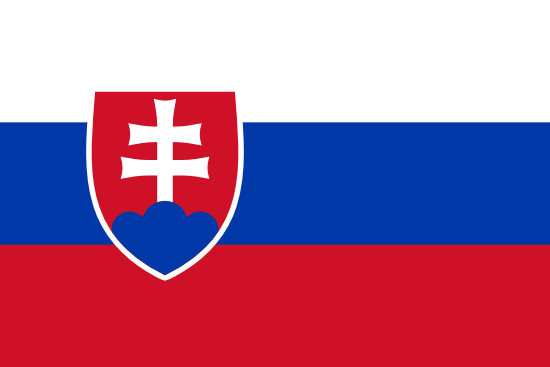 | Slovakia | Slovak | slovenčina, slovenský jazyk |
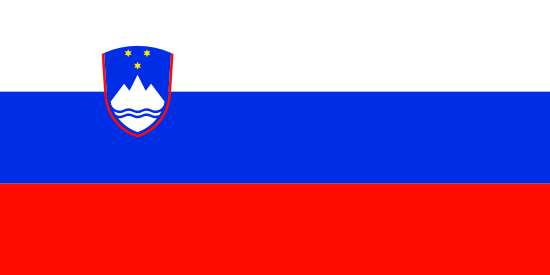 | Slovenia | Slovene | slovenski jezik, slovenščina |
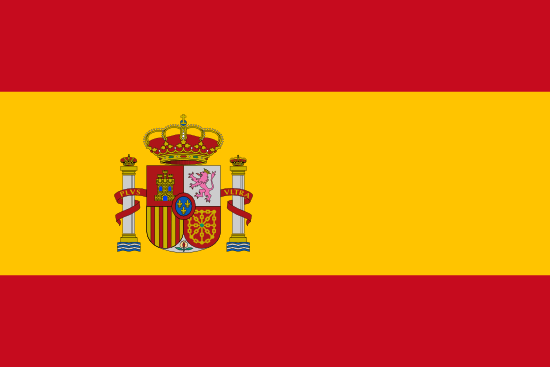 | Spain | Spanish | español |
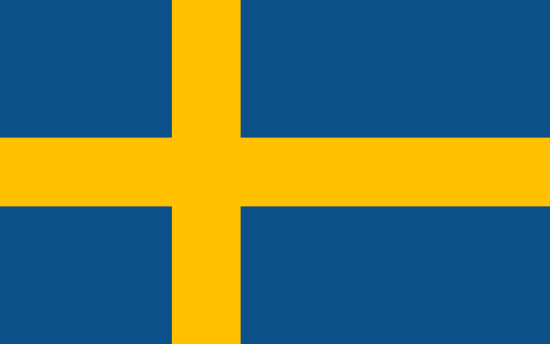 | Sweden | Swedish (+ Sami) | Svenska (+ Saami) |
 | Switzerland | Deutsch, French, Italian, Romansh | Deutsch, Français, Italiano, Rumantsch |
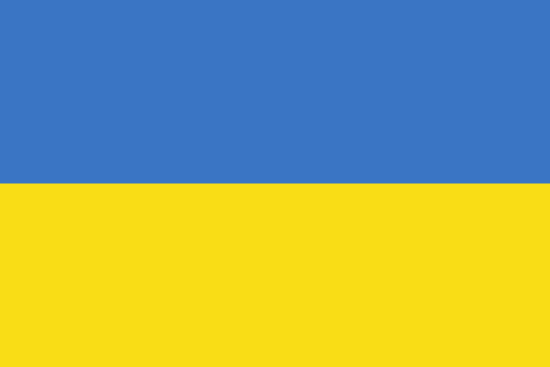 | Ukraine | Ukrainian | Українська мова |
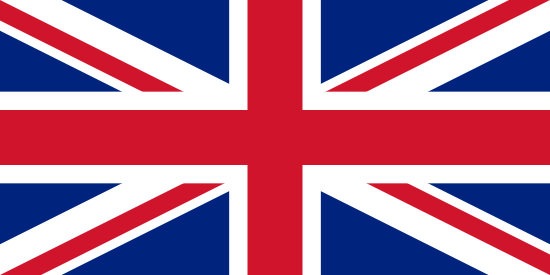 | United Kingdom | English | English |
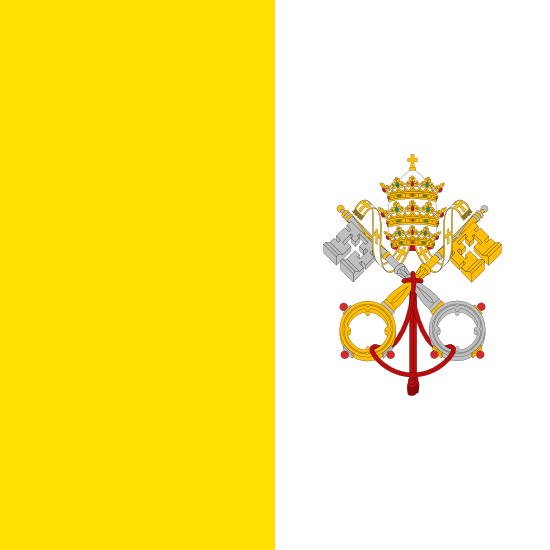 | Vatican City | Italian (+ Latin) | Italiano (+ latina) |
Middle East
| Flag | Country name | Official language name(s) in English | Official language name(s) in original language |
|---|---|---|---|
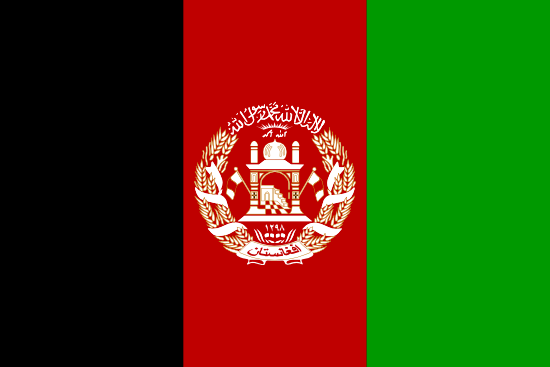 | Afghanistan | Dari (+ Pashtu) | دری (+ پښتانه) |
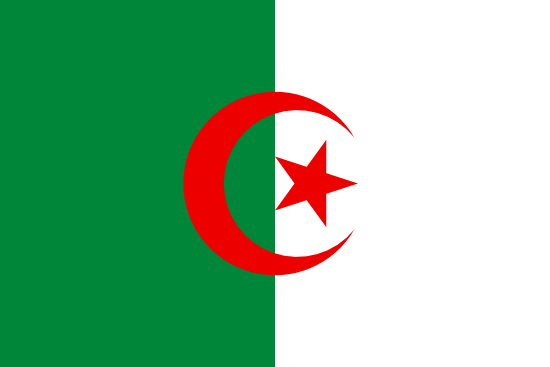 | Algeria | Arabic (+ French) | العربية (+ Français) |
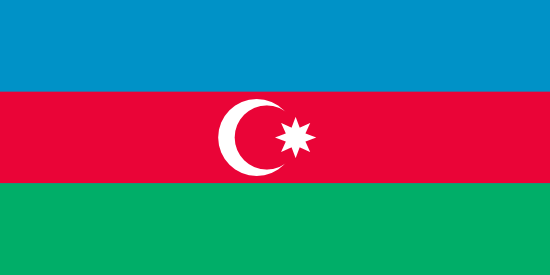 | Azerbaijan | Azerbaijani | Azerbaijani |
 | Bahrain | Arabic | العربية |
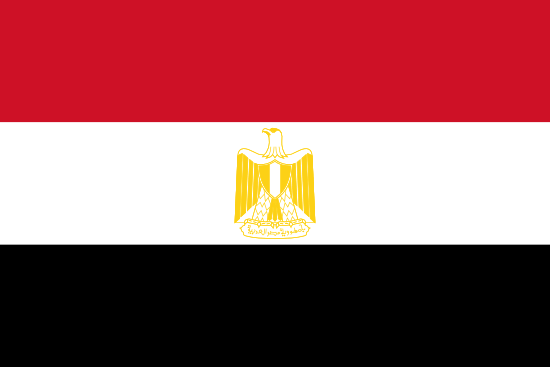 | Egypt | Arabic | العربية |
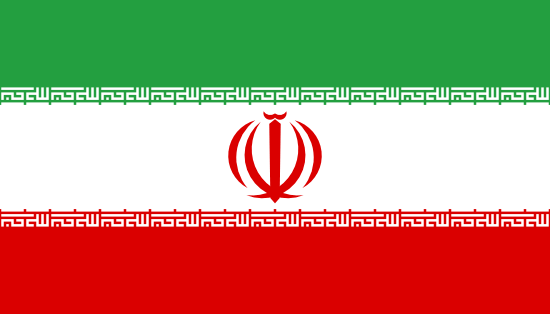 | Iran | Persian (or Farsi), (+ Kurdish, Arabic, Azeri) | فارسی (or پارسی), (+ کوردی، العربية، آذری) |
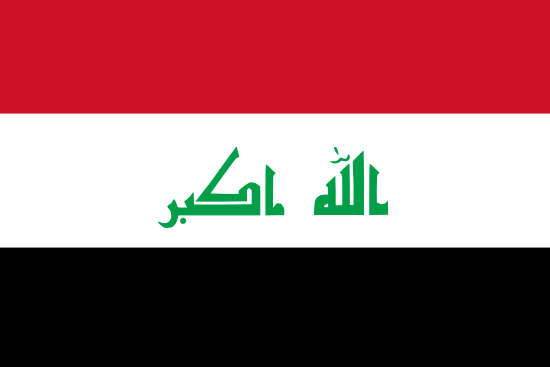 | Iraq | Arabic (+ Kurdish) | العربية (+ کوردی) |
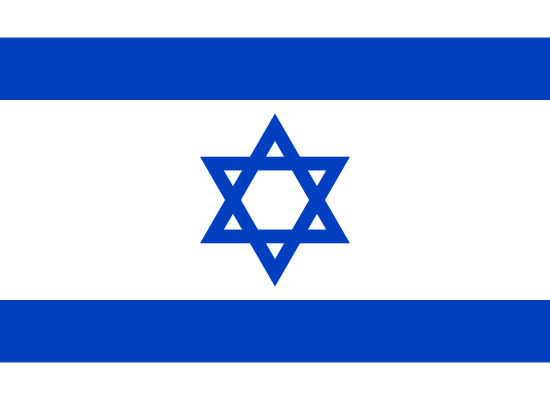 | Israel | Hebrew (+ Arabic) | (+ العربية) עִברִית |
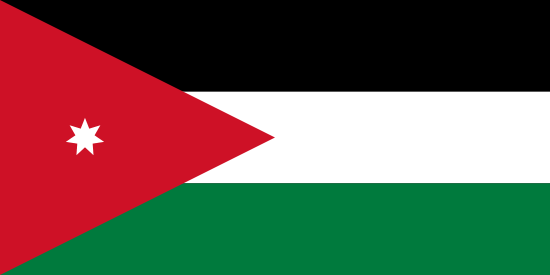 | Jordan | Arabic | العربية |
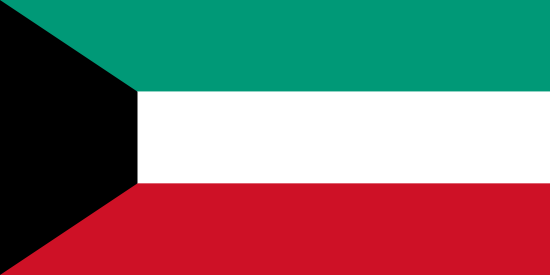 | Kuwait | Arabic | العربية |
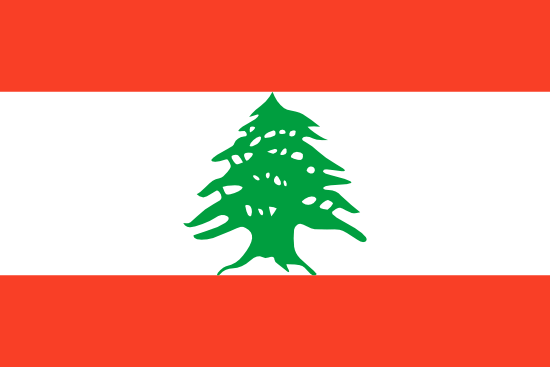 | Lebanon | Arabic | العربية |
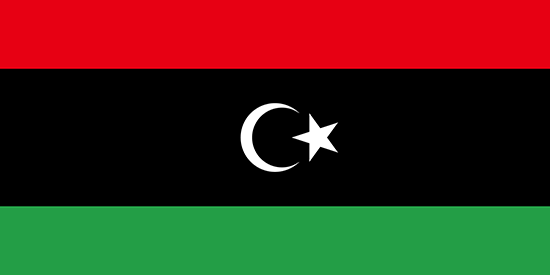 | Libya | Arabic | العربية |
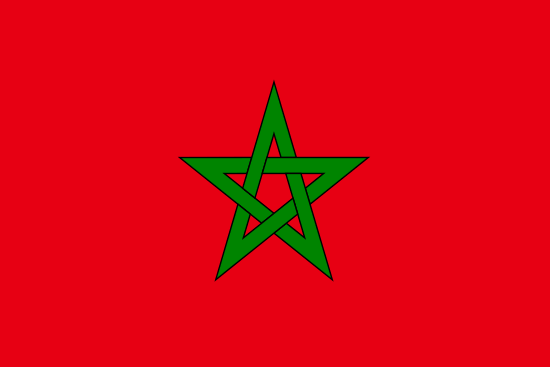 | Morocco | Arabic | العربية |
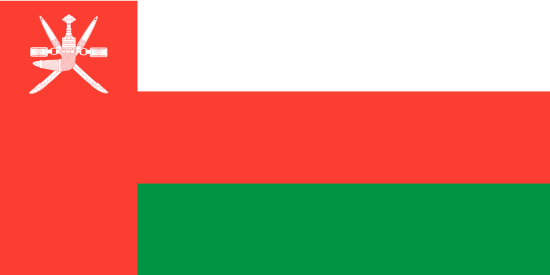 | Oman | Arabic | العربية |
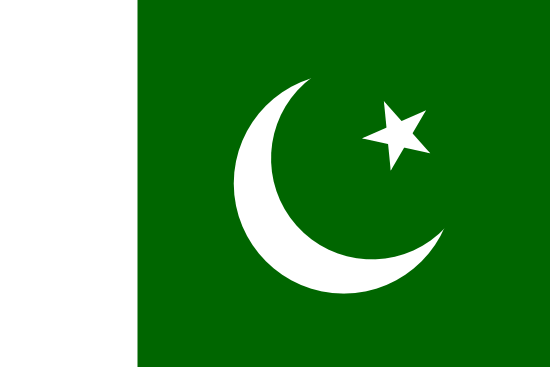 | Pakistan | Urdu (+ English) | اردو |
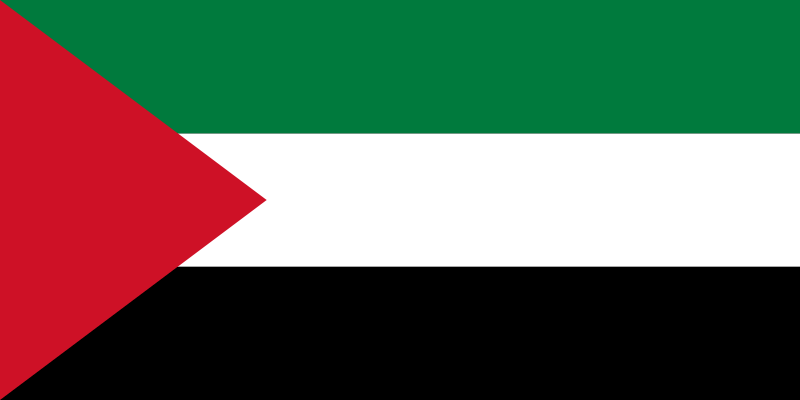 | Palestine | Arabic | العربية |
 | Qatar | Arabic | العربية |
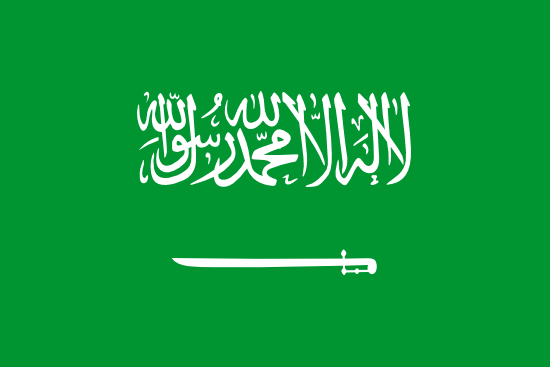 | Saudi Arabia | Arabic | العربية |
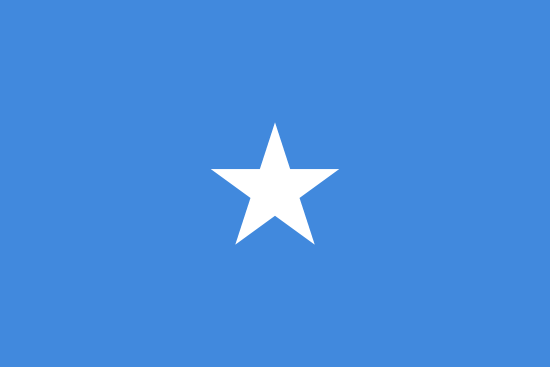 | Somalia | Arabic | العربية |
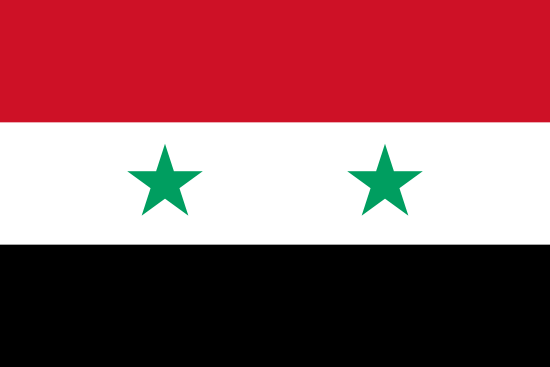 | Syria | Arabic | العربية |
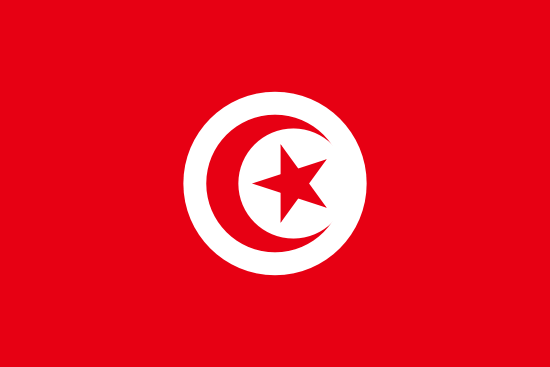 | Tunisia | Arabic | العربية |
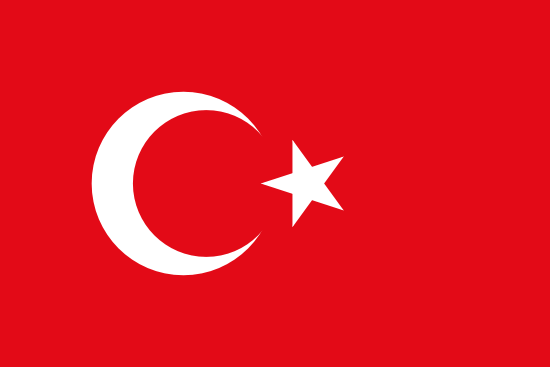 | Turkey | Turkish | Türkçe |
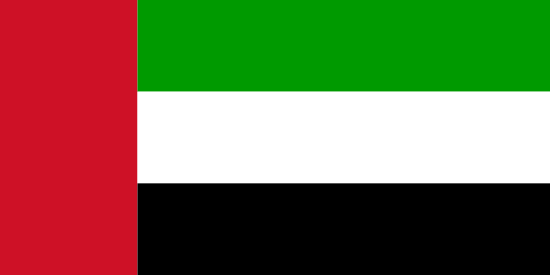 | United Arab Emirates | Arabic | العربية |
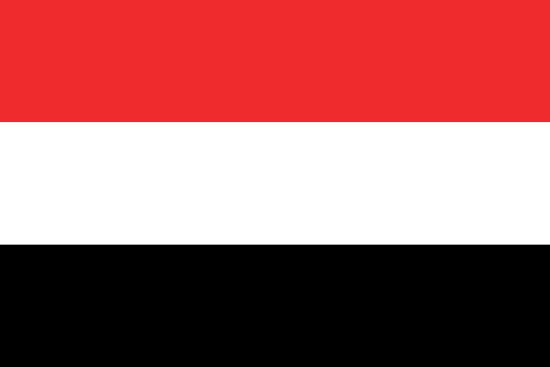 | Yemen | Arabic | العربية |
North America
| Flag | Country name | Official language name(s) in English | Official language name(s) in original language |
|---|---|---|---|
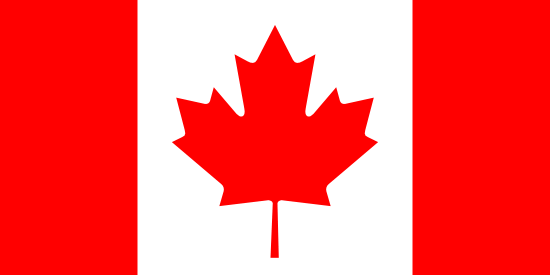 | Canada | English (+ French) | English (+ Français) |
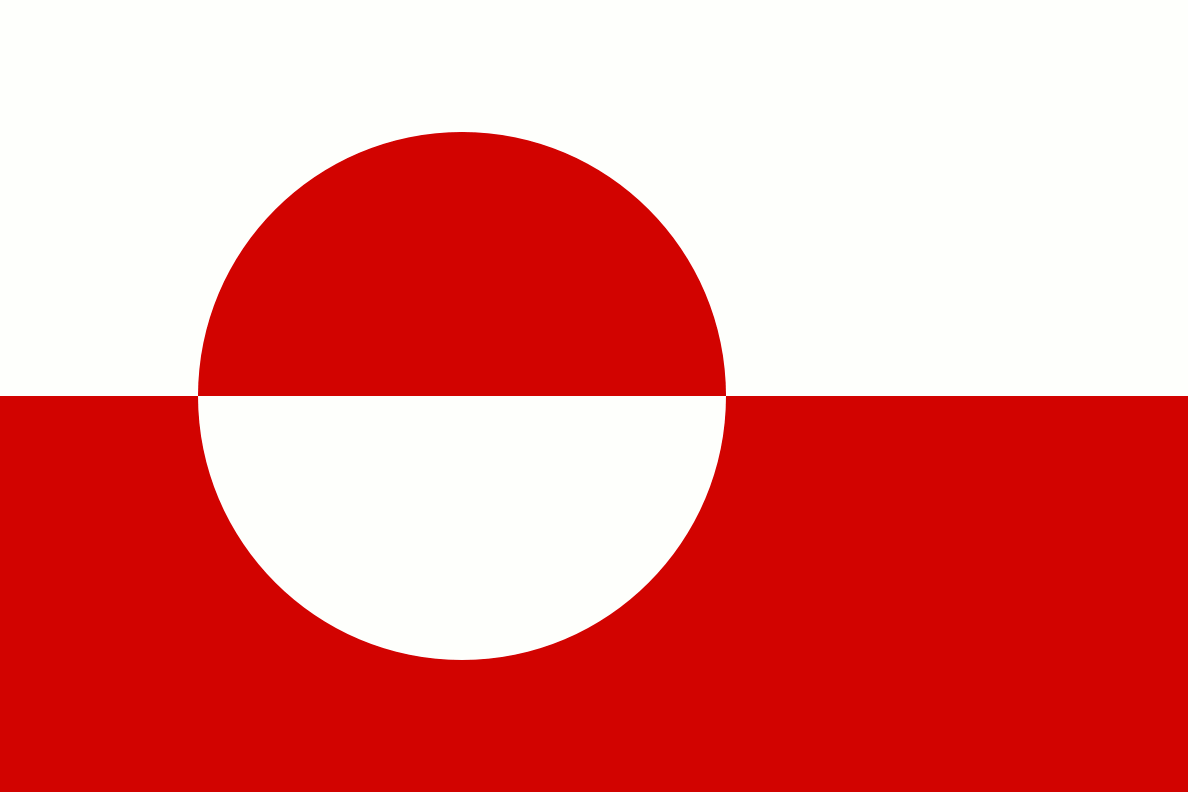 | Greenland | Greenlandic | Kalaallisut |
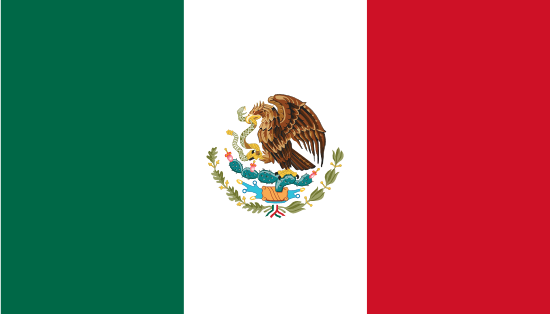 | Mexico | Spanish | español |
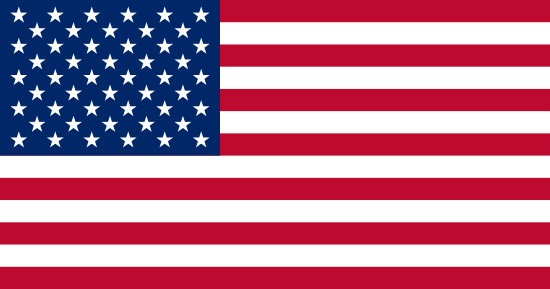 | United States of America | English (+ Hawaiian, Spanish) | English |
Central America
| Flag | Country name | Official language name(s) in English | Official language name(s) in original language |
|---|---|---|---|
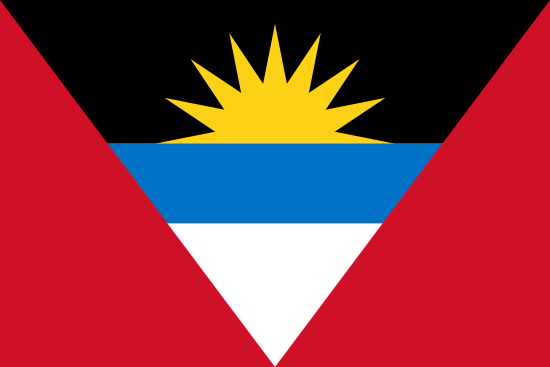 | Antigua and Barbuda | English | English |
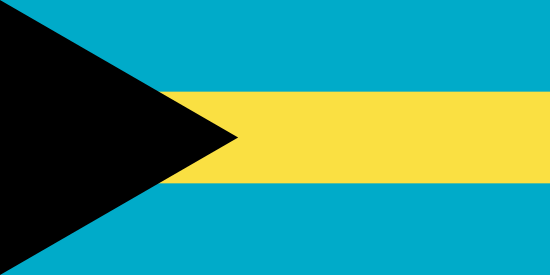 | Bahamas | English | English |
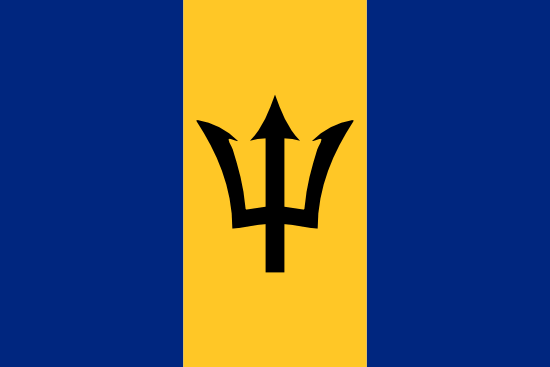 | Barbados | English | English |
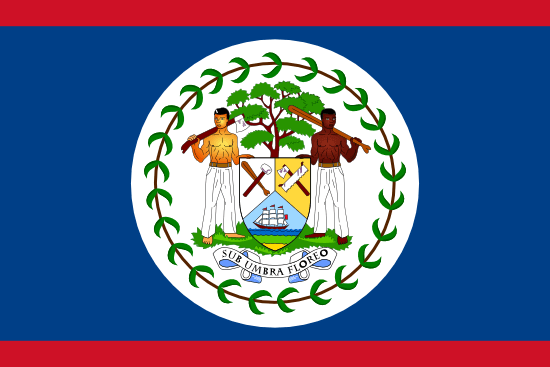 | Belize | English | English |
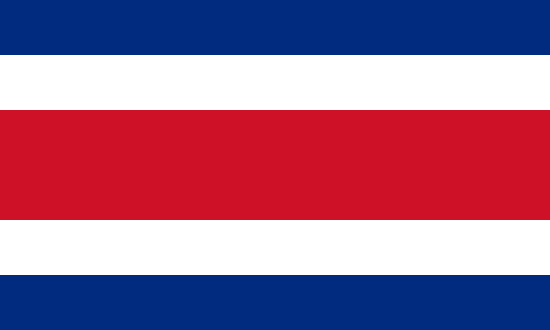 | Costa Rica | Spanish | español |
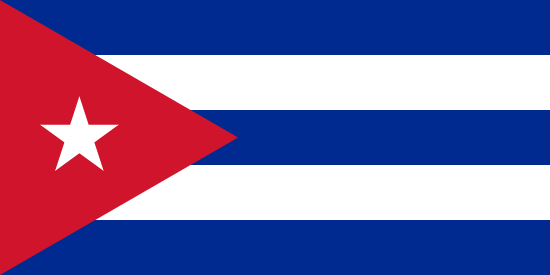 | Cuba | Spanish | español |
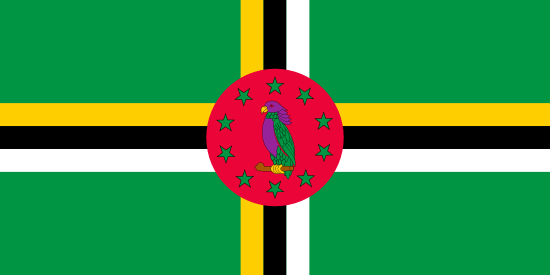 | Dominica | English | English |
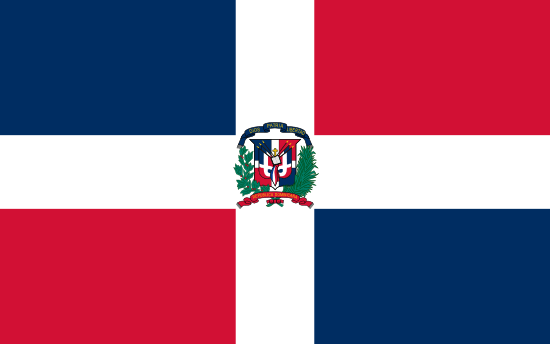 | Dominican Republic | Spanish | español |
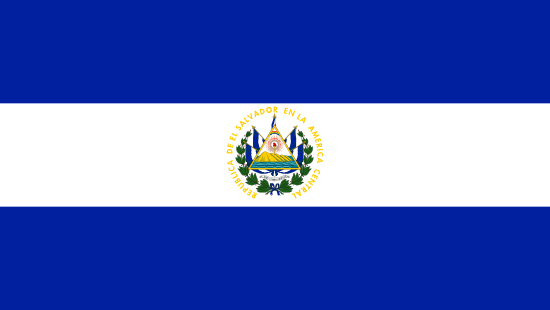 | El Salvador | Spanish | español |
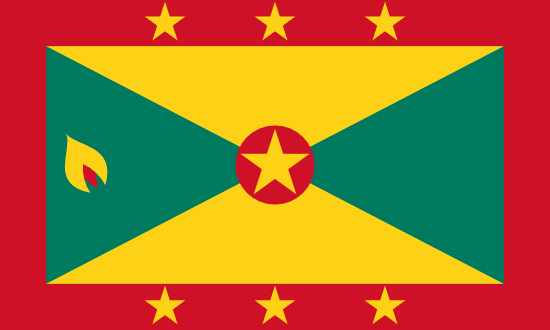 | Grenada | English | English |
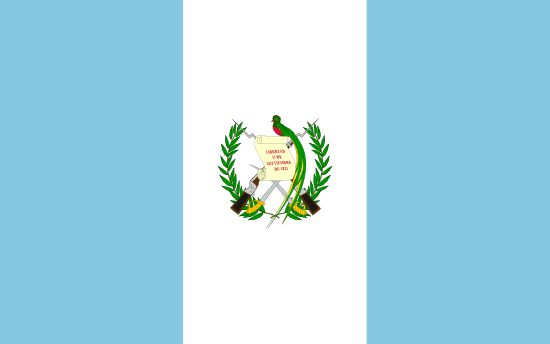 | Guatemala | Spanish | español |
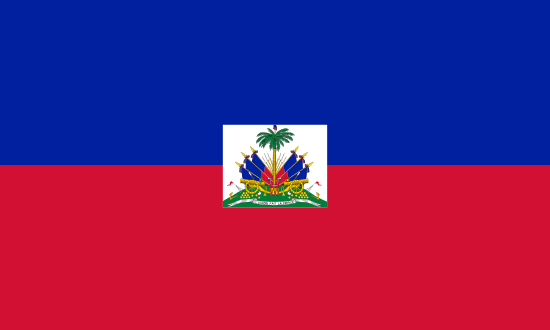 | Haiti | Haitian Creole (+ French) | Kreyol ayisyen (+ Français) |
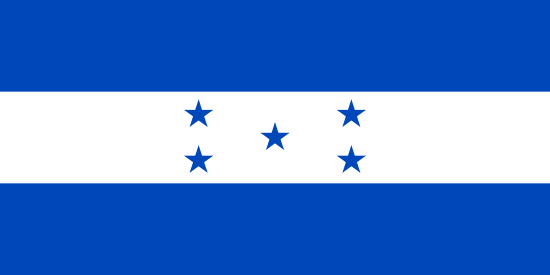 | Honduras | Spanish | español |
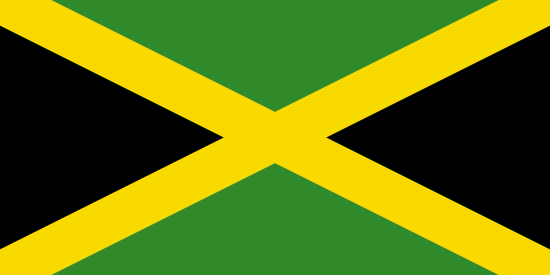 | Jamaica | English | English |
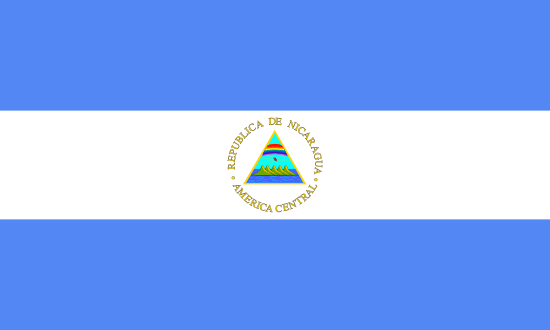 | Nicaragua | Spanish | español |
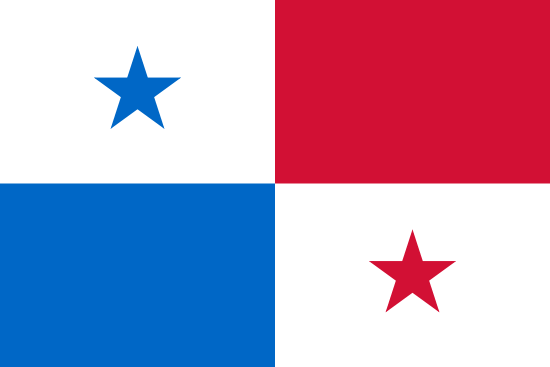 | Panama | Spanish | español |
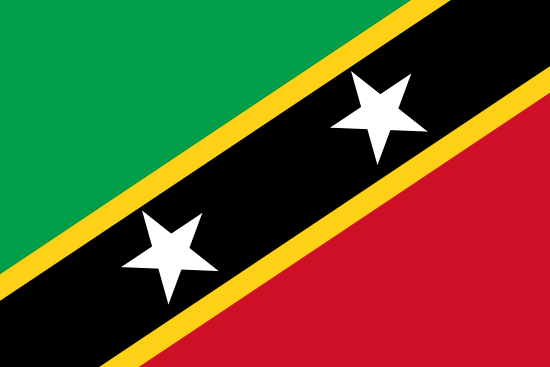 | Saint Kitts and Nevis | English | English |
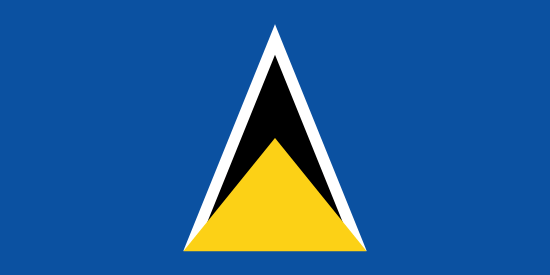 | Saint Lucia | English | English |
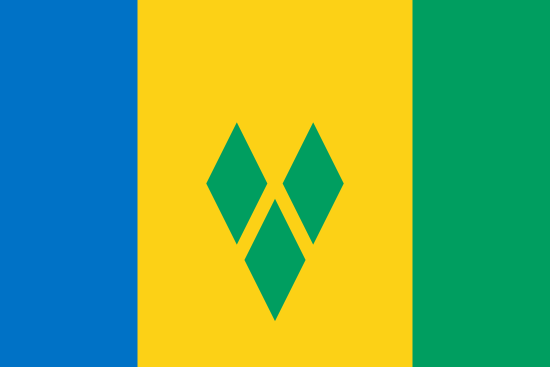 | Saint Vincent and the Grenadines | English | English |
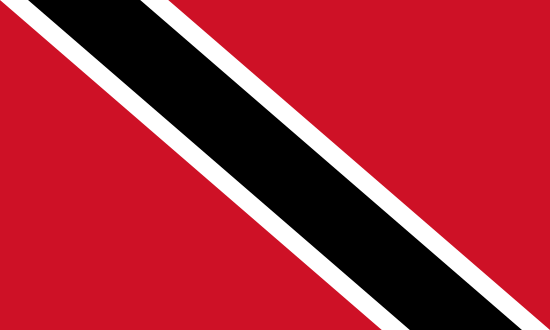 | Trinidad and Tobago | English | English |
South America
| Flag | Country name | Official language name(s) in English | Official language name(s) in original language |
|---|---|---|---|
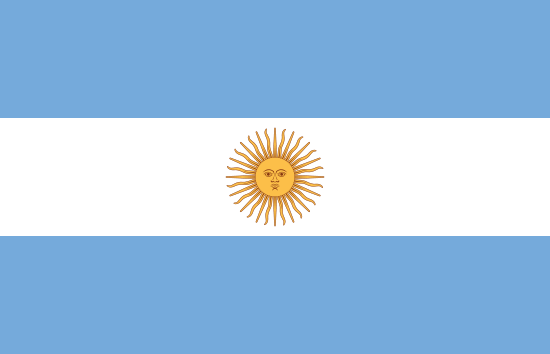 | Argentina | Spanish | español |
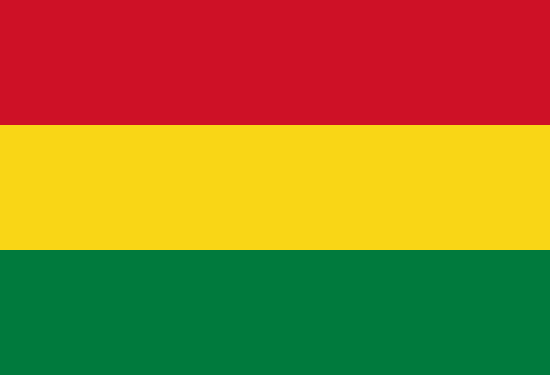 | Bolivia | Spanish | español |
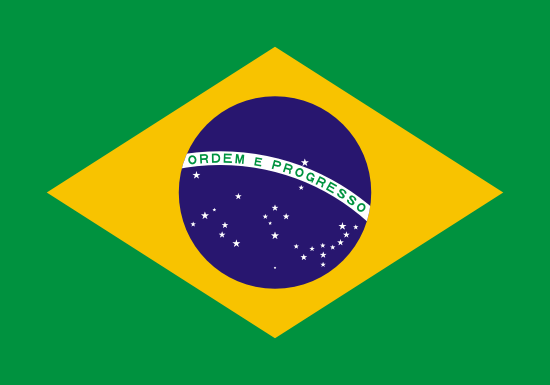 | Brazil | Spanish (+ Brazilian Portuguese) | español (+ Português do Brasil) |
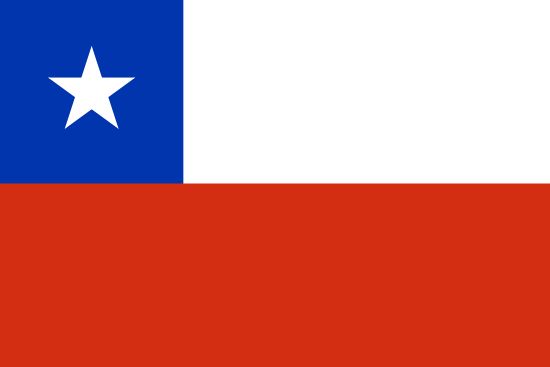 | Chile | Spanish | español |
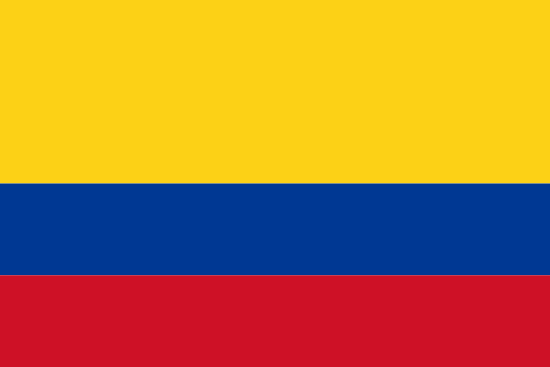 | Colombia | Spanish | español |
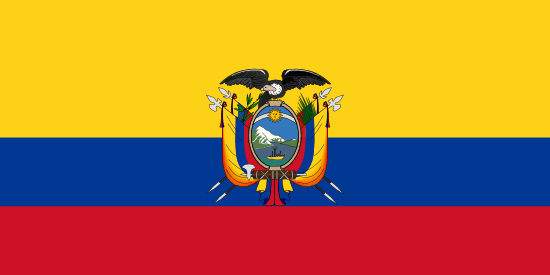 | Ecuador | Spanish | español |
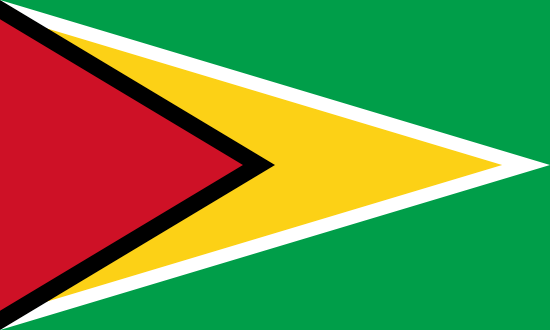 | Guyana | English | English |
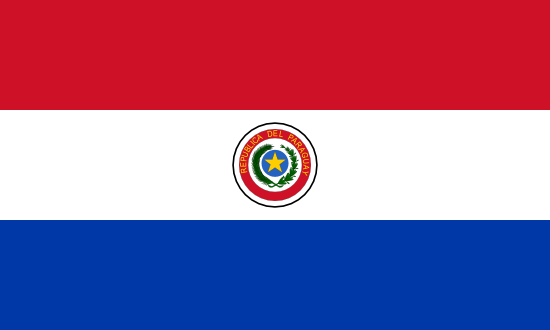 | Paraguay | Spanish (+ Guarani) | español |
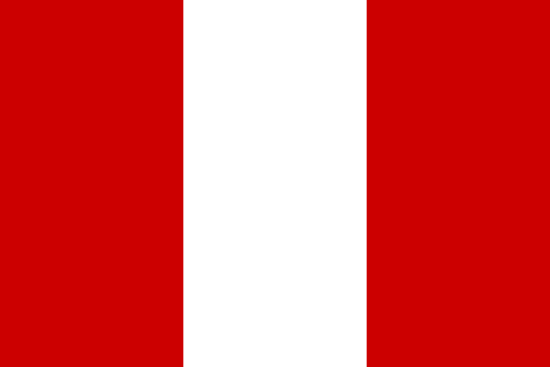 | Peru | Spanish (+ Quechua) | español |
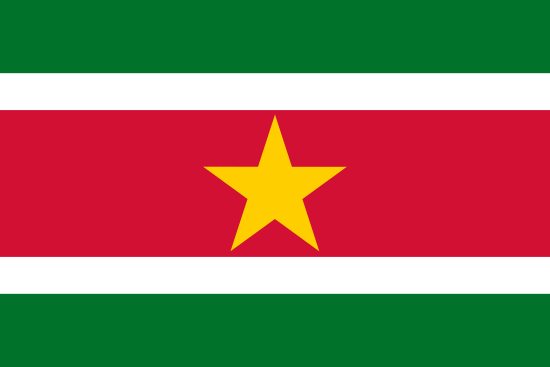 | Suriname | Dutch | Dutch |
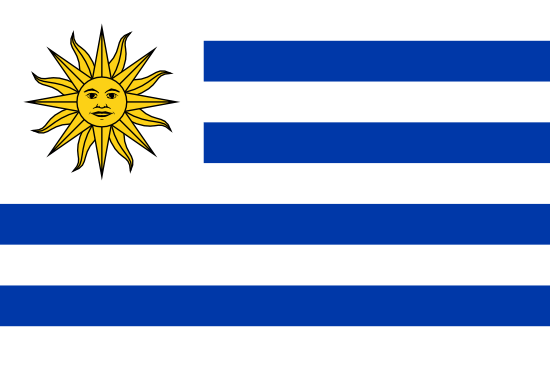 | Uruguay | Spanish | español |
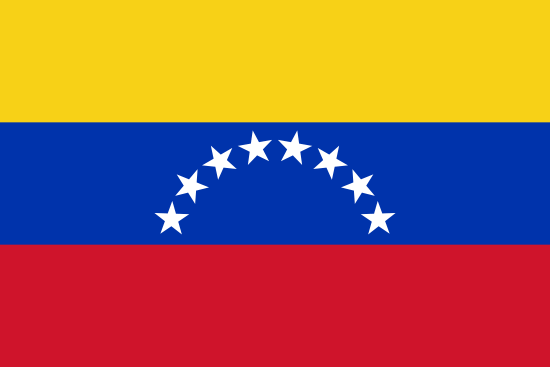 | Venezuela | Spanish | español |
Conclusion
We live in a diverse world, where nearly 7,000 languages are spoken! Therefore, when conducting surveys, a multilingual survey can help organizations, marketers, and researchers achieve more accurate survey results (and collect more data). So, are you ready to create your multilingual survey? SurveyLegend has you covered with our multilingual questionnaire and survey tool. To begin, simply write your survey, translate your survey, and then create your multilingual or dual language survey with SurveyLegend.
Have you conducted multilingual surveys in the past? Did you find that it gave you better results? Let us know your experiences in the comments!
Frequently Asked Questions
How many languages are spoken in the world?
Today, there are roughly 7,000 languages across the globe. Of course, many of the lesser-known languages are centuries old and only spoken by a handful of people.
How many people globally speak English?
Only about 5% of the world's population speaks English as their first language, with another 20% claiming it as a second language.
What is a multilingual survey?
A survey that has been translated and conducted in a variety of languages.
What are the benefits of a multilingual survey?
By addressing people in their native tongue, survey takers get more accurate responses because people better understand the questions. They can also expand their reach to gain data that is more representative of an entire population.