

Pre-Webinar Survey Template
This pre-webinar survey template asks attendees about topic familiarity, current challenges, useful examples, and questions for the presenter. Use the replies before the session to choose explanations and activities that match your audience’s needs.
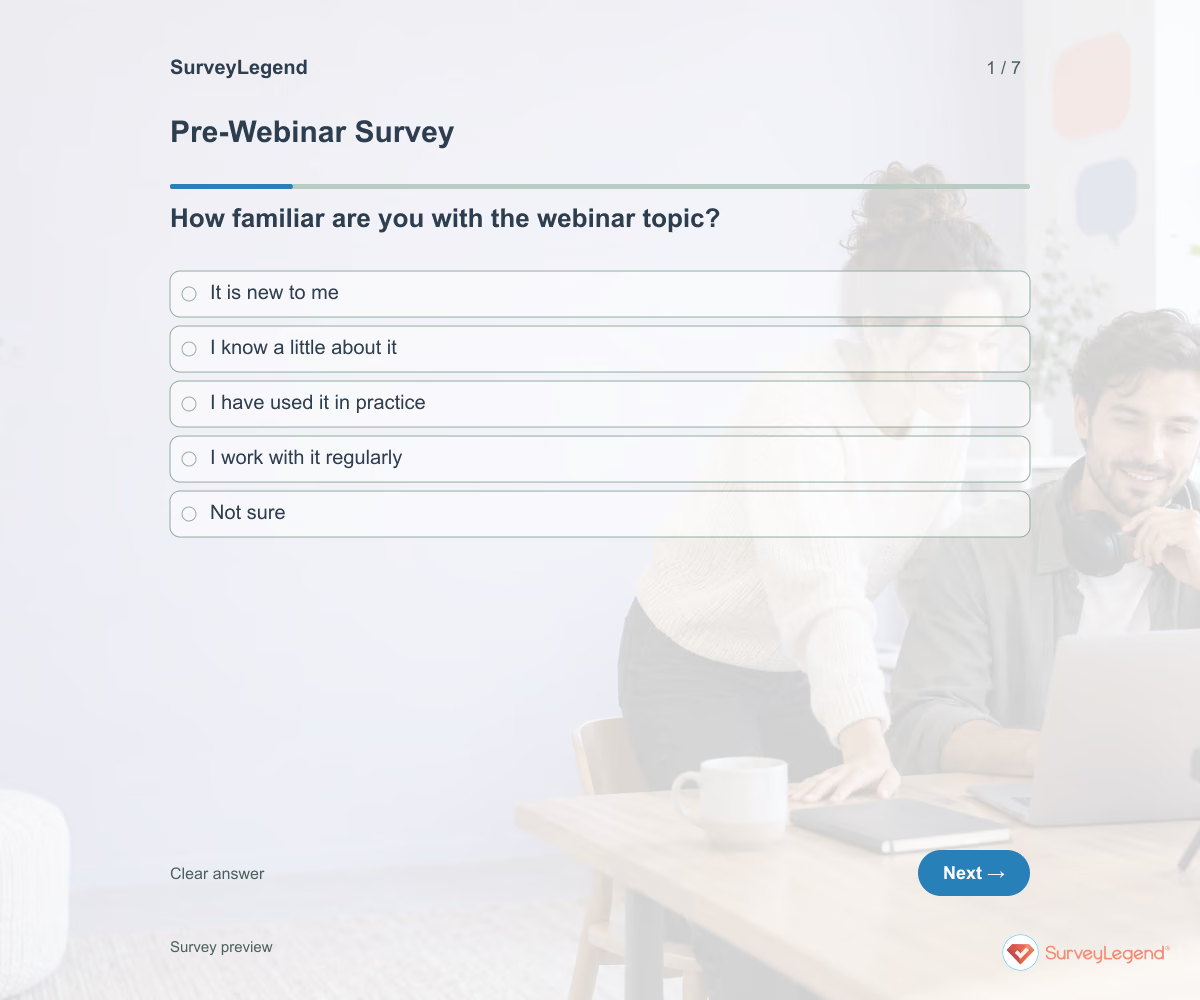
Use this pre-webinar survey template to learn what attendees want to understand before you finalize the session. It asks about topic familiarity, current challenges, useful examples, and questions for the presenter. Create it in SurveyLegend to prepare a webinar that meets the audience where they are.
When to use this pre-webinar survey
Send it while you still have time to adjust examples and explanations. Name the webinar and its topic so attendees know which session they are helping shape. Keep the survey separate from registration and attendance confirmation. A response tells you about someone’s interests; it does not reserve a seat or guarantee that they will attend.
After the webinar, evaluate the actual session with our post-event feedback template.
7 questions for your pre-webinar survey
Use these 7 questions as a starting point. All fields are optional; choose one answer where choices are listed. Leave an irrelevant open field blank.
Respondent introduction:
Answer about the webinar named by the organizer. Help us choose useful explanations and examples. This survey does not register you for the event. All questions are optional.
A little feedback. A clearer picture.
Explore this 7-question example at your own pace. Every question is optional.

Pre-Webinar Survey
Thank you for trying the survey!
You’ve tried the template from the respondent’s side. Make it your own with SurveyLegend.
Create your own surveyChecking submission availability…
This is a demo. We count starts and submissions only. Your answers stay in your browser and are never sent or saved.
Activity · no starts yet
How to customize your pre-webinar survey
Use a plain-language description of the topic without assuming everyone has the same role or experience. If you offer a technical session, replace broad experience choices with task-based descriptions. Do not promise to cover every submitted question. Group similar requests and tell attendees how unanswered questions will be handled. For example, a mixed-experience audience may benefit from a short foundations section before a detailed demonstration. Before sharing widely, try the questions with a few people from the intended audience and clarify anything they interpret differently.
Printable pre-webinar survey template
Use this printable pre-webinar survey template at an in-person briefing before a later online session. It includes the same questions and space to write, giving people who prefer paper or are less comfortable online another way to take part. SurveyLegend helps you offer both formats. Tell respondents where to return the completed form and who will review it. Paper answers need a separate review or manual entry process; they are not automatically added to online responses.
 Download PDF
 AI prompt for a pre-webinar survey
Prepare the webinar around the questions your audience actually wants answered.
The full prompt below specifies your pre-webinar survey, including all 7 questions and response settings. Copy it, register for a free SurveyLegend account, and paste it into SurveyLegend’s AI survey creation tool. Review the result and add your organization’s details before sharing.
Create a free account, then paste the copied prompt into SurveyLegend.
Already have an account? Sign in to create your pre-webinar survey.
Shape the agenda around attendee goals
Compare familiarity with the outcome attendees want and the examples they request. Group the questions into a manageable agenda and identify where background explanations are needed. Use the participation-format preference as an input, not a promise to redesign the whole session. After the webinar, evaluate the actual experience separately; expectations collected beforehand are not a satisfaction rating.
Frequently asked questions
When should I send a pre-webinar survey?
Send it early enough to use the answers while planning the session. The right timing depends on how much of the agenda you can still change.
Does this survey register someone for the webinar?
No. Keep registration and attendance information in your actual booking process, and explain how attendees will receive access details.
What if the audience has mixed experience?
Use the familiarity and desired-outcome answers to plan brief foundations, relevant examples, and optional deeper material. Do not assume one average rating describes everyone.
-
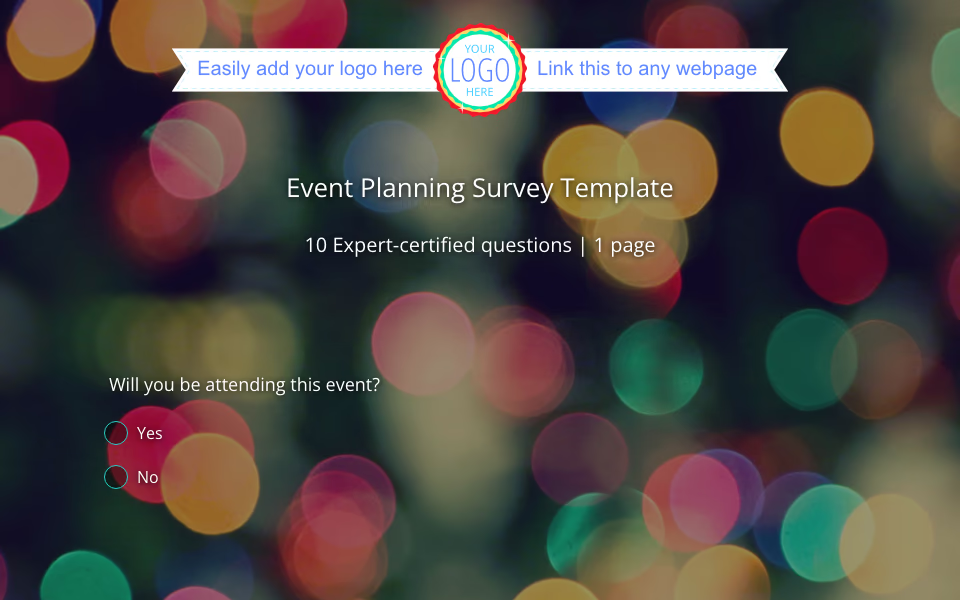 Event Planning Survey Template Planning a party, conference, or team gathering? You don’t have to guess what people want or stress about the details. With SurveyLegend’s event survey template for planning , you can collect feedback, understand preferences, and organize your next event with confidence. Whether it’s a small dinner or a big event with hundreds of guests, having the right tools makes all the difference.
 -
 Post-Event Survey Template So your event is over. The lights are off, the last coffee cup is cleared, and you’re already thinking about what comes next. But before you dive into planning future events, take a breath and ask the most important question: “How did it go?”
 -
 Post-Workshop Survey Template Your workshop just ended. The chairs are empty, the markers are capped, and the buzz of conversation has settled. Now comes one of the most important steps you can take—gathering honest feedback while the experience is still fresh. If your goal is to improve and grow with every session, a well-crafted post-workshop survey template can be your most reliable partner.
 -
 Event Satisfaction Survey Template So your event is over. The lights are dimmed, the venue is cleared, the final slideshow has faded from the projector, and maybe you’re still finishing off leftover food from the buffet. But before you shift your focus to your next event, there’s one thing you can’t afford to skip: asking your attendees what they thought.
 -
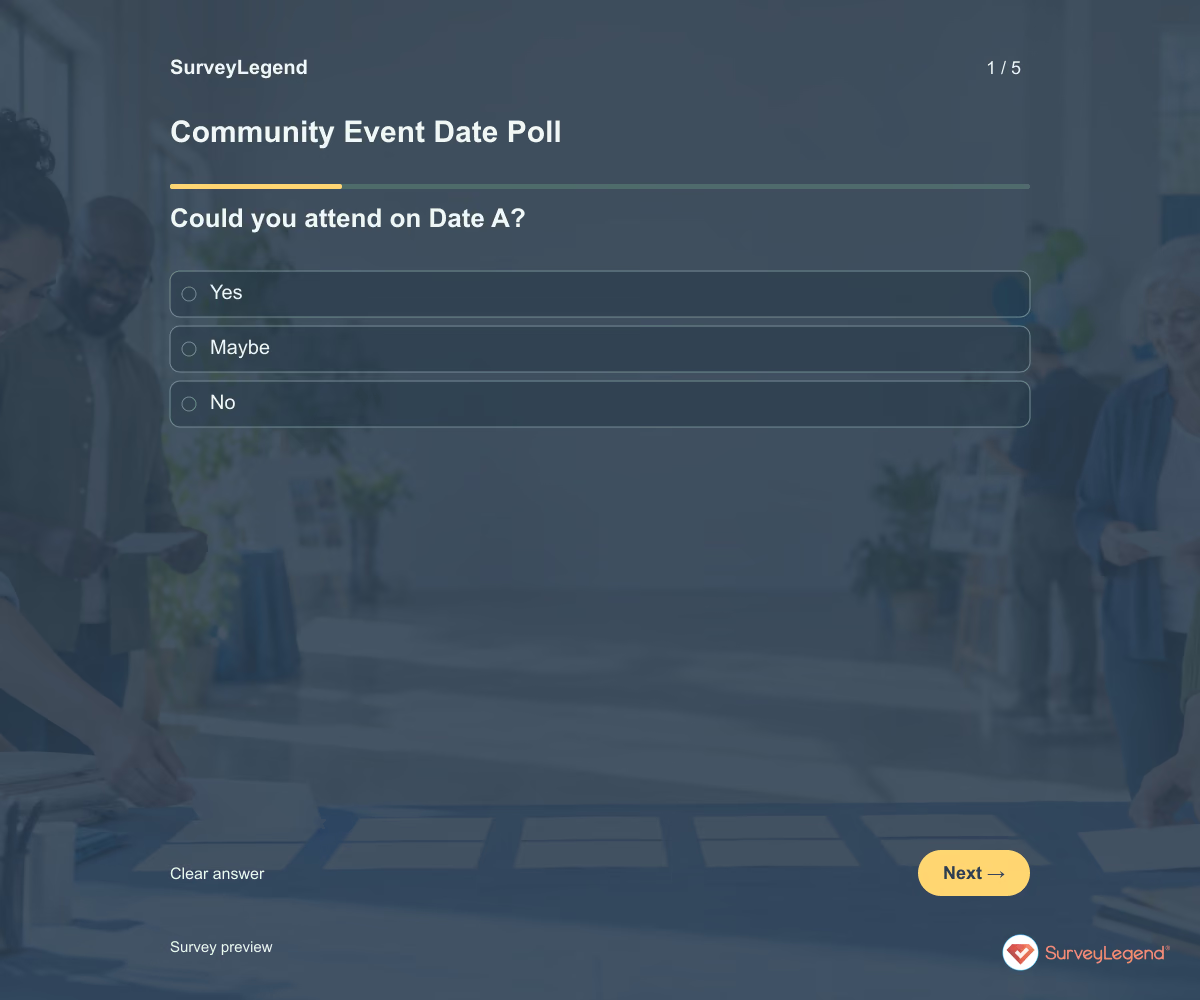 Community Event Date Poll Template Use this community event date poll template to compare availability before choosing a date. It asks separately whether people can attend each option, then which one they prefer. Create the poll in SurveyLegend to find a workable time without confusing a first choice with the only date someone could attend.
 -
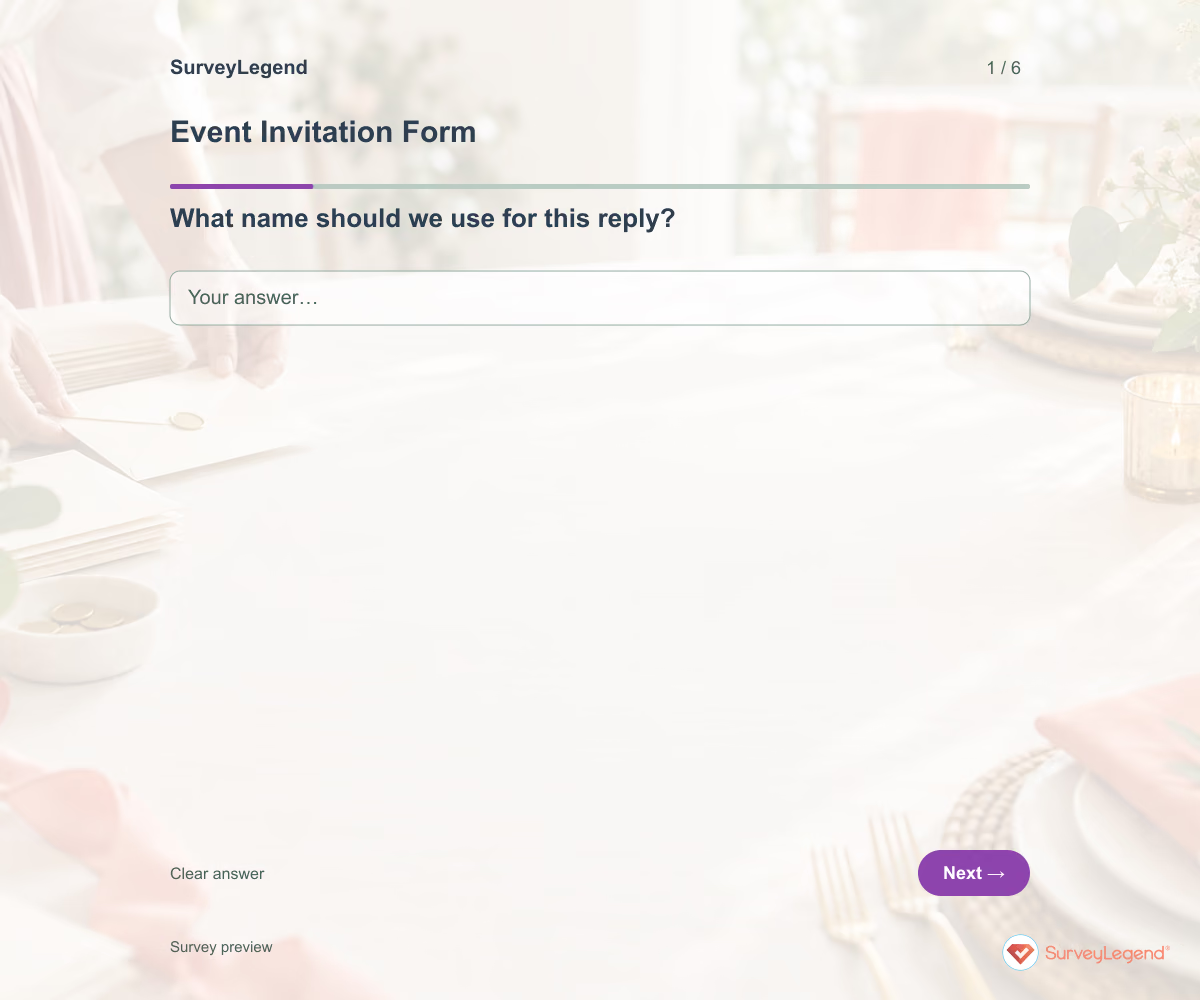 Event Invitation Form Template Use this event invitation form template to collect a clear reply from invited guests. It asks whether they expect to attend, how many people are included in their reply, and what they need to know before deciding. Build the form in SurveyLegend and share it with the event details and response deadline.
Free survey maker
Start creating surveys today for free
Create and bring your ideas to life with the survey tool used by people all over the world.
Ready to collect better research data?
Create academic surveys and questionnaires from ready-made templates.