

Post-Presentation Survey Template
This post-presentation survey asks your audience about the message, pace, examples, and questions left unanswered after one talk. Use the feedback to decide what to clarify or change before presenting again.

This post-presentation survey asks your audience about the message, pace, examples, and questions left unanswered after one talk. Use the feedback to decide what to clarify or change before presenting again.
A presentation can have useful information and still move too quickly through its key explanation. This SurveyLegend questionnaire separates content clarity from delivery pace and supporting material. It also gives audience members space to say what they understood and what needs another explanation.
When to use this survey
Send it after the named presentation while the content is still familiar. State the session title and date so attendees do not evaluate the whole event. Use a later follow-up survey if you need to ask whether people applied something afterward; this immediate questionnaire cannot establish later behavior.
7 questions for your post presentation survey
Think about the presentation named in the invitation. Answer only about what you experienced. All questions are optional. Do not include private information about yourself, the presenter or another attendee.
A little feedback. A clearer picture.
Explore this 7-question example at your own pace. Every question is optional.
Post-Presentation Survey
Thank you for trying the survey!
You’ve tried the template from the respondent’s side. Make it your own with SurveyLegend.
Create your own surveyChecking submission availability…
This is a demo. We count starts and submissions only. Your answers stay in your browser and are never sent or saved.
Activity · no starts yet
Customize your post presentation survey
Match the questions to the actual session. A recording may have no live question opportunity, so retain that option or explain the available route. If there were multiple speakers, identify which presentation is being evaluated. Do not combine clarity, confidence and enthusiasm in one rating. Keep any knowledge test separate and label it clearly.
Printable post presentation survey
Hand out the same seven questions after a live talk for people who prefer paper. Identify the session and a collection point. Review paper responses separately or enter them through an agreed process; paper feedback is not automatically added online.
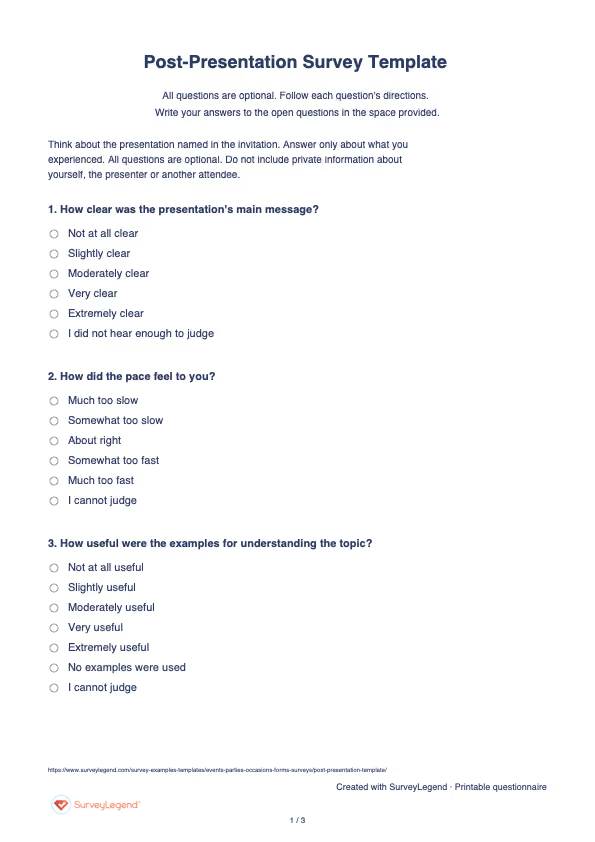
 Download Post-Presentation Survey Template (PDF)
 Create this survey with AI
Copy this prompt into an AI assistant to draft the questions. Review the draft, then build and customize the survey in SurveyLegend before sharing.
Copy the prompt into an AI assistant to draft the questions, then build your survey in SurveyLegend.
Already have an account? Sign in to create your post presentation survey.
How to use the answers
Read the stated takeaway before assuming a high clarity rating means the intended message was understood. Compare pace responses with requests for more explanation, then choose a section to shorten, slow down, or support with an example. Group open-ended data by content point rather than by positive or negative sentiment alone. Treat takeaways as useful feedback, not a scored assessment of retained learning.
Stan van Ginkel and colleagues’ 2017 presentation-assessment study considered distinct criteria, including “interaction with the audience”. Its presentation assessment research developed a rubric with input from 38 higher-education professionals. That distinction informs separate questions about message, materials, and interaction. The study’s rubric validation does not apply to this original audience-feedback questionnaire, which has no grading scale or total score.
Frequently asked questions
Does this prove the audience learned the material?
No. It records perceptions and a written takeaway. Evaluating learning requires suitable assessment tasks and a separate design.
Can I use this after a recorded presentation?
Yes. Identify the recording and retain options for features the viewer did not experience, such as a live question session.
Should I ask about the venue too?
Use a separate event or logistics section if that is needed. Keeping this questionnaire focused makes presentation revisions easier to identify.
-
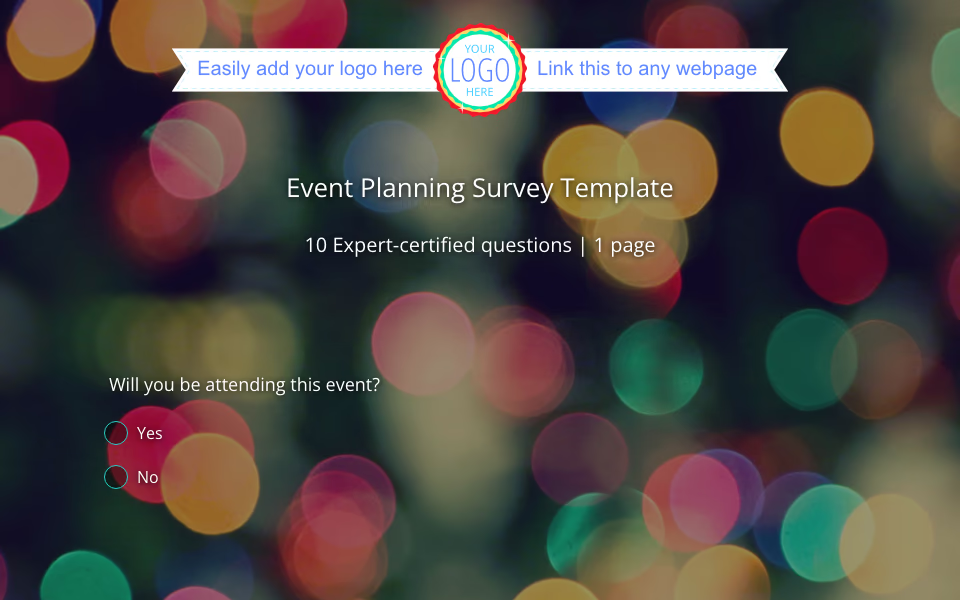 Event Planning Survey Template Planning a party, conference, or team gathering? You don’t have to guess what people want or stress about the details. With SurveyLegend’s event survey template for planning , you can collect feedback, understand preferences, and organize your next event with confidence. Whether it’s a small dinner or a big event with hundreds of guests, having the right tools makes all the difference.
 -
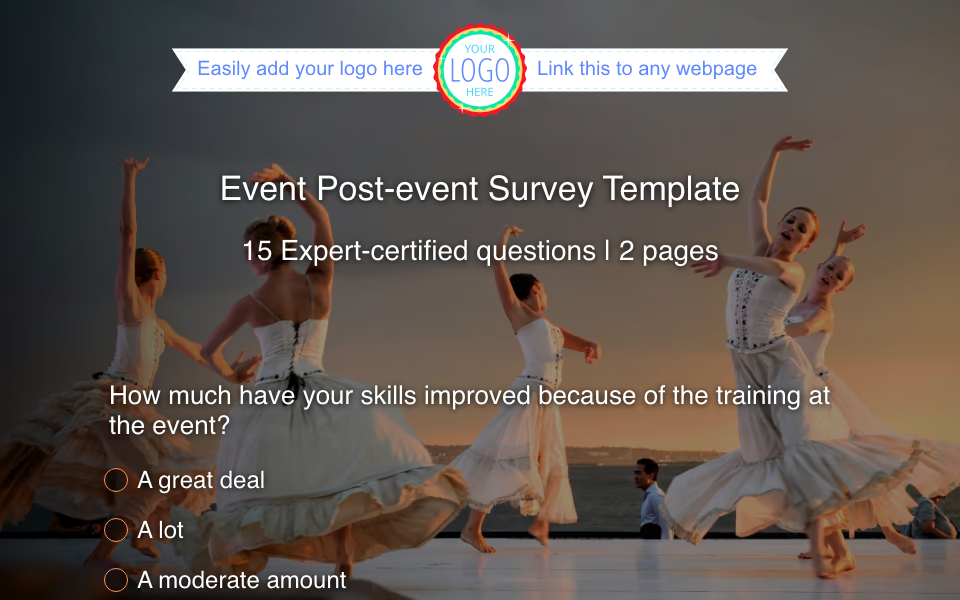 Post-Event Survey Template So your event is over. The lights are off, the last coffee cup is cleared, and you’re already thinking about what comes next. But before you dive into planning future events, take a breath and ask the most important question: “How did it go?”
 -
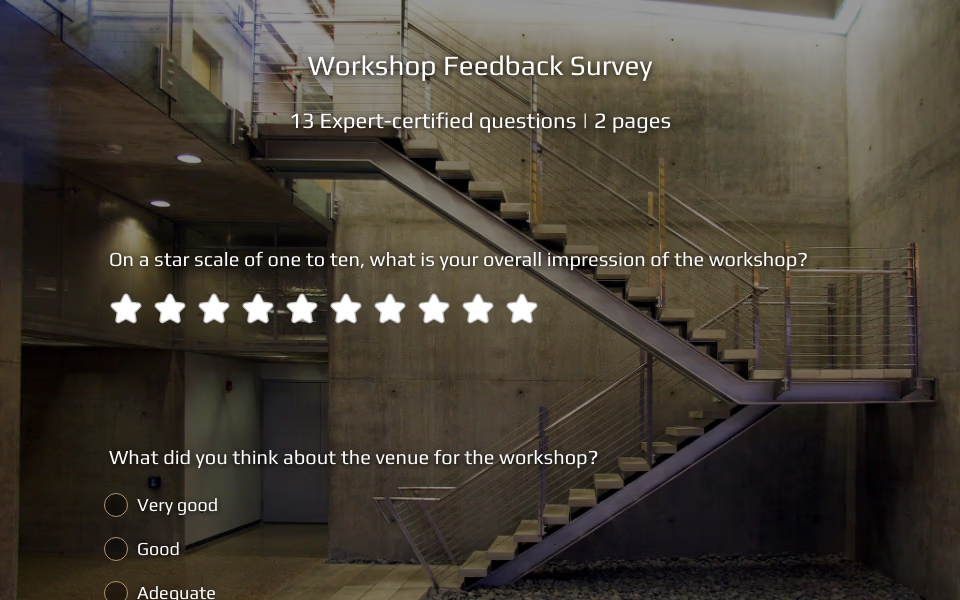 Post-Workshop Survey Template Your workshop just ended. The chairs are empty, the markers are capped, and the buzz of conversation has settled. Now comes one of the most important steps you can take—gathering honest feedback while the experience is still fresh. If your goal is to improve and grow with every session, a well-crafted post-workshop survey template can be your most reliable partner.
 -
 Event Satisfaction Survey Template So your event is over. The lights are dimmed, the venue is cleared, the final slideshow has faded from the projector, and maybe you’re still finishing off leftover food from the buffet. But before you shift your focus to your next event, there’s one thing you can’t afford to skip: asking your attendees what they thought.
 -
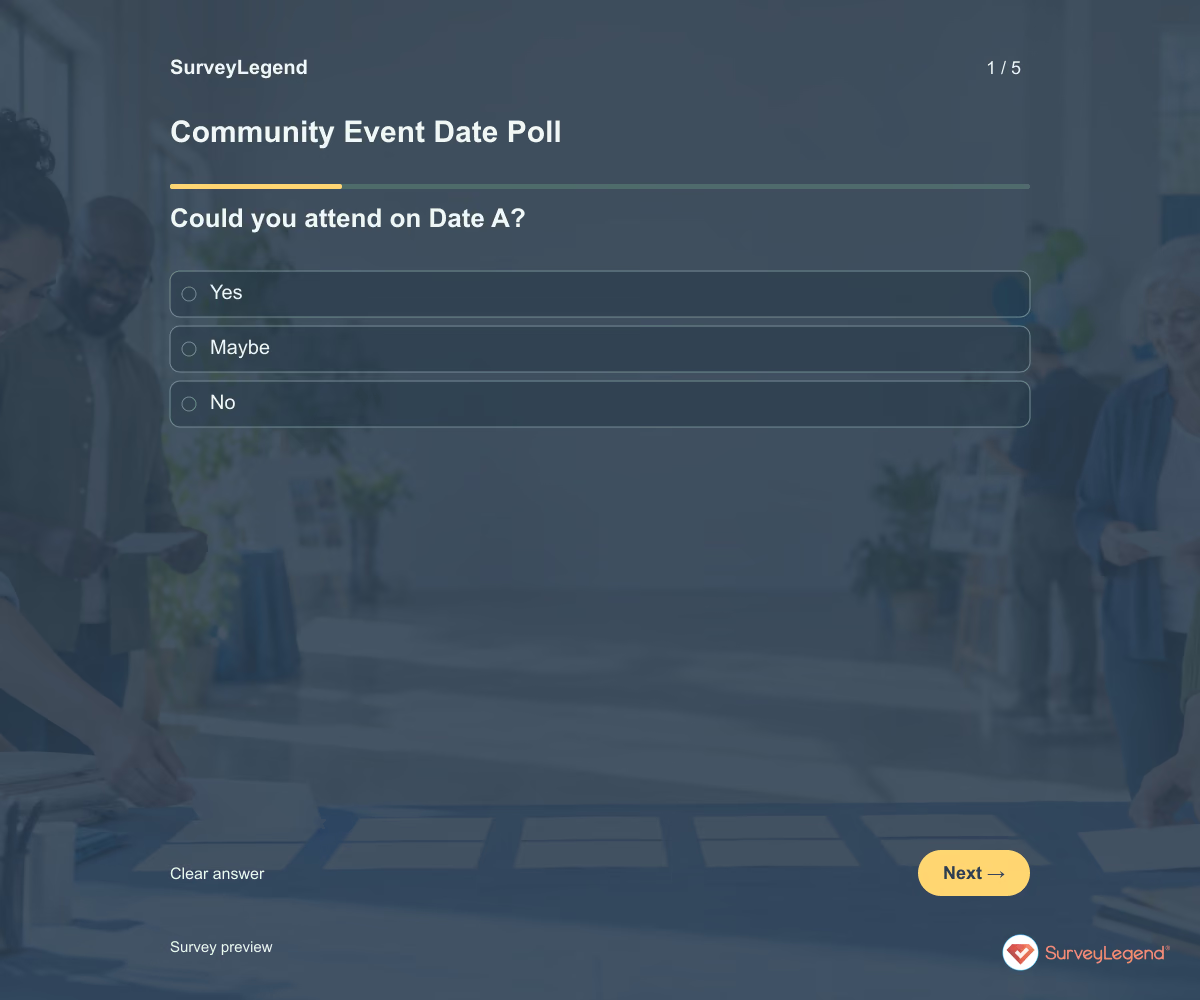 Community Event Date Poll Template Use this community event date poll template to compare availability before choosing a date. It asks separately whether people can attend each option, then which one they prefer. Create the poll in SurveyLegend to find a workable time without confusing a first choice with the only date someone could attend.
 -
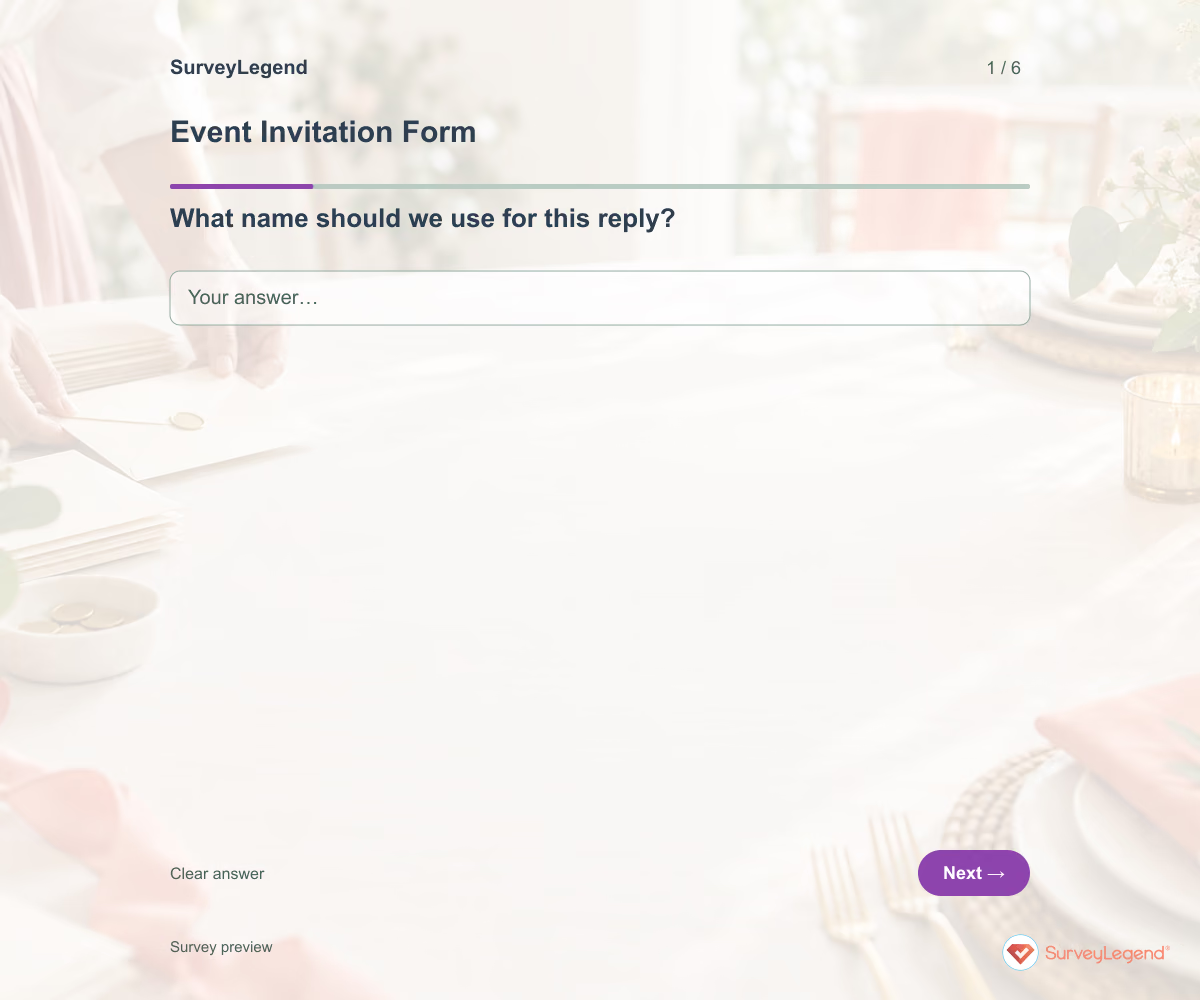 Event Invitation Form Template Use this event invitation form template to collect a clear reply from invited guests. It asks whether they expect to attend, how many people are included in their reply, and what they need to know before deciding. Build the form in SurveyLegend and share it with the event details and response deadline.
 -
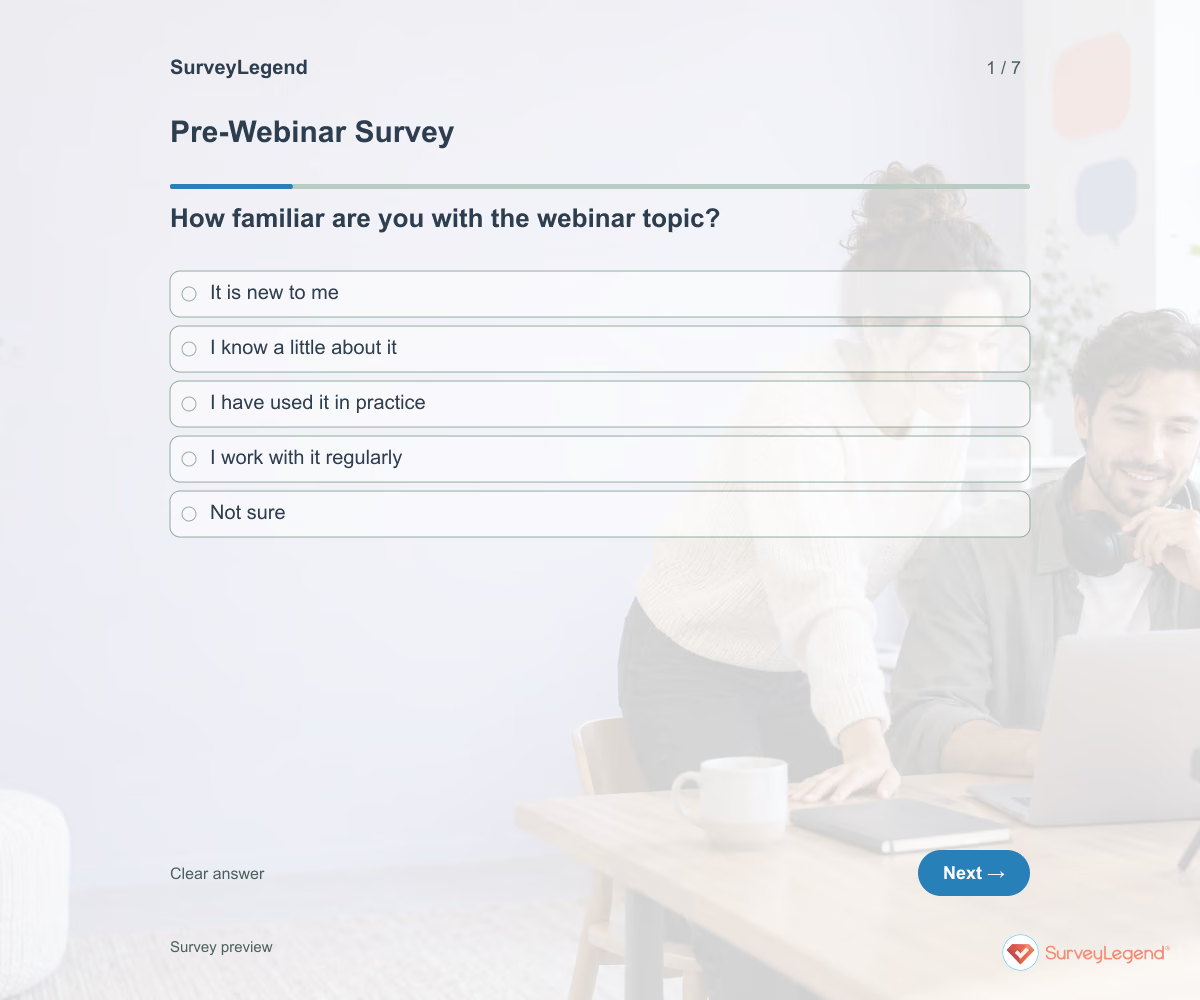 Pre-Webinar Survey Template Use this pre-webinar survey template to learn what attendees want to understand before you finalize the session. It asks about topic familiarity, current challenges, useful examples, and questions for the presenter. Create it in SurveyLegend to prepare a webinar that meets the audience where they are.
 -
 Conference Exhibitor Interest Survey Template An interested exhibitor is not a confirmed booking. Start by learning who they hope to meet and what they need to evaluate participation. Those answers can shape a clearer exhibitor prospectus.
 -
 Bachelorette Party Planning Survey Template Use seven questions to compare workable dates, spending limits, travel comfort, activity preferences, access needs, and the rule for resolving tradeoffs. All seven questions are optional and the survey does not create a validated score.
 -
 Bridal Party Survey Template A wedding party can include people with different travel needs, budgets and time available. Ask what they can consider before assigning tasks or booking group plans. This questionnaire supports a planning conversation; it does not secure an RSVP or a financial commitment.
 -
 Pitch Competition Judge Feedback Form Invite judges immediately after they hear one named pitch. Use the organizer's pitch ID so comments reach the right team, and keep official scoring in the competition's own rubric. Sandy Yu's University of Minnesota research used business-plan competition participants, judges and feedback text. The abstract reports within-competition improvement following more negative early feedback “mapped to specific areas of improvement.” Read the research abstract. That is a finding from one proprietary dataset, not a reason to be harsh or a validation of this SurveyLegend form. Here the questions pair a concrete strength with an evidence gap and a possible next test.
 -
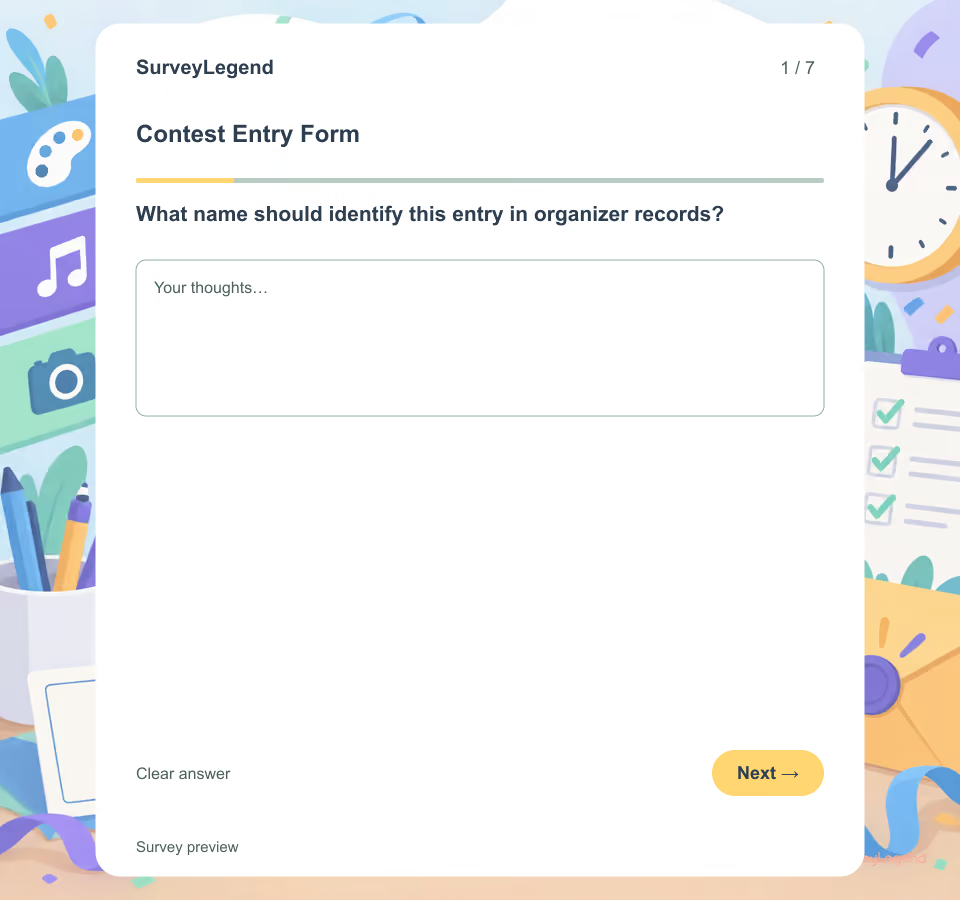 Contest Entry Form Template Use these seven fields after the contest rules and categories are final. The form gives organizers a consistent intake record while leaving scoring, public voting, rights agreements and winner notification to separate reviewed processes.
 -
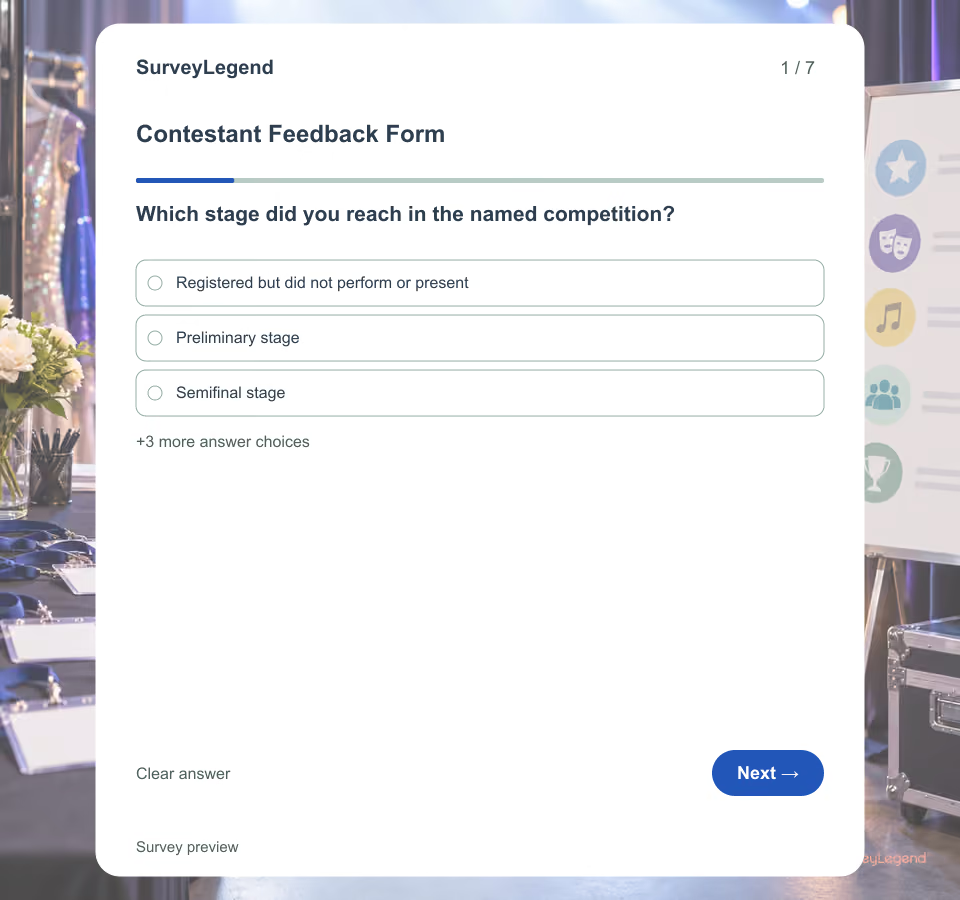 Contestant Feedback Form Template Use this form after a judged competition has ended and its results or feedback have been delivered. It focuses on what organizers can improve for future contestants. For feedback from the wider audience, use a post-event survey instead.
 -
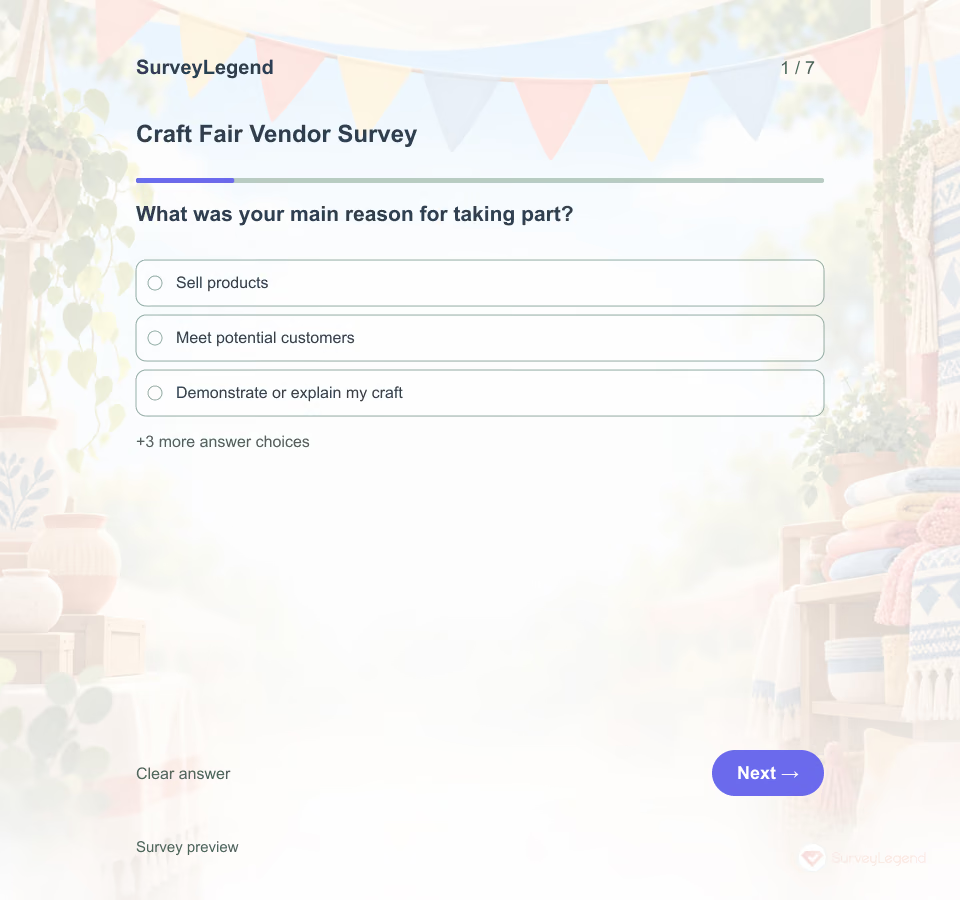 Craft Fair Vendor Survey Template Not every craft vendor attends only to make immediate sales. Some want to demonstrate their work, meet customers, or build local connections. Ask about that purpose before interpreting the event experience.
 -
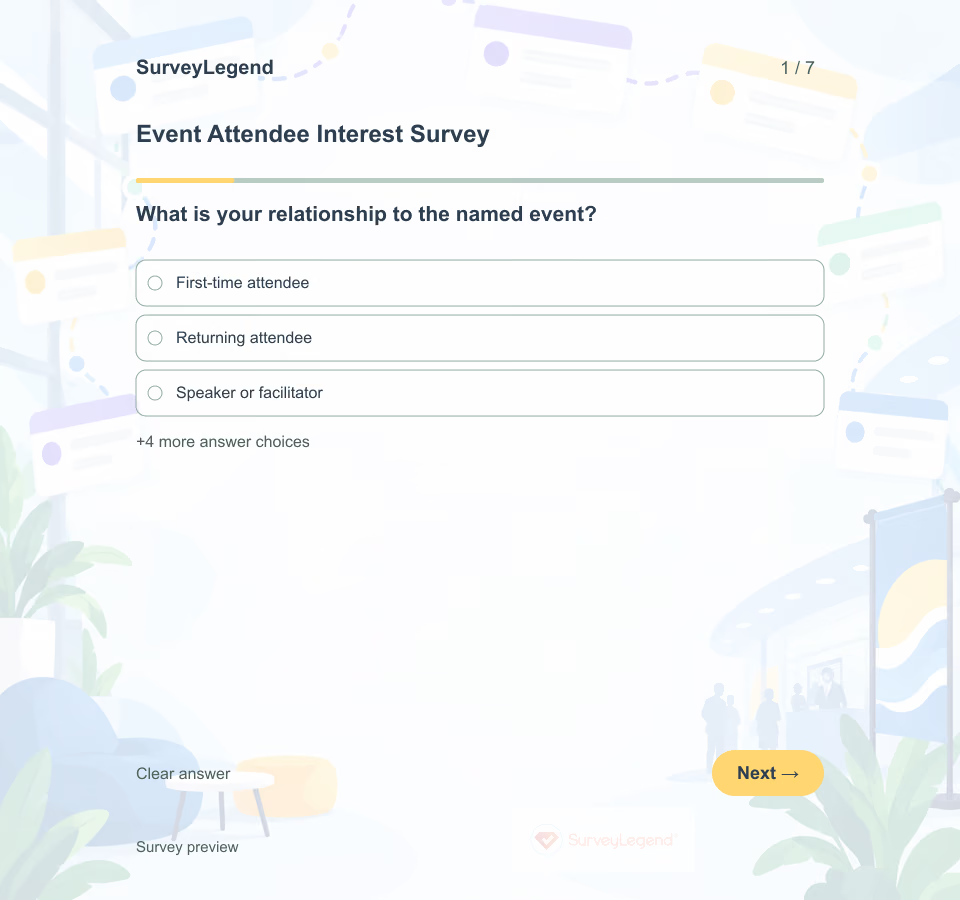 Event Attendee Interest Survey Template Use this survey before finalizing a multi-session conference, community or professional event agenda. It collects preferences that can guide content and scheduling without promising a place in any session. For decisions about venue, logistics and the broader event plan, use an event planning survey.
 -
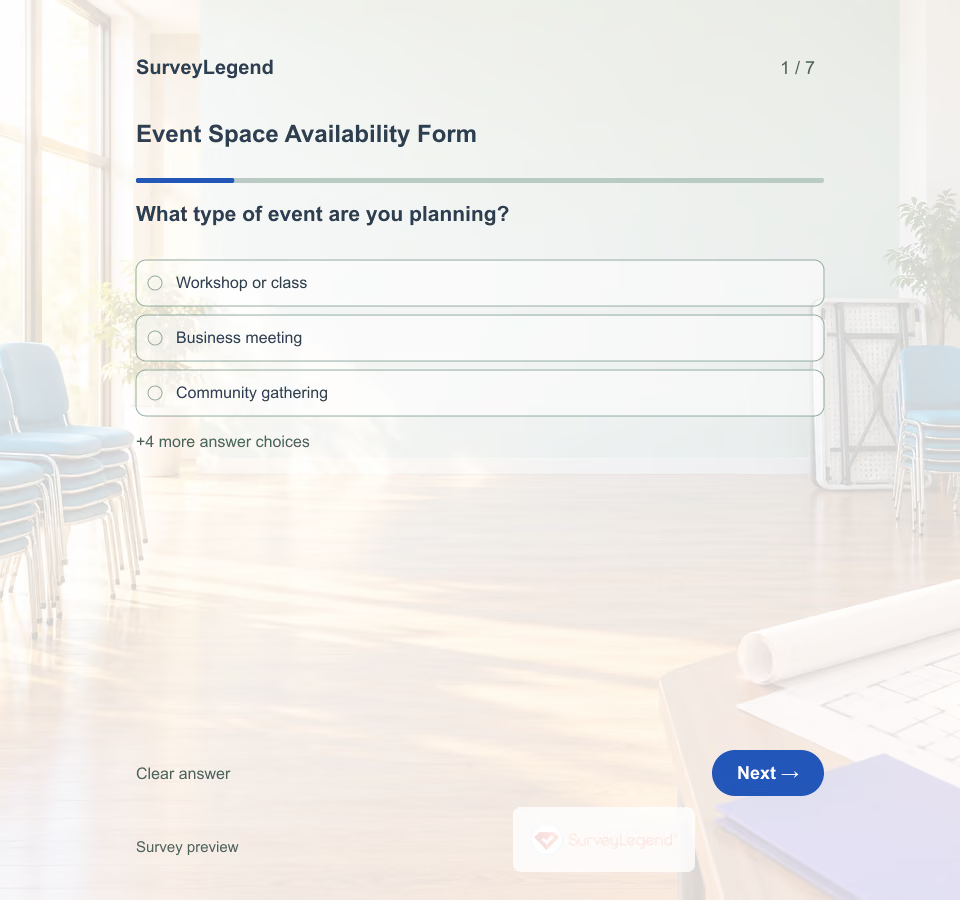 Event Space Availability Form Template Use the form when an organizer has a proposed event but has not booked a space. A date alone is rarely enough to assess fit: setup time, headcount and layout can change which room is suitable. Adapt this SurveyLegend example to the venue's inquiry process and keep the booking decision separate.
 -
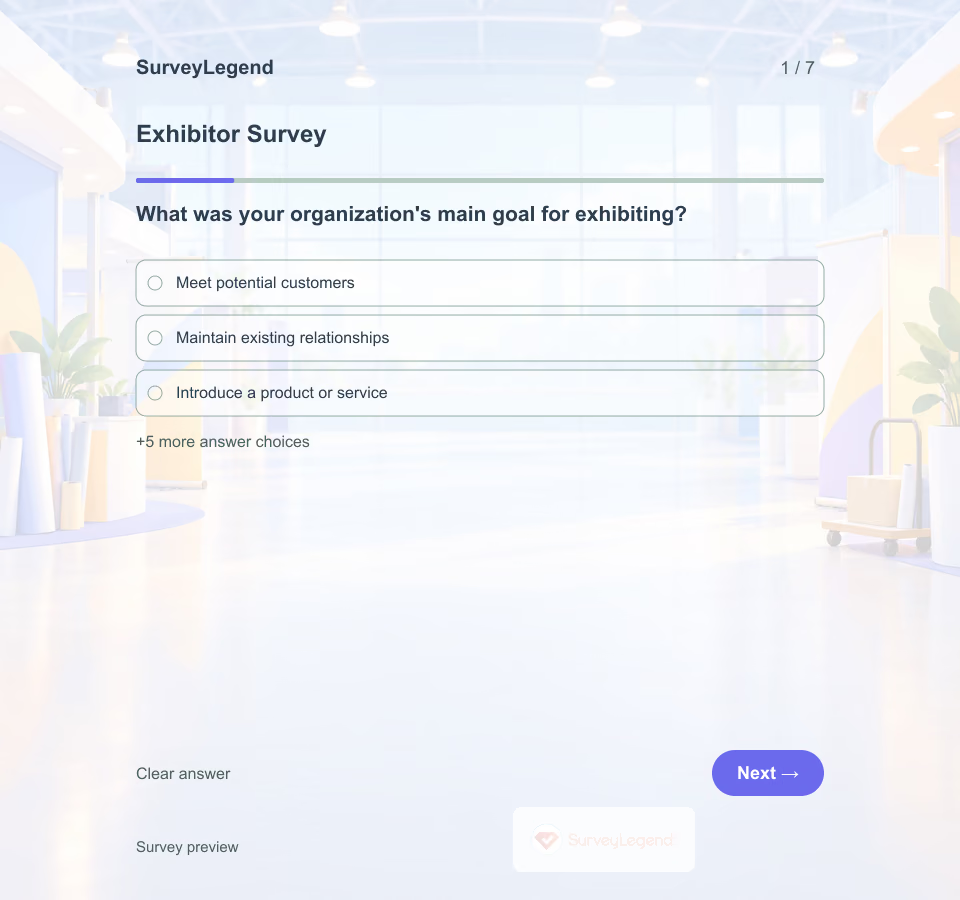 Exhibitor Survey Template A busy booth does not tell you whether an exhibitor met the right people. This SurveyLegend template starts with the exhibitor's main goal, then asks about the conditions around it. That makes a networking-focused response easier to interpret than an isolated satisfaction rating.
 -
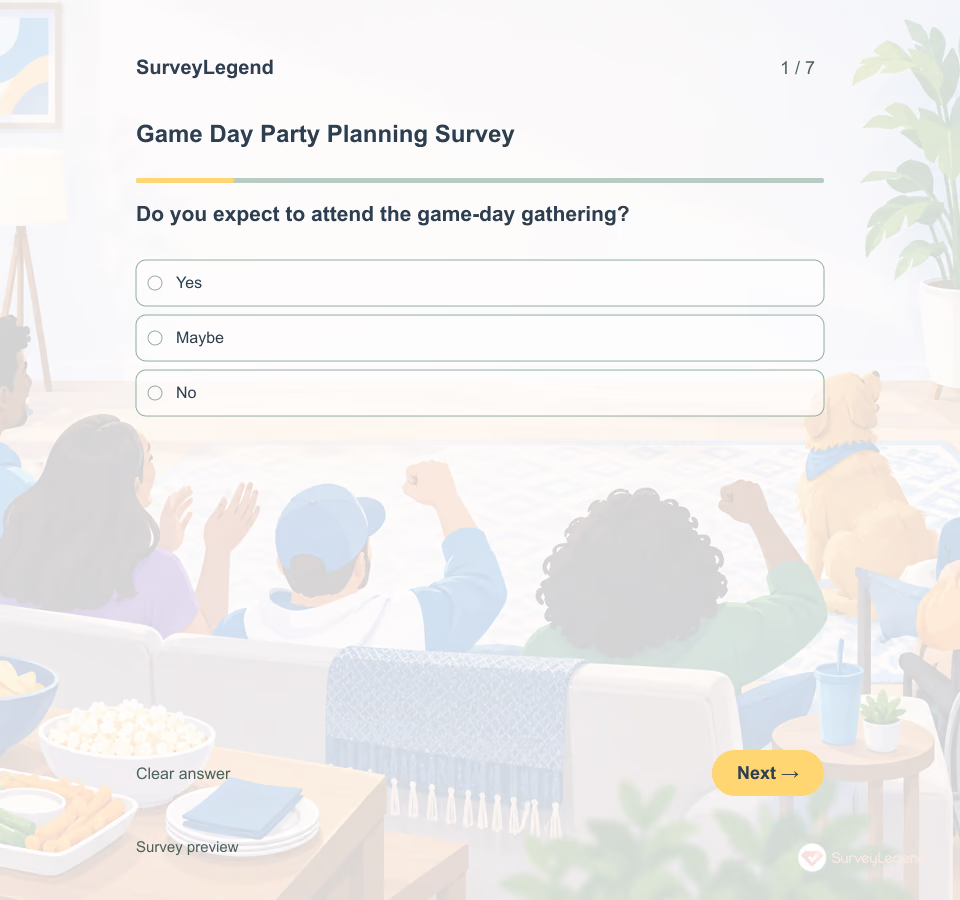 Game Day Party Planning Survey Template This party planning survey coordinates guests before a game-day gathering. It focuses on logistics and participation rather than post-event satisfaction. Related SurveyLegend material: event templates and travel preferences.
 -
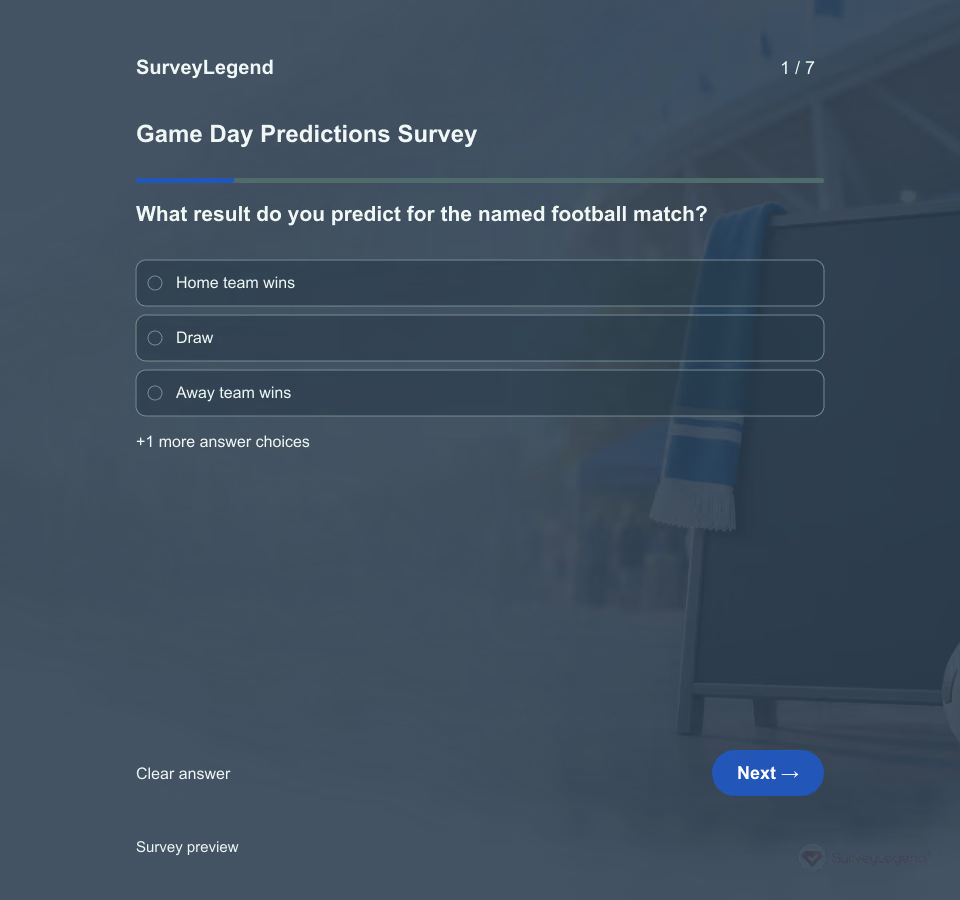 Game Day Predictions Survey Template Write the fixture's home team, away team, kick-off and collection deadline above the questions. A prediction only means something as a pre-match guess when it is collected before play. This example is a fan activity, not a betting service or reliable forecast.
 -
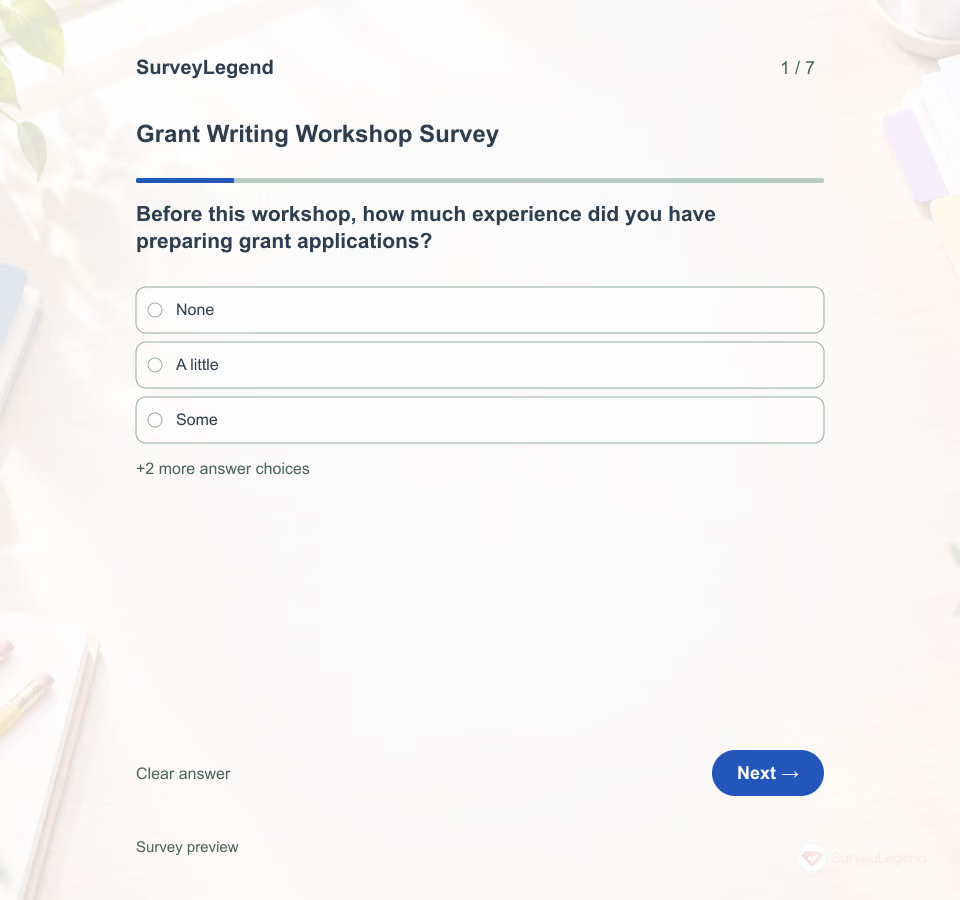 Grant Writing Workshop Survey Template A participant may enjoy a workshop and still leave unsure how to revise a proposal. This SurveyLegend questionnaire asks what the session helped them do and where they need more support. It does not treat confidence or satisfaction as proof that a grant application will succeed.
 -
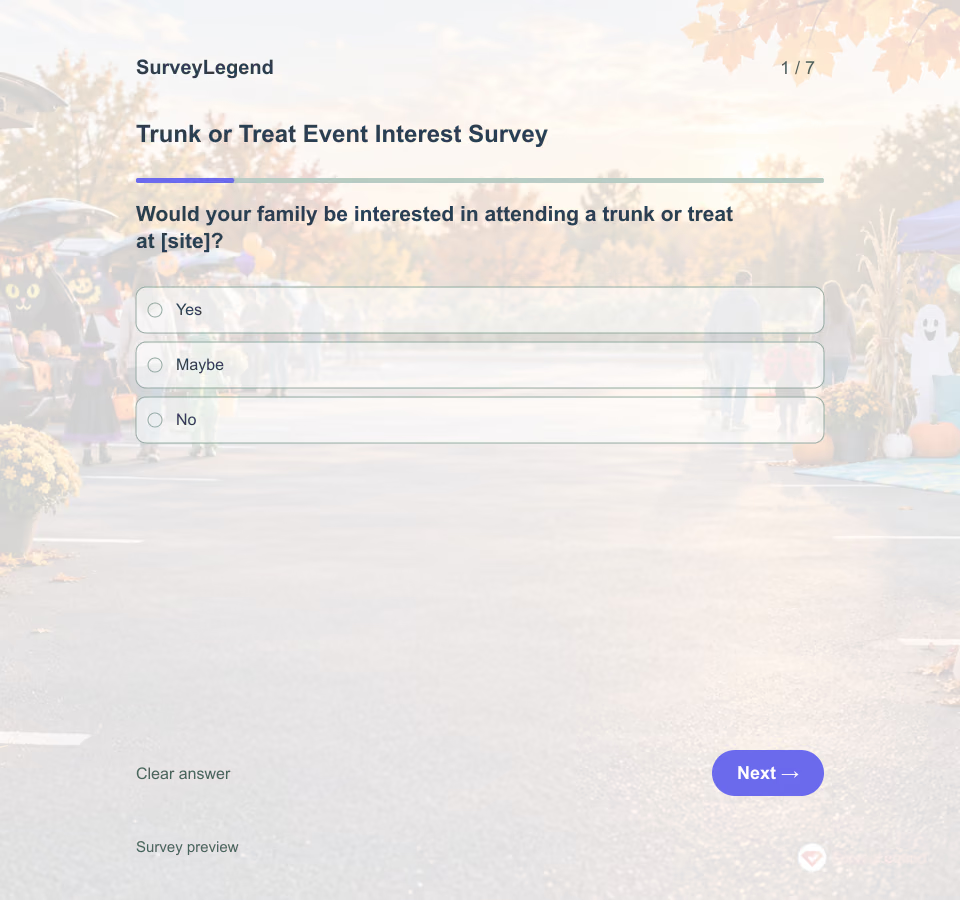 Trunk or Treat Event Interest Survey Template This interest survey estimates family and volunteer needs before a trunk or treat is organized. It is not an RSVP or child registration form. Explore event templates and survey templates for related tasks.
 -
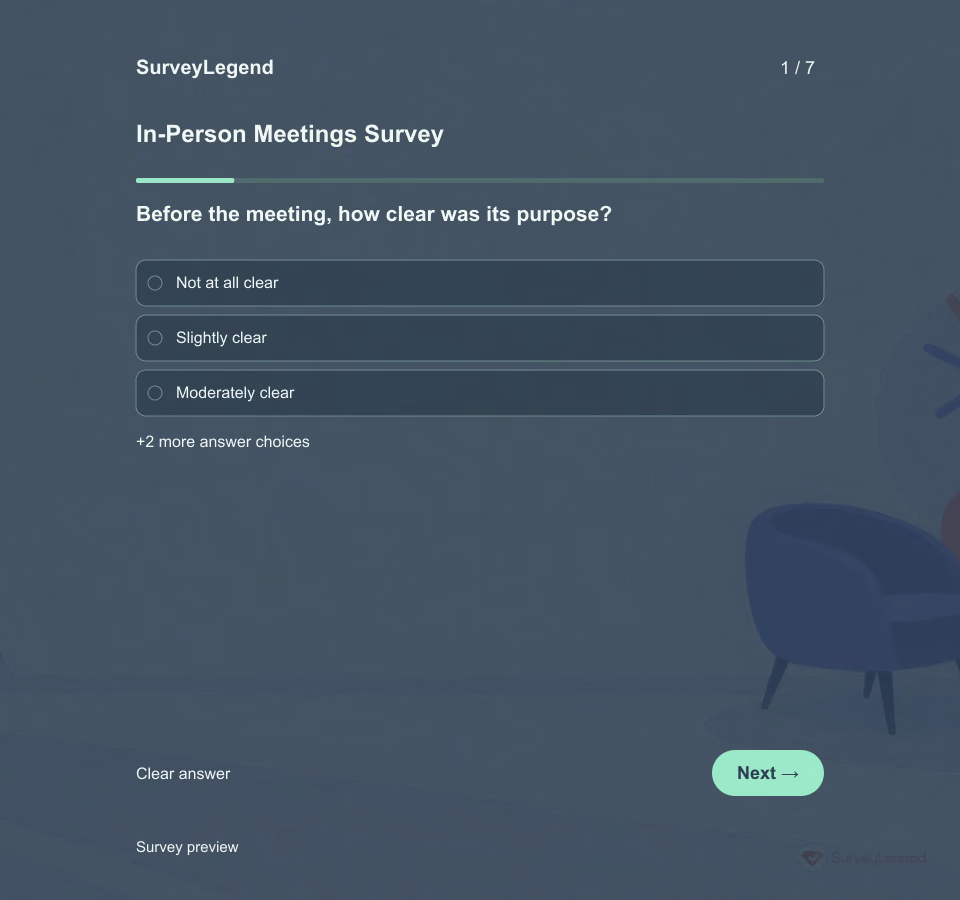 In-Person Meetings Survey Template A meeting can finish on time without giving everyone a useful role. Separate what happened before the meeting, during the discussion and at the close to find an improvement the organizer can act on.
 -
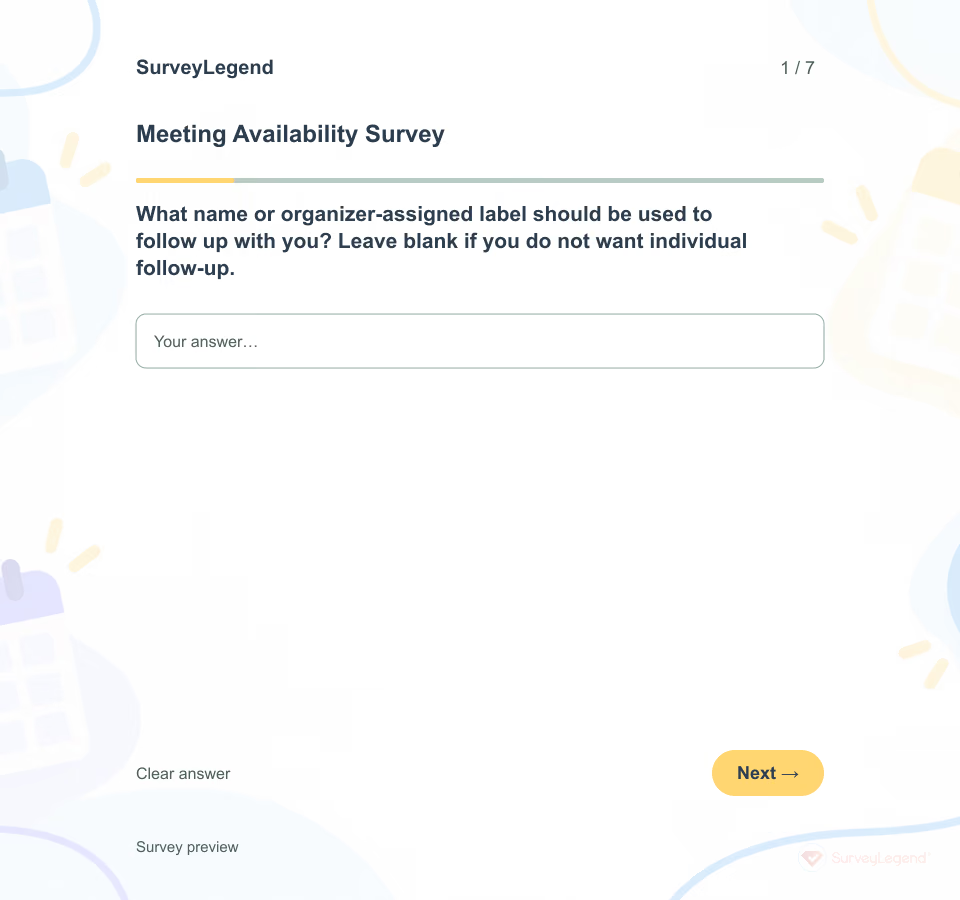 Meeting Availability Survey Template A preferred meeting time is not always an available one. Someone may like the morning but be unable to attend the proposed date. Collect a clear answer for each candidate slot, then use preference as a second step—not as a substitute for feasibility.
 -
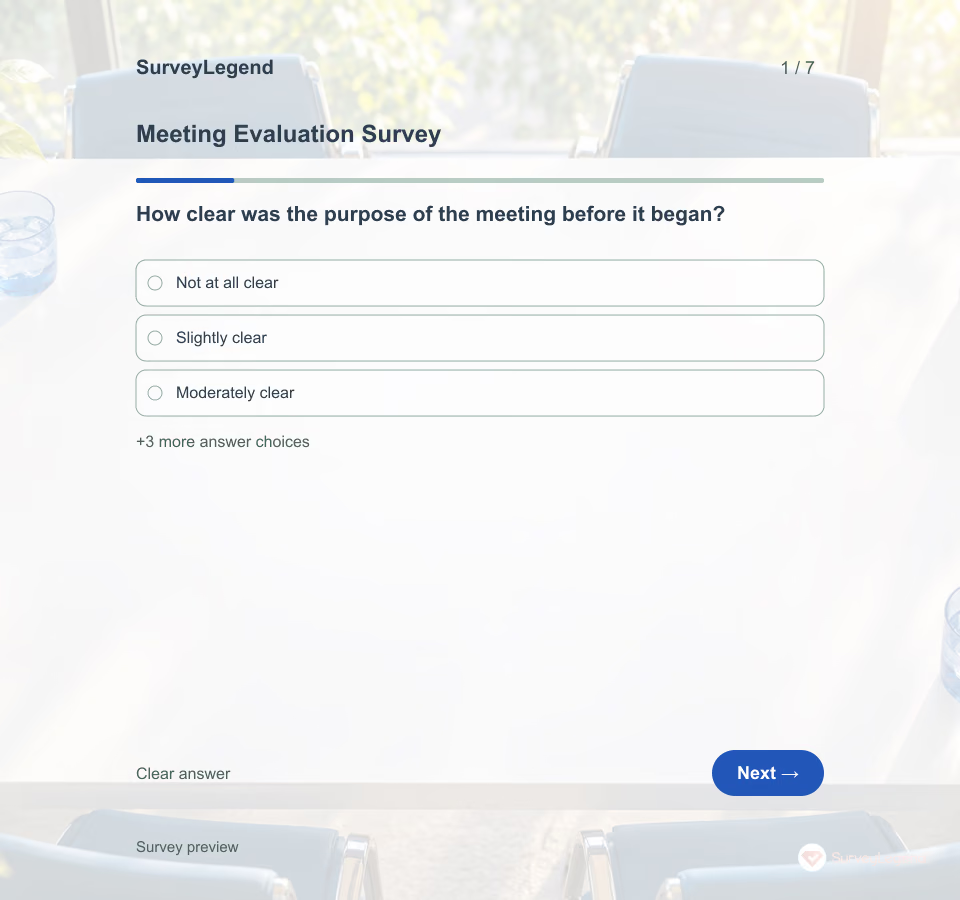 Meeting Evaluation Survey Template A meeting can finish on time and still leave people unsure what happens next. This SurveyLegend questionnaire separates purpose, participation and follow-through so the organizer can identify a practical change.
 -
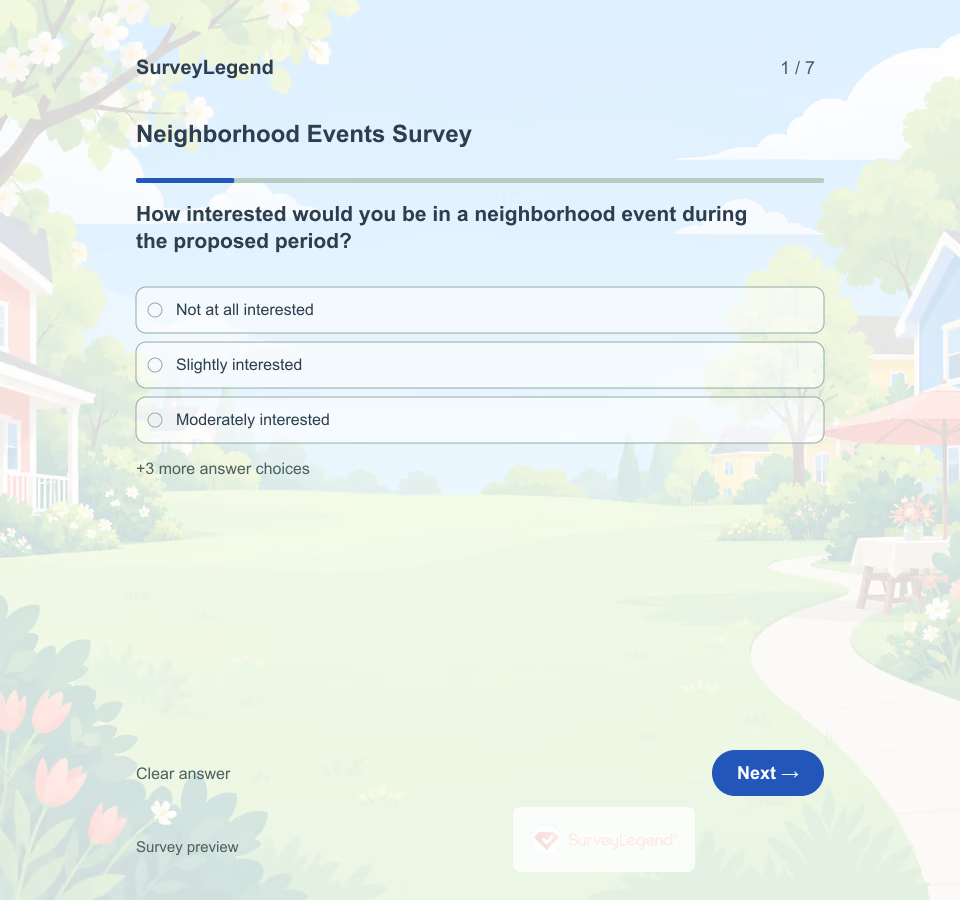 Neighborhood Events Survey Template The people most likely to attend are only part of a neighborhood. Nearby residents may have useful views about access, timing, and disruption even if they do not plan to join. This SurveyLegend questionnaire gives both groups a voice before organizers choose the activity and arrangements.
 -
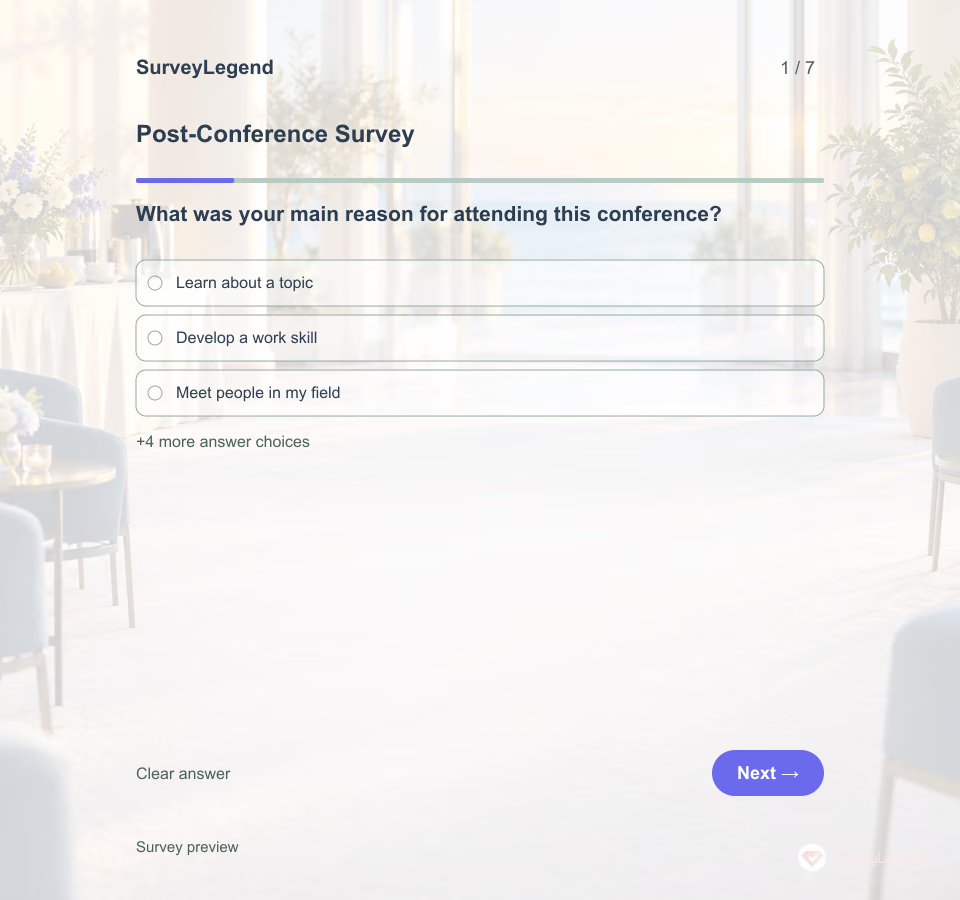 Post-Conference Survey Template An attendee can enjoy a conference without finding material they can apply. This SurveyLegend questionnaire separates session relevance from possible next steps and asks how organizers could support continued learning.
 -
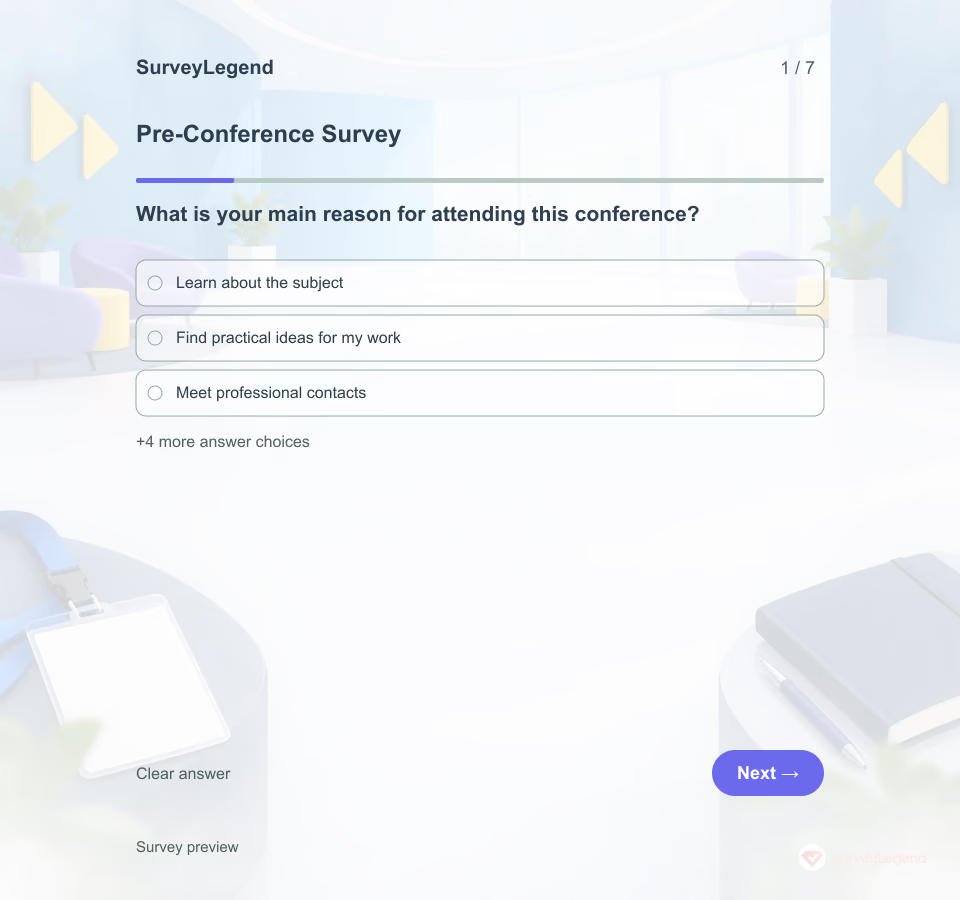 Pre-Conference Survey Template The same conference can bring together people looking for an introduction, a deeper discussion, or a useful professional connection. This SurveyLegend template helps organizers identify those different needs before assigning session formats and sending preparation material.
 -
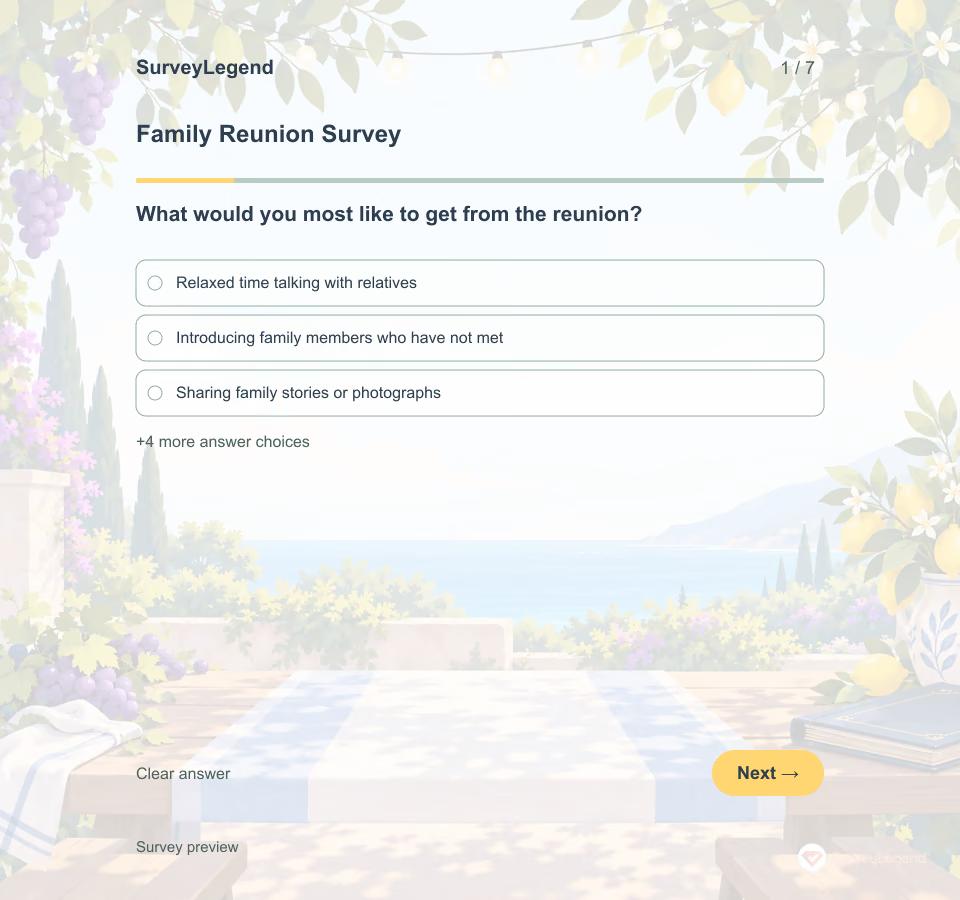 Family Reunion Survey Template Some relatives want a relaxed afternoon together. Others hope to share old photographs or introduce younger family members to people they rarely see. This SurveyLegend template helps the organizer compare those wishes with travel and scheduling limits before making commitments.
 -
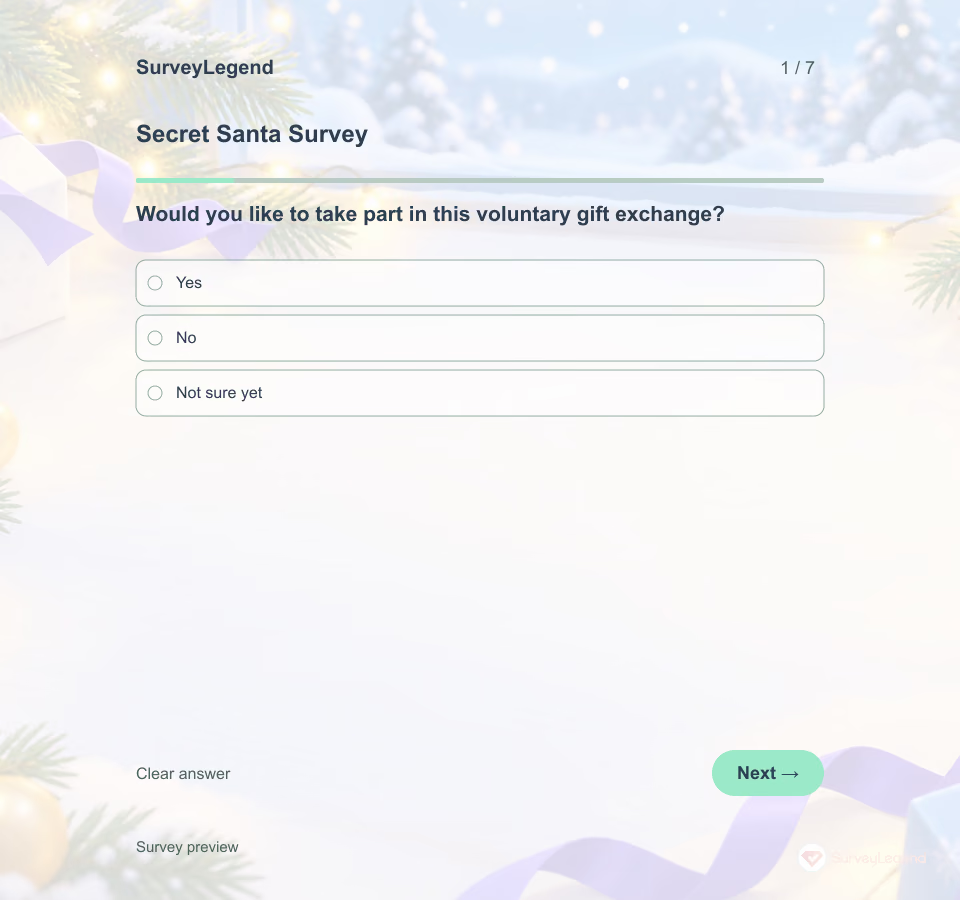 Secret Santa Survey Template A gift exchange is easier to organize when recipients can say what they actually want. SurveyLegend helps an organizer collect a short wish list and practical delivery preferences before sharing only the appropriate details with an assigned giver.
Free survey maker
Start creating surveys today for free
Create and bring your ideas to life with the survey tool used by people all over the world.
Ready to collect better research data?
Create academic surveys and questionnaires from ready-made templates.