

Online Video Viewing Survey Template
Find out where an online explainer or tutorial loses viewers—and what would help them follow it. Ask seven questions about viewing purpose, pace, obstacles and usefulness, including people who did not finish.
Find out where an online explainer or tutorial loses viewers—and what would help them follow it. Ask seven questions about viewing purpose, pace, obstacles and usefulness, including people who did not finish.
Use feedback for a specific decision
A short viewing session can mean a viewer found the answer quickly, lost interest or could not follow the explanation. This SurveyLegend example asks what happened during one named video so producers can choose a more specific improvement than simply making everything shorter.
Review one video, not an entire course
Use this survey just after a viewing attempt, or within seven days. Invite partial viewers as well as finishers. For feedback on the organization of an entire learning module, use the digital learning experience survey instead.
Guo, Kim and Rubin’s 2014 analysis covered 6.9 million viewing sessions across four edX courses and distinguished engagement with lectures and tutorials. Their video engagement study informs the decision to ask viewing purpose alongside extent watched. Its engagement measures are not proof of learning, and its course setting does not establish a universal ideal length for every video. These are original feedback questions, not a validated assessment.
Seven questions to adapt
Answer about the online explainer or tutorial named by the organizer, viewed or attempted within the past seven days. You can respond even if you did not finish. Every question is optional. Please leave out personal information and private links.
A little feedback. A clearer picture.
Explore this 7-question example at your own pace. Every question is optional.
Online Video Viewing Survey
Thank you for trying the survey!
You’ve tried the template from the respondent’s side. Make it your own with SurveyLegend.
Create your own surveyChecking submission availability…
This is a demo. We count starts and submissions only. Your answers stay in your browser and are never sent or saved.
Activity · no starts yet
Customize your online video viewing survey
Provide the exact title and version of one explainer or tutorial. Everyone should evaluate the same version; do not pool answers about different edits. Make the reference available in an accessible way, including appropriate captions or a transcript, without requiring respondents to disclose a disability.
SurveyLegend’s video-based surveys article discusses using a shared video reference. This example asks about a recent viewing attempt; it does not track playback or force a watch-through. If a viewer cannot access the video, keep that response visible rather than excluding it from the report.
Printable online video viewing questionnaire
Use the blank paper questionnaire after a facilitated viewing session or when a participant prefers to write feedback. Name the video version on the invitation and explain where to return the form. Paper responses require separate review or manual entry and are not automatically added to online results.
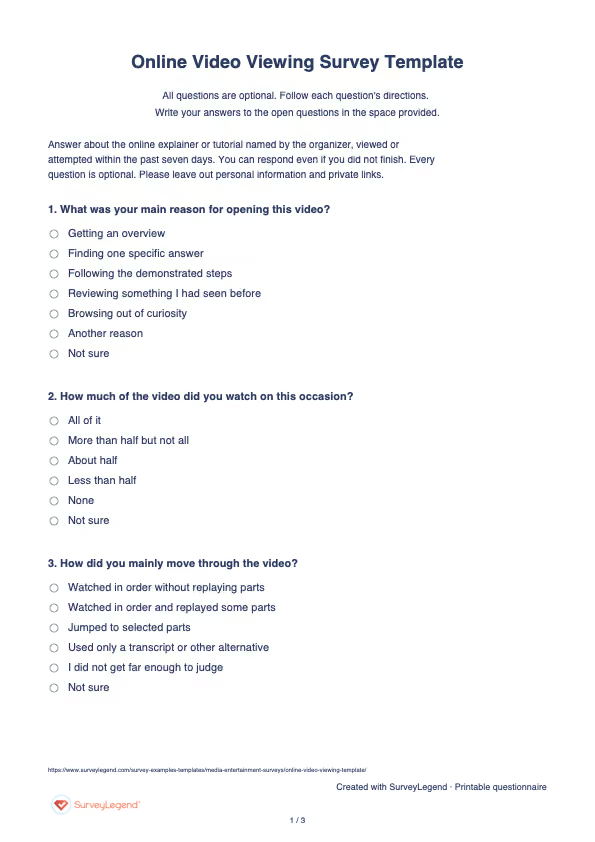
 Download online video viewing survey PDF
 Create your online video viewing survey in SurveyLegend
Copy this prompt into an AI assistant to draft the questions. Review the draft, then build and customize the survey in SurveyLegend before sharing.
Copy the prompt into an AI assistant to draft the questions, then build your survey in SurveyLegend.
Already have an account? Sign in to create your survey.
Interpret responses before acting
Group responses by viewing purpose before interpreting extent watched. Someone seeking one answer may reasonably watch selected parts. “None” plus a playback obstacle should lead to an access check, not a conclusion about the content’s quality.
Look at pace, the main obstacle and usefulness separately. If the pace is too fast, comments may identify a demonstration needing a pause or clearer labels; if viewers report missing information, shortening the video may not help. The obstacle item asks for one main problem and cannot estimate every problem experienced. Report item-level answer counts and skipped questions, and keep “I could not judge” separate. Confirm any proposed edit against the actual video. Use appropriate tests—not satisfaction or completion alone—to assess learning.
Frequently asked questions
Should people who stopped watching answer?
Yes. Their viewing purpose and main obstacle can explain why a completion-only report would be incomplete. Keep their answers distinct from those of viewers who finished.
Does this survey track watch time?
No. It collects self-reported viewing experience. The template demo’s start and submission counts are not video analytics.
Can it prove viewers learned the material?
No. Usefulness and reported viewing extent are feedback, not a knowledge or skill assessment. Evaluate learning separately when that is the decision.
-
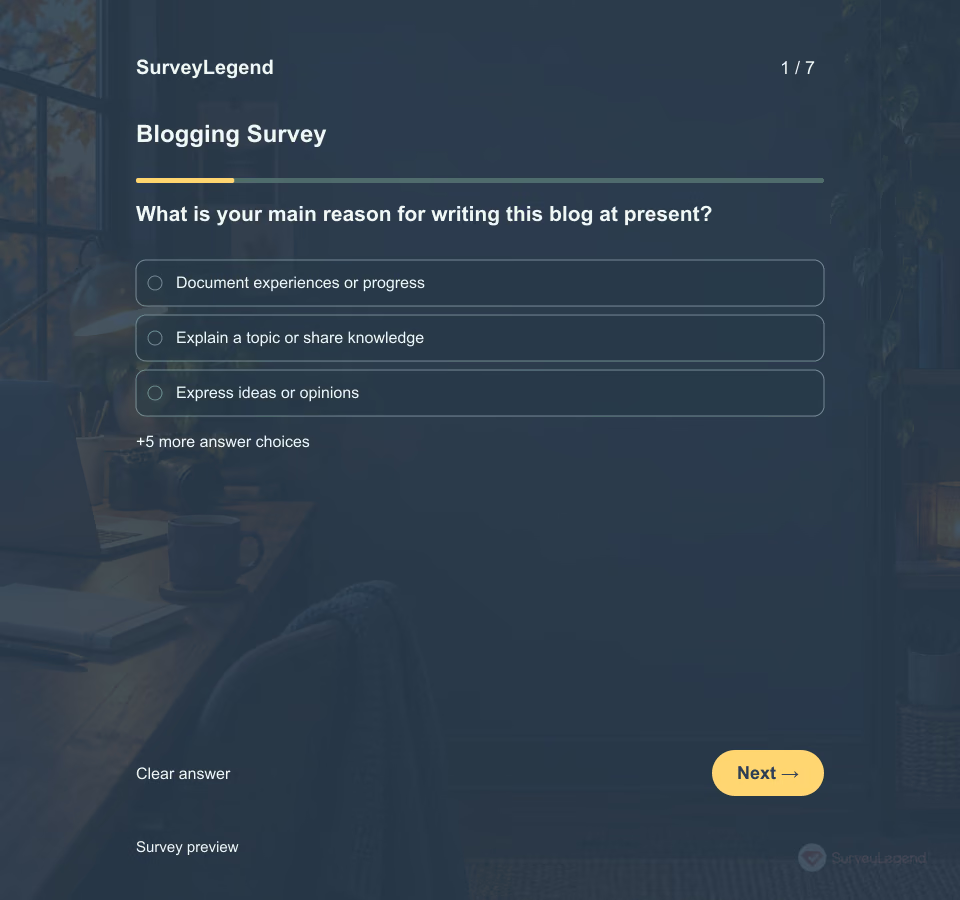 Blogging Survey Template A blogging survey helps an editor or community organizer understand the people doing the writing. This version asks about one blog, recent publishing activity, and the support a contributor would find useful next. Send it before planning workshops, editorial check-ins, or shared resources. Keep the writer’s purpose in view: a personal journal and a business blog may need very different support.
 -
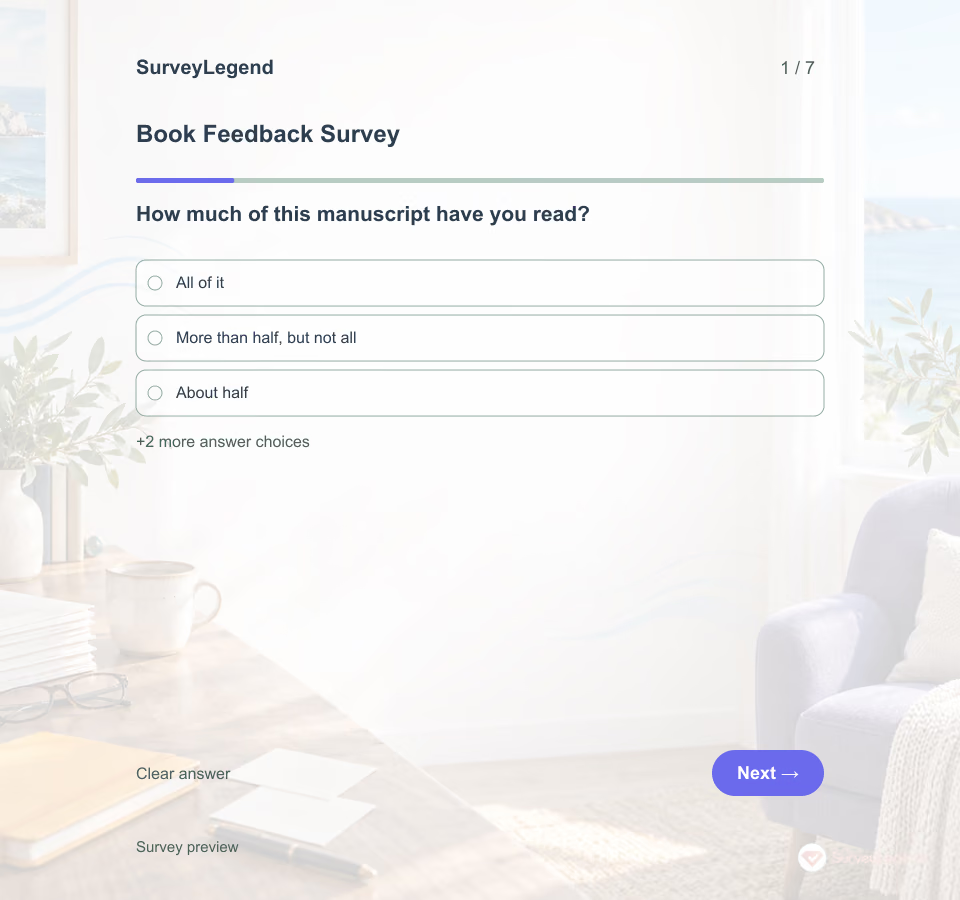 Book Feedback Survey Template A book feedback survey collects reactions to a specific manuscript, rather than asking about general reading preferences. Send this questionnaire after beta readers have had time to read the agreed version. The seven optional questions cover reading progress, clarity, pacing, character decisions, and passages worth reviewing. Readers who did not finish can still explain their experience of the portion they read.
 -
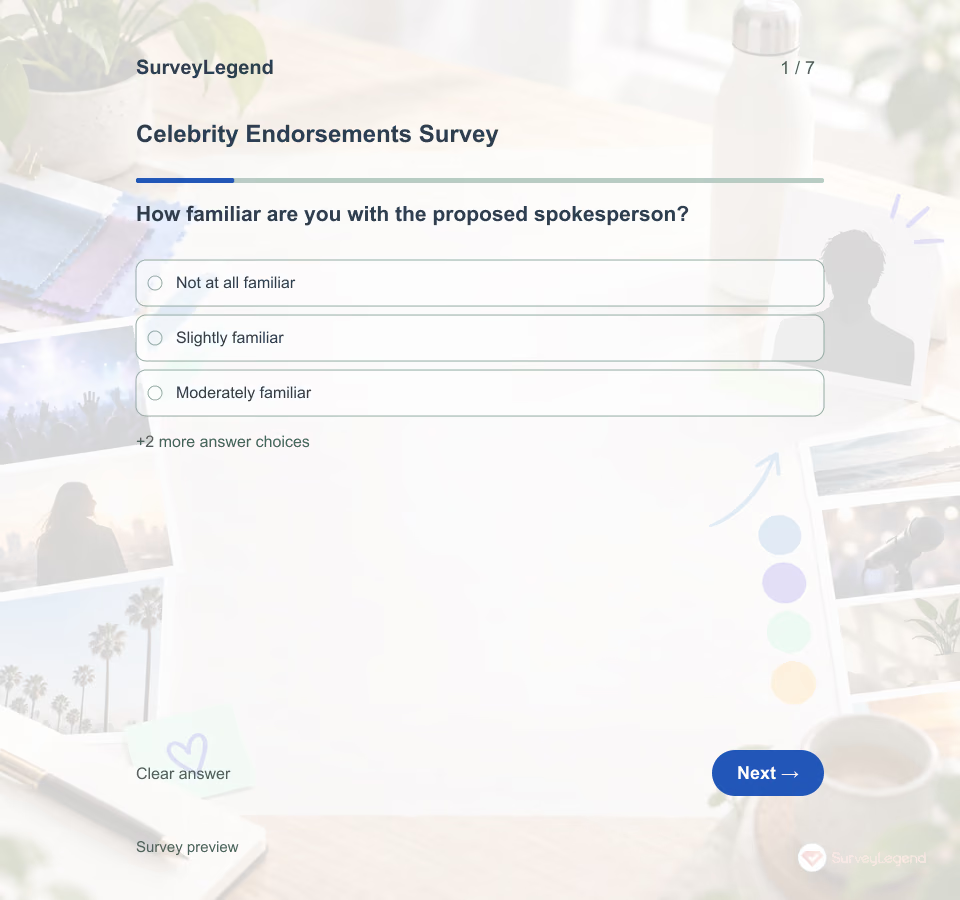 Celebrity Endorsements Survey Template Show one neutral concept card to the intended adult audience. In the demo, imagine a fictional well-known performer promoting a reusable bottle; it is not an actual endorsement. Ask how familiar respondents are with the spokesperson, whether the pairing makes sense, what it says about the brand, and what worries them. A response is feedback on this concept, not evidence that anyone has signed a deal or would buy the product. Kamins and Gupta's 1994 experiment varied spokesperson type and product–spokesperson congruence. Its abstract reports more favorable believability and product attitudes under greater congruence; the authors describe the question as “the fit or congruence between image type and the product advertised.” Read the study abstract. That controlled design is not a validation of this seven-question SurveyLegend example, and its effects should not be treated as a forecast for a current campaign.
 -
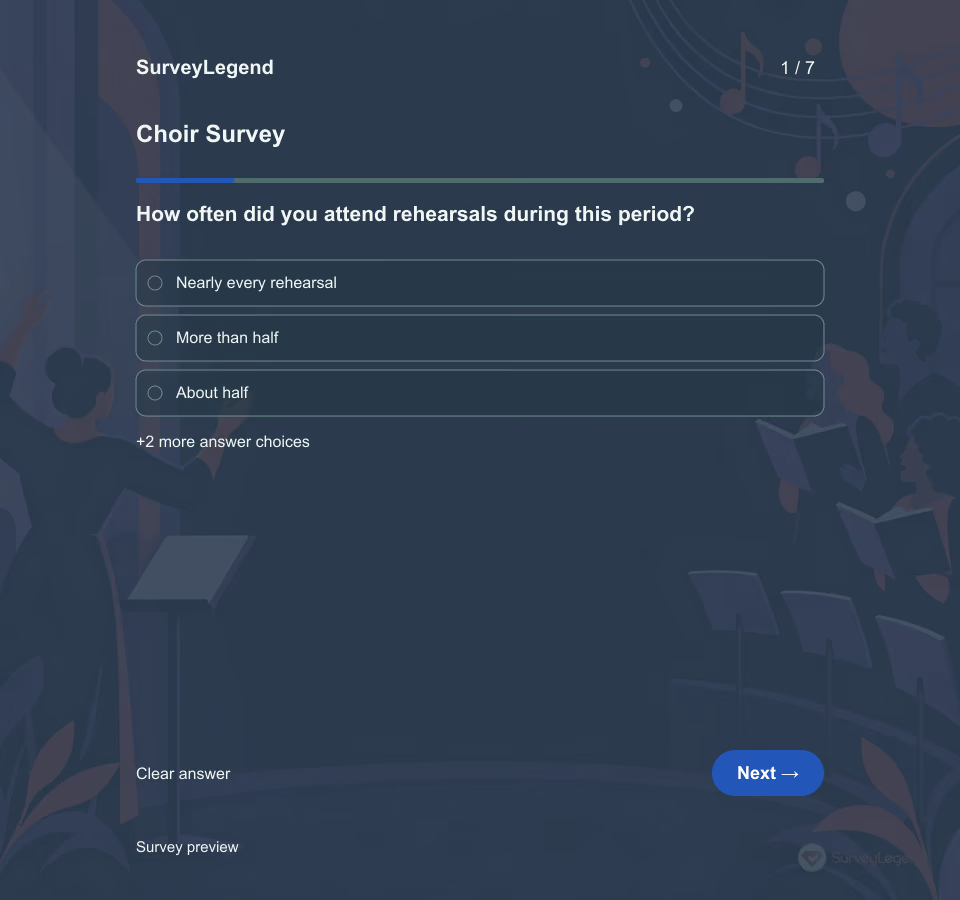 Choir Survey Template A strong performance does not mean every singer had the same rehearsal experience. Ask about musical challenge, practical support, and attendance separately so the next change addresses the right problem.
 -
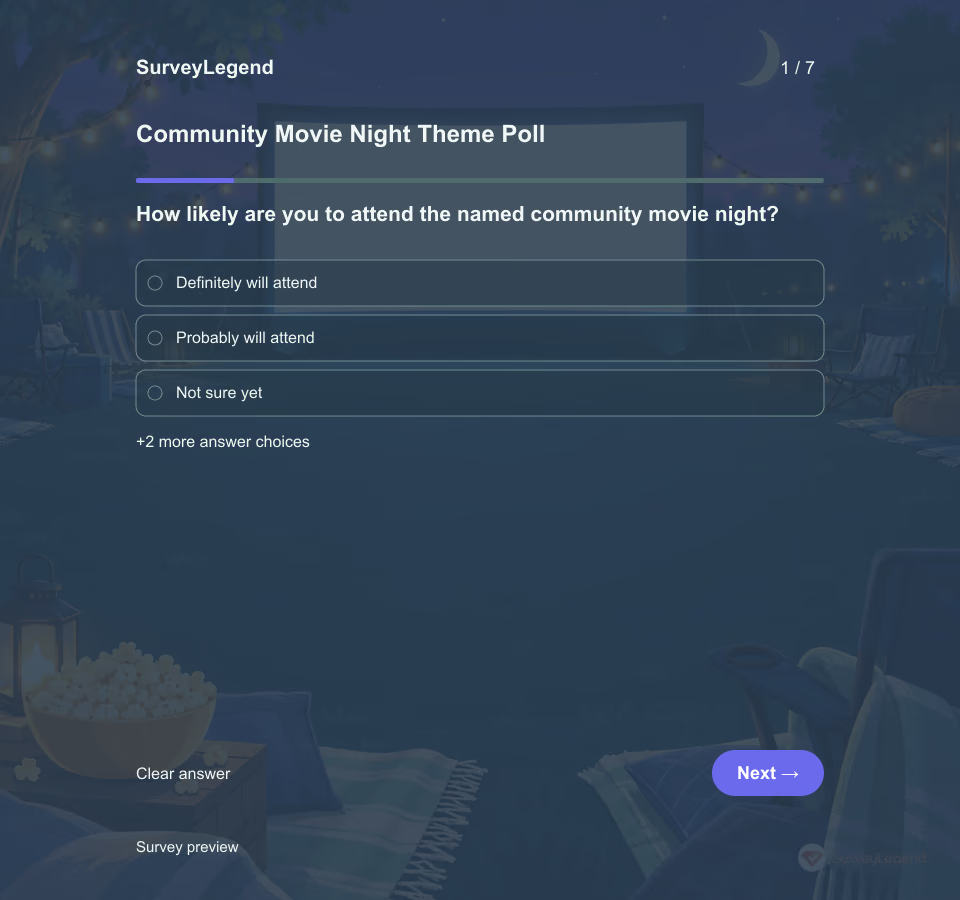 Community Movie Night Theme Poll Template A useful movie-night poll does more than ask for a favorite genre. Organizers also need to know who may attend, which audience the event should suit, whether the setting works, and what could keep people away. This template supports one named community event using theme options the organizer has already cleared. It does not select a copyrighted title, secure screening rights, register attendance, or survey children.
 -
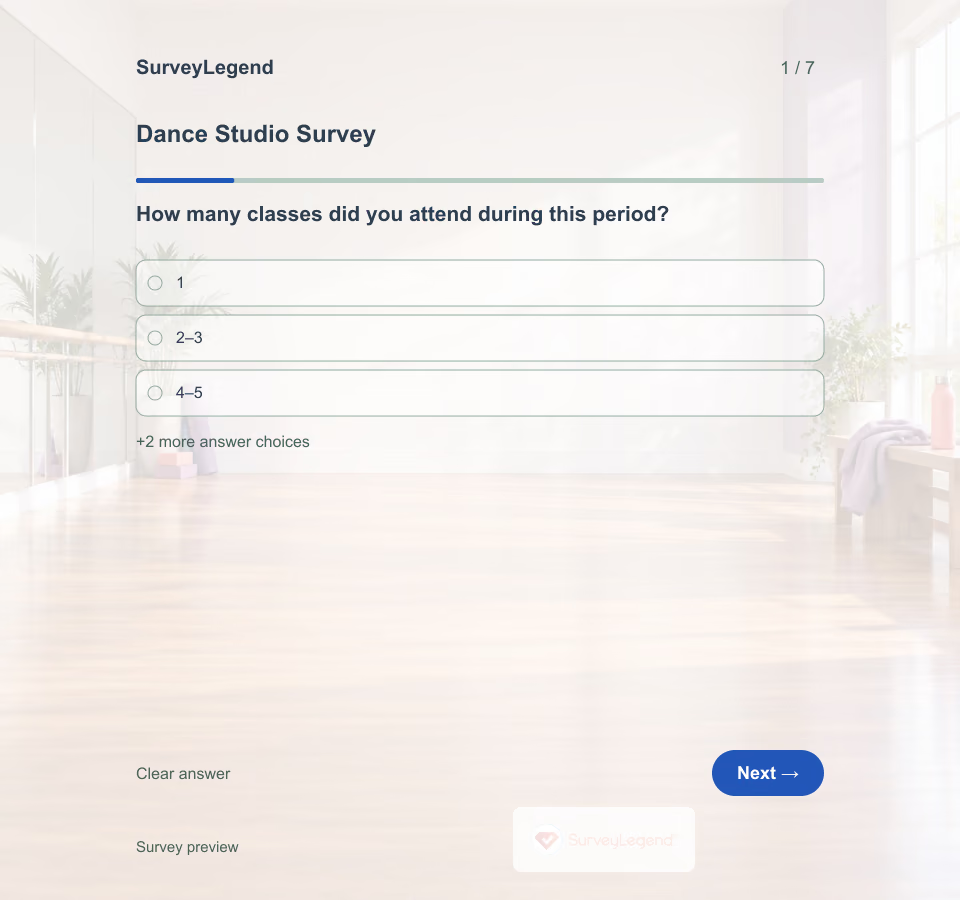 Dance Studio Survey Template A dancer may enjoy the class but struggle to book it, or find a welcoming studio while needing a different pace. This SurveyLegend questionnaire separates those experiences. It focuses on the service around recreational dance, without grading technique or asking about a dancer's body.
 -
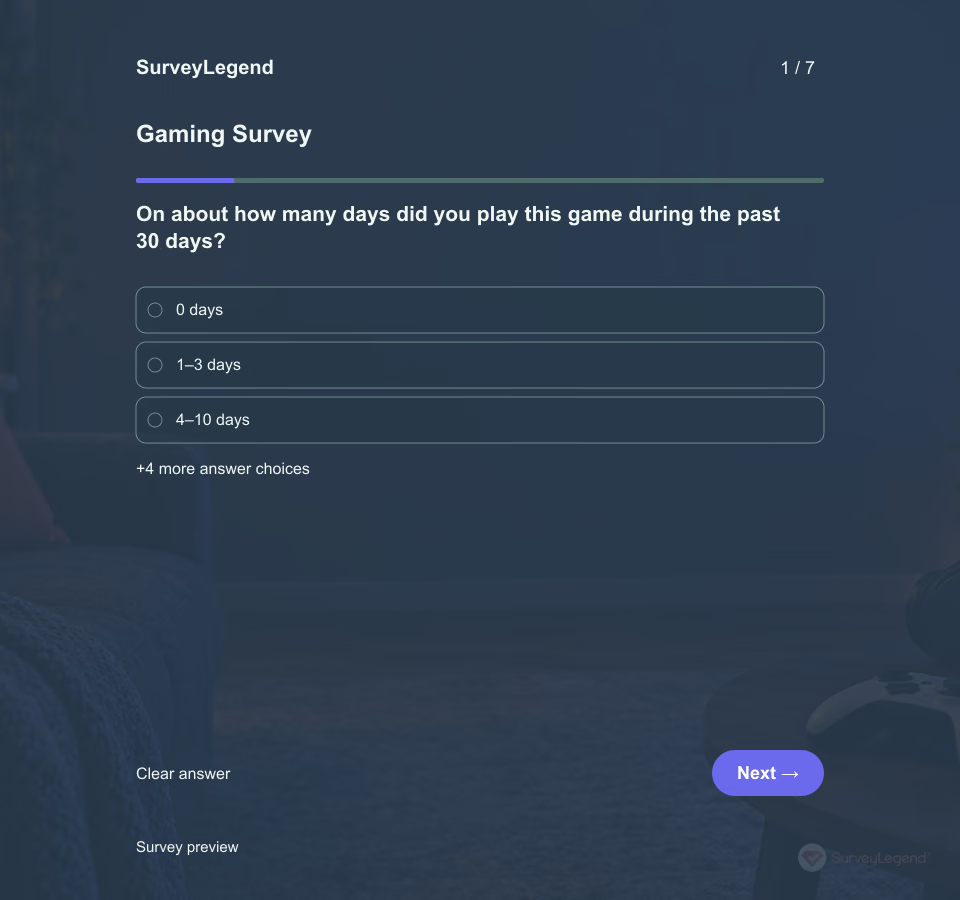 Gaming Survey Template Players can enjoy the same game for different reasons. One wants a challenge, another wants time with friends, and another wants to explore. This SurveyLegend template connects those preferences with a specific game and a recent period so a team can choose what to investigate next.
 -
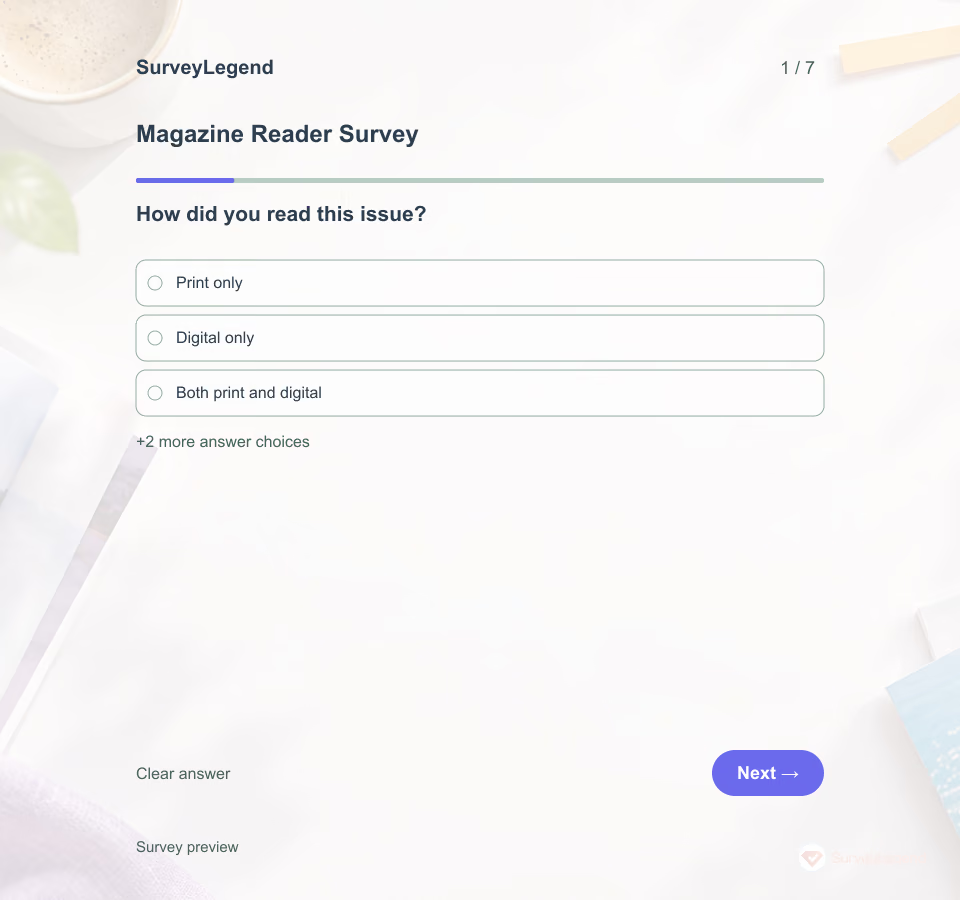 Magazine Reader Survey Template An overall rating cannot tell an editor whether a feature helped readers, whether a section was overlooked, or what was missing. This SurveyLegend questionnaire asks readers to connect their reactions to a named issue. The answers can guide a content brief or a clearer way to present the next edition.
 -
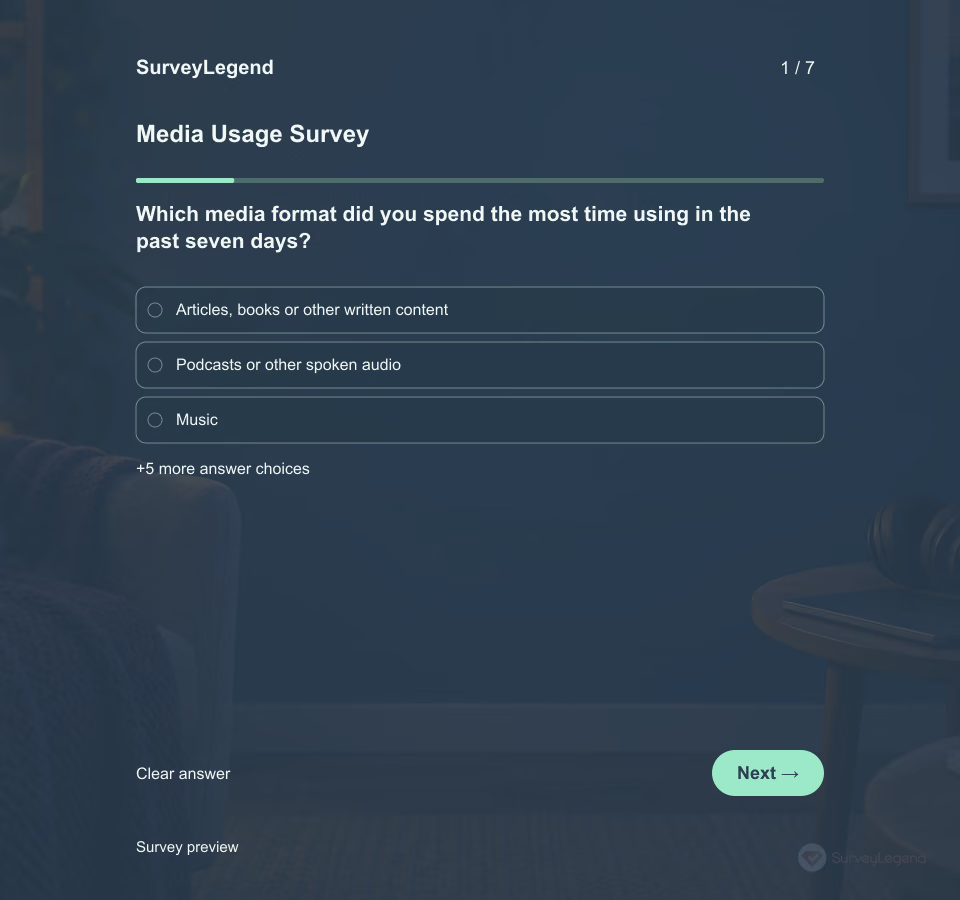 Media Usage Survey Template A person who listens to a podcast while commuting may want something different from someone reading a long article at home. This SurveyLegend questionnaire connects a recent media format with its purpose and setting. It gives you a focused starting point for deciding what content to develop or investigate next.
 -
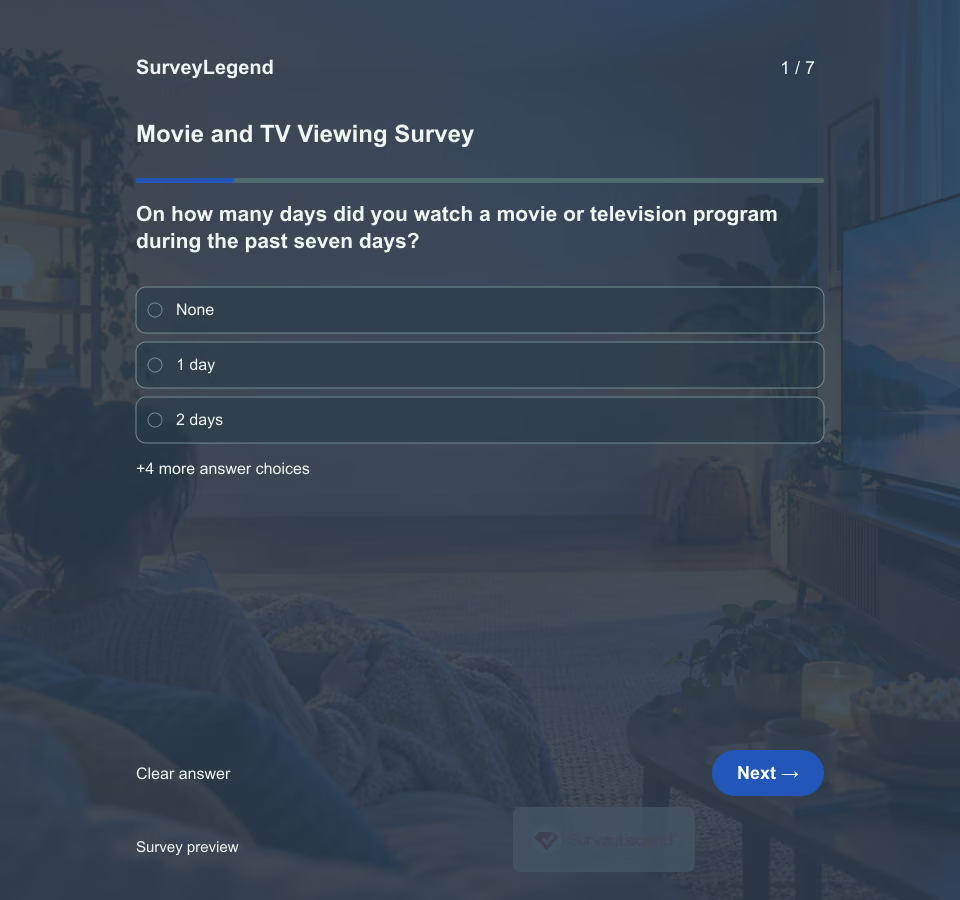 Movie and TV Viewing Survey Template People may answer “How much TV do you watch?” with a rough identity rather than a useful recollection. State a short period, such as the past seven days, and include movies, scheduled television and on-demand episodes in the definition. The result is a descriptive snapshot, not a judgment about the viewer.
 -
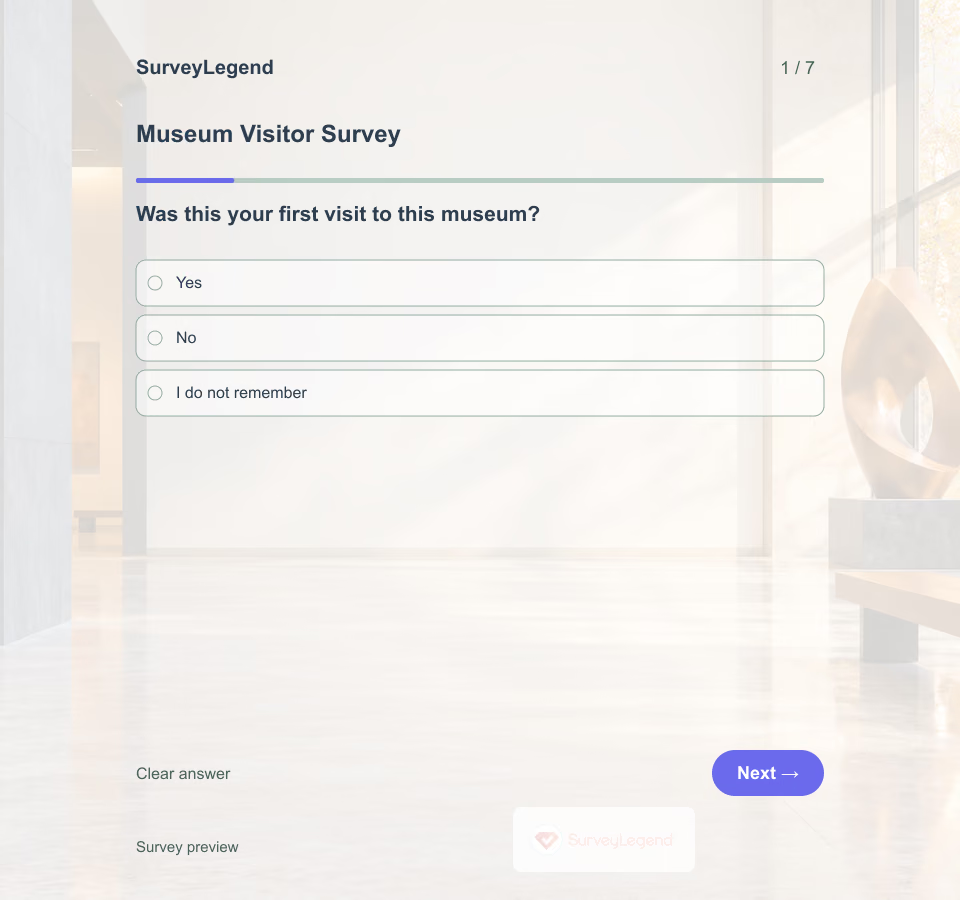 Museum Visitor Survey Template A visitor who came for a particular exhibition may judge the day differently from someone spending time with family. Start with the reason for visiting, then ask about the experience instead of relying on one overall rating.
 -
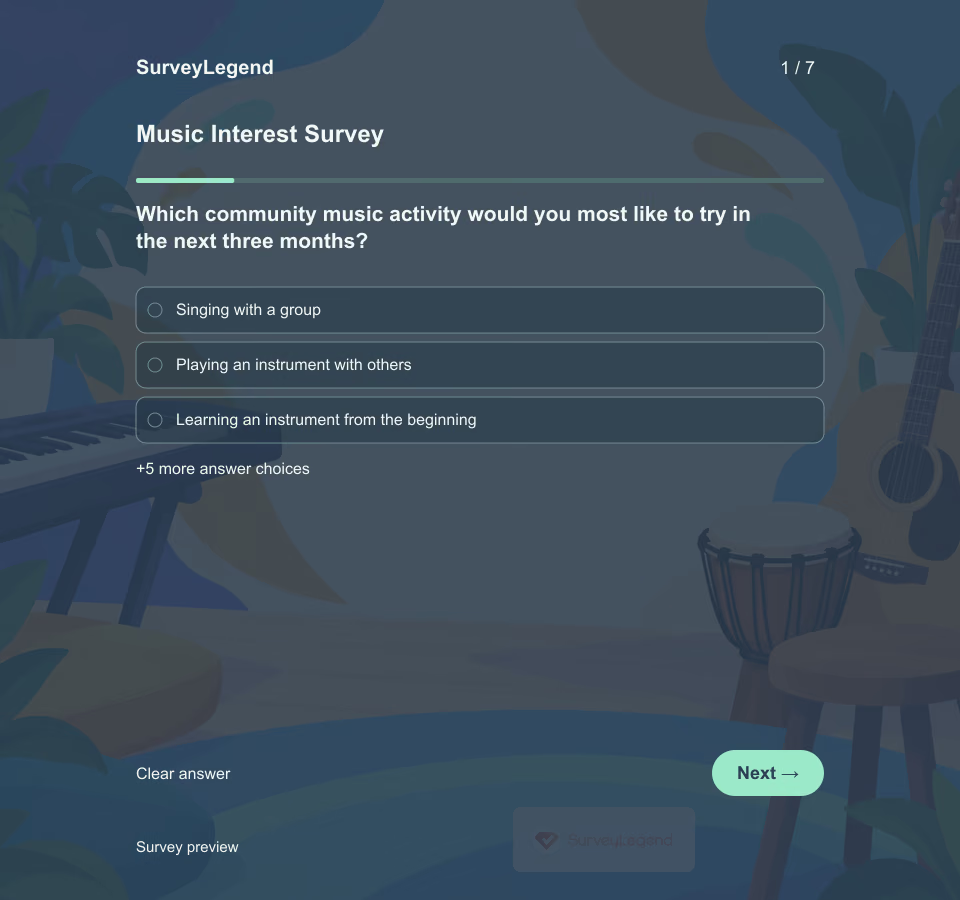 Music Interest Survey Template An interest in music does not automatically mean someone wants to join a choir or can attend weekly rehearsals. This SurveyLegend example helps community organizers choose an approachable music-making offer before committing to a program.
 -
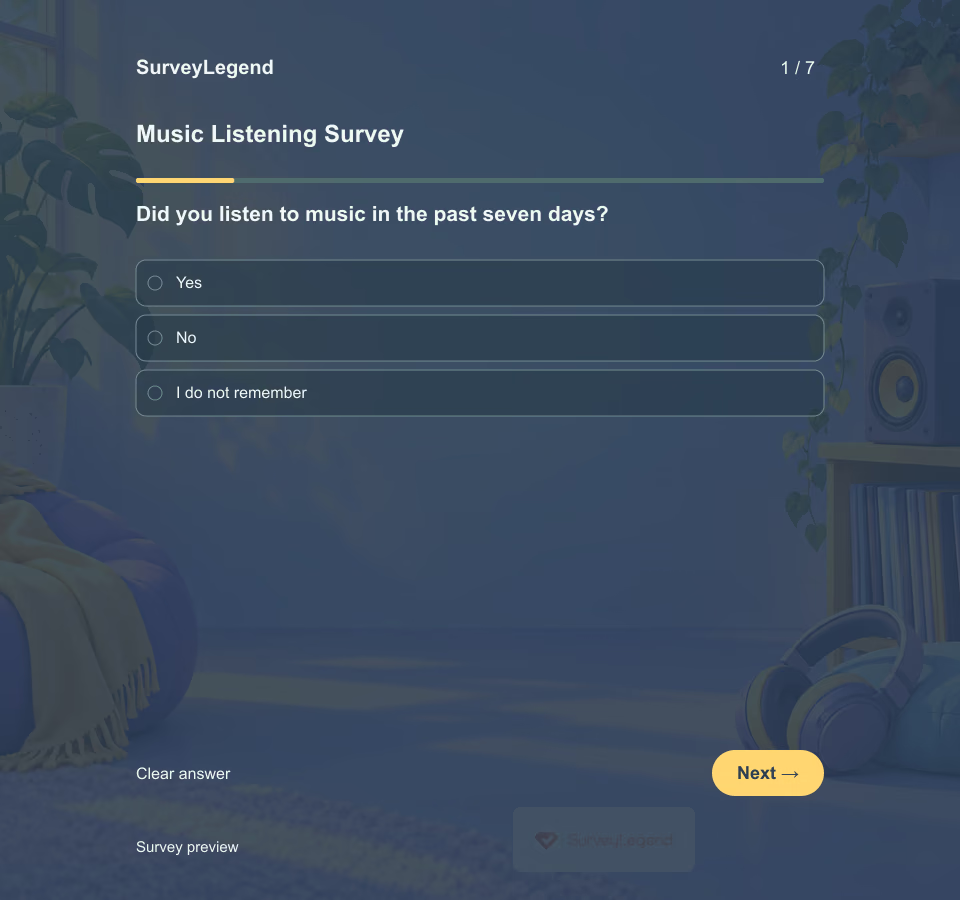 Music Listening Survey Template Someone can use the same phone to choose an album, follow recommendations, or hear another person's playlist. Separate the listening device from the way music was selected to understand the experience more clearly.
 -
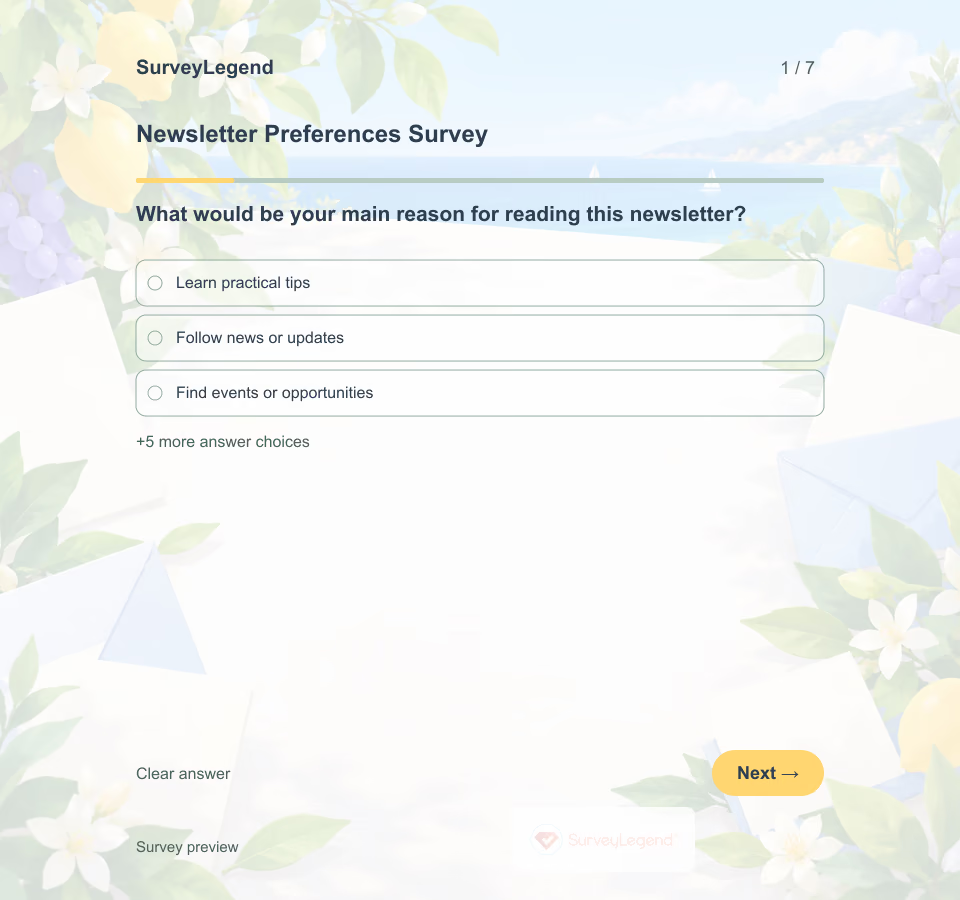 Newsletter Preferences Survey Template A reader may want detailed advice on one topic and only occasional updates on another. This SurveyLegend questionnaire separates content preferences from delivery frequency so you can make clear editorial choices.
 -
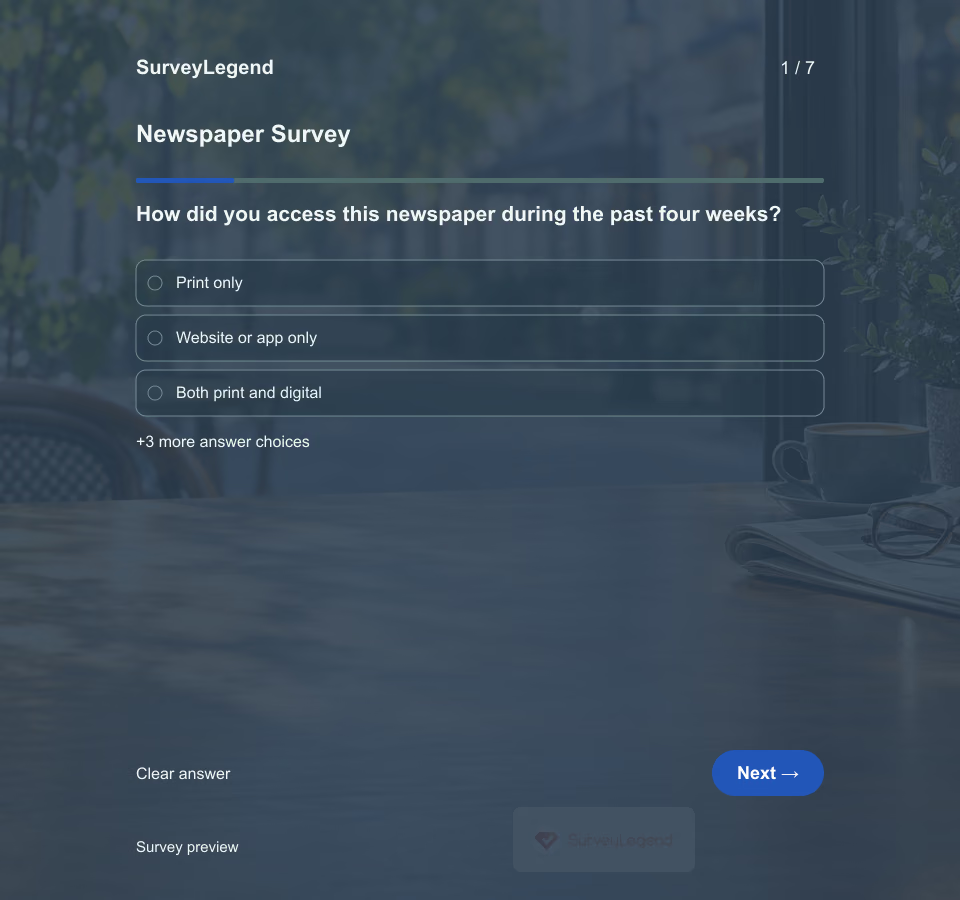 Newspaper Survey Template A reader may value local reporting while still struggling to find information about a specific public meeting or neighborhood change. This SurveyLegend questionnaire separates content needs from access problems. It helps a newsroom identify a useful next question to report, rather than relying only on a general satisfaction score.
 -
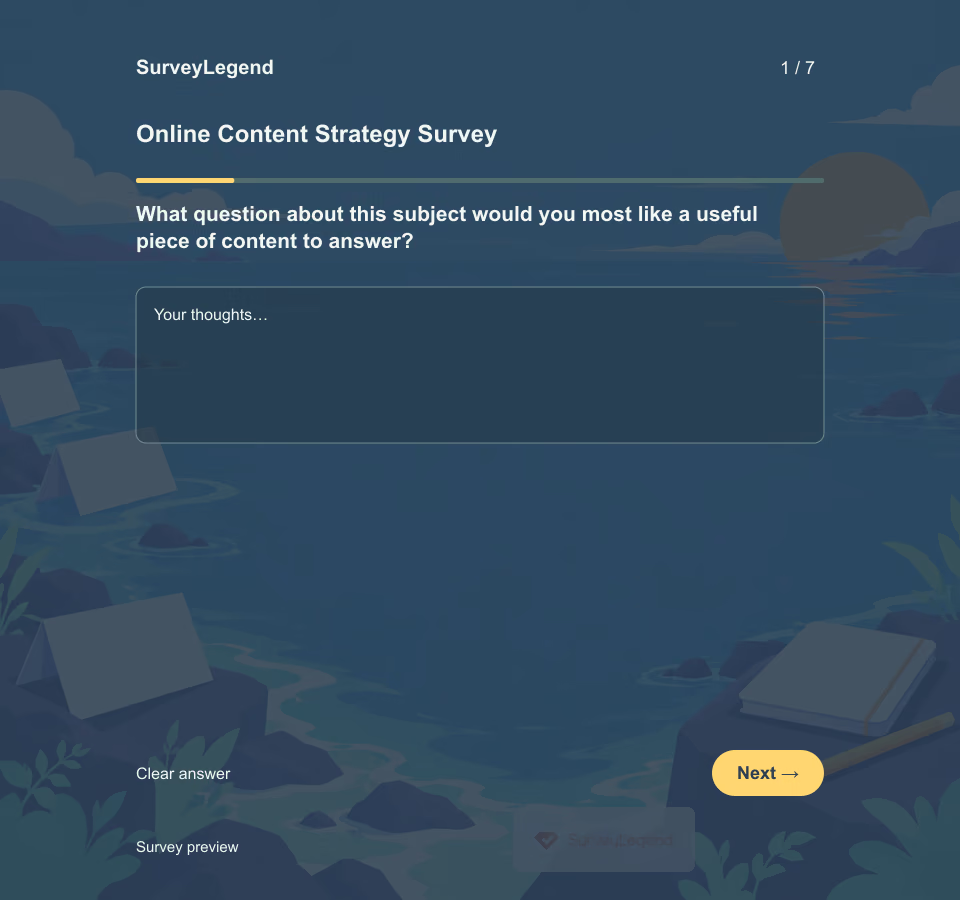 Online Content Strategy Survey Template A popular format is not a content strategy on its own. First find the question your audience is trying to answer; then decide whether a short explanation, comparison, example, or walkthrough would help. Use this seven-question SurveyLegend template before building the next editorial plan.
 -
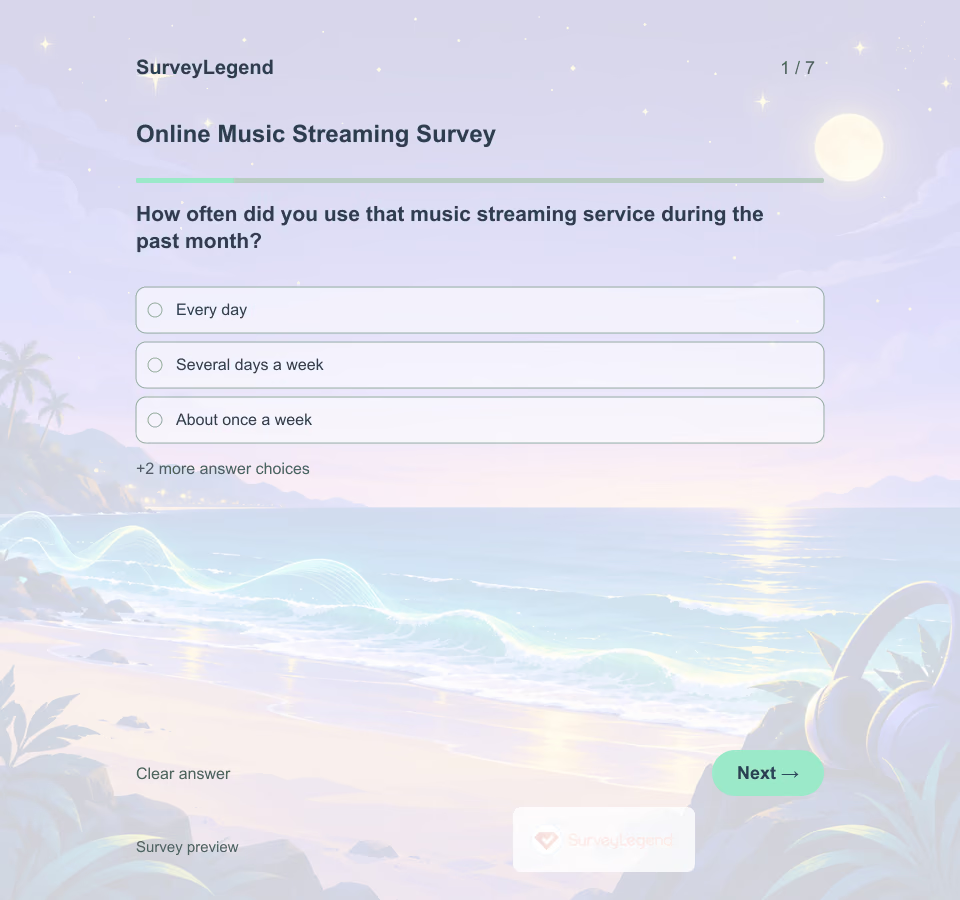 Online Music Streaming Survey Template Someone searching for a specific album has a different task from someone looking for something new. This SurveyLegend questionnaire captures that context before asking what a streaming service could improve.
 -
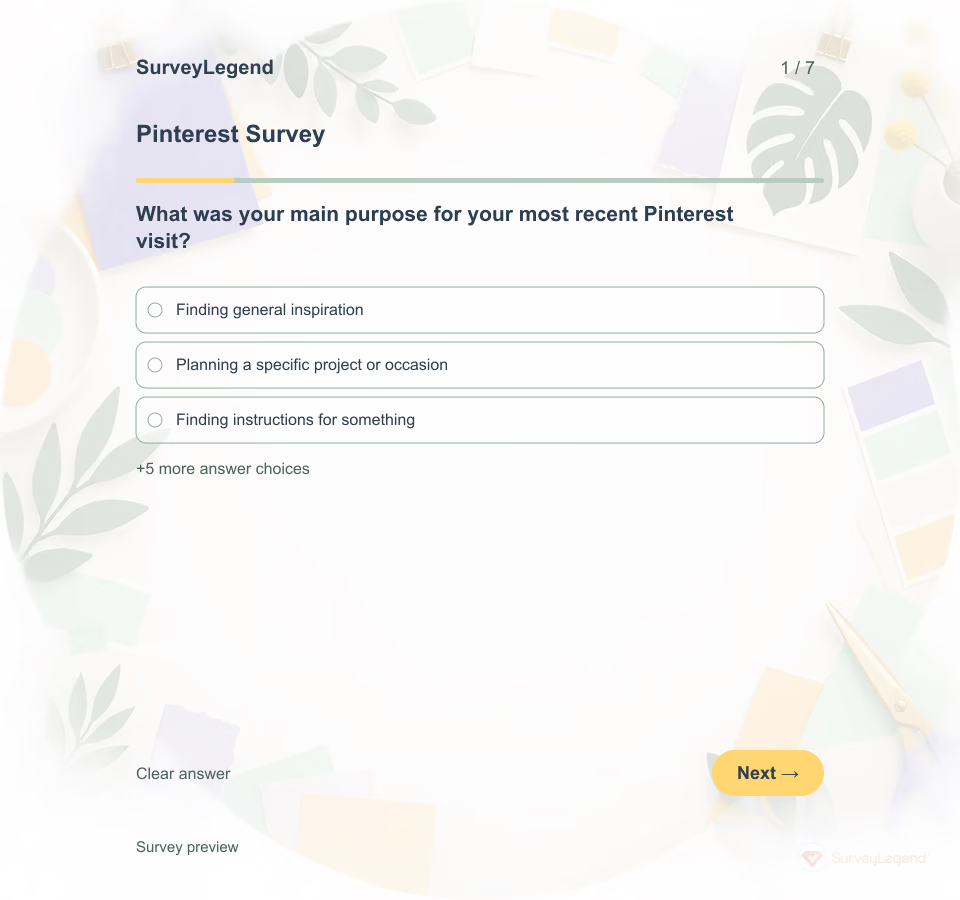 Pinterest Survey Template Saving an idea and using it are different outcomes. A person may collect inspiration for later without wanting to buy anything today. This SurveyLegend questionnaire focuses on one recent visit so a creator can understand the job the content was meant to do.
 -
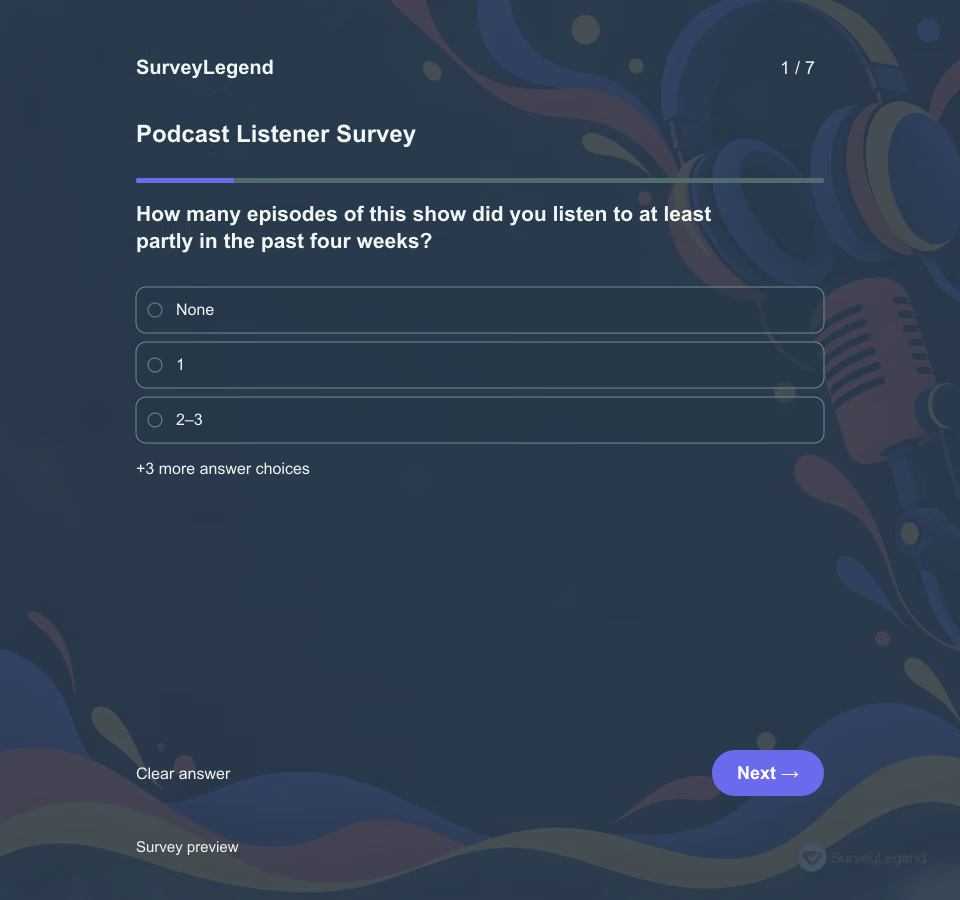 Podcast Listener Survey Template Downloads tell you that an episode was accessed, but they do not explain why someone chose it or what they wanted from it. Ask listeners about the experience behind the numbers before changing the format.
 -
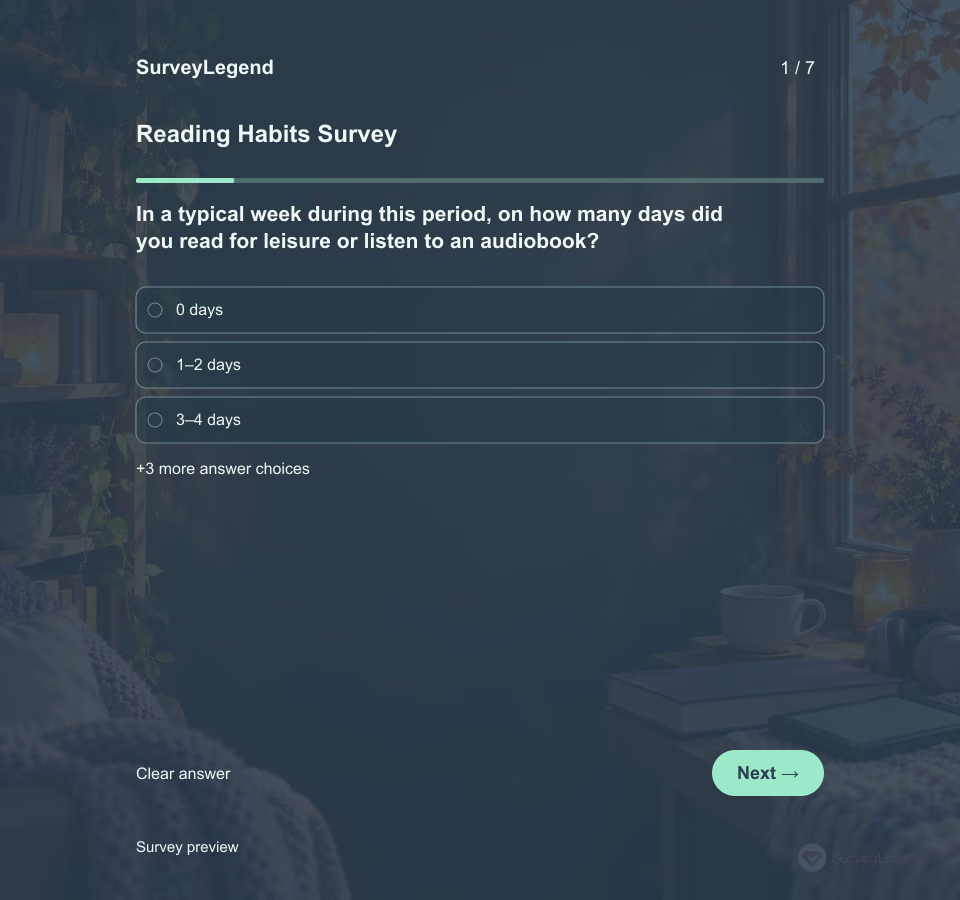 Reading Habits Survey Template Someone who reads short digital pieces on a commute may need something different from a reader who sets aside time for print books. Ask about behavior and context before deciding what support to offer.
 -
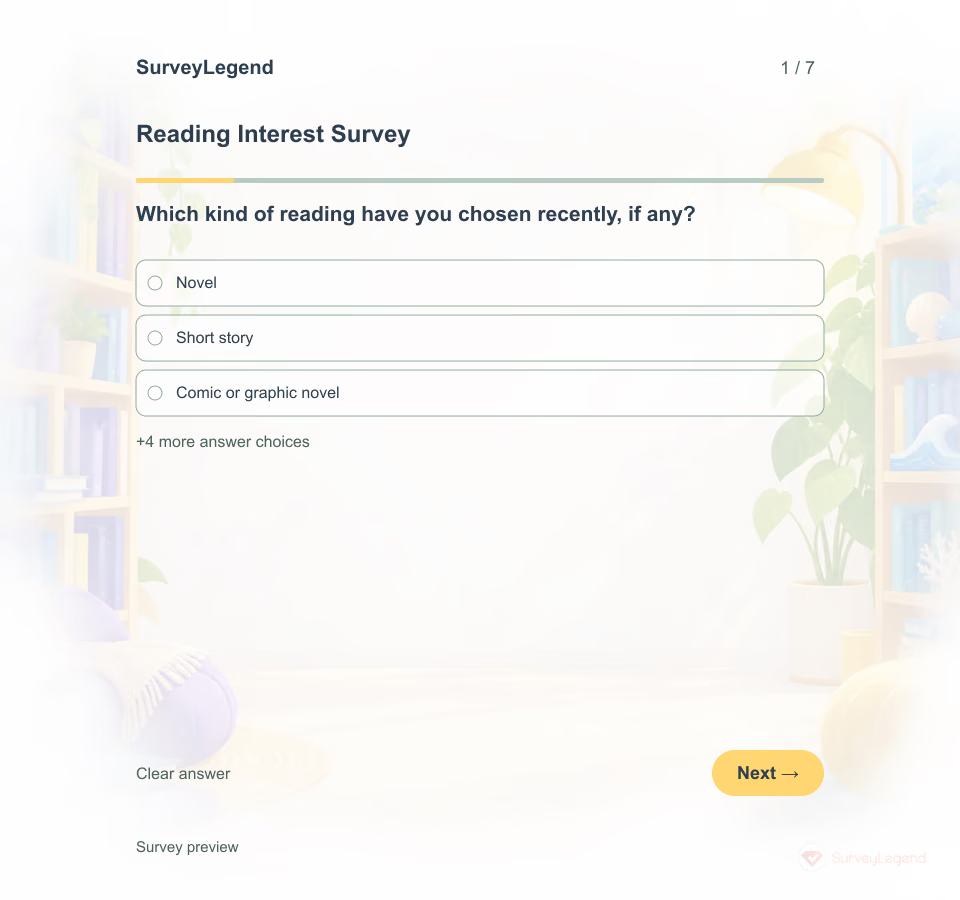 Reading Interest Survey Template A useful reading list starts with readers. SurveyLegend lets a school librarian or reading-group leader adapt seven short questions about leisure reading, without asking for a student's name or assuming everyone reads the same way.
 -
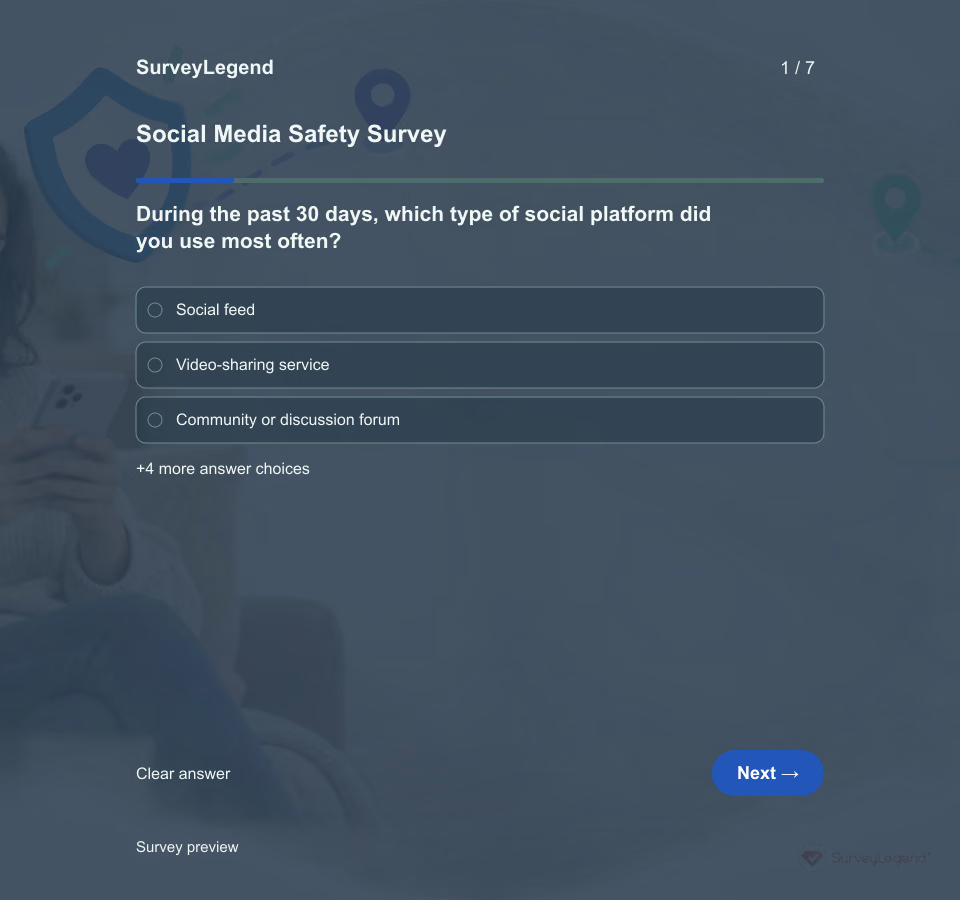 Social Media Safety Survey Template Choose one platform or a clearly defined platform type and ask adult users about the past 30 days. Do not ask for account handles, screenshots, names, harmful content or descriptions of abuse. Explain who will review responses and give a separate route for urgent reporting or support. This is usability feedback, not a channel for handling a live safety incident.
 -
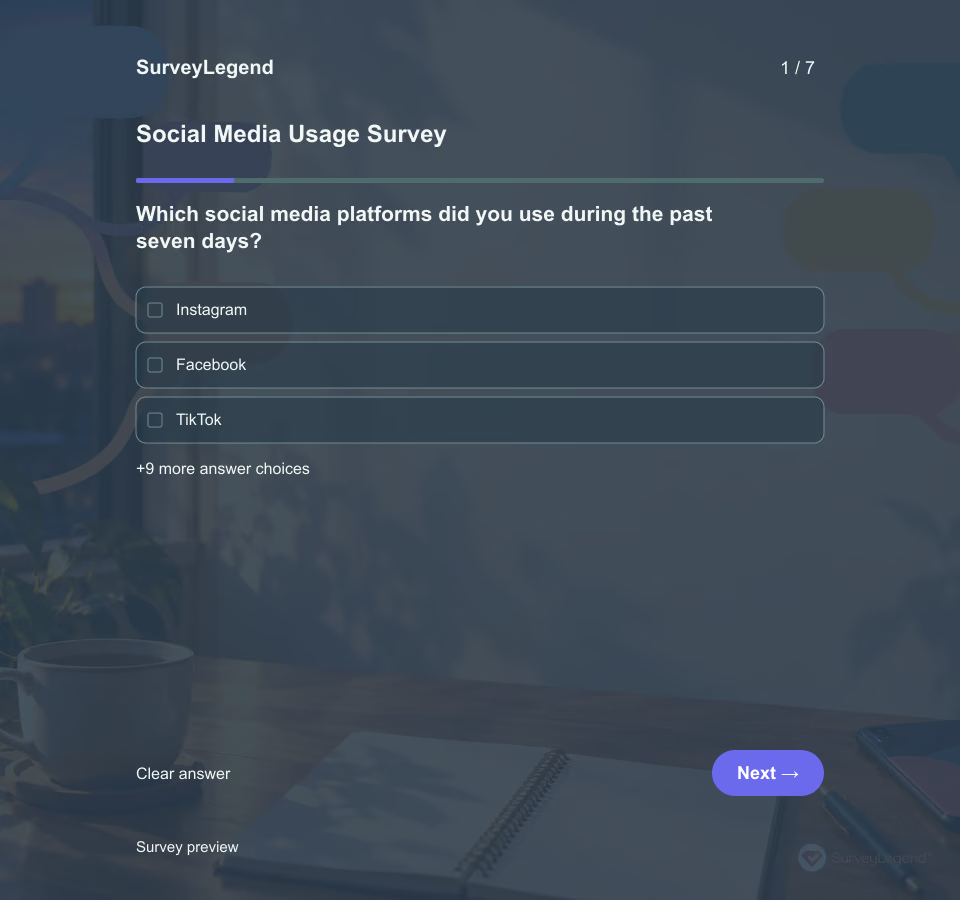 Social Media Usage Survey Template A useful usage survey needs more than one time estimate. This template separates platforms, time, purpose, activity style, connection, and stress or distraction so each answer has a clear meaning. The seven-day recall period gives respondents a recent window instead of asking them to summarize an undefined “usual” week. Browse related [media templates](https://www.surveylegend.com/survey-examples-templates/media-entertainment-surveys/) when the task concerns another kind of content or audience.
Free survey maker
Start creating surveys today for free
Create and bring your ideas to life with the survey tool used by people all over the world.
Ready to collect better research data?
Create academic surveys and questionnaires from ready-made templates.