

Digital Learning Experience Survey Template
This digital learning experience survey template asks learners about a named online module, including navigation, instructions, pace, access to help, and feedback. Use their experience to improve the next module without treating satisfaction as proof of learning gains.
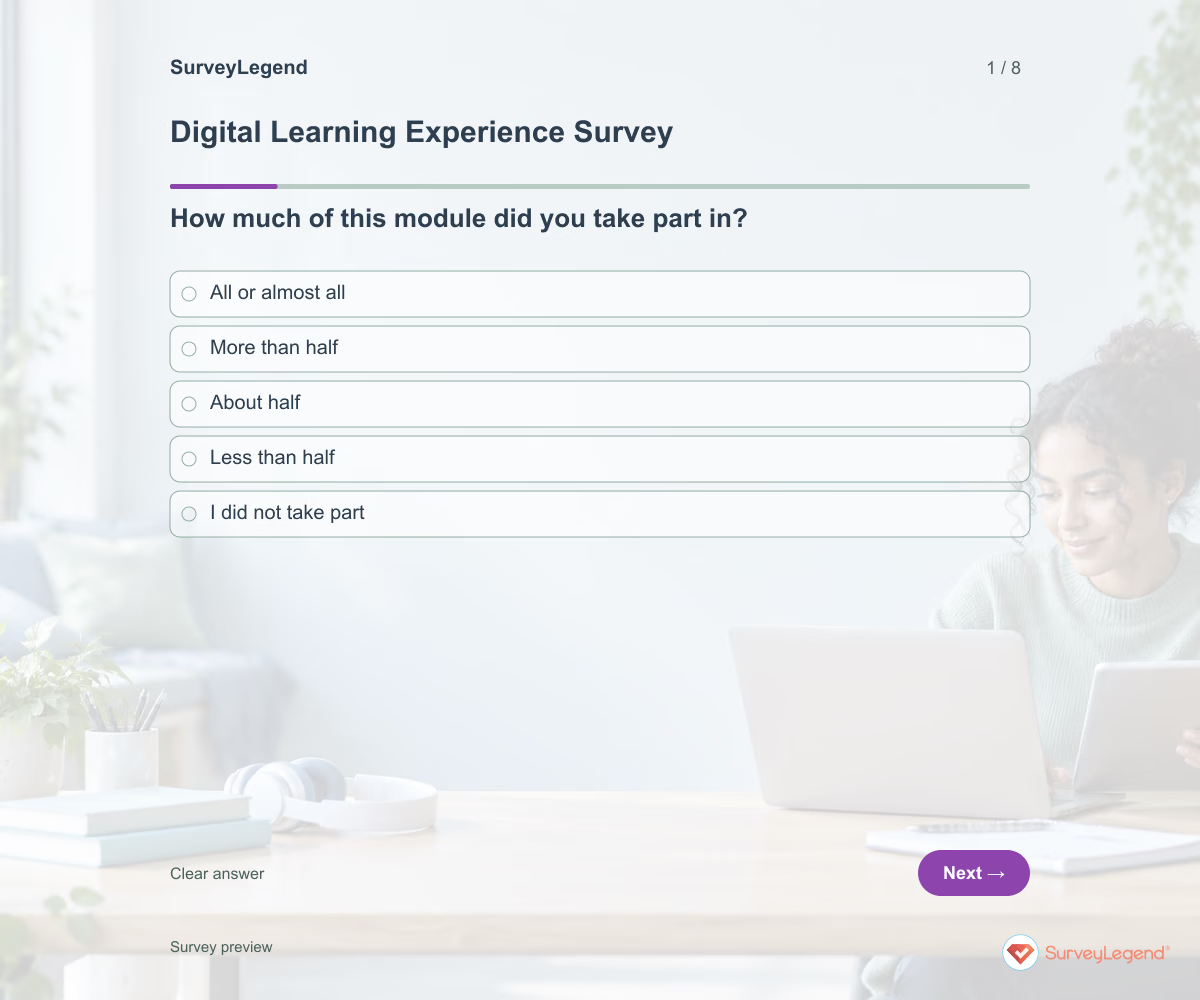
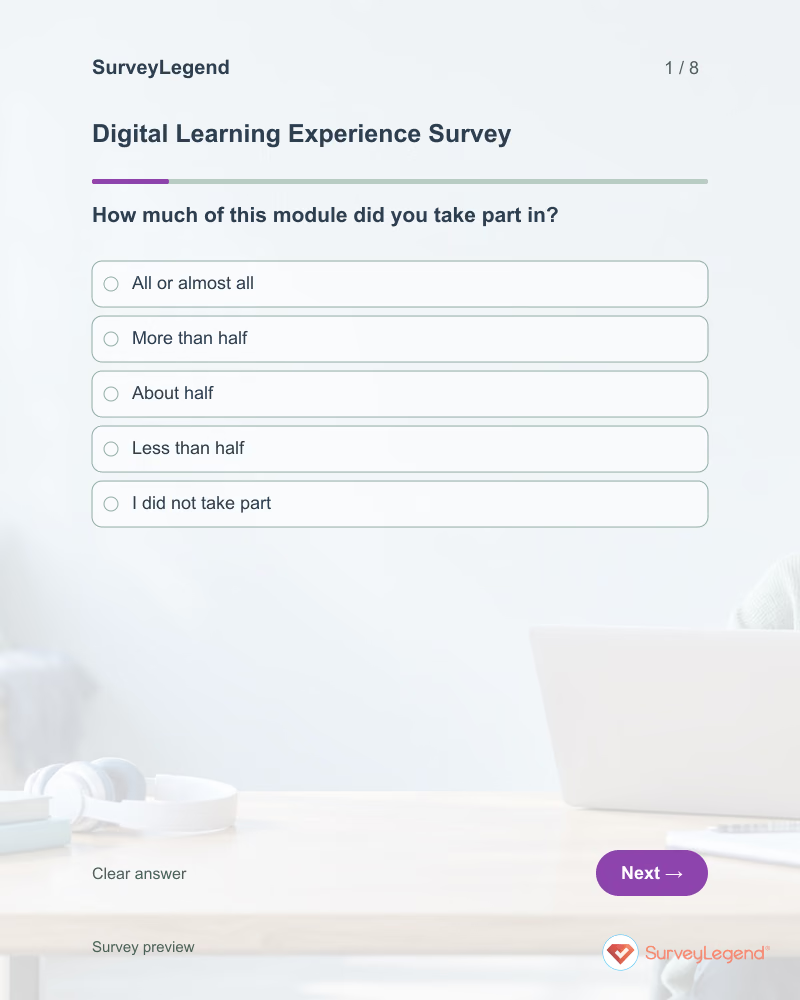
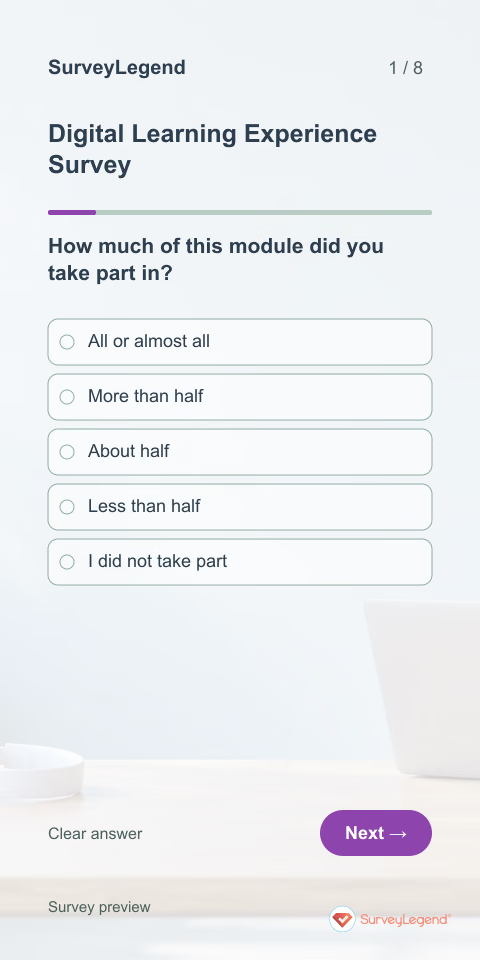
Use this digital learning experience survey template to understand how learners move through an online module. The questions focus on finding materials, understanding activities, asking questions, and using feedback. Create the survey in SurveyLegend to improve the learning journey without assuming that satisfaction proves learning gains.
When to use this digital learning experience survey
Send it after a clearly identified module or short sequence of activities. Include learners who completed only part of the work, because their experience may reveal barriers hidden by a survey of finishers. This template examines how online learning is organized. A separate technology-access survey is better for planning equipment or internet support before teaching begins.
For a broader review of the complete course, use our course evaluation template.
8 questions for your digital learning experience survey
Use these 8 questions as a starting point. All fields are optional; choose one answer where choices are listed. Leave an irrelevant open field blank.
Respondent introduction:
Answer about the online module named by the organizer. You can respond even if you completed only part of it. All questions are optional. Please avoid naming other learners.
A little feedback. A clearer picture.
Explore this 8-question example at your own pace. Every question is optional.

Digital Learning Experience Survey
Thank you for trying the survey!
You’ve tried the template from the respondent’s side. Make it your own with SurveyLegend.
Create your own surveyChecking submission availability…
This is a demo. We count starts and submissions only. Your answers stay in your browser and are never sent or saved.
Activity · no starts yet
How to customize your digital learning experience survey
Name the module and its dates, and use the same names for activities that learners see on the platform. Retain options for people who did not submit work or ask for help. Keep content difficulty separate from navigation difficulty when adding questions. For example, a learner may understand the subject but still struggle to find the submission instructions. Offer an alternative response route if the platform itself is part of the problem. Before sharing widely, try the questions with a few people from the intended audience and clarify anything they interpret differently.
Printable digital learning experience survey template
Use this printable digital learning experience survey template during a classroom follow-up to an online module. It includes the same questions and space to write, giving people who prefer paper or are less comfortable online another way to take part. SurveyLegend helps you offer both formats. Tell respondents where to return the completed form and who will review it. Paper answers need a separate review or manual entry process; they are not automatically added to online responses.
 Download PDF
 AI prompt for a digital learning experience survey
Make the next online module easier to navigate, follow, and complete.
The full prompt below specifies your digital learning experience survey, including all 8 questions and response settings. Copy it, register for a free SurveyLegend account, and paste it into SurveyLegend’s AI survey creation tool. Review the result and add your organization’s details before sharing.
Create a free account, then paste the copied prompt into SurveyLegend.
Already have an account? Sign in to create your digital learning experience survey.
Find friction in the online learning journey
Review participation level before comparing experience ratings. Look for points where unclear instructions, hidden resources, or slow help interrupted progress. Read the feedback-usefulness responses only among learners who received feedback, and keep nonreceipt visible as a separate issue. Select a concrete improvement, such as a clearer module checklist, then ask about that experience again. Use assessments or other appropriate evidence separately to evaluate learning outcomes.
Frequently asked questions
Is this an overall course evaluation?
No. It focuses on the experience of a named digital module. A course evaluation can cover the wider curriculum, teaching, assessment, and overall course experience.
Should learners who did not finish participate?
Yes. Their answers can reveal access, navigation, or instruction problems. Keep their participation context when interpreting the feedback.
Can positive responses prove the module was effective?
They show reported experience, not learning gains. Evaluate knowledge or skill development with a suitable separate method.
-
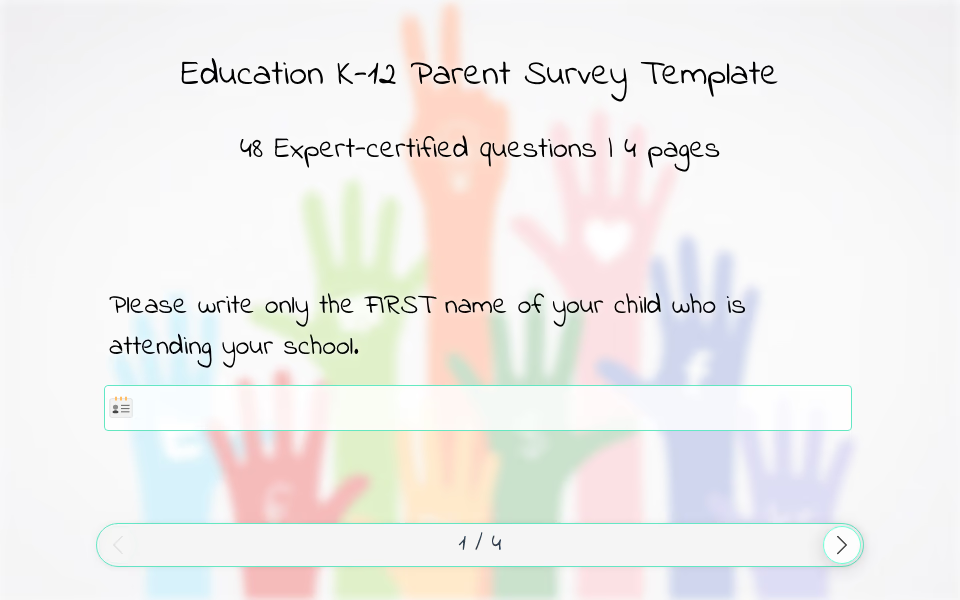 K-12 Parent Survey Template Creating a positive school environment means making sure both students and parents feel heard. Our K–12 parent survey template includes 48 thoughtfully designed questions that explore the parent-school relationship, helping schools understand what is working and where support is needed.
 -
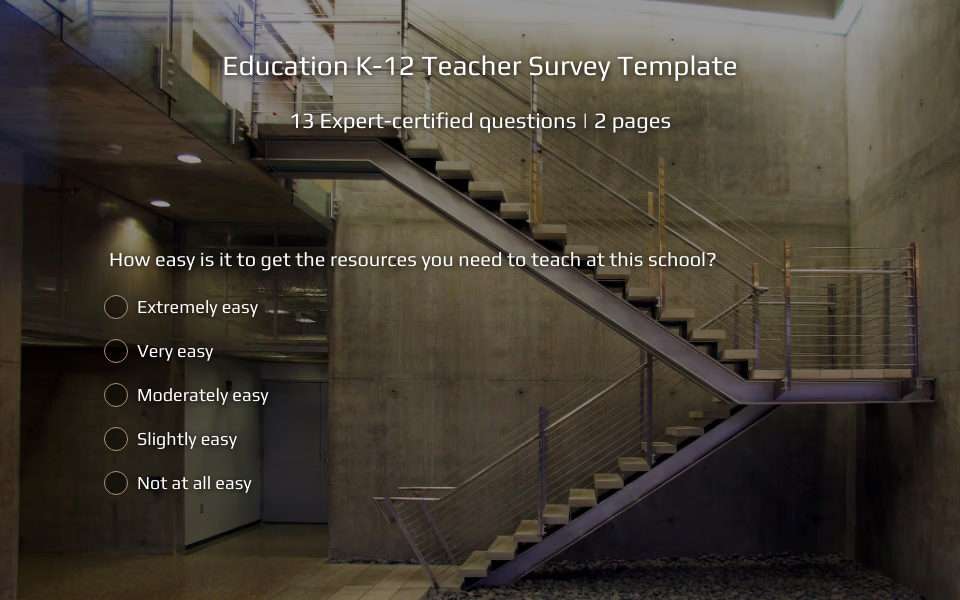 K-12 Teacher Survey Template A strong education system depends not only on curriculum and facilities, but also on the well-being of its educators. When teachers feel supported, valued, and heard, the entire school environment thrives. Using SurveyLegend’s K–12 teacher survey template allows school leaders to better understand staff perspectives, gather actionable insights, and create a more positive workplace culture.
 -
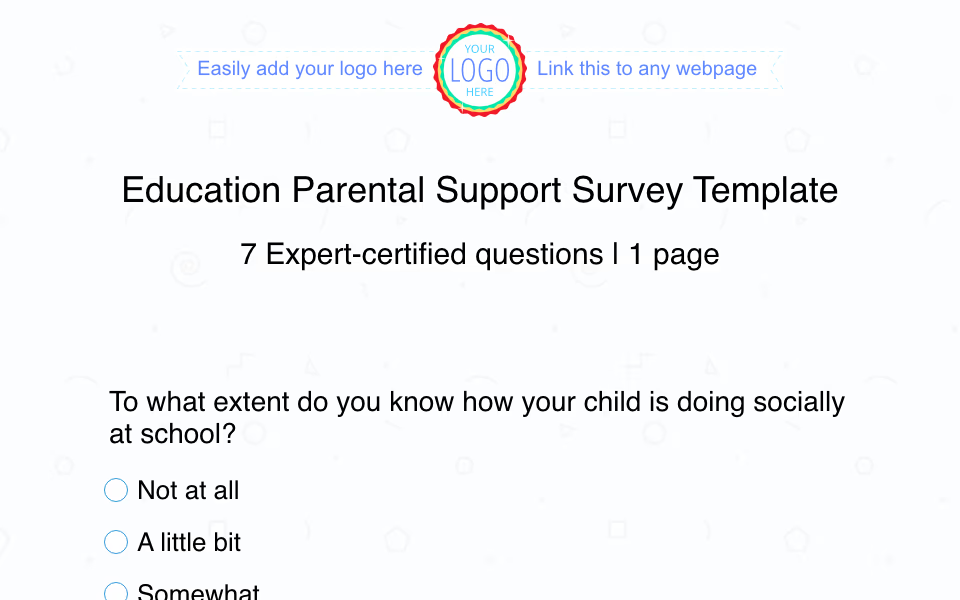 Parental Support Survey Template Behind Every Thriving Student Is a Strong Connection Between Home and School
 -
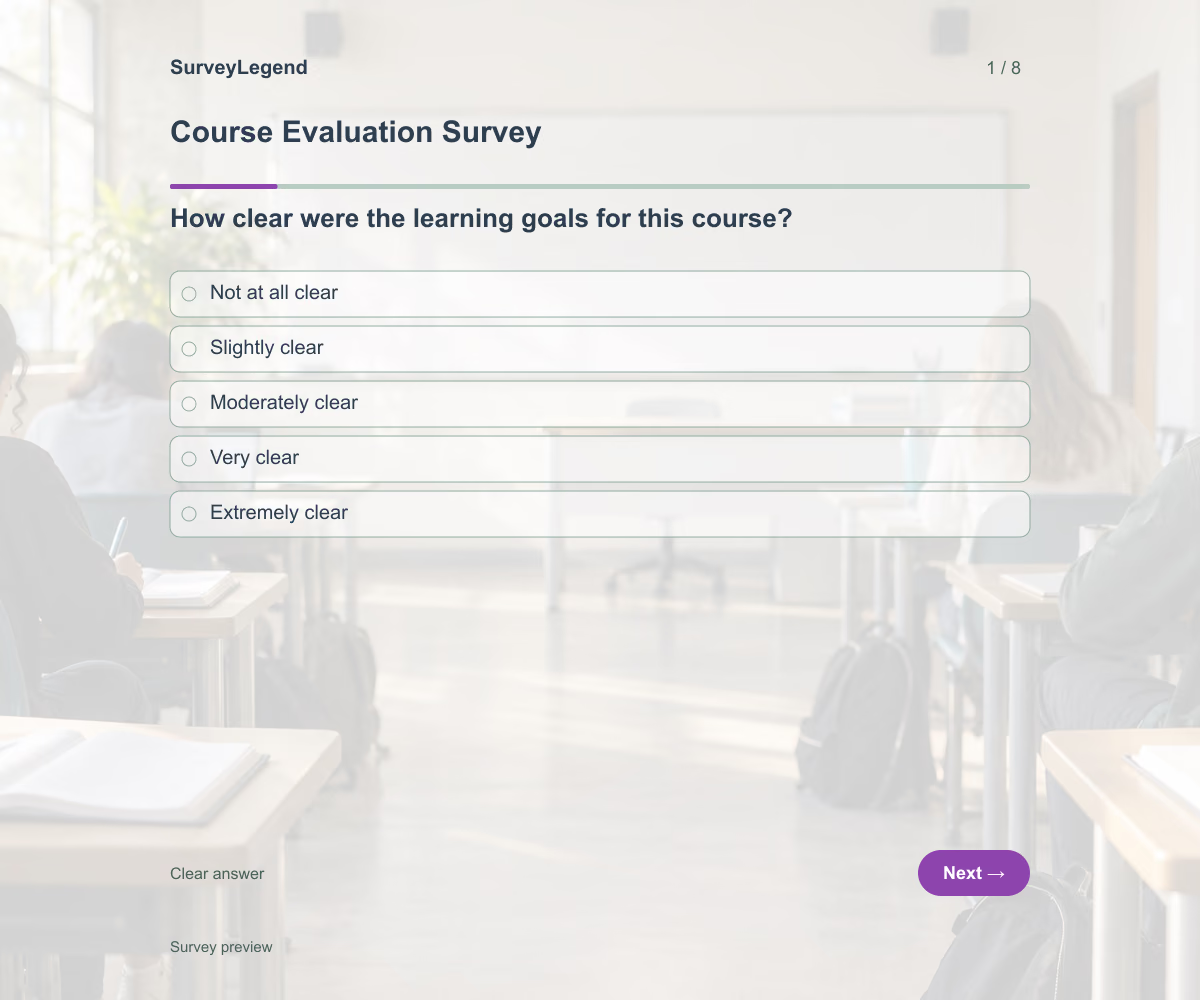 Course Evaluation Survey Template This course evaluation survey template helps you collect student feedback on one course, including its organization, teaching, materials, pace, and workload. Use the eight questions to identify what to keep and what to improve for the next group. Adapt the example to your course and create your evaluation with SurveyLegend.
 -
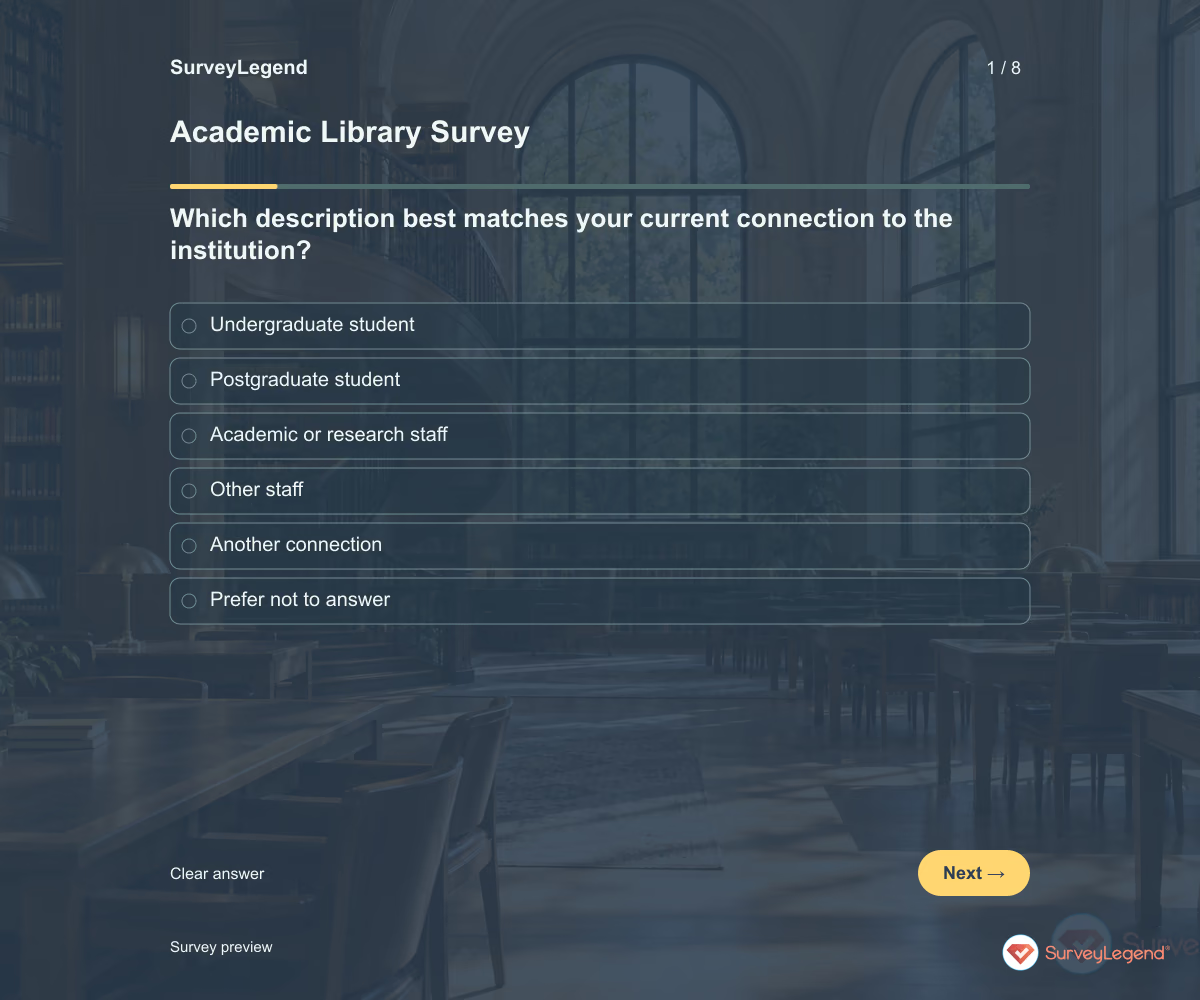 Academic Library Survey Template Use this academic library survey template to find out where students, researchers, and staff need better support. Eight questions cover finding resources, online access, study spaces, and help from library staff. Customize the questionnaire in SurveyLegend to connect feedback with decisions about your library's services.
 -
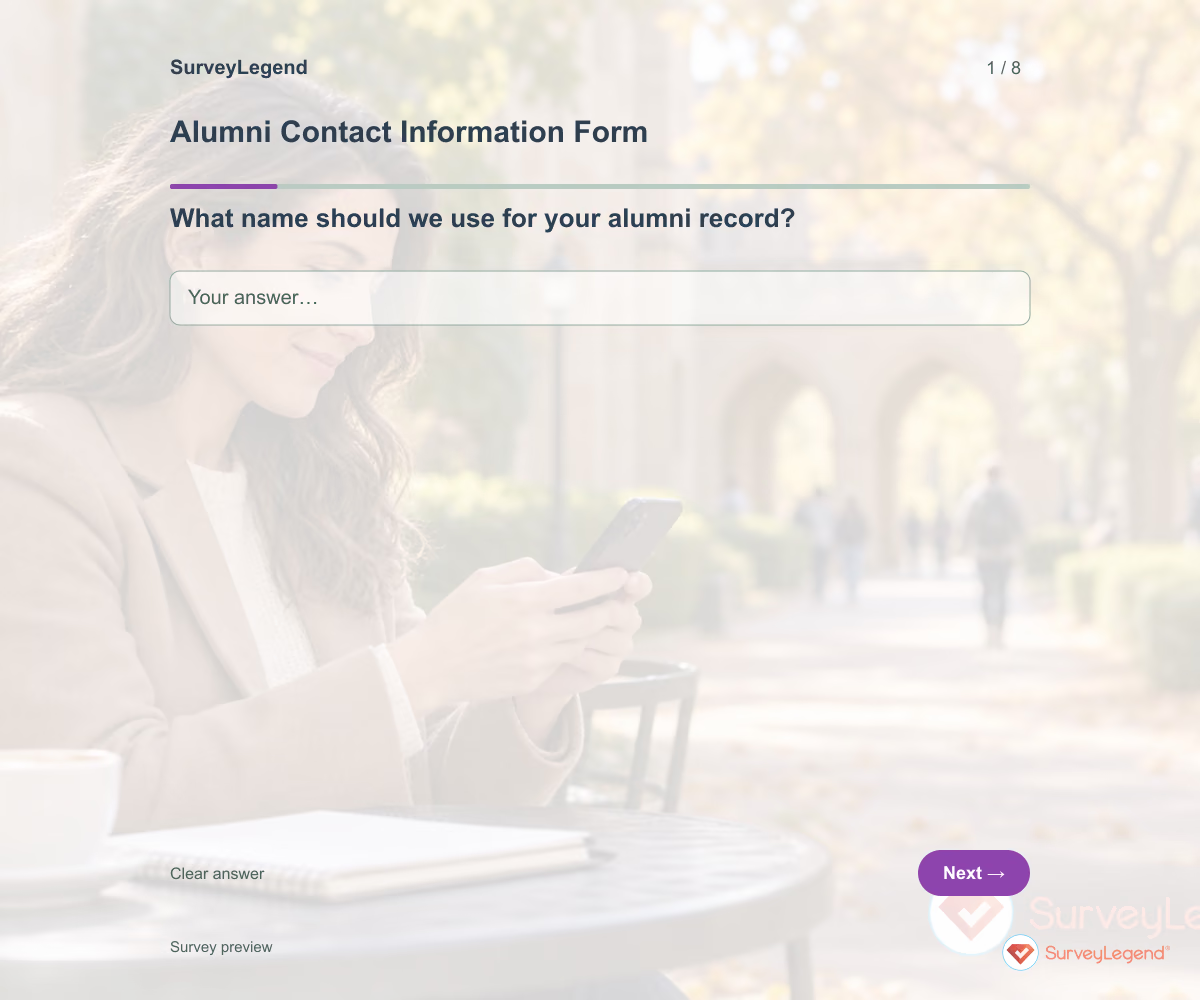 Alumni Contact Information Form Template Use this alumni contact information form template to collect updated details from former students and learn how they would like to hear from you. Eight fields cover their name, study details, current email, broad location, and communication preferences. Customize the form in SurveyLegend before asking alumni to review their information.
 -
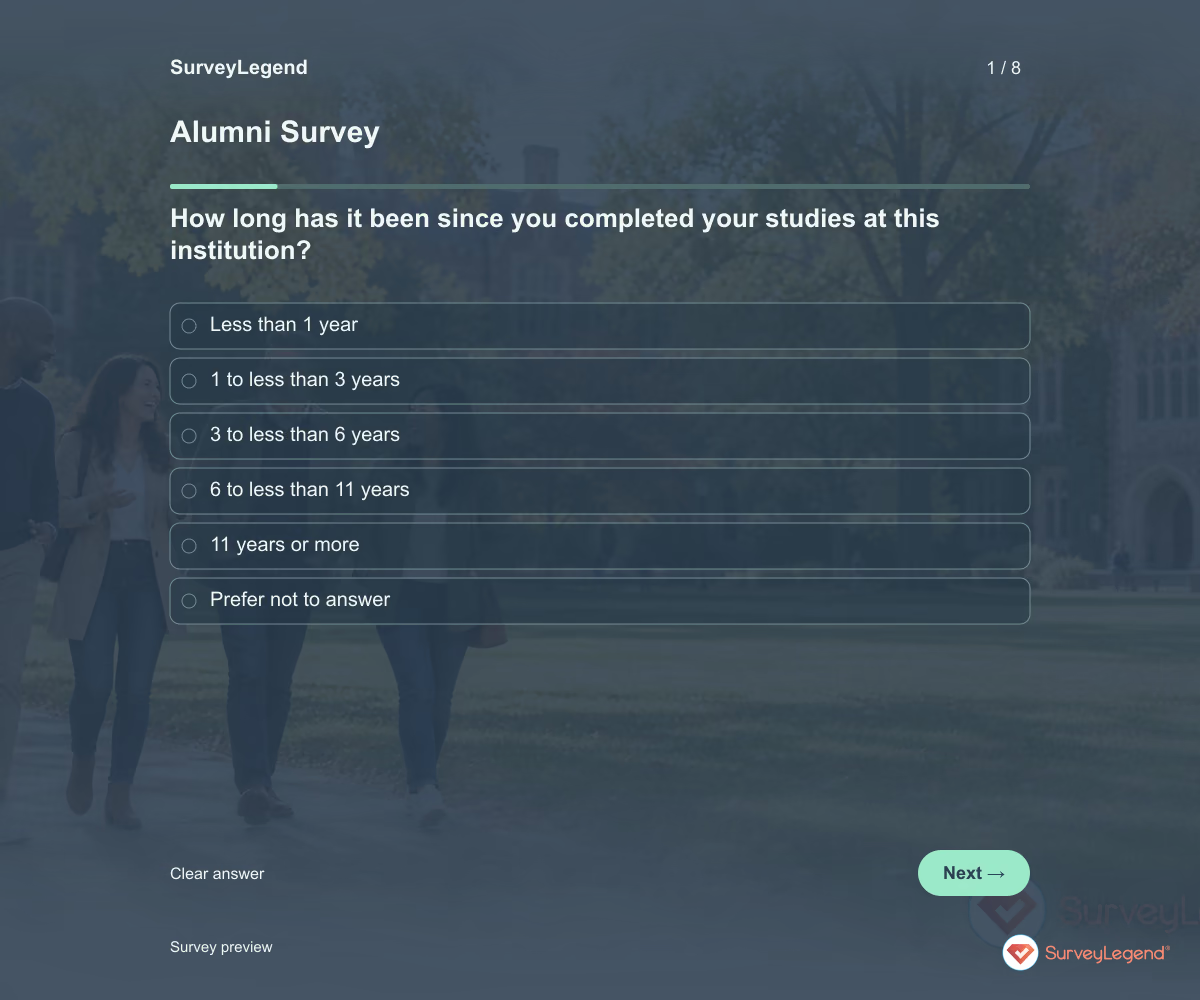 Alumni Survey Template Use this alumni survey template to understand what former students value after leaving your institution and what support they would welcome now. Eight questions explore useful learning, continuing connection, and future alumni activities. Customize the survey in SurveyLegend and use the answers to plan services with a clear purpose.
 -
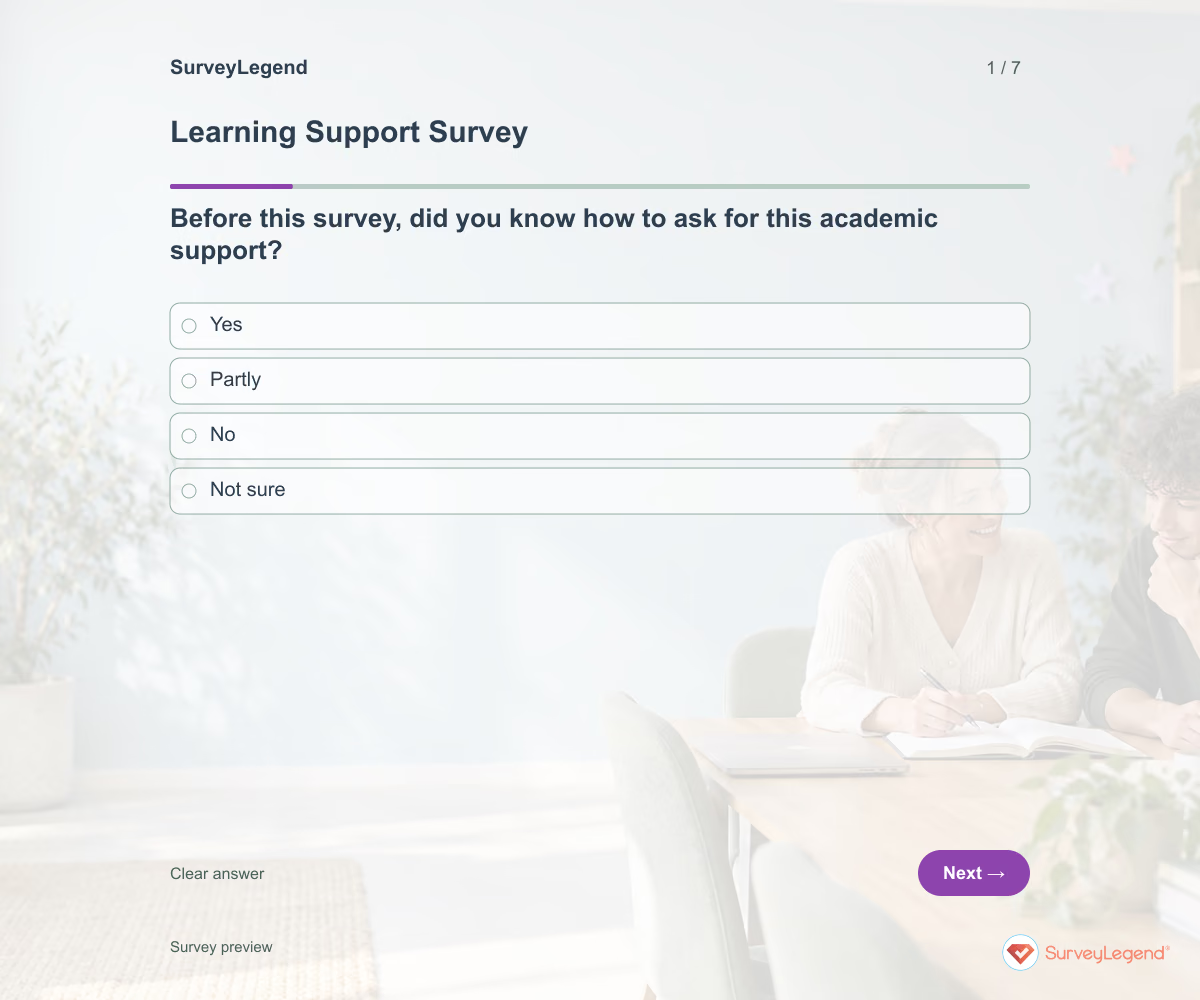 Learning Support Survey Template Use this learning support survey template to understand whether learners know where to get academic help and can use it when needed. It asks about recent support, waiting time, explanations, and practical barriers. Build the survey in SurveyLegend to improve access to tutoring, study guidance, or other clearly named academic support.
 -
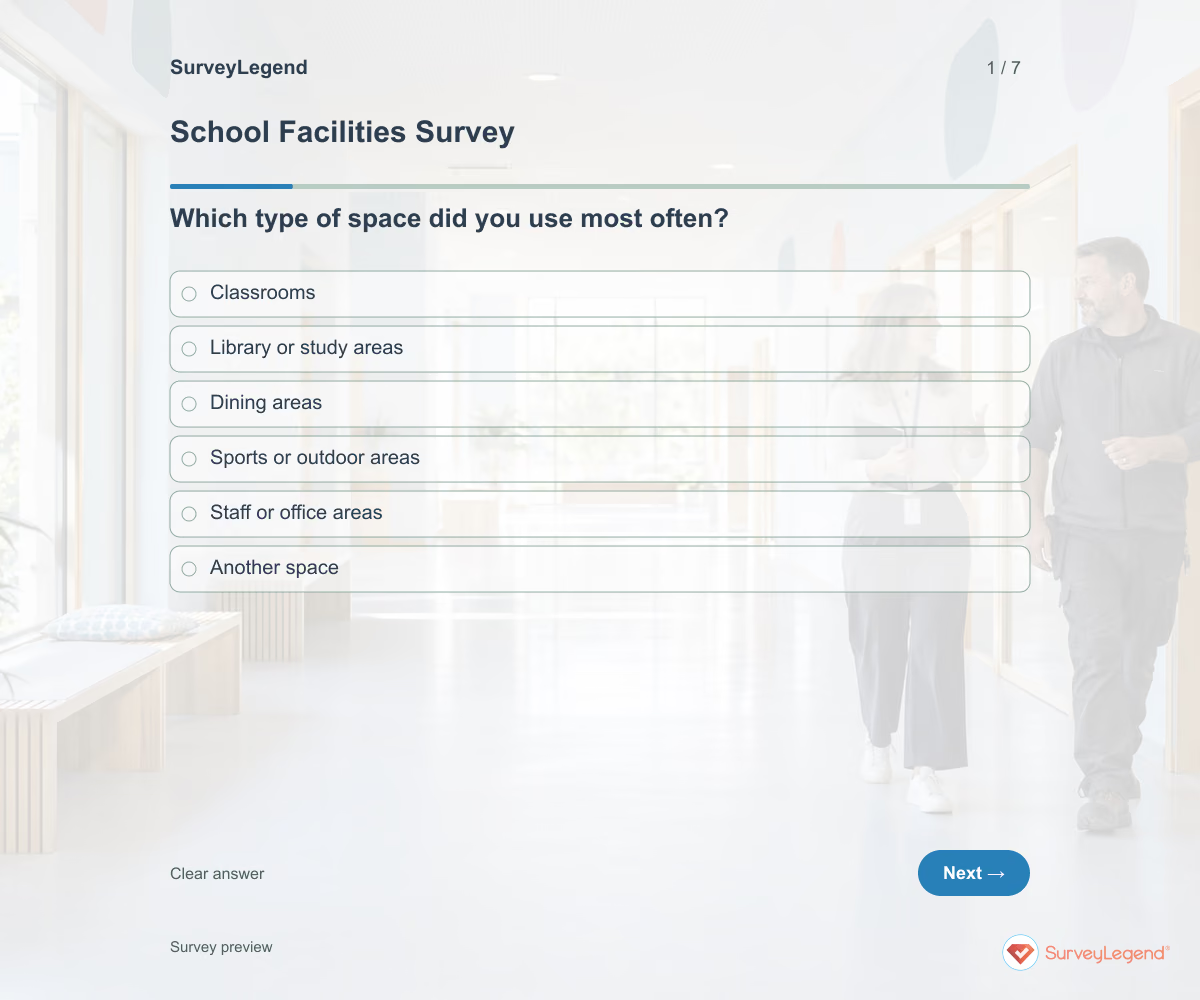 School Facilities Survey Template Use this school facilities survey template to learn how the spaces people use support everyday school activities. It asks about equipment availability, cleanliness, comfort, and routine improvements. Create a version in SurveyLegend to hear from the people using the facilities before deciding which issues need closer investigation.
 -
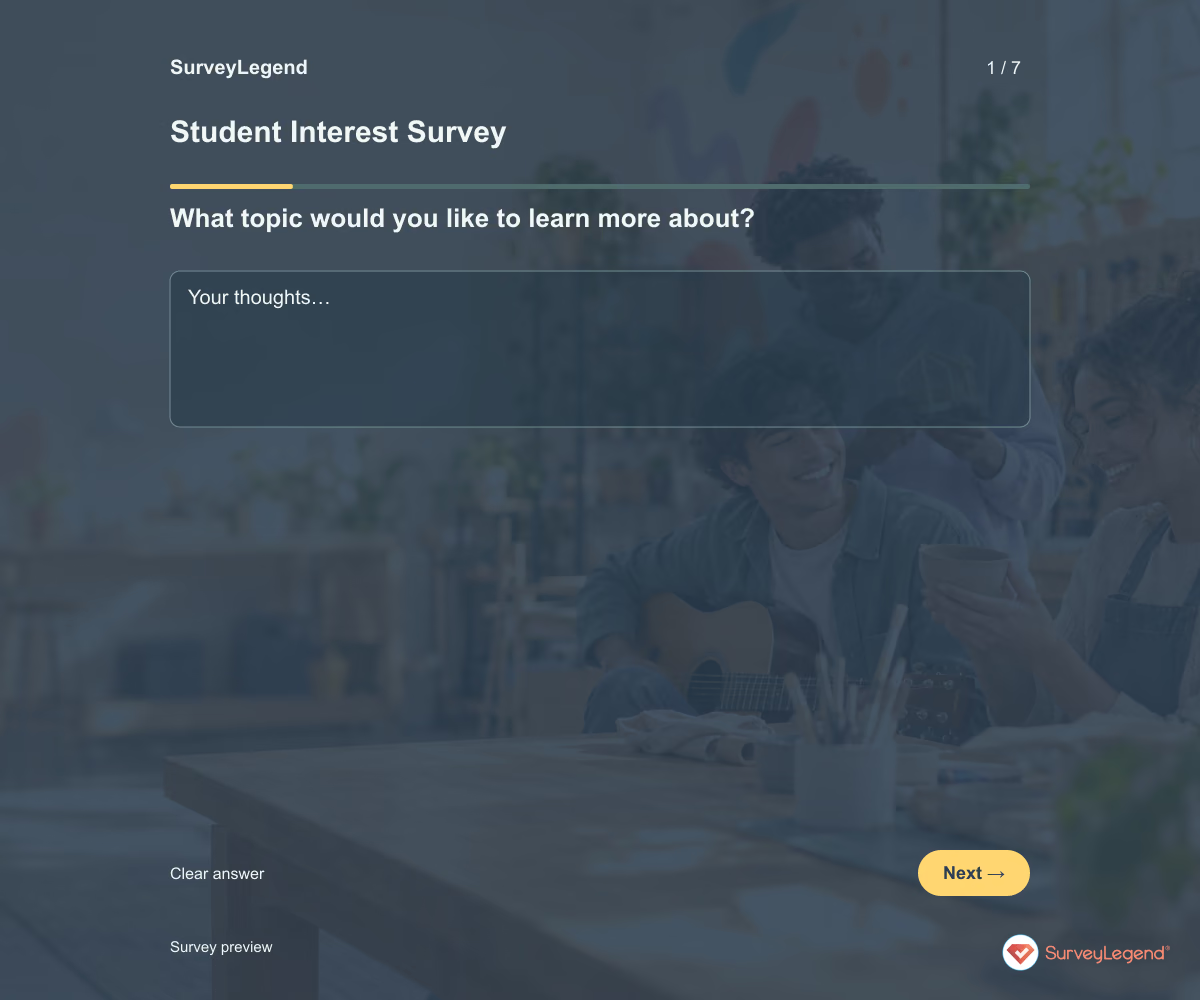 Student Interest Survey Template Use this student interest survey template to learn which topics, activities, and projects students would like to explore. It gives them a way to share interests beyond a quick classroom introduction. Adapt the wording in SurveyLegend for your learners and use their answers to choose relevant examples and opportunities to participate.
 -
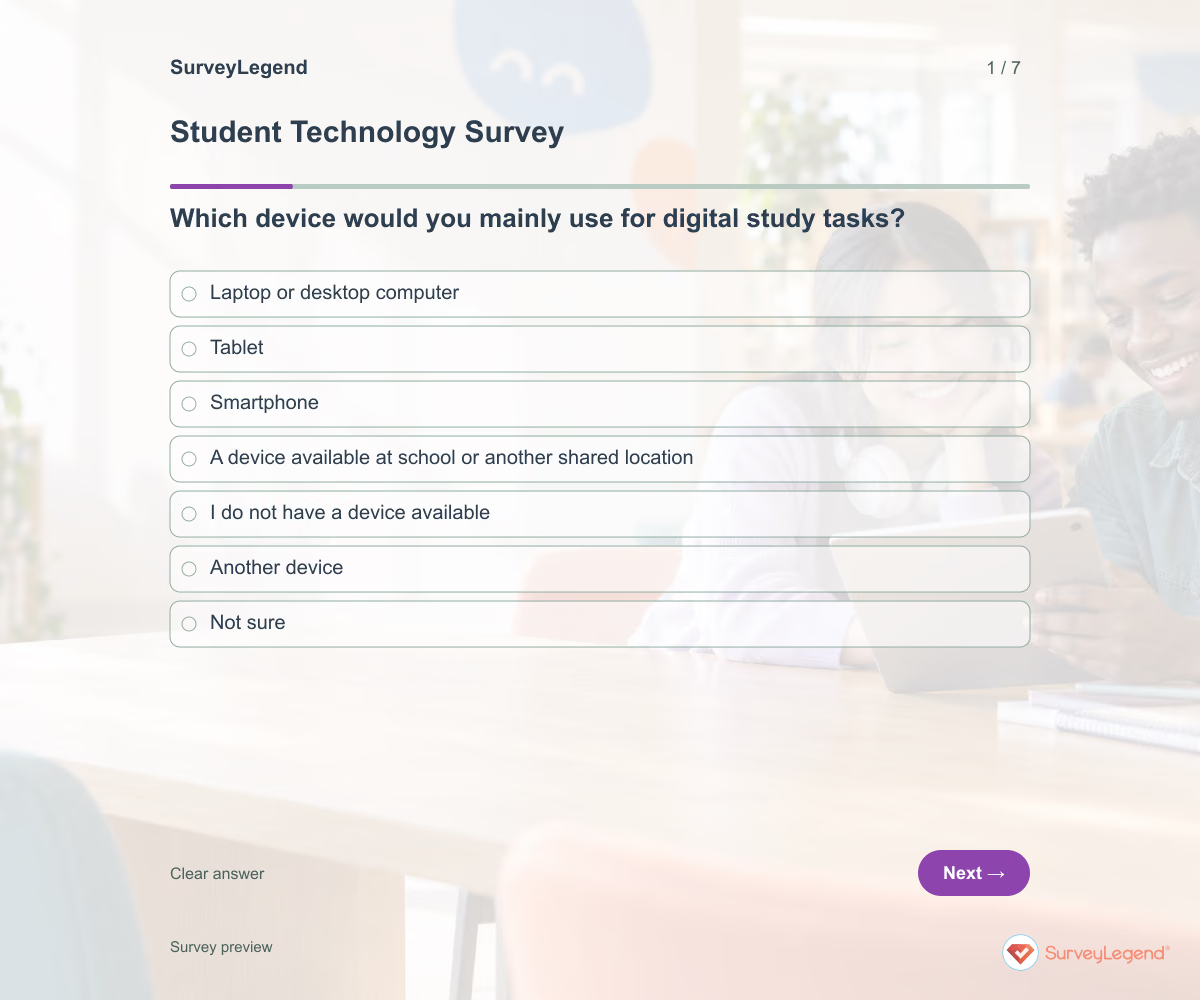 Student Technology Survey Template Use this student technology survey template to understand whether learners can access the devices, internet connection, and software their study tasks require. It asks about practical availability rather than assuming ownership means reliable access. Create the questionnaire in SurveyLegend and offer a paper route before planning digital assignments.
Free survey maker
Start creating surveys today for free
Create and bring your ideas to life with the survey tool used by people all over the world.
Ready to collect better research data?
Create academic surveys and questionnaires from ready-made templates.