Course Evaluation Survey Template
This course evaluation survey template collects students’ feedback on a completed course, including teaching, materials, pace, and workload. Use the answers to identify what helped students and what to change before the next group begins.

This course evaluation survey template collects students’ feedback on a completed course, including teaching, materials, pace, and workload. Use the answers to identify what helped students and what to change before the next group begins.
When to Use a Course Evaluation Survey
Send this questionnaire to people who took the course. It asks about one course rather than the wider school or campus experience. Their answers can help you plan improvements, but feedback alone is not a test of how much someone learned. For broader feedback about the school experience, explore SurveyLegend’s student satisfaction survey template.
8 Course Evaluation Questions to Customize
These questions cover learning goals, course organization, materials, explanations, pace, and workload. The two written-response questions help students identify what to keep and what to improve. Keep pace separate from workload: a course can move too quickly even when the amount of assigned work feels manageable.
A little feedback. A clearer picture.
Explore this 8-question example at your own pace. Every question is optional.
Course Evaluation Survey
Thank you for trying the survey!
You’ve tried the template from the respondent’s side. Make it your own with SurveyLegend.
Create your own surveyChecking submission availability…
This is a demo. We count starts and submissions only. Your answers stay in your browser and are never sent or saved.
Activity · no starts yet
Customize the Course Evaluation Survey
Add the course name and the period being reviewed to your introduction. Replace references to lessons with sessions, modules, or lectures as needed. Keep a not-applicable option for activities some students may not have experienced. Explain who will review responses and how the feedback will be used.
For a self-paced course without an instructor, replace the instructor question with “How clear were the explanations in the course?” For an assignment-based course, you can add “How useful was the feedback on your assignments?” with a five-point scale from Not at all useful to Extremely useful, plus I did not receive assignment feedback. If you need an overall measure, add “Overall, how satisfied were you with this course?” with five balanced choices from Very dissatisfied to Very satisfied. Use that summary alongside the specific questions to decide what needs attention.
Printable course evaluation survey template
Use this printable course evaluation survey template to collect answers from people who prefer paper or are less comfortable with online forms. Hand out the questionnaire at the end of a class so students can share feedback without opening an online form.
Download the PDF, print the 8-question questionnaire, and provide copies for people to complete by hand. It includes the same core questions as the online template, with space for written answers.
Online or on paper, SurveyLegend helps you offer a response format that works for your audience. Explain where to return paper forms and who will review them; handwritten answers are not automatically added to your online results.
AI prompt for a course evaluation survey
Create a course evaluation survey in SurveyLegend with questions about learning goals, course organization, materials, teaching, pace, and workload.
The full prompt below includes all 8 questions and their response settings. Copy this prompt into an AI assistant to draft the questions. Review the draft, then build and customize the survey in SurveyLegend before sharing.
Copy the prompt into an AI assistant to draft the questions, then build your survey in SurveyLegend.
Already have an account? Sign in to create your course evaluation survey.
Use Student Feedback to Plan the Next Course
Review organization, materials, teaching, pace, and workload separately. If explanations are clear but the pace is too fast, consider where students need more practice or review time. If materials receive poor feedback, use written comments to identify the resources to examine. Keep “Not applicable” responses separate from ratings of materials or teaching. Group suggestions by theme, choose the changes you can make, and document what you will revisit for the next course. Use assessment results alongside feedback when evaluating learning outcomes.
For example, if students describe a fast pace and name one difficult module, review that module’s sequence and practice activities before shortening the entire course. Choose one change, record why you made it, and ask the next group the same relevant questions.
Frequently asked questions about course evaluation surveys
When should I send a course evaluation?
Send it when participants have experienced enough of the course to comment meaningfully. Use a consistent point near completion and explain the response deadline.
Should I ask whether students liked the instructor?
No. Ask about specific teaching experiences, such as clarity of explanations or usefulness of feedback. These answers give you more to work with than a general popularity rating.
Can this be used for online courses?
Yes. Adapt references to the delivery format. If you need feedback about the learning platform, ask about it separately from the course content.
-
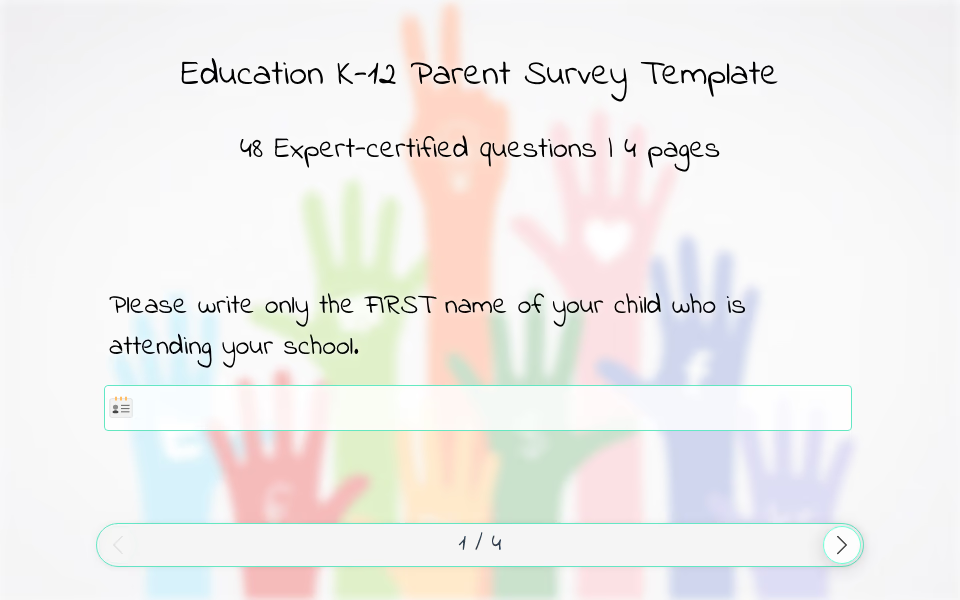 K-12 Parent Survey Template Creating a positive school environment means making sure both students and parents feel heard. Our K–12 parent survey template includes 48 thoughtfully designed questions that explore the parent-school relationship, helping schools understand what is working and where support is needed.
 -
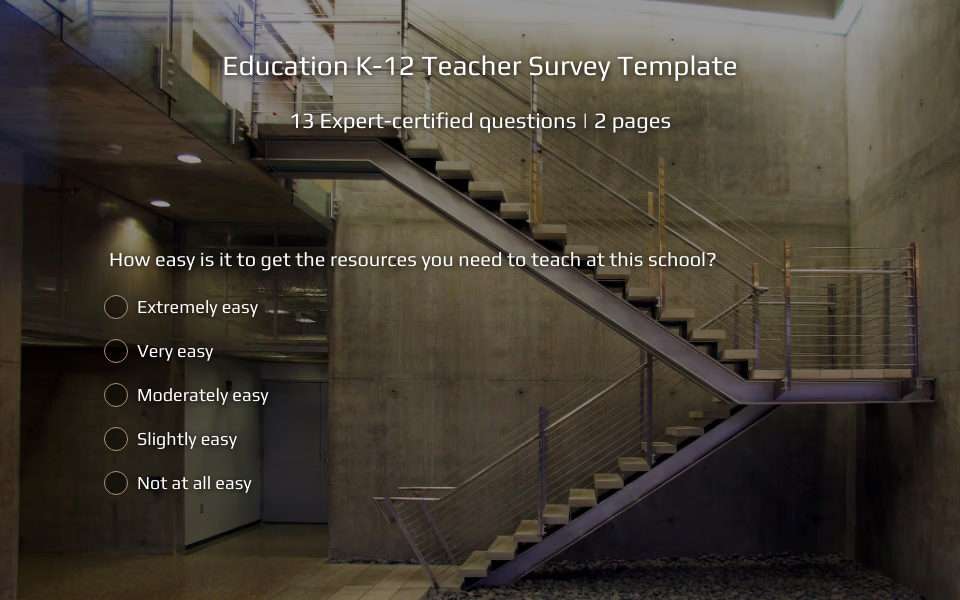 K-12 Teacher Survey Template A strong education system depends not only on curriculum and facilities, but also on the well-being of its educators. When teachers feel supported, valued, and heard, the entire school environment thrives. Using SurveyLegend’s K–12 teacher survey template allows school leaders to better understand staff perspectives, gather actionable insights, and create a more positive workplace culture.
 -
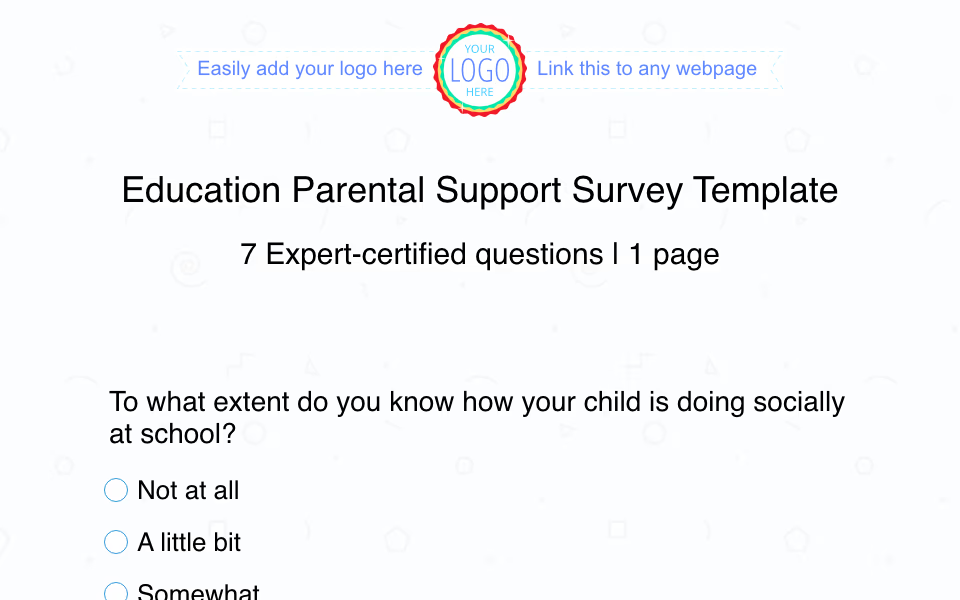 Parental Support Survey Template Behind Every Thriving Student Is a Strong Connection Between Home and School
 -
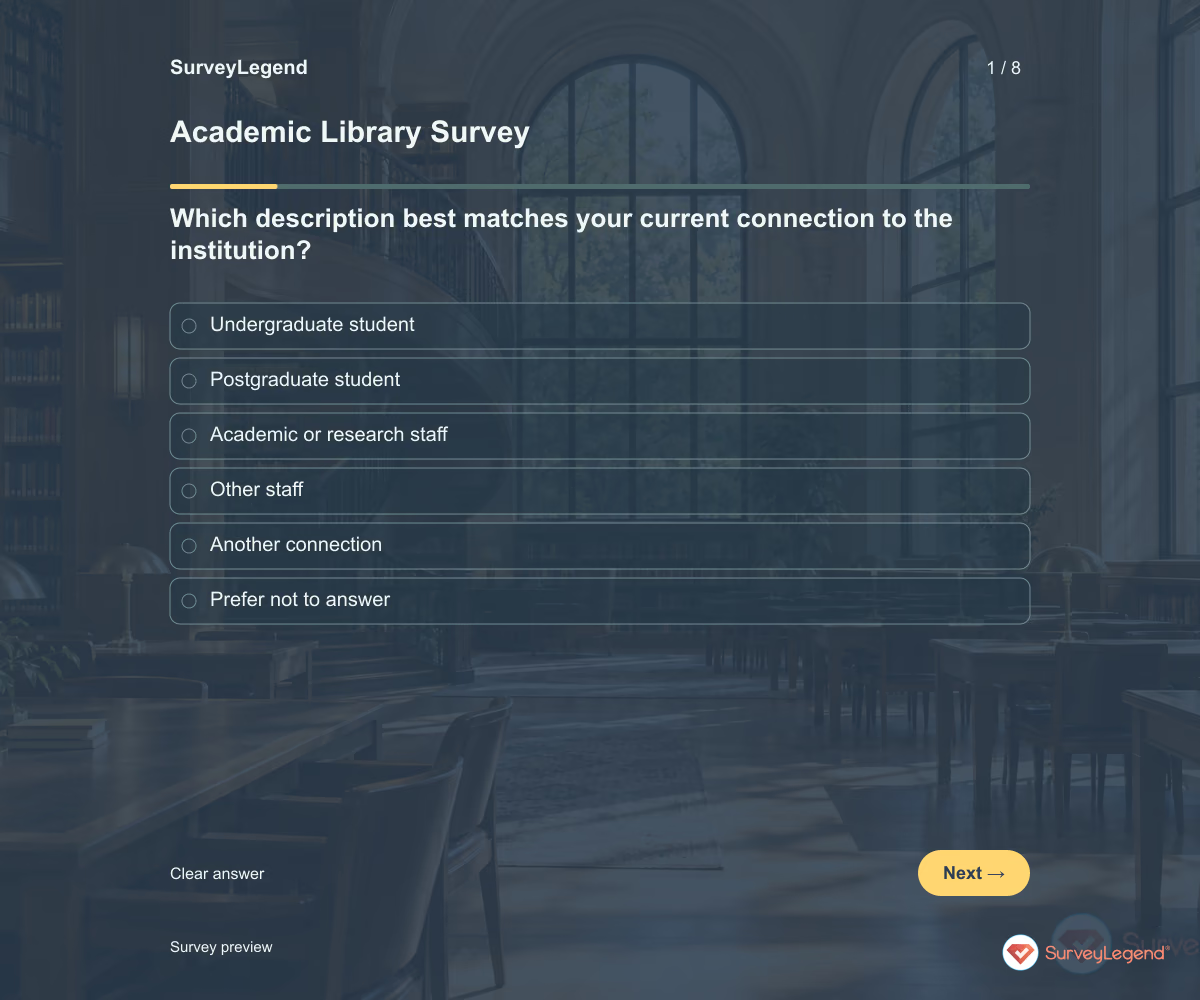 Academic Library Survey Template Use this academic library survey template to find out where students, researchers, and staff need better support. Eight questions cover finding resources, online access, study spaces, and help from library staff. Customize the questionnaire in SurveyLegend to connect feedback with decisions about your library's services.
 -
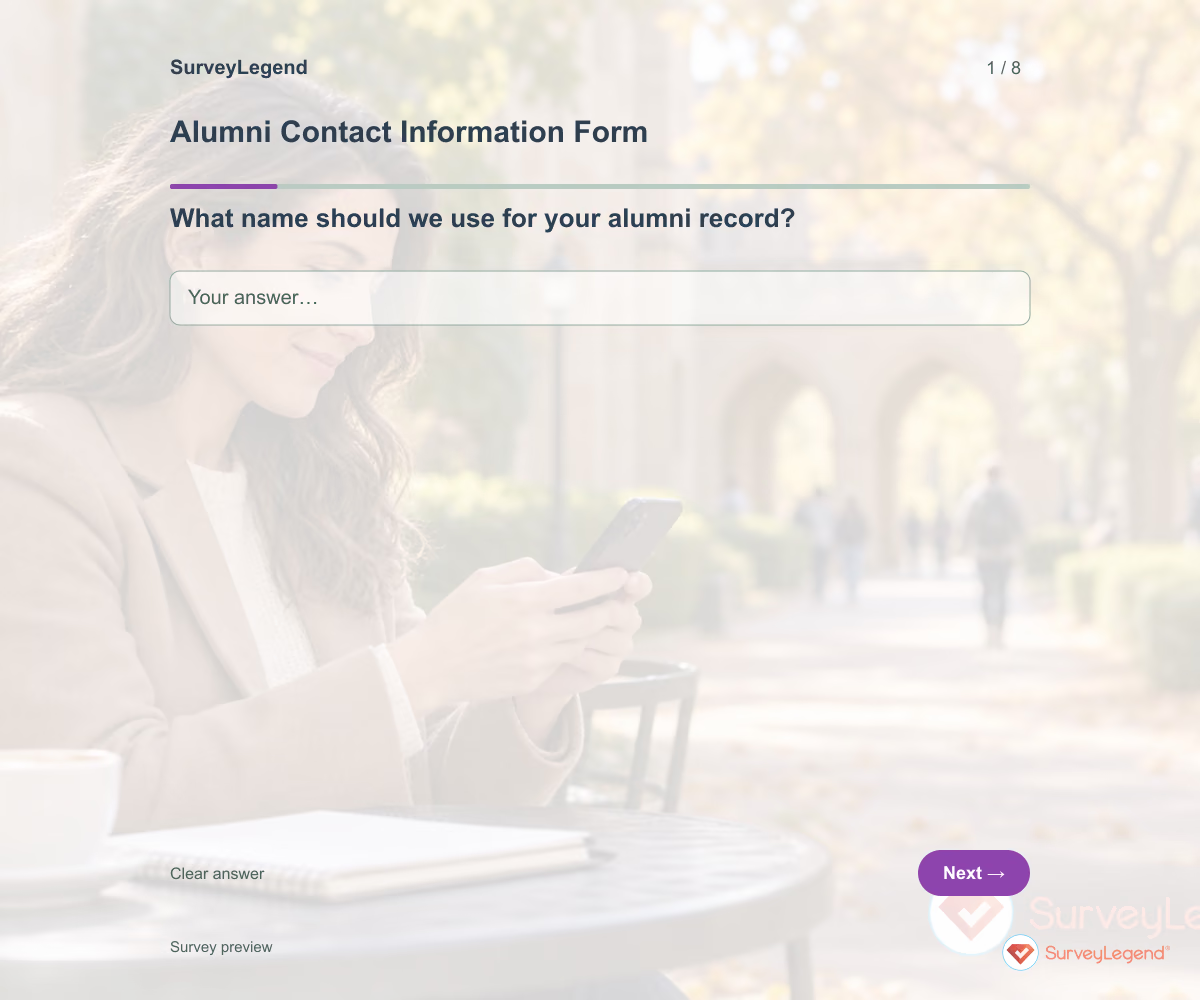 Alumni Contact Information Form Template Use this alumni contact information form template to collect updated details from former students and learn how they would like to hear from you. Eight fields cover their name, study details, current email, broad location, and communication preferences. Customize the form in SurveyLegend before asking alumni to review their information.
 -
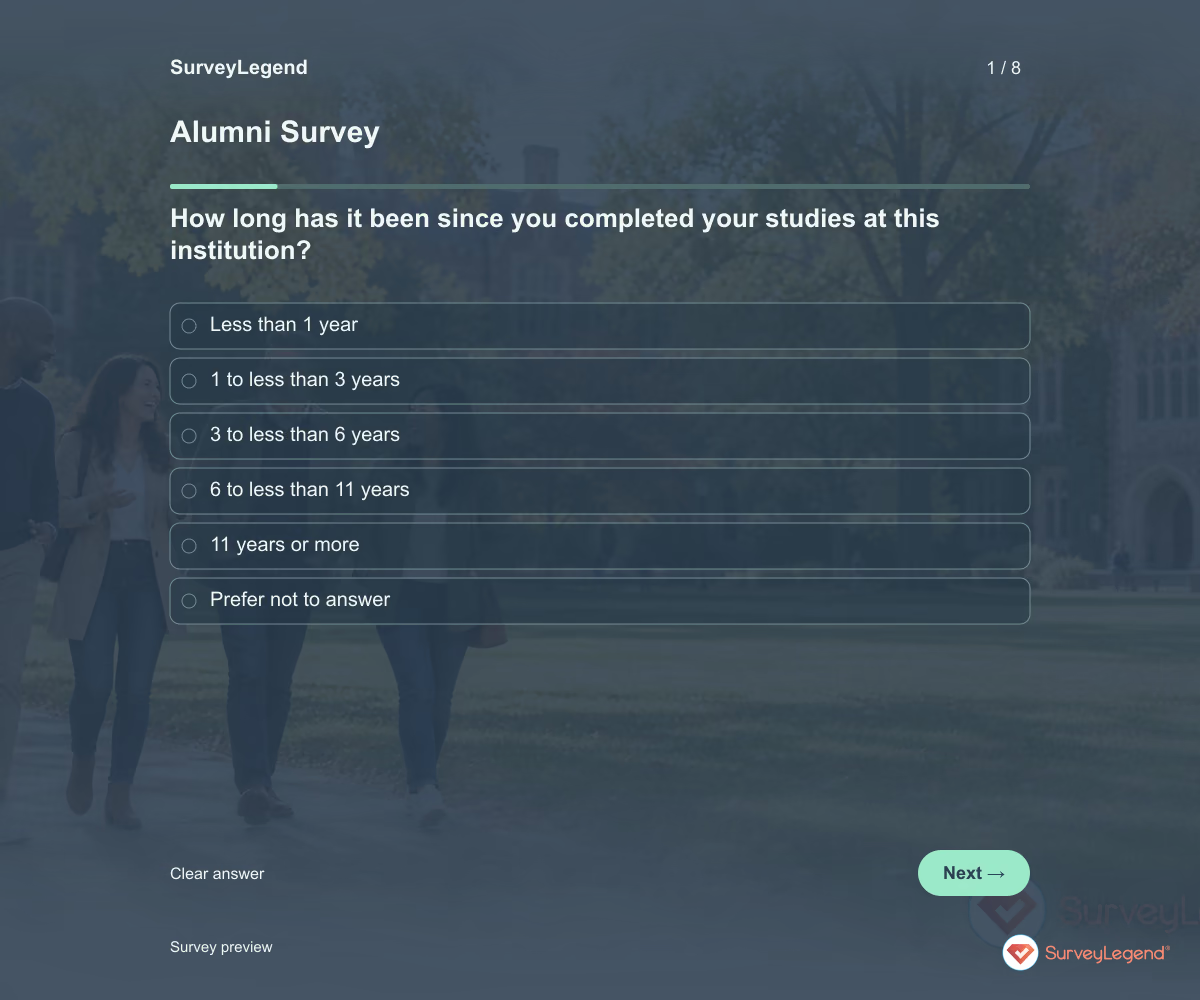 Alumni Survey Template Use this alumni survey template to understand what former students value after leaving your institution and what support they would welcome now. Eight questions explore useful learning, continuing connection, and future alumni activities. Customize the survey in SurveyLegend and use the answers to plan services with a clear purpose.
 -
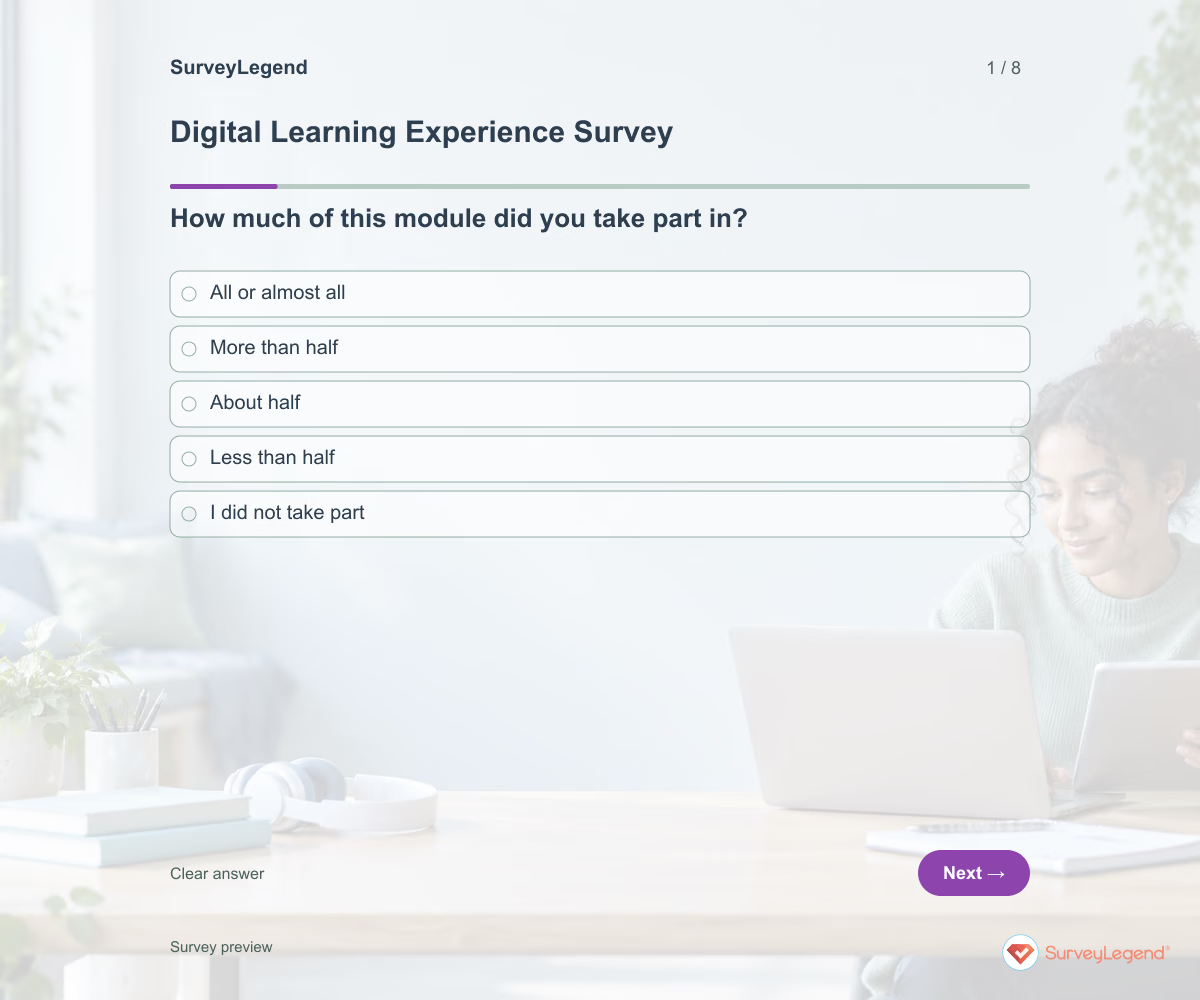 Digital Learning Experience Survey Template Use this digital learning experience survey template to understand how learners move through an online module. The questions focus on finding materials, understanding activities, asking questions, and using feedback. Create the survey in SurveyLegend to improve the learning journey without assuming that satisfaction proves learning gains.
 -
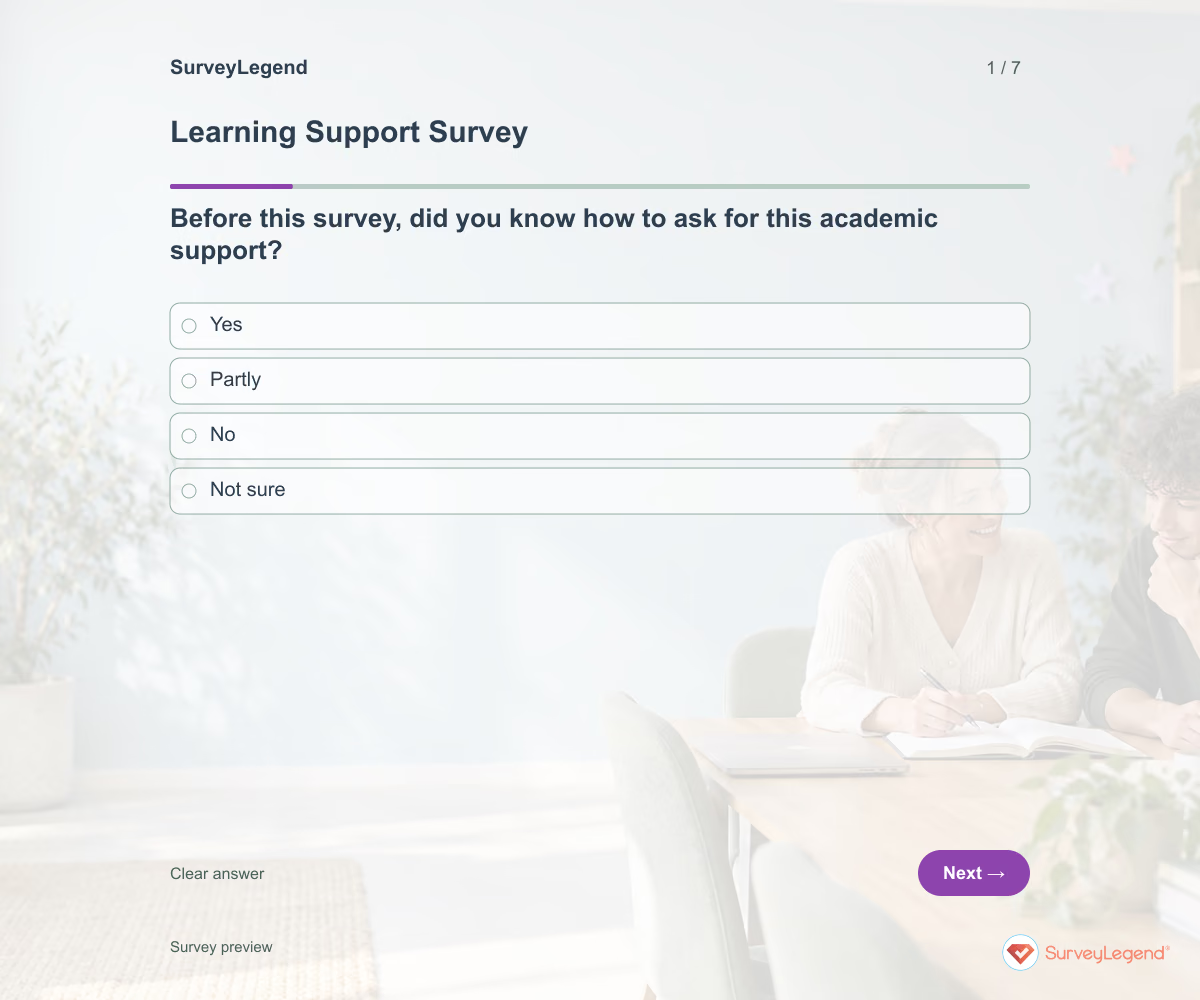 Learning Support Survey Template Use this learning support survey template to understand whether learners know where to get academic help and can use it when needed. It asks about recent support, waiting time, explanations, and practical barriers. Build the survey in SurveyLegend to improve access to tutoring, study guidance, or other clearly named academic support.
 -
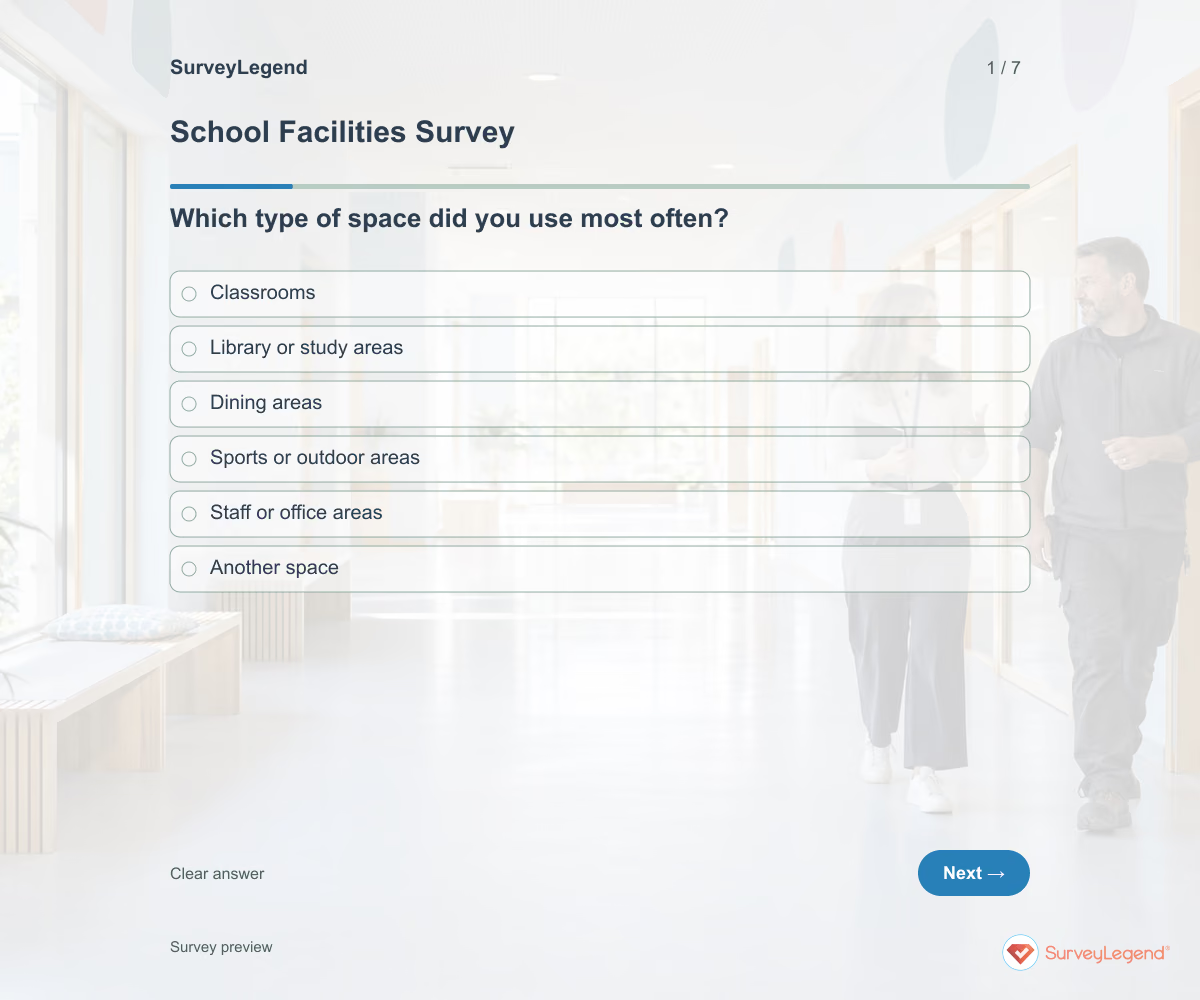 School Facilities Survey Template Use this school facilities survey template to learn how the spaces people use support everyday school activities. It asks about equipment availability, cleanliness, comfort, and routine improvements. Create a version in SurveyLegend to hear from the people using the facilities before deciding which issues need closer investigation.
 -
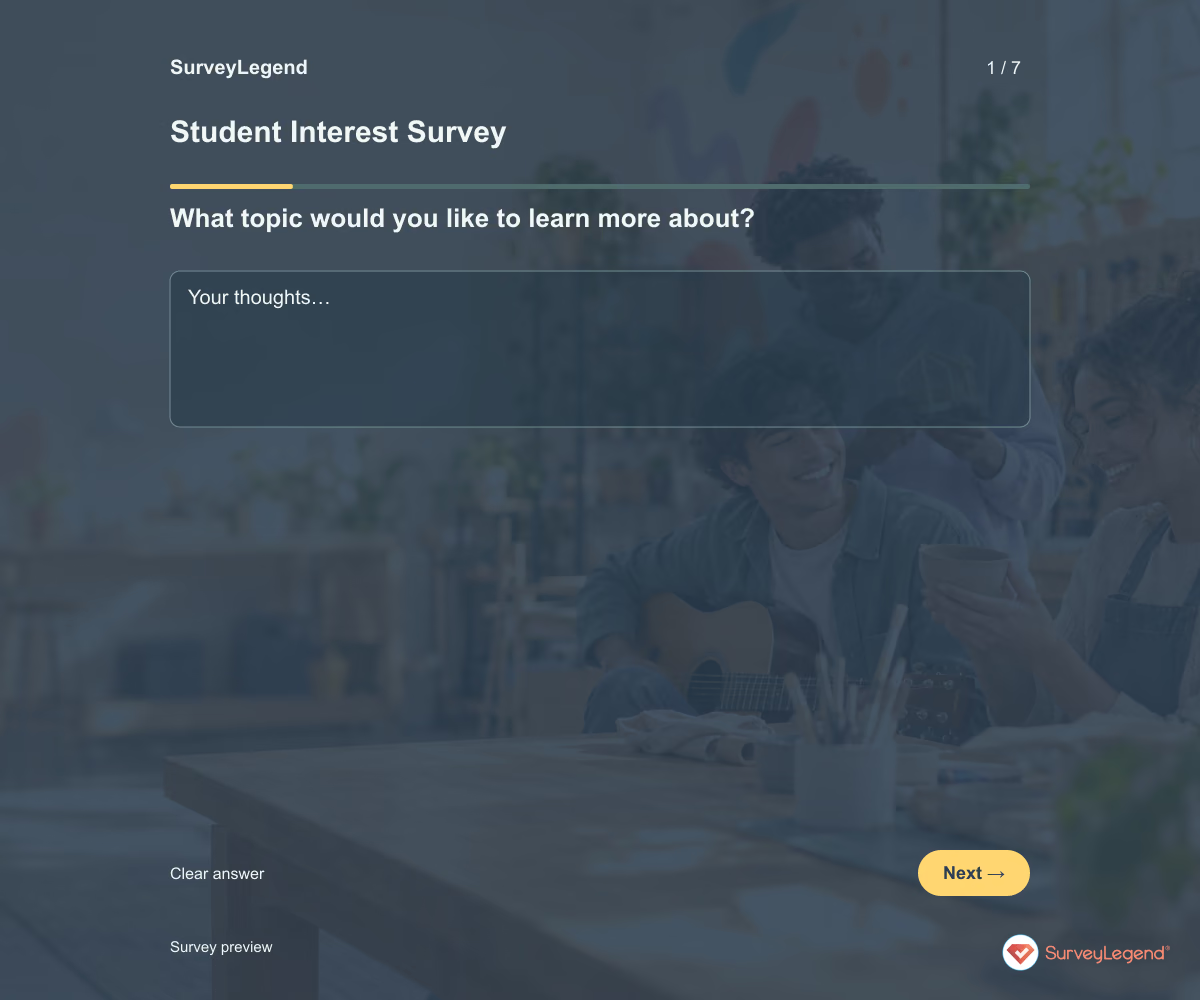 Student Interest Survey Template Use this student interest survey template to learn which topics, activities, and projects students would like to explore. It gives them a way to share interests beyond a quick classroom introduction. Adapt the wording in SurveyLegend for your learners and use their answers to choose relevant examples and opportunities to participate.
 -
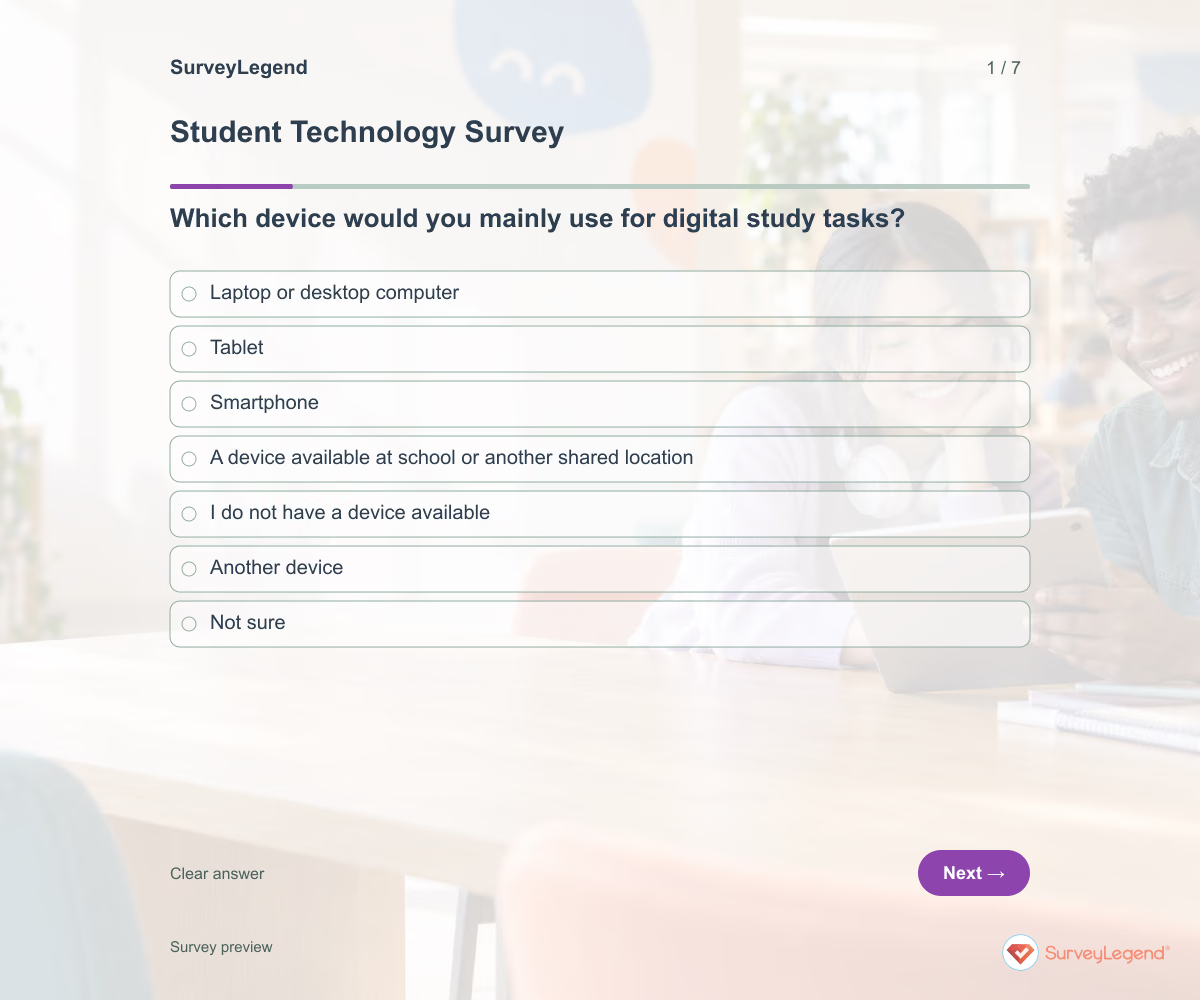 Student Technology Survey Template Use this student technology survey template to understand whether learners can access the devices, internet connection, and software their study tasks require. It asks about practical availability rather than assuming ownership means reliable access. Create the questionnaire in SurveyLegend and offer a paper route before planning digital assignments.
 -
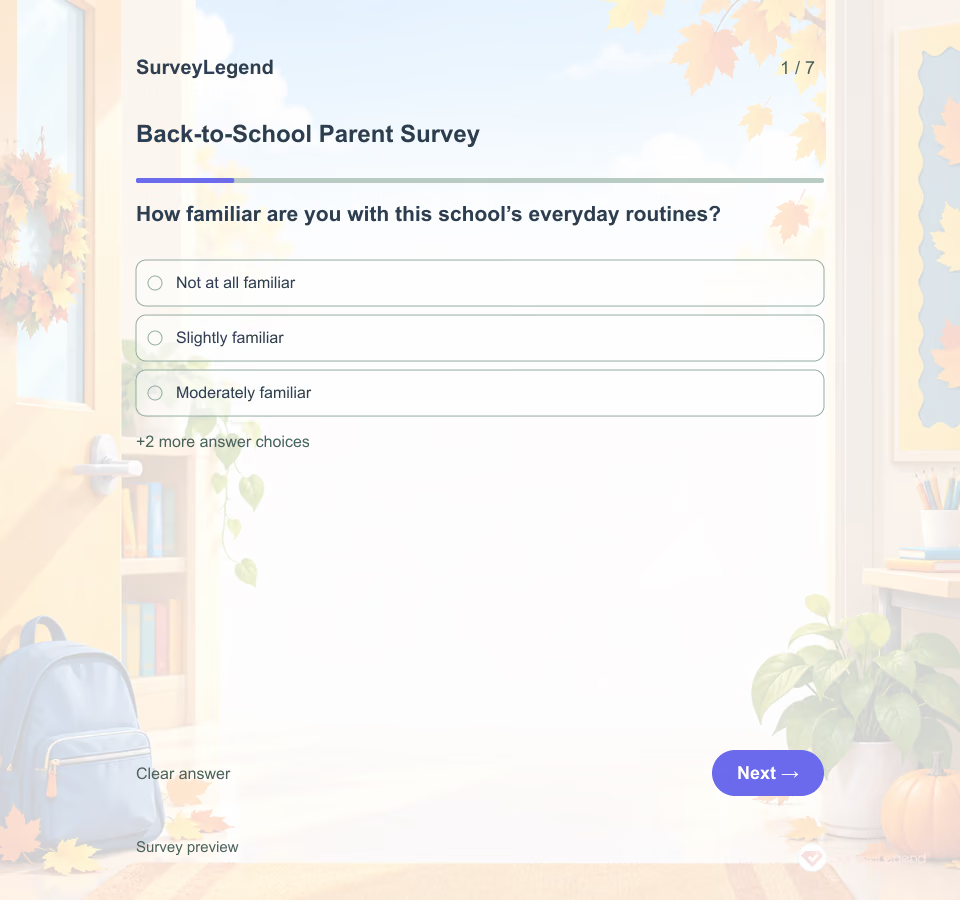 Back-to-School Parent Survey Template Families may know when school starts but still be unsure how to ask a question or where to find a classroom update. A short survey can help you decide what to explain first.
 -
 Campus Climate Survey Template Use this SurveyLegend example when a student-affairs team can act on the answers. Name the institution and term, explain who will review responses, and invite students whose schedules or learning arrangements may keep them away from campus activities. A short survey can reveal a useful starting point without claiming to describe every student's experience.
 -
 Classroom Observation Survey Template A useful observation record makes it possible to discuss an actual moment in the lesson. Broad labels such as “engaging” or “effective” leave the teacher guessing what the observer noticed. This SurveyLegend questionnaire asks for concrete evidence and keeps unobserved activities visible.
 -
 Computer Science Student Survey Template Computer science students can understand the material yet still struggle to ask for help, find encouragement, or feel connected to the program. This seven-question template keeps those experiences separate so a program team can see where support is working and where students need a clearer route forward.
 -
 Cooperative Learning Survey Template Finishing a shared assignment does not tell you how the group reached the answer. Some students may have explained their reasoning while others had little chance to participate. This SurveyLegend template collects individual reflections on the process, giving instructors a starting point for a group debrief.
 -
 Curriculum Survey Template Use this template after teachers have delivered one named curriculum unit. It focuses on what they could implement, what they adapted, and which practical change deserves review. If learners should evaluate teaching and workload, use the course evaluation page instead.
 -
 Daycare Tour Inquiry Form Template Use the inquiry form at the beginning of a family's search. A coordinator can review practical needs before discussing a tour, which makes the visit easier to prepare. SurveyLegend's example is an editable inquiry form; the daycare still needs to check availability and confirm arrangements directly with the adult requester.
 -
 Early Childhood Education Feedback Form Template Use this feedback form with parents or caregivers after a recent term at one named early childhood program. It separates daily routines, updates, opportunities to ask questions, and family participation. For broader feedback across a whole school, use the parent survey instead.
 -
 Exit Ticket Survey Template An exit ticket is a short end-of-lesson check that helps a teacher plan what comes next. This SurveyLegend template asks learners to explain one idea, apply it, and identify where more help would be useful. Read the responses before the next lesson so feedback leads to a visible teaching decision.
 -
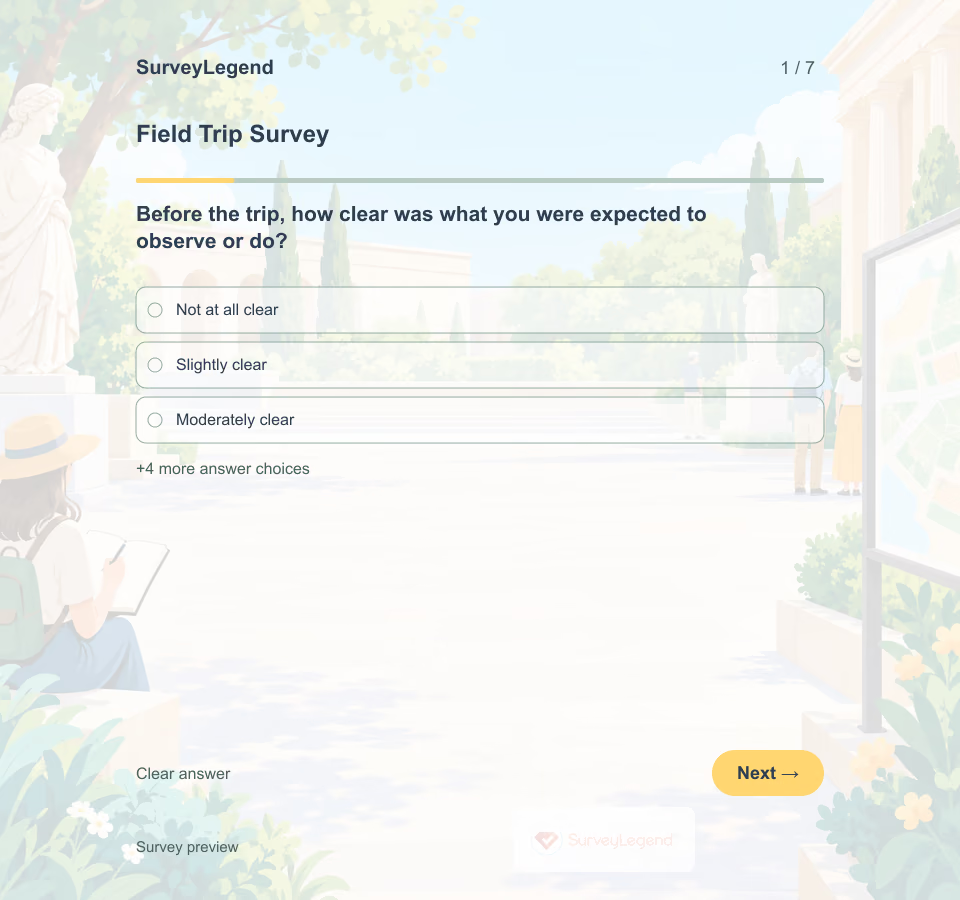 Field Trip Survey Template A memorable destination does not automatically make a clear learning experience. A student may enjoy a visit but miss the task because directions were hard to follow. This template separates preparation, movement around the site, activity pacing and reflection so the organizer can see where to investigate.
 -
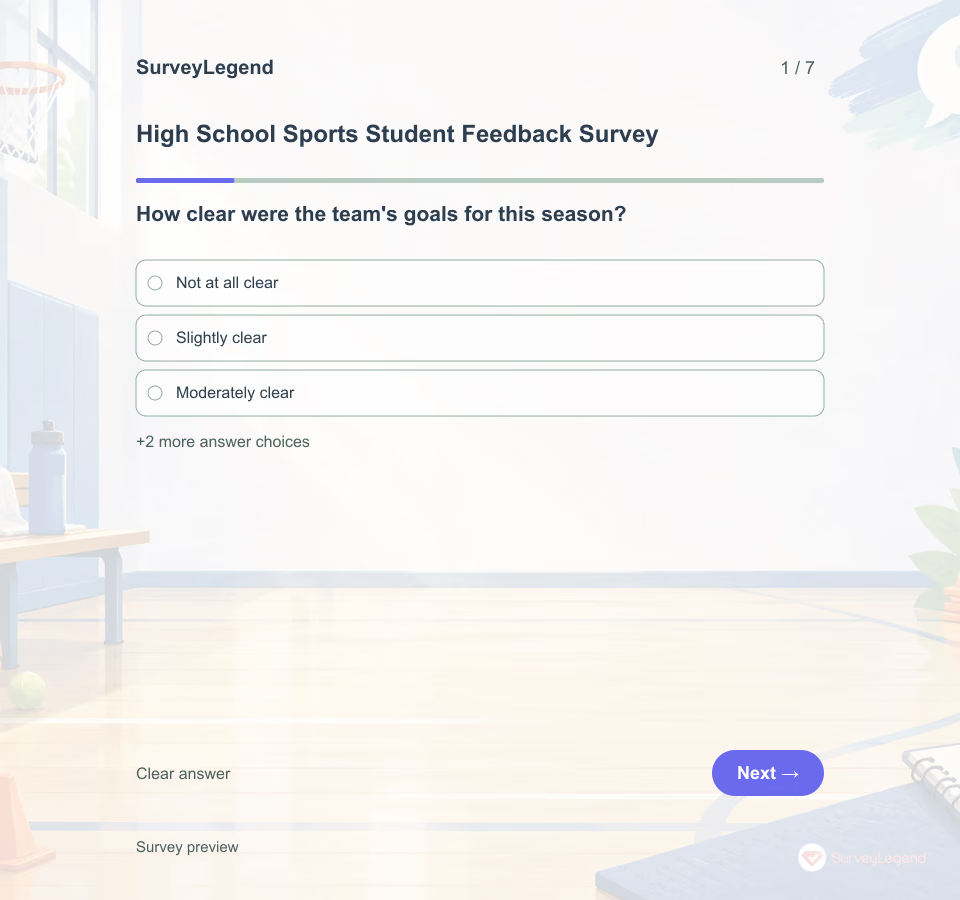 High School Sports Student Feedback Survey Template A high school sports student feedback survey gathers age-appropriate experience feedback from athletes about one team and season. It should help improve program conditions, not rate athletic ability or investigate private incidents.
 -
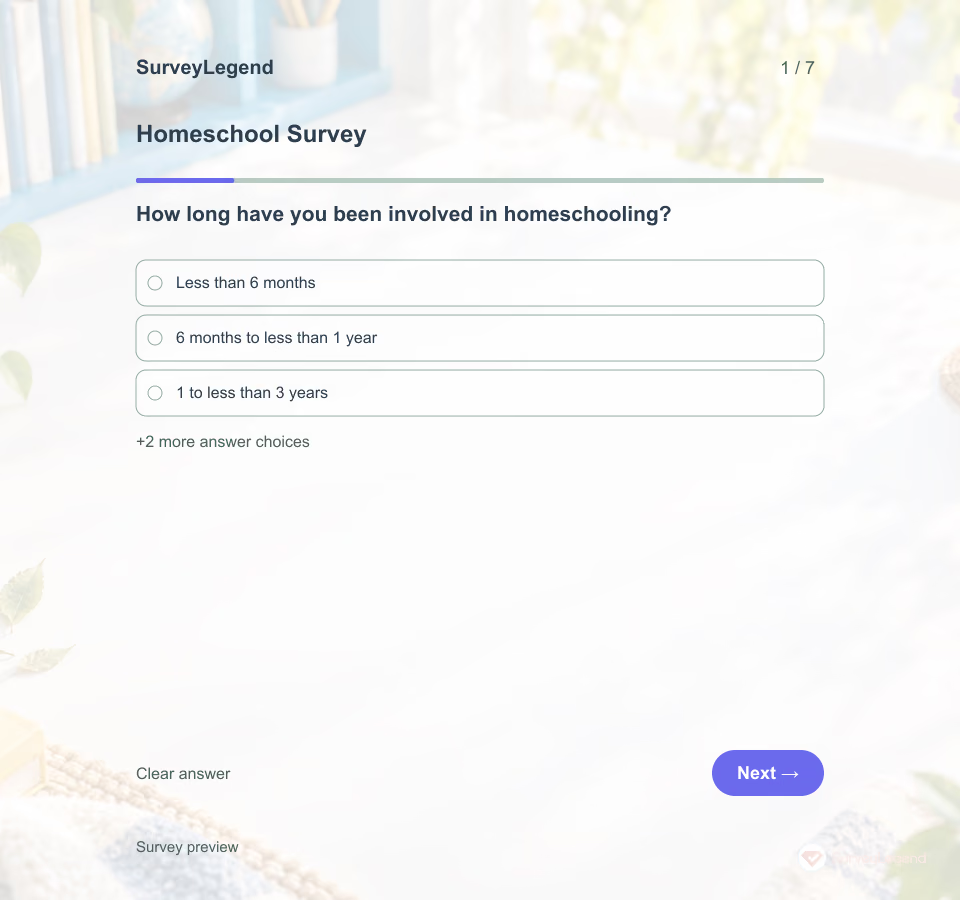 Homeschool Survey Template A parent looking for curriculum resources may need different support from someone seeking group activities or another adult to exchange ideas with. This SurveyLegend questionnaire helps a support organization hear those differences directly.
 -
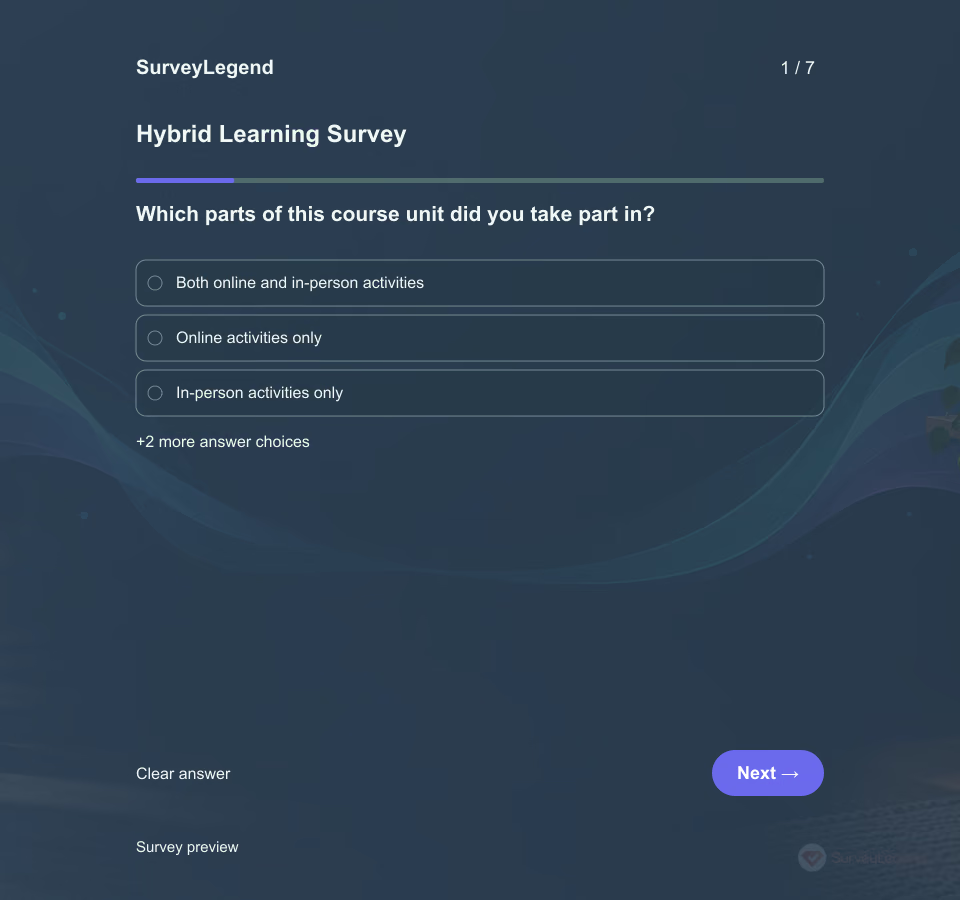 Hybrid Learning Survey Template An online assignment can be clear on its own yet leave students unsure how to use it in the next class. This SurveyLegend questionnaire focuses on that connection. It helps instructors decide whether to clarify preparation, improve access to materials, or create a better opportunity for participation.
 -
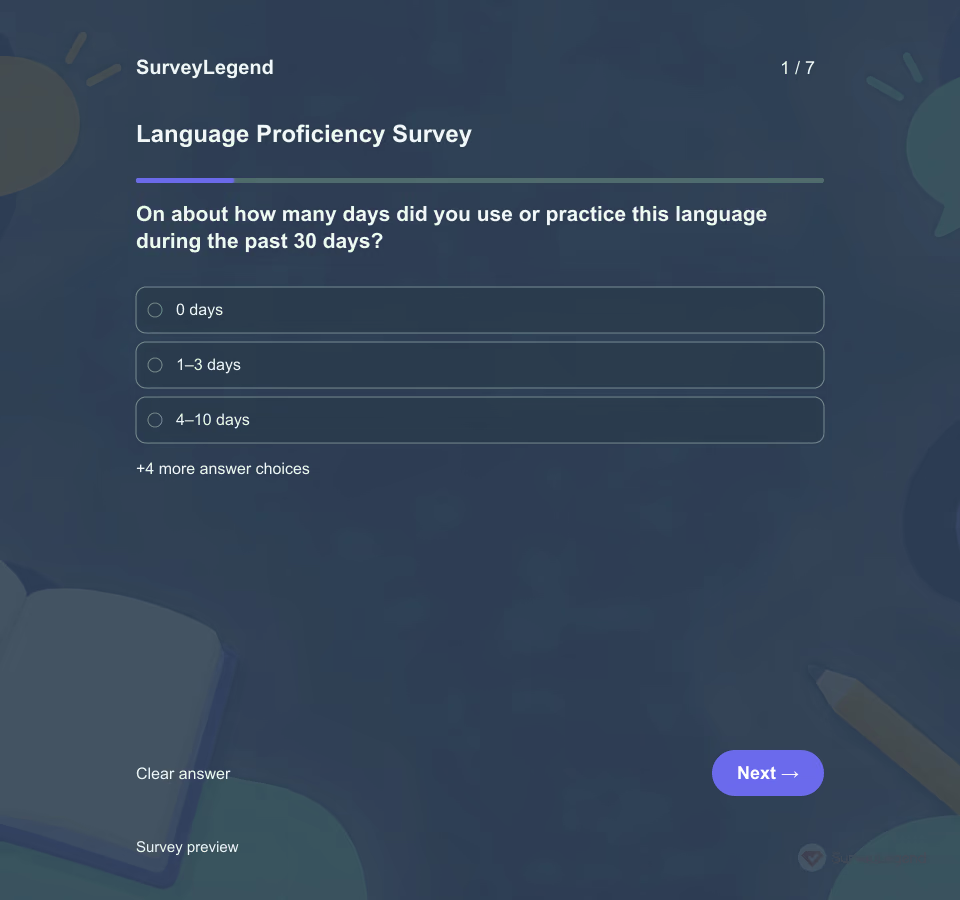 Language Proficiency Survey Template A learner may read a short message comfortably but need help responding in conversation. One label such as beginner or fluent can hide that difference. This SurveyLegend template asks about specific everyday tasks and gives learners a way to say they have not tried something recently.
 -
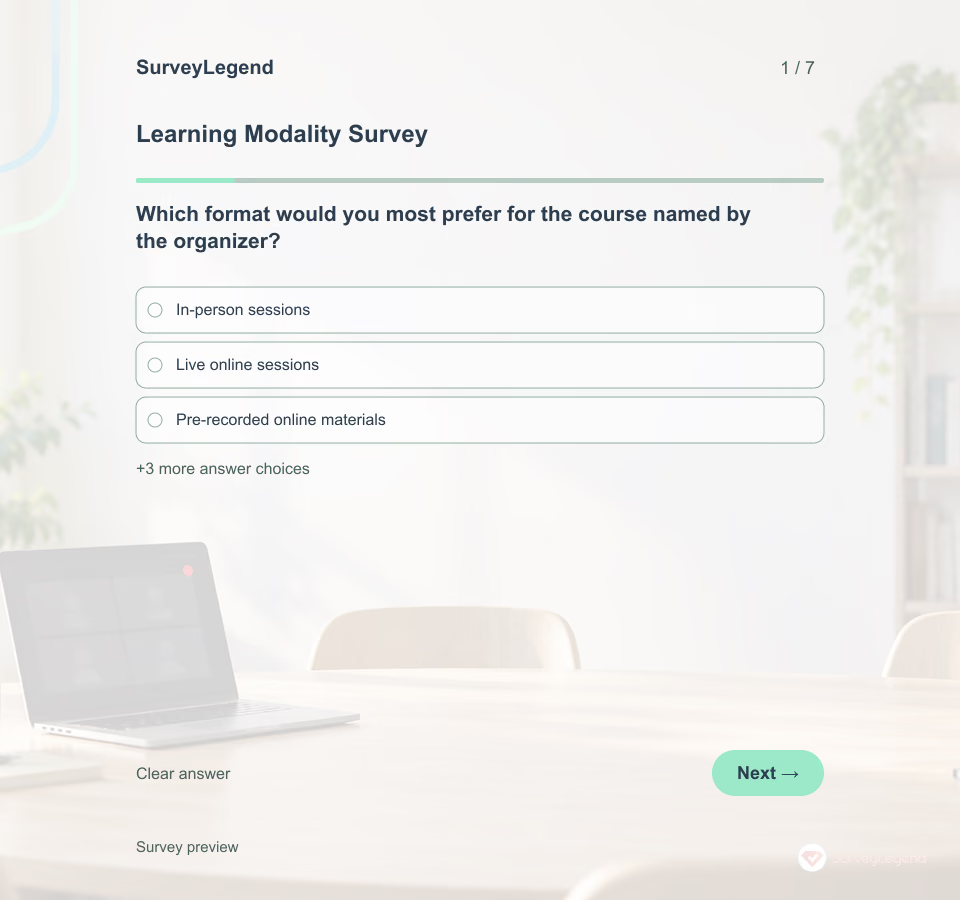 Learning Modality Survey Template Course-format choices involve more than a favorite medium. Ask about practical constraints, activity needs and support before fixing the timetable. This questionnaire records preferences for one course; it does not diagnose a learning style or measure learning outcomes.
 -
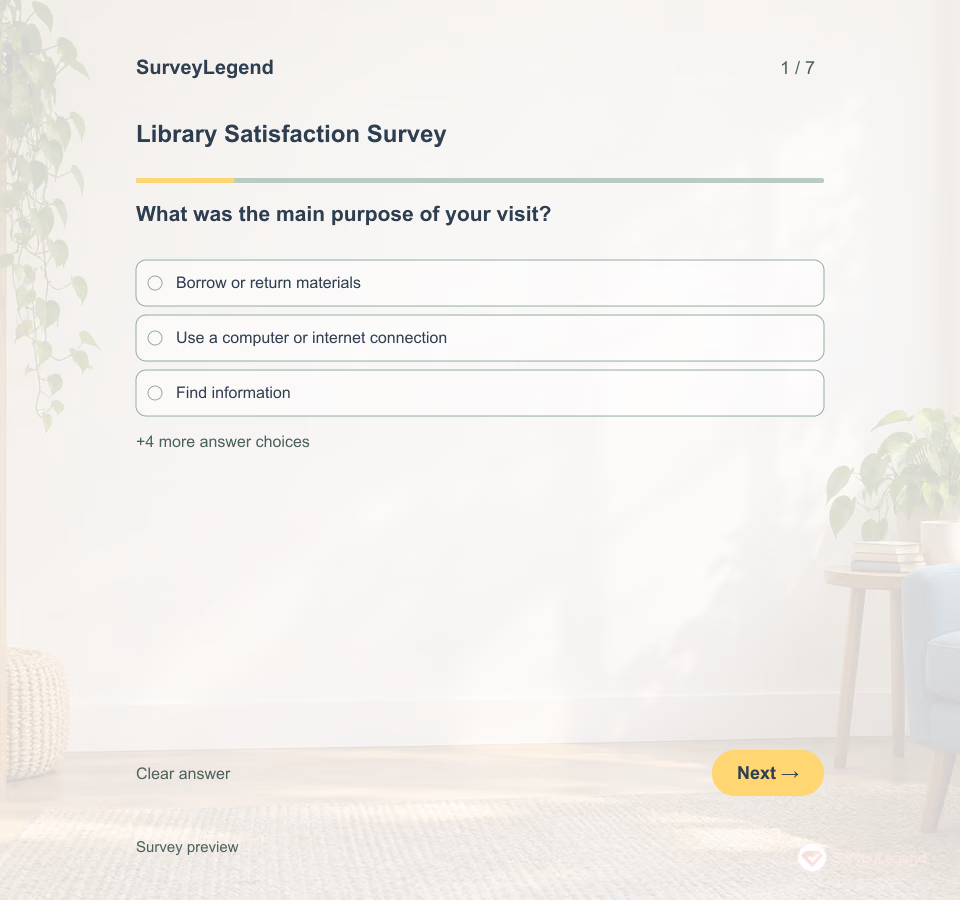 Library Satisfaction Survey Template Borrowing a book, using a computer and finding local information are different library visits. Start with the purpose of the visit so an overall rating does not hide the service someone actually needed.
 -
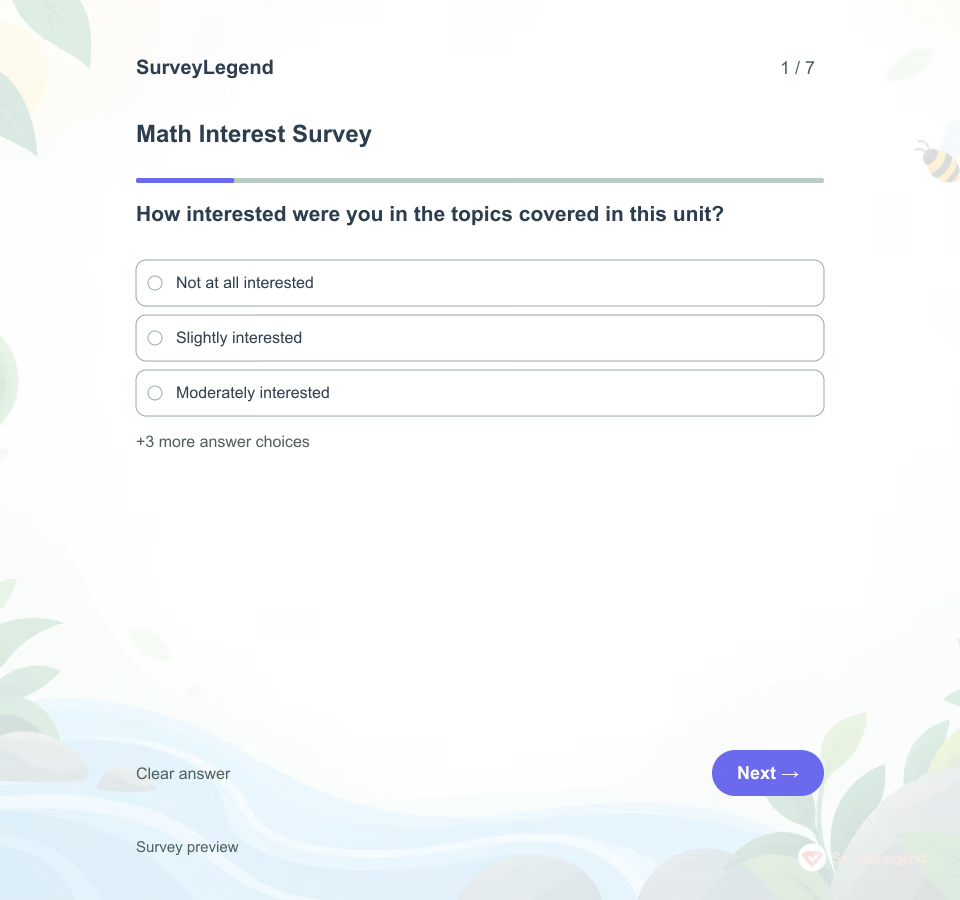 Math Interest Survey Template Knowing that a student enjoys a topic tells you something different from knowing whether they can solve its problems. This SurveyLegend questionnaire gives students a way to describe curiosity, useful connections, and unanswered questions. Teachers can use that feedback alongside classroom work when planning the next unit.
 -
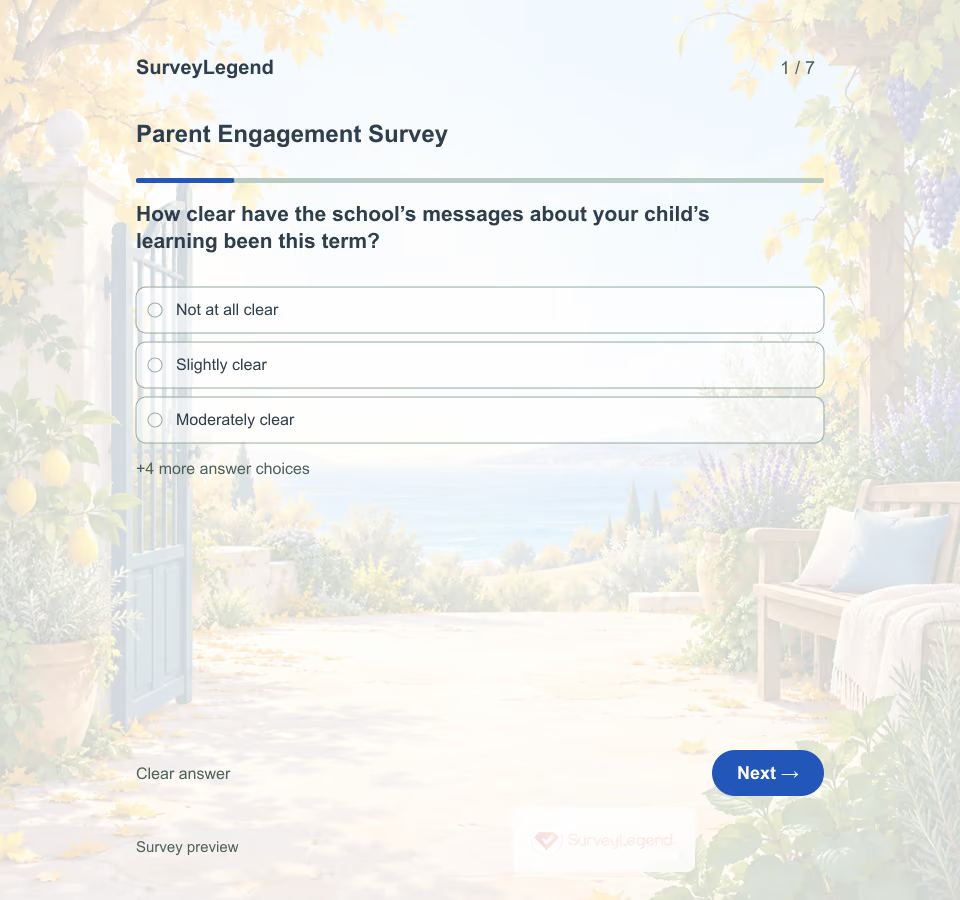 Parent Engagement Survey Template A missed meeting does not explain how much a caregiver cares about a child’s education. This SurveyLegend questionnaire asks about access and support so a school can improve its own approach without rating families.
 -
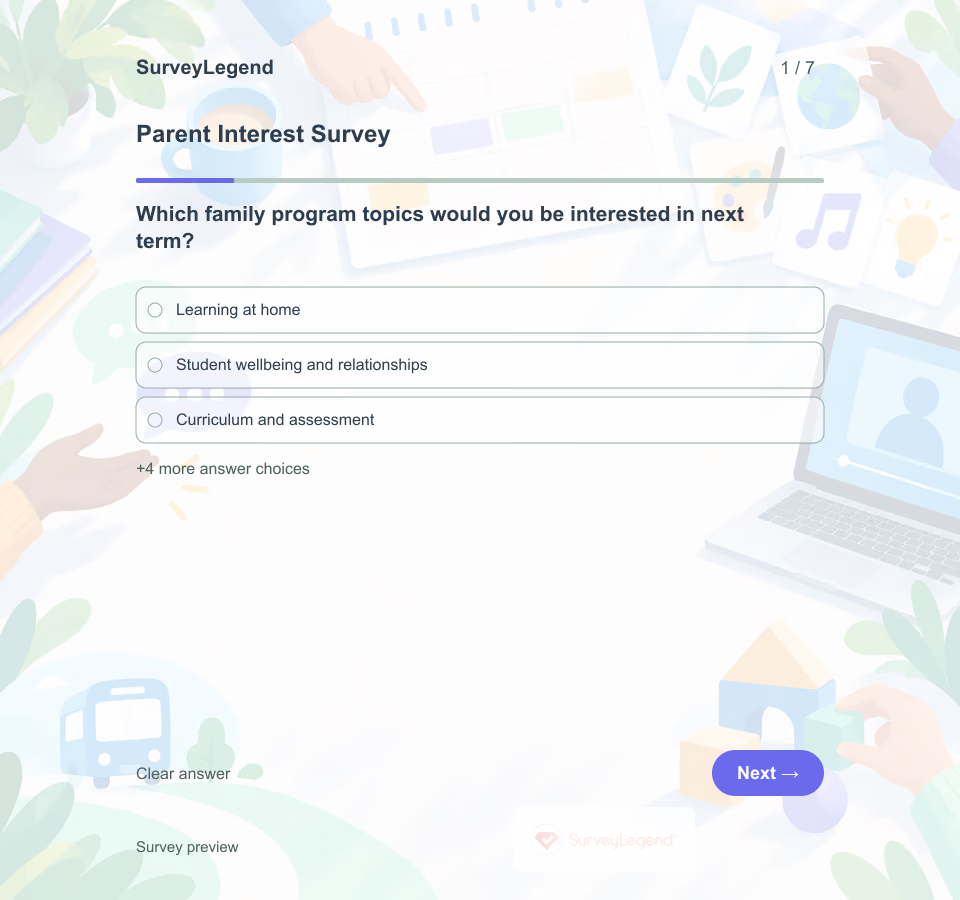 Parent Interest Survey Template Send this seven-question survey before the school finalizes its next family-program calendar. Parents and caregivers can share interests without committing to attend, while the planning team receives a clearer basis for deciding which options to test first.
 -
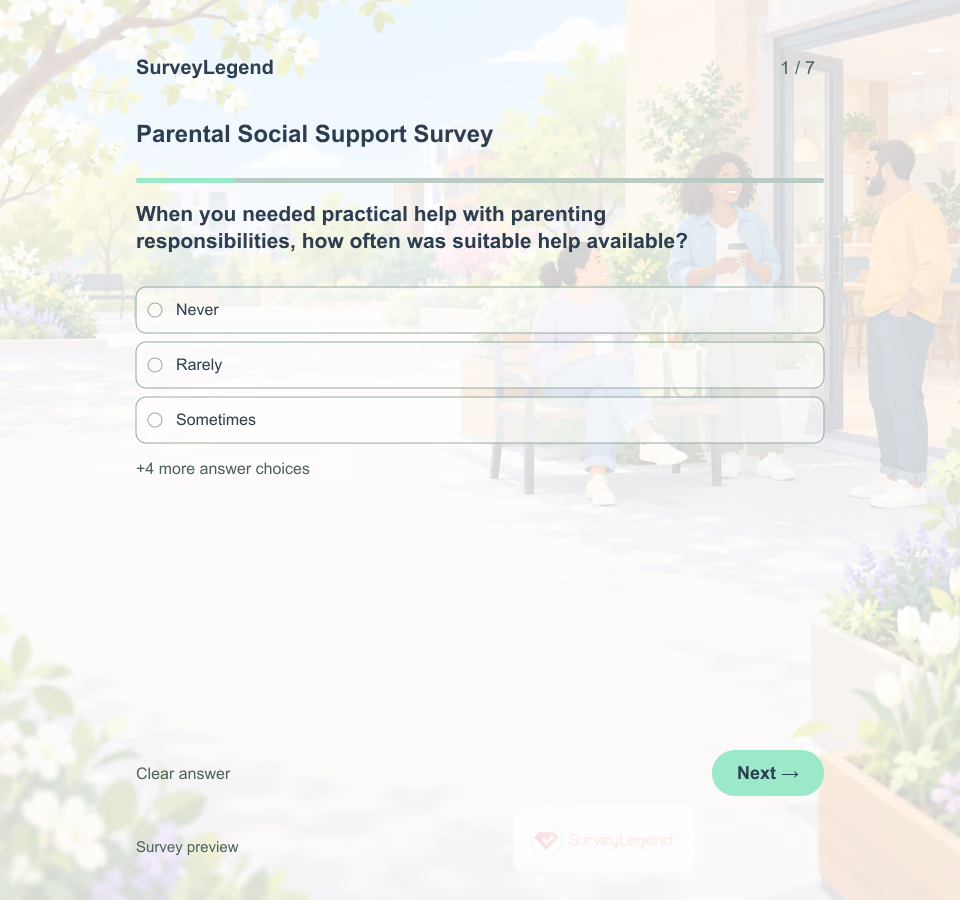 Parental Social Support Survey Template Knowing several people is not the same as having help when it is needed. A parent might have someone who listens but no practical backup for a busy day. Create this questionnaire in SurveyLegend to plan support around those differences.
 -
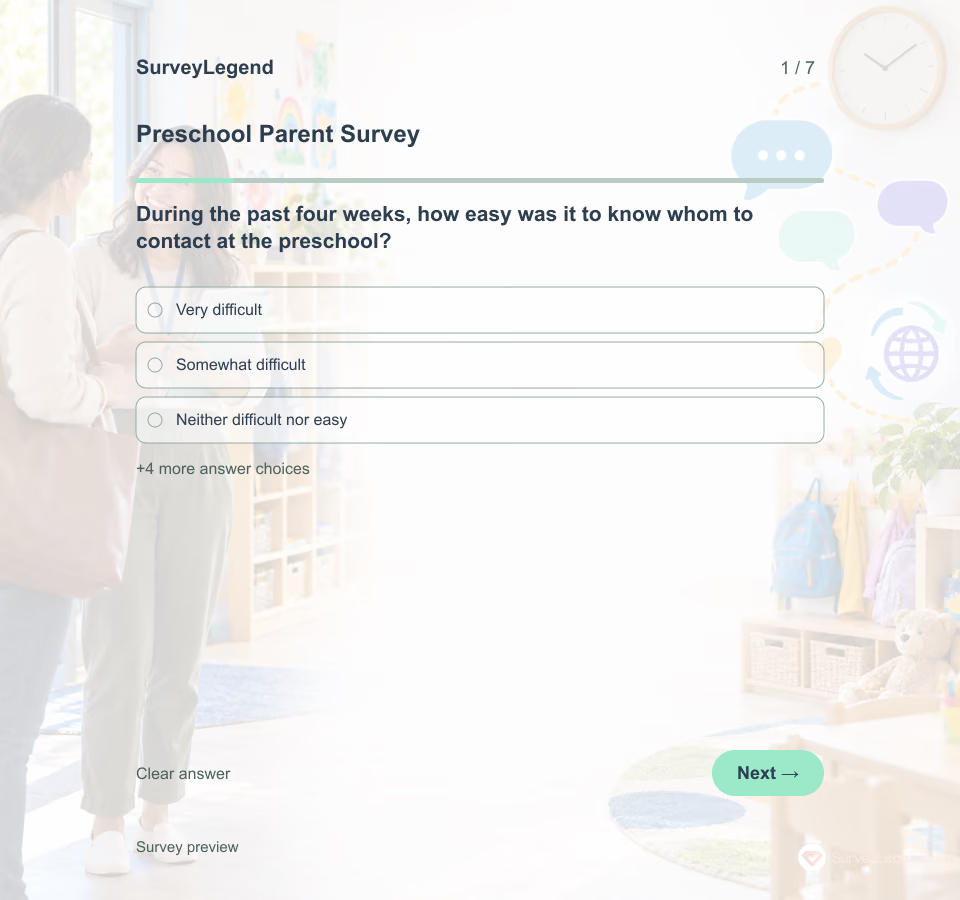 Preschool Parent Survey Template Name the preschool, the four-week reference period and who will review the answers. Invite parents and caregivers who had little or no contact as well as those who communicated often. Explain the normal feedback route and provide a separate urgent or safeguarding contact; a routine survey should not be the only place to report an immediate concern.
 -
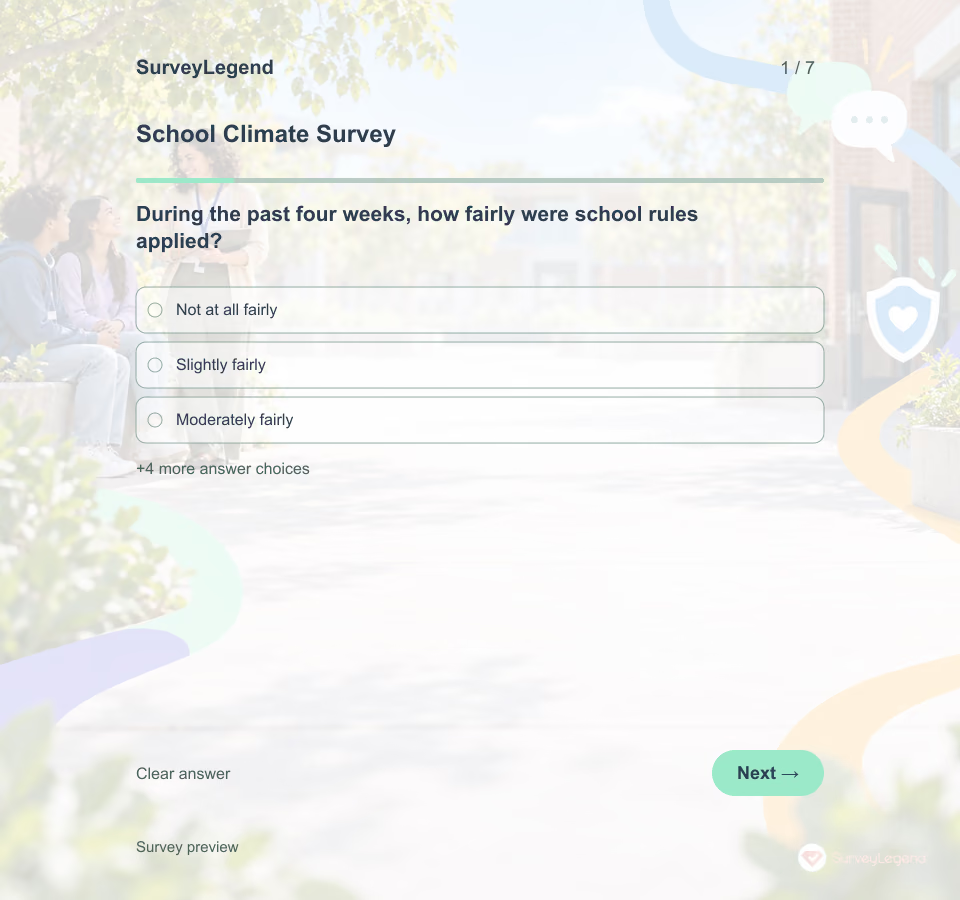 School Climate Survey Template Name the school, the four-week period, who will review answers and when students can expect an update. Explain that questions are optional and routine responses are not monitored for emergencies. Provide separate, visible routes for urgent help, safeguarding concerns and incident reporting before the first question.
 -
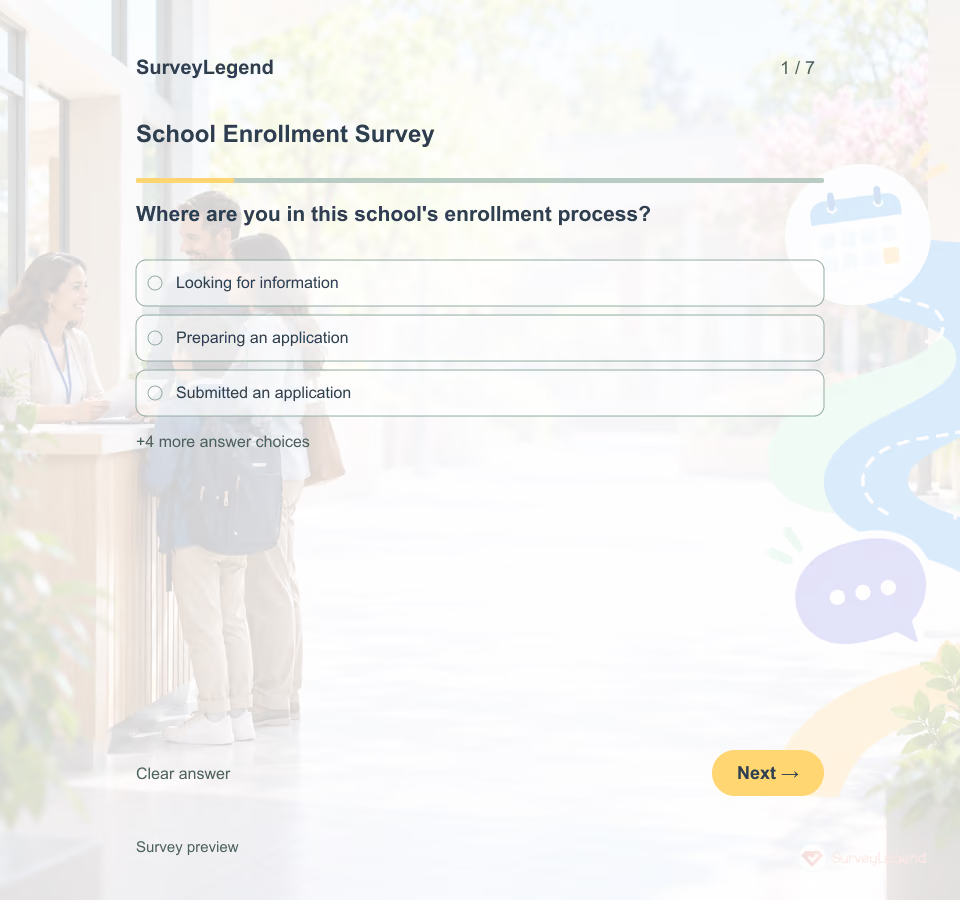 School Enrollment Survey Template Name the school and enrollment cycle before sharing the survey. Invite families who explored the school as well as those who completed an application; otherwise the hardest-to-reach voices may be missed. State who will read responses and provide the real admissions contact separately. This feedback form does not submit an application or change an admissions decision.
 -
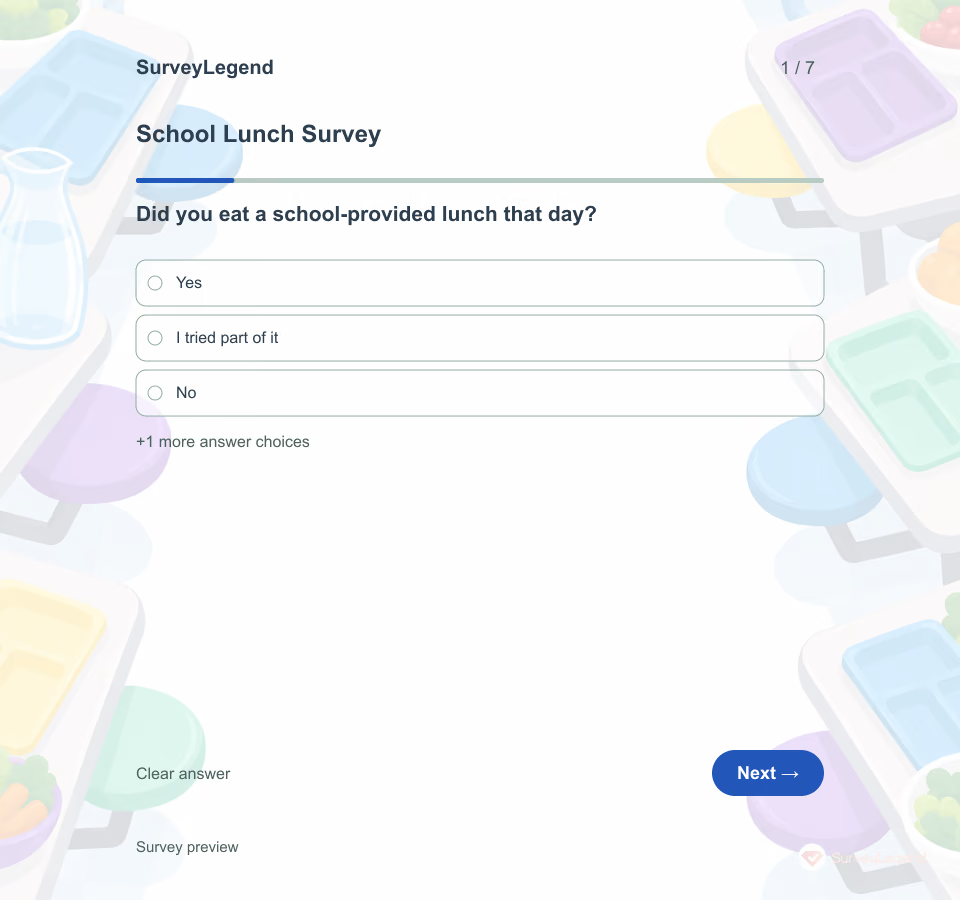 School Lunch Survey Template A student may like the food and still have too little time to eat it. Separate the meal from the way lunch is organized so the kitchen and school know which issue to address.
 -
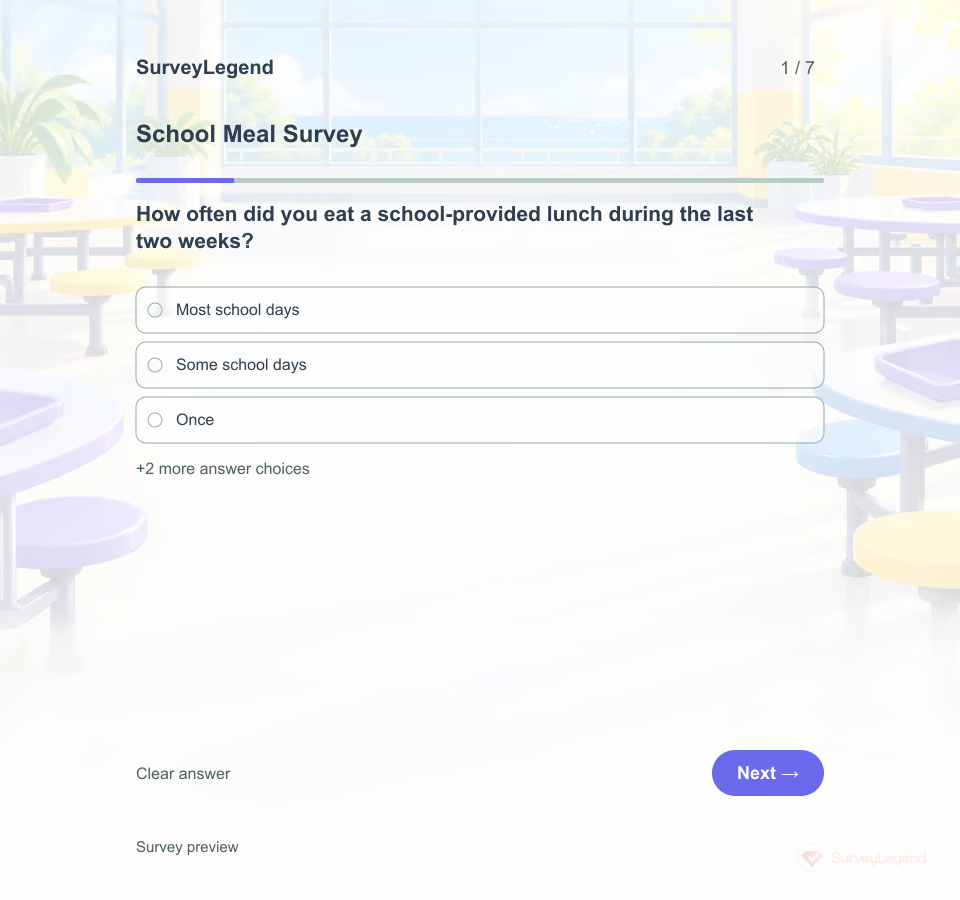 School Meal Survey Template Students may like a meal and still have trouble with a long queue or too little time to eat. SurveyLegend helps a school nutrition team adapt a short, age-appropriate set of questions before changing a menu or serving routine.
 -
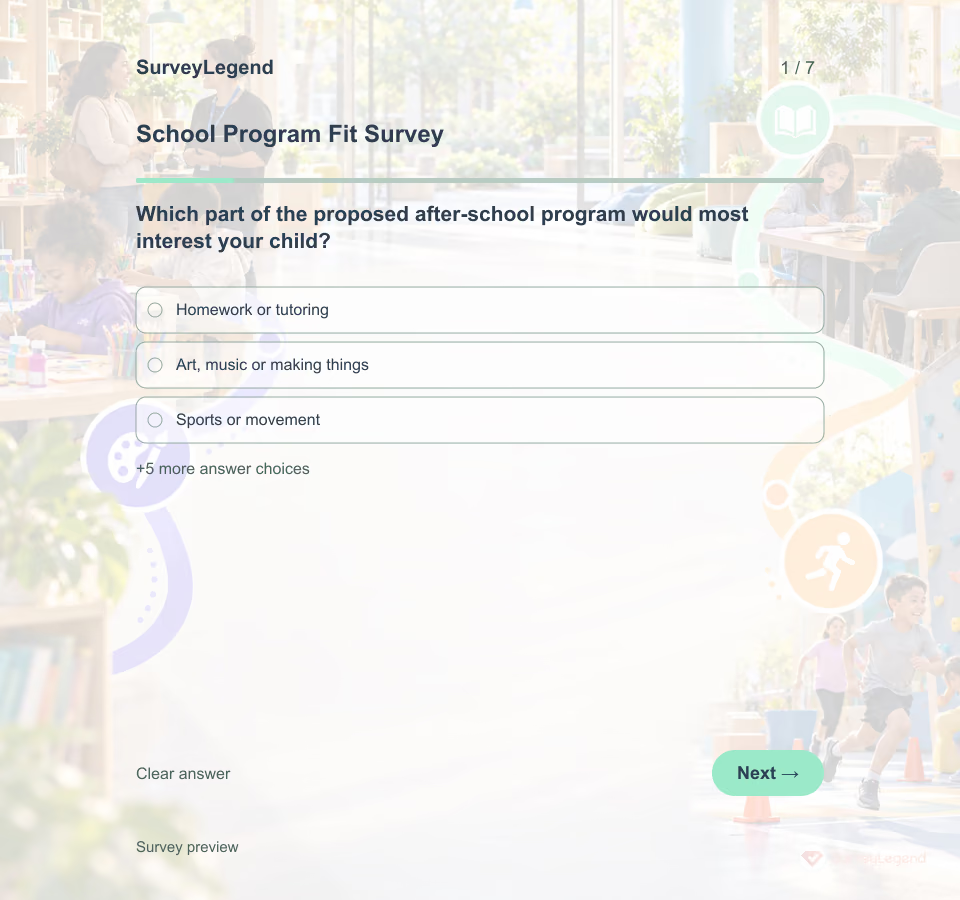 School Program Fit Survey Template Share the real schedule, activities, location, transport arrangements and any fees before inviting feedback. A family cannot judge fit from a program name alone. Tell caregivers who will review answers and offer a separate contact for individual enrollment or accessibility questions. This survey does not register a child.
 -
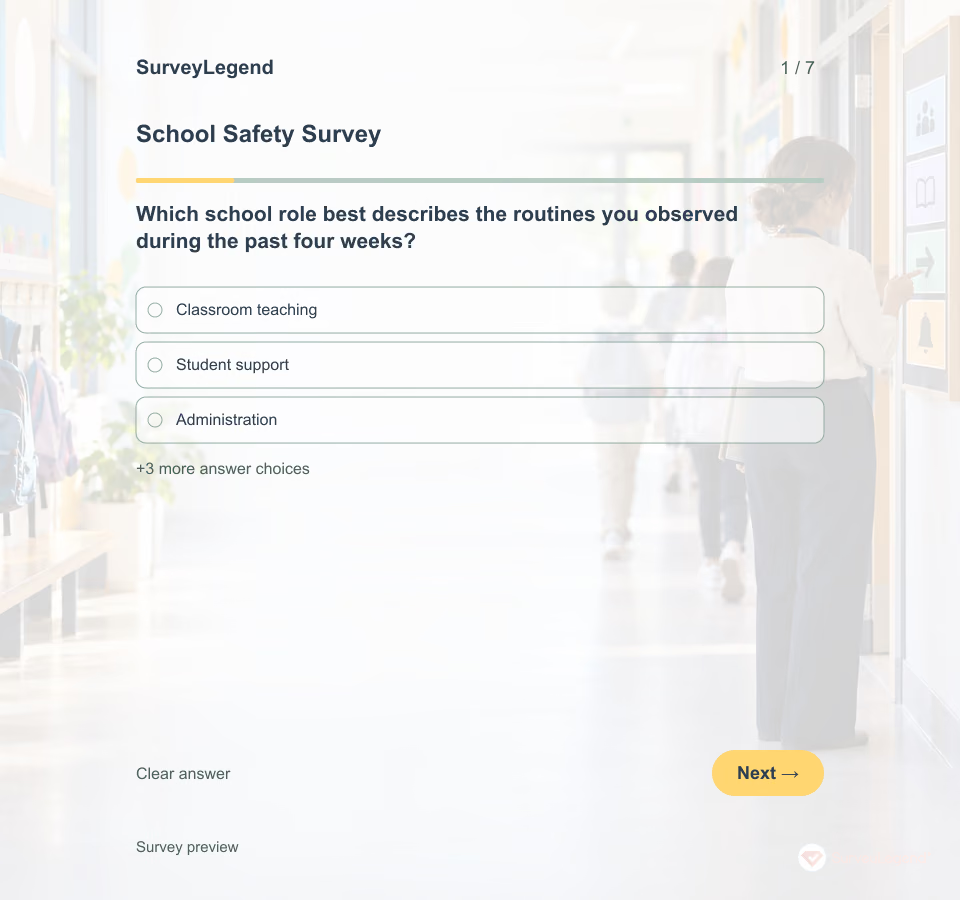 School Safety Survey Template Invite adult staff who have observed the named school during the past four weeks. Tell them which period and routines to consider. Keep existing emergency, safeguarding and incident-reporting channels visible and separate; this questionnaire is not monitored for urgent concerns. Do not ask for student names, alleged conduct or identifying details.
 -
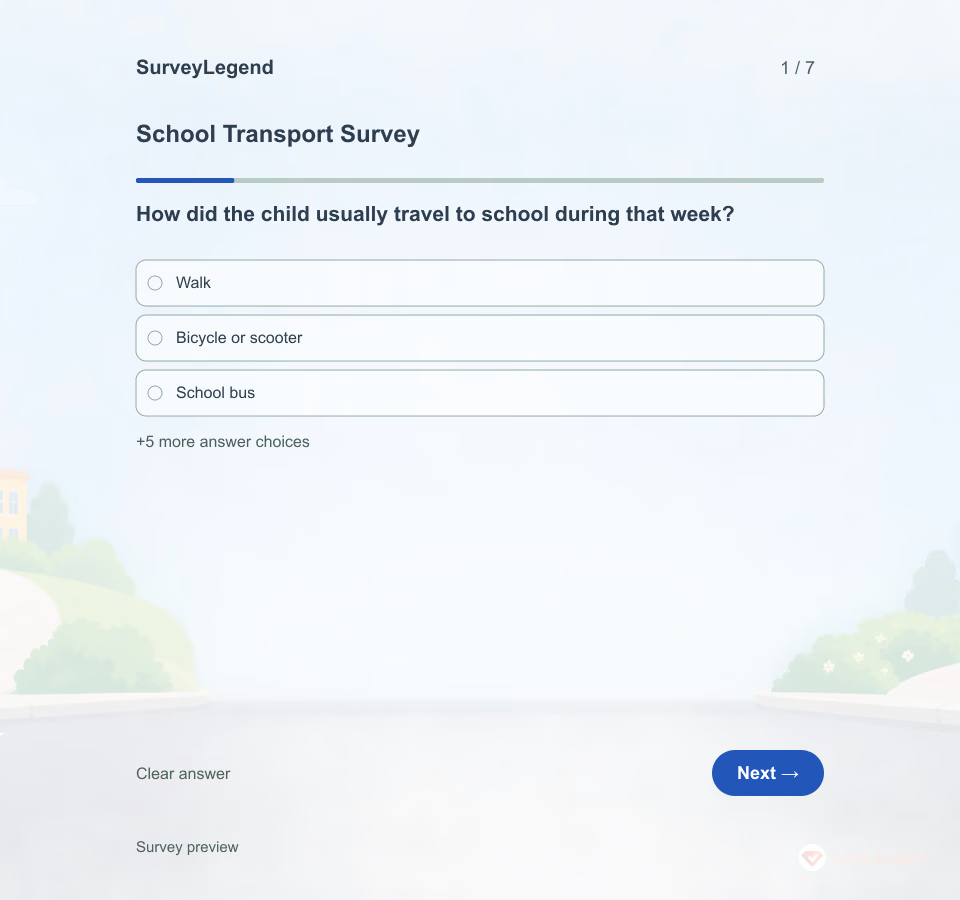 School Transport Survey Template Travel choices depend on more than preference. Distance, connections, crossings and daily schedules can make an otherwise attractive option difficult. Ask what families can realistically use before proposing a change.
 -
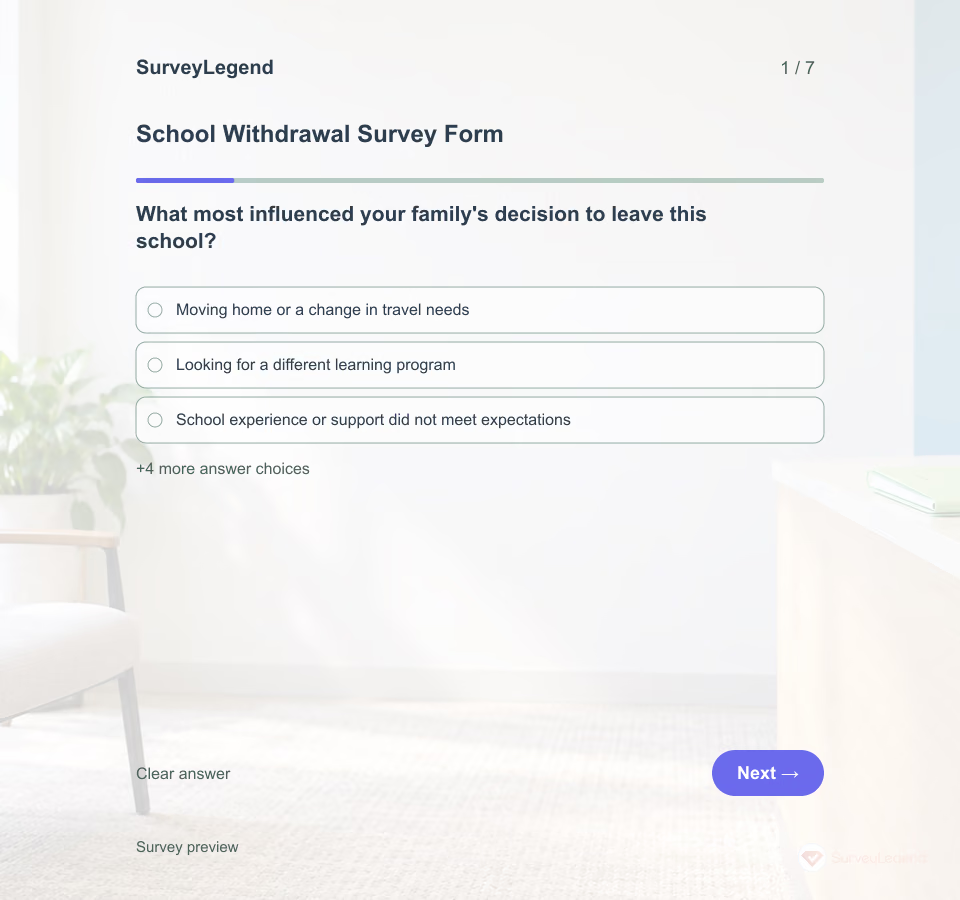 School Withdrawal Survey Form Template A move, a different learning environment, or an unresolved concern can all lead to a school change. Ask families about their own decision instead of assuming every departure means dissatisfaction. Send this feedback invitation separately from required withdrawal paperwork, and make participation voluntary. The answers can help a school improve communication and transitions without asking a family to defend its choice.
 -
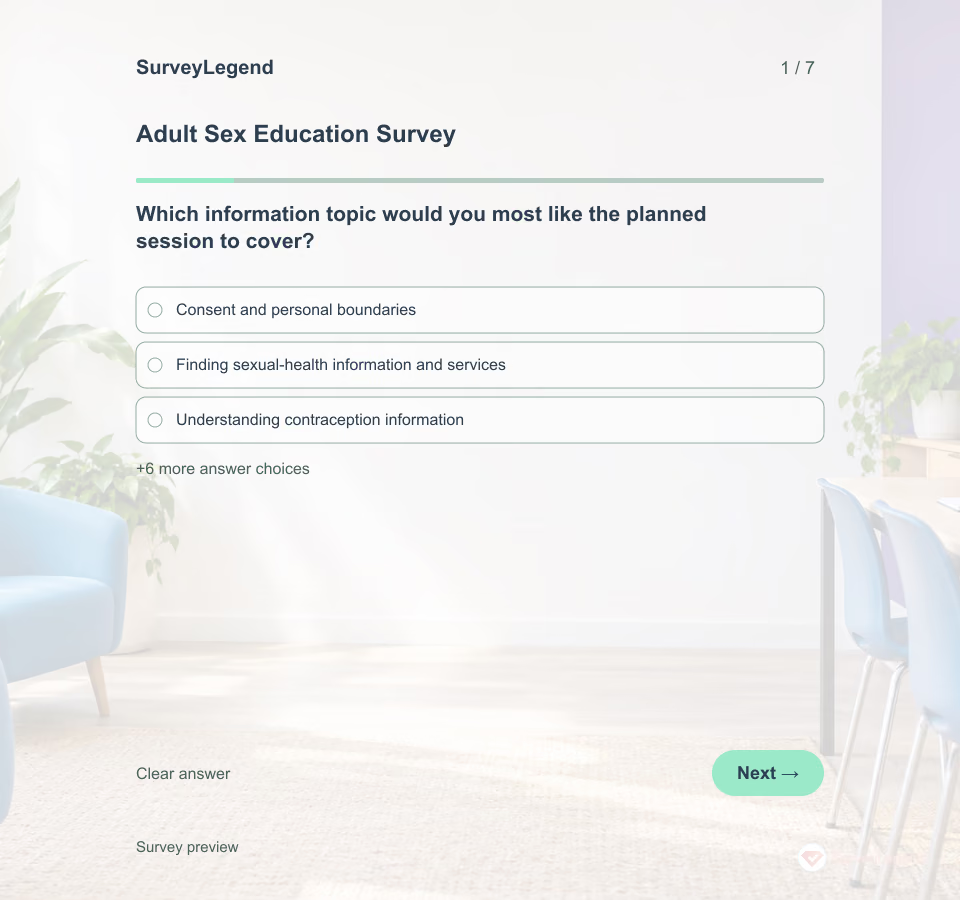 Adult Sex Education Survey Template This adult sex education survey helps educators plan clear, respectful information for an adult audience. It asks about learning priorities, finding trustworthy information and comfortable ways to ask questions. Build the seven optional fields in SurveyLegend, then review the planned material with an appropriately qualified educator.
 -
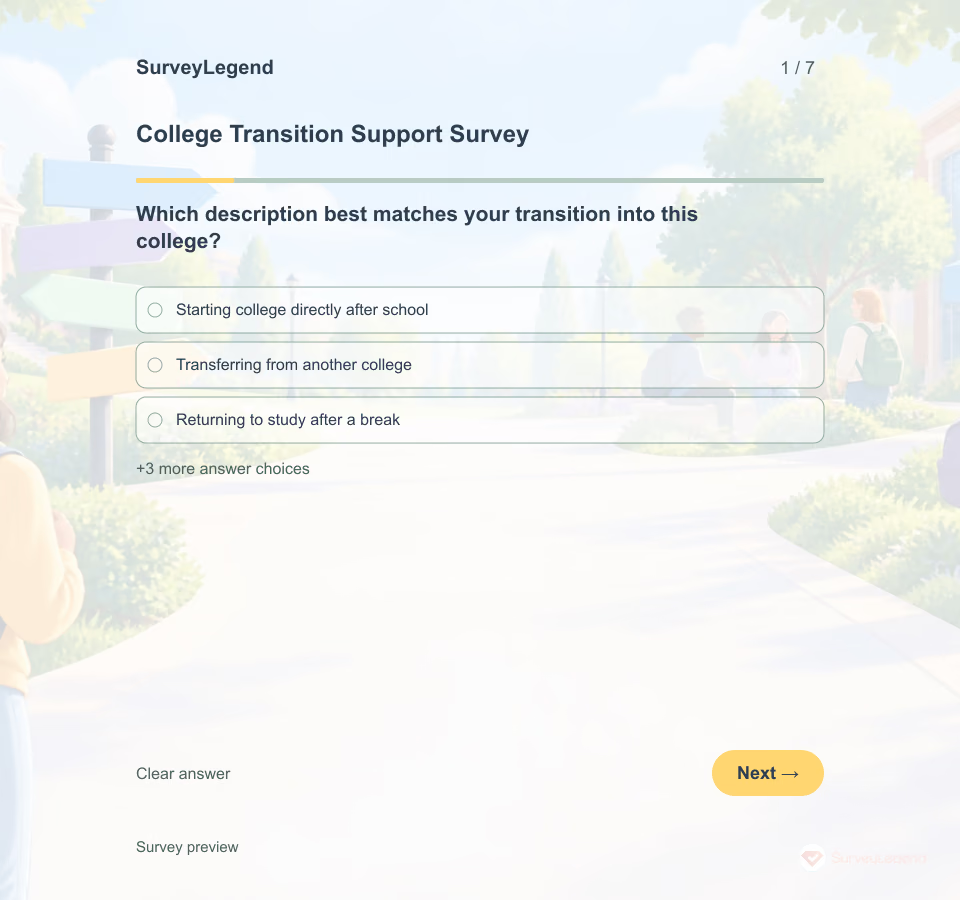 College Transition Support Survey Template Use this check-in after new students have had enough time to experience classes, support routes and campus life. The seven questions focus on practical transition needs. They do not diagnose wellbeing, predict retention, or reproduce the copyrighted Student Adaptation to College Questionnaire.
 -
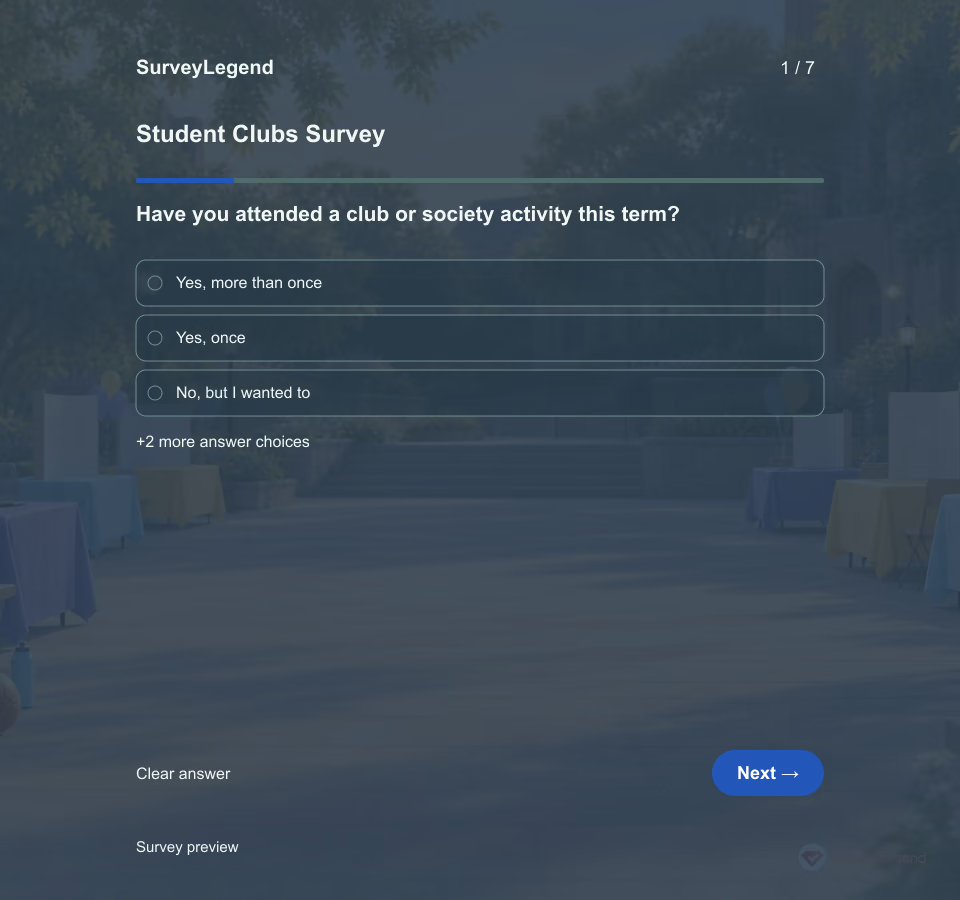 Student Clubs Survey Template Feedback from current members explains only part of the picture. Students who wanted to join but could not may need clearer information, different meeting times, or a more welcoming first visit.
 -
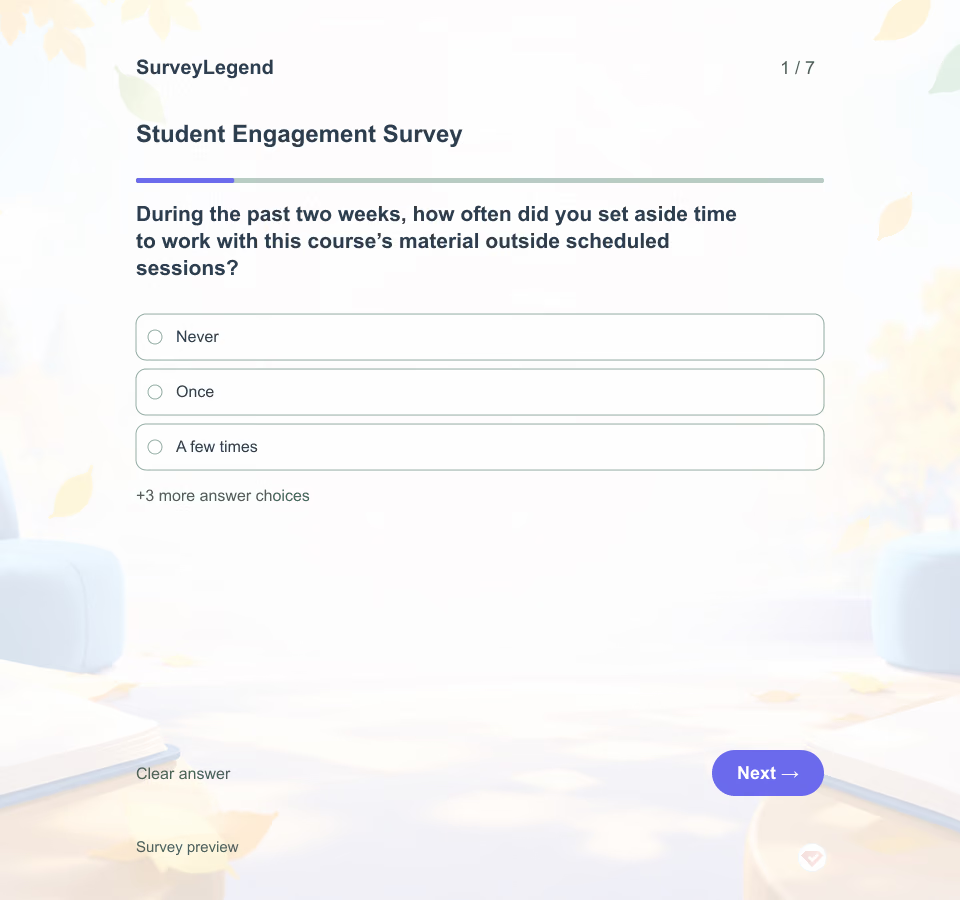 Student Engagement Survey Template Attendance alone cannot explain how a student is engaging with course material. This SurveyLegend questionnaire asks about specific activities and support needs, giving students room to describe what would help them take part.
 -
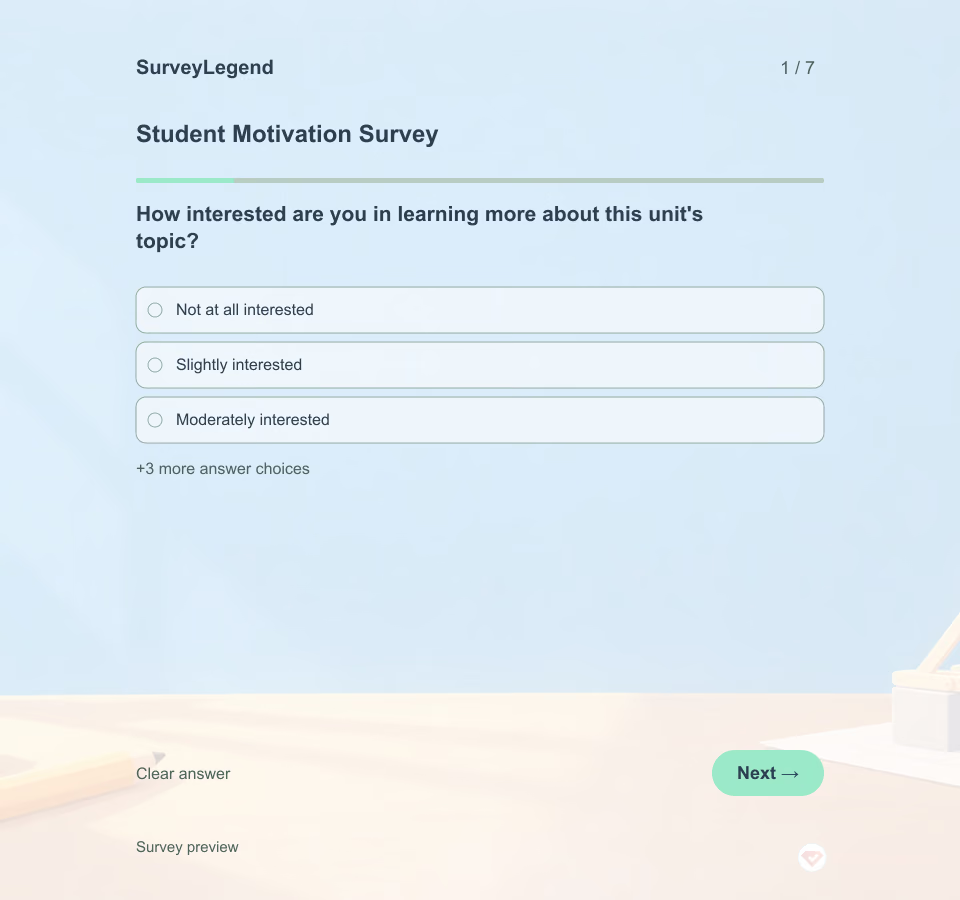 Student Motivation Survey Template A student can care about a topic and still doubt that they can succeed. Another may feel confident but see little reason to invest effort. Ask about these experiences separately, early enough to adjust the unit. Use the feedback to open a teaching conversation rather than label students as motivated or unmotivated.
 -
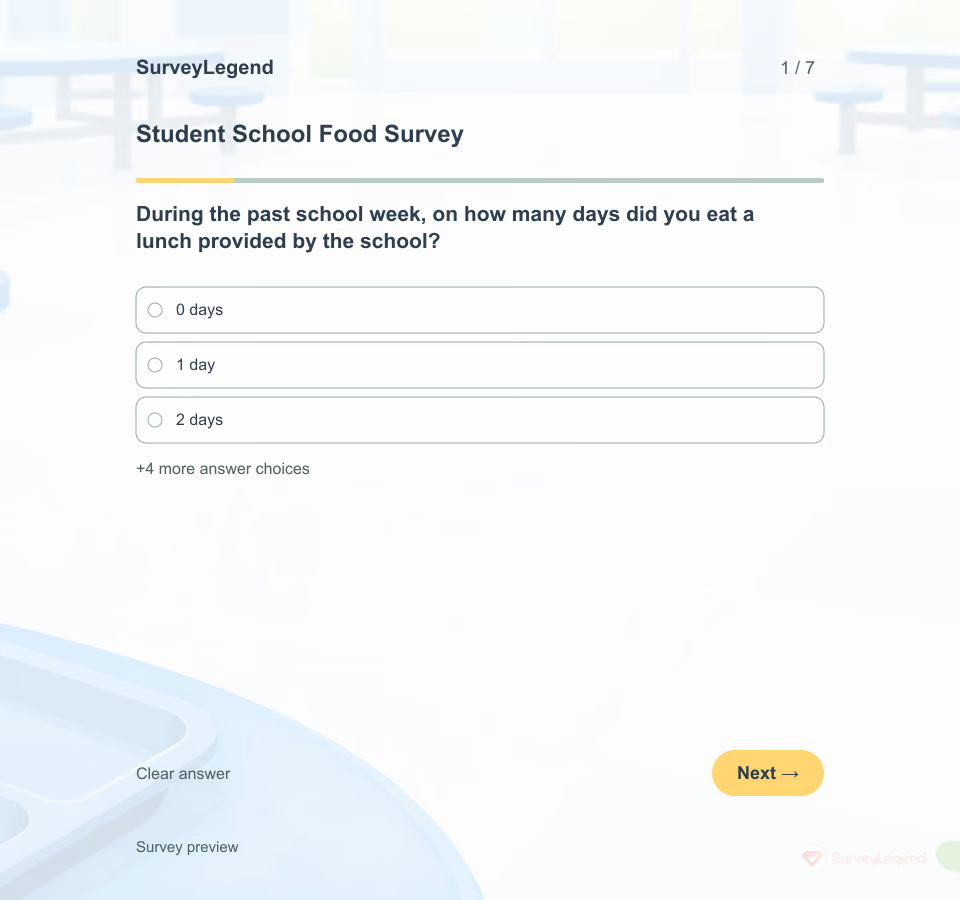 Student School Food Survey Template A menu can look good on paper while students find little they want to choose. This SurveyLegend questionnaire gives students a simple way to explain what they experience at lunch without asking about weight, health or family circumstances.
 -
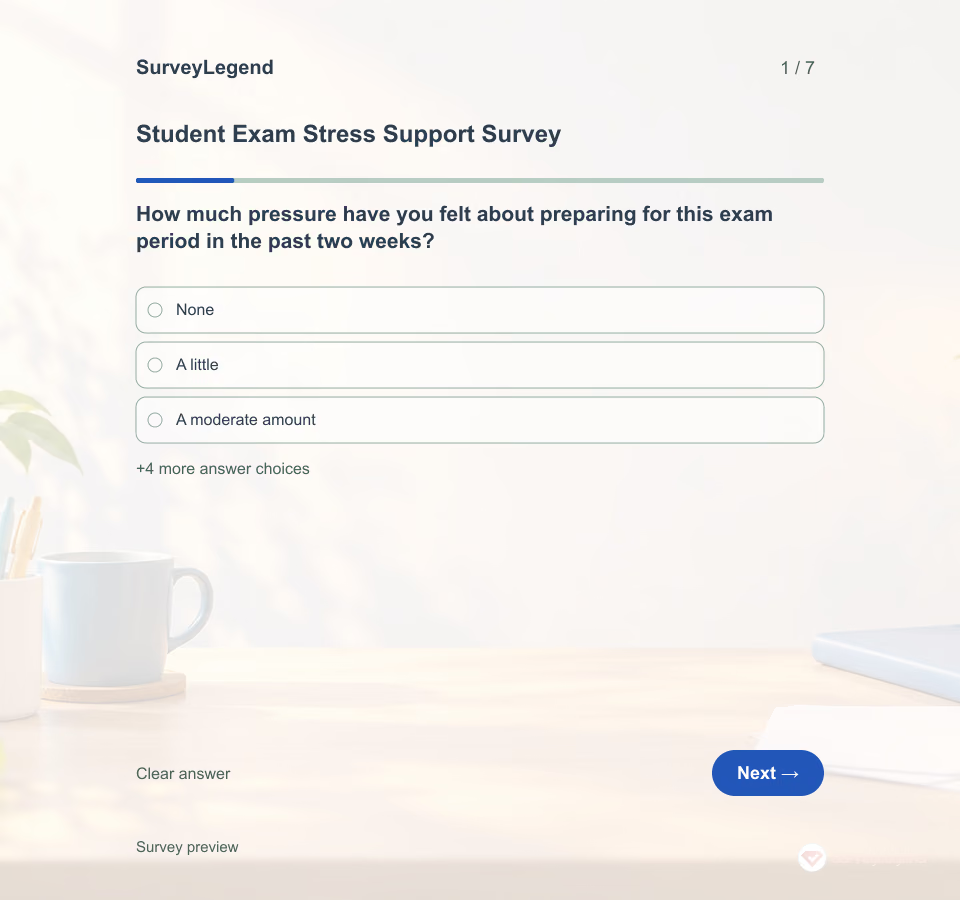 Student Exam Stress Support Survey Template Exam pressure may involve preparation time, unclear instructions or unfamiliar assessment formats. Ask about those conditions before deciding what help to offer. Adapt the SurveyLegend questionnaire for adult students and one stated exam period, keeping responses separate from grading.
 -
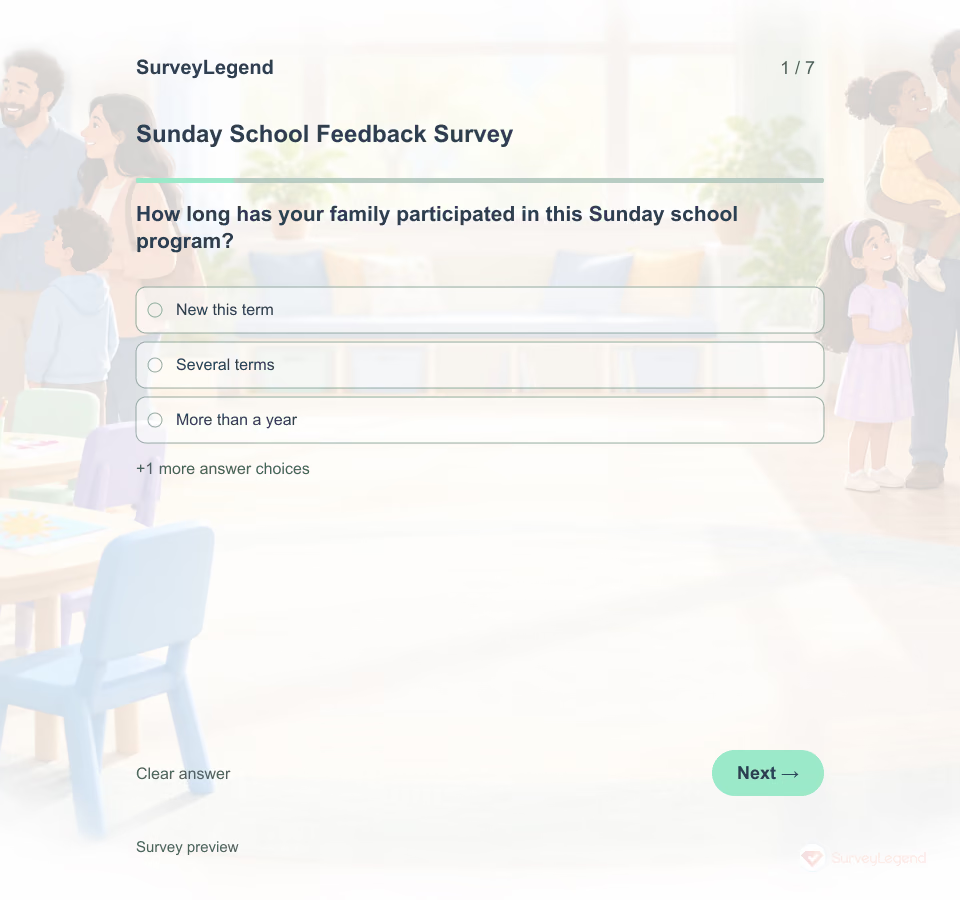 Sunday School Feedback Survey Template This parent survey reviews an ongoing Sunday school program's communication and activities. It is distinct from interest in a short vacation program. Explore related education templates and survey templates.
 -
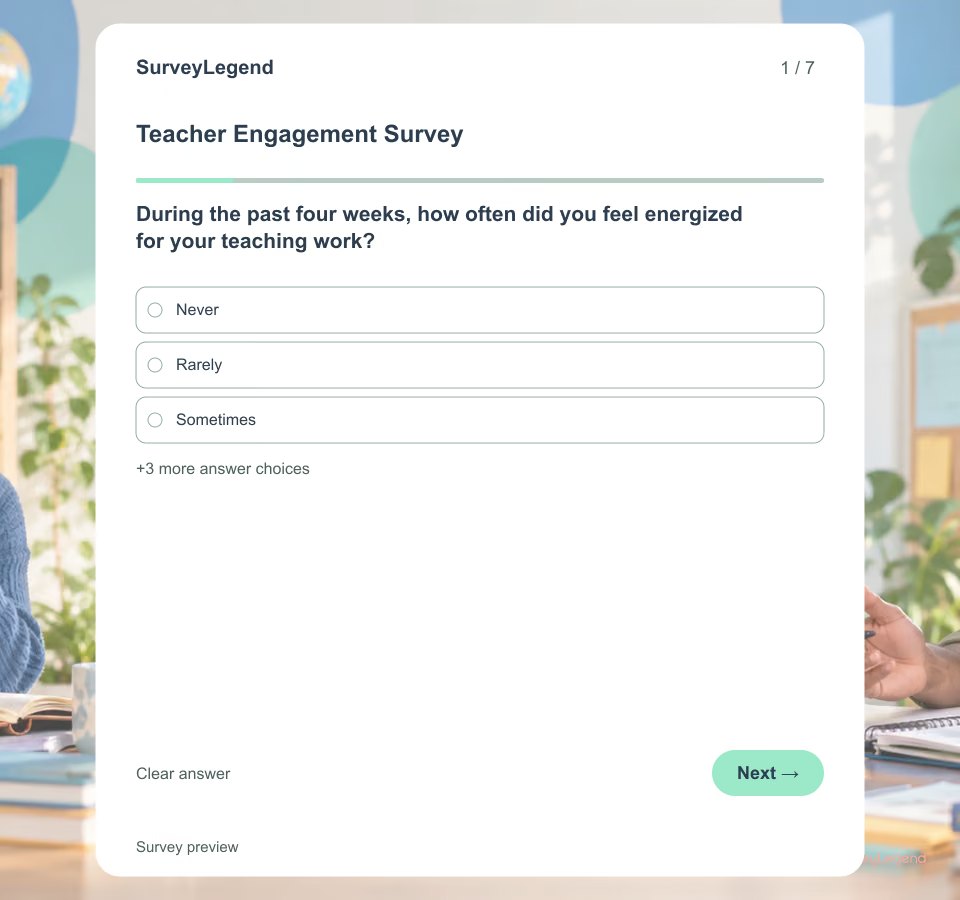 Teacher Engagement Survey Template Engagement is not a label for a “good” or “bad” teacher. Ask about a short, stated period and conditions the school can review. That keeps the discussion close to workload, resources, communication and support instead of turning a questionnaire into an informal appraisal.
 -
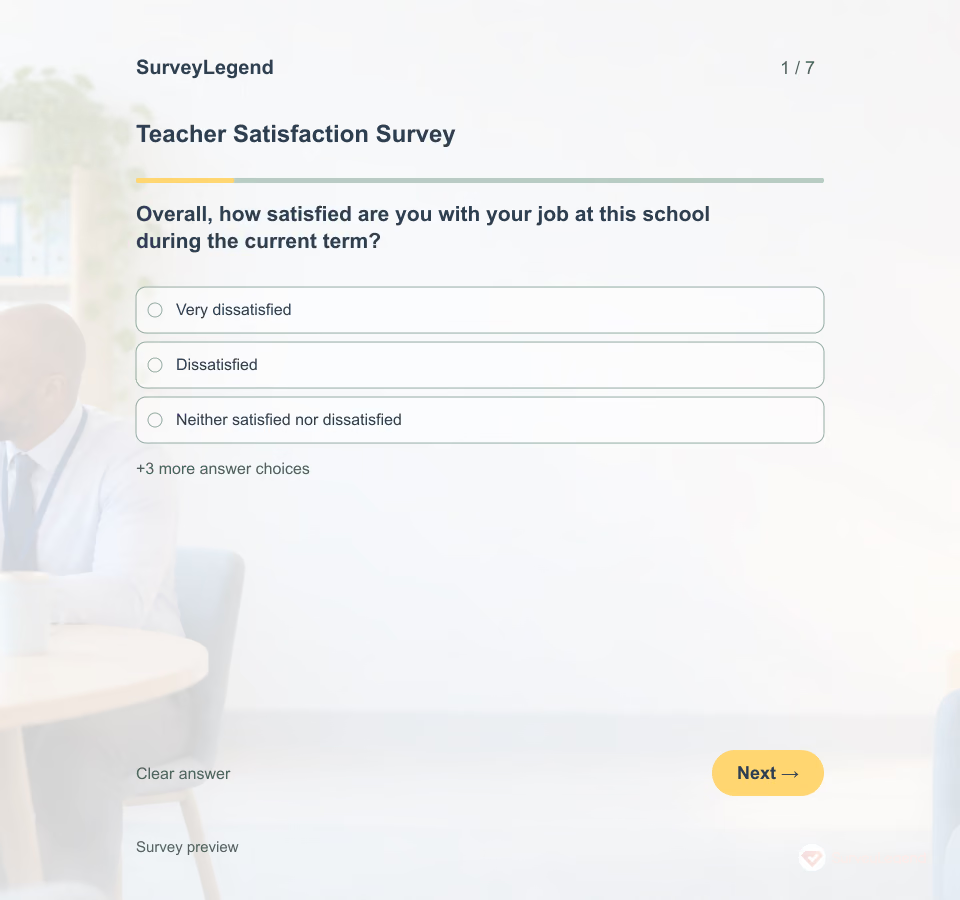 Teacher Satisfaction Survey Template Ask teachers to think about the current term or another stated period. That keeps ratings connected to recent working conditions. Satisfaction is broader than one good or difficult day, yet it should not be treated as a permanent trait or a score of teaching quality.
 -
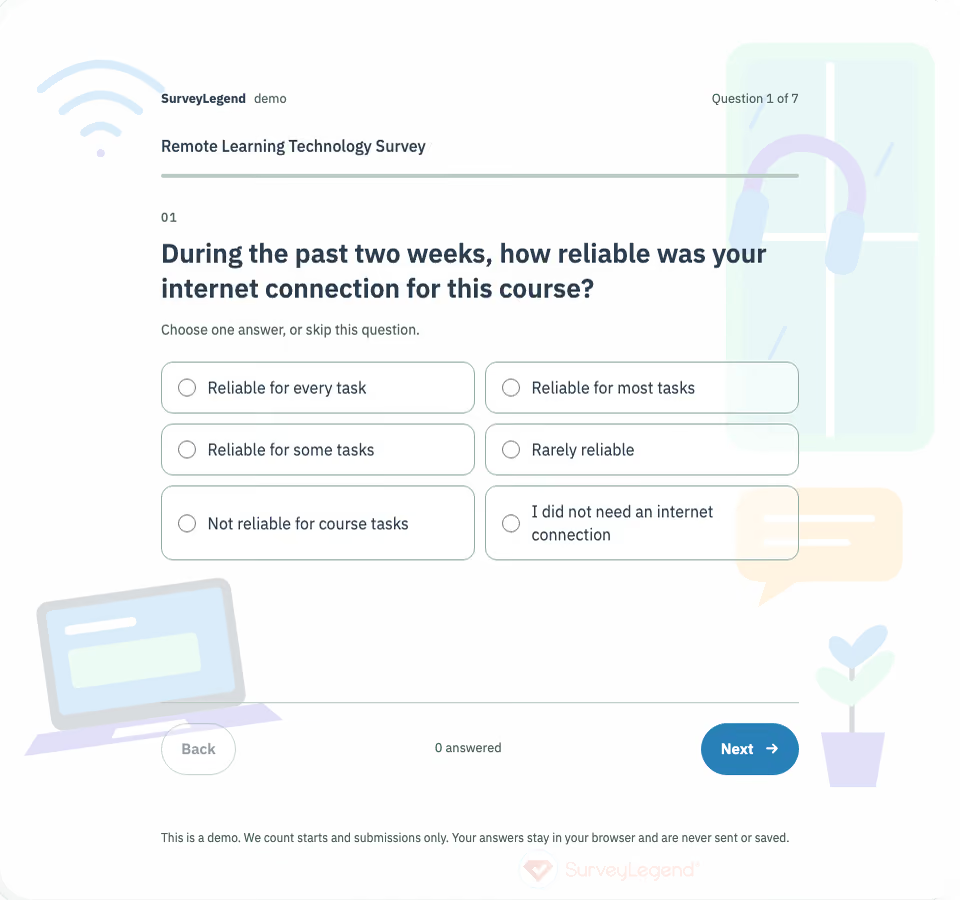 Remote Learning Technology Survey Template Use this template while a course is running, when an instructor or support team can still act on the results. Name the course, define the previous two weeks, and explain who will review the feedback. Keep technology access separate from teaching quality and academic performance.
 -
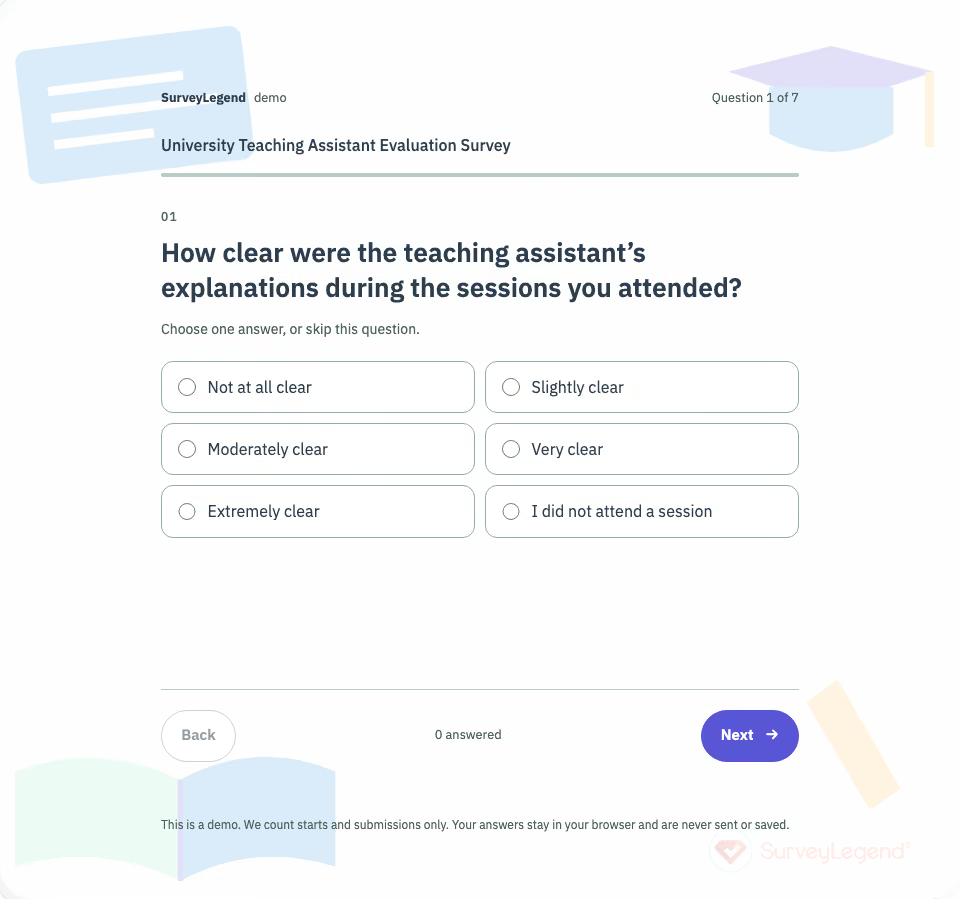 University Teaching Assistant Evaluation Survey Template This university teaching assistant evaluation survey template asks students about explanations, feedback, and opportunities to ask questions. Use it to identify specific support practices a teaching assistant can improve.
 -
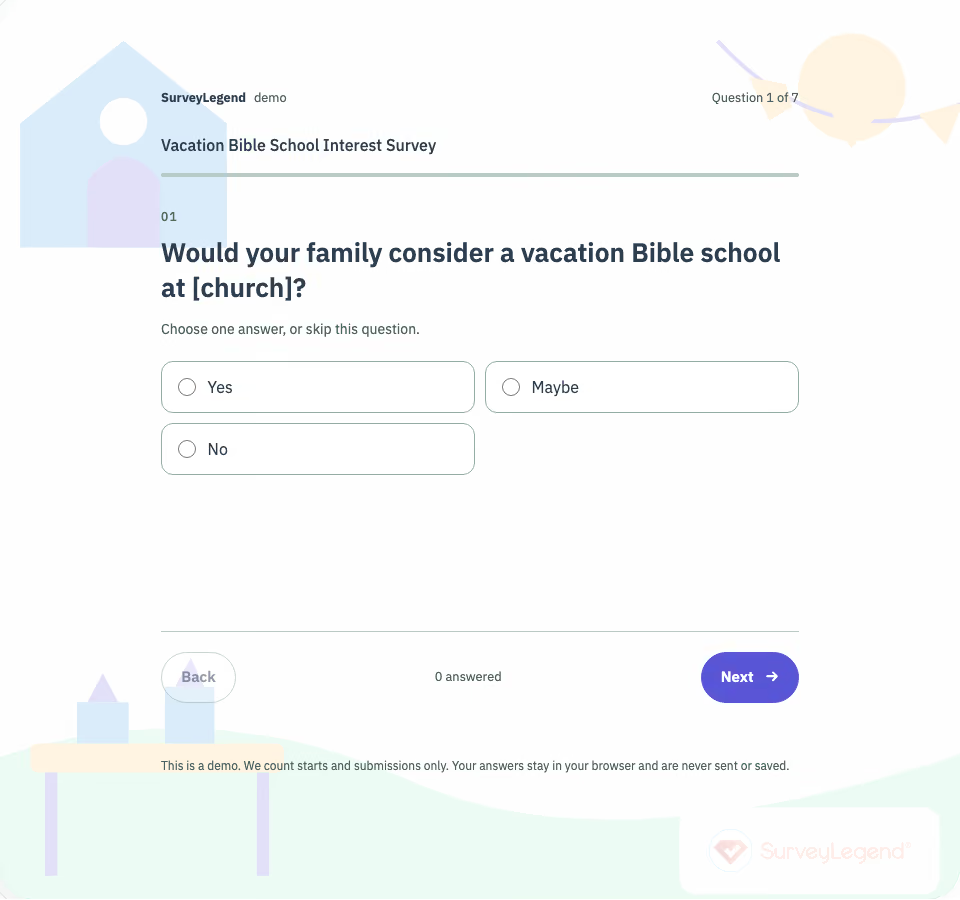 Vacation Bible School Interest Survey Template This vacation Bible school interest survey asks parents and guardians about proposed dates, age groups, activities, attendance barriers, and volunteering. Use their answers to plan a summer program before opening a separate registration process.
Free survey maker
Start creating surveys today for free
Create and bring your ideas to life with the survey tool used by people all over the world.
Ready to collect better research data?
Create academic surveys and questionnaires from ready-made templates.