

Product Testing Survey Template
This product testing survey template gathers feedback after participants attempt a defined task with your product or prototype. Ask what they completed, where they needed help, and what surprised them to identify changes for the next version.
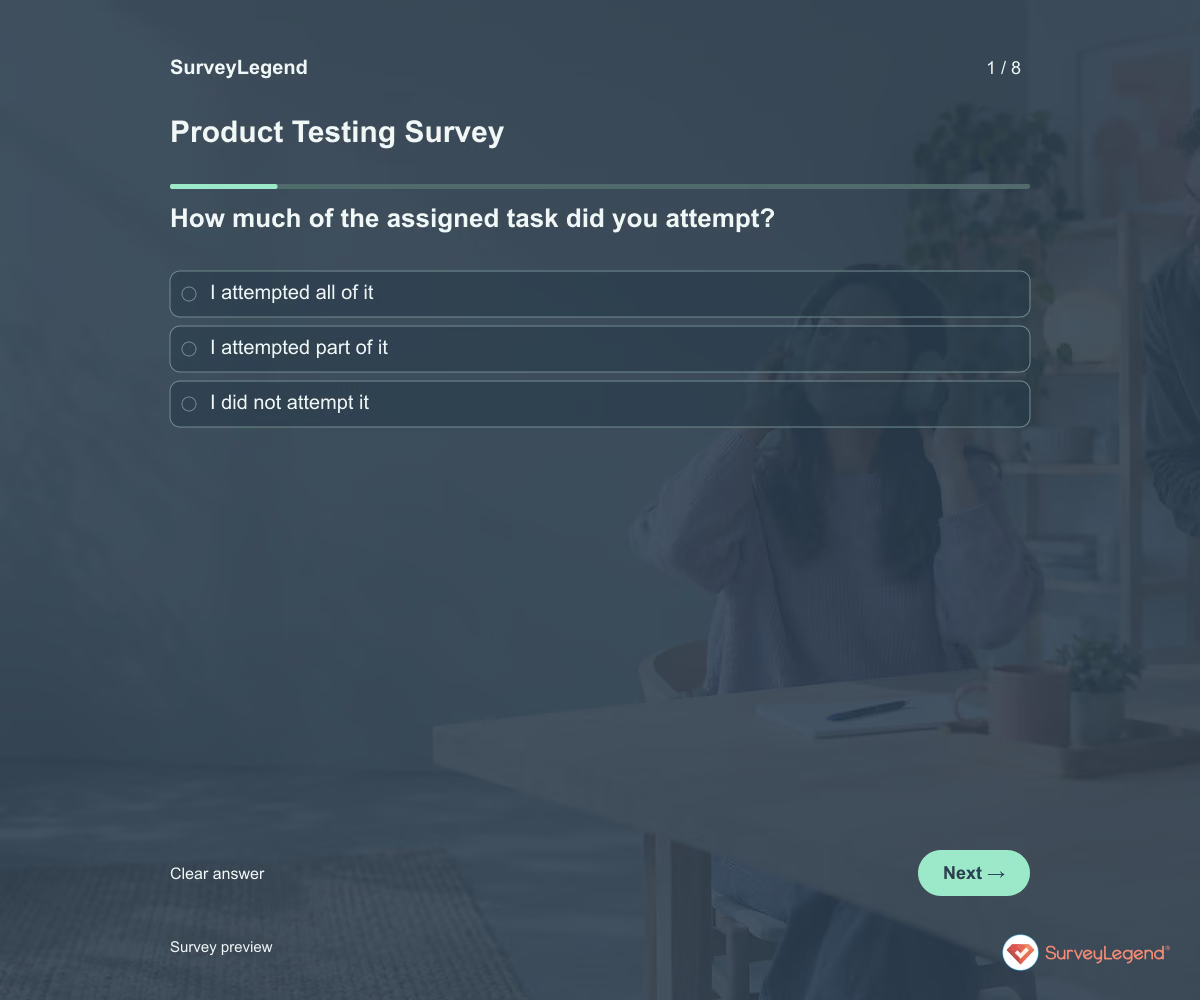
Use this product testing survey template after participants try a product or prototype. It asks what they could complete, where they needed help, and what should change in the next version. Create the questionnaire in SurveyLegend to collect feedback that points to specific parts of the test experience.
When to use this product testing survey
Give participants the same task and clear test instructions, then collect feedback while the experience is fresh. Record the version being tested in the introduction so results from different versions do not become mixed. This survey reports user experience. It does not certify safety, prove technical performance, or replace the observation and measurements needed for your product.
For feedback from customers using a released product in everyday life, use our product feedback template.
8 questions for your product testing survey
Use these 8 questions as a starting point. All fields are optional; choose one answer where choices are listed. Leave an irrelevant open field blank.
Respondent introduction:
Answer about the product version and task named in the test instructions. Describe what happened, including if you could not start or finish. Please avoid private information. All questions are optional.
A little feedback. A clearer picture.
Explore this 8-question example at your own pace. Every question is optional.

Product Testing Survey
Thank you for trying the survey!
You’ve tried the template from the respondent’s side. Make it your own with SurveyLegend.
Create your own surveyChecking submission availability…
This is a demo. We count starts and submissions only. Your answers stay in your browser and are never sent or saved.
Activity · no starts yet
How to customize your product testing survey
Describe the product, test conditions, and task before the questions. Choose an appropriate, safe testing process for the product separately; this general template does not authorize a trial. Ask about instructions and task completion as different topics. If a participant did not attempt the task, let them say so. For example, a packaging prototype test can reveal trouble opening a closure without assuming the contents were used. Before sharing widely, try the questions with a few people from the intended audience and clarify anything they interpret differently.
Printable product testing survey template
Use this printable product testing survey template at the end of an in-person product test. It includes the same questions and space to write, giving people who prefer paper or are less comfortable online another way to take part. SurveyLegend helps you offer both formats. Tell respondents where to return the completed form and who will review it. Paper answers need a separate review or manual entry process; they are not automatically added to online responses.
 Download PDF
 AI prompt for a product testing survey
Give your next product iteration a concrete problem to solve.
The full prompt below specifies your product testing survey, including all 8 questions and response settings. Copy it, register for a free SurveyLegend account, and paste it into SurveyLegend’s AI survey creation tool. Review the result and add your organization’s details before sharing.
Create a free account, then paste the copied prompt into SurveyLegend.
Already have an account? Sign in to create your product testing survey.
Link prototype feedback to the next testable change
Start with whether the task was attempted and completed independently. Read the difficult-step descriptions alongside instruction clarity to distinguish a design problem from missing guidance. Keep comments tied to the tested version. Select a change that addresses a repeated obstacle and test the revised version under comparable conditions. Do not turn a small group’s stated experience into a general performance or safety claim.
Frequently asked questions
When should participants answer?
Soon after completing the defined test task, while the steps are easy to recall. Identify the product version and use the same reference task for comparable responses.
Can this survey replace a usability test?
It can support a test, but it does not show everything a participant did. Use appropriate observation or task measures separately when you need behavioral evidence.
What if someone could not start the task?
Keep that response. The reason may reveal a problem with access, instructions, or setup. Do not exclude it simply because the person did not finish.
-
 Motivation & Buying Experience survey template Great brands know that the customer experience is more than just a buzzword. It’s the feeling someone gets when they use your product, the delight of smooth service, or the frustration if something goes wrong. Even the user experience of opening a package can shape how people feel about your brand. It’s the kind of detail that sticks.
 -
 Retail Customer Feedback Survey Template Running a retail store means always looking for ways to grow and improve—and that starts with listening to your customers. A retail customer feedback survey helps you do exactly that. With tools like the Net Promoter Score to gauge customer loyalty and thoughtfully crafted survey questions, businesses can gather meaningful feedback that leads to real action on what matters most.
 -
 E-Commerce Customer Service Evaluation survey template When you manage a strong e-commerce business, your top priority is making sure your customers are happy with your online services. You want to meet your customers’ expectations and keep them coming back. The challenge is that, in e-commerce, you rarely interact with the customers face-to-face. This makes it difficult to observe their behavior or understand what they really think about your store.
 -
 Product Feedback Survey Template When you are developing a new product, it is not just about having the “right” idea—it is about making sure that the idea is right for the people who will actually use it. Instead of guessing based on assumptions about your target users, it is always smarter to rely on real customer feedback. After all, what you think users like and what they actually like can be two very different things.
 -
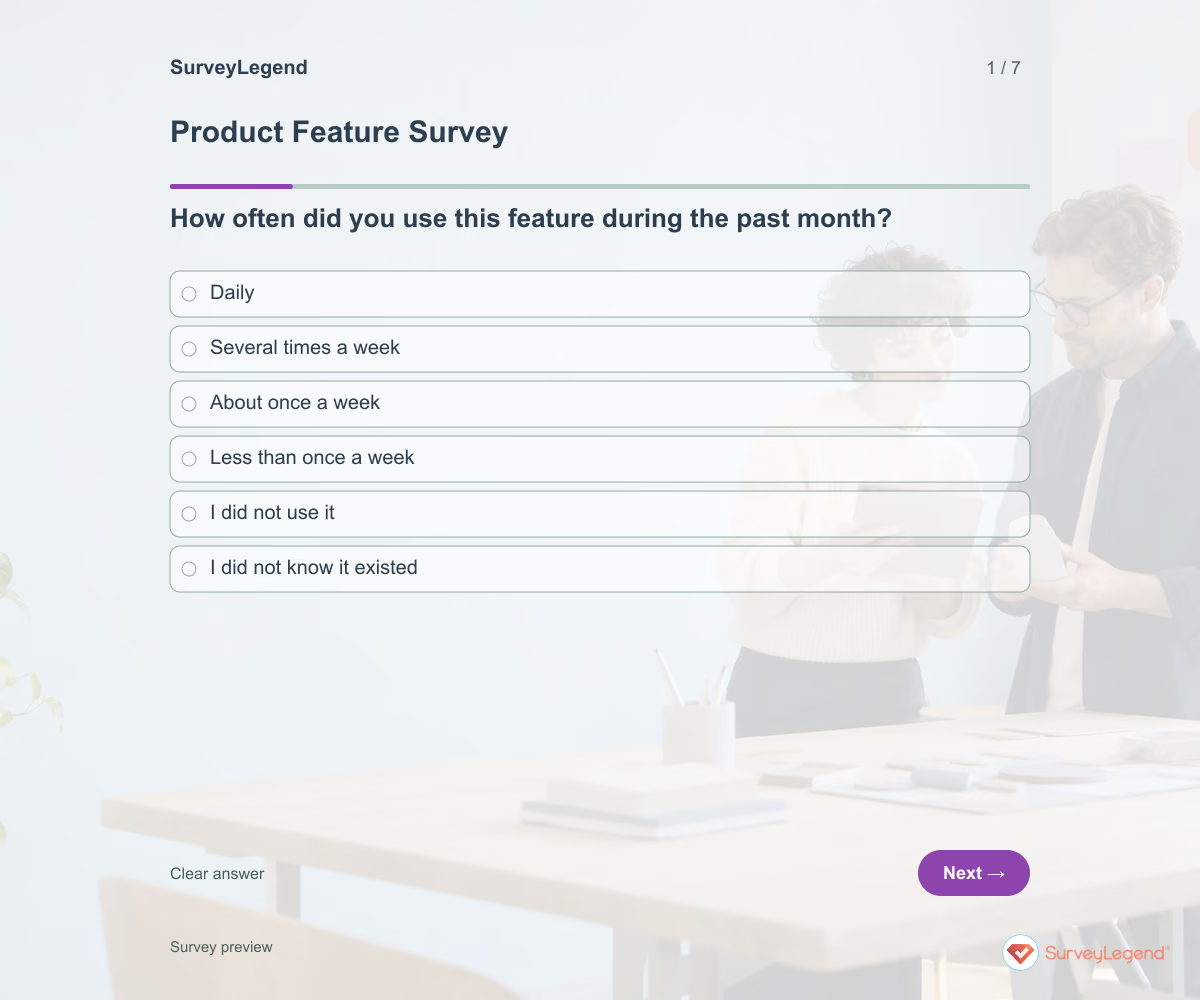 Product Feature Survey Template Use this product feature survey template to understand what a specific capability helps people do and where it falls short. It connects feature use and task importance with a single improvement priority. Build your survey in SurveyLegend to investigate a roadmap decision without assuming that every requested addition deserves to be built.
Free survey maker
Start creating surveys today for free
Create and bring your ideas to life with the survey tool used by people all over the world.
Ready to collect better research data?
Create academic surveys and questionnaires from ready-made templates.