



 Drag, move and reorder questions
While creating a survey, you may need to reorder or reorganize the questions. To move the
questions, you can use the drag button which is located on the right side of each question (as well as section breaks or page breaks). To
do so, click and hold the button, and drag it vertically to place it in a new location amongst other
questions or items. You can also reorganize choices or answers inside each question individually. Beside
each choice, you will find a similar drag button. Use that to move each choice individually.
Note
For the survey logic flows to work properly, the order of
items in your survey is extremly important. Therefore, moving items around in a survey which already
has logic flows, may break the logic flows and create problems. So, if one of your surveys has logic
flows and you decide to move the questions around and reorder them, our system will show you a warning
like below, to prevent unwanted problems.
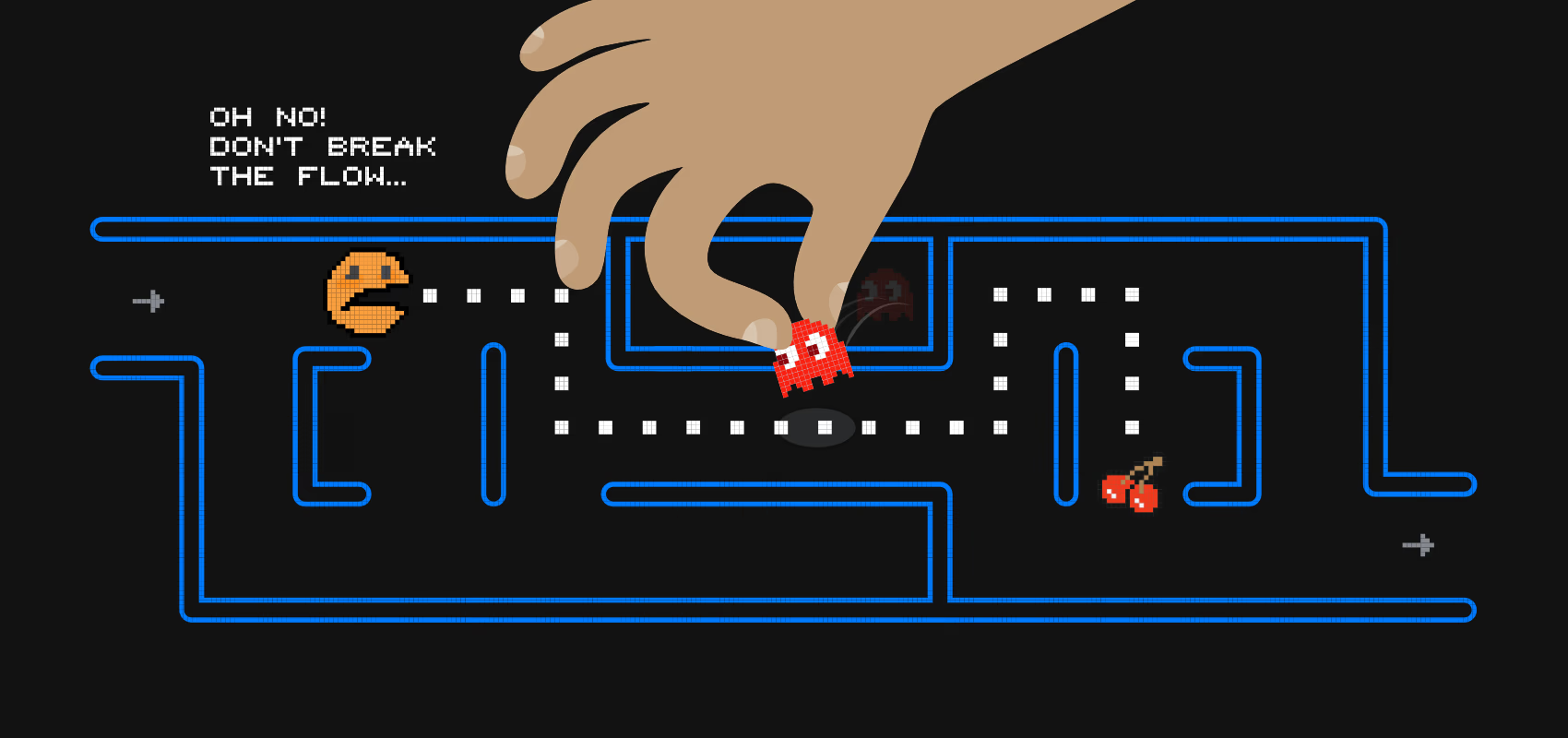
To bypass this security warning, type the word “continue” in the text box below the image and
hit “OK”.
SurveyLegend shows you a modal with a warning, when you move questions around in a survey that has logic flows. This is to remind you about potential risks.
 Easy Drag & Sort
Sometimes it might be a bit hard to drag and drop survey questions and re-order them, while creating
a survey, form or poll. This problem is usually experienced due to questions with a large height. These
questions might not provide an easy-to-reach drop area for items that are being dragged, therefore the
scrolling experience while dragging items is not alwas flawless, especially on smaller screens. To solve
this issue, we have designed a handy little feature which we call Easy Drag & Sort.
How to enable
You can easily enable this feature while being in the “Create” step:-
Find the little button on the right side of your working area and click it. This toggles the way you preview the surveys in Create step.
- When clicked, all answers and choices get temporarily hidden and question texts shrink.
- Now you can drag and sort questions easily and super fast!
-
When sorting the order of questions is done, switch back to the
 again.
Tip:
Did you know that you can click and drag an item, and while you are holding down the click,
use the scroll-wheel on the mouse to quickly scroll up or down? This means you do not have to
pull the dragged items to the edges of the sceen to force scrolling. Simply use scroll-wheel
and scroll normally. ;) This’s a nice hidden gem that many might not be aware of. It even
works with Apple’s Magic Mice or Trackpads. Give it a try! You’ll love it.