

App Feedback Survey Template
Ask people about their most recent app session, including their goal, task outcome, and any problem they encountered. Use this feedback to choose issues for investigation.
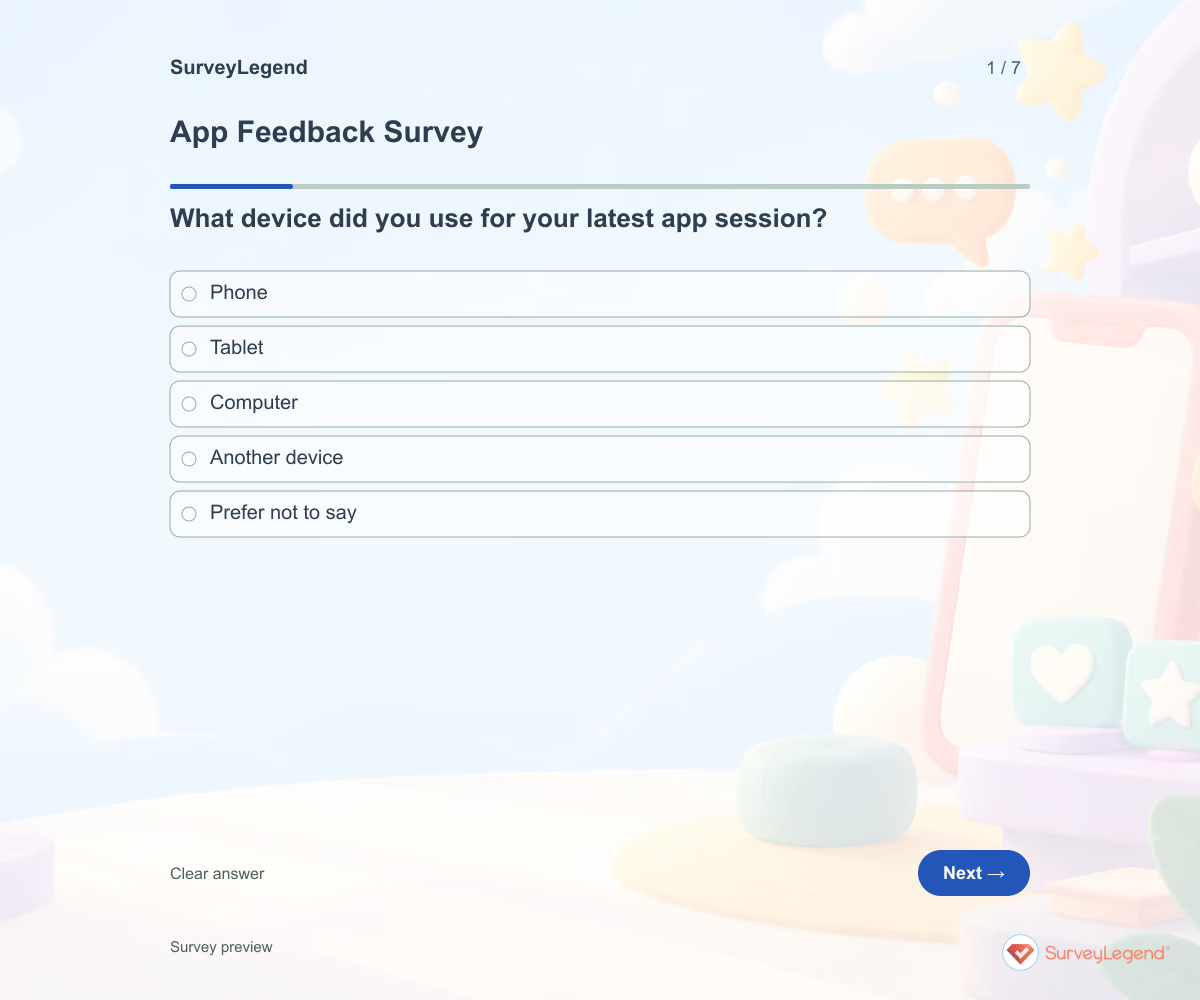
A broad app rating rarely tells a product team where to start. Anchor feedback to a recent session and ask what the user was trying to do. Keep bug investigation separate from the feedback form so people are not asked to submit sensitive screenshots or account data.
When to use this app feedback survey
App product teams can use this questionnaire with existing users after a session. It covers actual app use rather than a first-time onboarding sequence or a software selection trial.
To review a broader experience beyond a single app session, explore our user experience template.
7 questions for your app feedback survey
Use these 7 questions as a starting point. All fields are optional; choose one answer where choices are listed. Leave an irrelevant open field blank.
Respondent introduction:
Think about your most recent session in this app. Describe your experience without passwords, private messages, or account details. Use the app’s support route if you need a reply.
A little feedback. A clearer picture.
Explore this 7-question example at your own pace. Every question is optional.

App Feedback Survey
Thank you for trying the survey!
You’ve tried the template from the respondent’s side. Make it your own with SurveyLegend.
Create your own surveyChecking submission availability…
This is a demo. We count starts and submissions only. Your answers stay in your browser and are never sent or saved.
Activity · no starts yet
How to customize your app feedback survey
Name the app and intended platform. If versions vary, add an appropriate version field before making release comparisons. Keep the task question open so users can describe their goal in their own words. Provide your actual support route for problems needing a reply. Before sharing widely, try the questions with a few people from the intended audience and clarify anything they interpret differently.
Printable app feedback survey template
Use this printable app feedback survey template during an observed app feedback session. It includes the same questions and space to write, giving people who prefer paper or are less comfortable online another way to take part. SurveyLegend helps you offer both formats. Tell respondents where to return the completed form and who will review it. Paper answers need a separate review or manual entry process; they are not automatically added to online responses.
 Download PDF
 AI prompt for a app feedback survey
Use these questions to identify app-session problems for your product team to investigate.
The full prompt below specifies your app feedback survey, including all 7 questions and response settings. Copy it, register for a free SurveyLegend account, and paste it into SurveyLegend’s AI survey creation tool. Review the result and add your organization’s details before sharing.
Create a free account, then paste the copied prompt into SurveyLegend.
Already have an account? Sign in to create your app feedback survey.
How to use the answers
Review incomplete tasks alongside reported problems and device context. A slow session, unclear navigation, and a missing capability need different investigations. Use comments to reproduce an issue through your own process; the questionnaire does not collect diagnostic logs.
Frequently asked questions
Is this a bug report form?
It can reveal a reported problem, but it does not collect technical diagnostics or create a support ticket. Investigate separately.
Can it compare app versions?
Add a clear version field or use reliably identified invitation groups before comparing releases. This basic version does not collect a version number.
Why ask about one session?
A recent, specific session makes it easier to connect the user’s goal with the outcome and any obstacle.
-
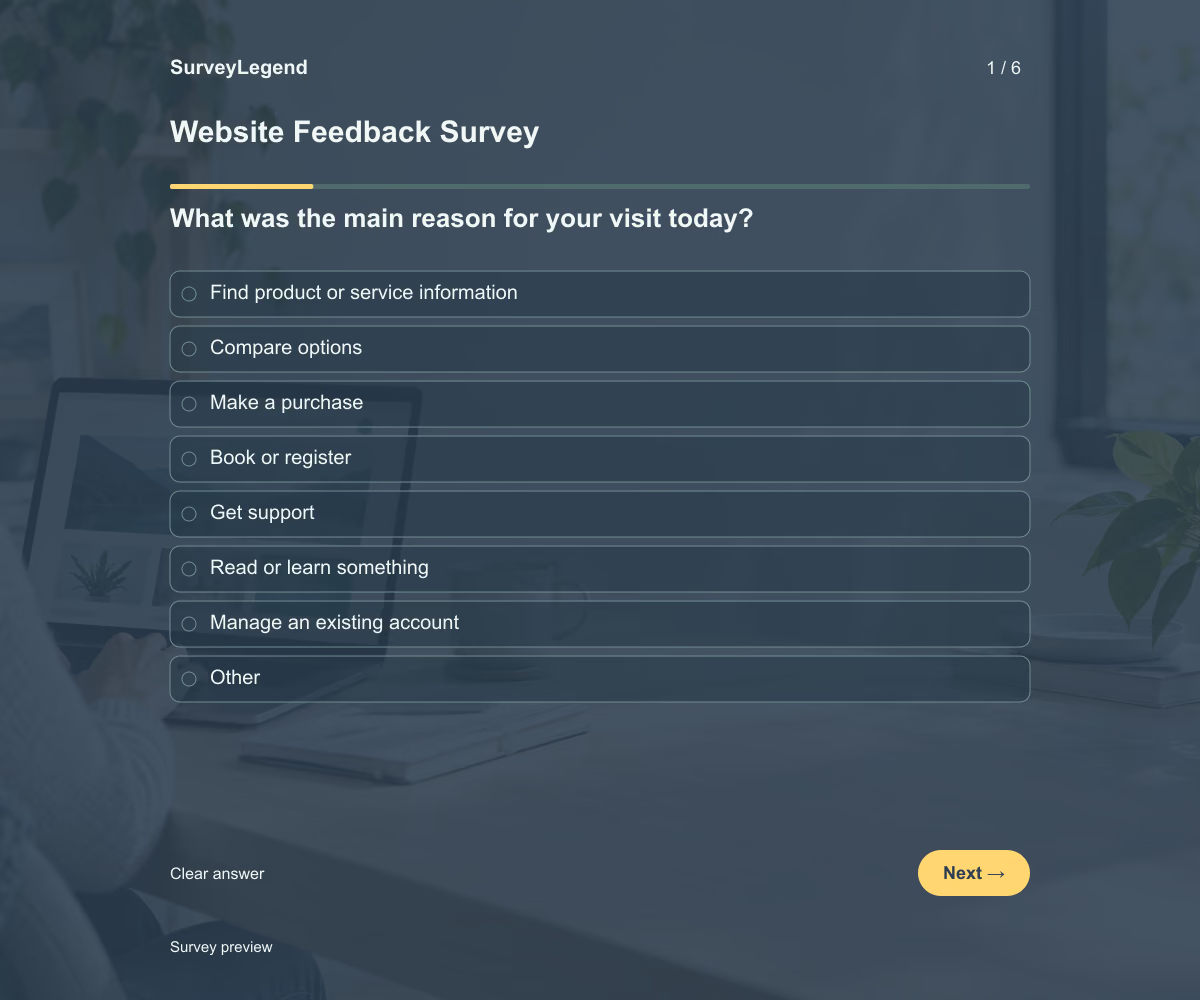 Website Feedback Survey Template This website feedback survey template helps you learn why visitors came to your website, whether they completed their task, and what got in the way. Its six questions cover the visit’s purpose, outcome, and difficulties. Adapt the questions to your website and create your survey with SurveyLegend.
 -
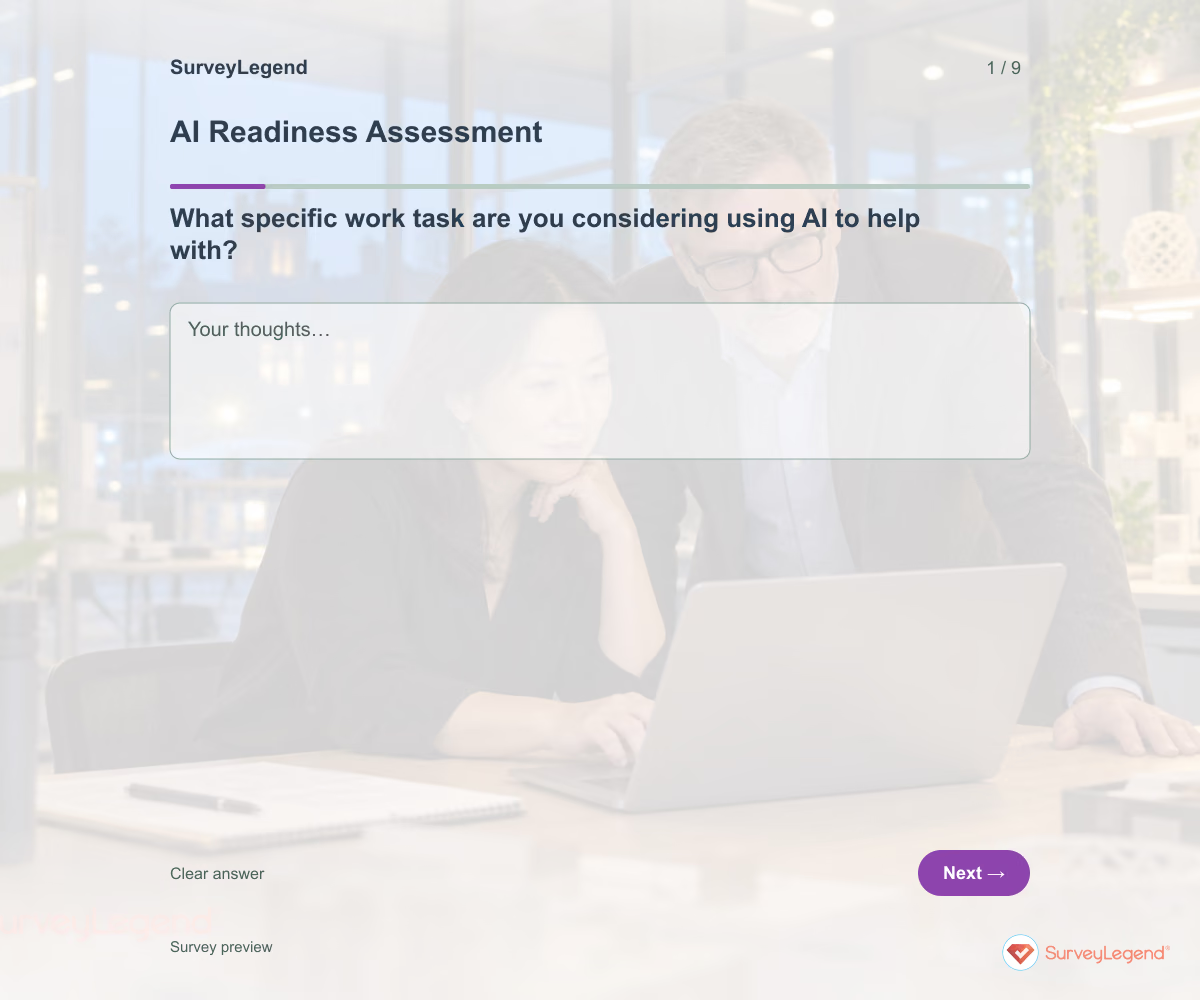 AI Readiness Assessment Template Use this AI readiness assessment template to identify what your team still needs before starting an AI pilot. Nine questions cover the proposed task, data access, review responsibilities, support, and success criteria. Build the assessment in SurveyLegend to bring practical questions into one conversation before choosing the next step.
 -
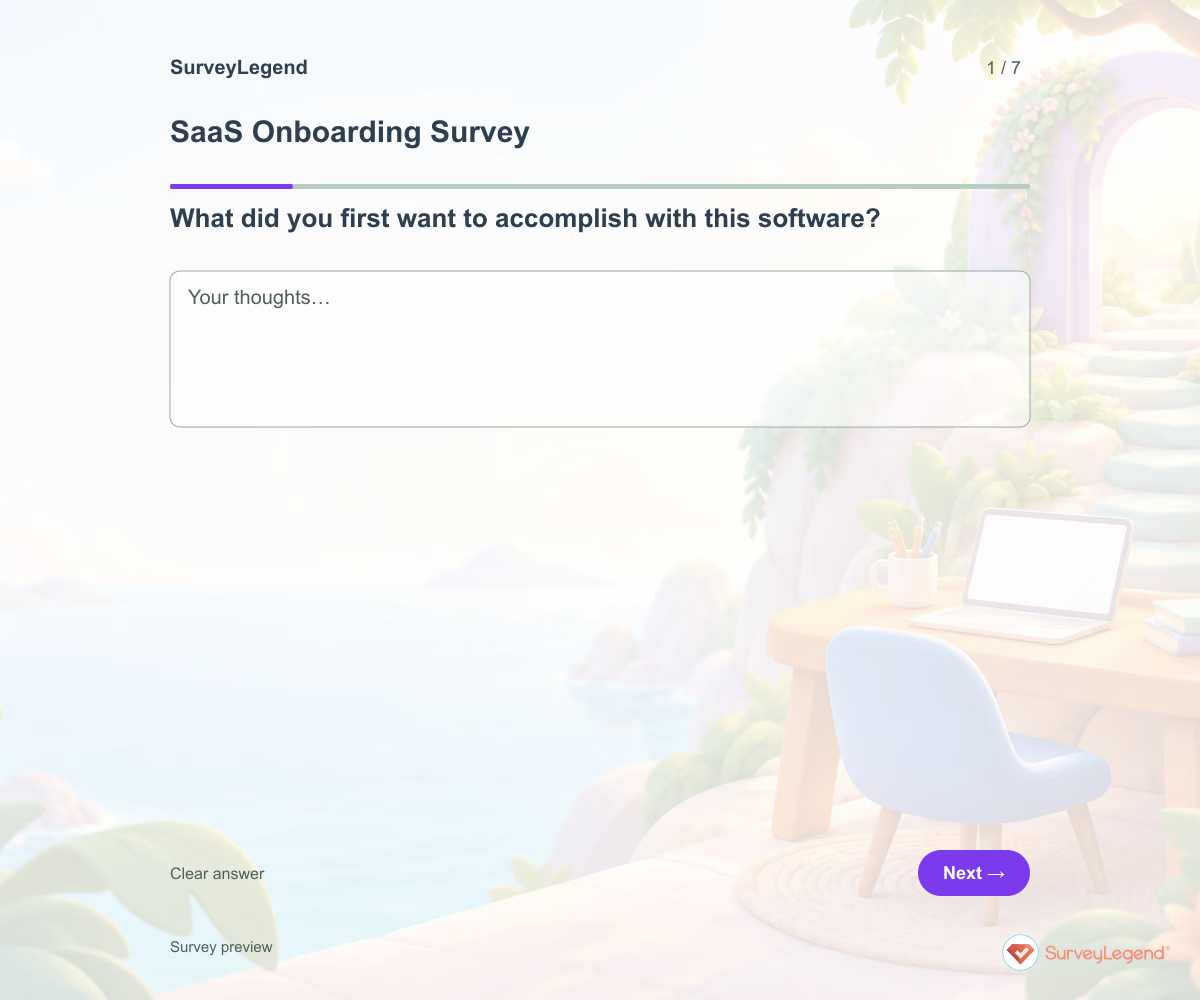 SaaS Onboarding Survey Template Creating an account is only one part of onboarding. Ask whether users attempted their intended task and what happened next. Include people who did not get started so you do not hear only from successful users.
 -
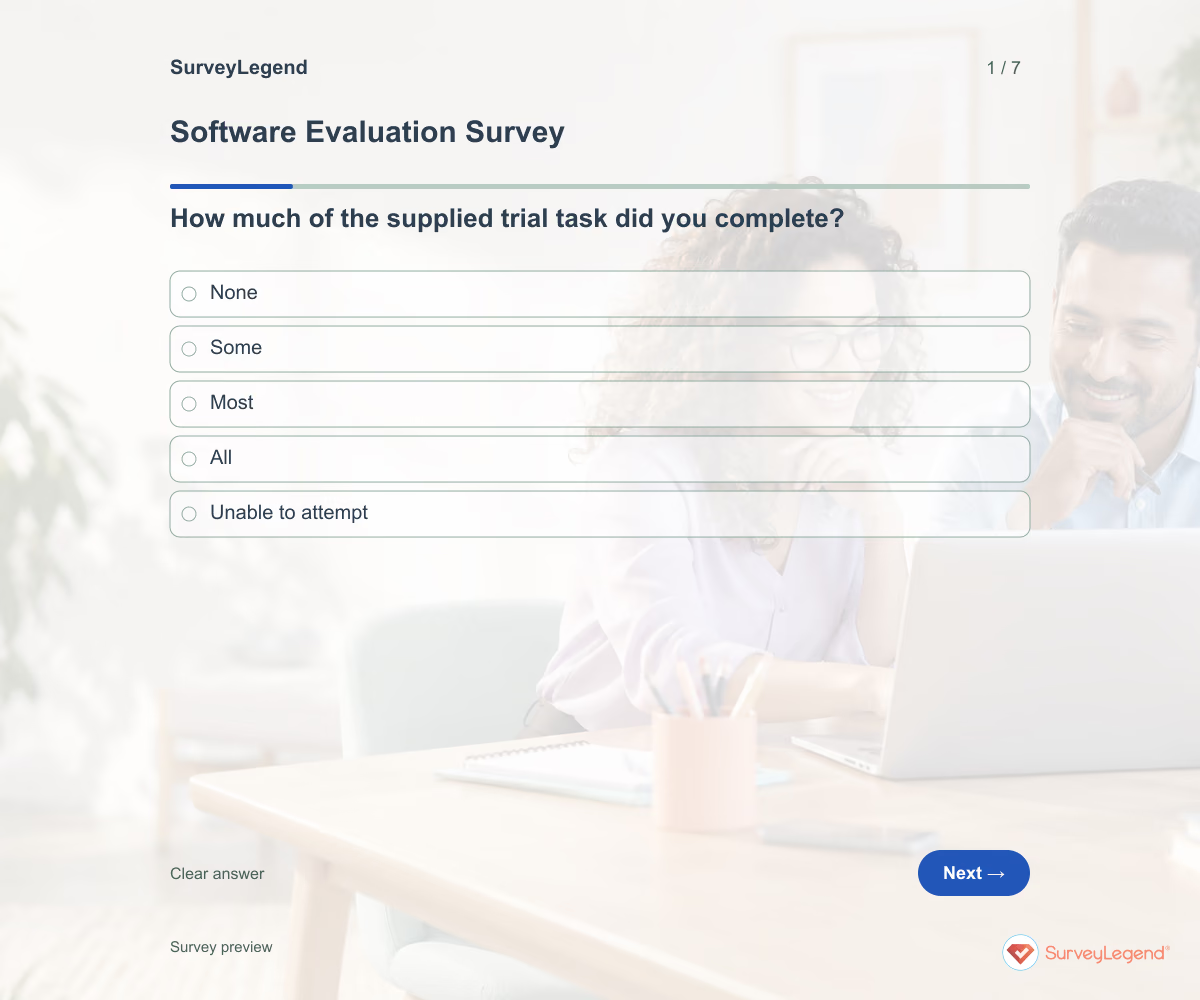 Software Evaluation Survey Template A software demo can look convincing without showing whether the tool fits your work. Give evaluators the same trial task and ask what they could complete. Keep their experience separate from technical checks that require specialist review.
Free survey maker
Start creating surveys today for free
Create and bring your ideas to life with the survey tool used by people all over the world.
Ready to collect better research data?
Create academic surveys and questionnaires from ready-made templates.