

Software Evaluation Survey Template
Use this software evaluation survey after a defined trial to collect users’ feedback on task fit, ease of use, and limitations. Support a selection discussion with evidence from the work people actually tried.
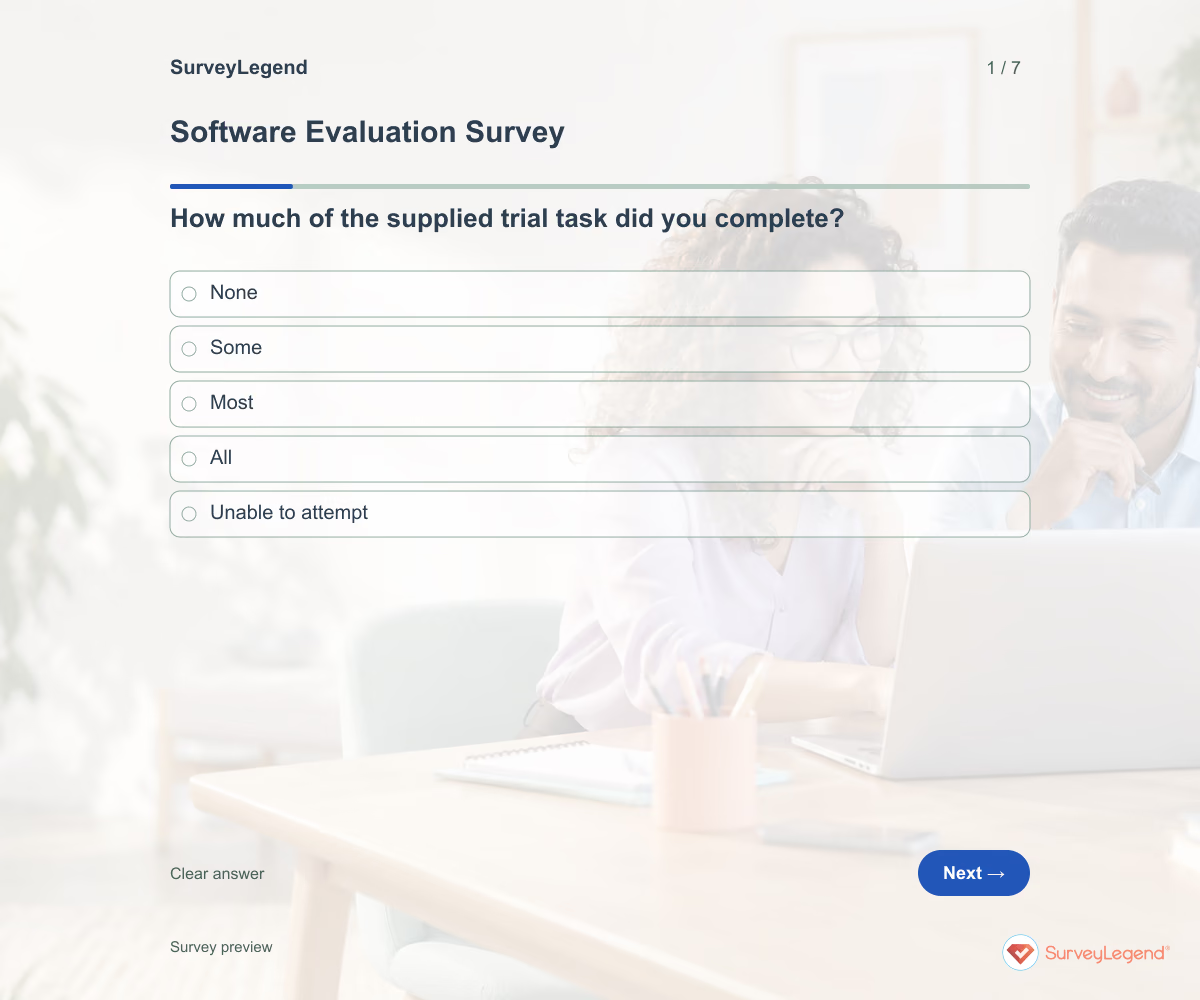
A software demo can look convincing without showing whether the tool fits your work. Give evaluators the same trial task and ask what they could complete. Keep their experience separate from technical checks that require specialist review.
When to use this software evaluation survey
Teams choosing software can use this questionnaire with trial participants. It focuses on fit for a defined work task rather than a general feature wishlist or an established app’s day-to-day experience.
For a broader experience review beyond a defined software trial, use our user experience template.
7 questions for your software evaluation survey
Use these 7 questions as a starting point. All fields are optional; choose one answer where choices are listed. Leave an irrelevant open field blank.
Respondent introduction:
Evaluate the named software after trying the supplied task. Report what you experienced, not capabilities you have not tested. Do not include confidential work data.
A little feedback. A clearer picture.
Explore this 7-question example at your own pace. Every question is optional.

Software Evaluation Survey
Thank you for trying the survey!
You’ve tried the template from the respondent’s side. Make it your own with SurveyLegend.
Create your own surveyChecking submission availability…
This is a demo. We count starts and submissions only. Your answers stay in your browser and are never sent or saved.
Activity · no starts yet
How to customize your software evaluation survey
Supply the software version, trial dates, and exact task before collecting responses. Ask the same core questions for competing options while preserving each version identifier. Evaluate security, procurement, and integration requirements separately; a user rating cannot verify them. Before sharing widely, try the questions with a few people from the intended audience and clarify anything they interpret differently.
Printable software evaluation survey template
Use this printable software evaluation survey template during a facilitated software trial. It includes the same questions and space to write, giving people who prefer paper or are less comfortable online another way to take part. SurveyLegend helps you offer both formats. Tell respondents where to return the completed form and who will review it. Paper answers need a separate review or manual entry process; they are not automatically added to online responses.
 Download PDF
 AI prompt for a software evaluation survey
Use these questions to bring trial participants’ observations into your software selection discussion.
The full prompt below specifies your software evaluation survey, including all 7 questions and response settings. Copy it, register for a free SurveyLegend account, and paste it into SurveyLegend’s AI survey creation tool. Review the result and add your organization’s details before sharing.
Create a free account, then paste the copied prompt into SurveyLegend.
Already have an account? Sign in to create your software evaluation survey.
How to use the answers
Compare task completion with ease of use and missing capabilities. A high liking rating does not outweigh an essential task that participants could not finish. Record unresolved requirements for further testing instead of converting opinions into a procurement approval.
Frequently asked questions
Should every evaluator try the same task?
Use a common core task when comparing tools. If roles require different tasks, label those groups and interpret them separately.
Can users rate security?
They can describe what they experienced, but security requirements need a separate qualified review. This form does not verify them.
Does the survey choose the winning software?
No. It supports discussion alongside requirements, costs, and technical evaluation.
-
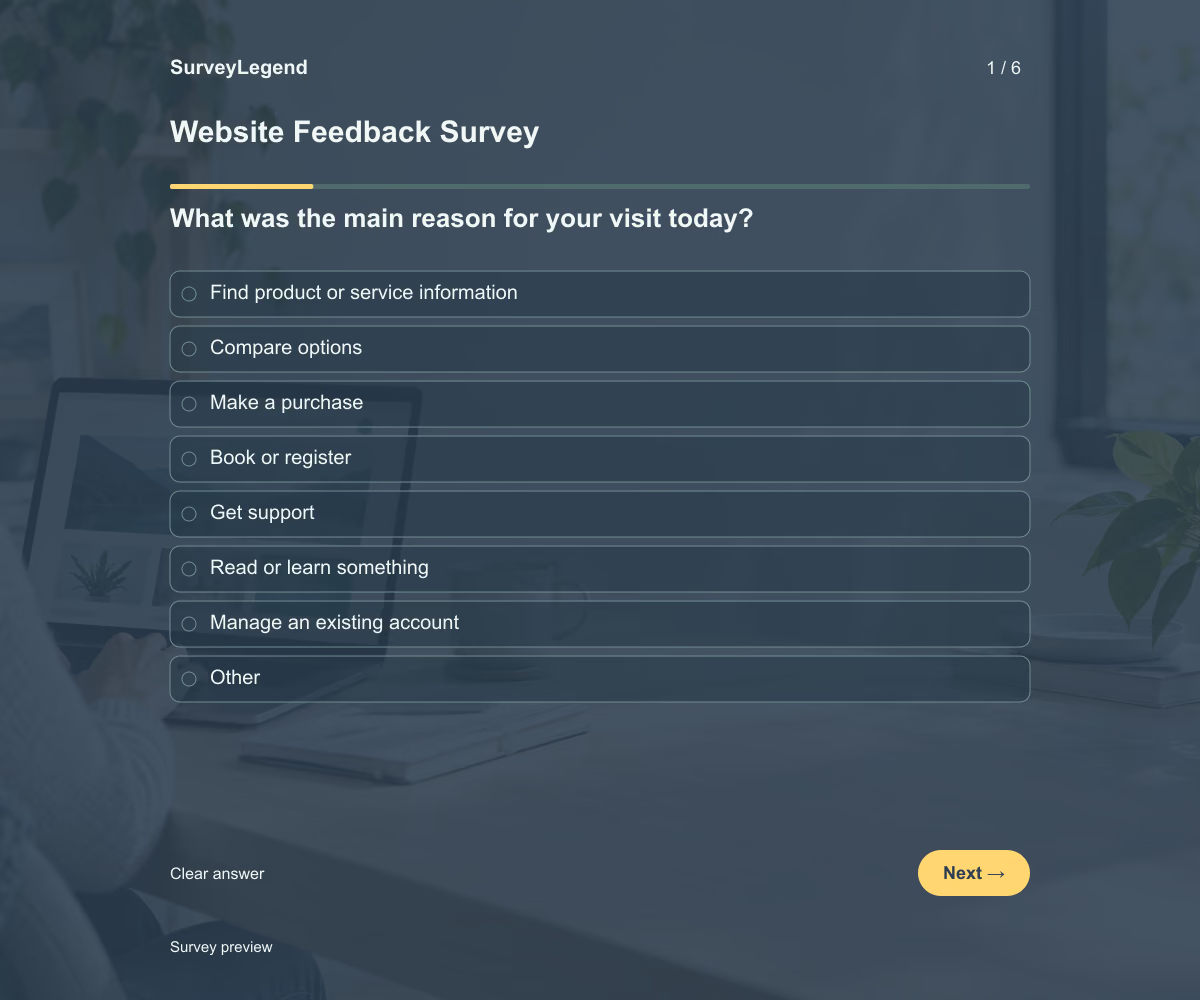 Website Feedback Survey Template This website feedback survey template helps you learn why visitors came to your website, whether they completed their task, and what got in the way. Its six questions cover the visit’s purpose, outcome, and difficulties. Adapt the questions to your website and create your survey with SurveyLegend.
 -
 AI Readiness Assessment Template Use this AI readiness assessment template to identify what your team still needs before starting an AI pilot. Nine questions cover the proposed task, data access, review responsibilities, support, and success criteria. Build the assessment in SurveyLegend to bring practical questions into one conversation before choosing the next step.
 -
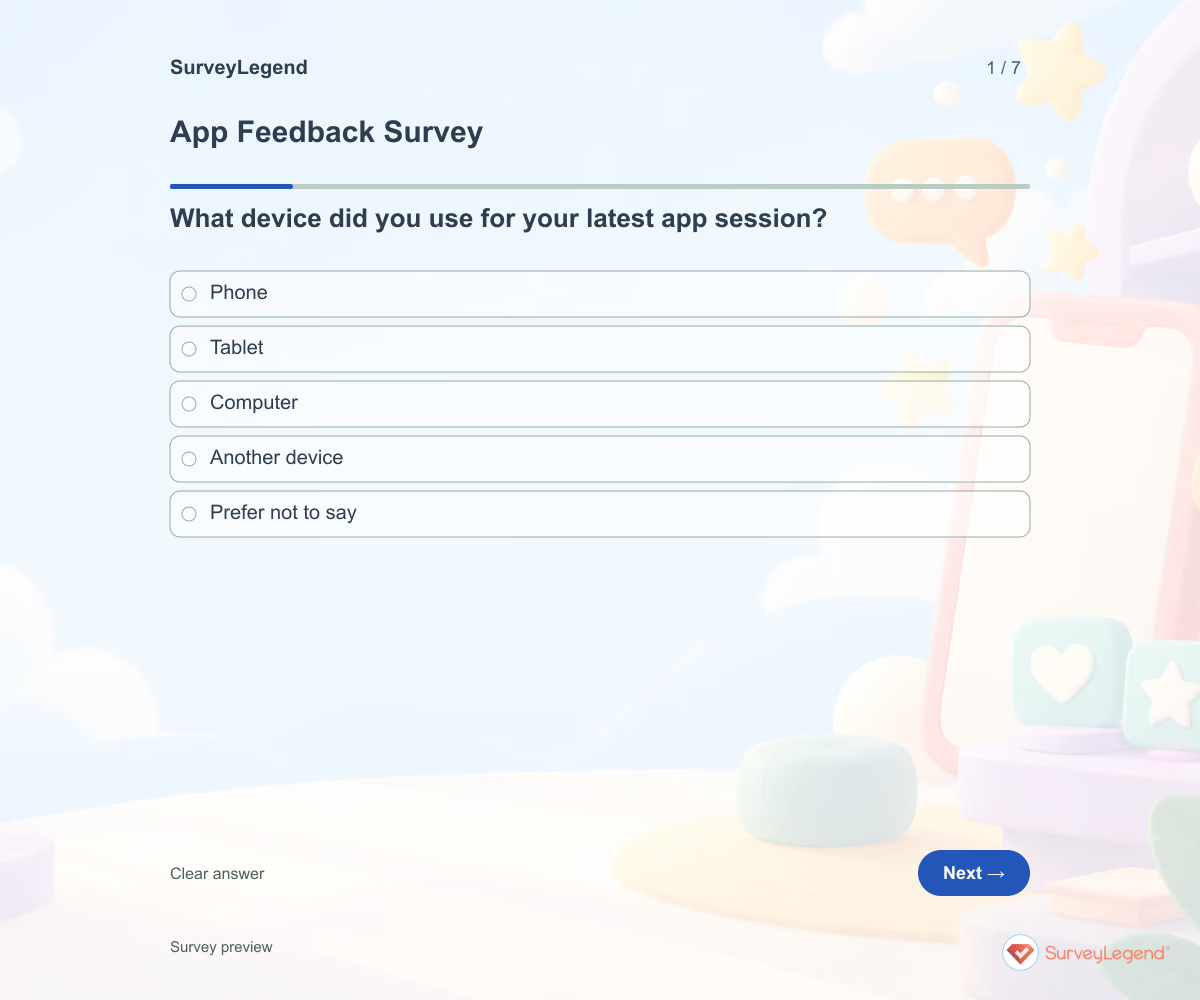 App Feedback Survey Template A broad app rating rarely tells a product team where to start. Anchor feedback to a recent session and ask what the user was trying to do. Keep bug investigation separate from the feedback form so people are not asked to submit sensitive screenshots or account data.
 -
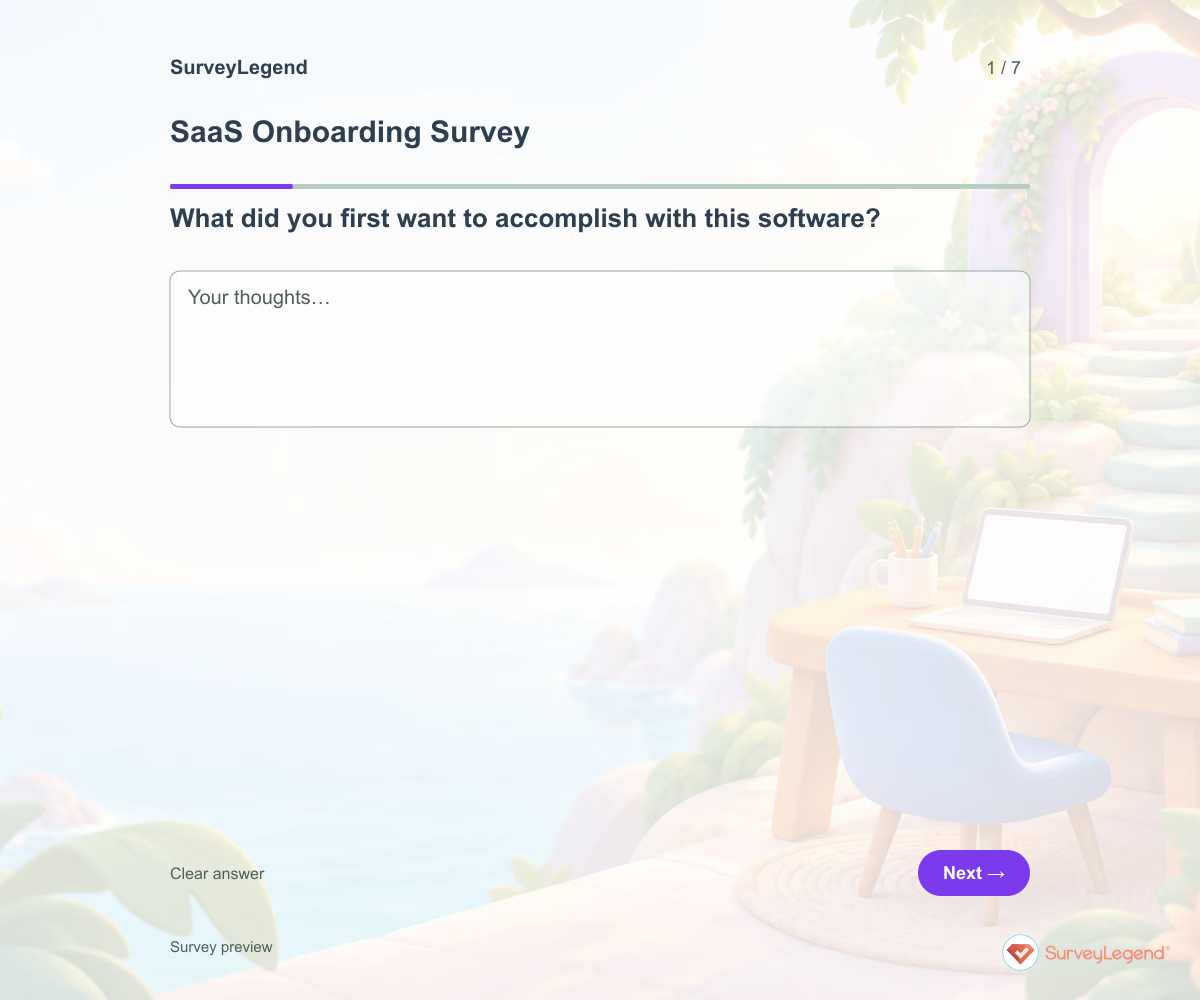 SaaS Onboarding Survey Template Creating an account is only one part of onboarding. Ask whether users attempted their intended task and what happened next. Include people who did not get started so you do not hear only from successful users.
Free survey maker
Start creating surveys today for free
Create and bring your ideas to life with the survey tool used by people all over the world.
Ready to collect better research data?
Create academic surveys and questionnaires from ready-made templates.