VoIP Call Quality Survey Template
Use this VoIP call quality survey template to learn what a recent internet voice call felt like to the person using it. Seven optional questions separate unclear speech, interruptions, conversation delays, and the effect on the call’s purpose. Adapt the survey in SurveyLegend to guide investigation without asking users to diagnose the network.
Use this VoIP call quality survey template to learn what a recent internet voice call felt like to the person using it. Seven optional questions separate unclear speech, interruptions, conversation delays, and the effect on the call’s purpose. Adapt the survey in SurveyLegend to guide investigation without asking users to diagnose the network.
When to use this VoIP call quality survey
A call can sound clear but still be difficult to use if people keep talking over one another. It can also connect successfully and fail to support the conversation. Ask about one recent call so the answers have a shared reference, and include unsuccessful connection attempts instead of surveying only smooth calls.
Connect perceived quality with the call context
Capture the connection type as users understand it, then ask about what they heard and experienced. “Not sure” is better than asking someone to guess a codec, packet-loss value, or network cause.
Seven VoIP call quality questions
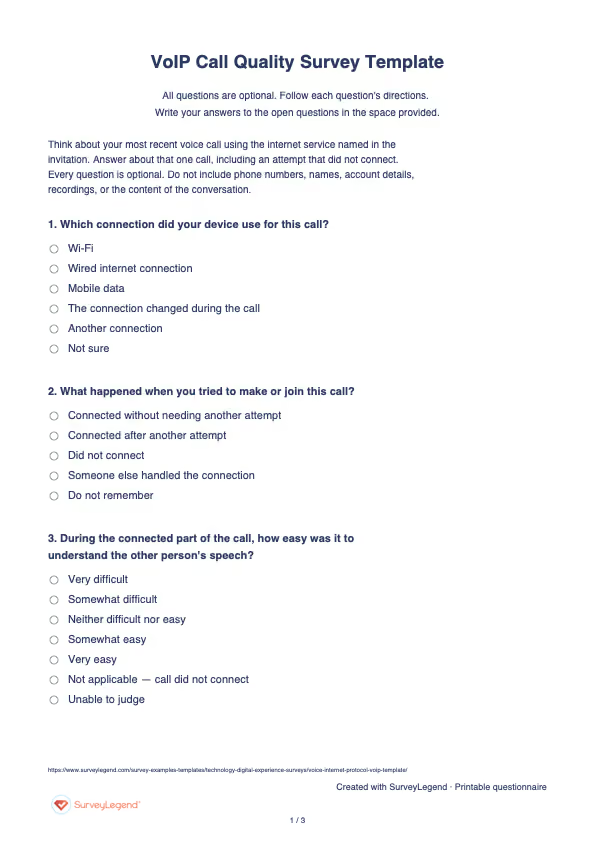
Think about your most recent voice call using the internet service named in the invitation. Answer about that one call, including an attempt that did not connect. Every question is optional. Do not include phone numbers, names, account details, recordings, or the content of the conversation.
A little feedback. A clearer picture.
Explore this 7-question example at your own pace. Every question is optional.
VoIP Call Quality Survey
Thank you for trying the survey!
You’ve tried the template from the respondent’s side. Make it your own with SurveyLegend.
Create your own surveyChecking submission availability…
This is a demo. We count starts and submissions only. Your answers stay in your browser and are never sent or saved.
Activity · no starts yet
Adapt the VoIP call quality questionnaire
Name one voice service and send the invitation shortly after a call or failed attempt. Include ordinary successful calls as well as problem reports if the goal is to understand the wider experience. Keep the invitation pattern consistent when comparing periods.
Do not collect recordings, phone numbers, IP addresses, or confidential call content in this form. Give users a separate support route when they need a reply. If the decision concerns the help someone received after reporting an issue, use technical support feedback. Keep perceived call quality separate from the quality of the help-desk interaction.
Printable VoIP call quality questionnaire template
Use the printable VoIP call quality questionnaire during a supervised service trial or a follow-up discussion about one call. Keep the service and reference call clear without writing phone numbers or conversation details. Review paper feedback manually; printing does not create a support ticket or send answers to SurveyLegend. State where completed questionnaires should be returned and who will review them. Paper answers require separate review or manual entry and are not automatically added to online responses.
Create this survey with an AI prompt
Copy the complete prompt below, register for a free SurveyLegend account, and paste it into SurveyLegend’s AI survey creation tool. Review the questions, choices and settings before sharing.
AI prompt for VoIP call quality survey
Copy the prompt, register for a free account, and paste it into SurveyLegend’s AI survey creation tool. Review the draft before sharing.
Already have an account? Sign in to create your voip call quality survey.
Interpret the VoIP call quality responses
First separate unsuccessful calls from connected calls. “Call did not connect” belongs in the connection outcome, not at the bottom of every audio-quality rating. Show the number of applicable answers for each question. Do not replace “Unable to judge” with a midpoint score.
Look for patterns across reported connection context, speech clarity, interruptions, and conversation delay. More complaints in one context can justify investigation, but self-reports cannot isolate whether the issue came from the device, application, local connection, or another participant. Read task impact separately: even a brief interruption may matter on one call. Use the final open-ended question to identify the part of the experience needing attention. Compare summaries with authorized technical evidence in a separate process; do not present these responses as uptime, latency, packet loss, or a validated MOS result.
Frequently asked questions
Does the survey measure latency or packet loss?
No. It records the caller’s experience. Network measurements require separate technical tools and evidence; a complaint about delay cannot by itself locate the fault.
Is the result a Mean Opinion Score?
No. These original practical questions do not follow a standardized MOS testing protocol. Report the individual answers without applying a standards label or combining them into an invented quality score.
Can someone respond if the call did not connect?
Yes. The questionnaire includes that outcome and not-applicable choices. Keep failed attempts visible in the summary while excluding them from ratings that require hearing a connected call.
-
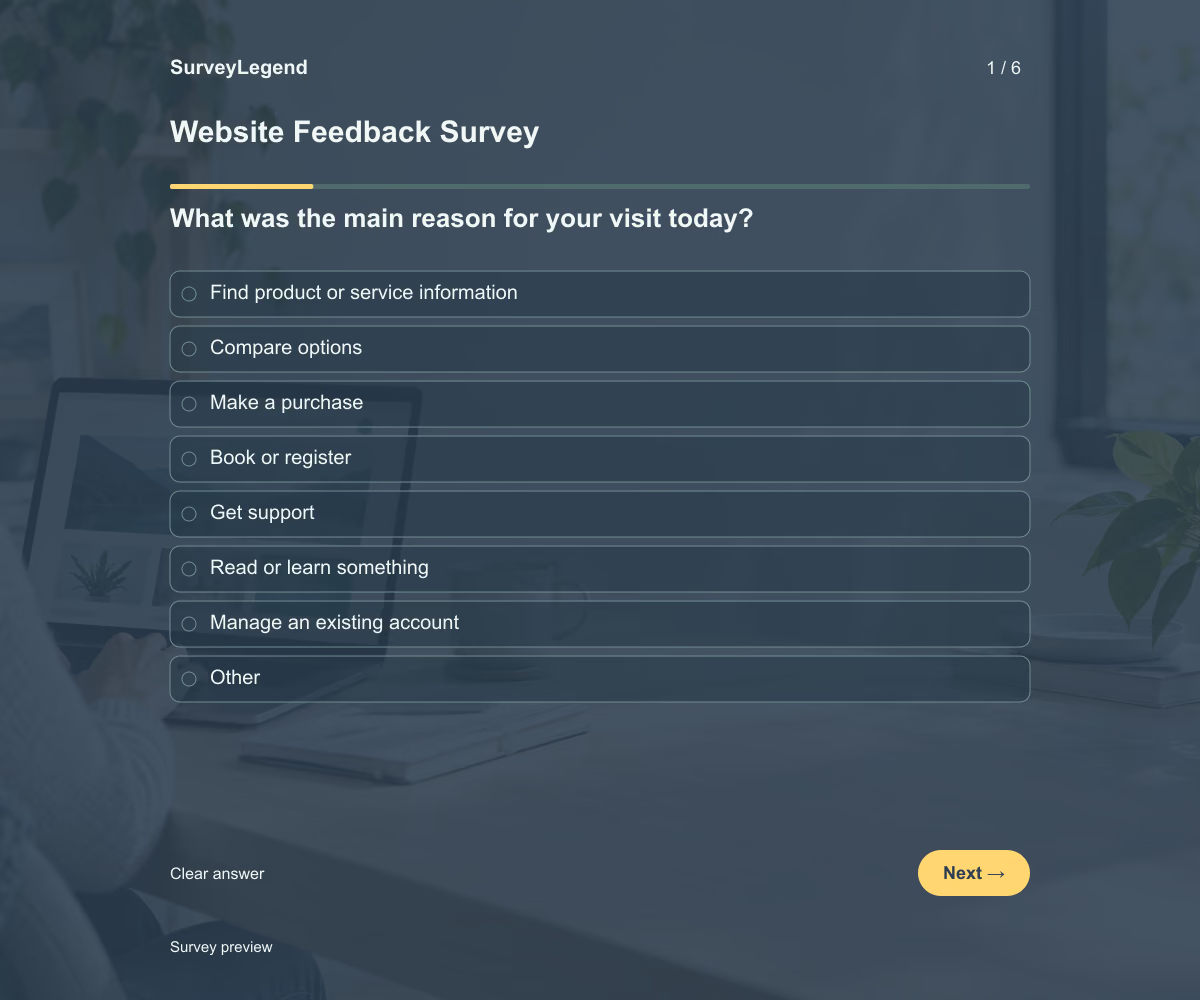 Website Feedback Survey Template This website feedback survey template helps you learn why visitors came to your website, whether they completed their task, and what got in the way. Its six questions cover the visit’s purpose, outcome, and difficulties. Adapt the questions to your website and create your survey with SurveyLegend.
 -
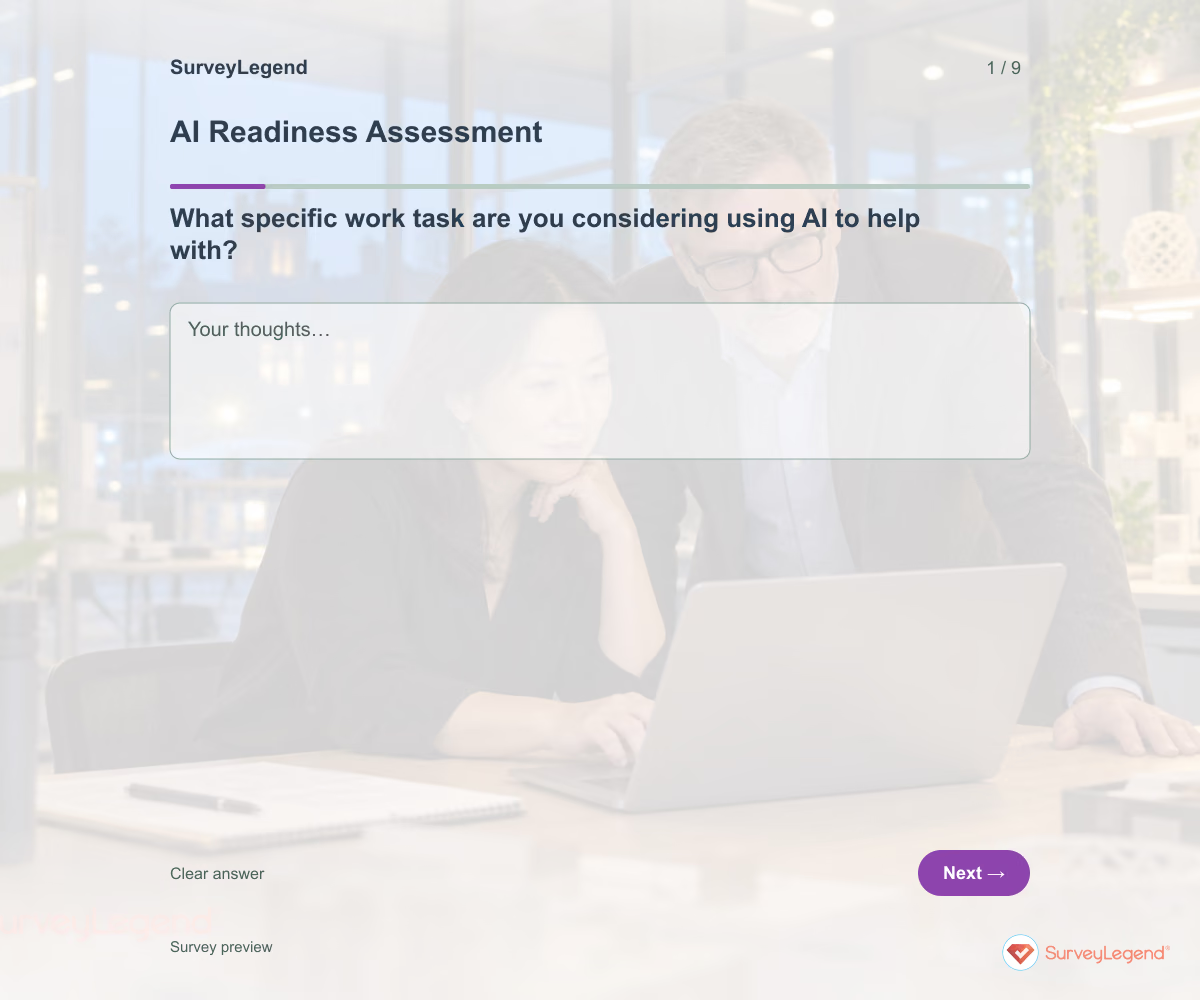 AI Readiness Assessment Template Use this AI readiness assessment template to identify what your team still needs before starting an AI pilot. Nine questions cover the proposed task, data access, review responsibilities, support, and success criteria. Build the assessment in SurveyLegend to bring practical questions into one conversation before choosing the next step.
 -
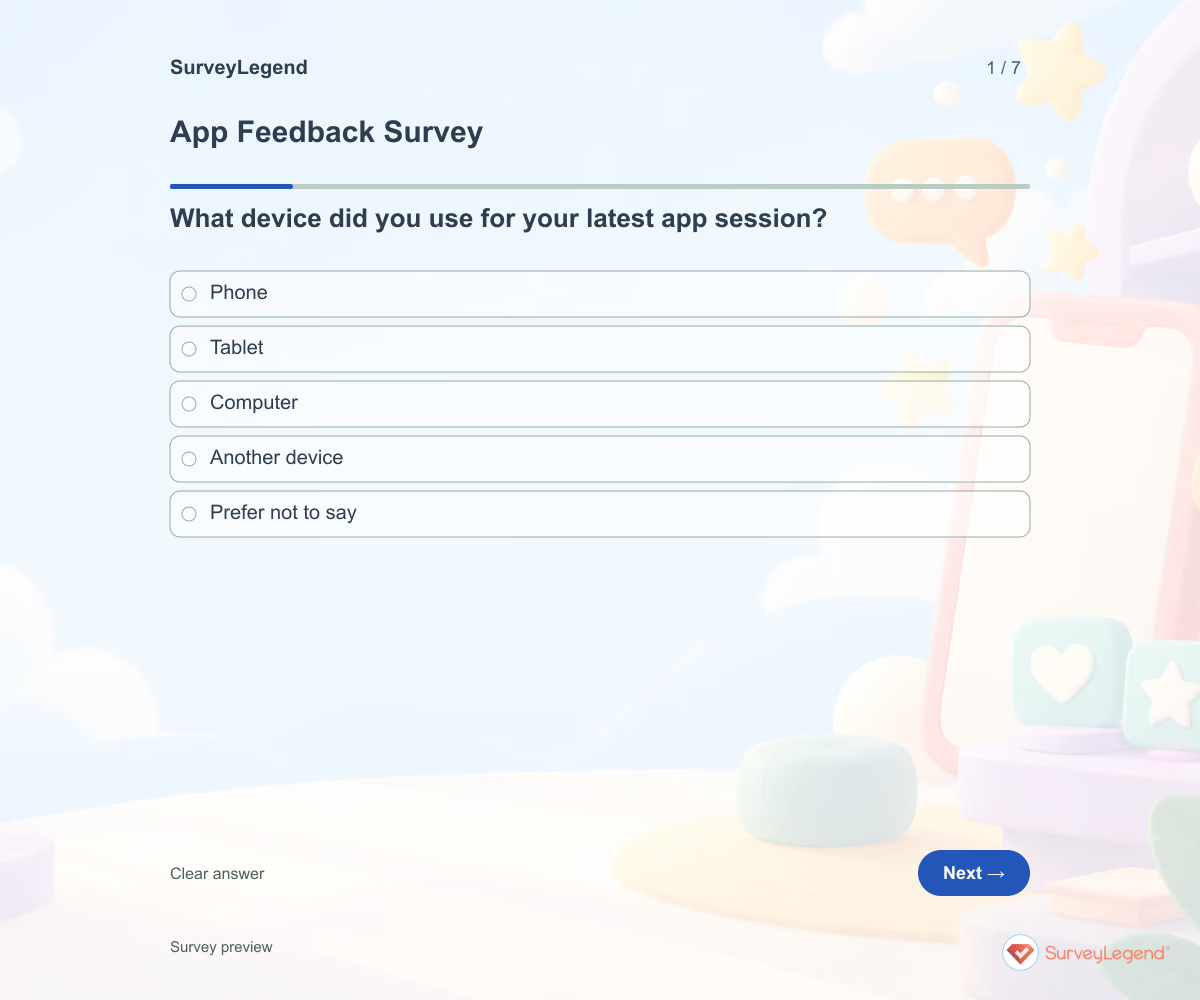 App Feedback Survey Template A broad app rating rarely tells a product team where to start. Anchor feedback to a recent session and ask what the user was trying to do. Keep bug investigation separate from the feedback form so people are not asked to submit sensitive screenshots or account data.
 -
 SaaS Onboarding Survey Template Creating an account is only one part of onboarding. Ask whether users attempted their intended task and what happened next. Include people who did not get started so you do not hear only from successful users.
 -
 Software Evaluation Survey Template A software demo can look convincing without showing whether the tool fits your work. Give evaluators the same trial task and ask what they could complete. Keep their experience separate from technical checks that require specialist review.
 -
 Blockchain Pilot Survey Template This blockchain pilot survey helps participating teams describe what must be agreed before a trial begins. It starts with the business task, not a promise that blockchain will solve it. Build the original questionnaire in SurveyLegend and use the responses to prepare a focused scoping discussion.
 -
 CRM Software Survey Template A CRM can hold plenty of information and still make routine work harder than it needs to be. Ask users where the process breaks down before deciding whether the answer is training, clearer ownership, better data, or a system change. This SurveyLegend questionnaire keeps those possibilities separate.
 -
 Employee Cybersecurity Awareness Survey Template A completed training module does not tell a security team whether the reporting route is clear. SurveyLegend helps gather practical feedback from employees without asking anyone to paste a suspicious link or reveal a password.
 -
 General Internet Usage Survey Template Being online does not necessarily mean someone can complete every task they need to do. This SurveyLegend questionnaire separates access, use, and requested support so those different needs remain visible.
 -
 Help Desk Ticket Form Template “It does not work” leaves a support team with several questions. Which tool was involved? What was the person trying to do? What appeared instead? SurveyLegend helps you collect those details in a consistent form before the help desk reviews the issue. Use your established support route to associate the report with a requester.
 -
 Home Security Survey Template Use the questionnaire before choosing a community workshop or resident information pack. Renters and owners may have different decision roles, so a single list of recommended purchases may miss what people need. SurveyLegend's example focuses on useful information and practical barriers, not on identifying weaknesses in individual homes.
 -
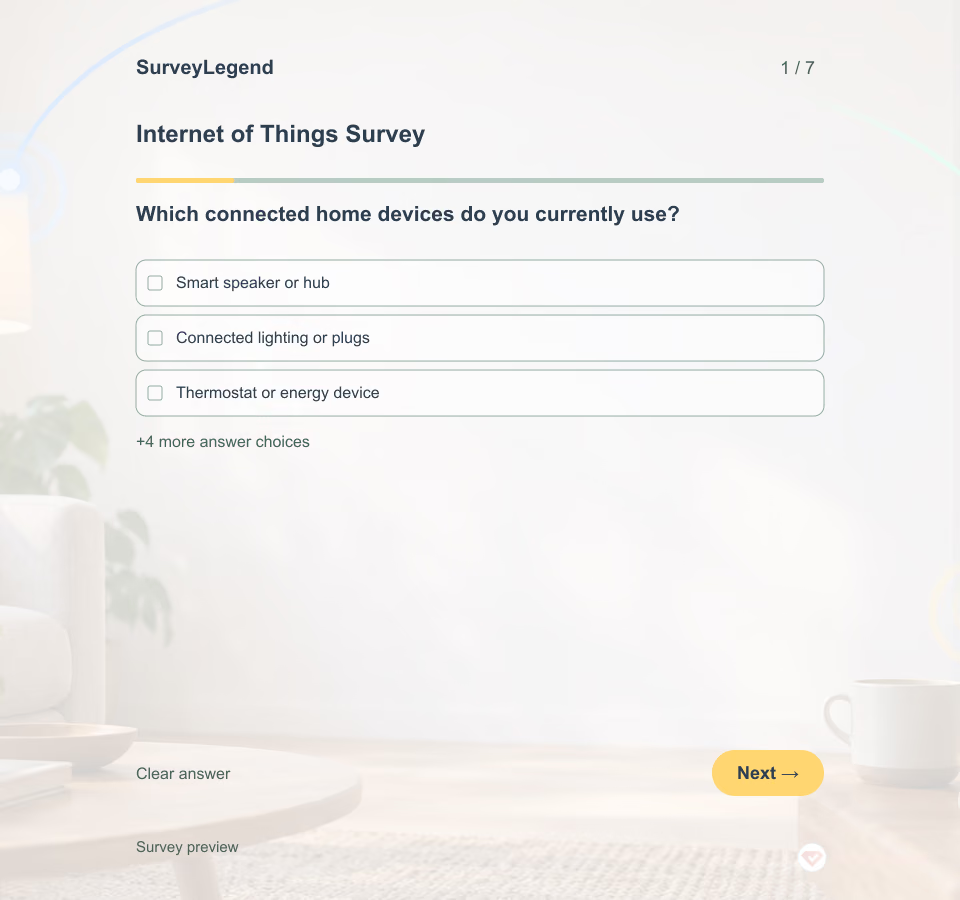 Internet of Things Survey Template A smart light and a connected lock serve different needs. Name one device or concept, describe what it does in plain language, and invite people who have not used it as well as current users. This survey explores usability and information needs; it does not test device security.
 -
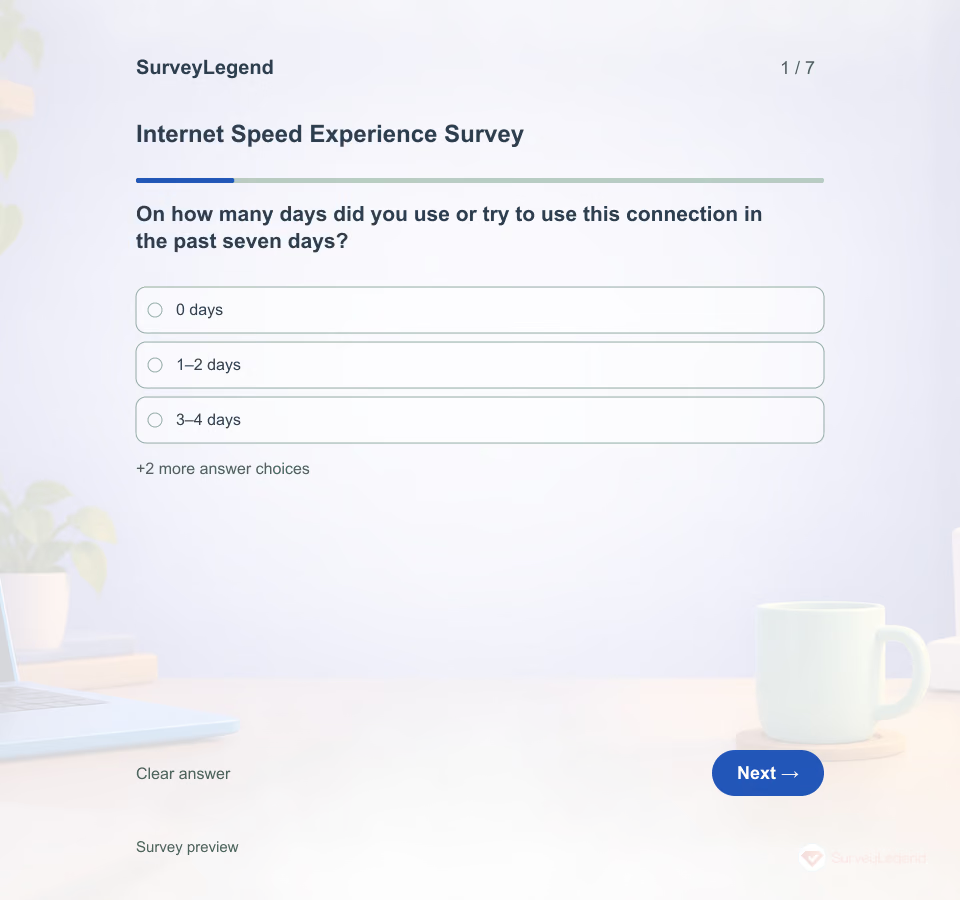 Internet Speed Experience Survey Template A connection can feel slow during one activity and work well for another. Asking only whether someone is satisfied leaves that difference unexplained. SurveyLegend's questionnaire helps you collect a focused account of recent experience; it does not run a speed test or measure download and upload rates.
 -
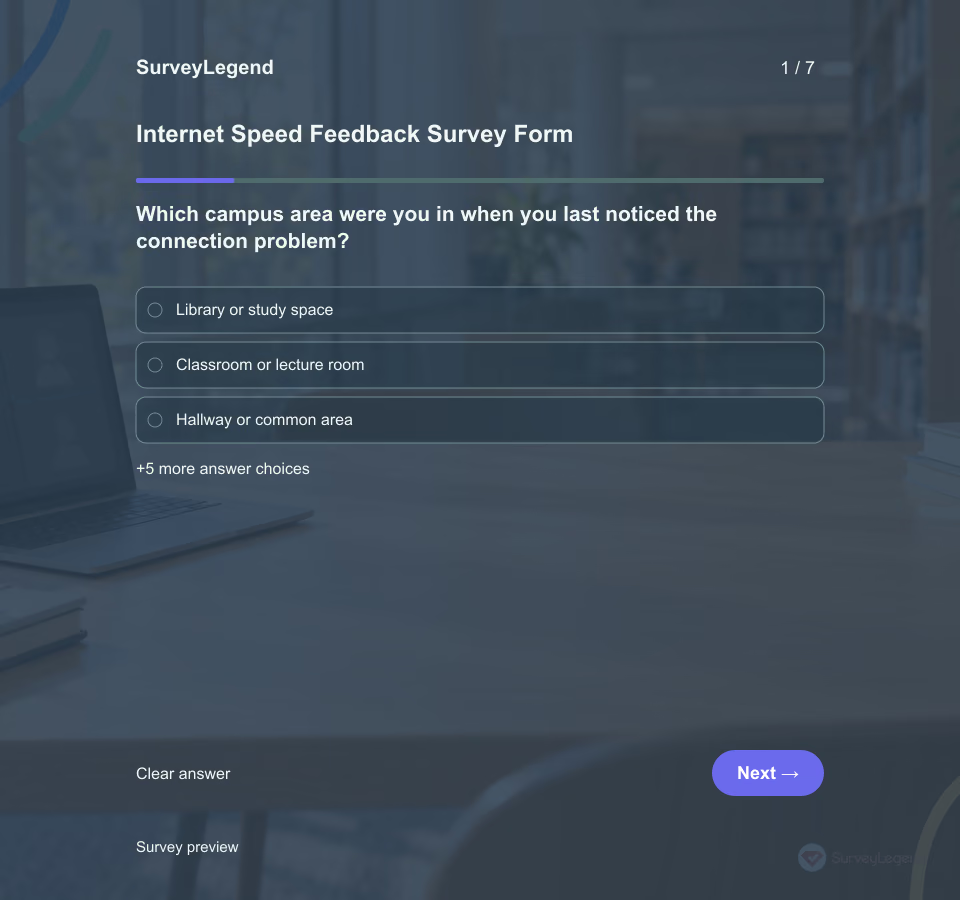 Internet Speed Feedback Survey Form Ask adult campus Wi‑Fi users about the past seven days and name the exact network in the invitation. A 2024 IPB University thesis measured throughput, delay, jitter and packet loss across campus locations and tasks, then separately surveyed 50 students. Its abstract reports “a survey of 50 students rated connection speed at 3.04 (fair).” Read the university thesis abstract. That distinction matters: a person's rating and a network instrument's Mbps, delay or packet loss are different evidence. The IPB results describe one campus and do not validate this original SurveyLegend form.
 -
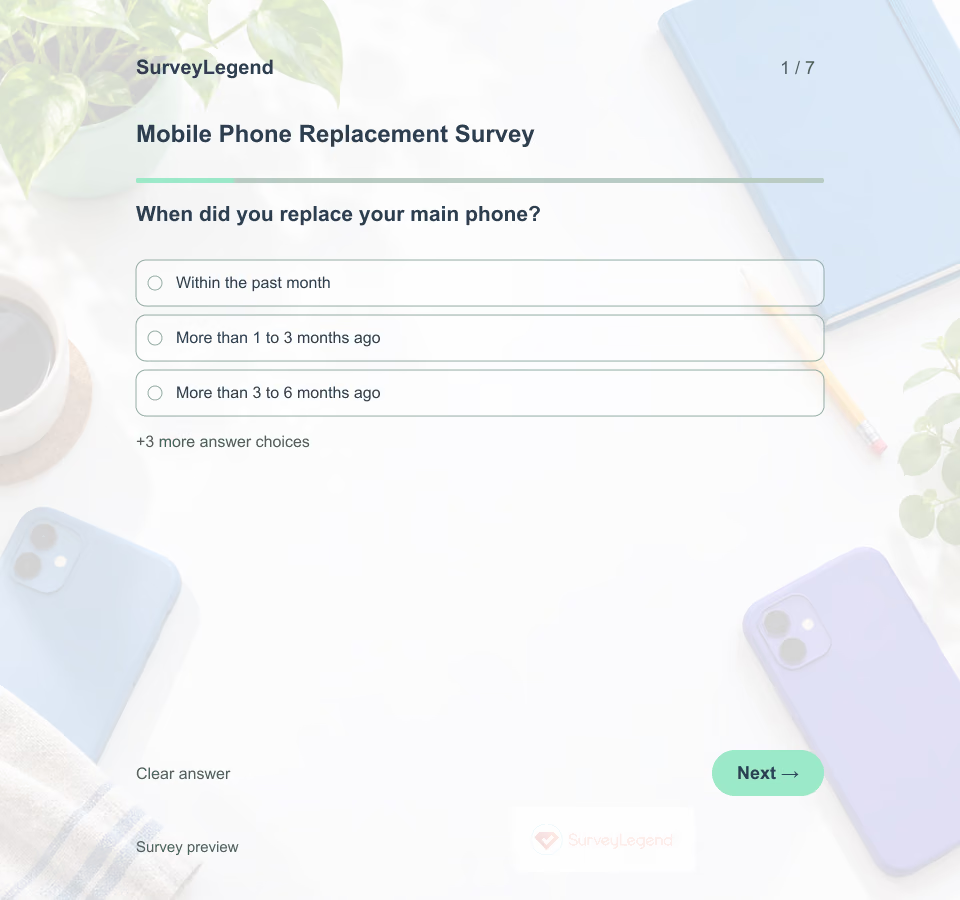 Mobile Phone Replacement Survey Template Invite adults who replaced their main phone within the past 12 months and ask about that one decision. Replacing a phone because it stopped working is different from choosing a new feature while the old phone still works. SurveyLegend's example keeps those reasons separate so researchers can identify useful follow-up questions.
 -
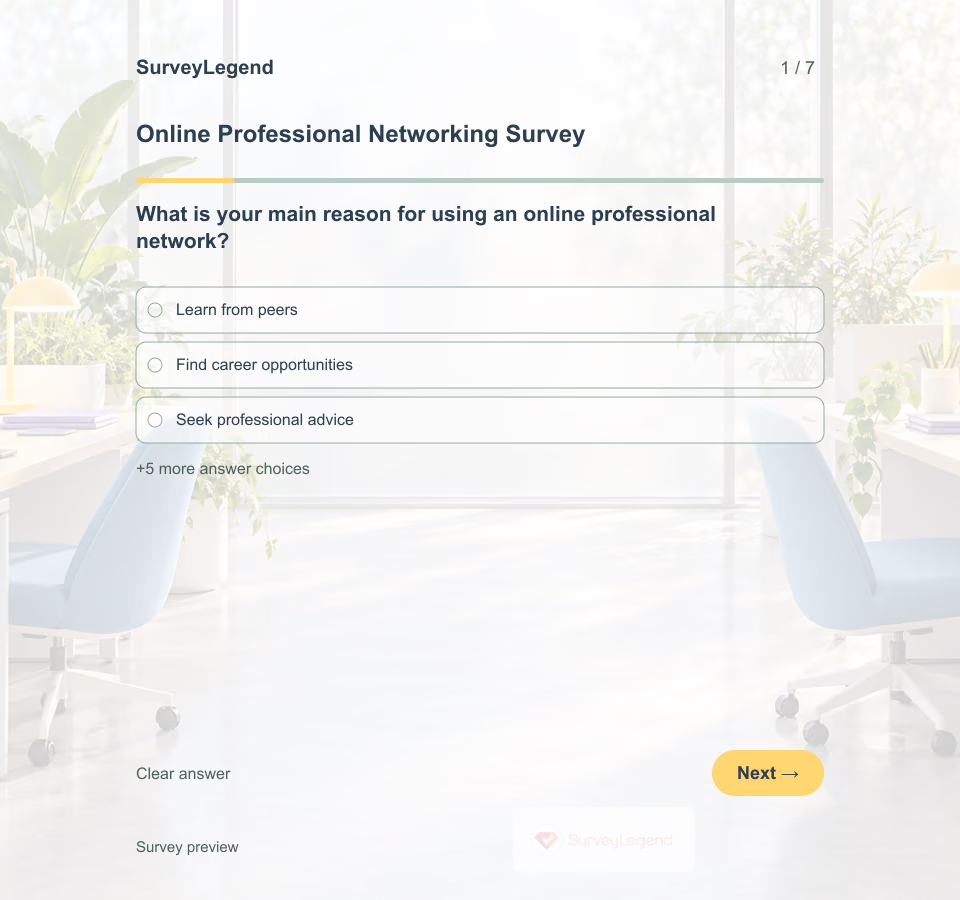 Online Professional Networking Survey Template A large contact list does not tell you whether someone found useful advice or a meaningful conversation. This SurveyLegend questionnaire focuses on what people are trying to achieve and the interactions they actually describe.
 -
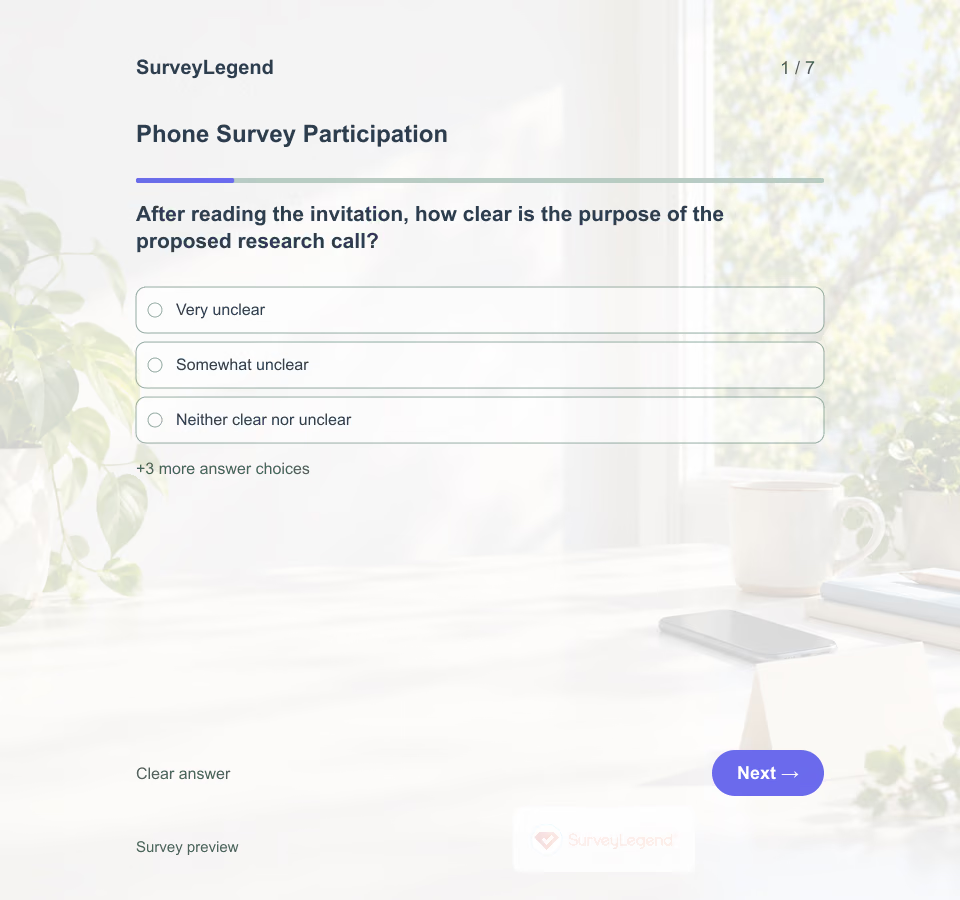 Phone Survey Participation Template This phone survey participation template helps a research team improve how it invites adults to one planned telephone study. Show a plain-language invitation first, then ask what would make participation practical. SurveyLegend can be used to build the feedback questionnaire; the team must manage recruitment and calls through its own approved process.
 -
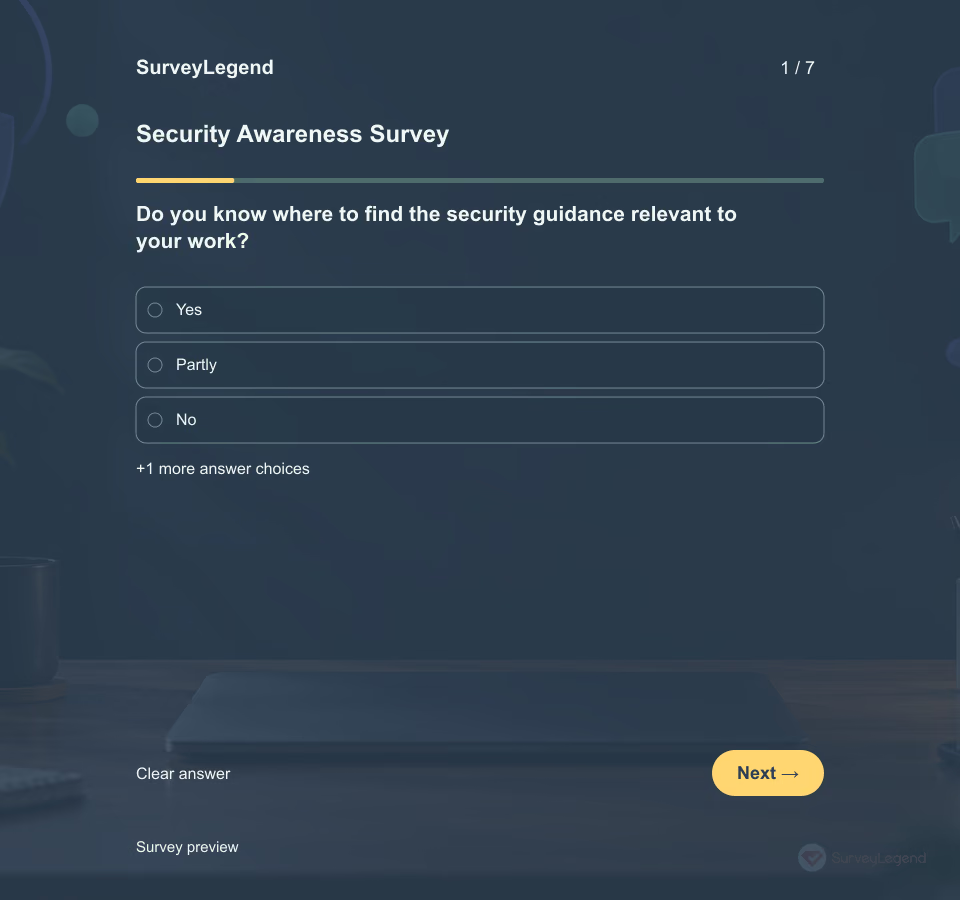 Security Awareness Survey Template Knowing where guidance is located, feeling confident about reporting, and following a procedure are different things. Ask about each carefully rather than treating confidence as proof of security knowledge.
 -
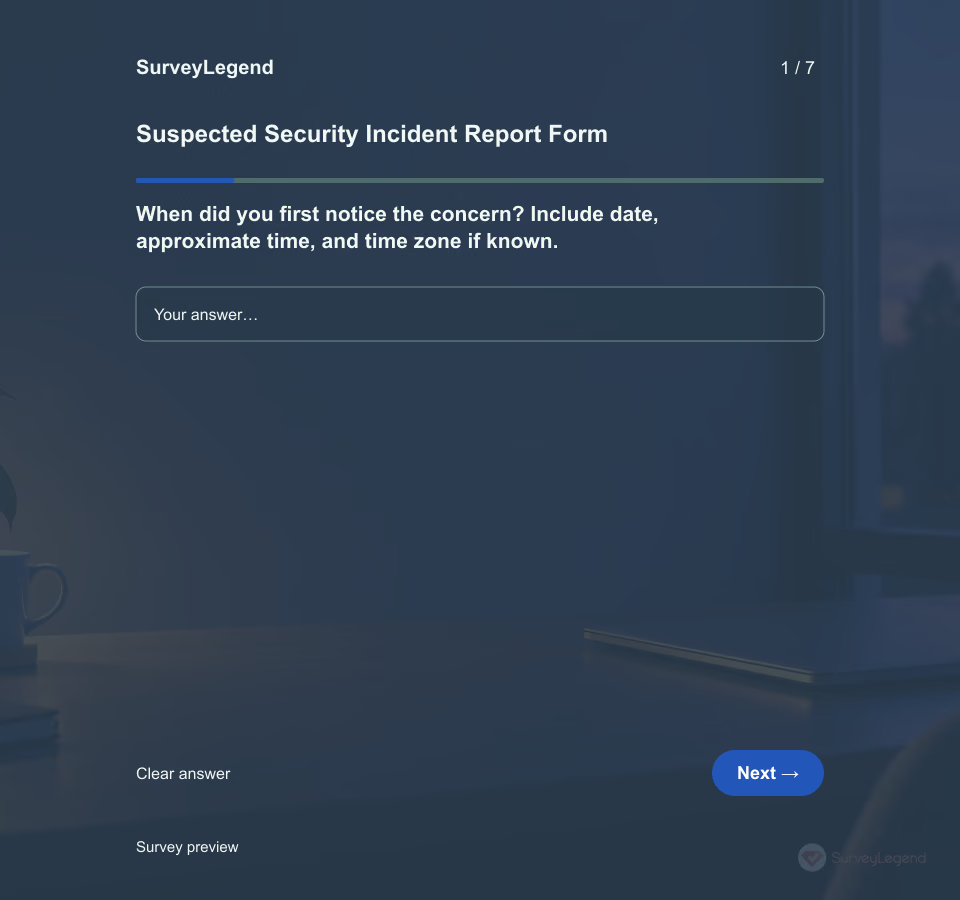 Suspected Security Incident Report Form Template A suspicious message does not automatically mean a breach occurred. A reporter should be able to explain what they saw and which service was involved while the designated security team determines the next step.
 -
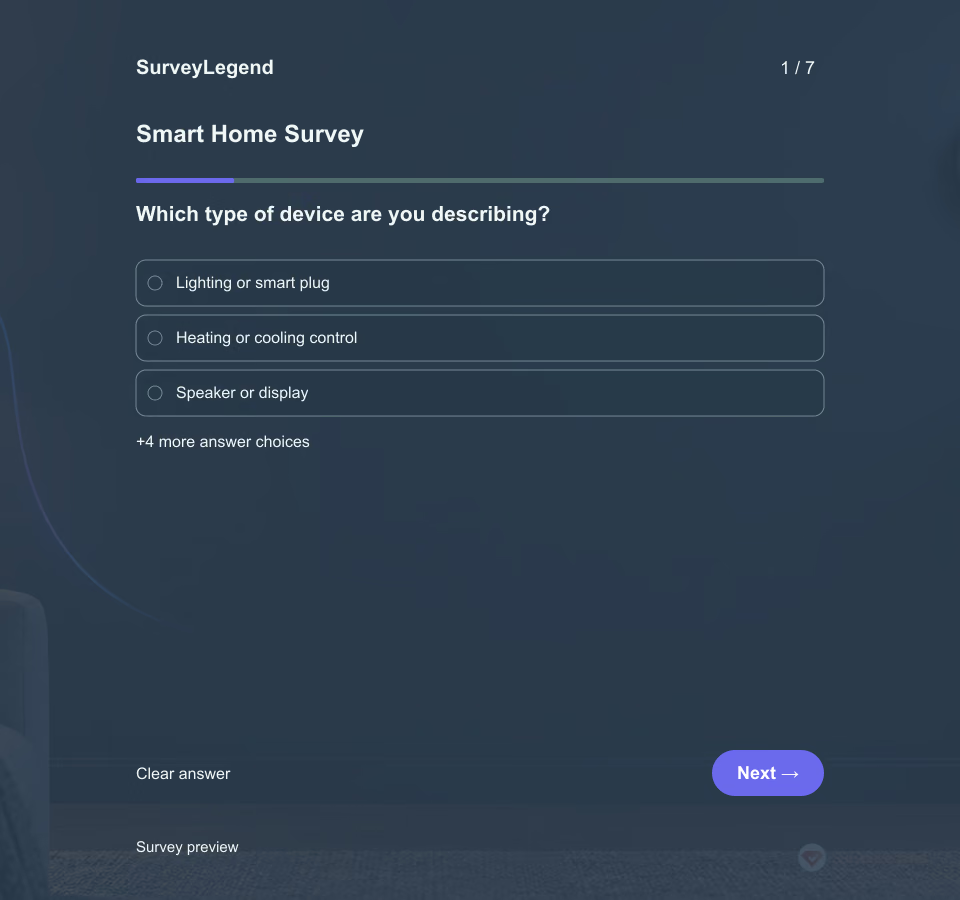 Smart Home Survey Template A device can work reliably while leaving people unsure how to change its settings or understand its data collection. Ask about those experiences separately rather than combining them in one satisfaction rating.
 -
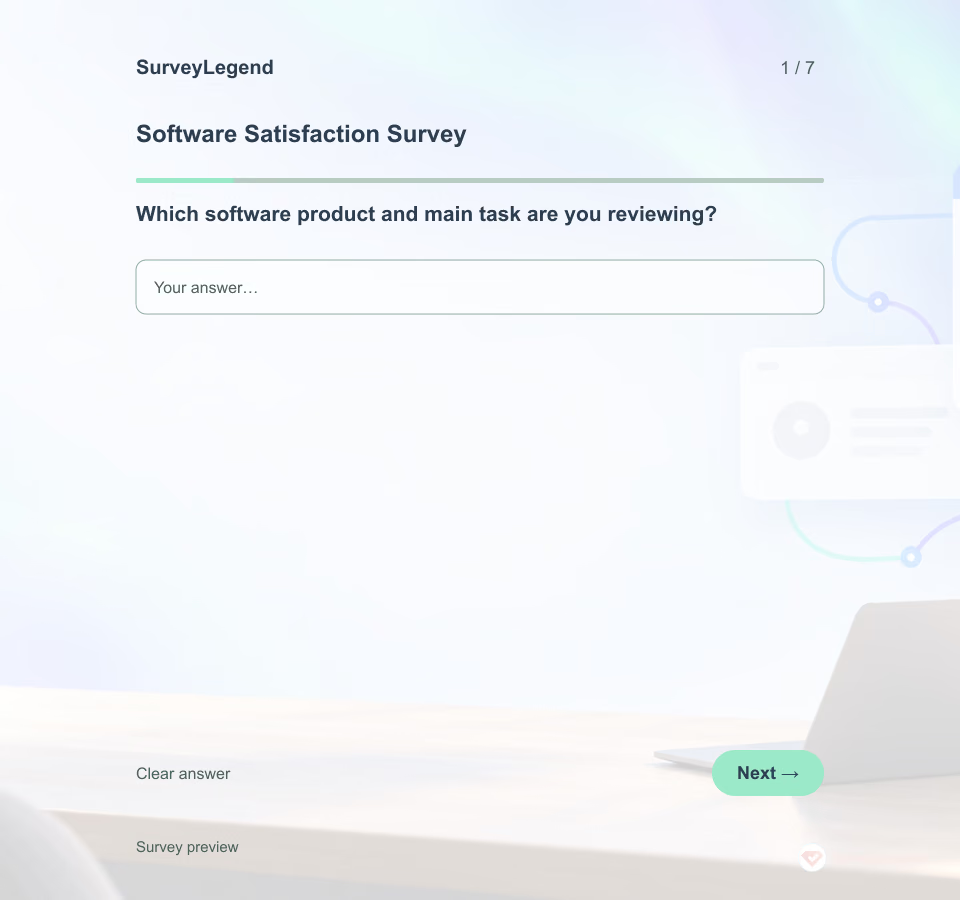 Software Satisfaction Survey Template Use this software satisfaction survey template with people who have used one established product during the past four weeks. The seven optional questions separate overall satisfaction, task ease, reliability, information quality, support, and one improvement. Browse related technology templates, then adapt this focused version in SurveyLegend.
 -
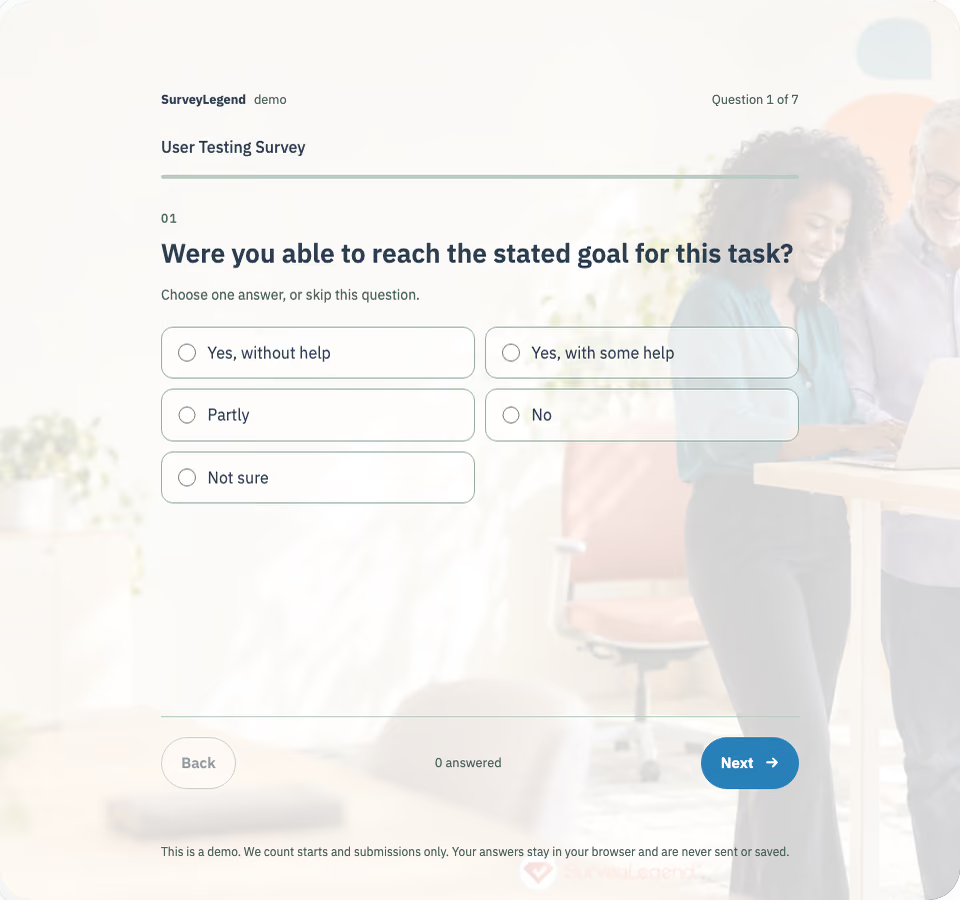 User Testing Survey Template Name the task, the prototype or product version and the intended goal before the session. Ask the participant to answer immediately after the attempt, while the sequence is still easy to recall. Keep observed behavior, help given and task timing in the moderator’s record instead of asking the questionnaire to reconstruct them.
 -
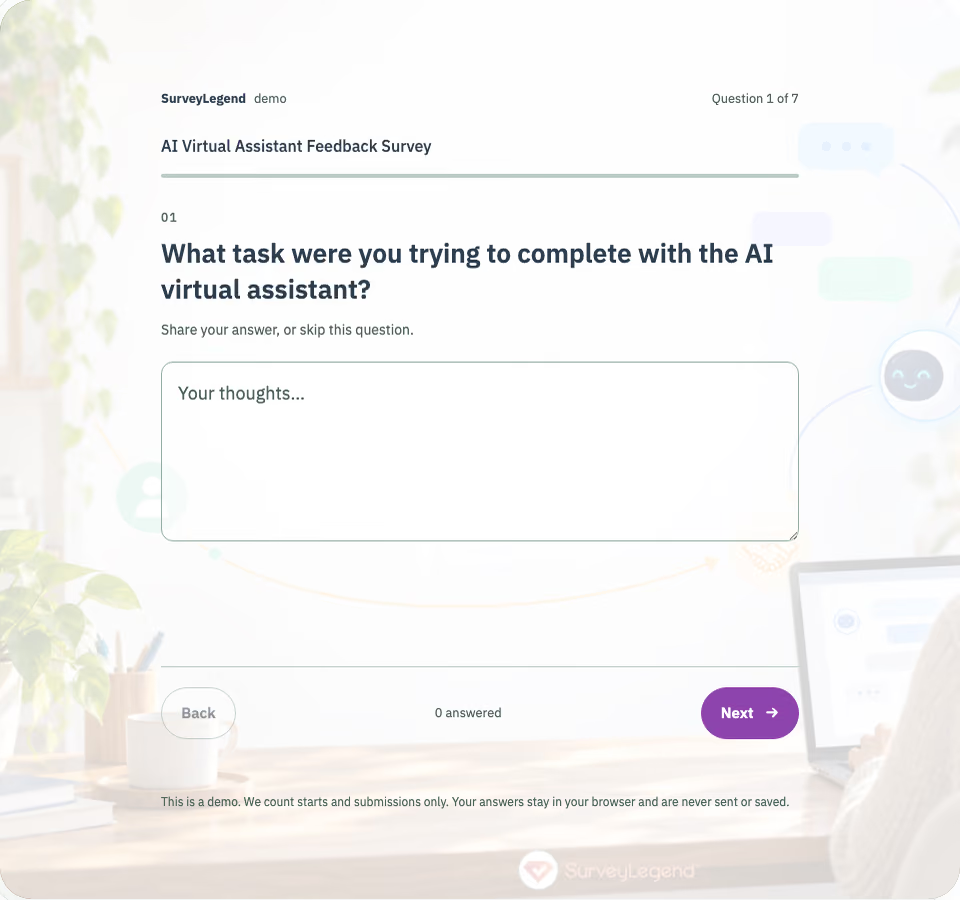 AI Virtual Assistant Feedback Survey Template Use this AI virtual assistant feedback survey template after one task-oriented conversation. The seven optional questions separate request understanding, response relevance, task resolution, dialogue ease, handoff clarity, and one improvement. Browse related technology templates, then adapt this focused version in SurveyLegend.
Free survey maker
Start creating surveys today for free
Create and bring your ideas to life with the survey tool used by people all over the world.
Ready to collect better research data?
Create academic surveys and questionnaires from ready-made templates.