

Process Improvement Survey Template
This process improvement survey collects feedback from people who carry out a recurring workflow. Find unclear handoffs, repeated delays, and changes worth testing before redesigning the process.
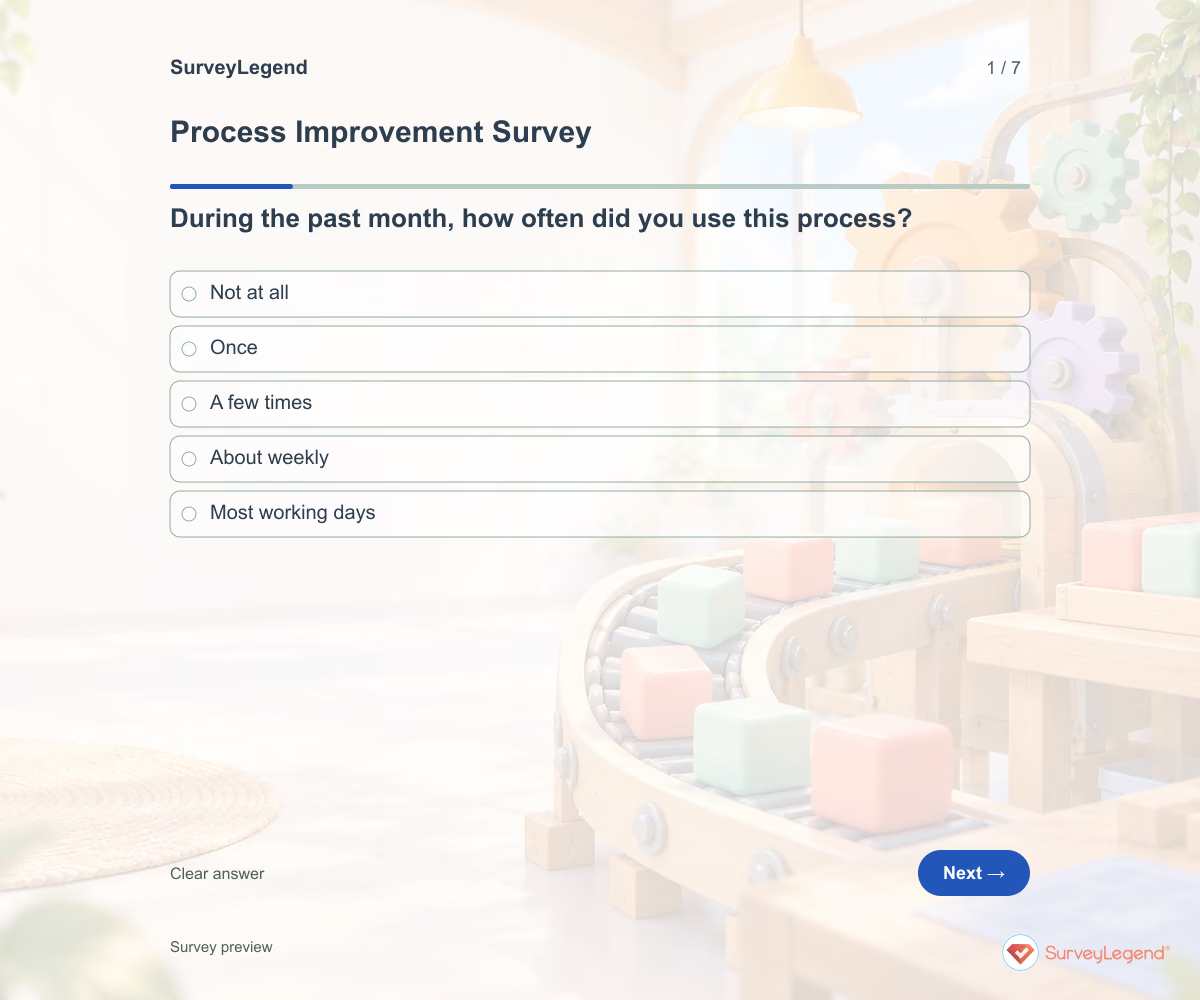
A workflow can look straightforward on paper while requiring workarounds every day. Ask the people completing it where work slows down and what they need to move it forward. Keep the survey focused on one named process so the answers point to changes an owner can make.
When to use this process improvement survey
Operations managers and team leads can use this questionnaire before revising a recurring process. It covers the work itself, rather than employee satisfaction or a review of one completed project.
For a broader review of team practices, use our agile maturity template.
7 questions for your process improvement survey
Use these 7 questions as a starting point. All fields are optional; choose one answer where choices are listed. Leave an irrelevant open field blank.
Respondent introduction:
Think about the named process during the past month. Answer only about steps you have used. Do not include customer details or other people’s names.
A little feedback. A clearer picture.
Explore this 7-question example at your own pace. Every question is optional.

Process Improvement Survey
Thank you for trying the survey!
You’ve tried the template from the respondent’s side. Make it your own with SurveyLegend.
Create your own surveyChecking submission availability…
This is a demo. We count starts and submissions only. Your answers stay in your browser and are never sent or saved.
Activity · no starts yet
How to customize your process improvement survey
Name the start and end of the workflow, such as receiving a request through confirming completion. Keep the past-month period or replace it consistently. Invite people from each handoff, including those who only handle one step. Explain who will read comments and ask for examples without customer or coworker names. Before sharing widely, try the questions with a few people from the intended audience and clarify anything they interpret differently.
Printable process improvement survey template
Use this printable process improvement survey template during a team process review or a shift handover. It includes the same questions and space to write, giving people who prefer paper or are less comfortable online another way to take part. SurveyLegend helps you offer both formats. Tell respondents where to return the completed form and who will review it. Paper answers need a separate review or manual entry process; they are not automatically added to online responses.
 Download PDF
 AI prompt for a process improvement survey
Use these questions to find the workflow step your team should review next.
The full prompt below specifies your process improvement survey, including all 7 questions and response settings. Copy it, register for a free SurveyLegend account, and paste it into SurveyLegend’s AI survey creation tool. Review the result and add your organization’s details before sharing.
Create a free account, then paste the copied prompt into SurveyLegend.
Already have an account? Sign in to create your process improvement survey.
How to use the answers
Group the main obstacles before choosing a process change. Frequent delays with unclear next steps suggest a handoff problem; clear instructions with repeated waits may require a capacity review. Use comments to locate the affected step, then assign an owner to investigate. Compare a later survey using the same process boundary; feedback alone does not measure time saved.
Frequently asked questions
Who should answer a process improvement survey?
Invite people who perform, receive, or hand off the work. A manager’s view alone may miss delays between teams.
Can this survey calculate process efficiency?
No. It records reported experiences. Combine findings with separately collected workflow timings or error records when those measures are needed.
Should we survey several workflows together?
Use a separate version for each workflow when its steps or owners differ. Otherwise a delay rating may be difficult to act on.
-
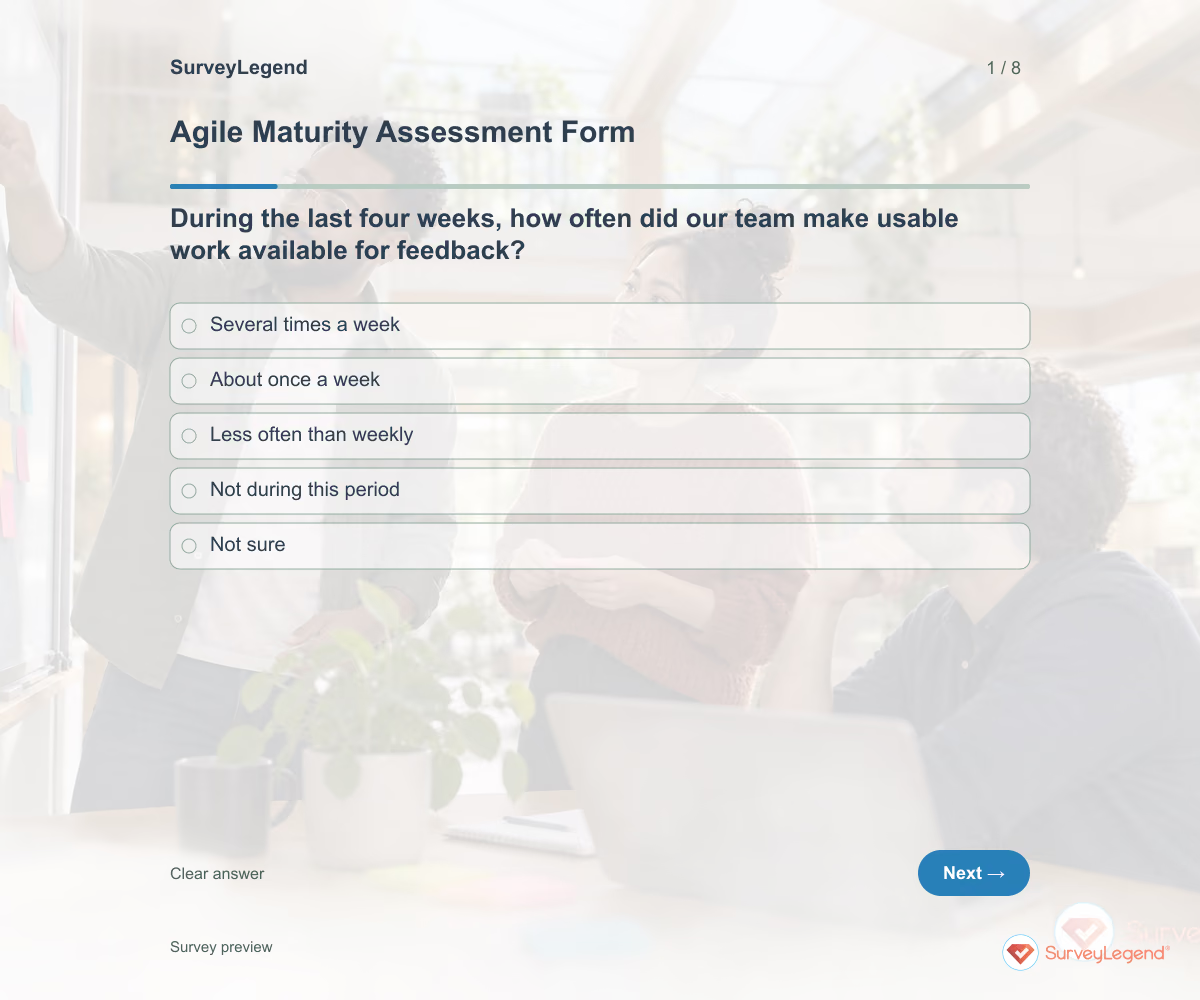 Agile Maturity Assessment Form Template Use this agile maturity assessment form template to examine how your software team works and choose a practical improvement. Eight questions ask about recent delivery, user feedback, sustainable pace, and follow-through. Customize the form in SurveyLegend before a retrospective, then discuss the examples behind the answers rather than assigning the team a maturity label.
 -
 Partner Satisfaction Survey Template A partner relationship involves more than a transaction. Expectations, access to the right person, and the handling of shared work all shape the experience. Ask about these separately so a general satisfaction rating does not hide a fixable coordination issue.
 -
 Post-Project Assessment Survey Template Closeout is a useful time to capture what people would repeat and what they would change. Give contributors a shared project name and completion date so their comments refer to the same work. Review the answers while the details are still fresh.
 -
 Weekly Status Report Template A useful weekly update makes action clear without turning into a diary. Ask what moved forward, what comes next, and where a decision is needed. Keep the reporting period visible so team members are not mixing updates from different weeks.
Free survey maker
Start creating surveys today for free
Create and bring your ideas to life with the survey tool used by people all over the world.
Ready to collect better research data?
Create academic surveys and questionnaires from ready-made templates.