

Project Risk Assessment Survey Template
A project risk assessment survey helps contributors describe what could disrupt an upcoming milestone and what the team should check next. Use these seven optional questions to capture a clear risk statement, early warning signs, and gaps in the response plan.

A project risk assessment survey helps contributors describe what could disrupt an upcoming milestone and what the team should check next. Use these seven optional questions to capture a clear risk statement, early warning signs, and gaps in the response plan.
“Something might go wrong” gives a project manager little to investigate. Ask what could happen, what would signal trouble, and what evidence supports the concern. Build this questionnaire in SurveyLegend to prepare a focused risk discussion before the next milestone.
When to Use This Template
Use this template during project planning or before a major handoff. Ask respondents to describe one potential risk per response so its cause, possible effect, and next step stay connected. After delivery, switch to a post-project assessment to record lessons from what actually happened.
7 Project Risk Assessment Survey Questions
Think about the named project's next milestone. Describe one possible problem that has not yet occurred. All questions are optional. Share work-related observations without confidential customer or personal details. Report urgent incidents through the project's established escalation route.
A little feedback. A clearer picture.
Explore this 7-question example at your own pace. Every question is optional.
Project Risk Assessment Survey
Thank you for trying the survey!
You’ve tried the template from the respondent’s side. Make it your own with SurveyLegend.
Create your own surveyChecking submission availability…
This is a demo. We count starts and submissions only. Your answers stay in your browser and are never sent or saved.
Activity · no starts yet
How to Adapt the Questionnaire
Name one project, its next milestone, and the period being reviewed. Replace the objective options with terms contributors recognize. Keep the questions about possibilities separate from the issue log for problems already occurring. Use open-ended questions to preserve the trigger and consequence in the respondent's own words. Pilot the form with two contributors and check whether they interpret “risk” the same way.
When to Ask
Collect responses early enough to investigate concerns before the milestone. Repeat after a major change in scope, staffing, or a dependency. Give people an immediate escalation contact; waiting for the next survey review is not appropriate for an urgent issue.
How to Use the Responses
Group responses that describe the same event, but retain different supporting observations. Separate a missing response plan from a high estimated risk: the former is a planning gap, not a probability. Ask a relevant owner to check the evidence, identify an action, and set a review date. This questionnaire produces no risk score. Do not multiply answer codes, treat the number of mentions as a probability, or certify that unmentioned risks are absent.
What the Research Adds
In his 2008 analysis of risk matrices, Louis Anthony Cox Jr. cautioned that ratings “require subjective interpretation.” Read the study . That limitation supports making assumptions and observations visible instead of presenting a simple score as objective evidence. The paper examines mathematical properties of risk matrices; it does not validate these seven questions or show that this form prevents project failure.
Frequently asked questions
Does this template calculate a risk score?
No. It gathers descriptions, evidence, and response gaps for review. Use an appropriately designed assessment process if a decision needs quantitative estimates.
Can this replace a safety or compliance assessment?
No. This version supports routine business project planning. It is not a workplace safety assessment, audit, or certification instrument.
What if the problem has already happened?
Record it in the project's issue or incident process. Use this form for possible future problems and related uncertainty.
Printable Project Risk Assessment Survey
Use the printed questionnaire before a planning meeting so contributors can reflect independently. Discuss repeated concerns without assuming that silence means agreement, then record agreed actions in the project system. Paper answers need separate review or manual entry; they are not automatically added to online results.
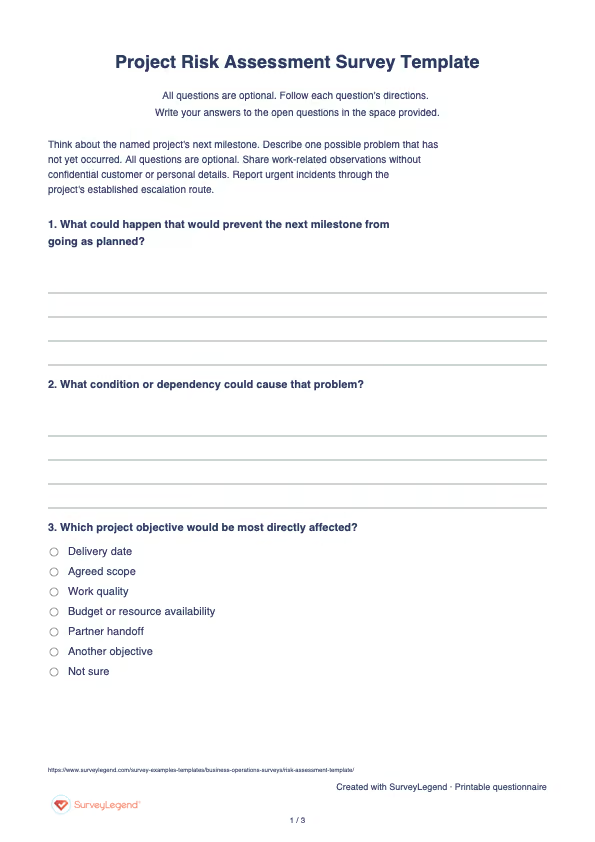
 Download the project risk assessment survey
 AI Prompt: Project Risk Assessment Survey
Copy this project risk assessment survey prompt into an AI assistant to prepare the questionnaire. Review the result, then build and customize it in SurveyLegend. The prompt does not automatically create or transfer a survey.
Project Risk Assessment Survey Prompt
Copy the prompt into an AI assistant to draft the questions, then build your survey in SurveyLegend.
Sign in to SurveyLegend to build your project risk assessment survey
-
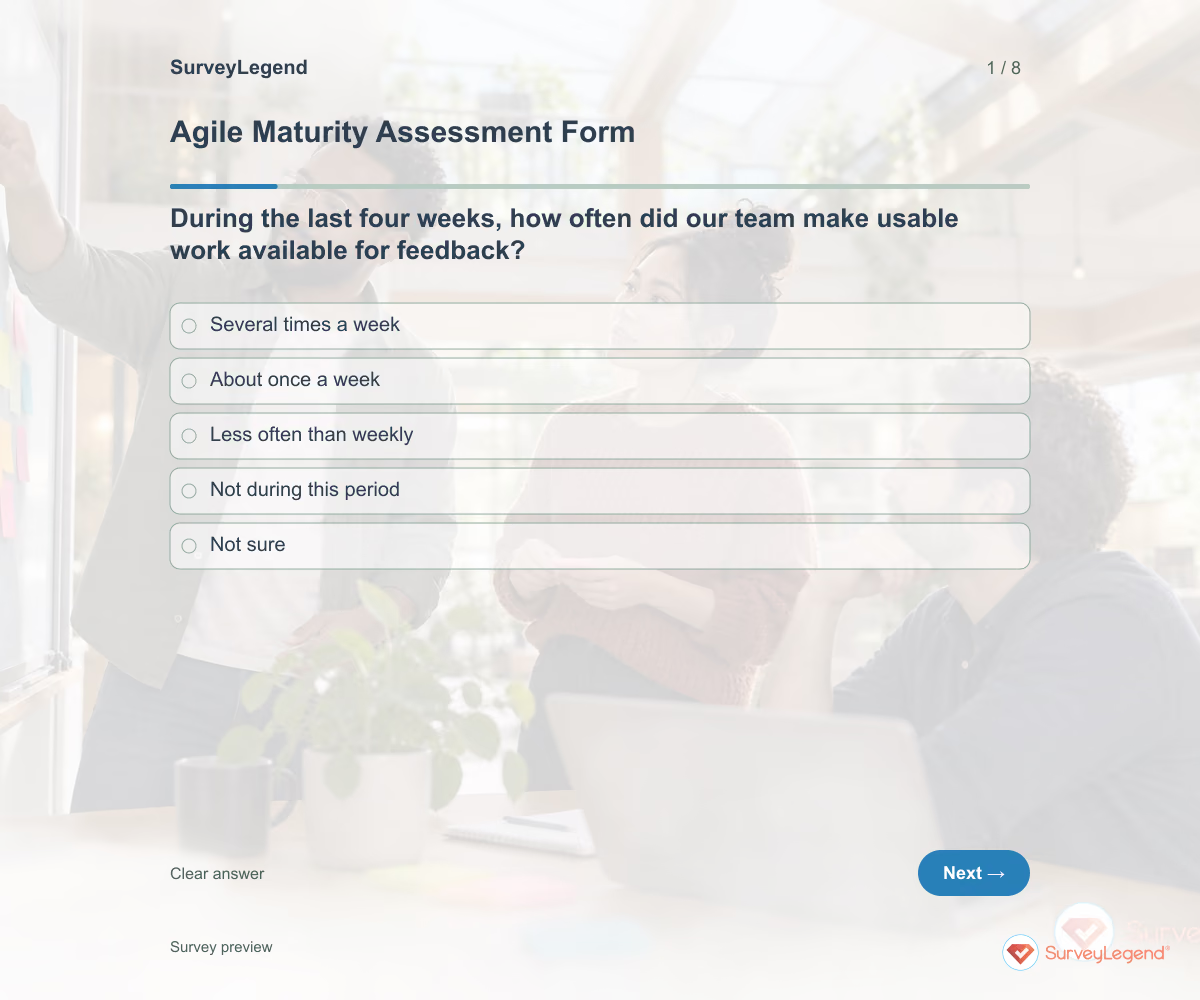 Agile Maturity Assessment Form Template Use this agile maturity assessment form template to examine how your software team works and choose a practical improvement. Eight questions ask about recent delivery, user feedback, sustainable pace, and follow-through. Customize the form in SurveyLegend before a retrospective, then discuss the examples behind the answers rather than assigning the team a maturity label.
 -
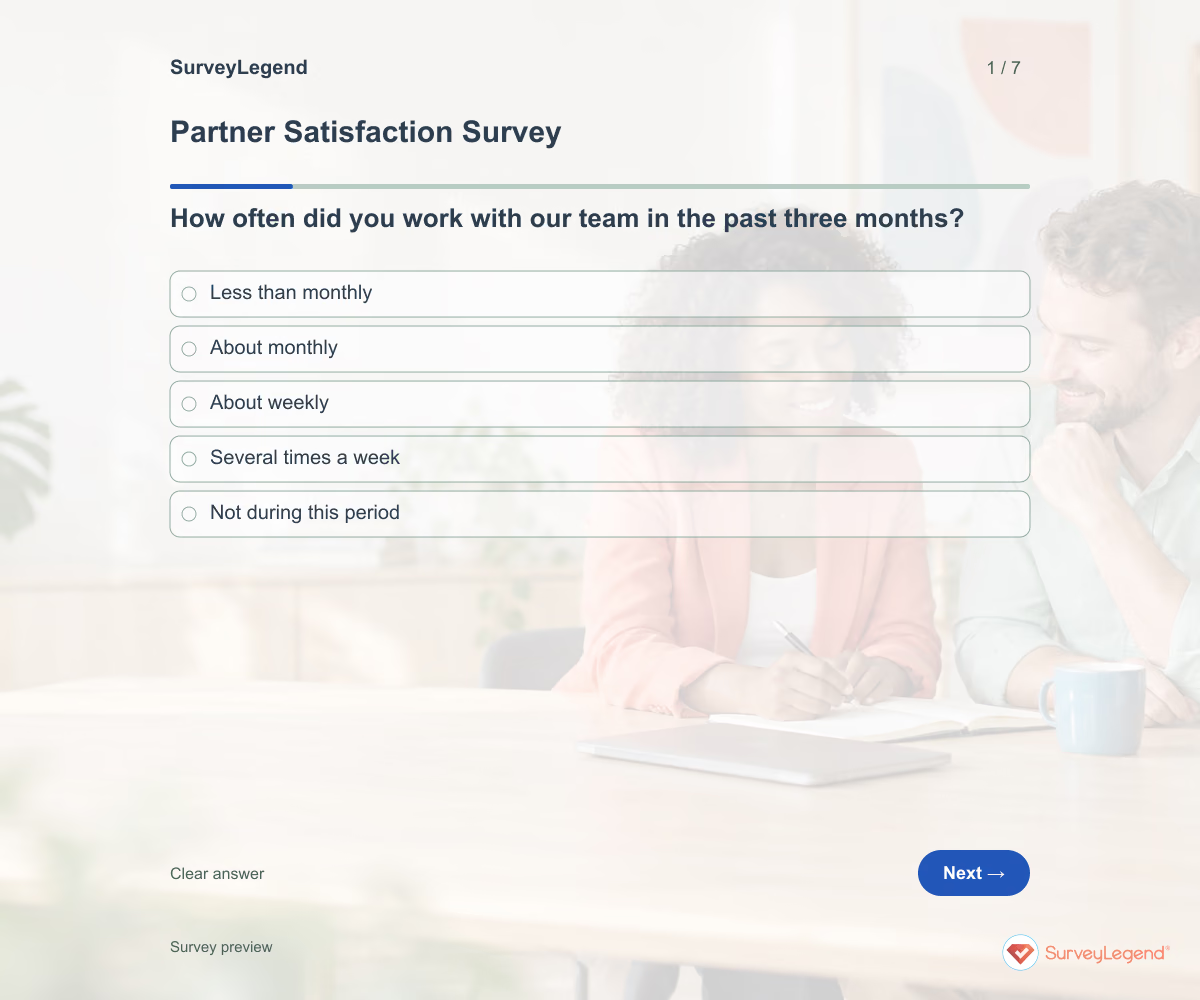 Partner Satisfaction Survey Template A partner relationship involves more than a transaction. Expectations, access to the right person, and the handling of shared work all shape the experience. Ask about these separately so a general satisfaction rating does not hide a fixable coordination issue.
 -
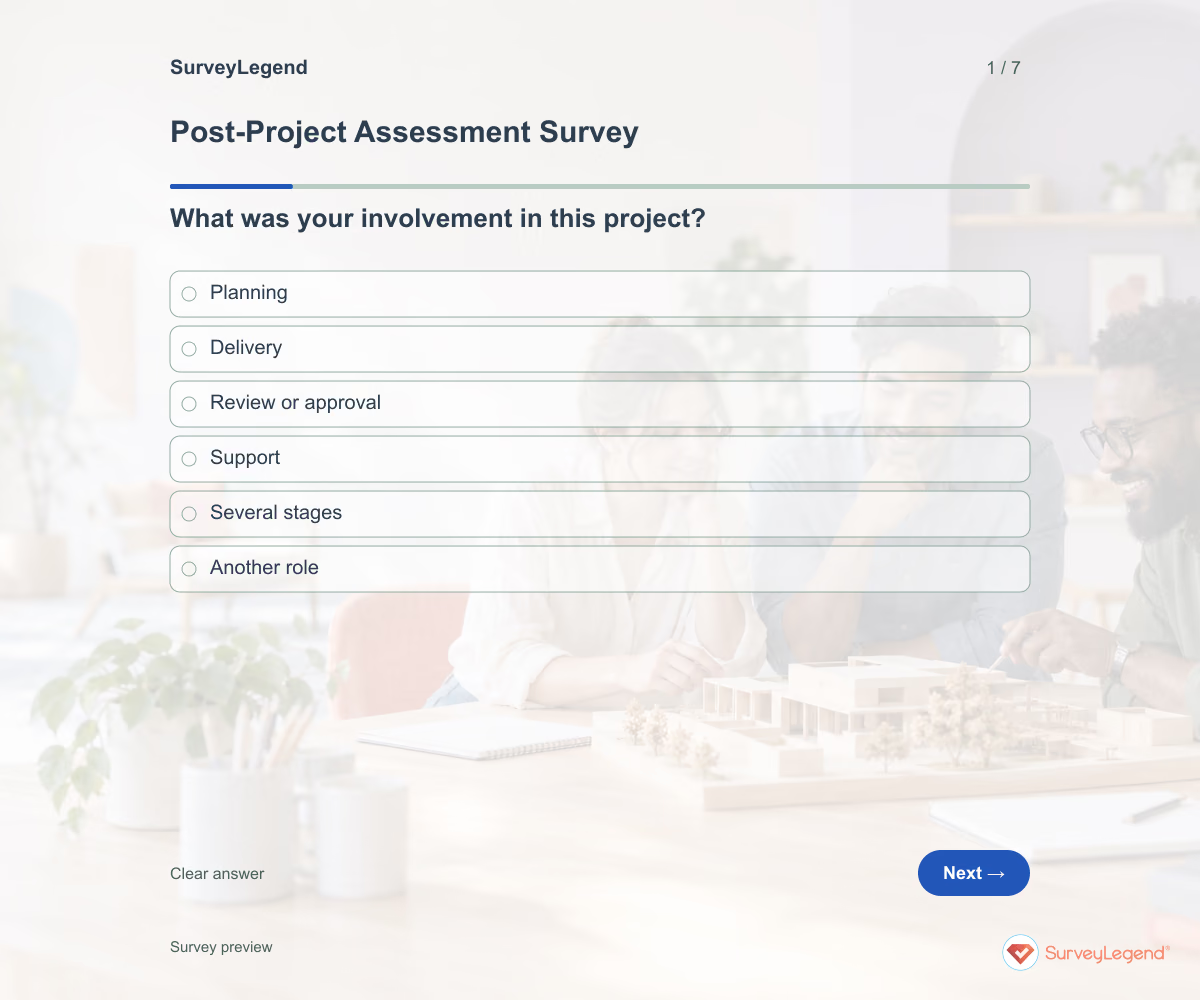 Post-Project Assessment Survey Template Closeout is a useful time to capture what people would repeat and what they would change. Give contributors a shared project name and completion date so their comments refer to the same work. Review the answers while the details are still fresh.
 -
 Process Improvement Survey Template A workflow can look straightforward on paper while requiring workarounds every day. Ask the people completing it where work slows down and what they need to move it forward. Keep the survey focused on one named process so the answers point to changes an owner can make.
 -
 Weekly Status Report Template A useful weekly update makes action clear without turning into a diary. Ask what moved forward, what comes next, and where a decision is needed. Keep the reporting period visible so team members are not mixing updates from different weeks.
 -
 Win-Loss Survey Template The outcome in a sales record tells you what happened. A buyer's explanation can help you understand the trade-offs behind it. Ask about the actual decision without turning the follow-up into another sales pitch.
 -
 Equipment Asset Survey Template Use this SurveyLegend example during a planned inventory review or when a team reports equipment held at different work locations. Ask respondents to check the item where possible and record only what they can observe. Their answers provide leads for the asset owner to verify; they do not automatically replace the organization's official register.
 -
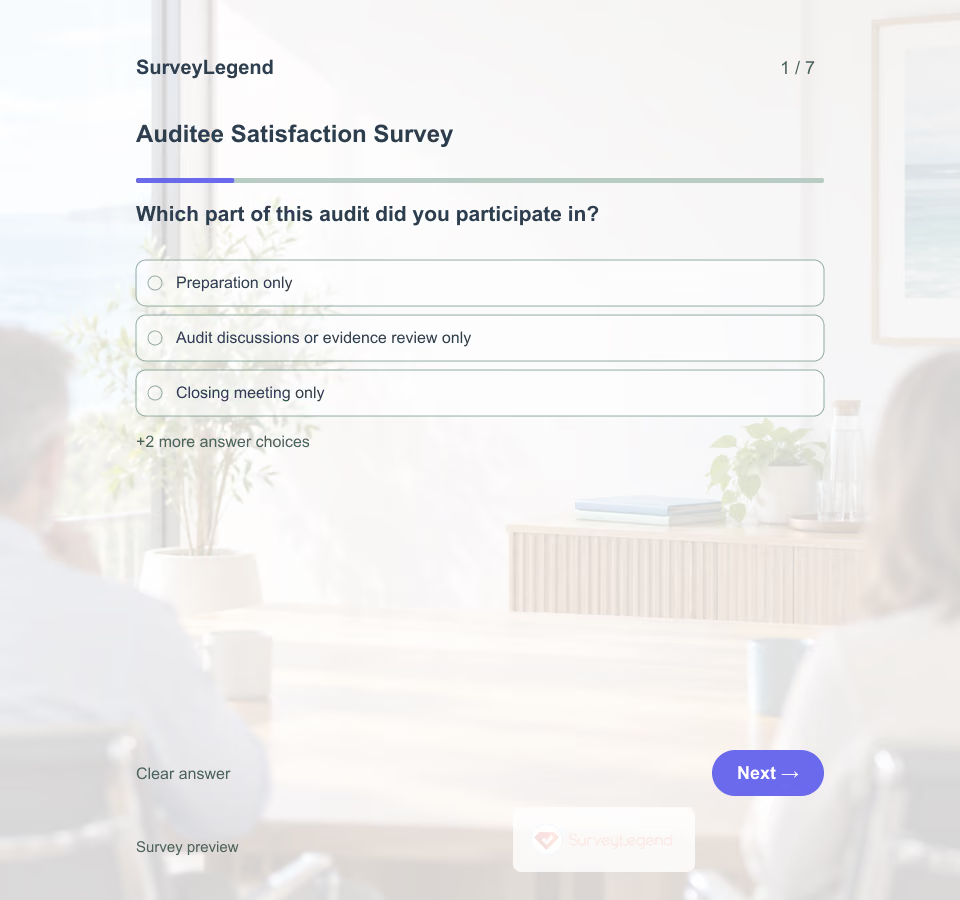 Auditee Satisfaction Survey Template An auditee can disagree with a finding and still have received a clear, professional explanation. Keep feedback about how the audit was conducted separate from decisions about compliance.
 -
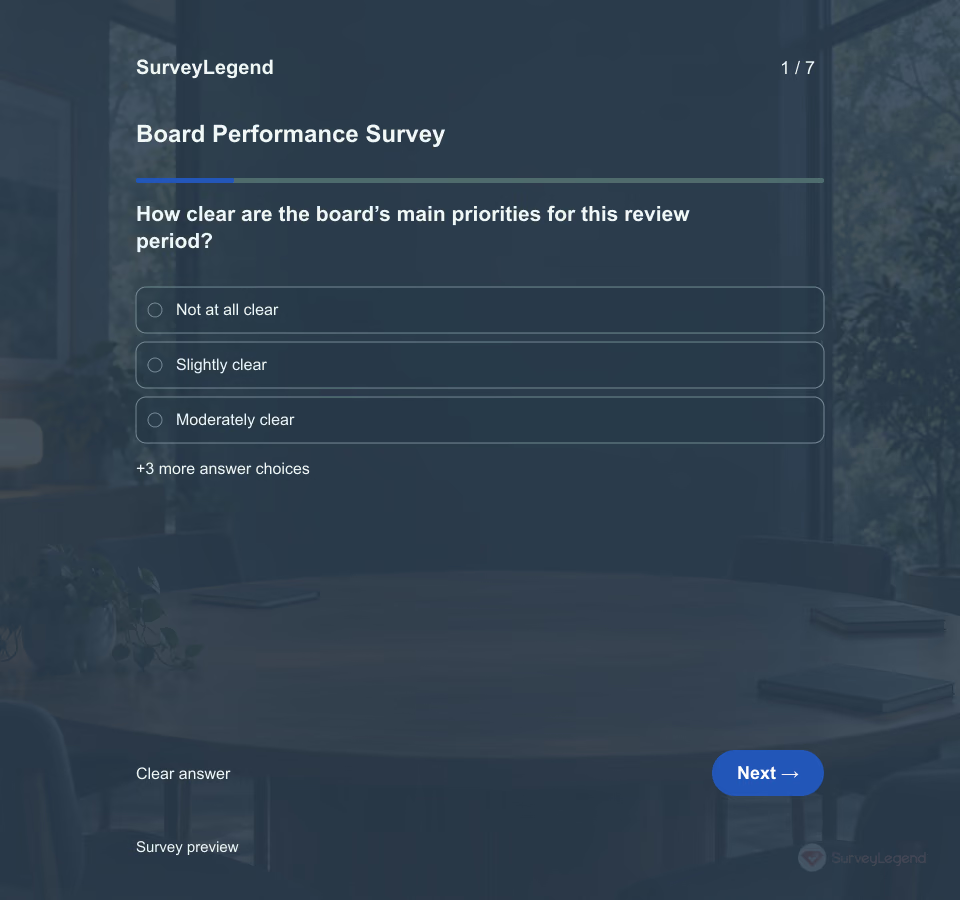 Board Performance Survey Template A board can hold regular meetings and still leave members unclear about its priorities or who owns a decision. Ask about the working practices behind the meetings before choosing what to improve.
 -
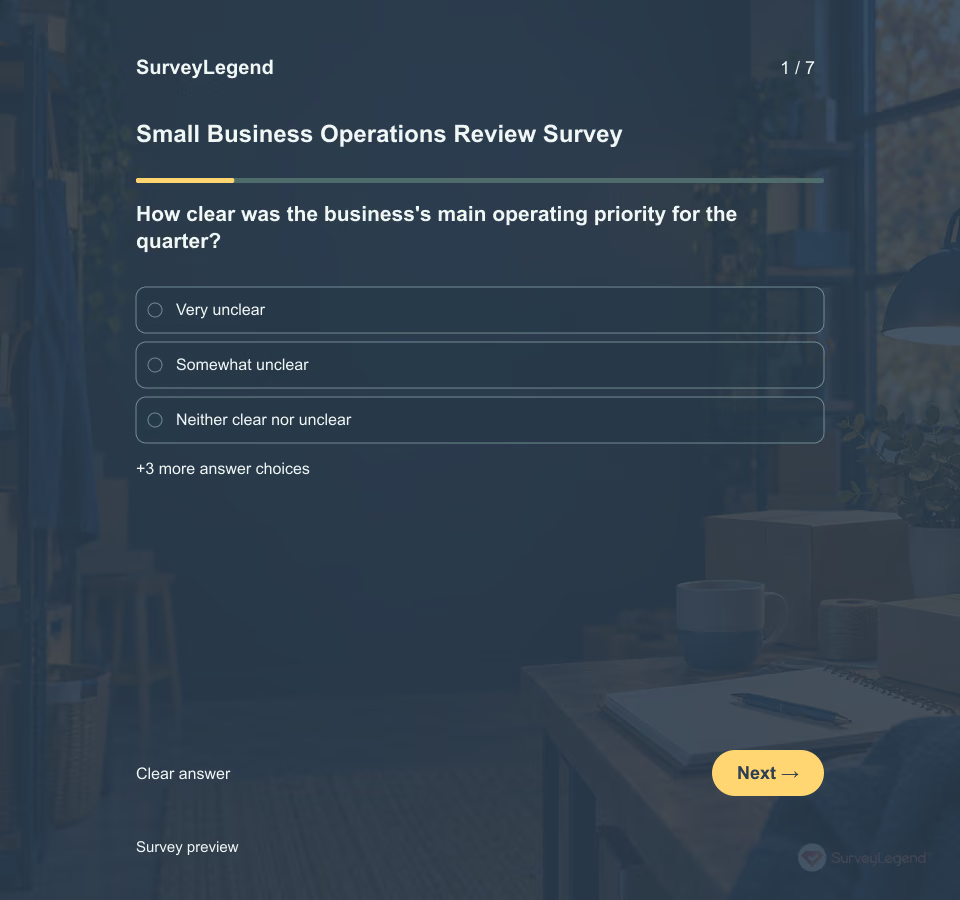 Small Business Operations Review Survey Template A busy quarter can hide gaps in customer demand, delivery capacity or the information used to make decisions. This short review helps an owner-manager organize those observations without turning them into an unsupported 'business health' score.
 -
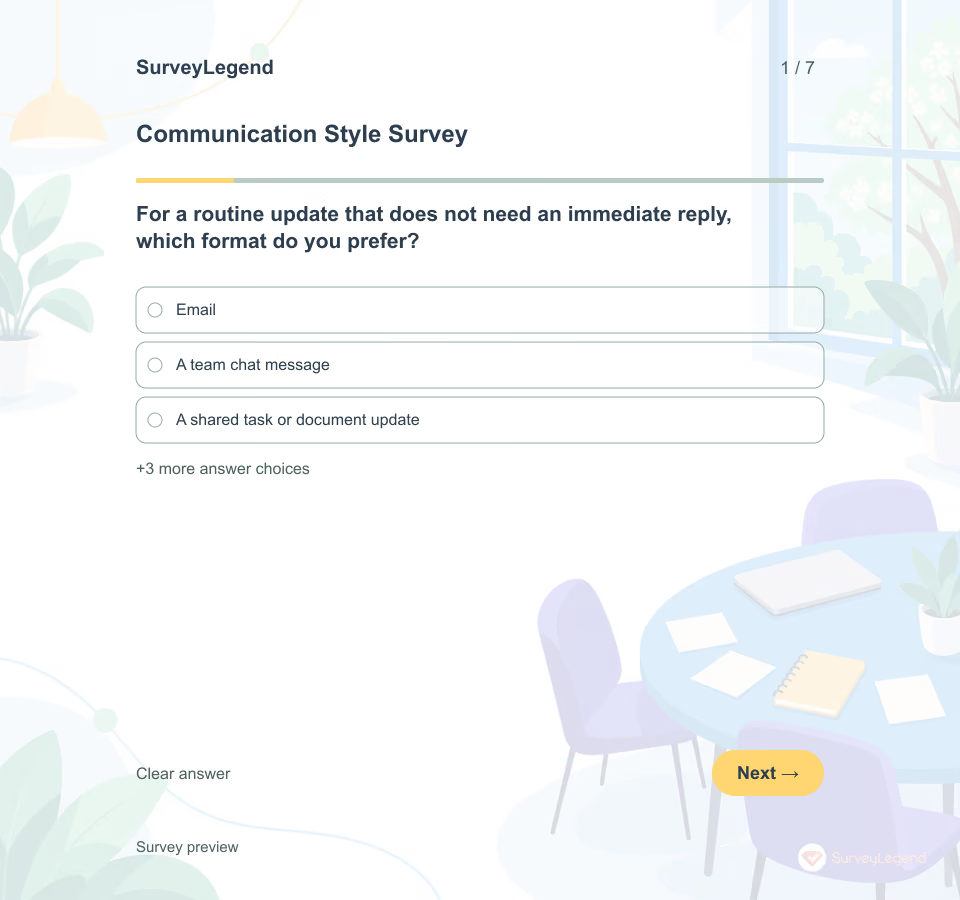 Communication Style Survey Template A communication style survey can provide a starting point for a team working agreement. This example focuses on practical preferences, including channels, preparation, feedback, and response expectations. Use it before a team kickoff or a review of current communication habits. The seven optional questions do not assign a personality type or label one style as better than another.
 -
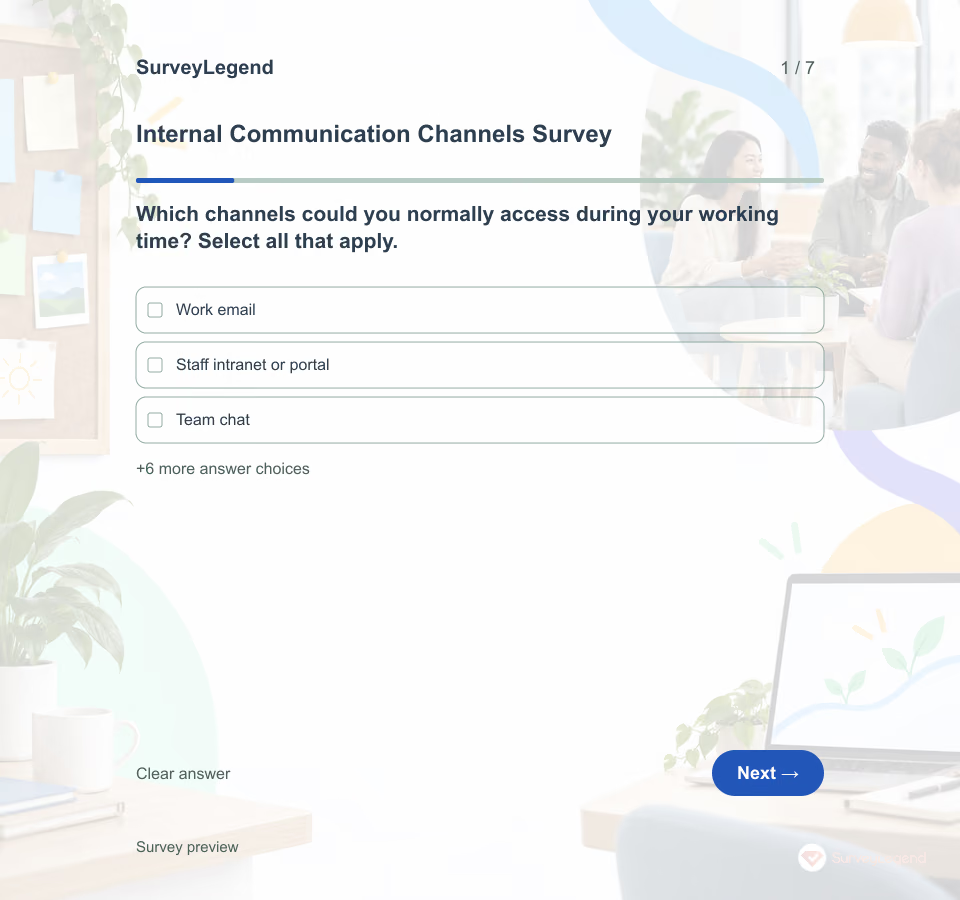 Internal Communication Channels Survey Template Email may work well for a desk-based team while a shift-based team relies on a briefing or noticeboard. Ask about access before deciding that the most popular channel should become the only channel.
 -
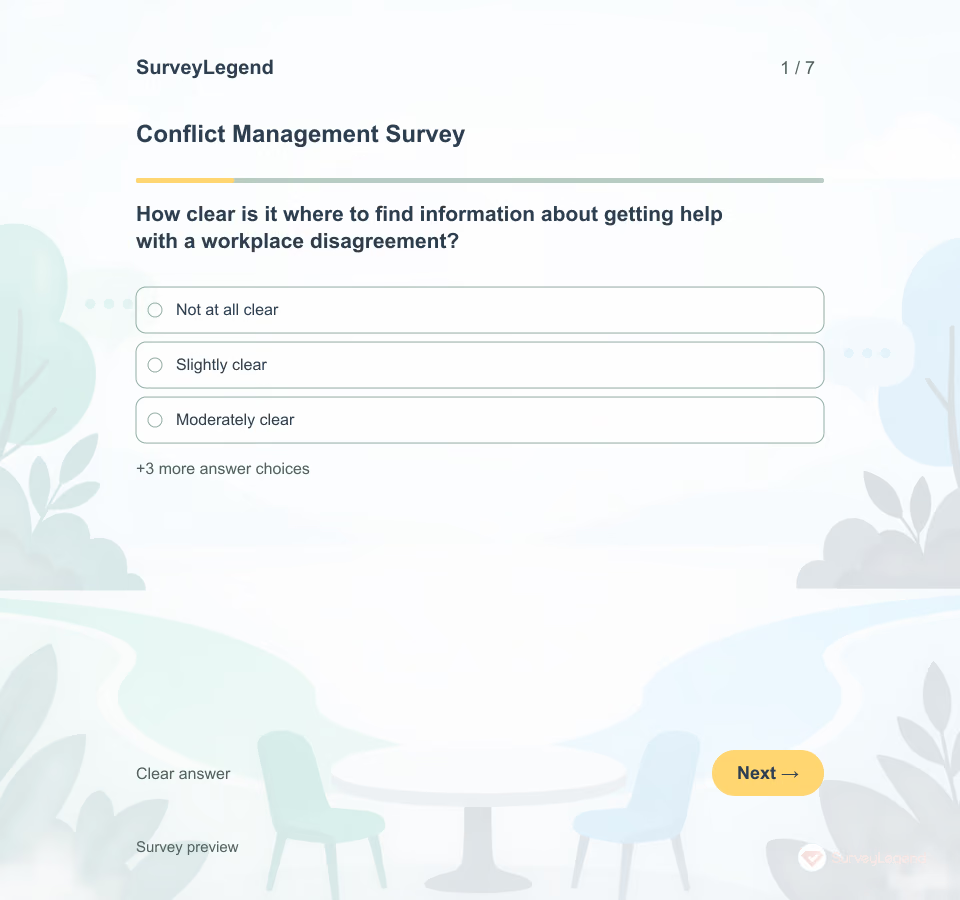 Conflict Management Survey Template A written procedure is only useful if employees can find it and understand how to use it. This SurveyLegend template reviews that practical access. It does not ask employees to name another person, describe an allegation, or label their own conflict style.
 -
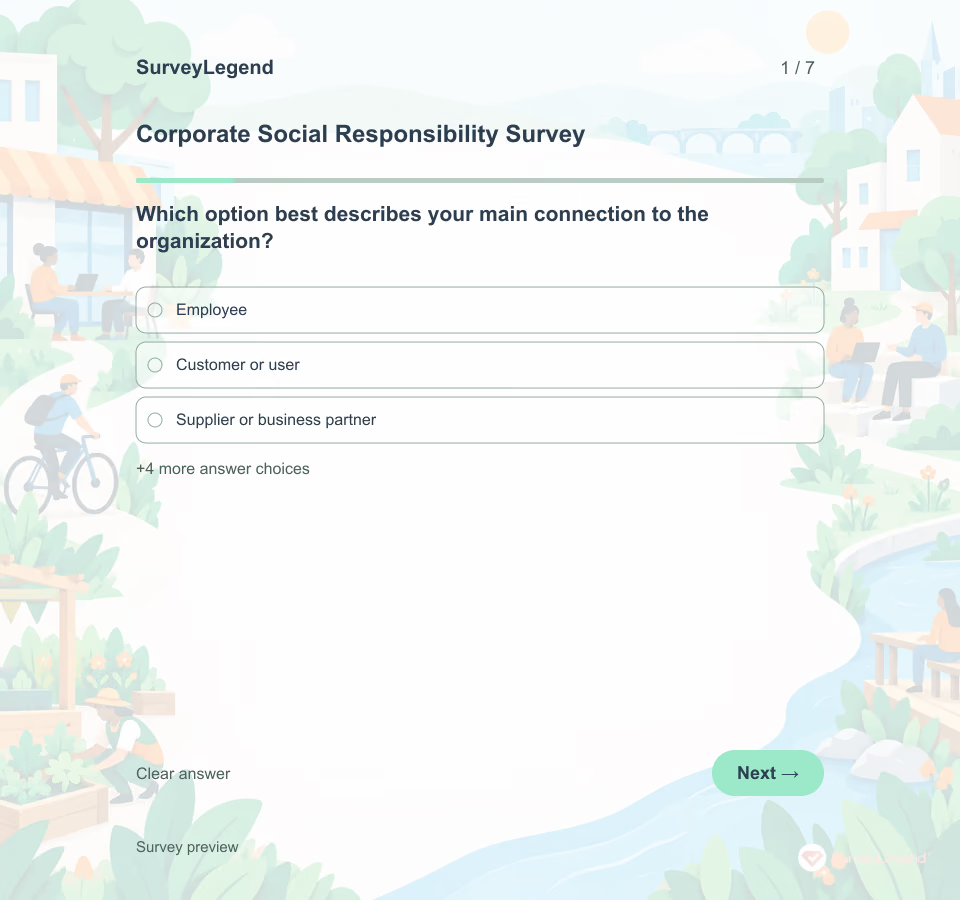 Corporate Social Responsibility Survey Template A company and its stakeholders may agree that responsibility matters while disagreeing about what needs attention first. This SurveyLegend template makes room for those differences. It separates familiarity, priorities, perceived information quality and suggested action, so a popular initiative is not mistaken for verified impact.
 -
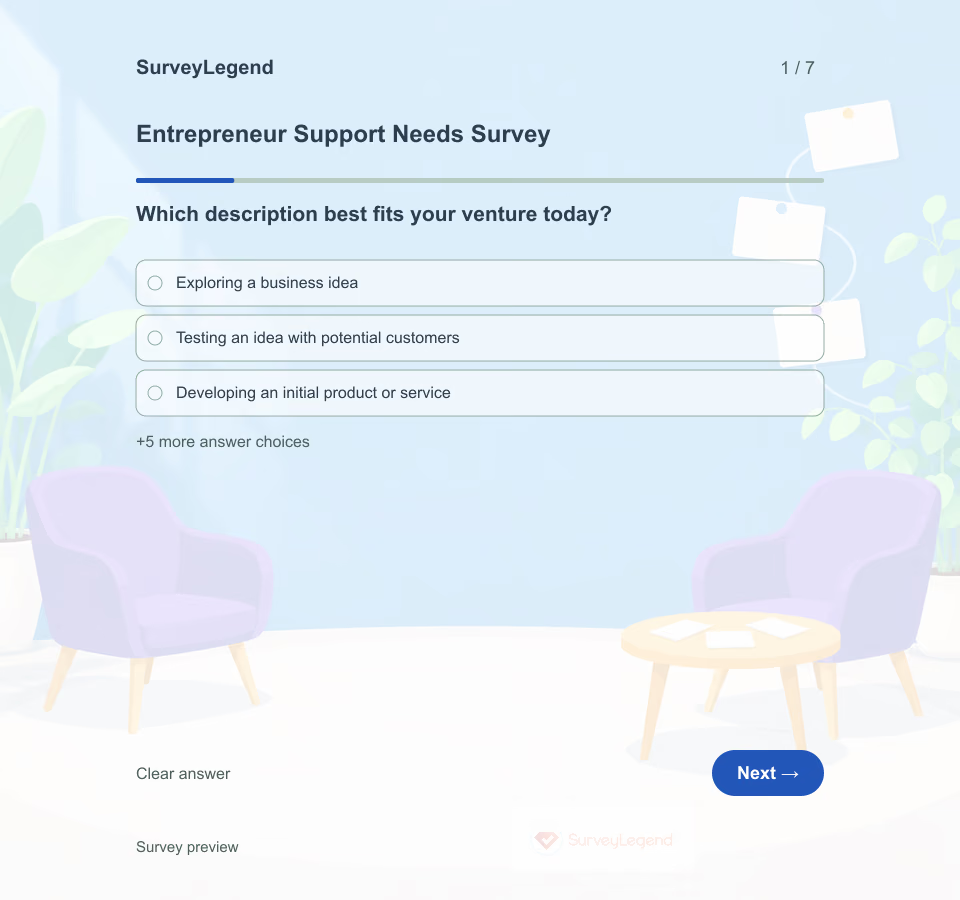 Entrepreneur Support Needs Survey Template An entrepreneurship program can offer plenty of activities and still miss what founders need next. This seven-question SurveyLegend template helps an incubator or support team connect a founder's current stage with one practical milestone and a useful service. It is a planning tool, not a startup success test.
 -
 Farm Succession Planning Survey Template This farm succession planning survey helps adult family members discuss future roles, learning opportunities and unanswered questions. It is a conversation starter, not an agreement about inheritance or ownership. SurveyLegend can help organize the questionnaire before a family meeting or a facilitated discussion.
 -
 Franchise Onboarding Survey Template A new franchisee can complete the introductory training and still be unsure who approves a launch decision or where to find an operating procedure. This SurveyLegend questionnaire reviews those practical handoffs. It gives the franchisor and franchisee a starting point for a focused support discussion.
 -
 Group Project Evaluation Form Template A group project evaluation form reviews how a defined team worked together on one project or phase. This version focuses on the process rather than rating individual people, so the result can guide a concrete retrospective and an agreed next action.
 -
 Innovation Survey Template Collecting ideas is only one step. This SurveyLegend questionnaire looks at what employees experience after an idea is raised, including feedback, ownership, and access to a small test.
 -
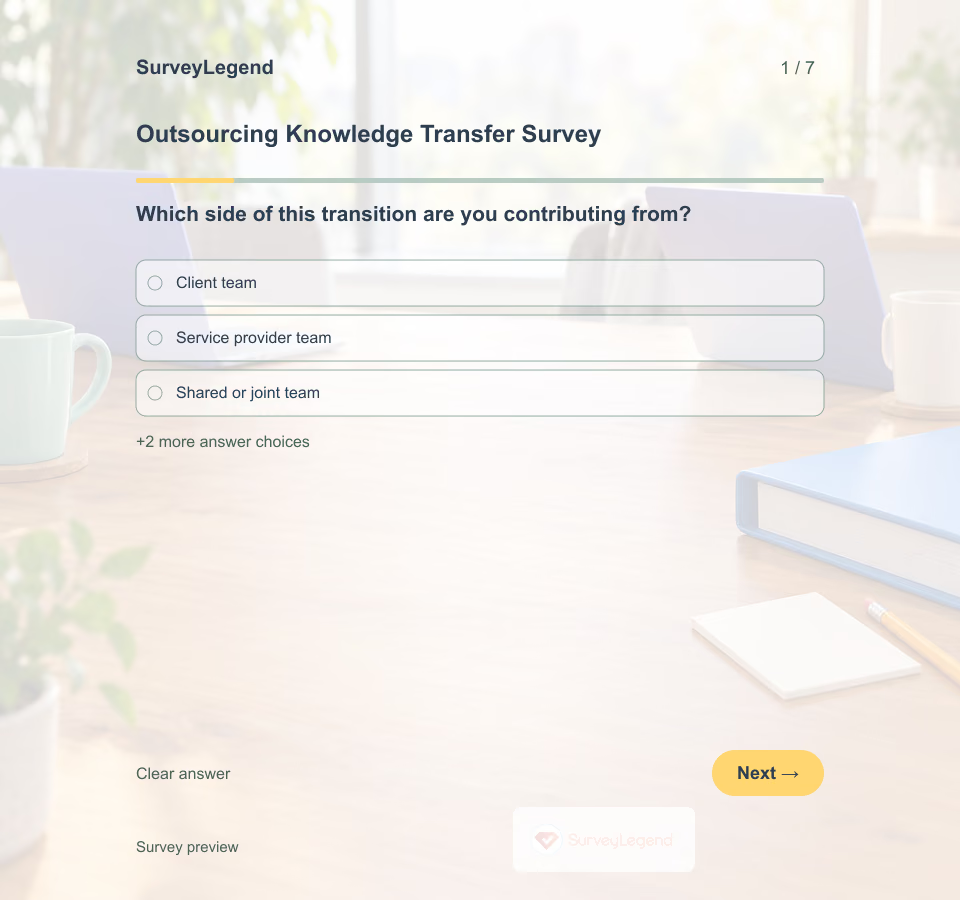 Outsourcing Knowledge Transfer Survey Template This outsourcing survey focuses on transferring the knowledge needed to run one IT service. Seven questions review documentation, walkthroughs, access to decisions, and ownership when people change. Customize the questionnaire in SurveyLegend for the next handoff discussion, then verify the operational work separately.
 -
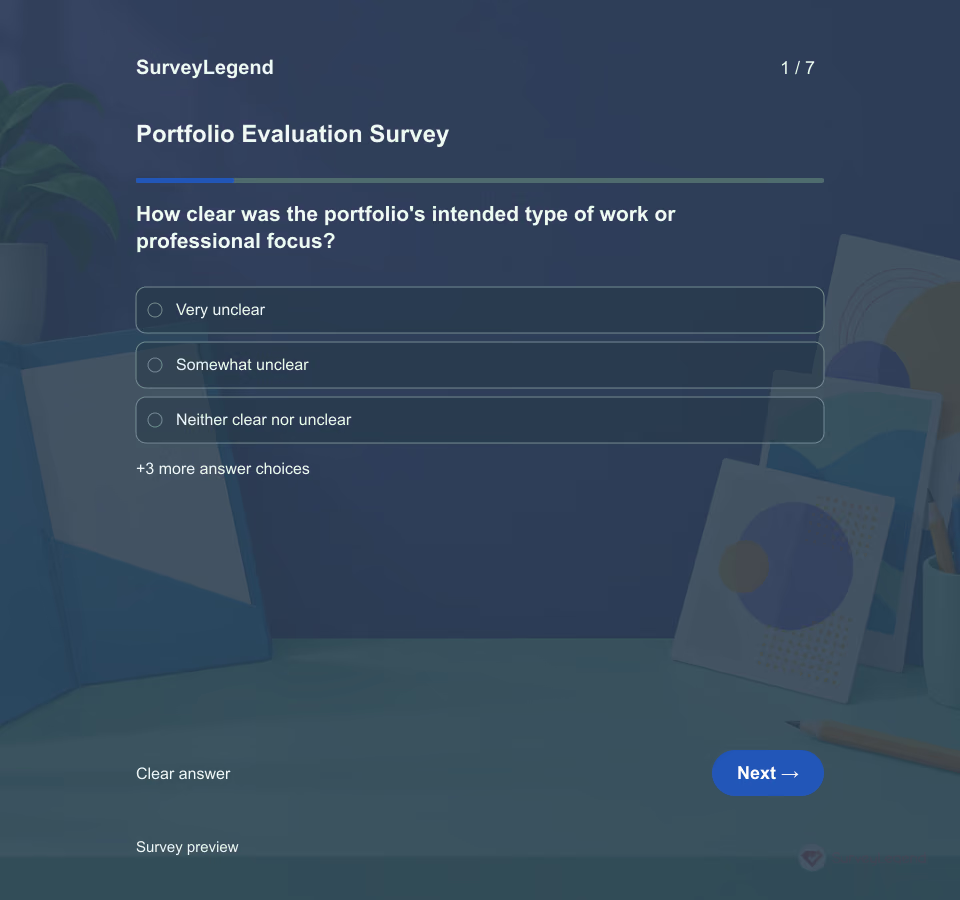 Portfolio Evaluation Survey Template A work portfolio needs more than attractive samples. Reviewers should be able to understand what the owner did, why each piece matters, and which claim the evidence supports. Use seven SurveyLegend questions to gather practical revision feedback before sharing a portfolio with its intended audience.
 -
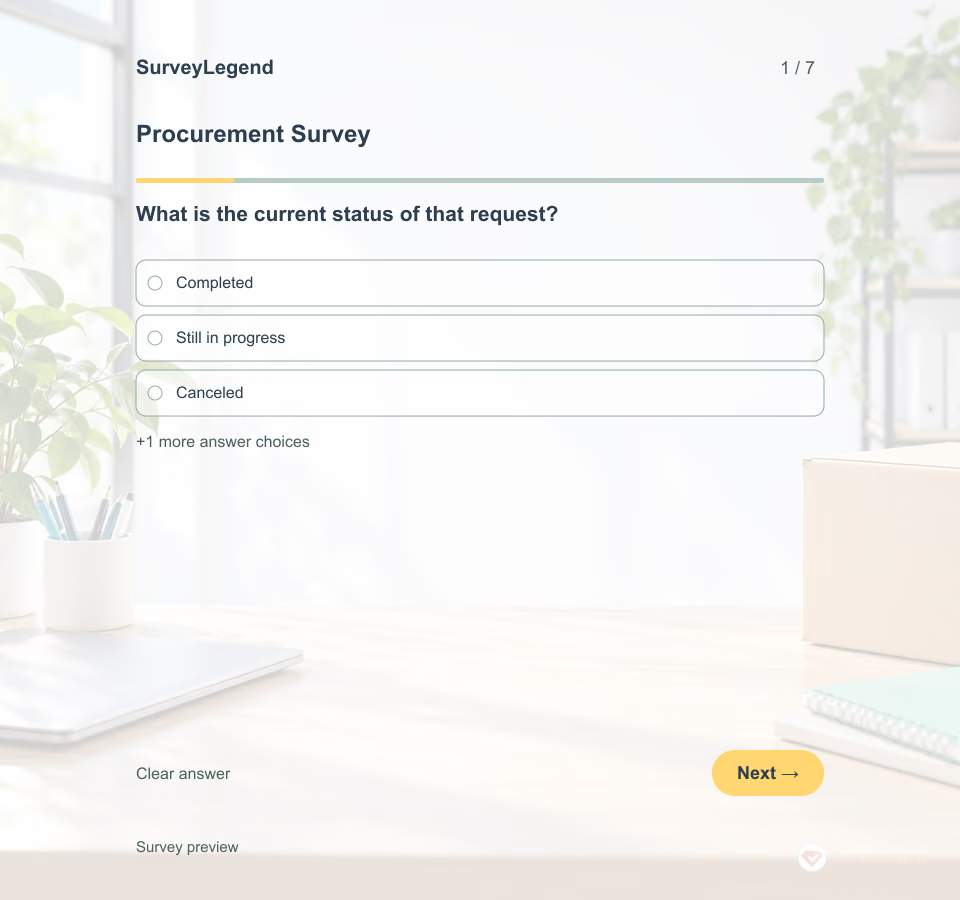 Procurement Survey Template A purchase can meet its specification and still leave the requester unsure what happens next. Ask about the steps employees actually experienced before deciding whether the problem is the process, the information, or the support around it.
 -
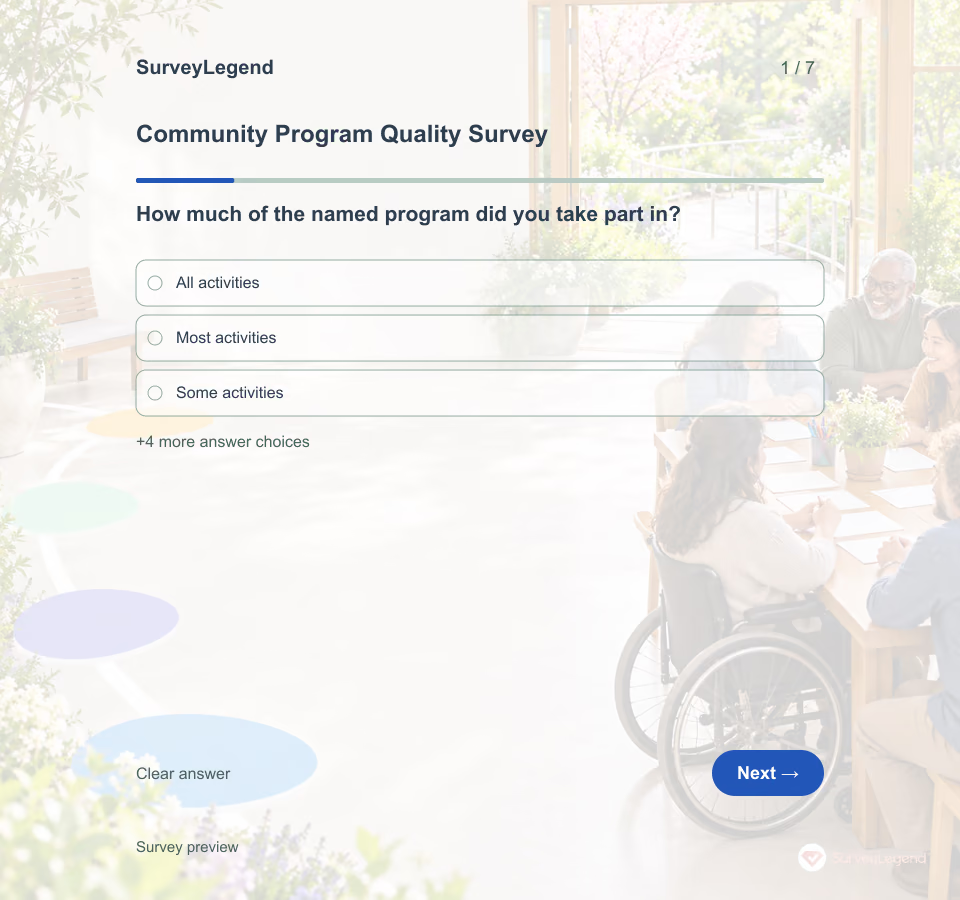 Community Program Quality Survey Template Use this community program quality survey template after one named nonclinical program cycle. The seven optional questions separate participation, clarity, fit, ease of taking part, facilitation, usefulness, and one improvement. Browse related operations templates, then adapt this participant-focused version in SurveyLegend.
 -
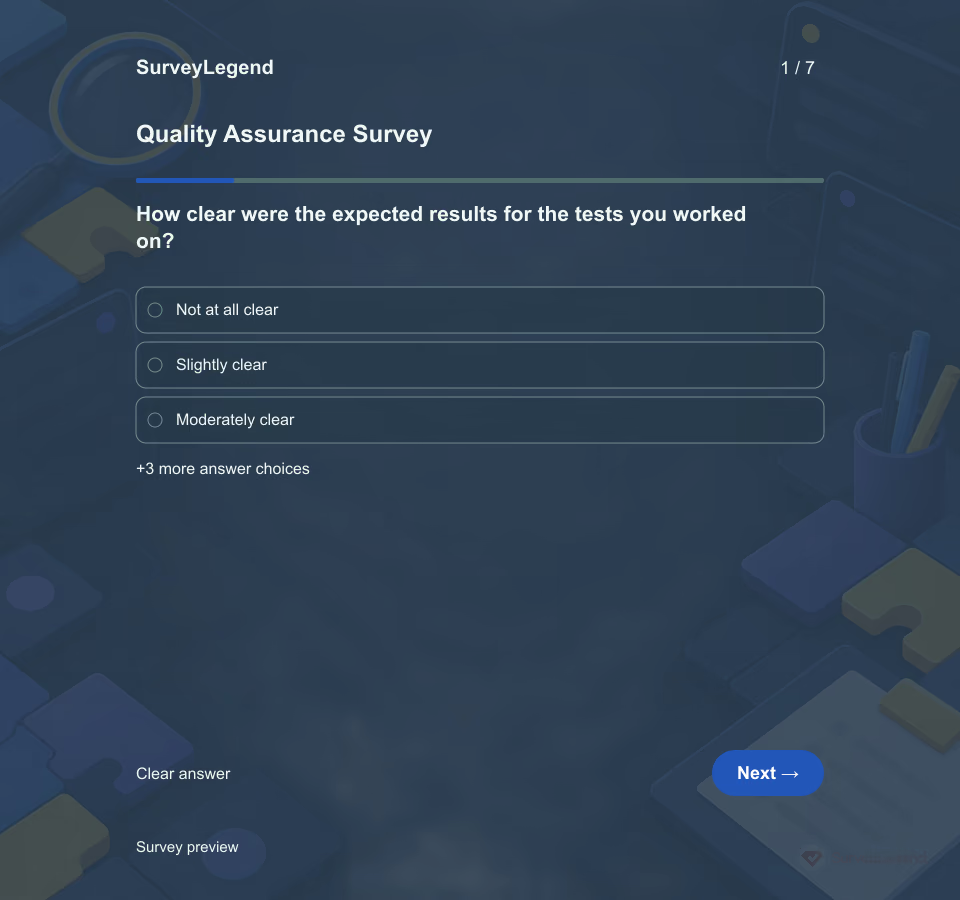 Quality Assurance Survey Template Finding a bug is only one part of quality assurance. The team also needs usable test conditions, enough information to reproduce the issue, and a clear way to confirm the fix. This SurveyLegend questionnaire asks about those handoffs without turning opinion ratings into a release approval.
 -
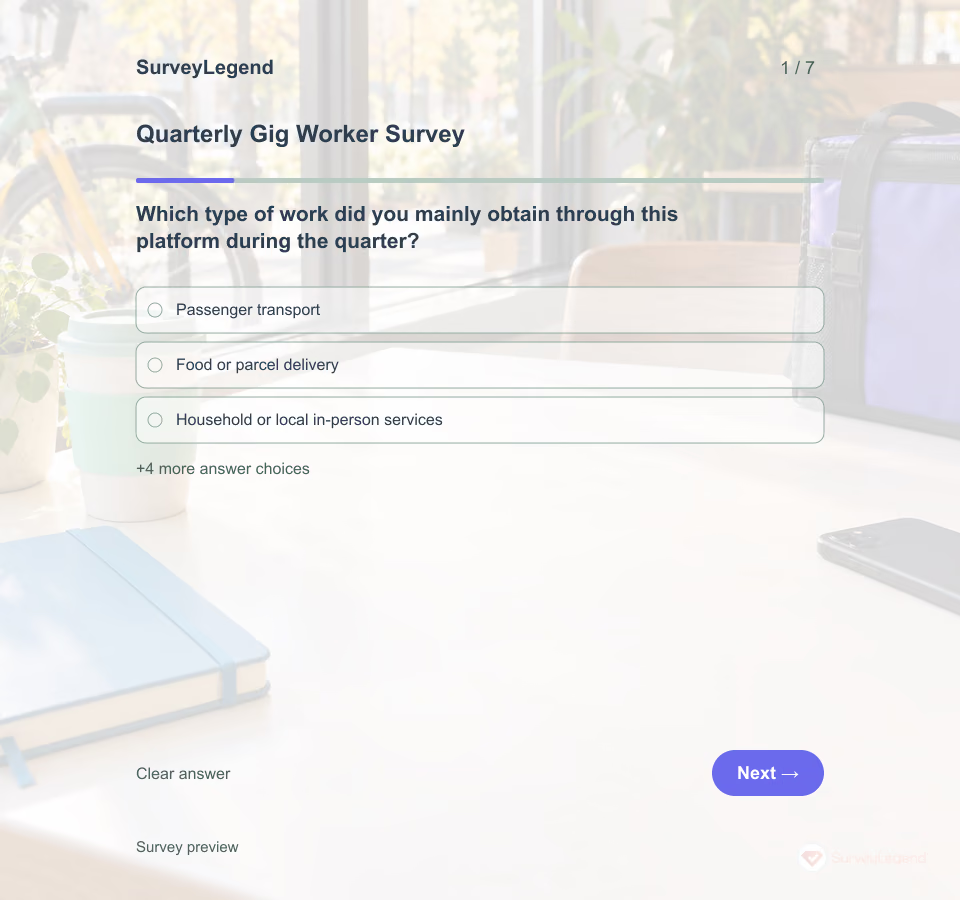 Quarterly Gig Worker Survey Template Platform work can vary from one week to the next. This quarterly gig worker survey gives respondents a shared period and asks about specific processes they experienced. Create the seven-question review in SurveyLegend to identify a practical clarification or support need, without asking workers to disclose account data.
 -
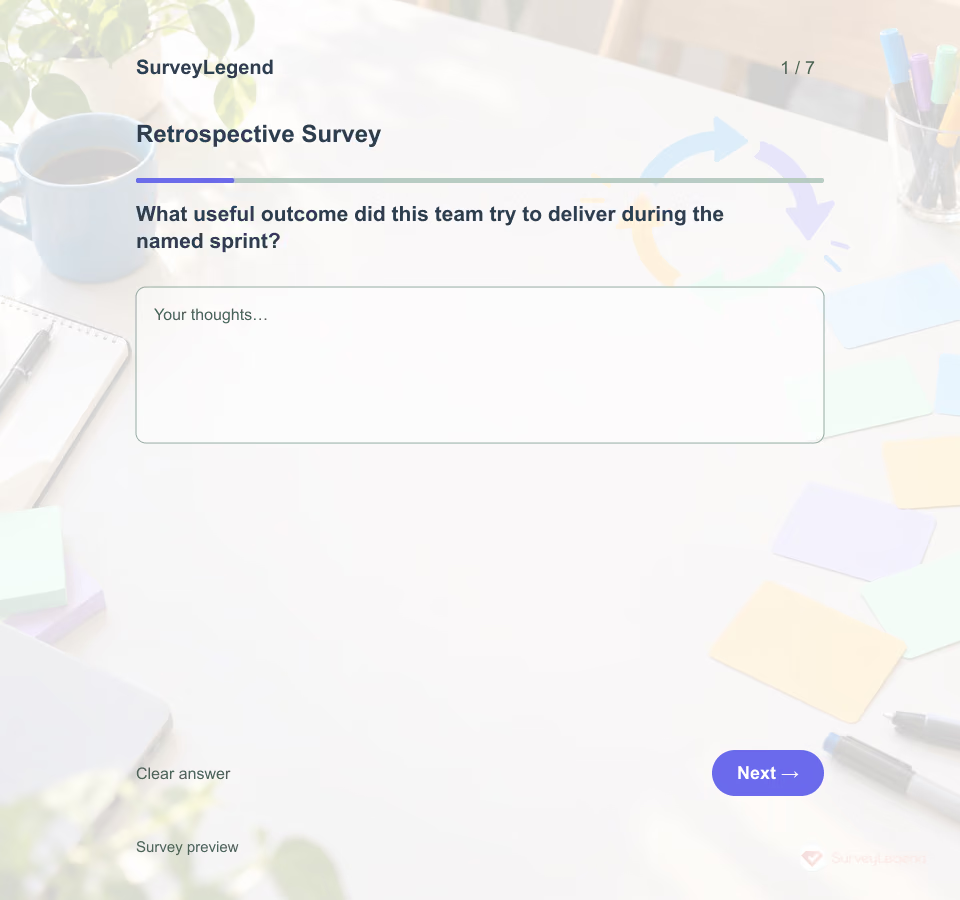 Retrospective Survey Template Invite the people who worked in the named sprint, explain who will read responses and use the answers to prepare a conversation—not to score individuals. Lehtinen, Itkonen and Lassenius examined 37 team retrospectives over almost three years in a large distributed software organization. Their abstract says “Most discussions were related to topics close to and controllable by the team.” Read the university abstract. The authors also warn that strong opinions without hard evidence may not reflect reality. That is why this example asks for observed work, checks a prior action and separates team-controlled changes from issues needing escalation. This seven-item SurveyLegend form is not a validated retrospective method.
 -
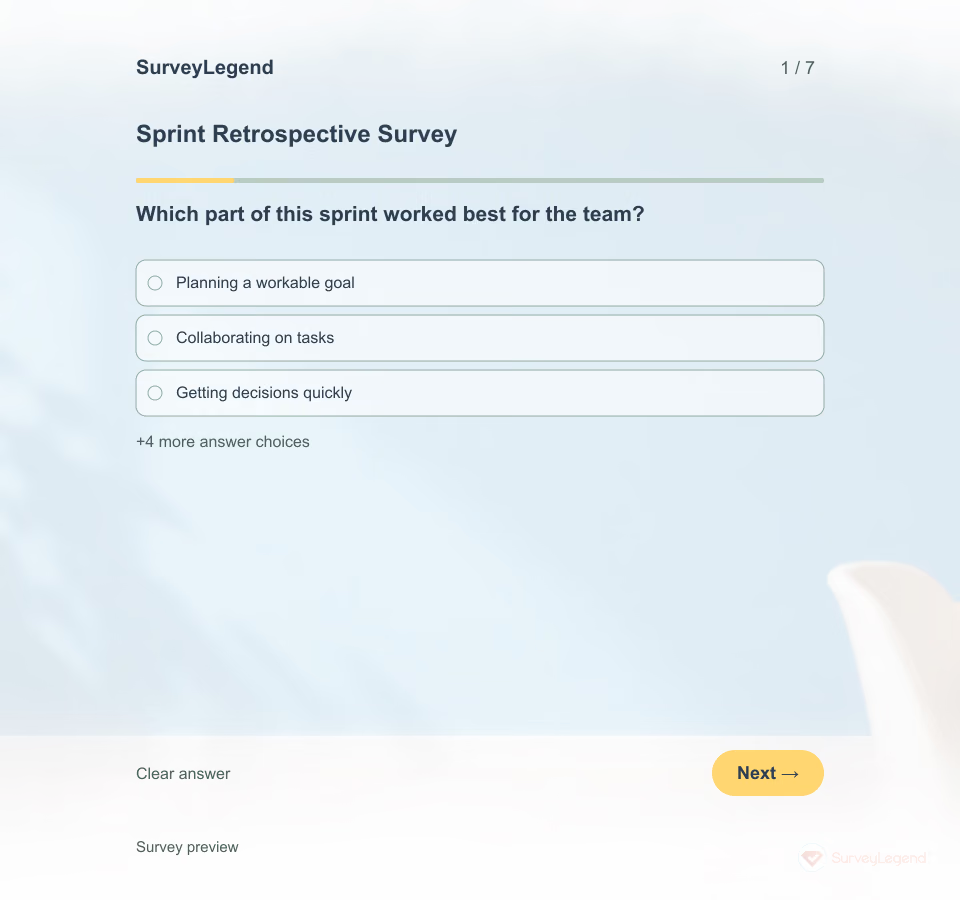 Sprint Retrospective Survey Template A retrospective works best when the team can discuss specific events, not just a mood score. SurveyLegend helps a facilitator collect seven short observations before the meeting, so quieter voices have a route into the discussion.
 -
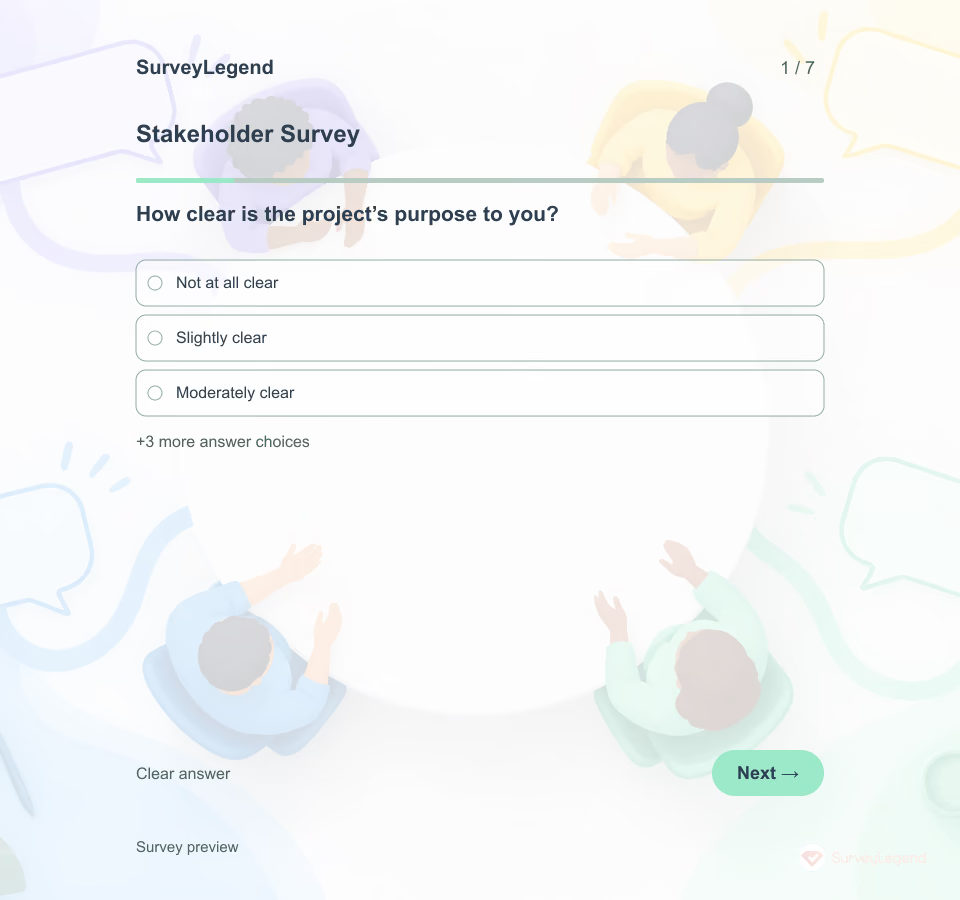 Stakeholder Survey Template Sending an update does not tell you whether it answered the questions that matter to stakeholders. This SurveyLegend questionnaire gives affected people a way to explain what is unclear and where their input could be useful.
 -
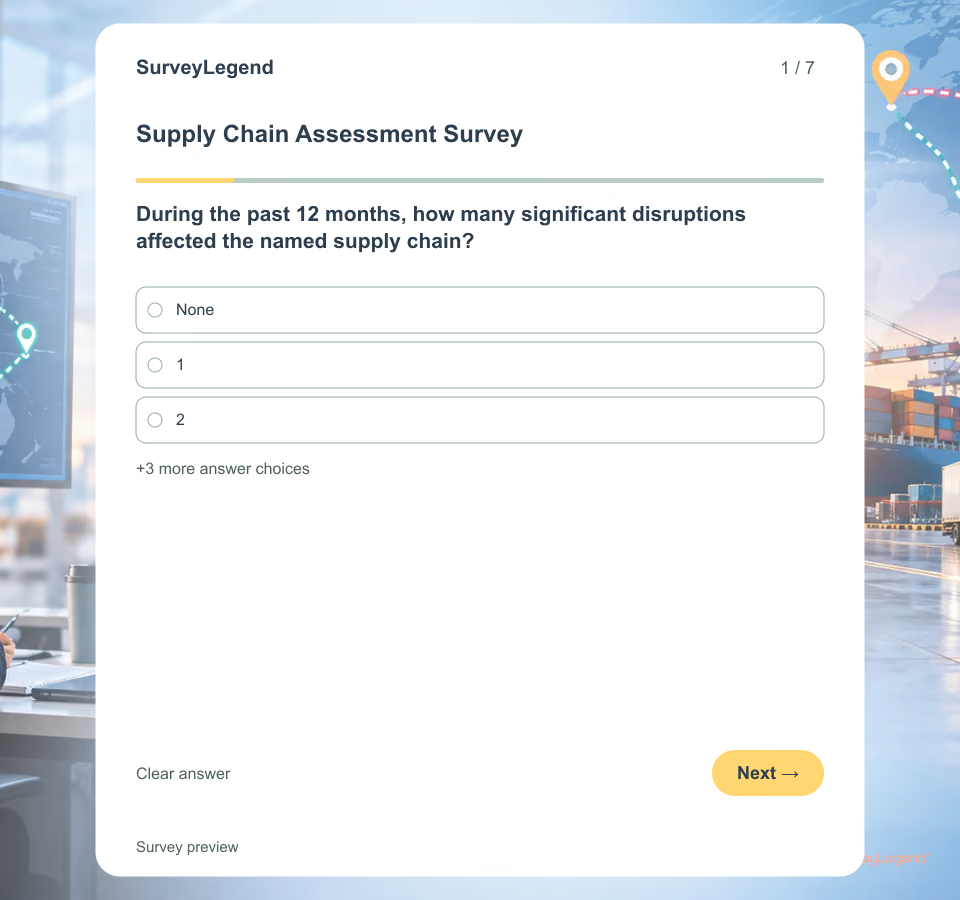 Supply Chain Assessment Survey Template A broad question about “the supply chain” can blend different products, services, regions and owners. Name the chain, the critical item or service, the 12-month review period and what counts as a significant disruption. The answers then describe a shared operating context instead of an abstract opinion.
 -
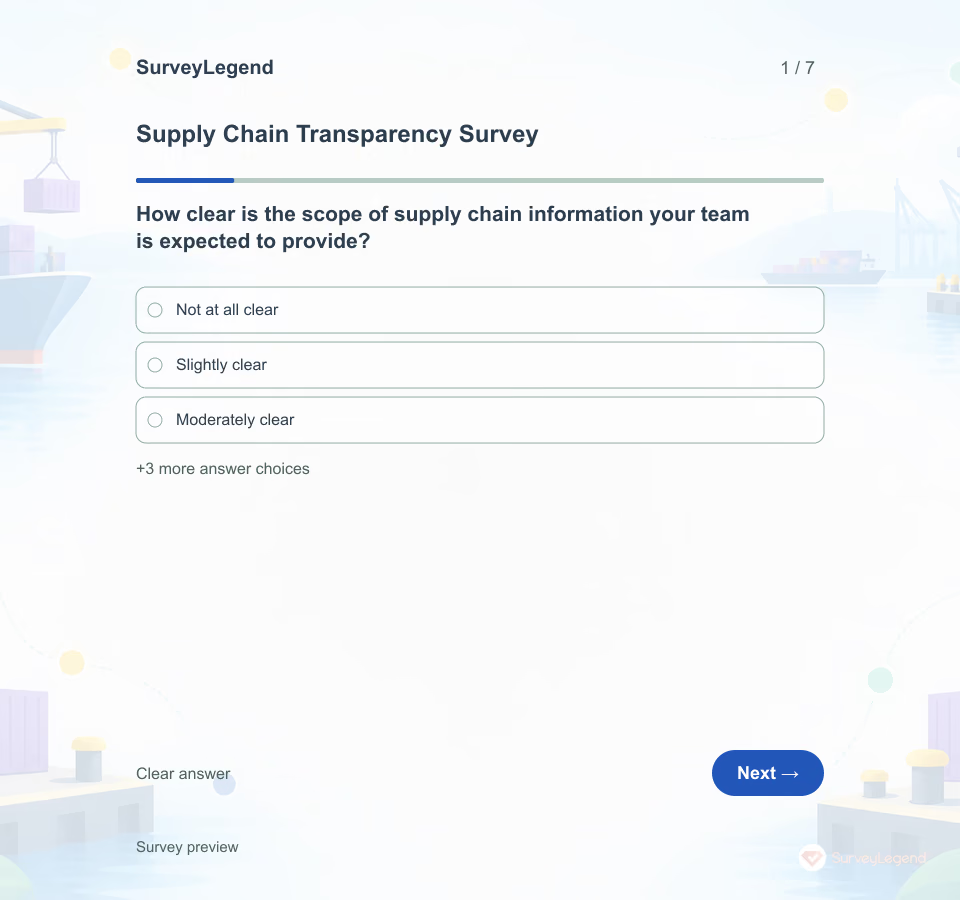 Supply Chain Transparency Survey Template Knowing a shipment’s location is different from explaining where a product came from and what supports a sourcing statement. This SurveyLegend questionnaire focuses on the information a team can substantiate and communicate.
Free survey maker
Start creating surveys today for free
Create and bring your ideas to life with the survey tool used by people all over the world.
Ready to collect better research data?
Create academic surveys and questionnaires from ready-made templates.