



Modify your survey background
 Upload custom background
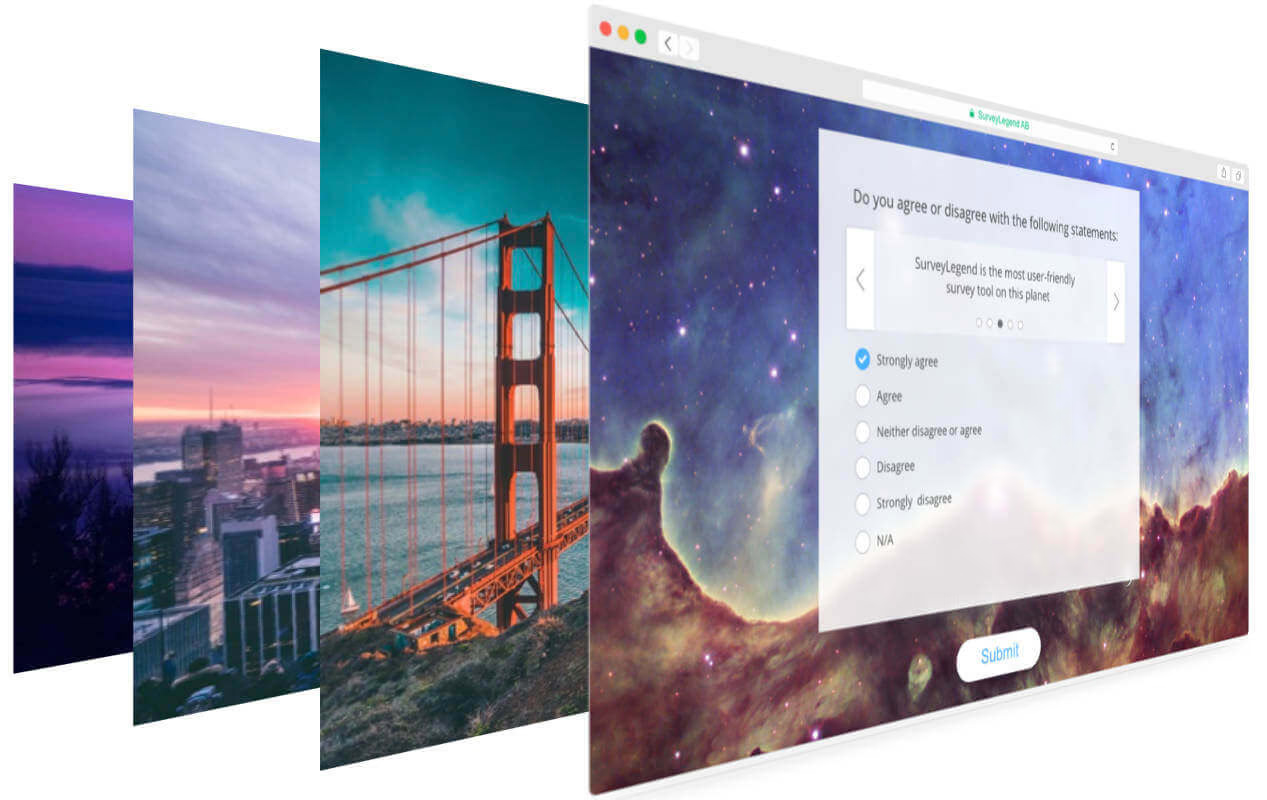
When designing the look and feel of your surveys, you can easily upload your own backgrounds, by clicking
on the Upload custom background button at the bottom of the background list. Uploaded backgrounds will
instantly appear on your survey, and you’ll be able to see a thumbnail of your uploaded background as
the first item in the background list. This item is marked as “Custom Background”. This lets you quickly
switch between our background and yours.
Tip:
If you have a large-sized image, simply don’t bother resizing it before the upload. Our smart
system will automatically shrink the image to a suitable size, before the upload starts. This
saves you a lot of bandwidth and precious time. Your original images will, of course, remain
untouched on your local disk.
Note:
that highly detailed backgrounds can make it hard to read the question texts, specially when
the contrast between text color and the background is poor.
 Easily make blurred backgrounds
Now simply by toggling a button, you can give your backgrounds a beautiful blur effect.
The blur effect increases readability of question texts. Therefore, we recommend you to enable this setting, specially if you are using the Dark or the Light mood for your custom theme, because displaying text on a sharp background with bad contrast may make it hard to read.
Note:
that blurred backgrounds may reduce the performance and or speed on low-end devices such as
old/budget mobile phones, or very old versions of web-browser.