Likert Scale
Likert Scale questions let respondents evaluate several statements using the same scale of choices.
- Strongly disagree
- Disagree
- Neutral
- Agree
- Strongly agree

Settings
After adding a Likert Scale question to your survey, click or tap on it to activate edit mode and access the settings panel.
Likert Scale offers the customization possibilities below.
Answer is required
Require respondents to answer this question before they can continue or submit the survey.
Read more about when you should or should not make answering compulsory .
Enable picture for question
Add a picture under the question when a visual explanation helps respondents understand what you are asking.
Instructions for respondents
Add tips or instructions when respondents need extra guidance before answering.
Randomize order of items
Randomize statements when you want to reduce item-order effects in a Likert Scale question.
Randomize order of choices
Randomize choices only when reversing the scale order will not confuse respondents.
In the survey world, “Likert Scale” questions are commonly used by researchers. However, the terminology that is used could sometimes be quite confusing. For you as a surveyor, it should be important to know that there is a difference between “Likert Item” and Likert Scale”; and this explains why we call this type of question “Likert Scale”. Here we explain concisely the difference between these two, and after that, we show you how to use SurveyLegend’s Likert Scale question in your great surveys.
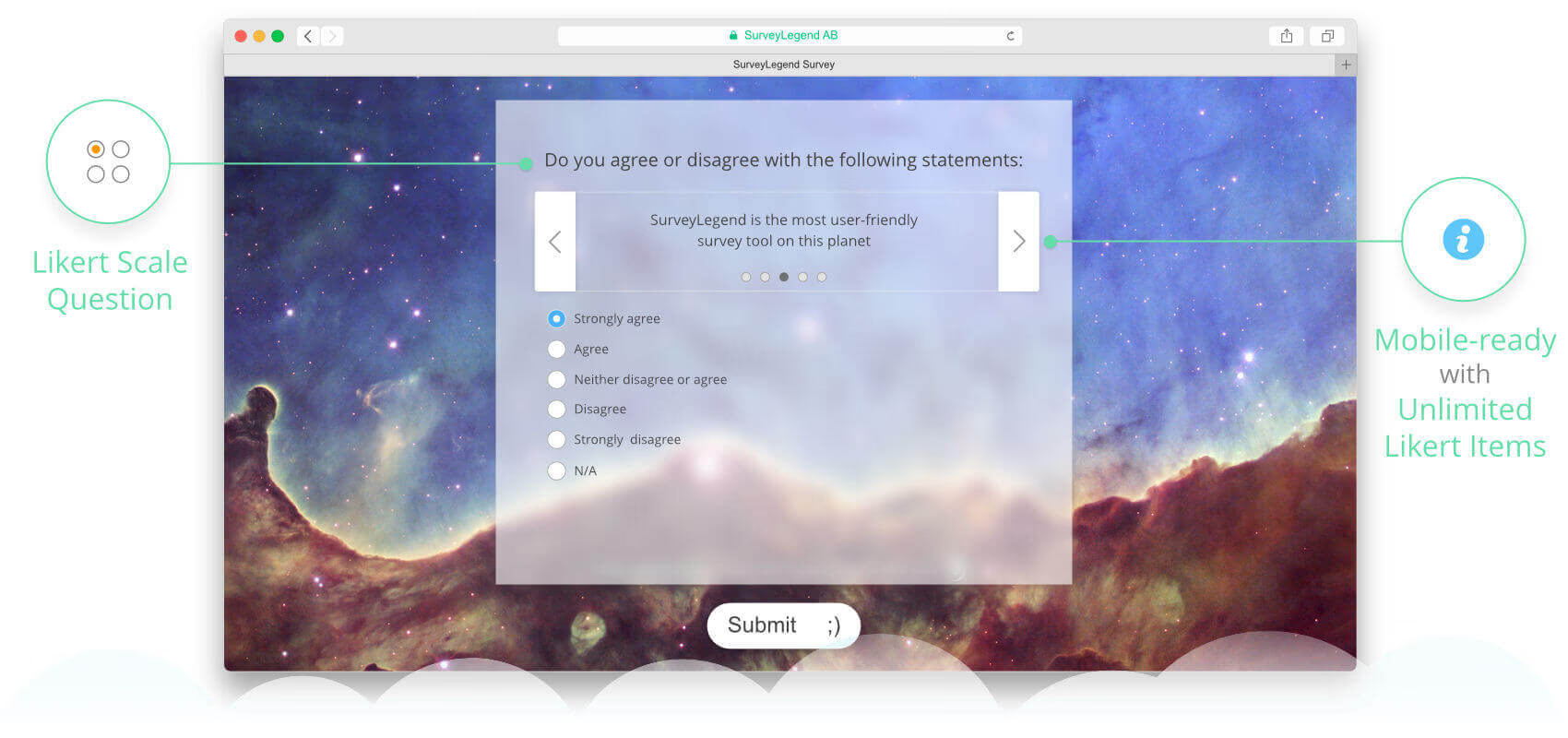
How to use Likert Scale
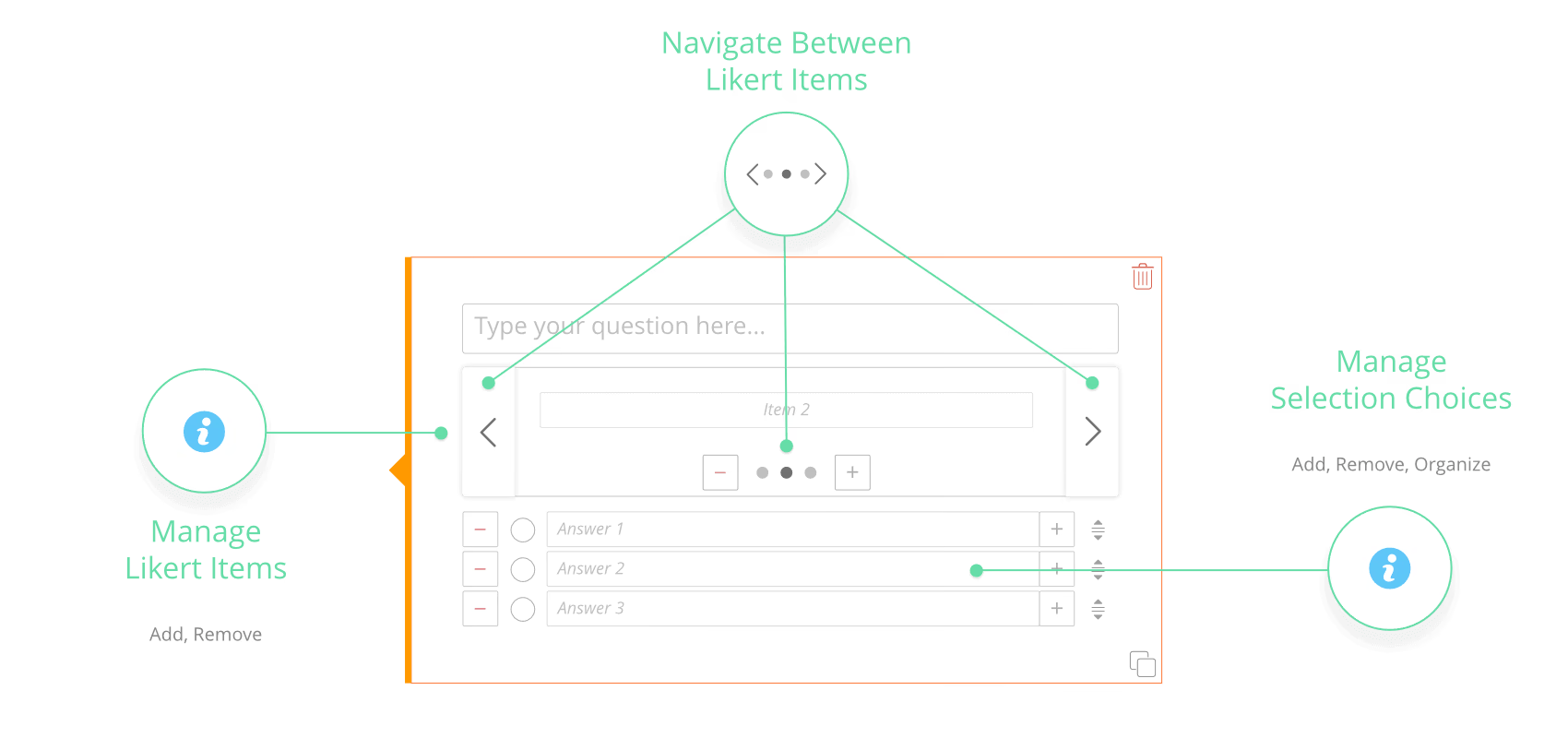
To use this feature, you can simply drag and drop the Likert Scale anywhere into your survey. Then what you see is a textbox like any other question type, (to type your question text in). But this question is followed by a horizontal box in which you can add the Likert Items. Underneath this horizontal box, there is a place for selection choices (respondents’ answers). To add more Likert Items, you can click the button inside the horizontal box. Adding several items will enable two buttons on the sides, for navigating back and forward between Likert Items. It also activates new buttons in the “pagination” area beneath the items. Clicking on pagination buttons helps you jump between items quickly.
Advantages of our Likert Scale
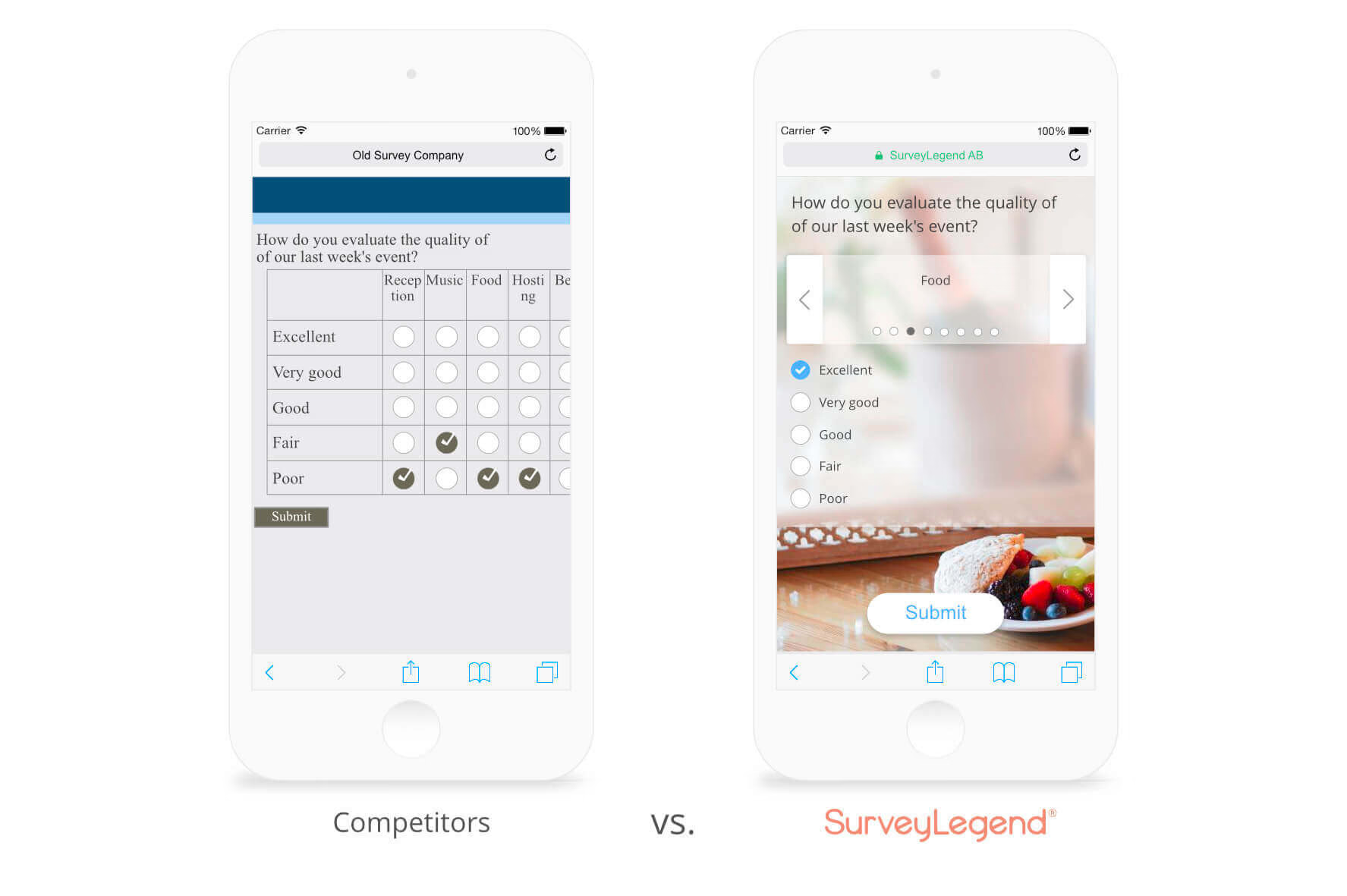
Unlike all traditional online survey tools, SurveyLegend is focused on creating surveys that are compatible with mobile devices. This means we have redesigned many of the question types to be “responsive” and adjust themselves to small screen sizes. The Licker Scale question type has not been an exception! Traditionally, these question types are displayed like tables. Old schools surveys creators have to make each Likert Item in a new row and write the selection choices in columns. Placement of items and choices could be vice versa some times in traditional paper-based, or even online surveys. This made understanding and responding to these kinds of questions very hard for survey participants.