



 Add “Pictures”
Some survey fields allow you to add media to them. Currently you can only add images by uploading image
files into fields.
Sizes and proportions
To get the best visual results, please make sure that your image is at least 800 pixels wide, but the height is quite flexible according to your needs, and according to where you want the image to be used. We recommend you to upload a picture which is 1600px in width, for optimal results. However, there are no file size restrictions, because our system automatically resizes images before uploading them. This saves you some bandwidth, and also you don’t have to prepare your files if you don’t have an image editor program on your device.File formats
The accepted image formats are JPG, PNG, GIF, and BMP.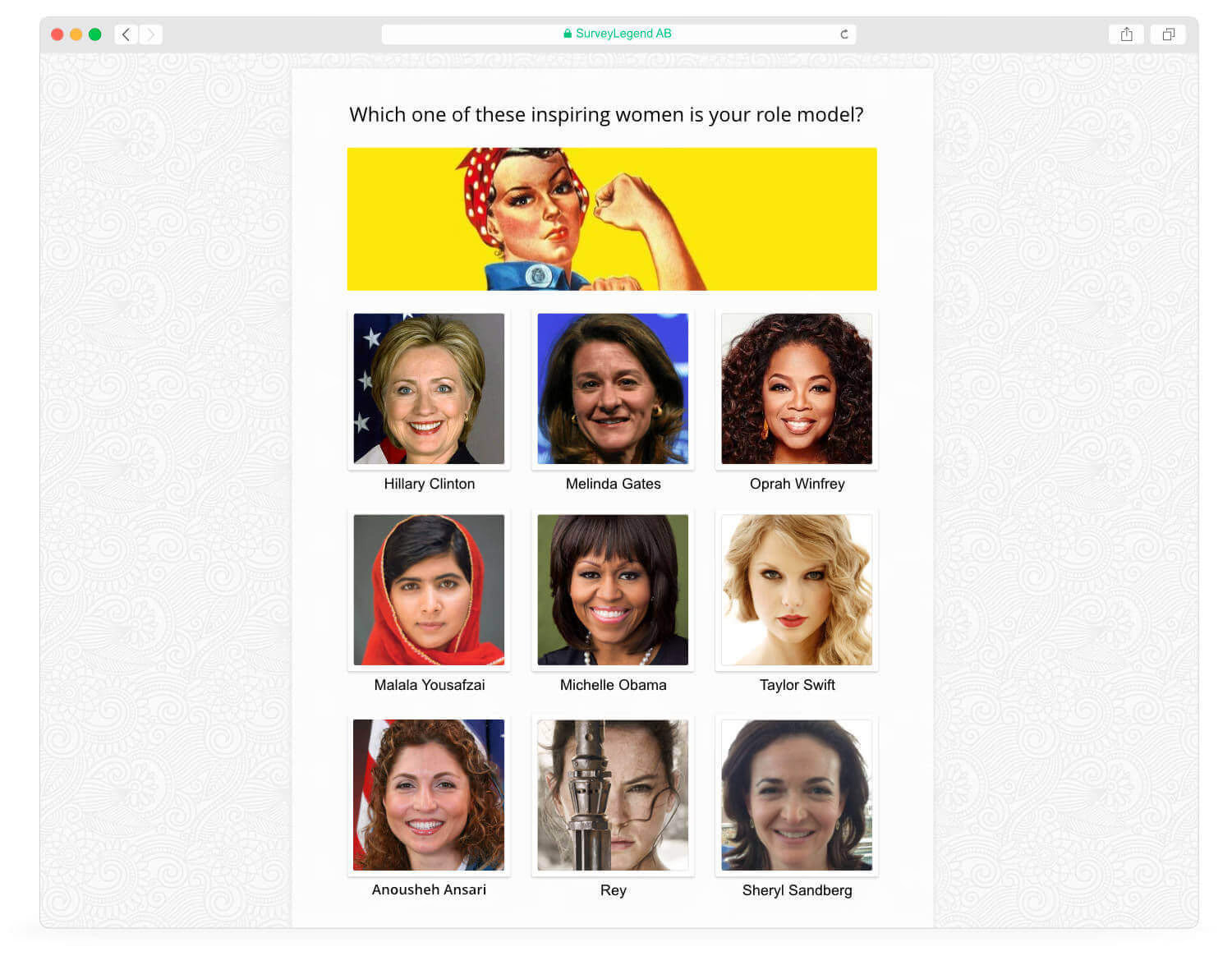
Layout
The layout and proportions of the imahe may be different depending on the device that your surveys is being viewed on; and also the type of field or question that you are using. For instance, the Branding field always appears like a banner at the top of each survey page. If you upload an image that has a huge vertical proportion, it will make it very hard for the participants to see the actual survey and interact with it. You have the freedom to use any image you wish, but you should choose wisely if you want a high participation rate.Tip:
Uploaded images are stretched to your survey page’s sides. However, you may need some padding
around your uploaded images. To do so, try adding the desired padding to the image itself, and
export it as a transparent PNG image.
 How to add pictures to questions Adding media is available in:
All question types, and works especially well with
How to add pictures to questions Adding media is available in:
All question types, and works especially well with Welcome page •
  Thank you page •
  Branding •
  Media Gallery
 Note:
When you upload images, you should consider the copyright of the images that you are
uploading. SurveyLegend does not and cannot accept any responsibilities concerning the images
that survey creators upload and use in their surveys. It’s all the responsibility of the
survey creator! Most images found on the internet are copyrighted, and just because you can
find them via search engines does not mean that you can also simply use them in any way you
want. Make sure you have proper permission and full rights to use uploaded images. If you
believe somebody is using your copyrighted images in their surveys without your permission, we
encourage you to contact the survey creator at first. If this doesn’t help, you can contact us
via [email protected] and provide us with a link to that survey. Despite this, it is not our direct responsibility to
control survey contents. We will try to help you inform the user to remove or change the copyrighted
image.