

Workplace Technology Survey Template
This workplace technology survey template asks employees about tool access, reliability, confidence, and available guidance over the past month. Connect the feedback to specific work tasks to prioritize a technology fix or clearer support.
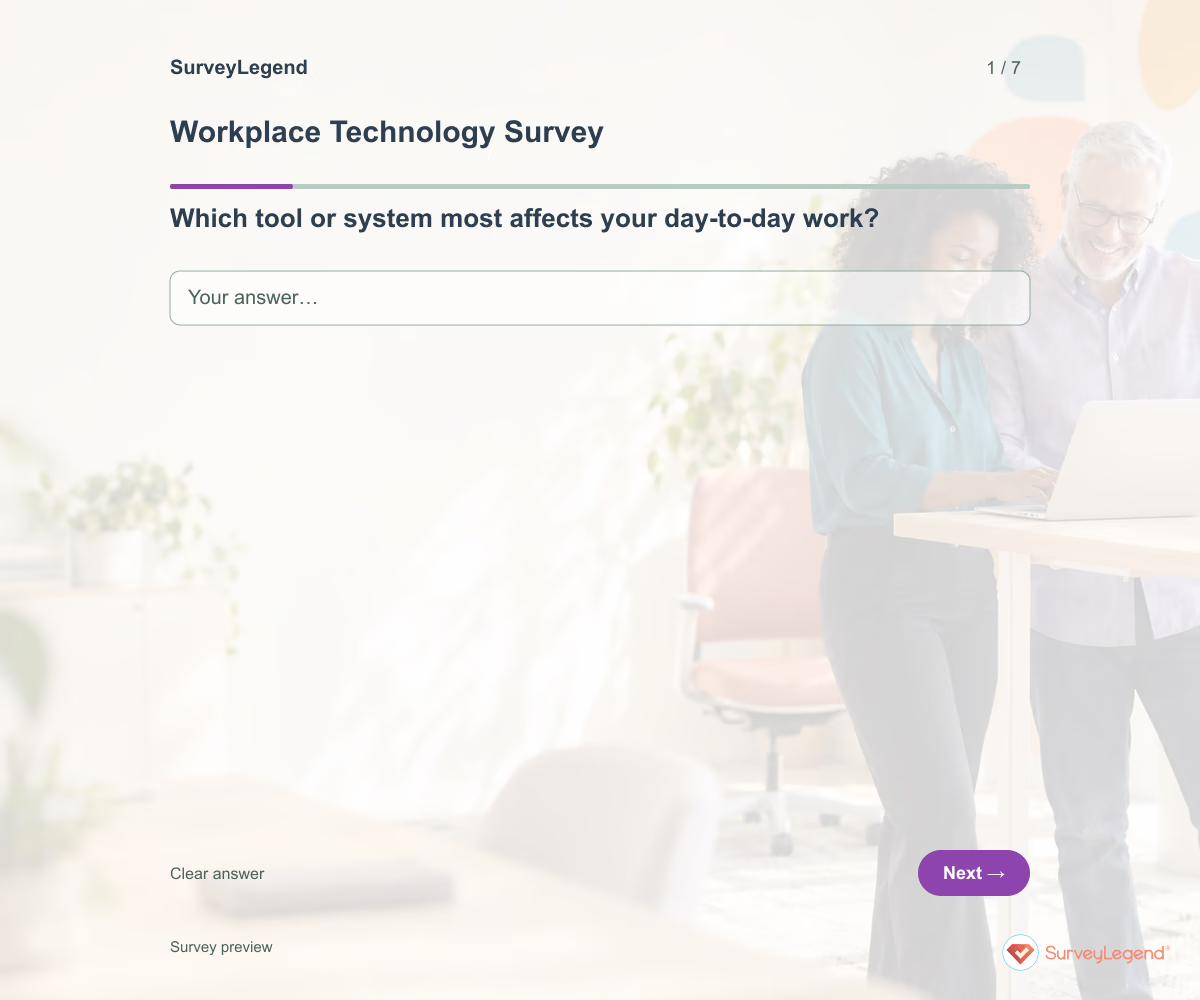
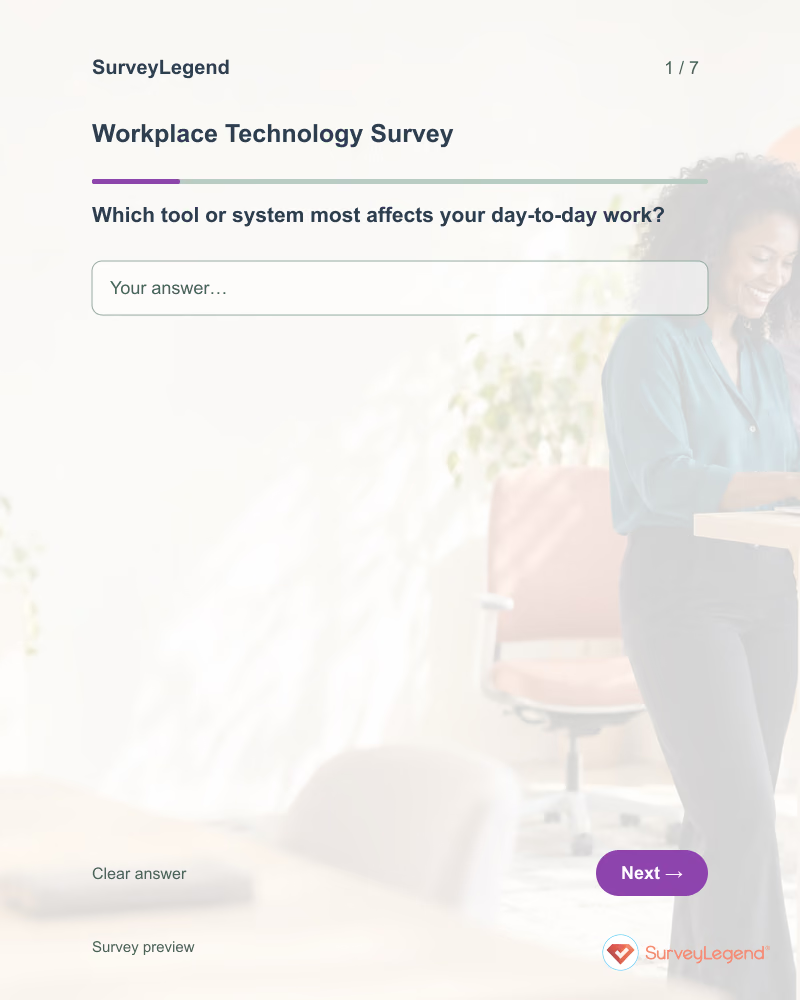
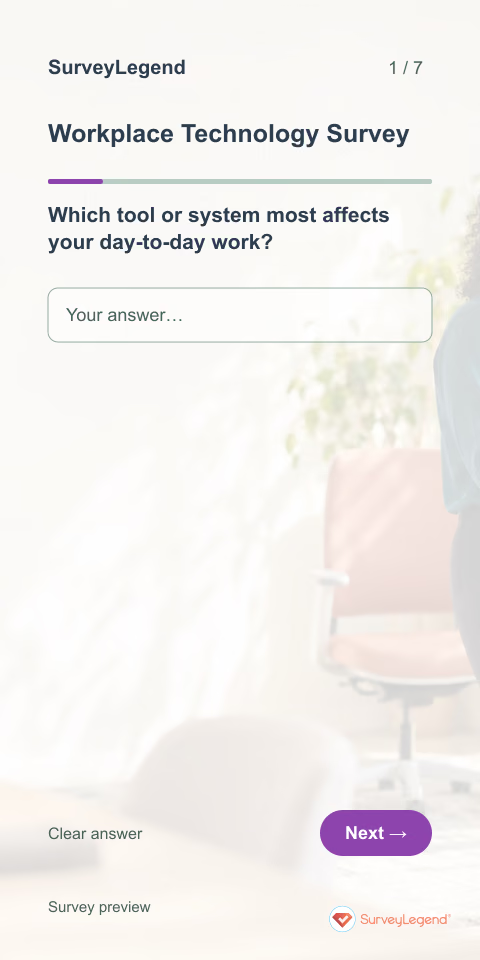
Use this workplace technology survey template to find out whether everyday tools help employees complete their work. The questions connect access, reliability, and guidance to a specific task that needs improvement. Build the questionnaire in SurveyLegend to prioritize technology support around real work rather than a list of software preferences.
When to use this workplace technology survey
Send it after employees have had time to use the current tools, or before reviewing a software rollout. Name the systems you want feedback on and ask about the previous month. This survey gathers employees’ experience; it does not measure system uptime or replace an incident report. Provide the normal support route for an active issue that needs immediate attention.
To evaluate a completed help-desk interaction instead, use our technical support feedback template.
7 questions for your workplace technology survey
Use these 7 questions as a starting point. All fields are optional; choose one answer where choices are listed. Leave an irrelevant open field blank.
Respondent introduction:
Think about the workplace tools you used during the past month. Focus on work tasks and avoid passwords, customer details, or confidential content. Use the normal support channel for an active issue. All questions are optional.
A little feedback. A clearer picture.
Explore this 7-question example at your own pace. Every question is optional.

Workplace Technology Survey
Thank you for trying the survey!
You’ve tried the template from the respondent’s side. Make it your own with SurveyLegend.
Create your own surveyChecking submission availability…
This is a demo. We count starts and submissions only. Your answers stay in your browser and are never sent or saved.
Activity · no starts yet
How to customize your workplace technology survey
Use the names employees recognize for your systems, not internal project codes. Keep questions about access and reliability separate so a permissions problem is not mistaken for a software outage. If your team uses many tools, ask respondents to focus on the one that most affects their work. Do not request passwords, screenshots containing personal data, or confidential customer examples. Explain how you will share the resulting priorities with IT. Before sharing widely, try the questions with a few people from the intended audience and clarify anything they interpret differently.
Printable workplace technology survey template
Use this printable workplace technology survey template at a workplace drop-in session for staff who have limited computer access. It includes the same questions and space to write, giving people who prefer paper or are less comfortable online another way to take part. SurveyLegend helps you offer both formats. Tell respondents where to return the completed form and who will review it. Paper answers need a separate review or manual entry process; they are not automatically added to online responses.
 Download PDF
 AI prompt for a workplace technology survey
Find the technology changes that would make everyday work easier.
The full prompt below specifies your workplace technology survey, including all 7 questions and response settings. Copy it, register for a free SurveyLegend account, and paste it into SurveyLegend’s AI survey creation tool. Review the result and add your organization’s details before sharing.
Create a free account, then paste the copied prompt into SurveyLegend.
Already have an account? Sign in to create your workplace technology survey.
Prioritize technology fixes by the work they affect
Group answers by the task or tool named, then compare access difficulty, interruptions, and confidence in using the tool. Different patterns suggest different actions: better instructions for an unfamiliar feature, access review for missing permissions, or investigation of recurring failures. Validate reported reliability issues against your technical records before describing an outage. Close the loop with employees when a practical improvement is ready.
Frequently asked questions
Should this replace our IT help desk?
No. Use it to identify recurring patterns. Give employees a separate, monitored route for active problems and urgent support requests.
Can we use it after a software rollout?
Yes. Allow enough time for people to try real tasks, name the software, and keep the reference period consistent.
Does it measure technical performance?
It measures reported experience. Check technical logs and diagnostics separately before making claims about uptime, latency, or the cause of a failure.
-
 Employee (HR) Engagement Survey Template You Are as Strong as Your Employees,Yes that’s 100% true. Companies with the happiest and most innovative employees are often the ones leading their industries. Just look at organizations like Google, Facebook, and Apple—the list goes on.
 -
 Manager Performance Survey Template Companies today—whether small, mid-sized, or large—depend on supervisors to manage and guide their teams. The larger the company, the greater the need for effective supervision. But more managers alone isn’t the solution—you need the right ones.
 -
 Employee Exit Survey Template It is never easy when an employee leaves, especially when it is someone who brought real value to the company. Still, departures happen—and often for similar reasons. That is why a smart move for any human resource department is to dig into the “why” behind the decision.
 -
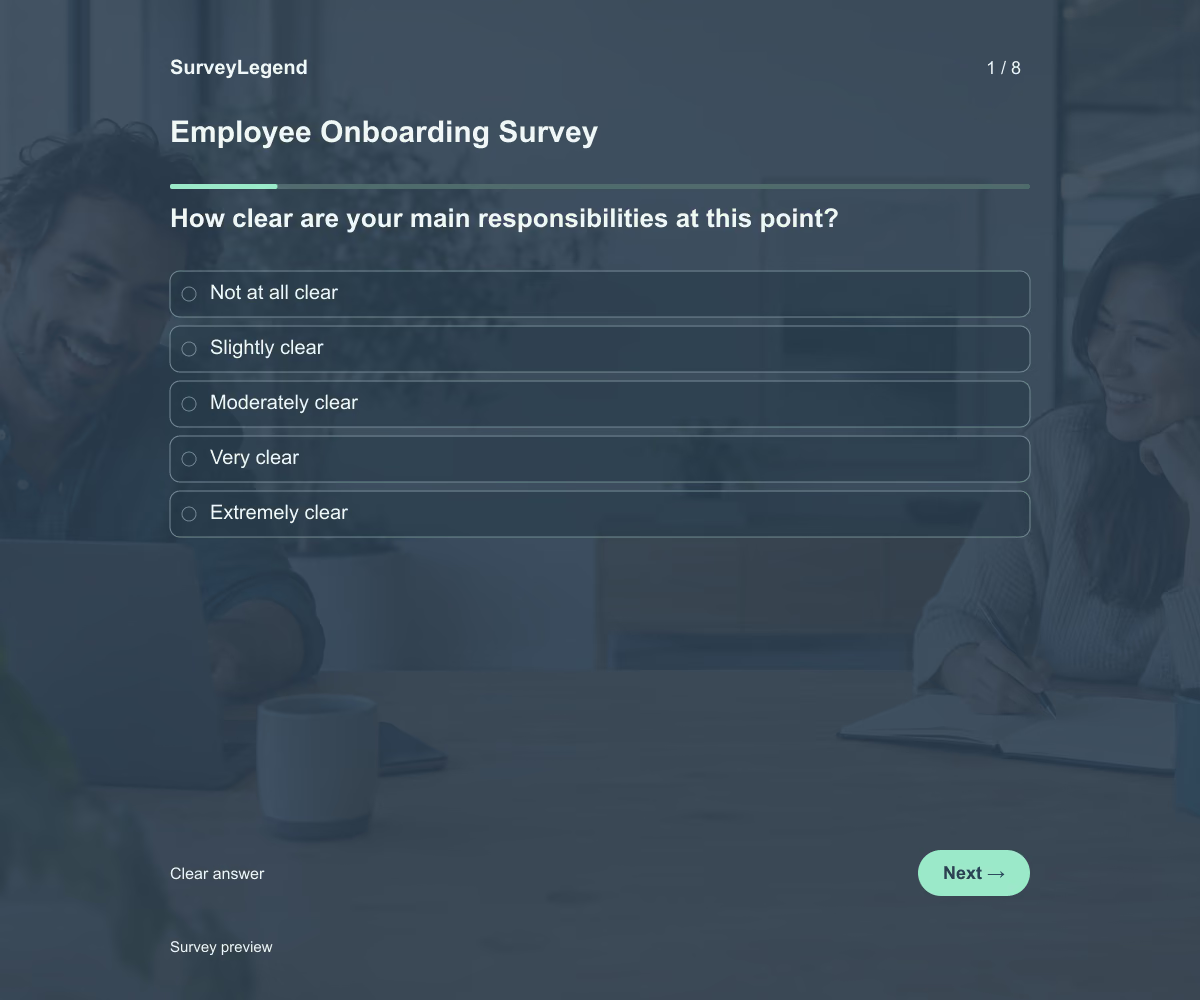 Employee Onboarding Survey Template This employee onboarding survey template helps you understand how new hires are settling in during their first month. Its eight questions cover role clarity, tools, training, manager support, and feeling welcome. Adapt the questions to your onboarding process and create your survey with SurveyLegend.
 -
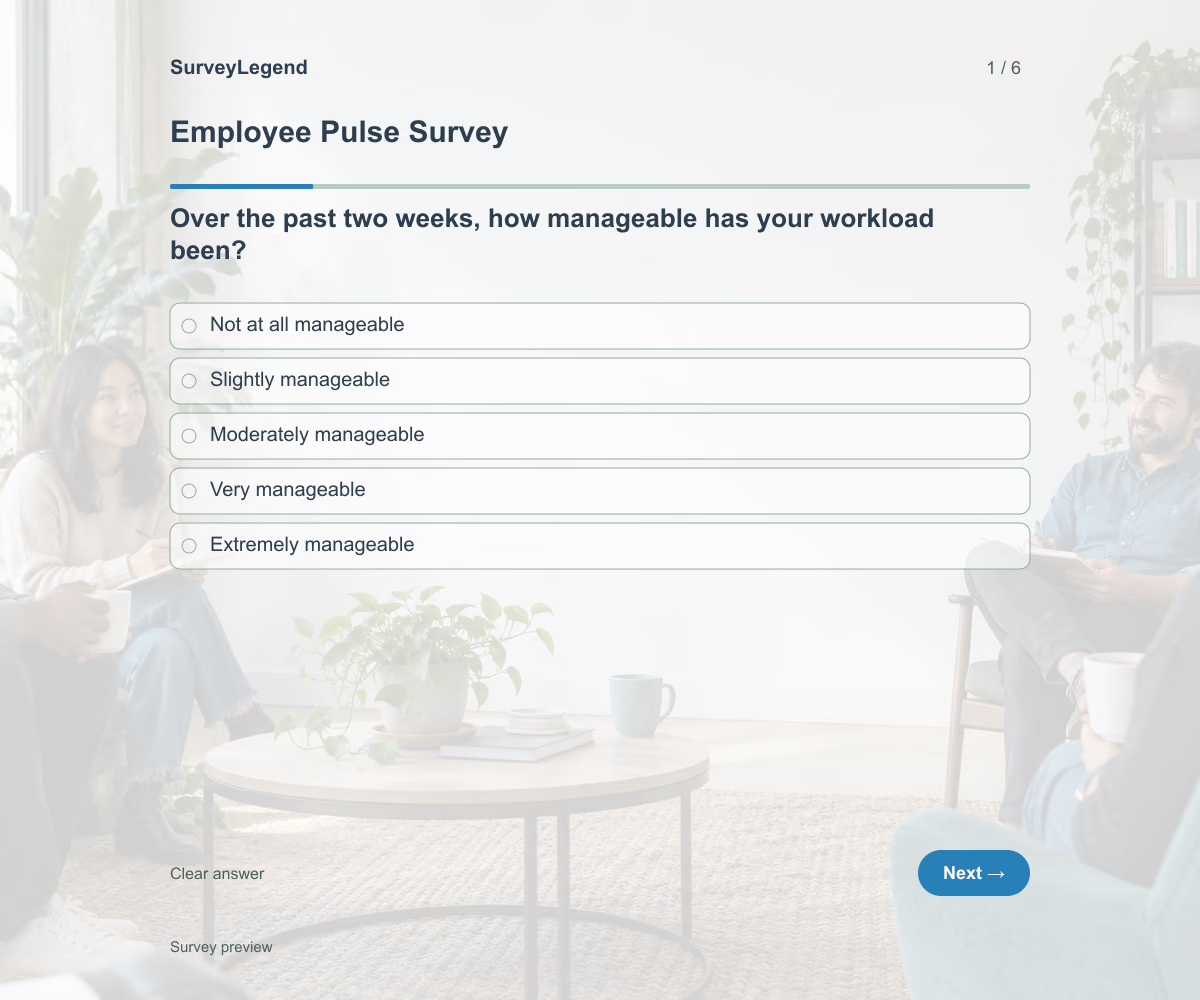 Employee Pulse Survey Template This employee pulse survey template helps you check your team’s workload, priorities, and support over the past two weeks. Use its six questions for a focused, recurring check-in, then choose an action based on the feedback. Adapt the example and create your survey with SurveyLegend.
 -
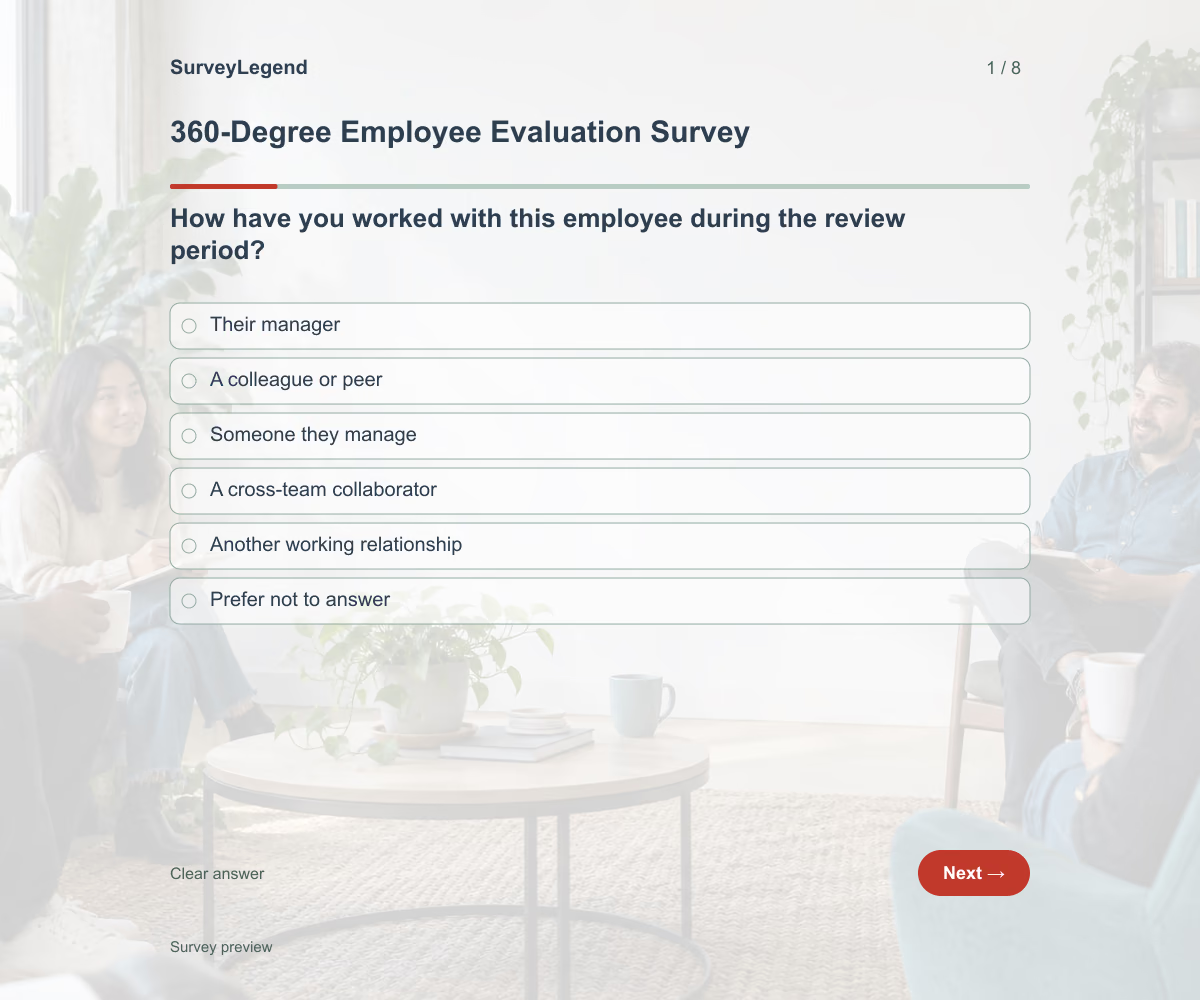 360-Degree Employee Evaluation Survey Template This 360-degree employee evaluation survey template helps you gather feedback from people who work with an employee in different ways. Its eight questions focus on communication, collaboration, reliability, and useful development examples. Customize the wording to the role and create your feedback survey with SurveyLegend.
 -
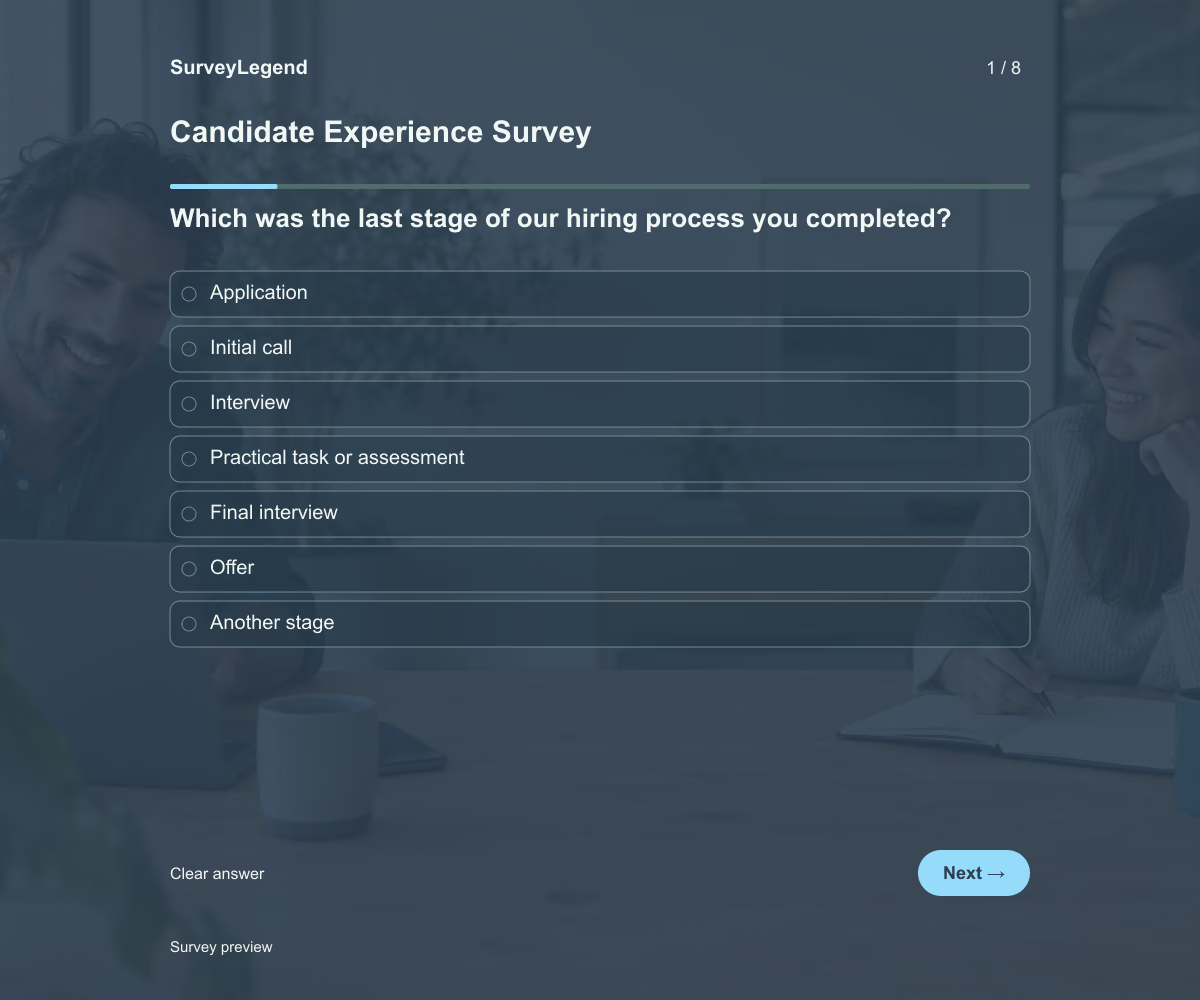 Candidate Experience Survey Template This candidate experience survey template helps you learn how applicants experienced your hiring process. Its eight questions cover application instructions, updates, scheduling, interviews, and time spent. Adapt the questionnaire to the stages candidates actually completed, then create your survey with SurveyLegend.
 -
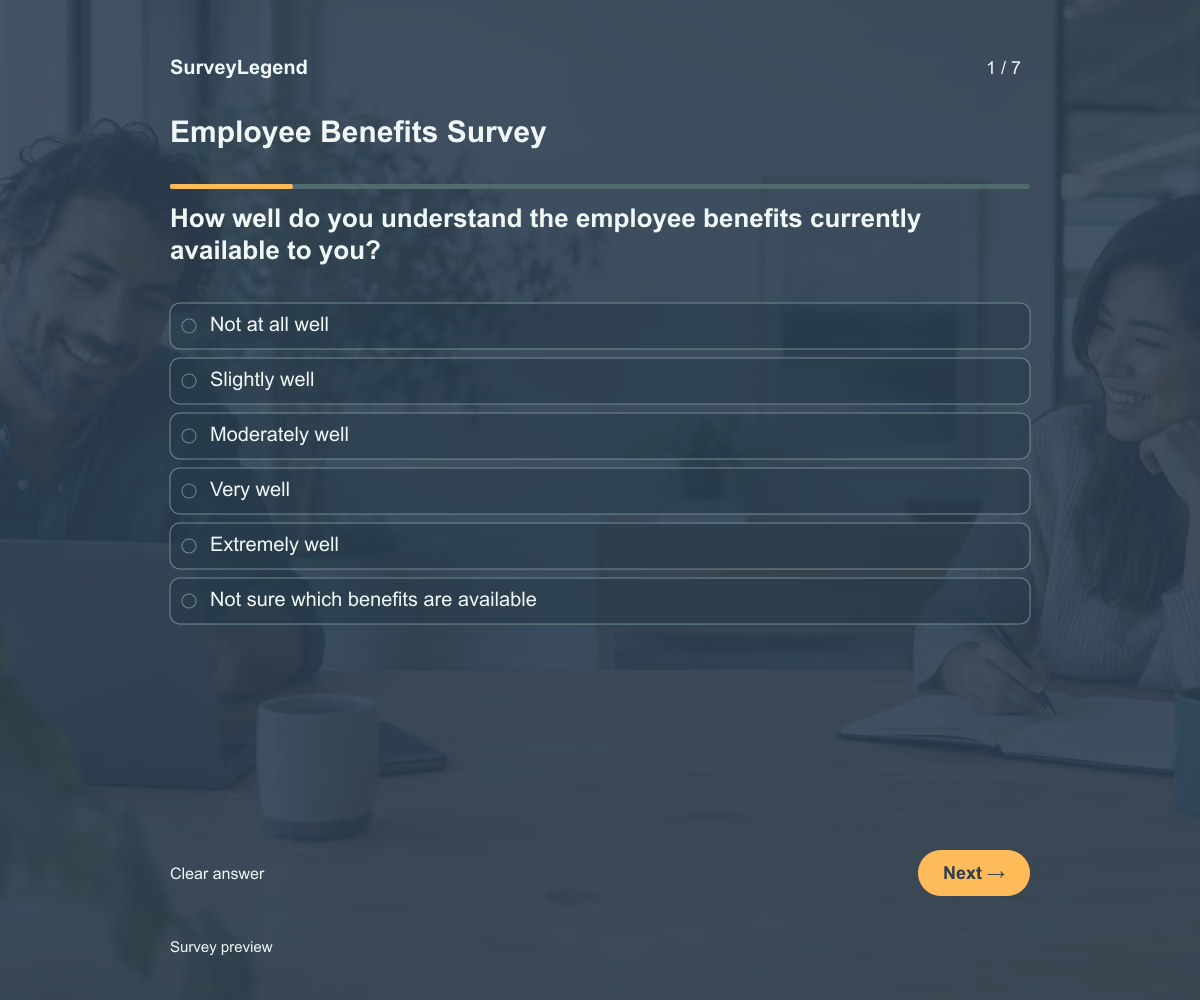 Employee Benefits Survey Template This employee benefits survey template helps you understand whether your current benefits are clear, accessible, and useful to your team. Its seven questions separate awareness from actual experience, so you can investigate why a benefit is overlooked or difficult to use. Customize the example and create your survey with SurveyLegend.
 -
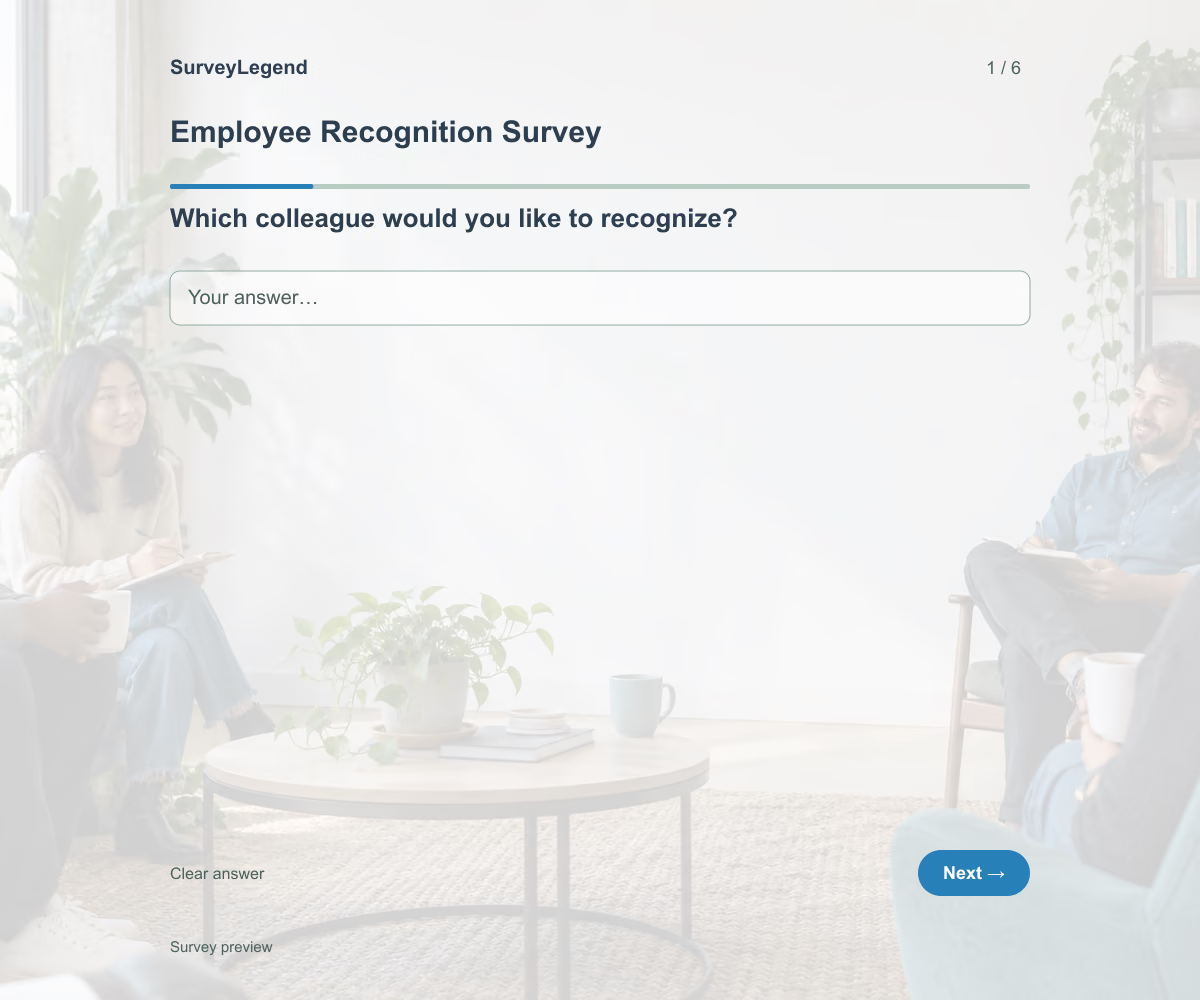 Employee Recognition Survey Template Use this employee recognition survey template to collect peer nominations with specific examples of a colleague’s contribution. Its six questions ask who helped, what they did, and why it mattered. Adapt the questions to your recognition criteria, then create your nomination form with SurveyLegend.
 -
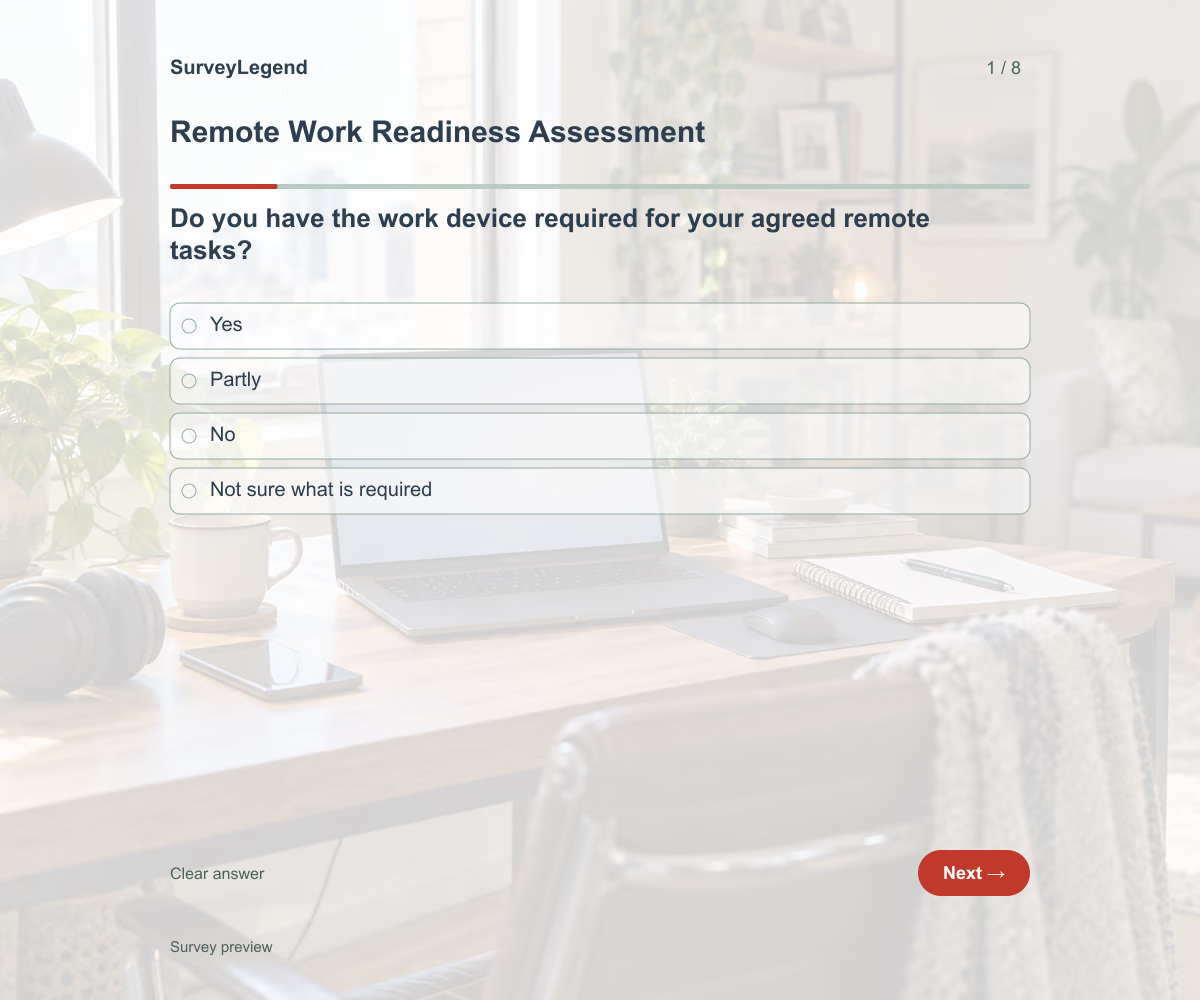 Remote Work Readiness Assessment Template This remote work readiness assessment template helps you check the practical setup before an employee starts working remotely. Its eight questions cover equipment, system access, connection reliability, communication, and support. Adapt the checklist to the agreed working arrangement and build your questionnaire with SurveyLegend.
 -
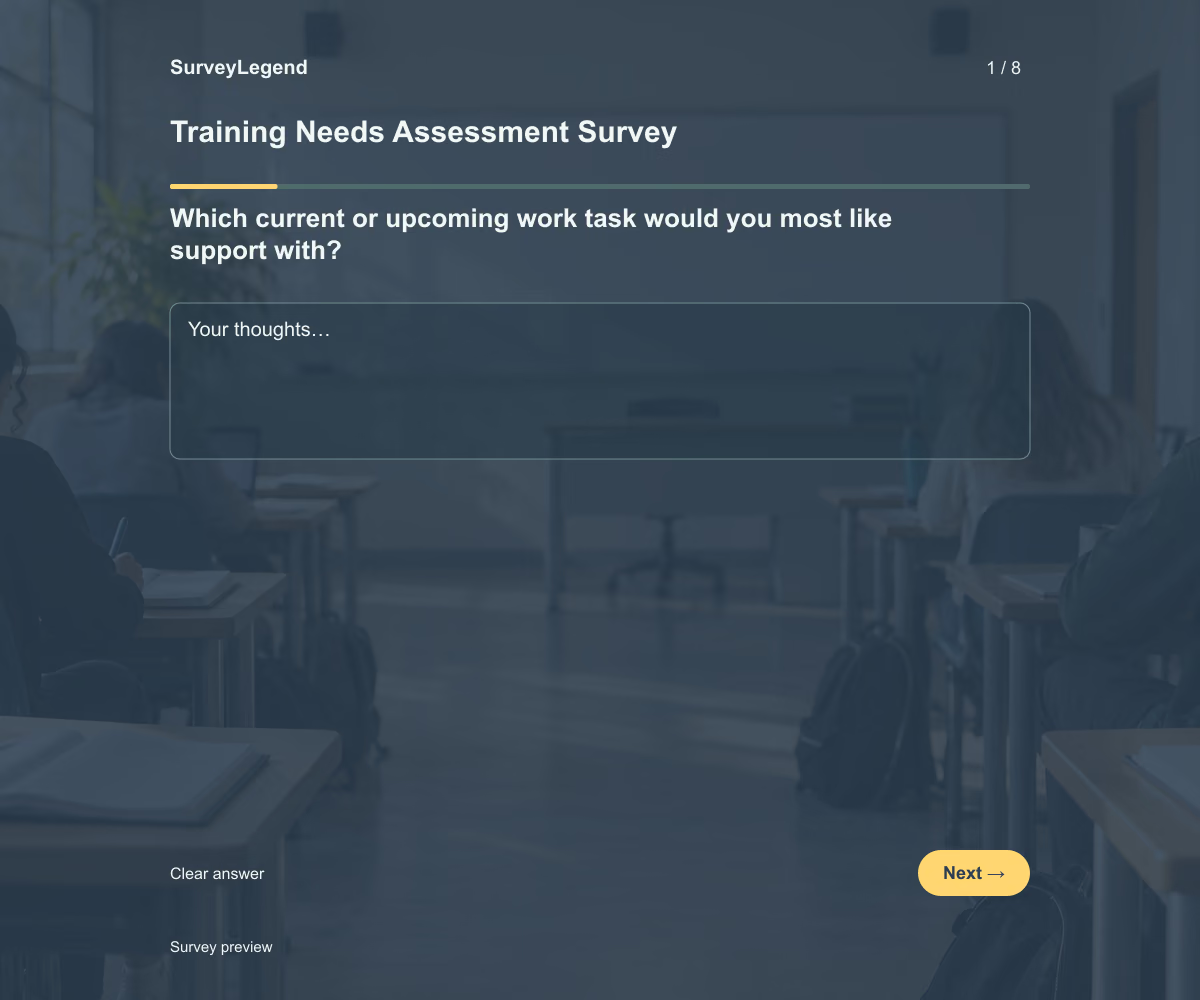 Training Needs Assessment Survey Template This training needs assessment survey template helps you find out which work tasks employees need more support to perform. Its eight questions connect training requests to real tasks, current confidence, learning barriers, and a useful outcome. Adapt the example to your team and create the questionnaire with SurveyLegend.
 -
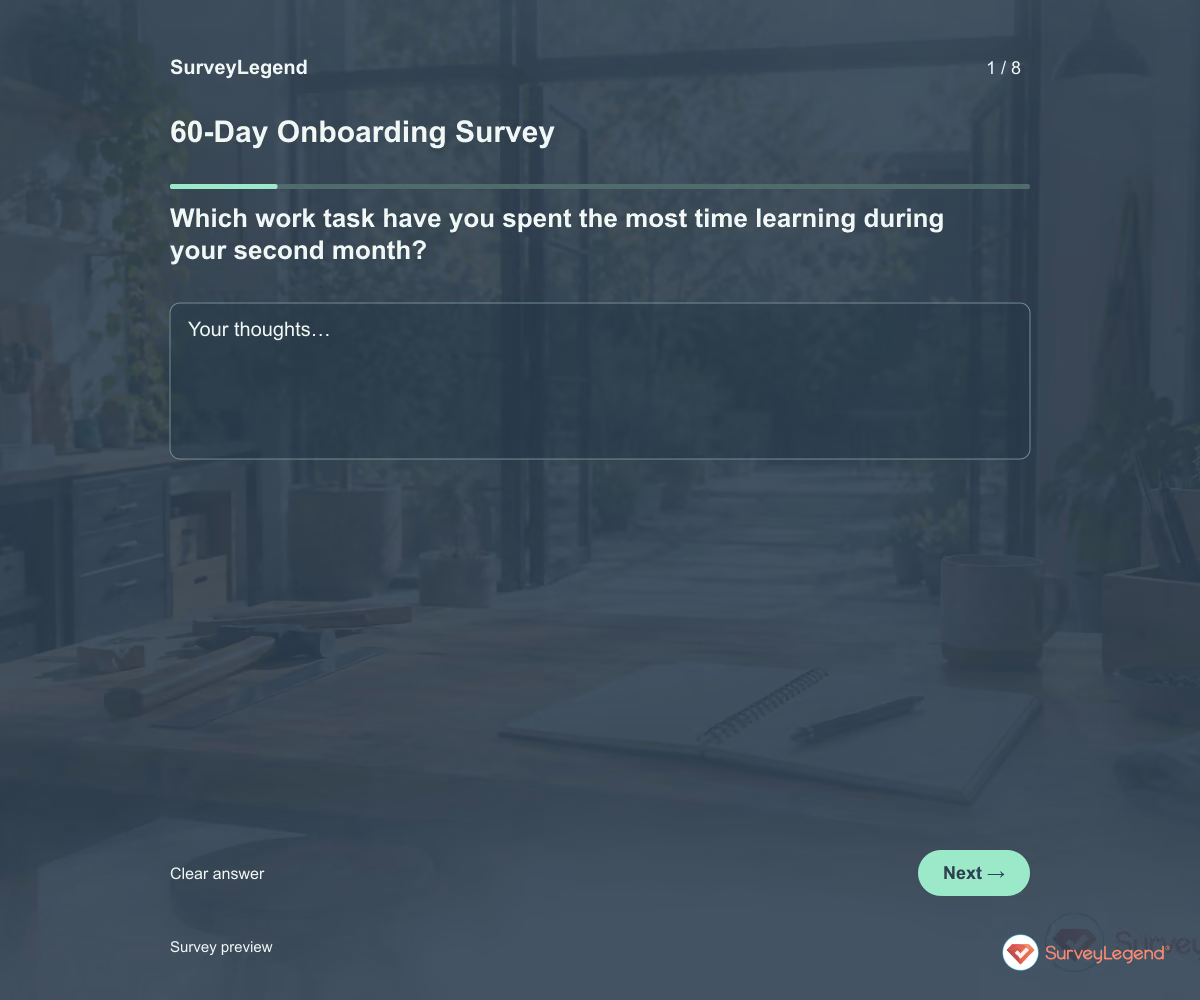 60-Day Onboarding Survey Template Use this 60-day onboarding survey template to check what happens when new hires start putting their training into practice. Eight questions explore real tasks, feedback, team coordination, and unresolved obstacles. Adapt it in SurveyLegend before your second-month check-in, then use the answers to agree on specific support for the weeks ahead.
 -
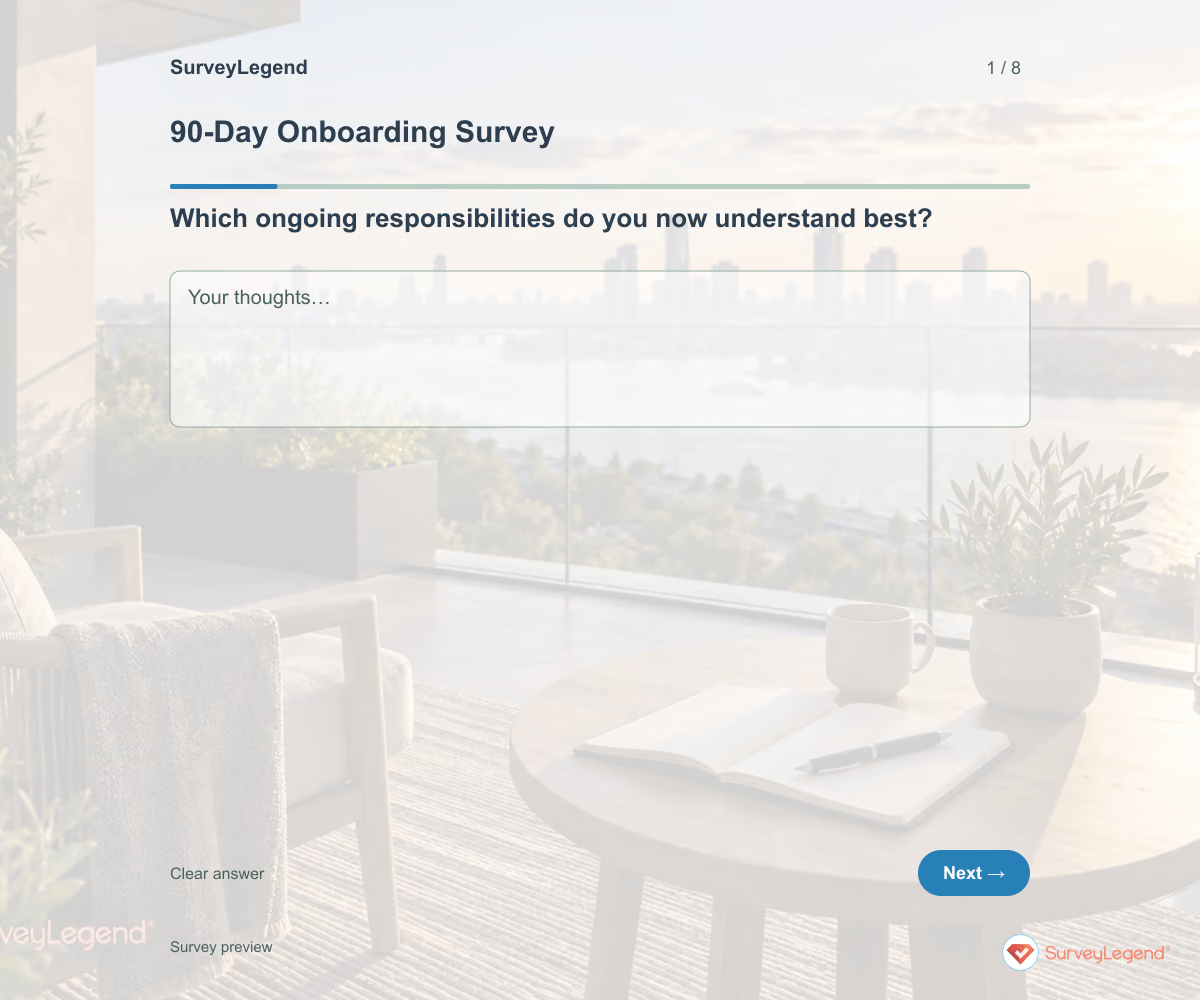 90-Day Onboarding Survey Template Use this 90-day onboarding survey template to review the first three months and plan what comes next. The eight questions focus on ongoing responsibilities, feedback, development, and any support that still needs to continue. Build the questionnaire in SurveyLegend and use it to prepare a clear transition from introductory training to everyday work.
 -
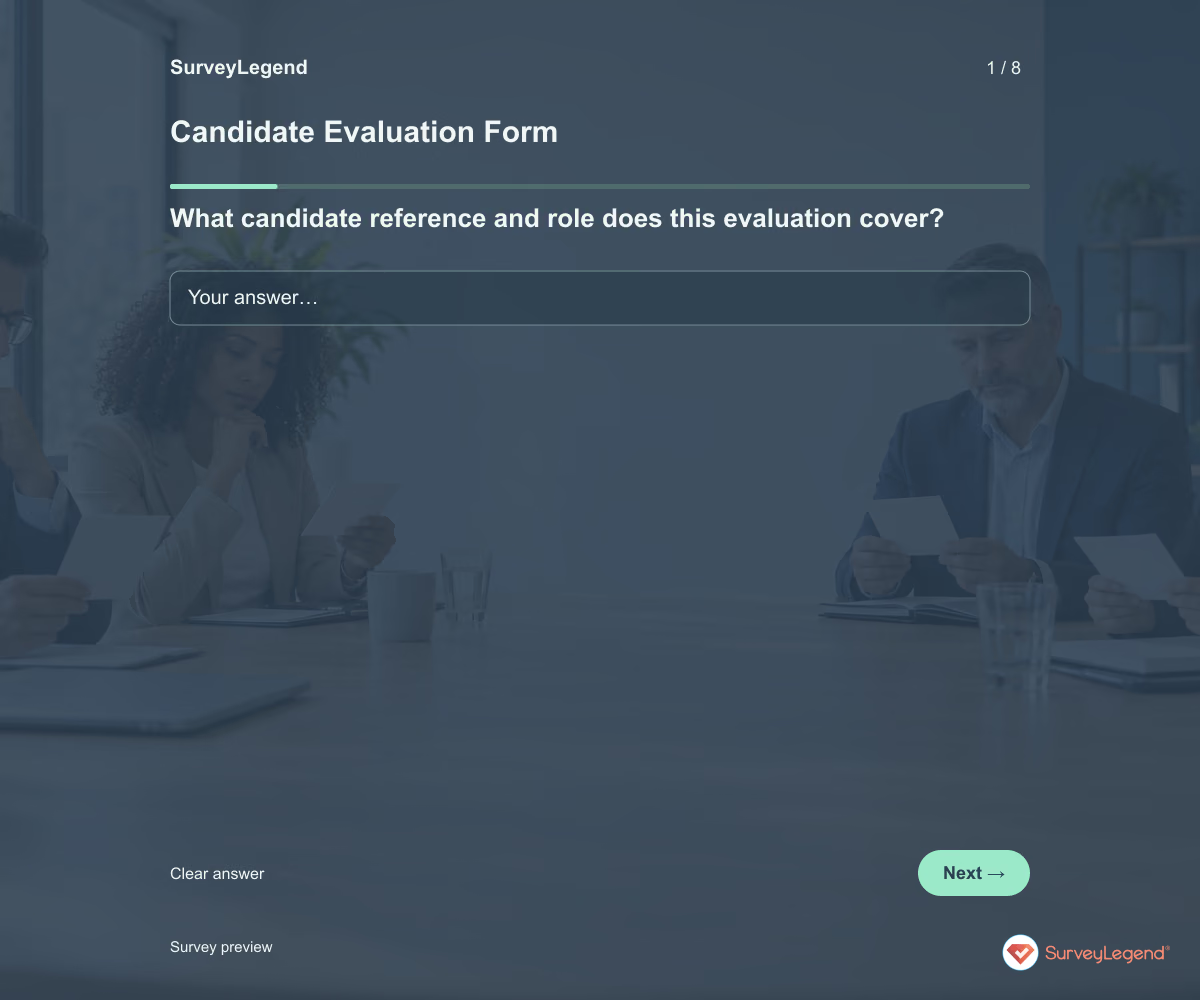 Candidate Evaluation Form Template Use this candidate evaluation form template to record what an interview revealed about a job-related requirement. It keeps observed evidence, unanswered questions, and the interviewer’s recommendation separate. Customize it in SurveyLegend so your hiring team can discuss the same criteria instead of relying on general impressions.
 -
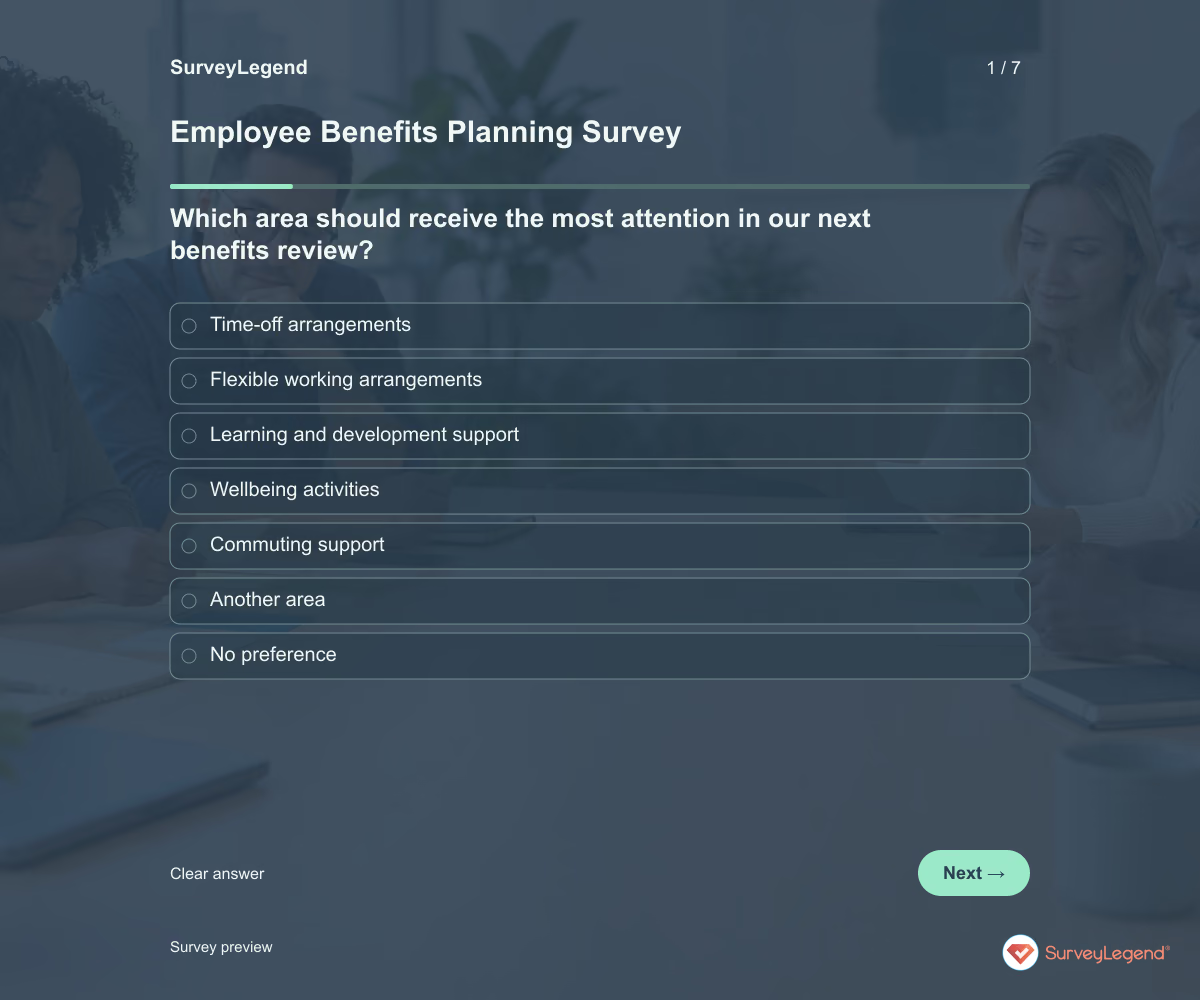 Employee Benefits Planning Survey Template Use this employee benefits planning survey template to learn which improvements employees would value in a future benefits package. It asks about priorities, likely usefulness, and practical access needs. Build it in SurveyLegend before narrowing the options your organization will investigate.
 -
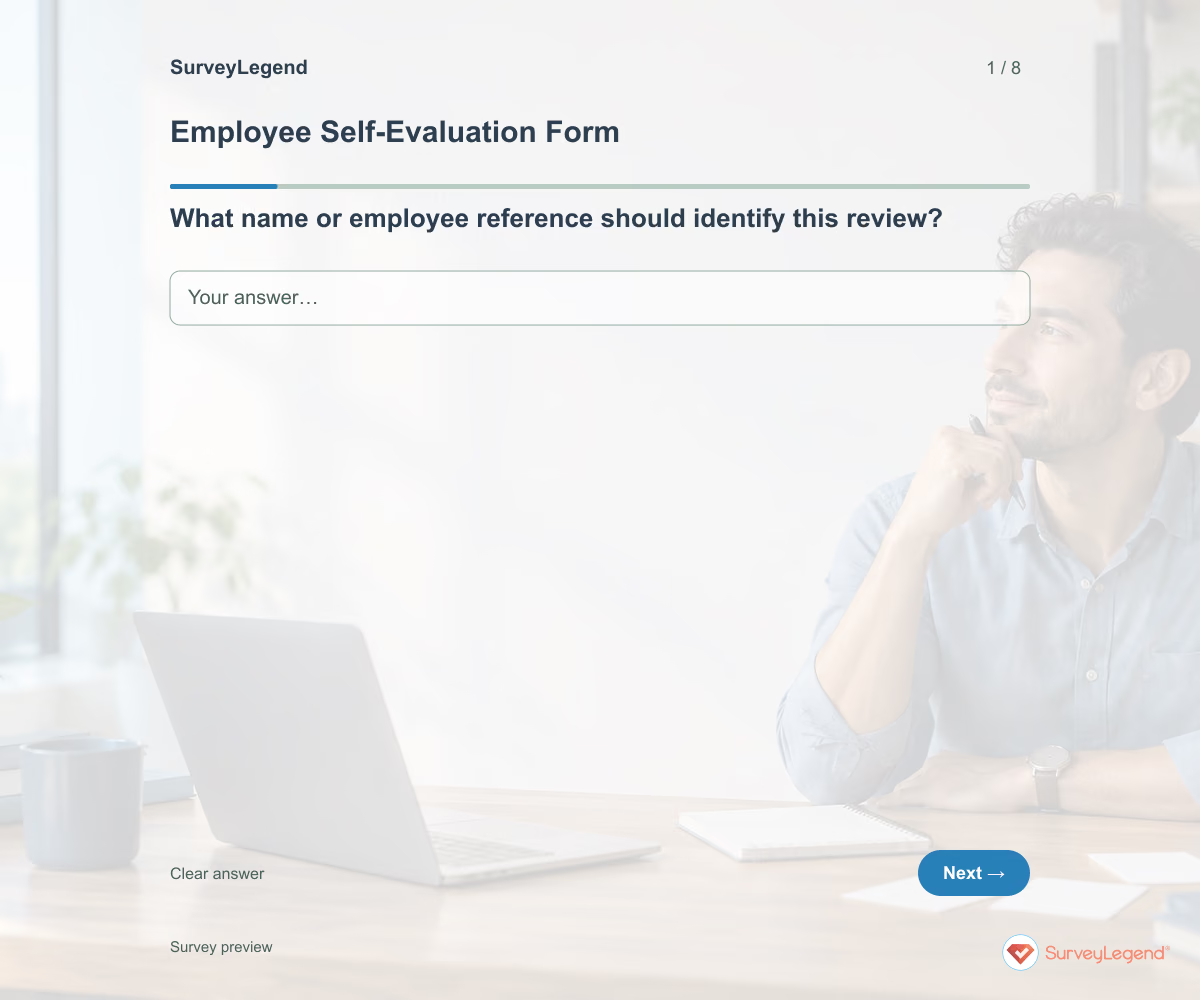 Employee Self-Evaluation Form Template Use this employee self-evaluation form template to help employees prepare for a focused review conversation. It asks for goals, examples of work, obstacles, and the support needed next. Create the form in SurveyLegend and give employees time to reflect before discussing progress with their manager.
 -
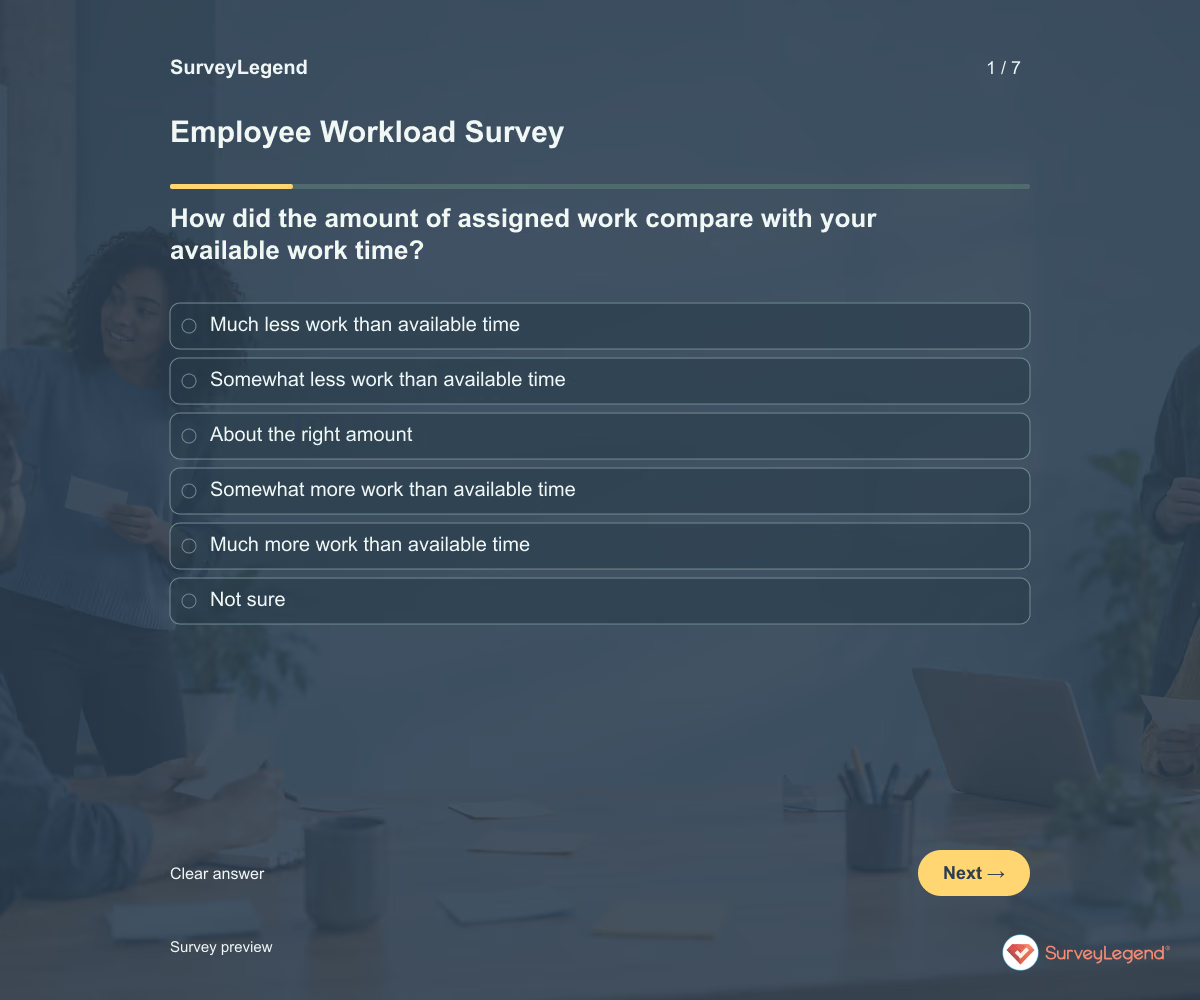 Employee Workload Survey Template Use this employee workload survey template to understand whether people can complete their assigned work within their available time. The questions cover task volume, competing priorities, interruptions, and help with decisions. Build your survey in SurveyLegend to identify changes to work allocation before simply adding more tasks.
 -
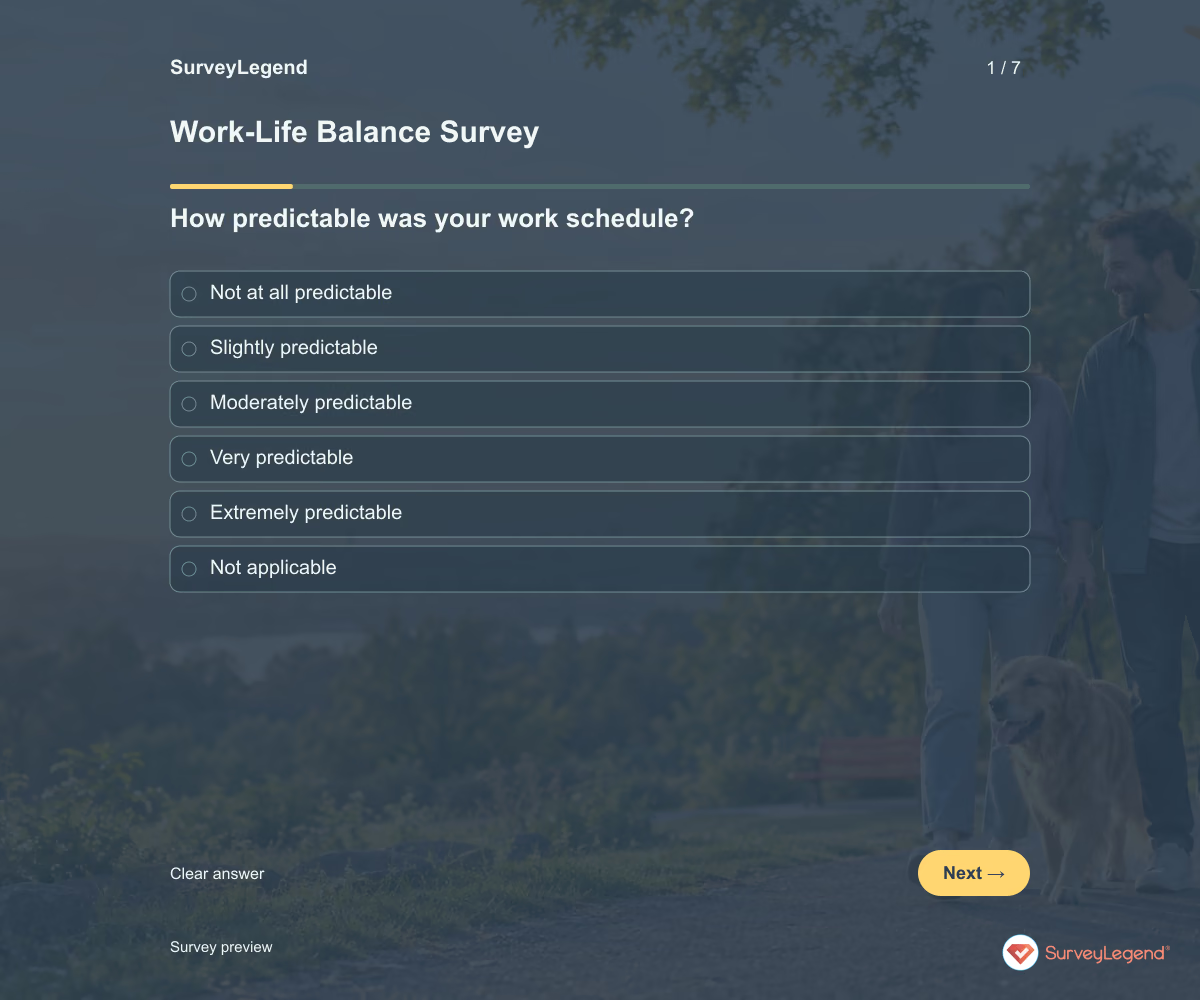 Work-Life Balance Survey Template Use this work-life balance survey template to understand how work schedules and expectations affect time outside work. It asks about predictability, after-hours contact, time off, and practical flexibility. Create a survey in SurveyLegend that helps your team discuss working arrangements without asking employees to explain their private lives.
Free survey maker
Start creating surveys today for free
Create and bring your ideas to life with the survey tool used by people all over the world.
Ready to collect better research data?
Create academic surveys and questionnaires from ready-made templates.