

Team Building Survey Template
This team building survey template asks participants what a session helped them understand and what they can use at work. Review the activity’s purpose, opportunities to contribute, and practical next steps.

This team building survey template asks participants what a session helped them understand and what they can use at work. Review the activity’s purpose, opportunities to contribute, and practical next steps.
An enjoyable activity and a useful team conversation are not necessarily the same thing. This SurveyLegend questionnaire helps you evaluate the session against its purpose while making room for different participant experiences.
When to use this survey
Send it soon after the named session, then use a later check-in to see whether agreed actions happened. Explain whether the session focused on roles, shared goals, problem solving or relationships. For remote teams, consider how team collaboration tools support the follow-up work rather than treating a one-time activity as the whole solution.
7 questions for your team building survey
Think about the team-building session named in your invitation. All questions are optional. Please focus on the activities and working arrangements, without naming colleagues.
A little feedback. A clearer picture.
Explore this 7-question example at your own pace. Every question is optional.
Team Building Survey
Thank you for trying the survey!
You’ve tried the template from the respondent’s side. Make it your own with SurveyLegend.
Create your own surveyChecking submission availability…
This is a demo. We count starts and submissions only. Your answers stay in your browser and are never sent or saved.
Activity · no starts yet
Customize your team building survey
State the session’s actual goal before collecting feedback. Do not assume everyone enjoys competitive, physical or public-speaking activities. Offer a private response route and explain who reads the comments. If asking about accessibility, request useful arrangements through an appropriate separate process rather than asking respondents to disclose diagnoses.
Printable team building survey
Give participants a blank copy they can return privately after the session. Keep the same activity name and questions used online. Do not ask a facilitator to identify who wrote a critical comment.
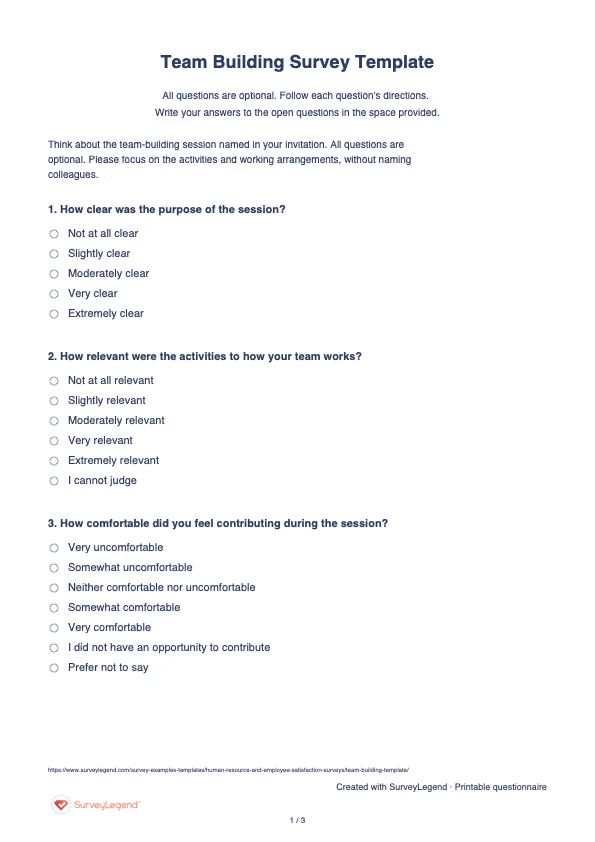
 Download Team Building Survey Template (PDF)
 Create your team building survey with AI
Copy this prompt into an AI assistant to draft the questions. Review the draft, then build and customize the survey in SurveyLegend before sharing.
Copy the prompt into an AI assistant to draft the questions, then build your survey in SurveyLegend.
Already have an account? Sign in to create your team building survey.
How to use the answers
Compare relevance, contribution and next-step clarity instead of combining them into a success score. Organize open-ended data around actions the team could try. Revisit those actions later; an immediate intention to use something is not evidence that teamwork or performance improved.
Klein and colleagues’ 2009 meta-analysis examined team-building components including “goal setting, interpersonal relations, problem solving, and role clarification”. The team building research supports specifying what a session is intended to address. Its findings do not show that any single activity will work, and this original feedback form does not reproduce a validated measure from the research.
Frequently asked questions
Should the survey ask whether the session was fun?
You can add that if enjoyment was an explicit goal. Keep it separate from whether the session clarified roles, goals or a useful next action.
Can this measure team performance?
No. It records participants’ immediate feedback. Assess later work outcomes using suitable evidence and a separate process.
When should there be a follow-up?
Choose a point after the team has had a realistic chance to try its agreed actions. Ask what happened, not simply whether people still remember the session.
-
 Employee (HR) Engagement Survey Template You Are as Strong as Your Employees,Yes that’s 100% true. Companies with the happiest and most innovative employees are often the ones leading their industries. Just look at organizations like Google, Facebook, and Apple—the list goes on.
 -
 Manager Performance Survey Template Companies today—whether small, mid-sized, or large—depend on supervisors to manage and guide their teams. The larger the company, the greater the need for effective supervision. But more managers alone isn’t the solution—you need the right ones.
 -
 Employee Exit Survey Template It is never easy when an employee leaves, especially when it is someone who brought real value to the company. Still, departures happen—and often for similar reasons. That is why a smart move for any human resource department is to dig into the “why” behind the decision.
 -
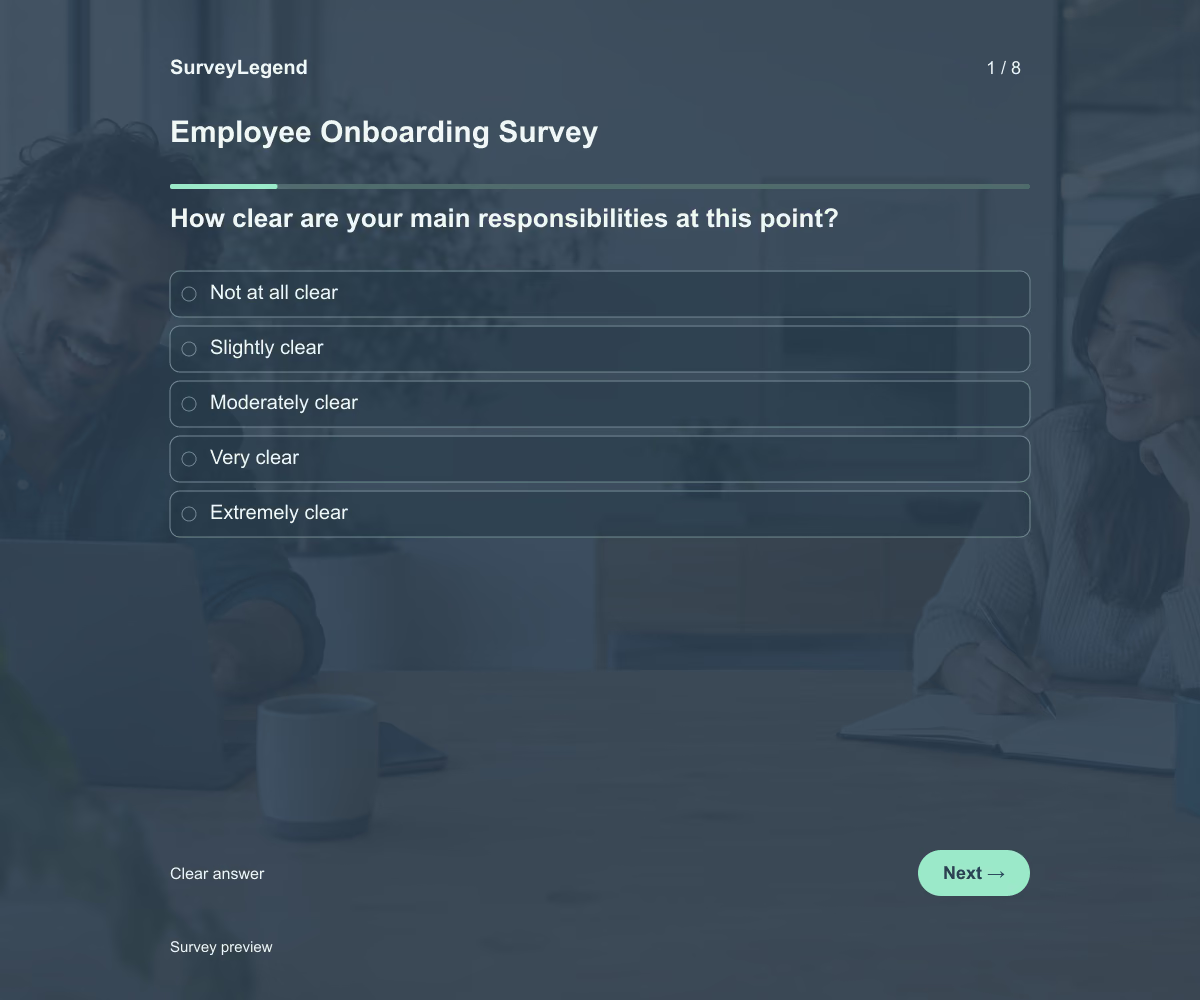 Employee Onboarding Survey Template This employee onboarding survey template helps you understand how new hires are settling in during their first month. Its eight questions cover role clarity, tools, training, manager support, and feeling welcome. Adapt the questions to your onboarding process and create your survey with SurveyLegend.
 -
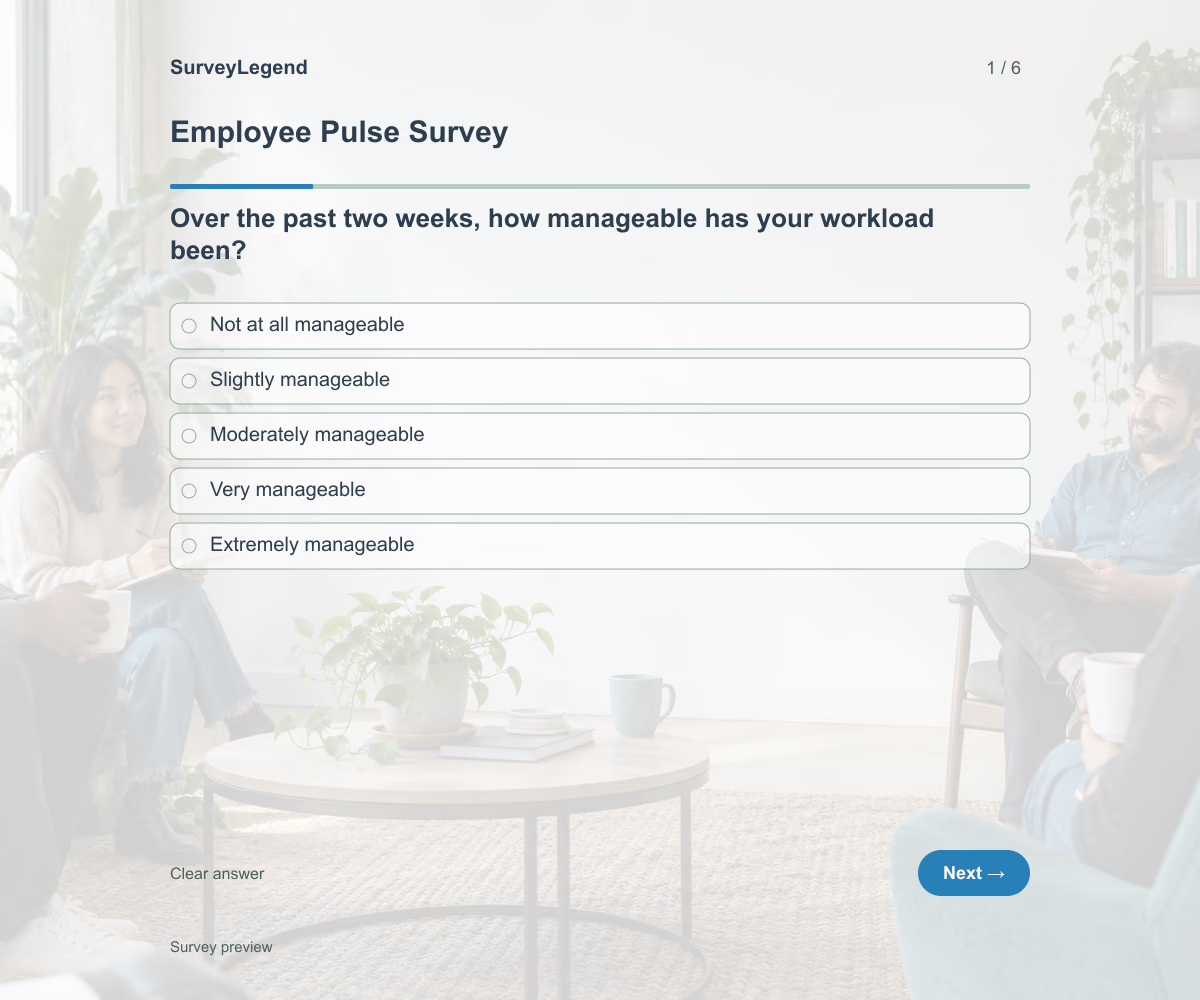 Employee Pulse Survey Template This employee pulse survey template helps you check your team’s workload, priorities, and support over the past two weeks. Use its six questions for a focused, recurring check-in, then choose an action based on the feedback. Adapt the example and create your survey with SurveyLegend.
 -
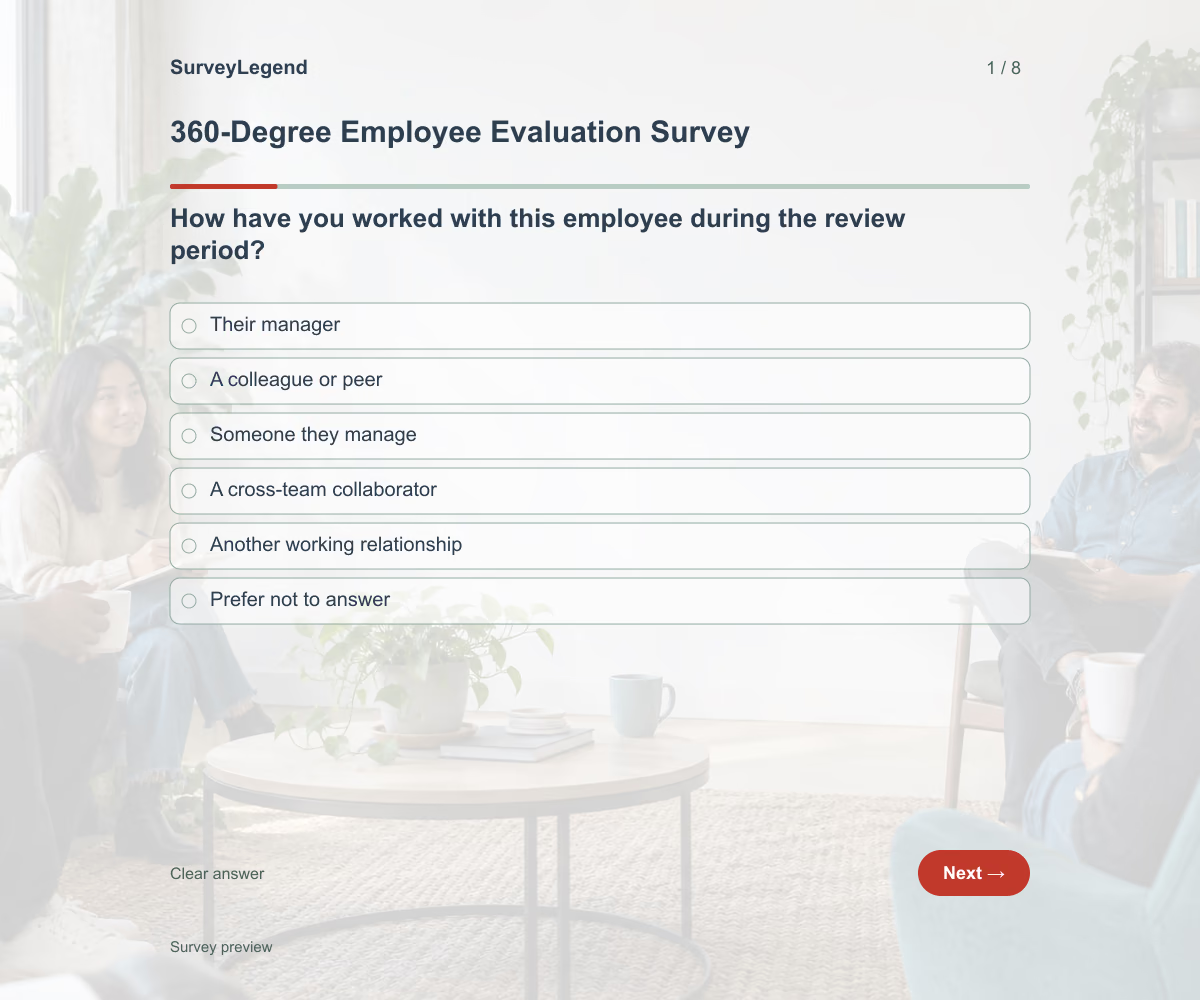 360-Degree Employee Evaluation Survey Template This 360-degree employee evaluation survey template helps you gather feedback from people who work with an employee in different ways. Its eight questions focus on communication, collaboration, reliability, and useful development examples. Customize the wording to the role and create your feedback survey with SurveyLegend.
 -
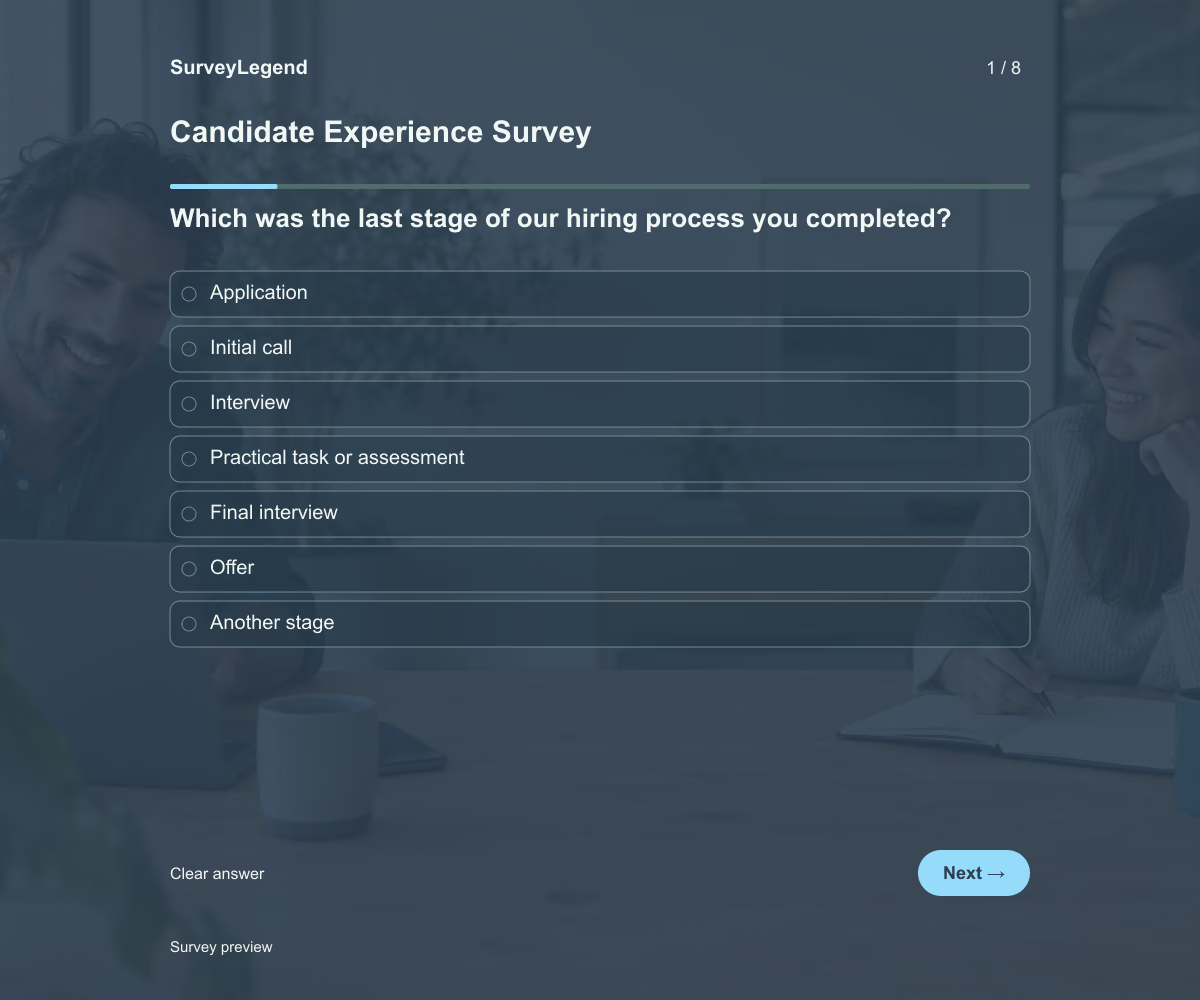 Candidate Experience Survey Template This candidate experience survey template helps you learn how applicants experienced your hiring process. Its eight questions cover application instructions, updates, scheduling, interviews, and time spent. Adapt the questionnaire to the stages candidates actually completed, then create your survey with SurveyLegend.
 -
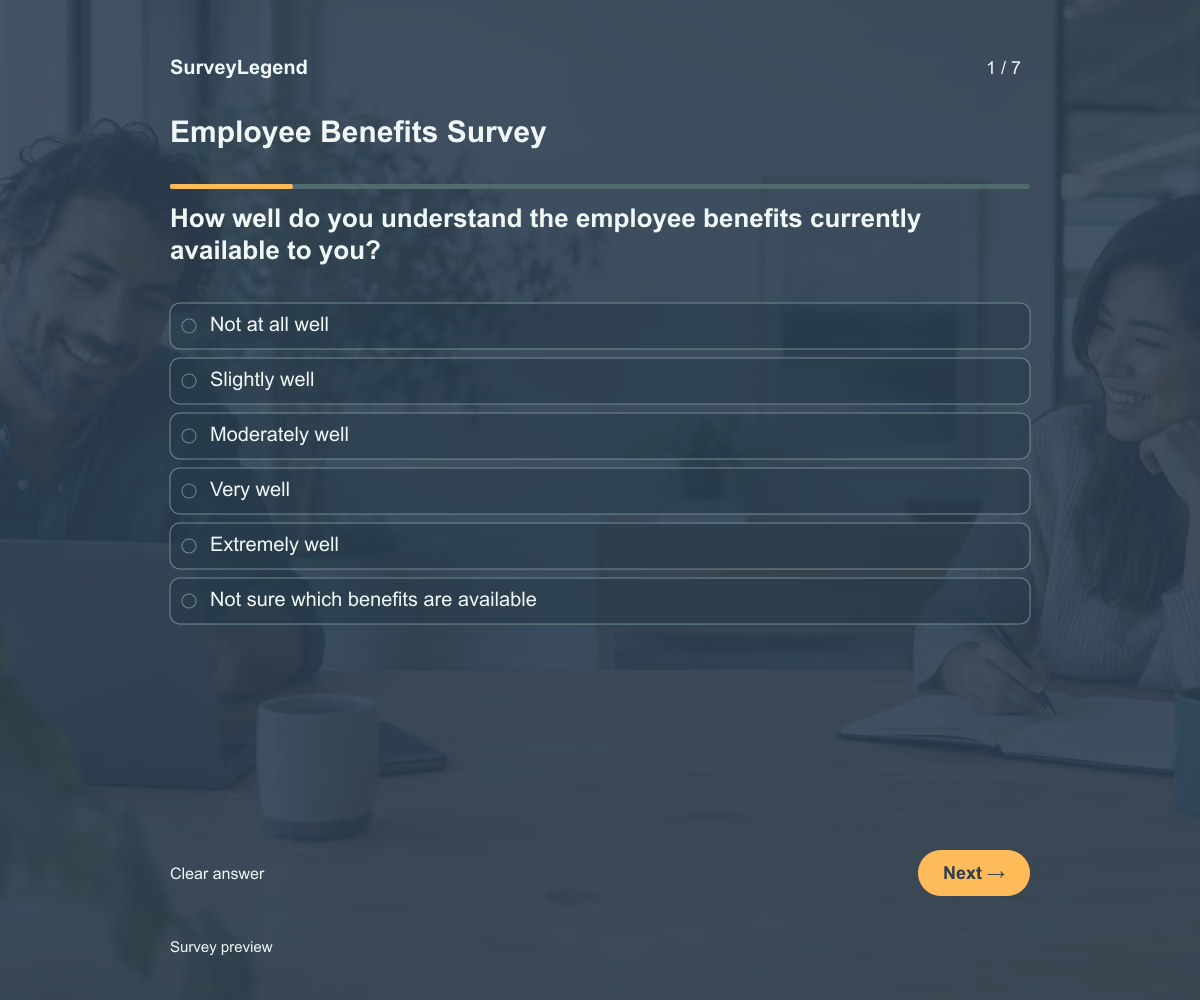 Employee Benefits Survey Template This employee benefits survey template helps you understand whether your current benefits are clear, accessible, and useful to your team. Its seven questions separate awareness from actual experience, so you can investigate why a benefit is overlooked or difficult to use. Customize the example and create your survey with SurveyLegend.
 -
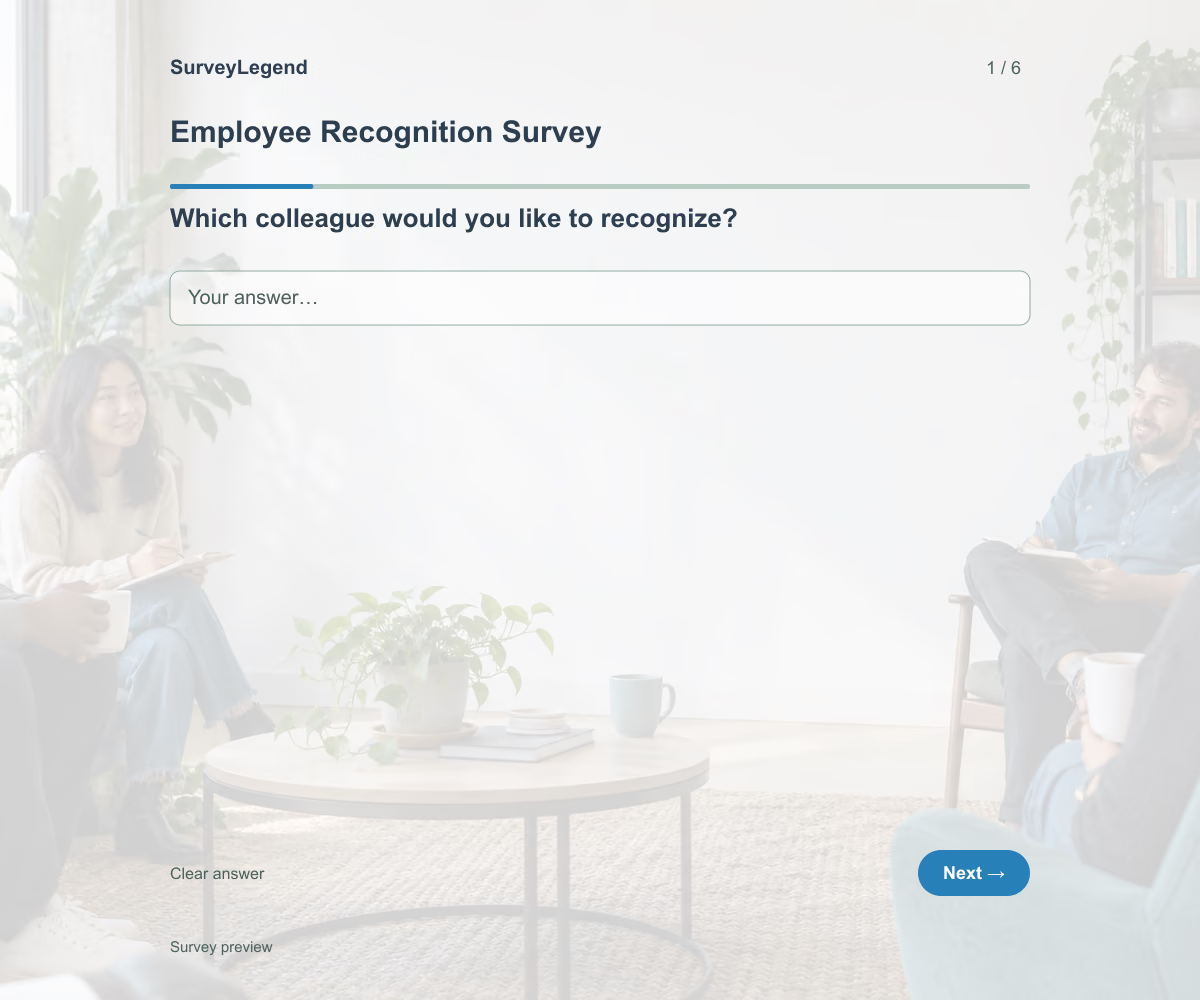 Employee Recognition Survey Template Use this employee recognition survey template to collect peer nominations with specific examples of a colleague’s contribution. Its six questions ask who helped, what they did, and why it mattered. Adapt the questions to your recognition criteria, then create your nomination form with SurveyLegend.
 -
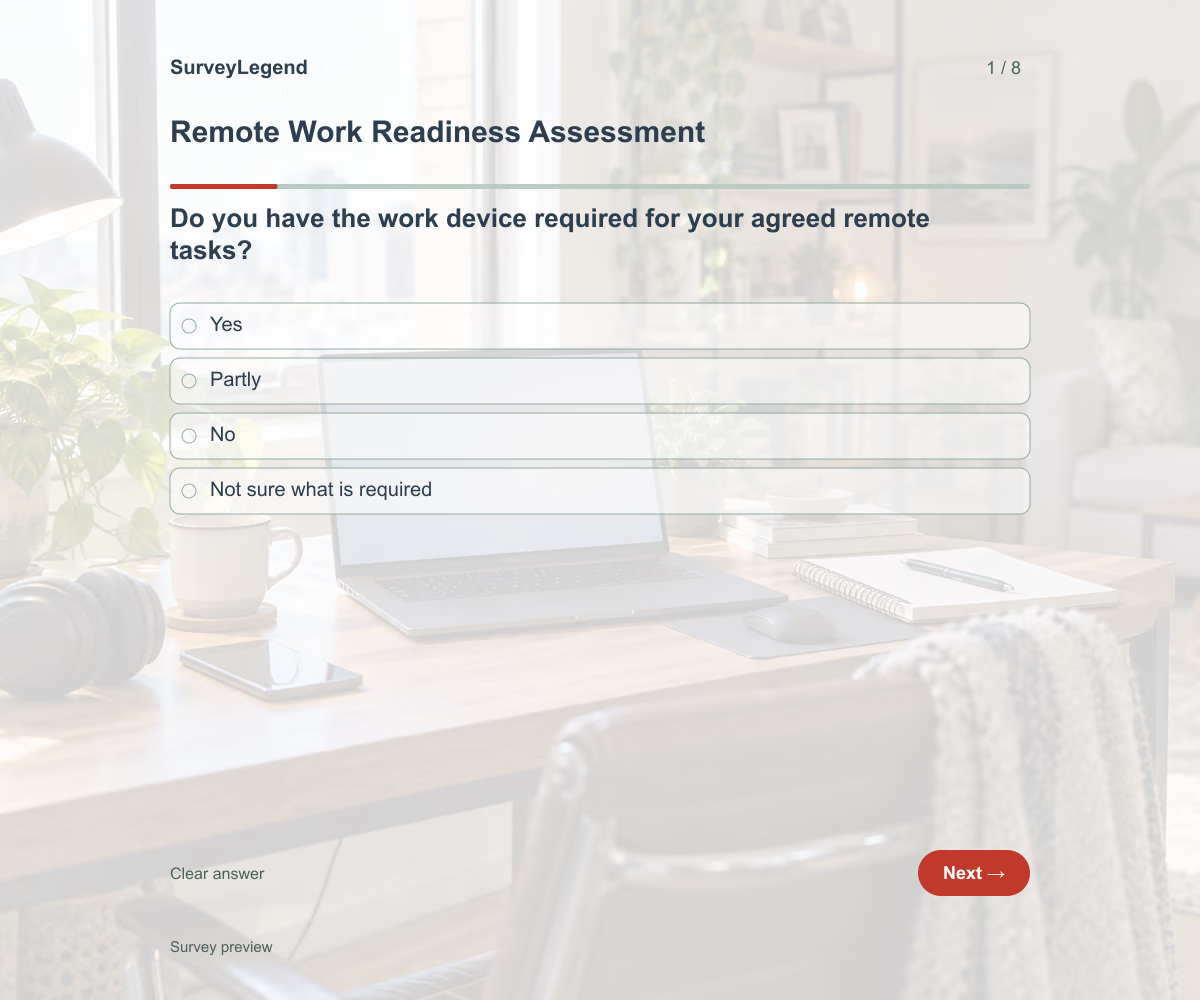 Remote Work Readiness Assessment Template This remote work readiness assessment template helps you check the practical setup before an employee starts working remotely. Its eight questions cover equipment, system access, connection reliability, communication, and support. Adapt the checklist to the agreed working arrangement and build your questionnaire with SurveyLegend.
 -
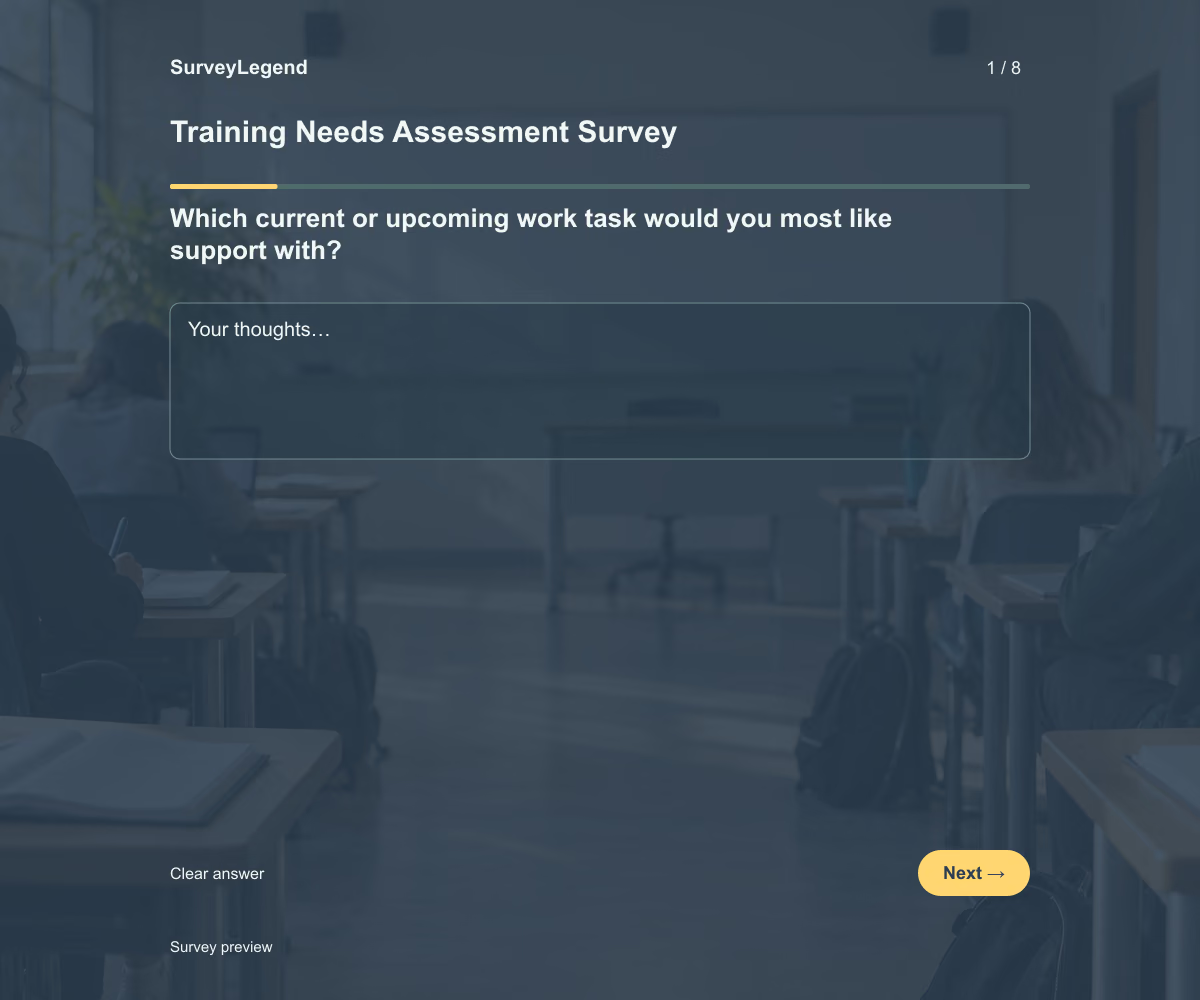 Training Needs Assessment Survey Template This training needs assessment survey template helps you find out which work tasks employees need more support to perform. Its eight questions connect training requests to real tasks, current confidence, learning barriers, and a useful outcome. Adapt the example to your team and create the questionnaire with SurveyLegend.
 -
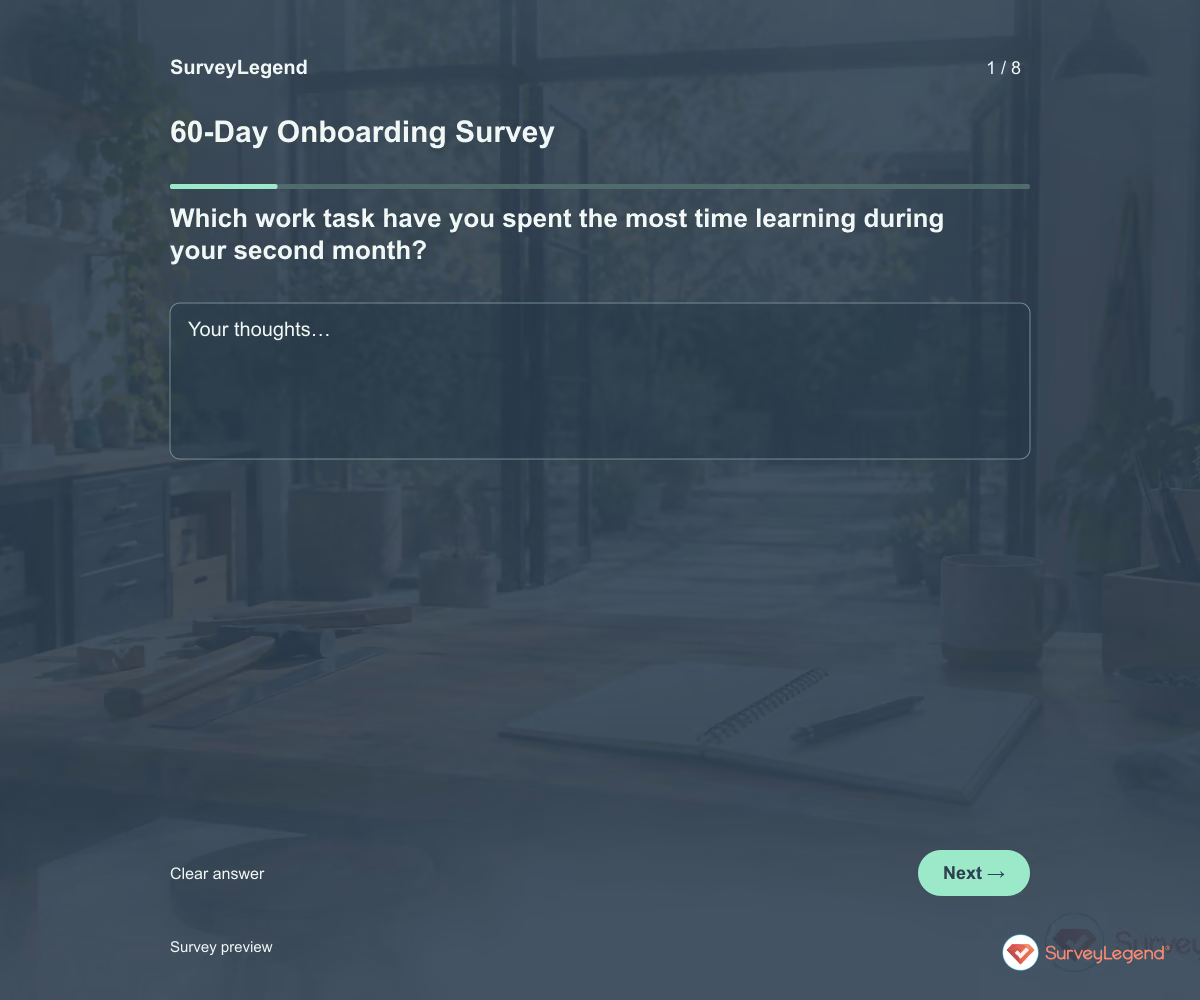 60-Day Onboarding Survey Template Use this 60-day onboarding survey template to check what happens when new hires start putting their training into practice. Eight questions explore real tasks, feedback, team coordination, and unresolved obstacles. Adapt it in SurveyLegend before your second-month check-in, then use the answers to agree on specific support for the weeks ahead.
 -
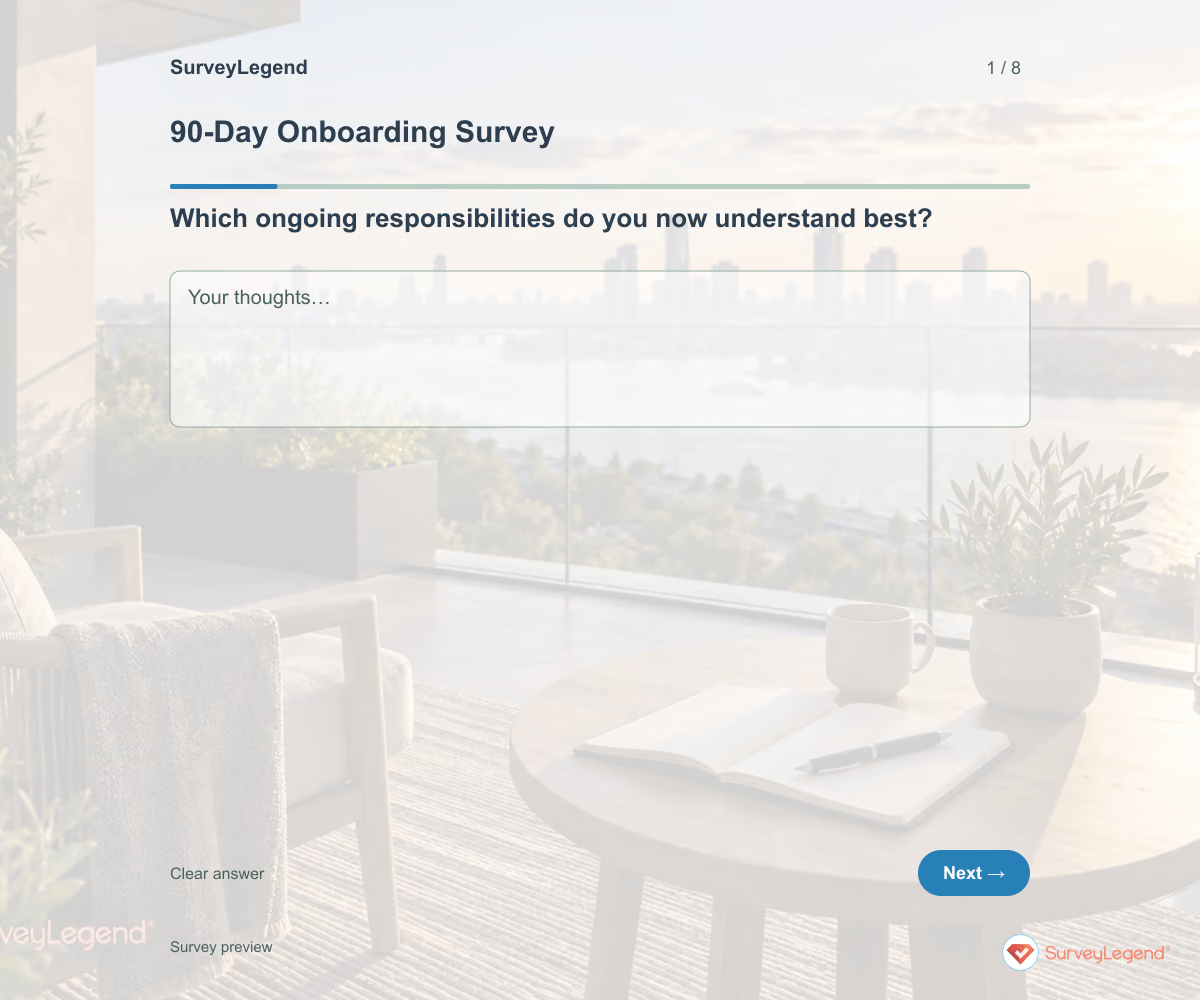 90-Day Onboarding Survey Template Use this 90-day onboarding survey template to review the first three months and plan what comes next. The eight questions focus on ongoing responsibilities, feedback, development, and any support that still needs to continue. Build the questionnaire in SurveyLegend and use it to prepare a clear transition from introductory training to everyday work.
 -
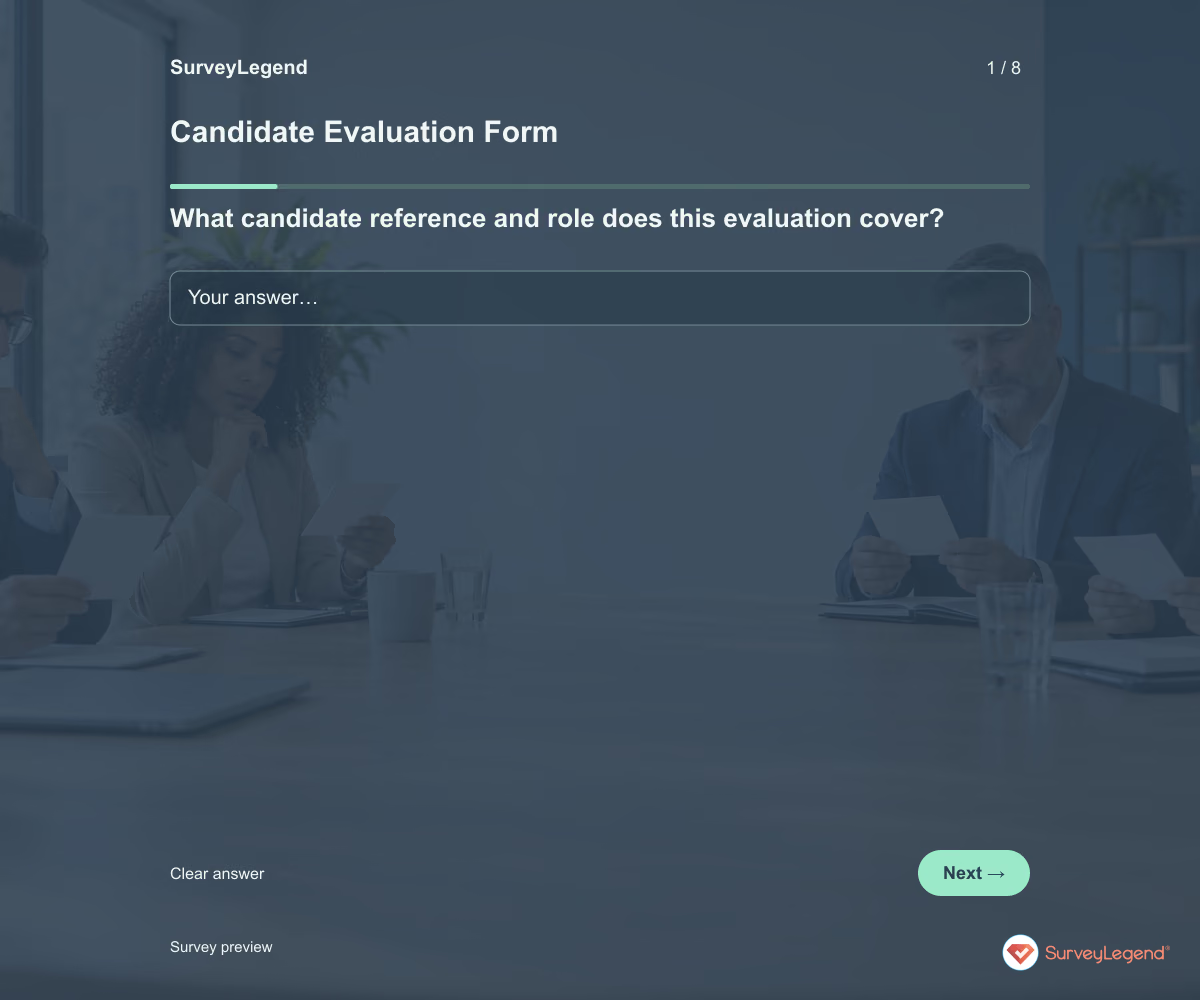 Candidate Evaluation Form Template Use this candidate evaluation form template to record what an interview revealed about a job-related requirement. It keeps observed evidence, unanswered questions, and the interviewer’s recommendation separate. Customize it in SurveyLegend so your hiring team can discuss the same criteria instead of relying on general impressions.
 -
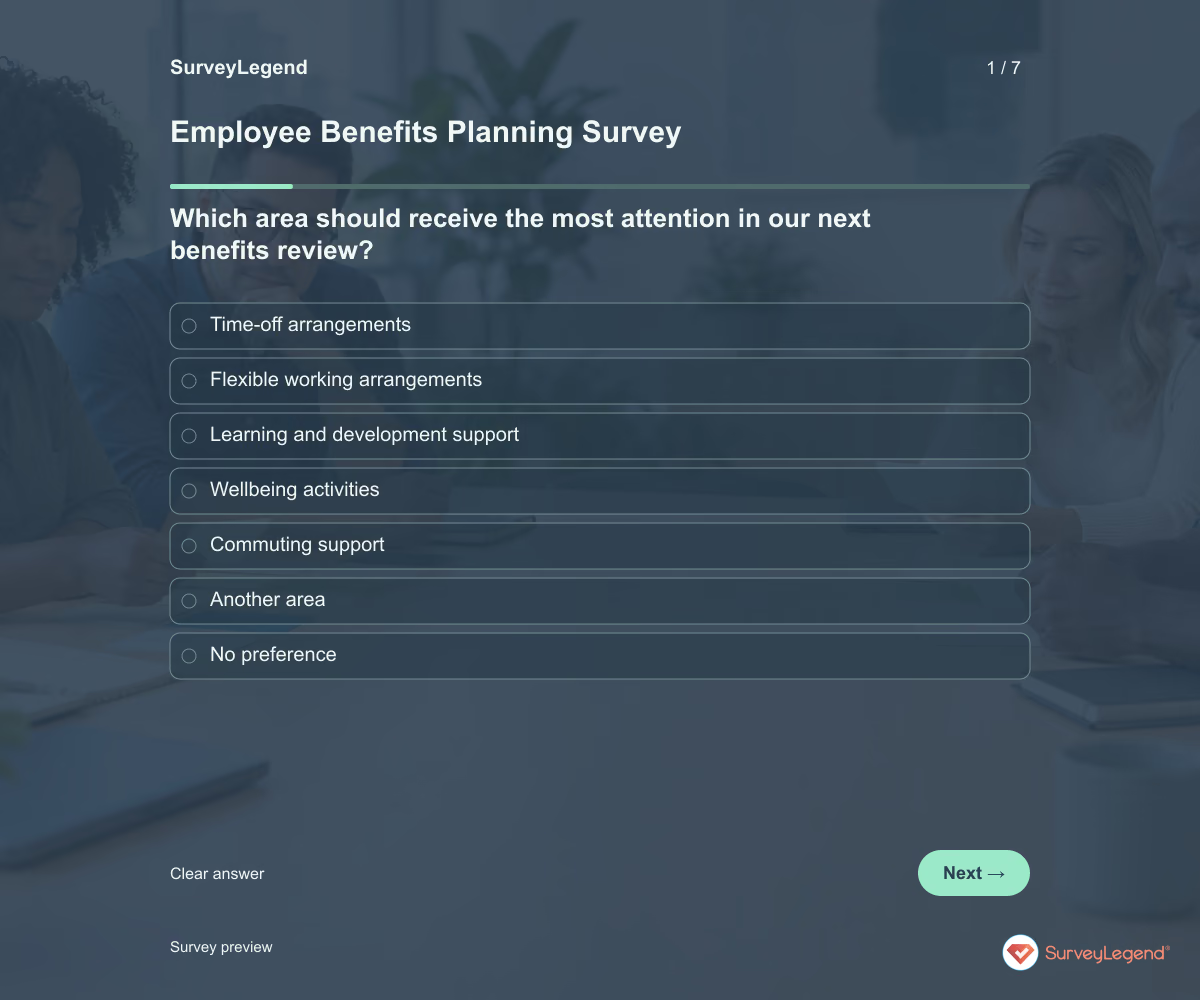 Employee Benefits Planning Survey Template Use this employee benefits planning survey template to learn which improvements employees would value in a future benefits package. It asks about priorities, likely usefulness, and practical access needs. Build it in SurveyLegend before narrowing the options your organization will investigate.
 -
 Employee Self-Evaluation Form Template Use this employee self-evaluation form template to help employees prepare for a focused review conversation. It asks for goals, examples of work, obstacles, and the support needed next. Create the form in SurveyLegend and give employees time to reflect before discussing progress with their manager.
 -
 Employee Workload Survey Template Use this employee workload survey template to understand whether people can complete their assigned work within their available time. The questions cover task volume, competing priorities, interruptions, and help with decisions. Build your survey in SurveyLegend to identify changes to work allocation before simply adding more tasks.
 -
 Work-Life Balance Survey Template Use this work-life balance survey template to understand how work schedules and expectations affect time outside work. It asks about predictability, after-hours contact, time off, and practical flexibility. Create a survey in SurveyLegend that helps your team discuss working arrangements without asking employees to explain their private lives.
 -
 Workplace Technology Survey Template Use this workplace technology survey template to find out whether everyday tools help employees complete their work. The questions connect access, reliability, and guidance to a specific task that needs improvement. Build the questionnaire in SurveyLegend to prioritize technology support around real work rather than a list of software preferences.
 -
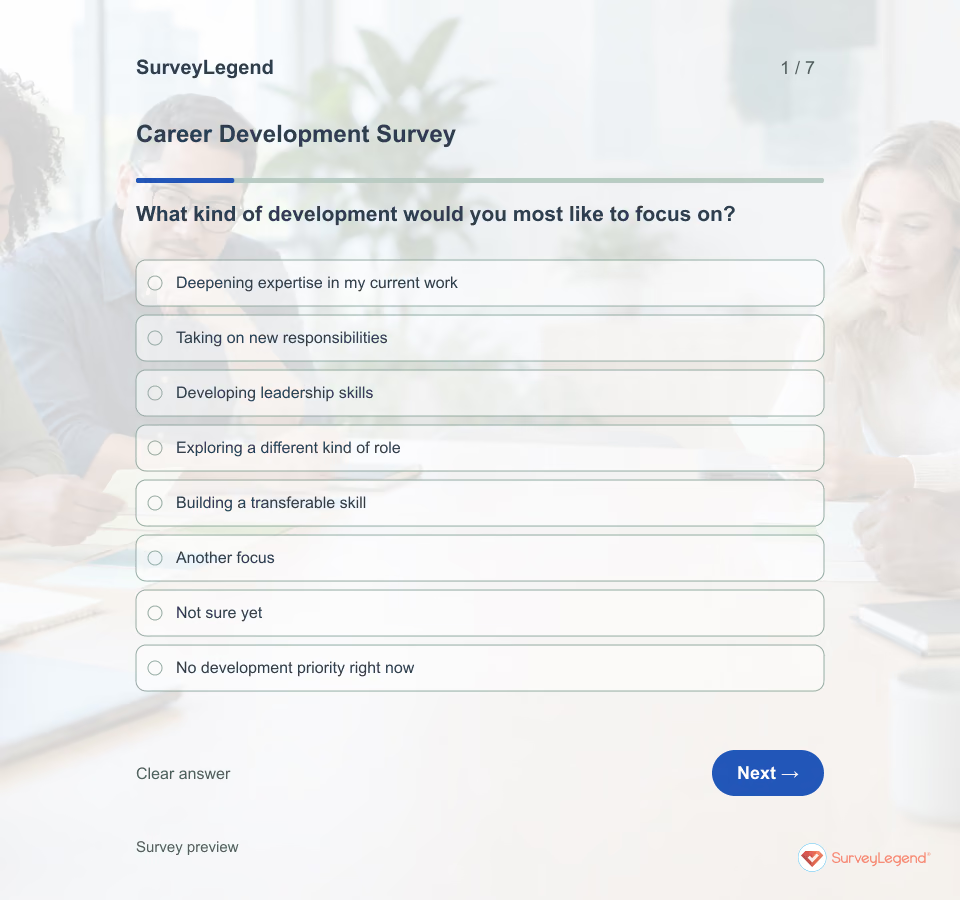 Career Development Survey Template Career growth can mean deeper expertise, a new responsibility, or a different direction. Give employees room to define it. Then ask what stands between that goal and a useful next step.
 -
 Employee Swag Form Template A simple request form can save a long chain of messages about sizes and pickup arrangements. Start with the items you can actually offer, and make it easy for someone to decline or ask about an unlisted size.
 -
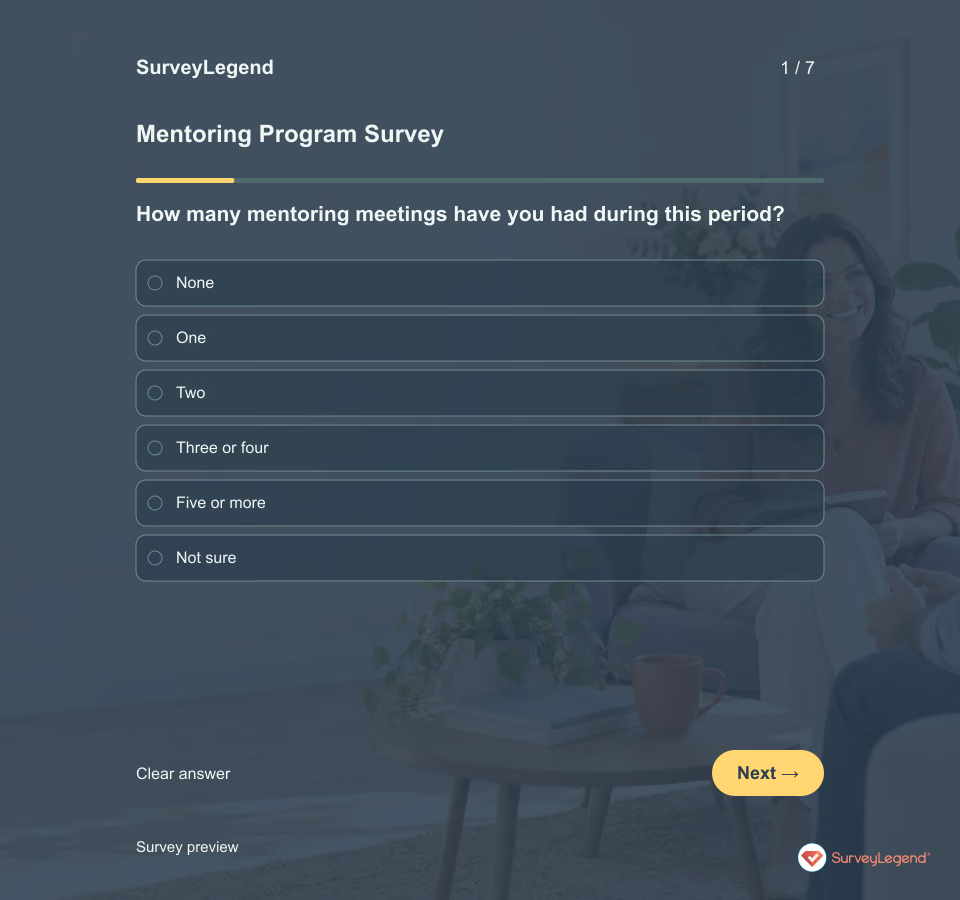 Mentoring Program Survey Template A friendly mentoring relationship and a useful development experience are not always the same thing. Ask about both the opportunity to meet and what the mentee can do with the guidance received.
 -
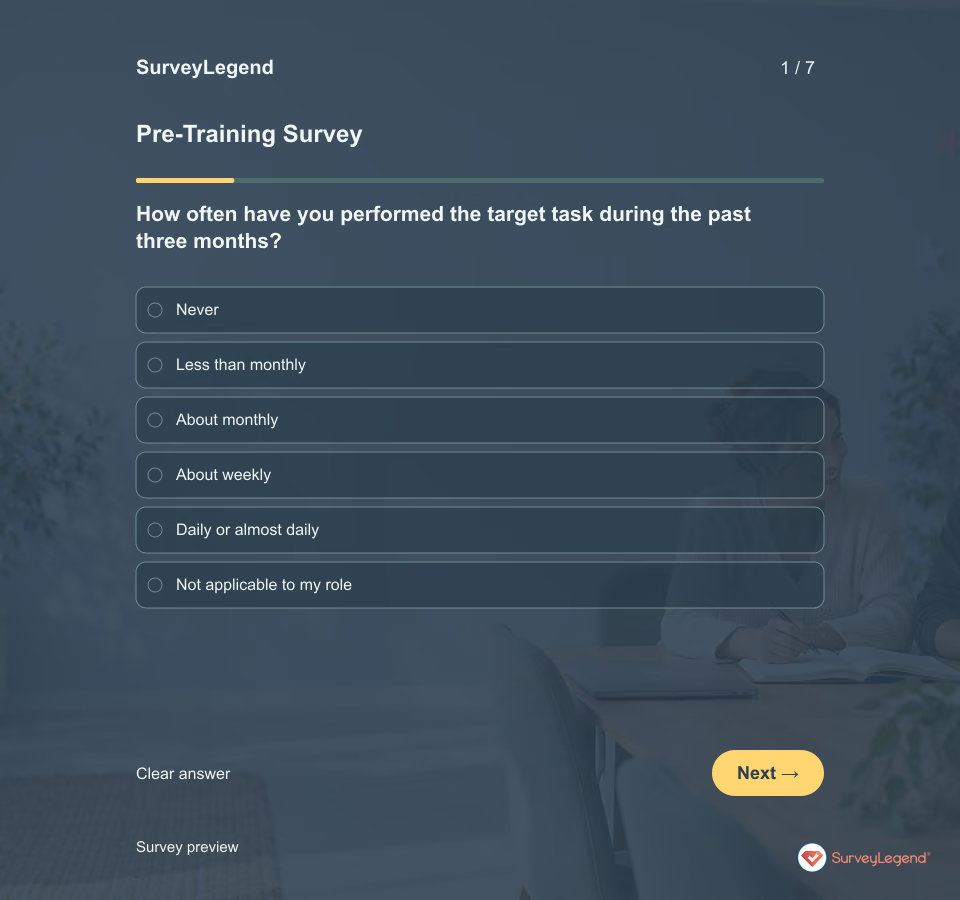 Pre-Training Survey Template People can arrive at the same course with different starting points. Someone may understand a task but feel unsure doing it, while another may be eager to learn but have little time to practice. Ask about those needs separately.
 -
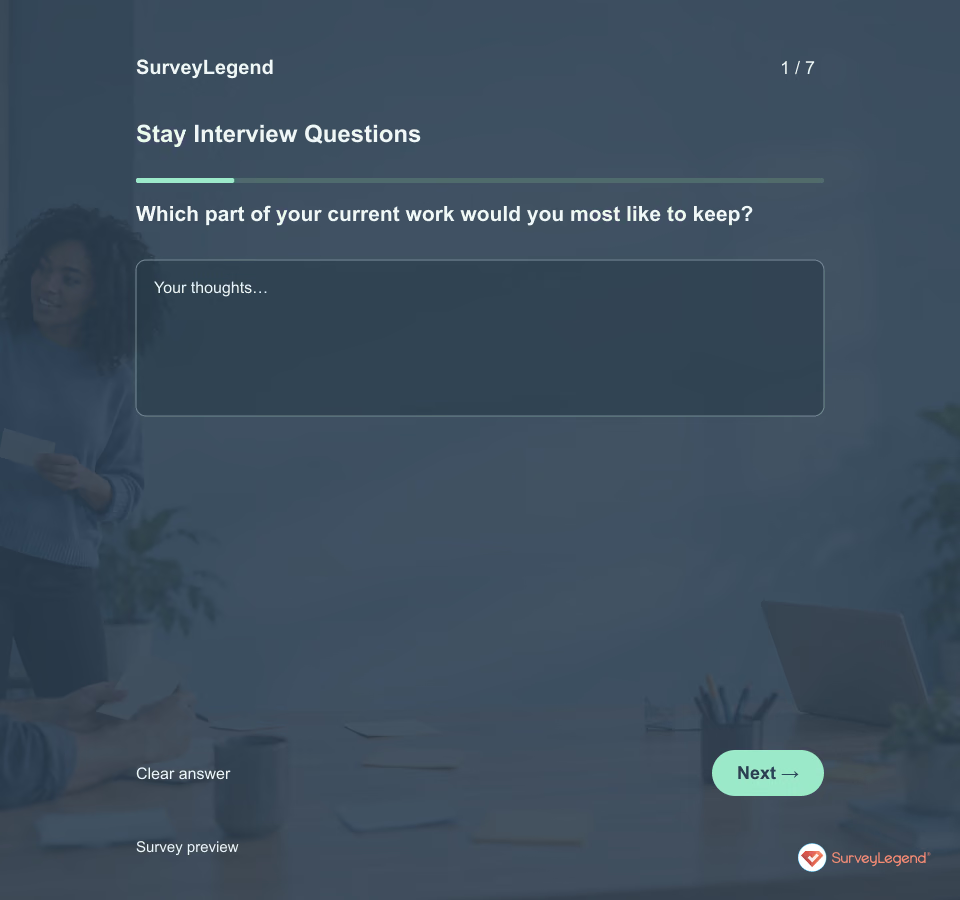 Stay Interview Questions Template A stay conversation is most useful while there is still time to act. Give employees room to describe what works, what drains their energy, and which change would matter. Avoid treating their answers as a promise to remain.
 -
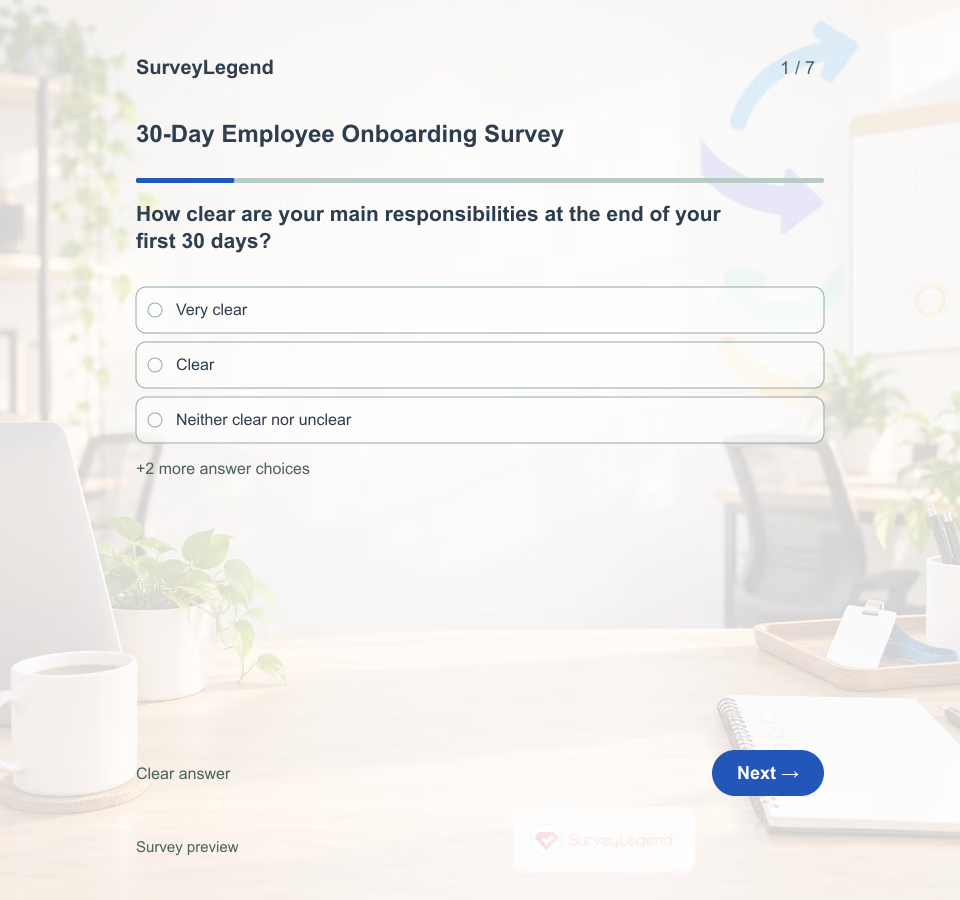 30-Day Employee Onboarding Survey Template Use this checkpoint after the first month, when the employee has enough experience to identify gaps but there is still time to adjust onboarding. Keep the conversation separate from performance evaluation and state who will see the responses.
 -
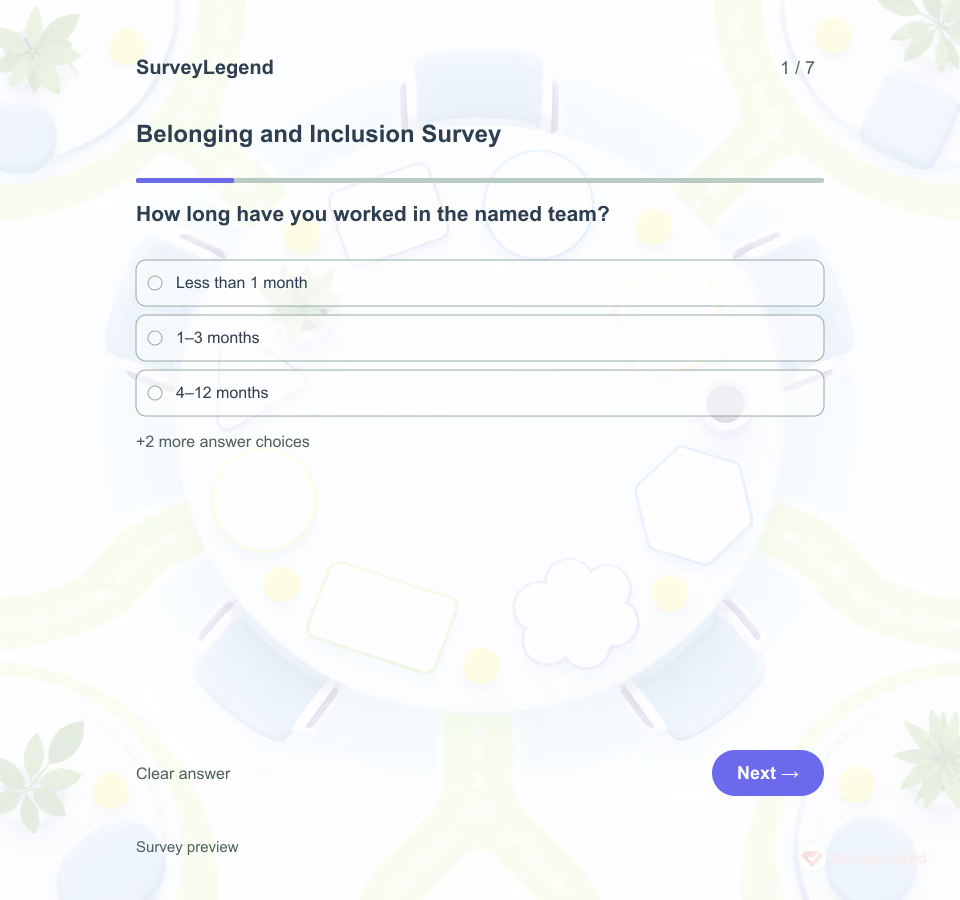 Belonging and Inclusion Survey Template Use this template when a team wants practical feedback about the past 90 days. It asks about access and participation without requesting identity details. For a broader view of motivation, commitment and working life, use the employee engagement template.
 -
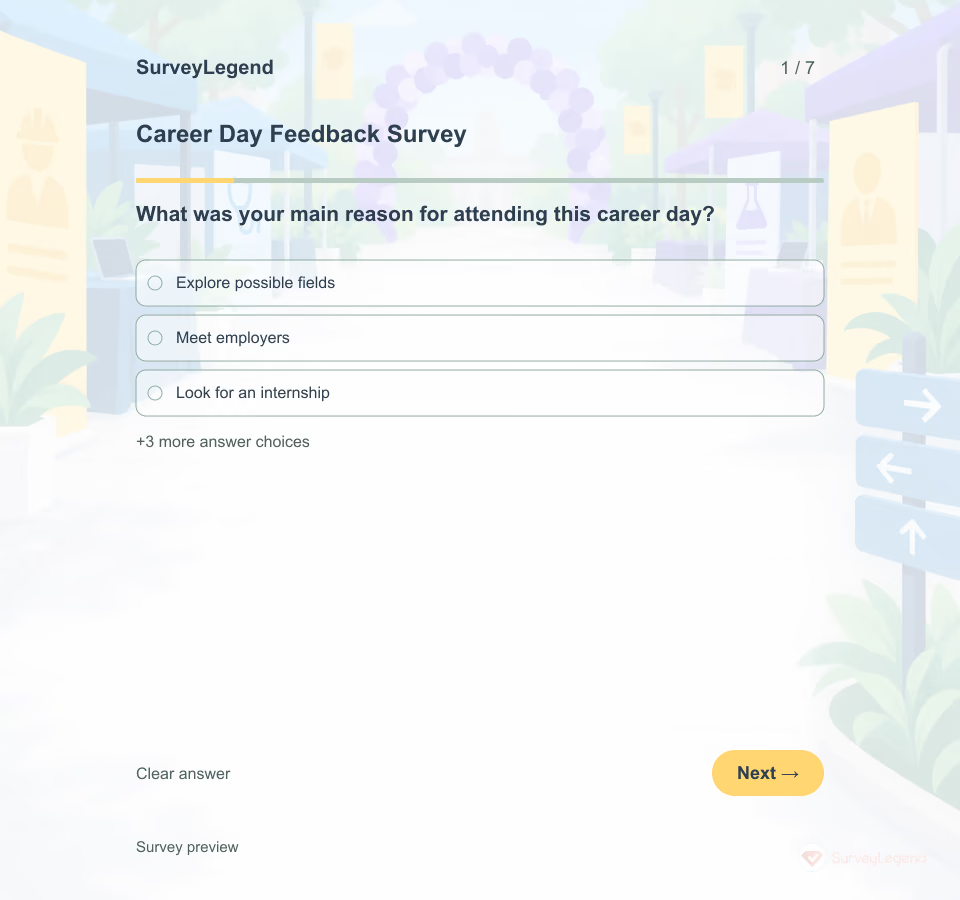 Career Day Feedback Survey Template An event can run smoothly and still miss the jobs people came to explore. SurveyLegend gives career services and recruiters a focused way to hear what happened at the tables, not just at check-in.
 -
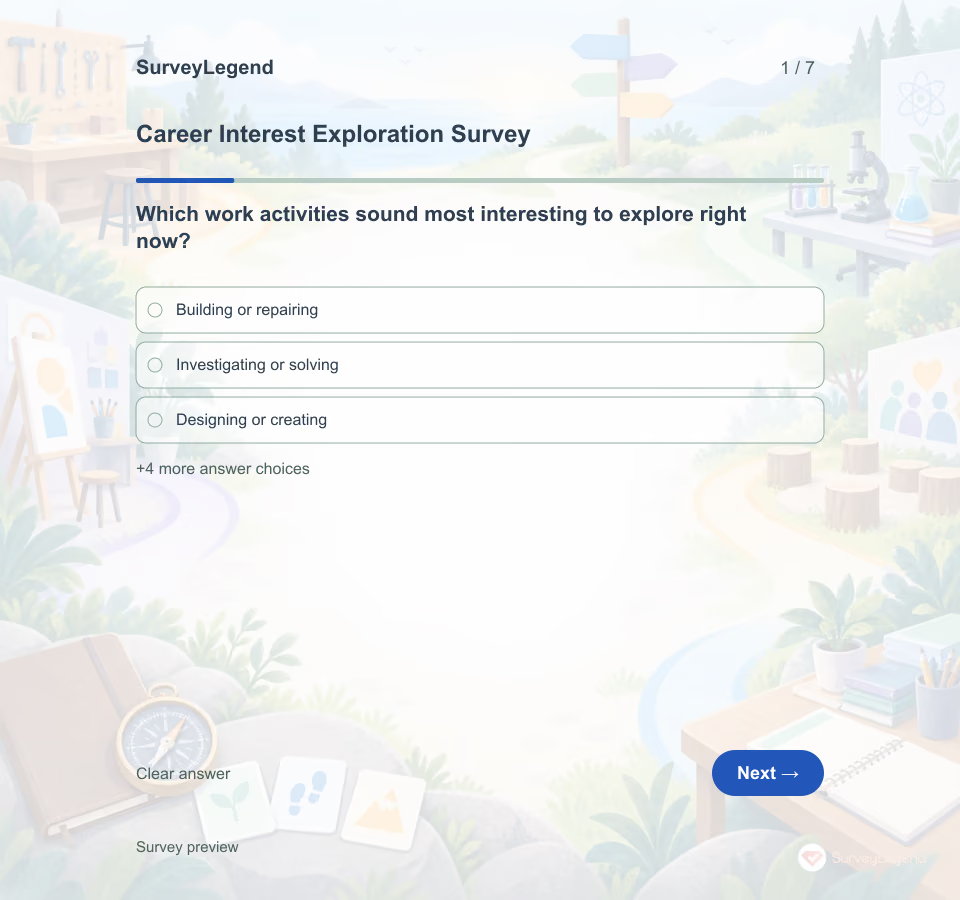 Career Interest Exploration Survey Template Use this questionnaire at the beginning of a career conversation, before a specific occupational path has been selected. Answers can guide job shadows, informational interviews, projects or courses that let the respondent test an interest in context.
 -
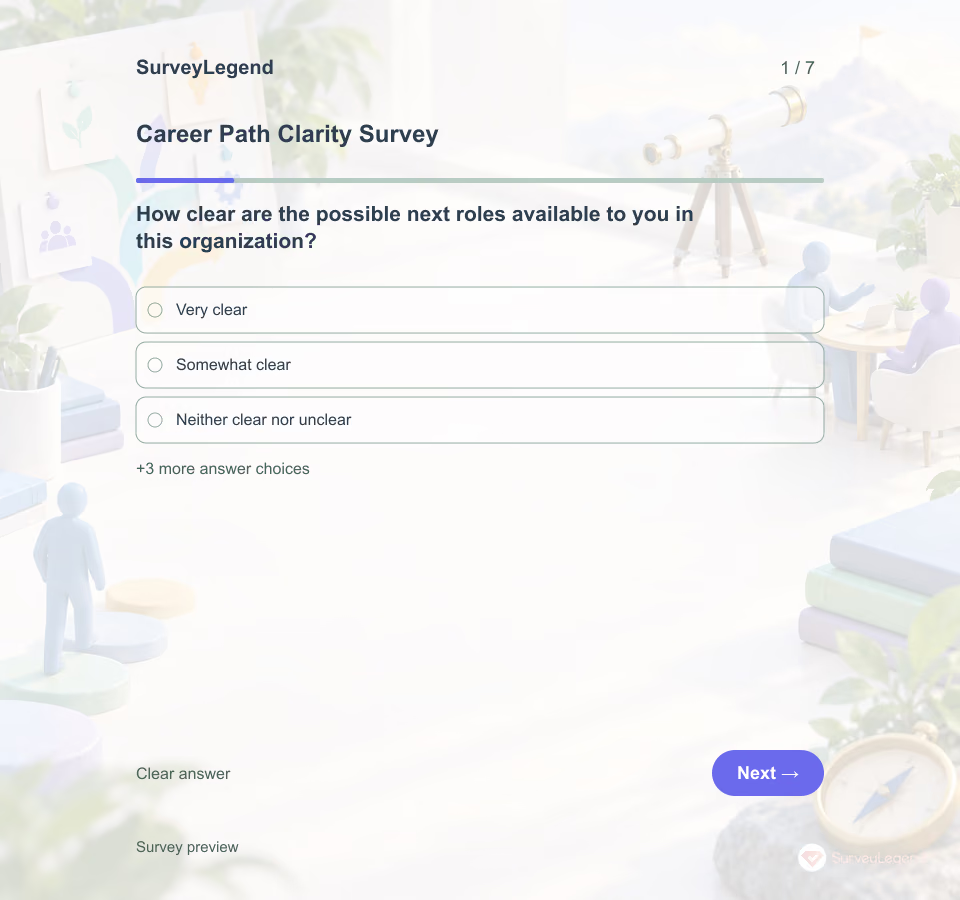 Career Path Clarity Survey Template Use this seven-question survey before talent-planning or development conversations. It separates interest in a direction from the clarity and access needed to act, so uncertainty is not mistaken for lack of ambition.
 -
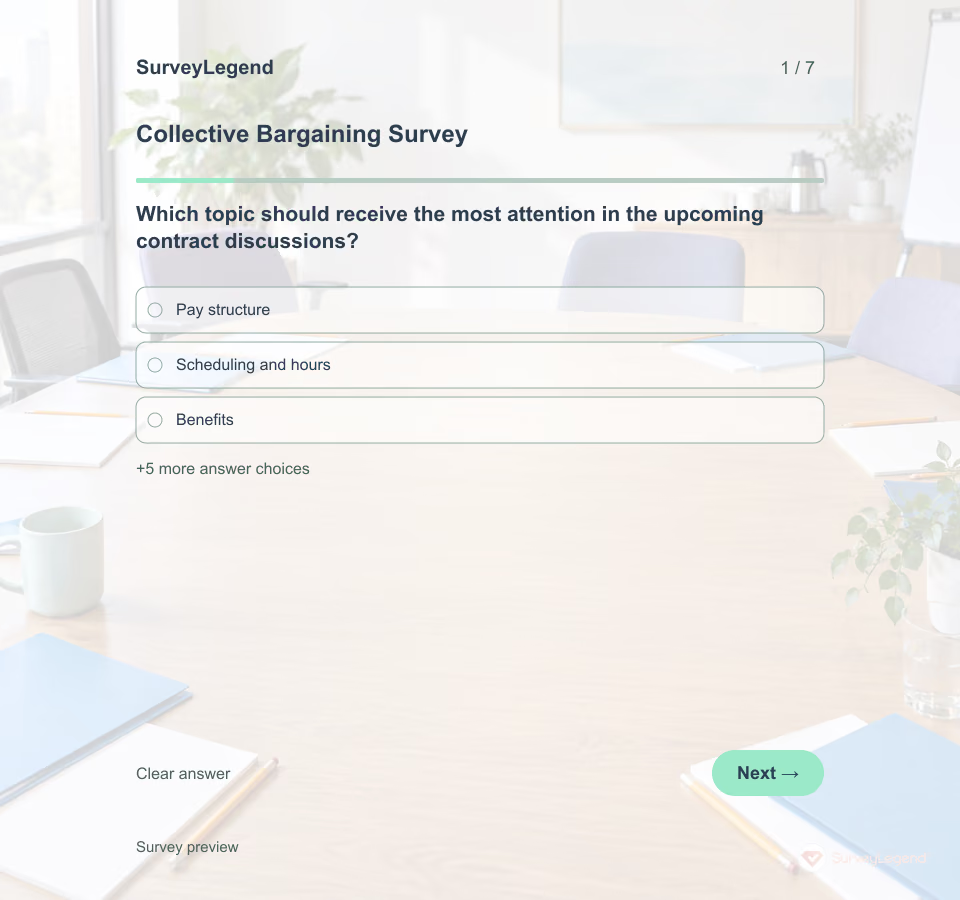 Collective Bargaining Survey Template Send the questionnaire before proposals are settled, with a clear explanation of how the bargaining team will review responses. A top priority is a starting point for discussion; it does not authorize a concession or guarantee that a proposal will appear in an agreement. SurveyLegend gives you a starting questionnaire to adapt to one bargaining unit.
 -
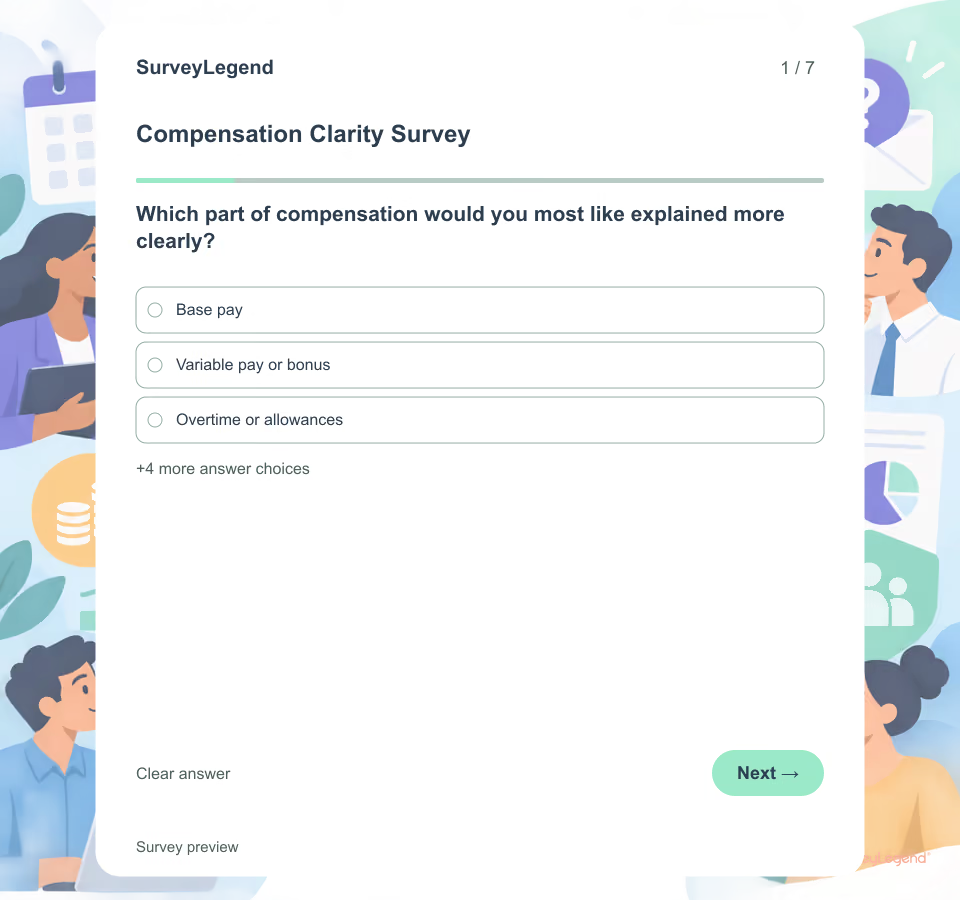 Compensation Clarity Survey Template Use this template when employees need a clearer explanation of how an existing compensation process works. It focuses on information, timing, criteria and question routes. It does not ask employees to disclose their pay or turn a feedback survey into a pay-equity audit.
 -
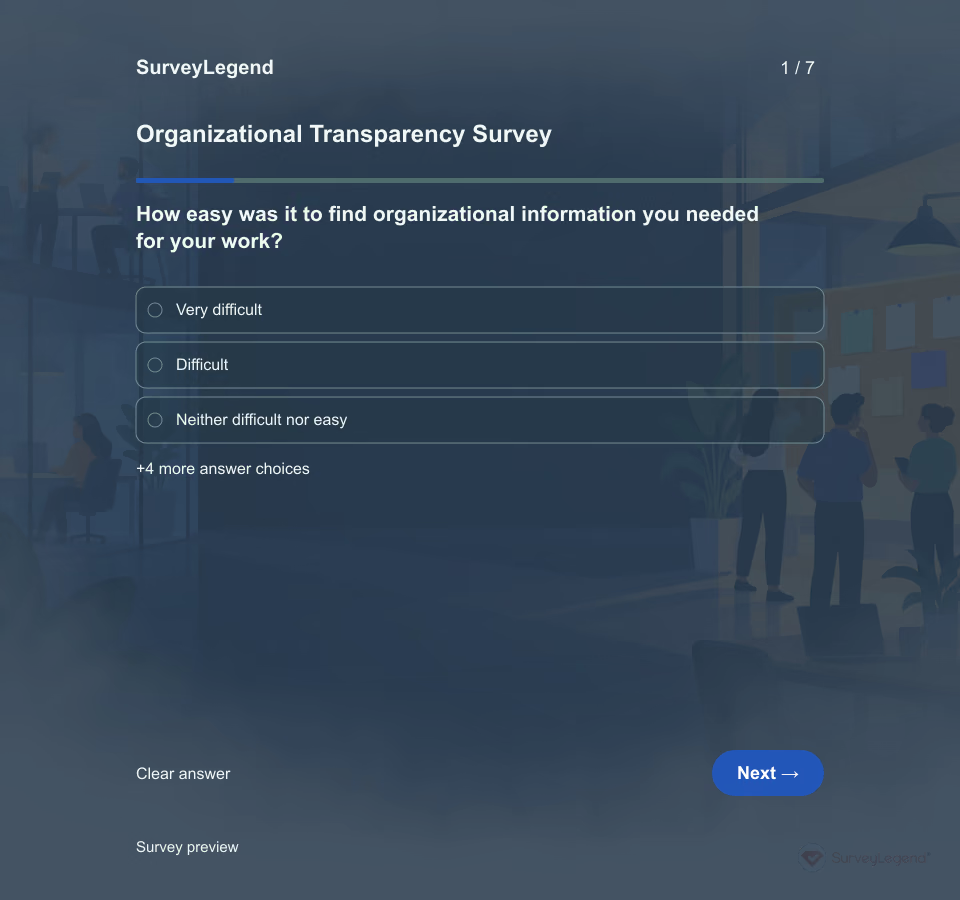 Organizational Transparency Survey Template Sending more updates does not necessarily resolve an information gap. Employees may receive a decision but still lack the reason, the effect on their work, or a place to ask questions. Use SurveyLegend to collect those experiences separately before changing your communication routine.
 -
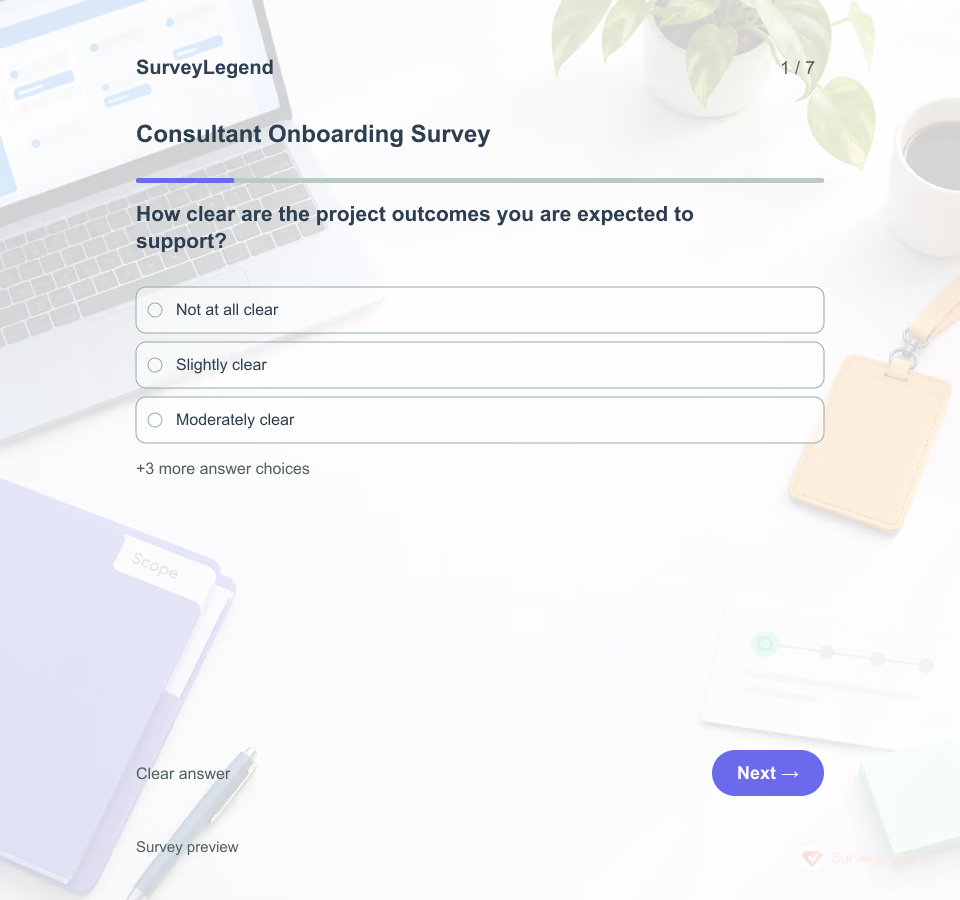 Consultant Onboarding Survey Template A consultant can understand the assignment and still be blocked by missing access, unclear decision authority, or an unworkable handoff. This template gives a project owner a focused check-in after kickoff and before the first major deliverable. It reviews the working setup for one named project; it does not evaluate employment status, rewrite a contract, approve security access, or rate the consultant’s performance.
 -
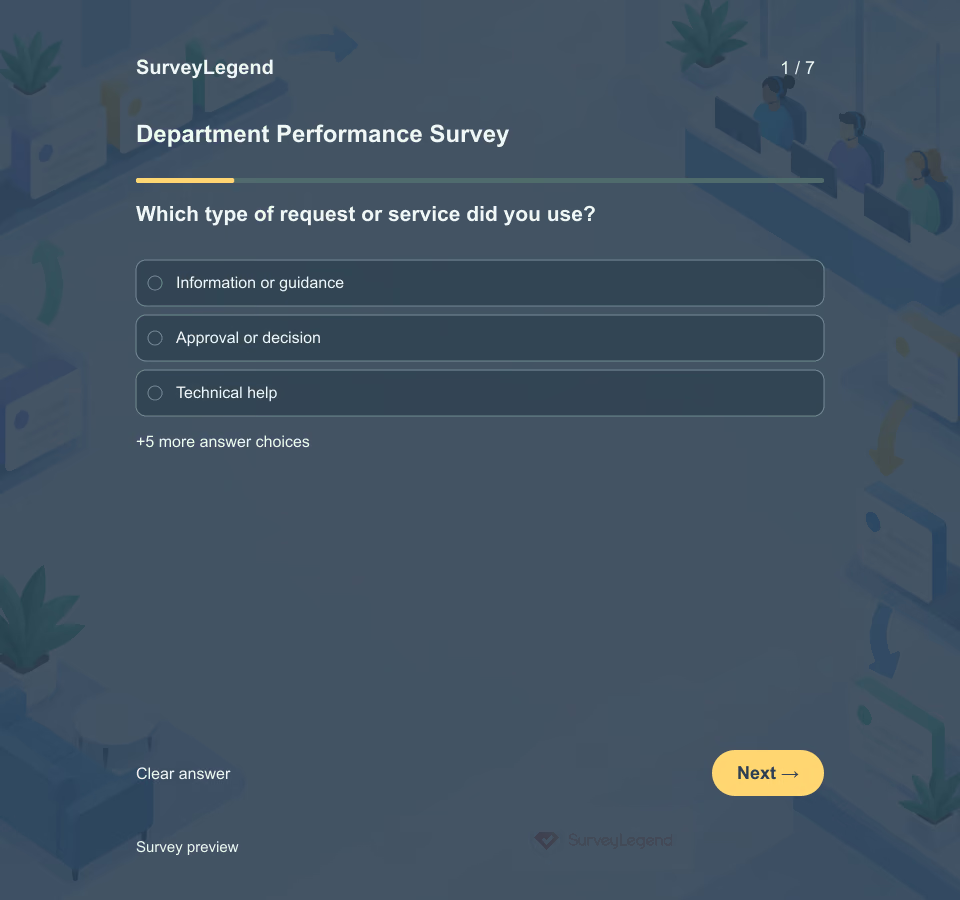 Department Performance Survey Template Use this template after employees have requested or received a service from one named internal department during the past 90 days. It turns a vague “department performance” topic into a specific service experience. For broader workplace listening, browse employee surveys.
 -
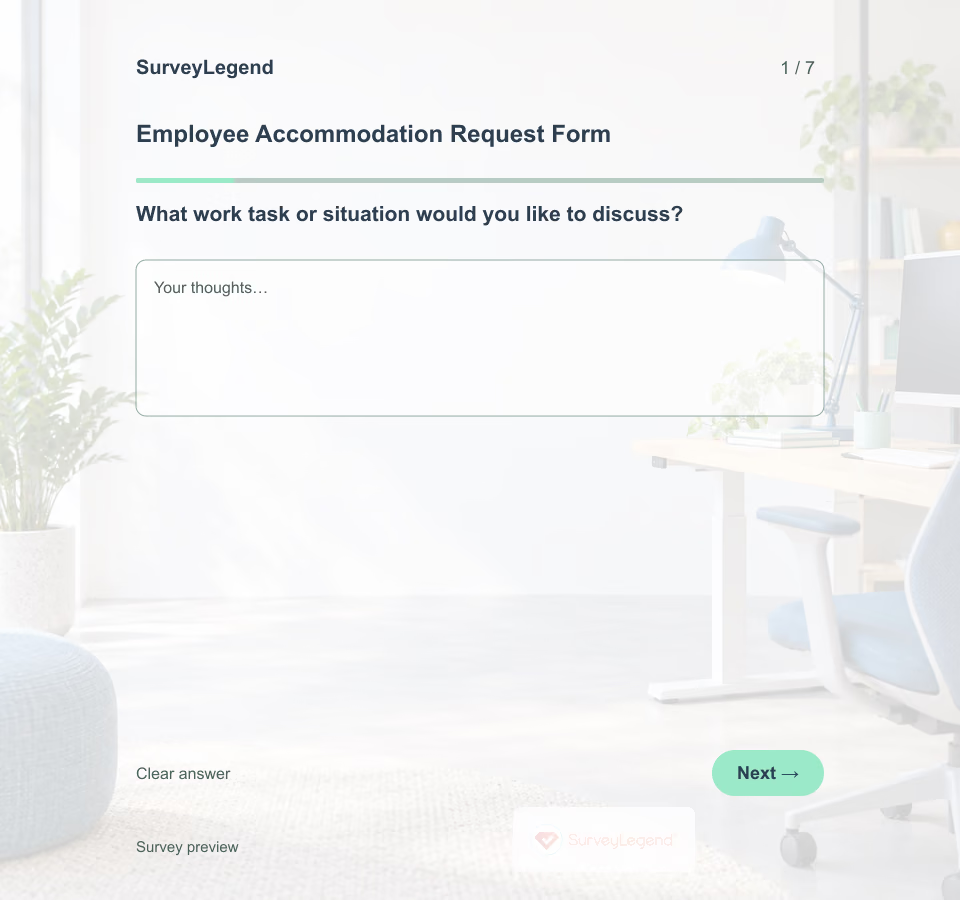 Employee Accommodation Request Form Template An employee may know which task is difficult without knowing the right solution. Leave room for that uncertainty. SurveyLegend provides a starting questionnaire you can adapt to the organization’s actual request process, with an alternative contact route for people who cannot or prefer not to use a form.
 -
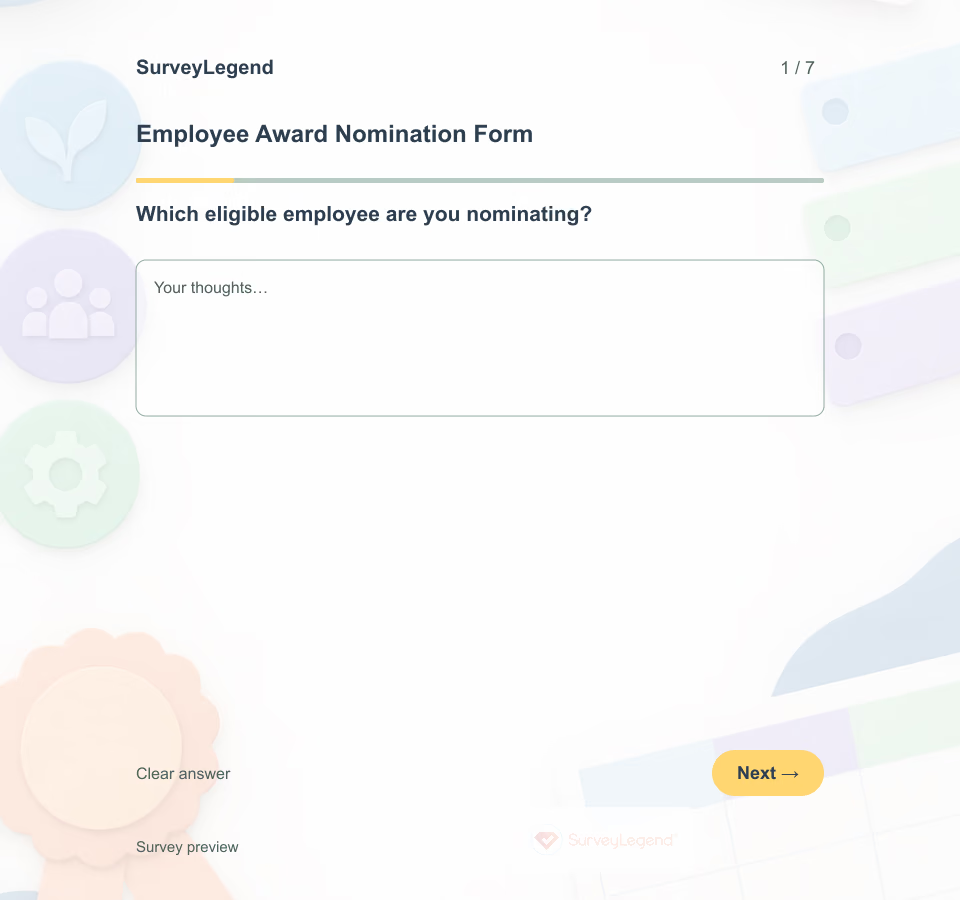 Employee Award Nomination Form Template An employee award nomination form gathers comparable information about one eligible employee for one defined award. A useful form asks who is being nominated, which criterion applies, what the employee did and what evidence the review panel can examine.
 -
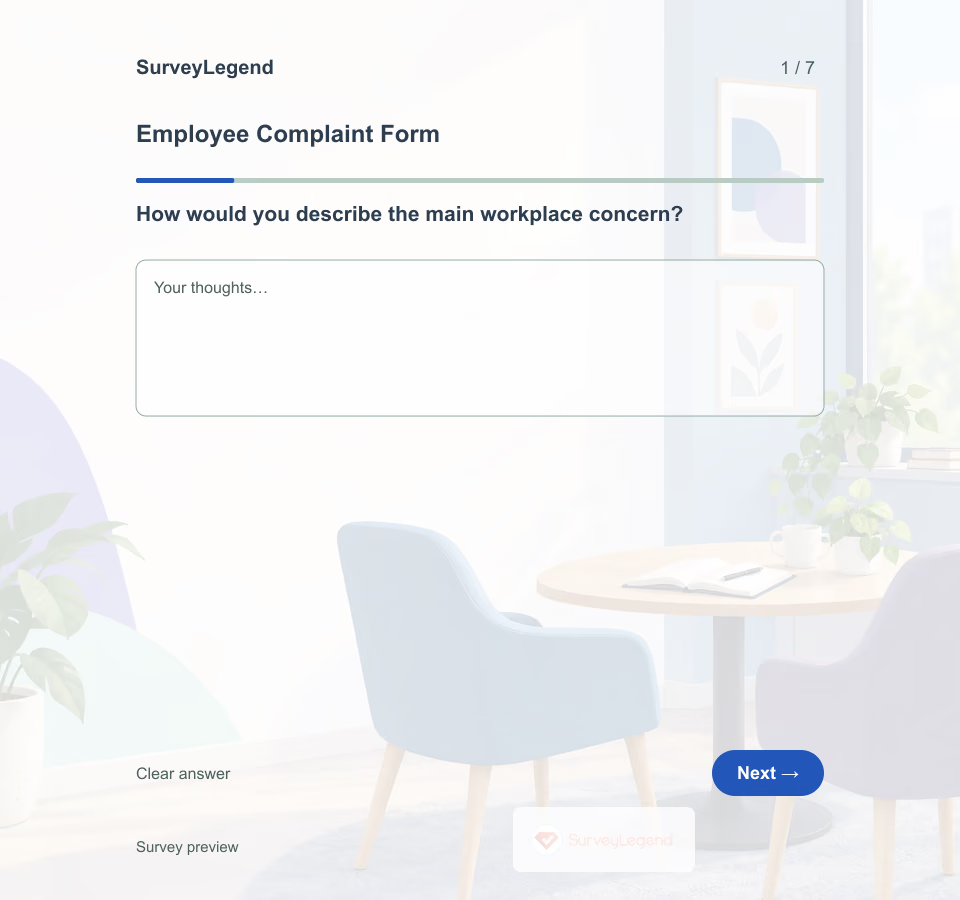 Employee Complaint Form Template A complaint may concern a pattern rather than a single date, and the usual manager may not be the right person to receive it. Build the form in SurveyLegend around a clearly explained review route instead of assuming that every concern follows the same path.
 -
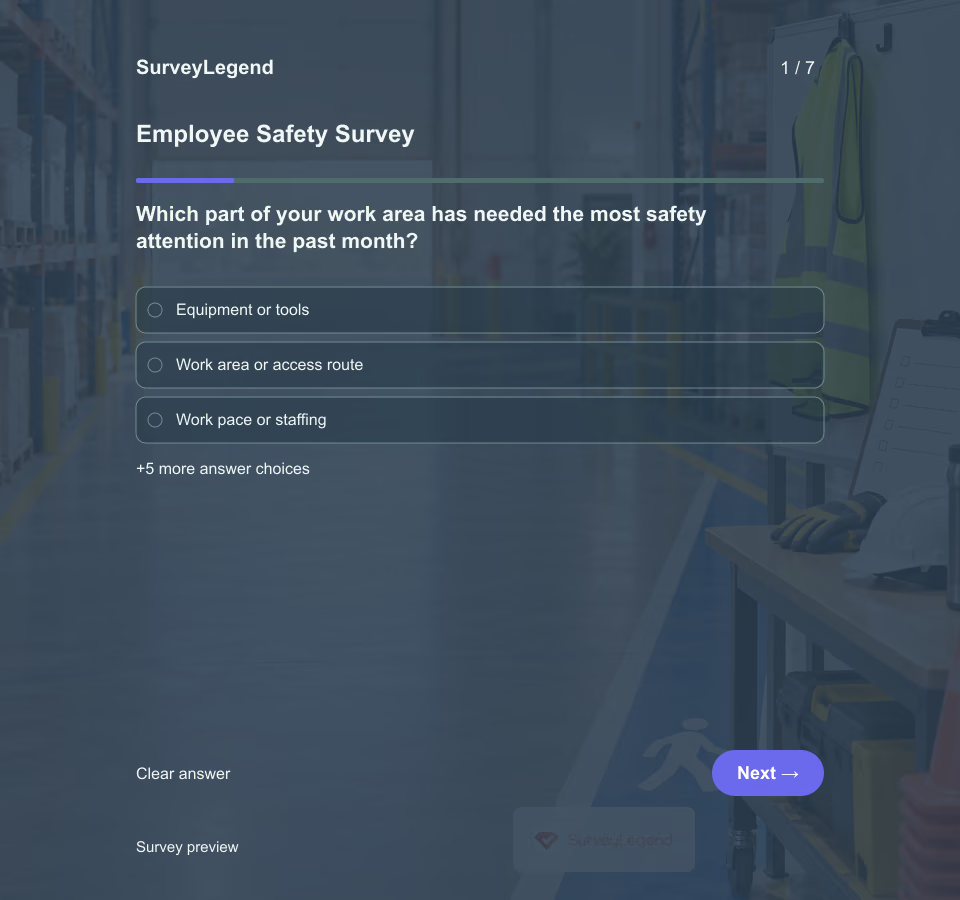 Employee Safety Survey Template A procedure can look clear on paper while employees lack the time or equipment to follow it. This questionnaire gives a team a structured way to identify operational barriers and choose a follow-up. It is for routine feedback, not urgent incident reporting or a formal risk assessment.
 -
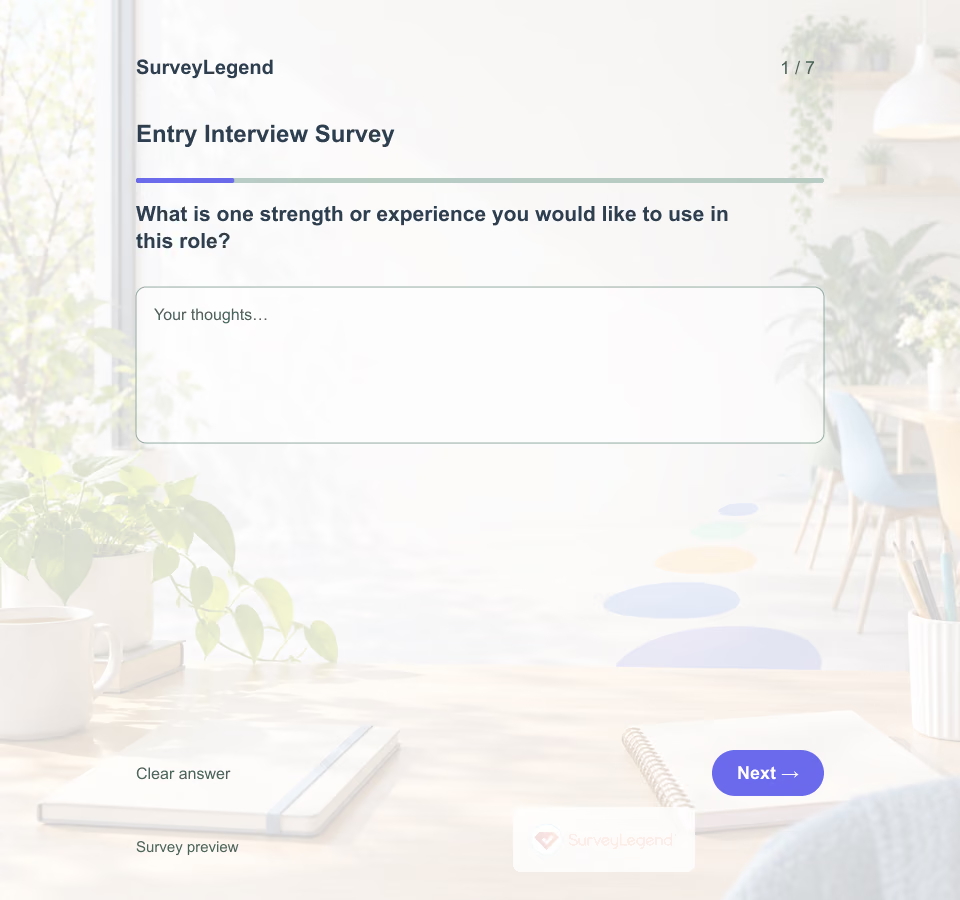 Entry Interview Survey Template A new colleague arrives with experience you may not have discussed during recruitment. Give them room to describe useful strengths, questions, and learning preferences before filling their calendar with activities. Create the questionnaire in SurveyLegend and use it to prepare a two-way conversation.
 -
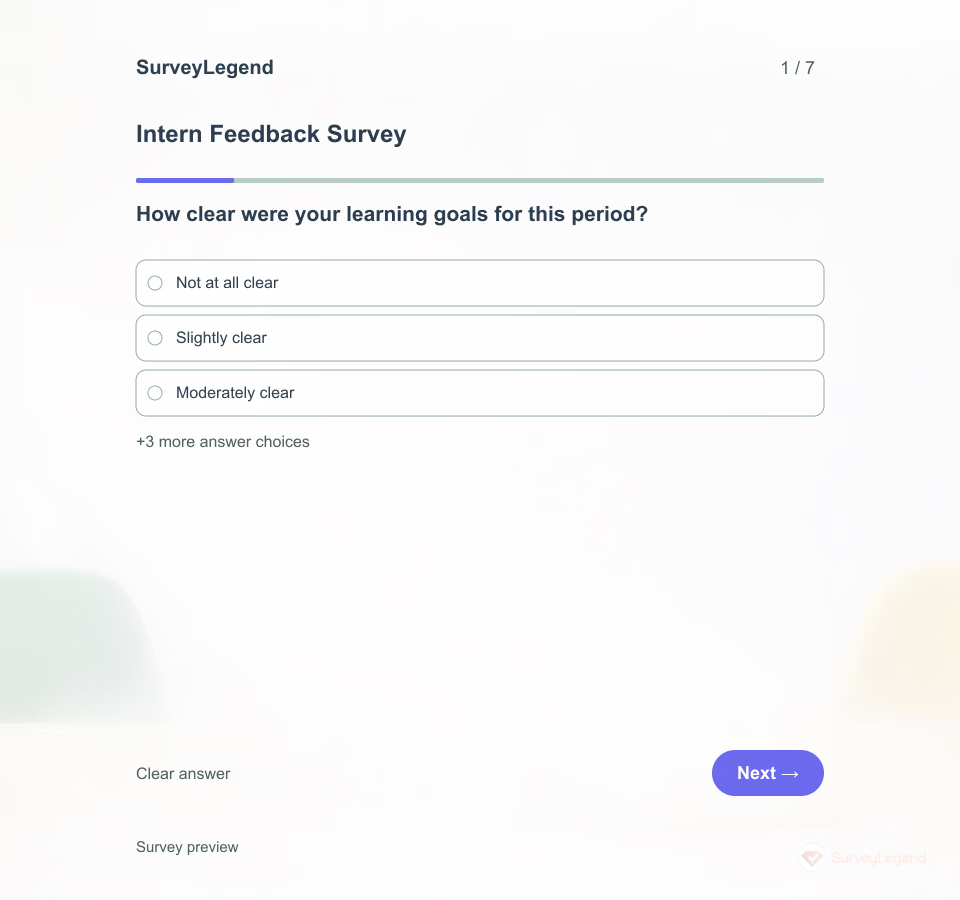 Intern Feedback Survey Template Interns need more than a desk and a list of tasks. A short check-in can reveal whether they know what they are learning, can reach a supervisor and have a useful next step when work is unclear.
 -
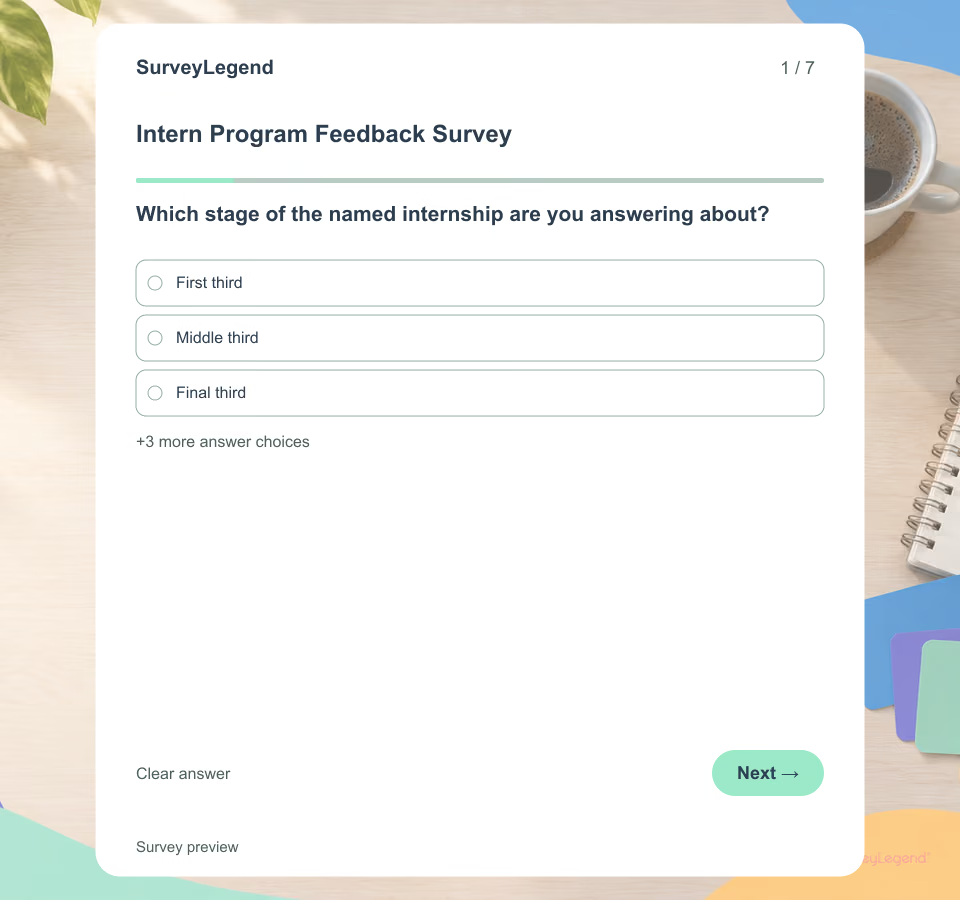 Intern Program Feedback Survey Template Interns need space to describe learning, work, supervision and feedback. Ask during or soon after one named placement, then separate program improvement from performance evaluation. This questionnaire is not an assessment of professional competence.
 -
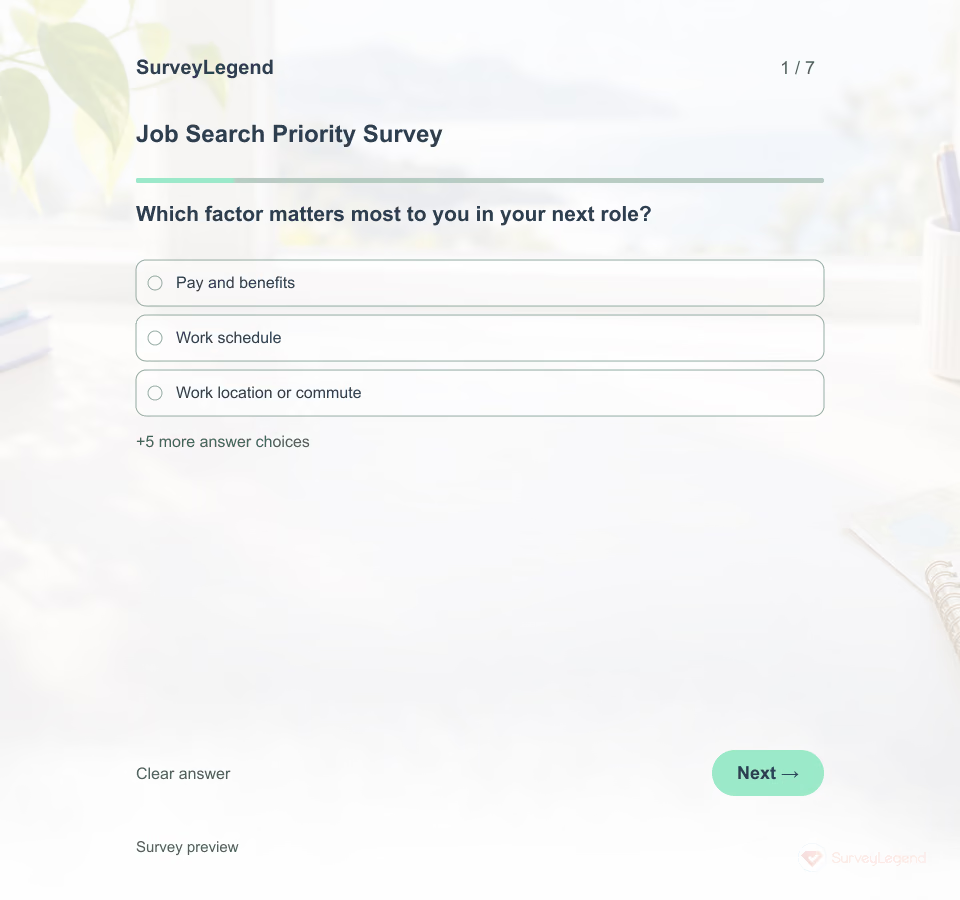 Job Search Priority Survey Template Two job seekers may want the same job title for very different reasons. This SurveyLegend questionnaire gives a career adviser a starting point for a conversation about the conditions that matter to each person.
 -
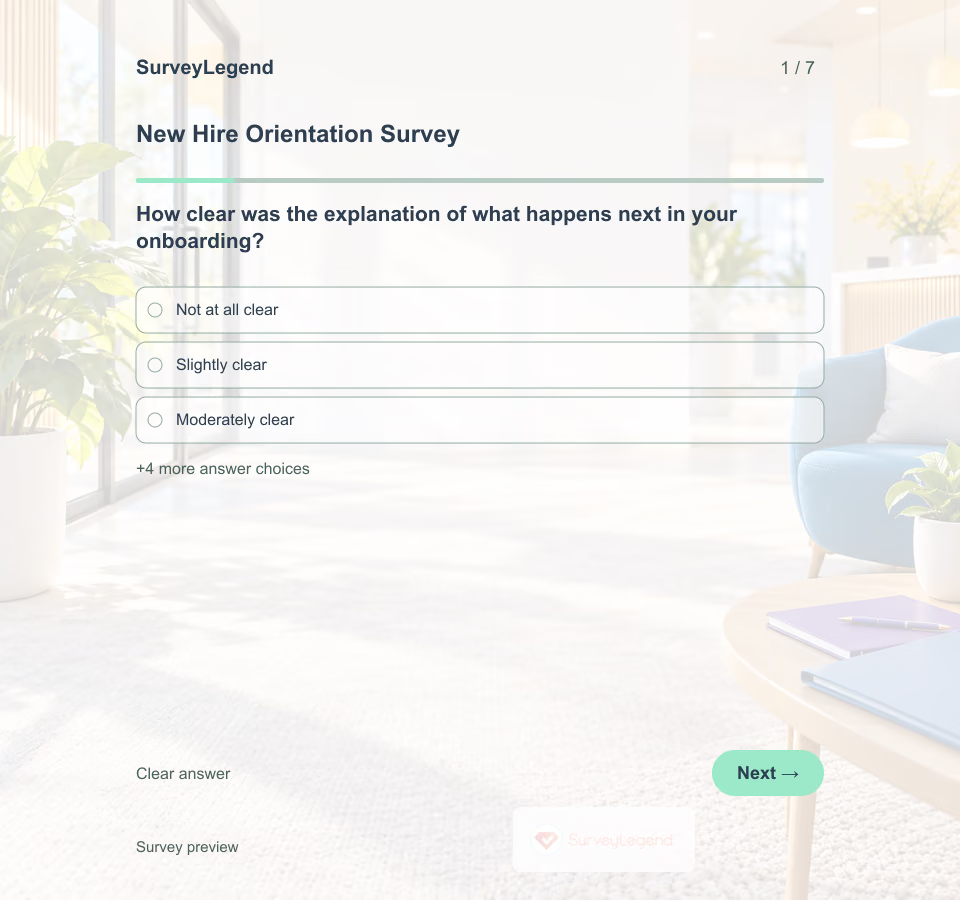 New Hire Orientation Survey Template Orientation is a starting point, not the whole onboarding experience. This SurveyLegend questionnaire asks what the session helped explain while new employees can still recall its content and delivery.
 -
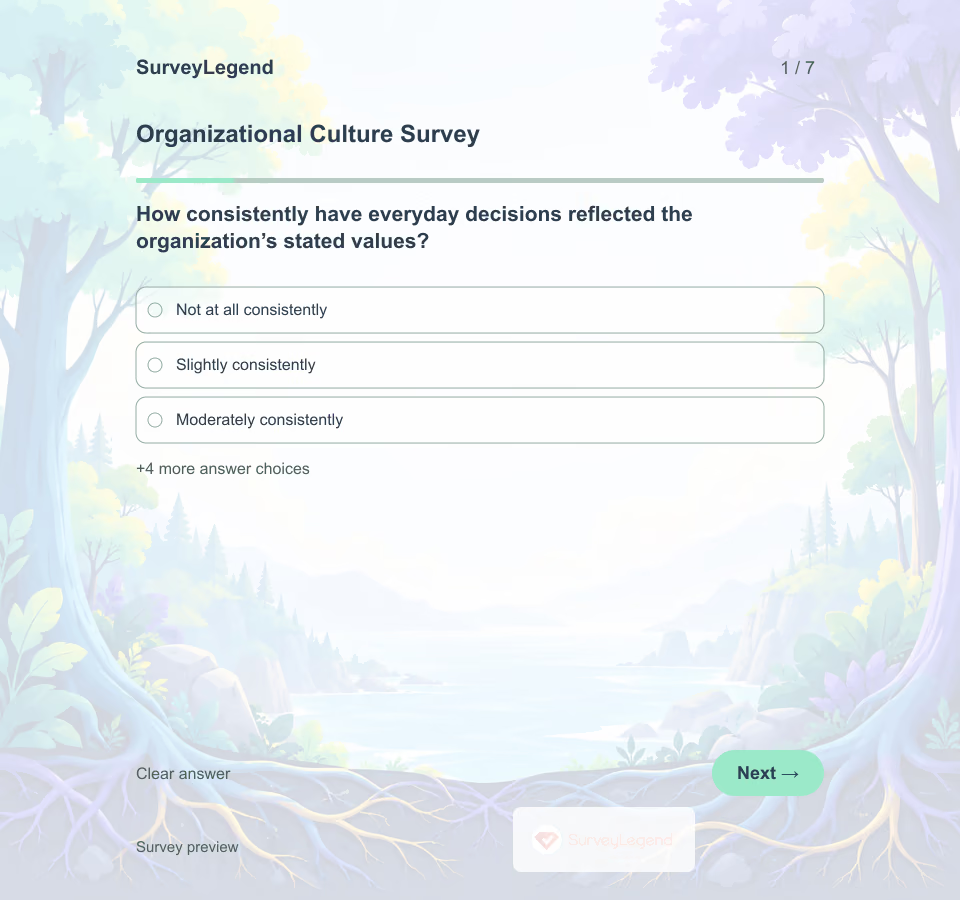 Organizational Culture Survey Template Values printed on a wall cannot show how decisions are made or how people respond to mistakes. This SurveyLegend questionnaire asks for recent experience and practical examples that can guide a focused culture discussion.
 -
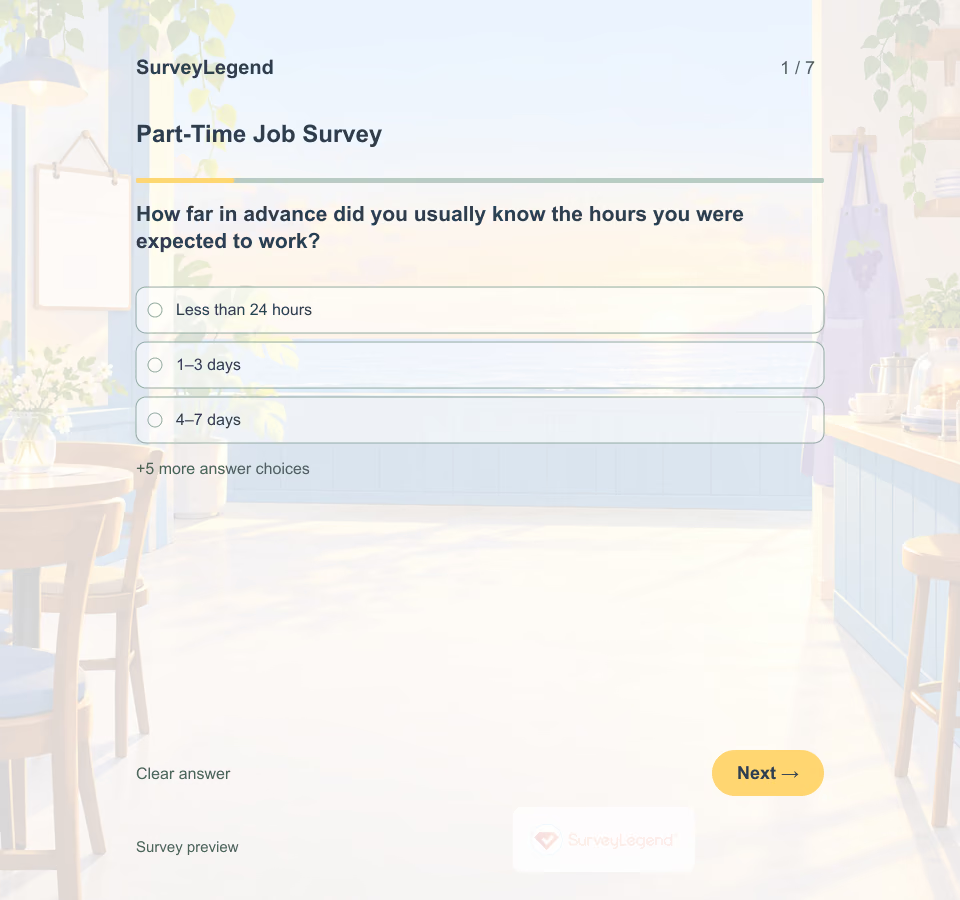 Part-Time Job Survey Template Two people working the same number of hours may want different schedules. This SurveyLegend questionnaire asks about employees’ preferences instead of assuming that every part-time worker wants either more hours or fewer commitments.
 -
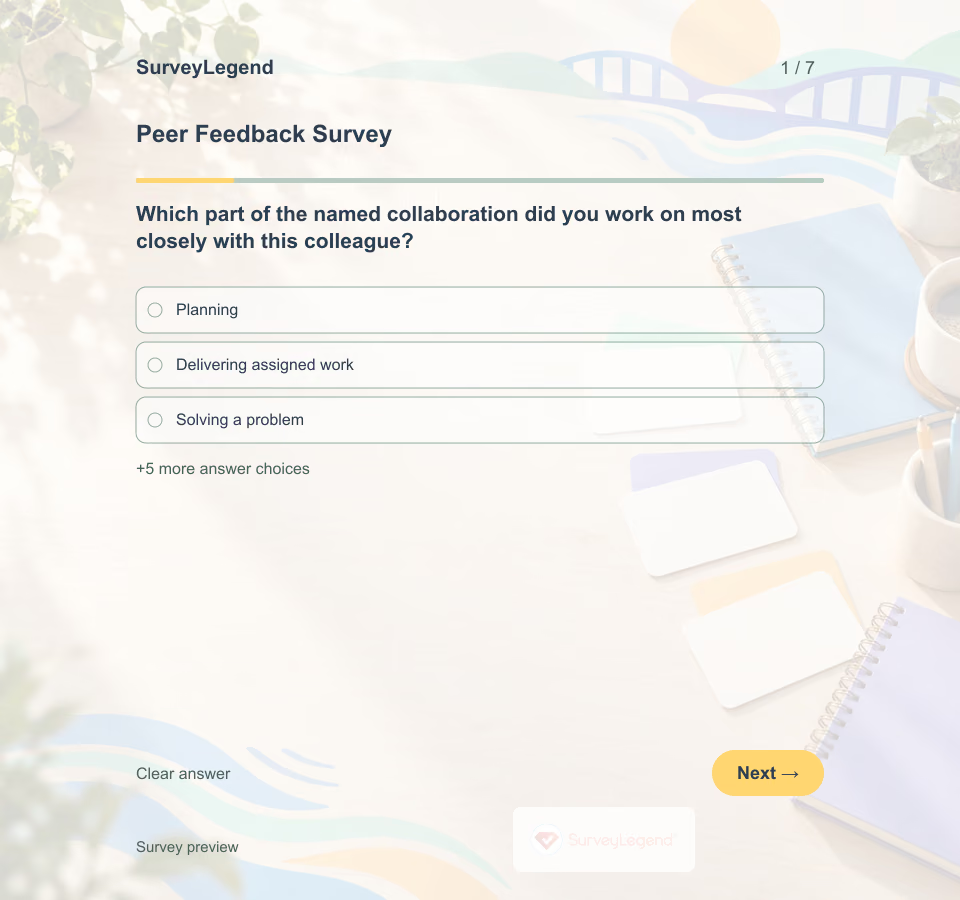 Peer Feedback Survey Template Ask colleagues to reflect on one named collaboration, not a person’s character. Questions about communication, commitments and response to ideas make feedback easier to discuss and act on. This questionnaire supports development; it is not a validated performance score or a substitute for fair employment processes.
 -
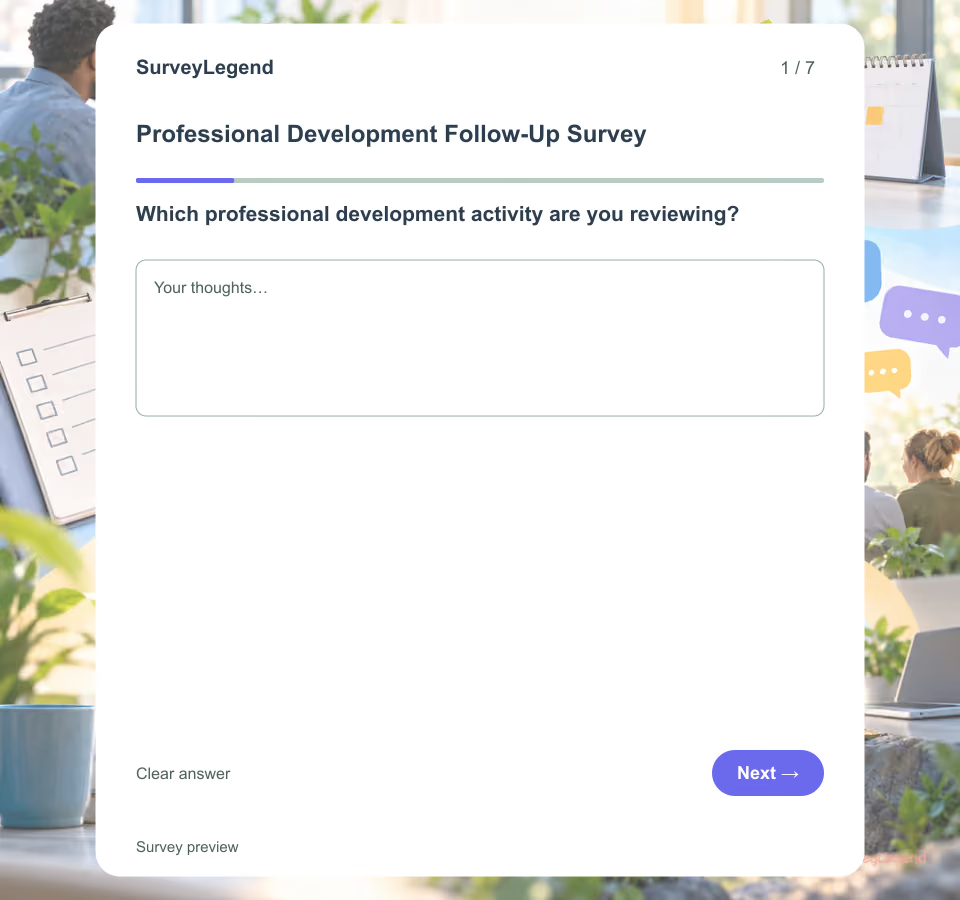 Professional Development Follow-Up Survey Template Send these seven questions after participants have had a realistic chance to try the learning at work. The questionnaire focuses on application opportunities, environmental support and the next useful action during a defined four-week period.
 -
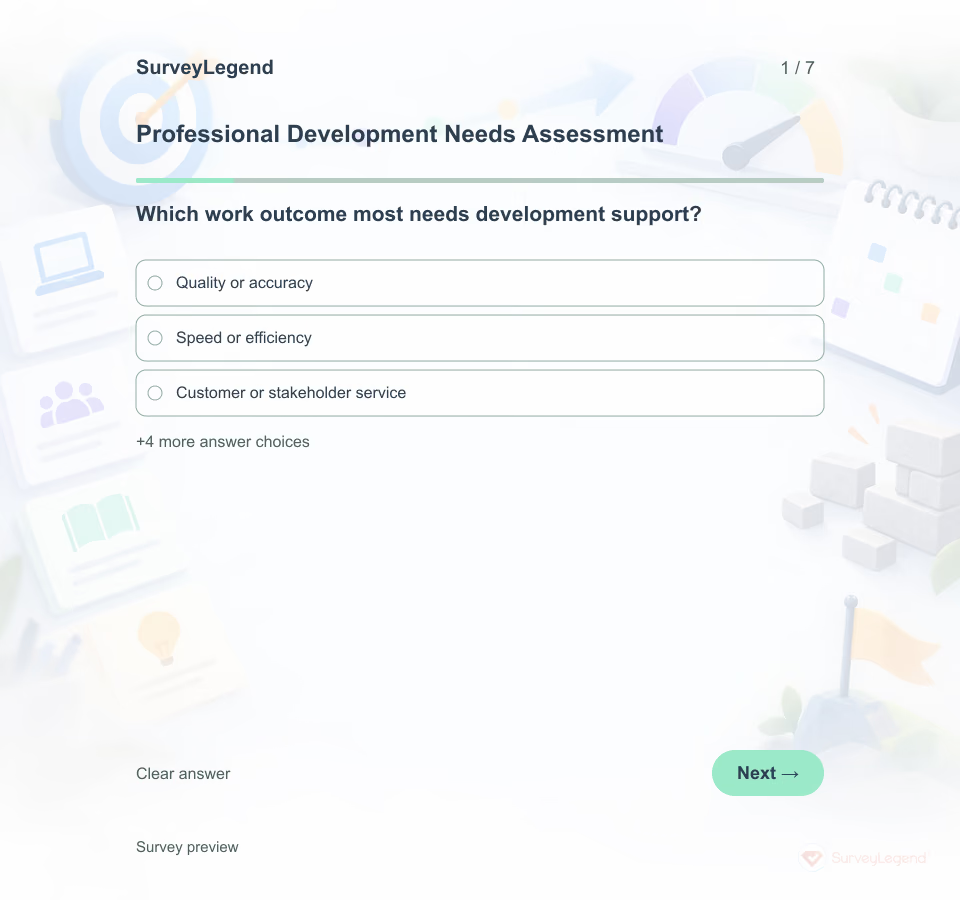 Professional Development Needs Assessment Template A professional development needs assessment gathers evidence before learning activities are selected. It separates a development need from a process, tool, staffing or policy problem that training alone may not solve.
 -
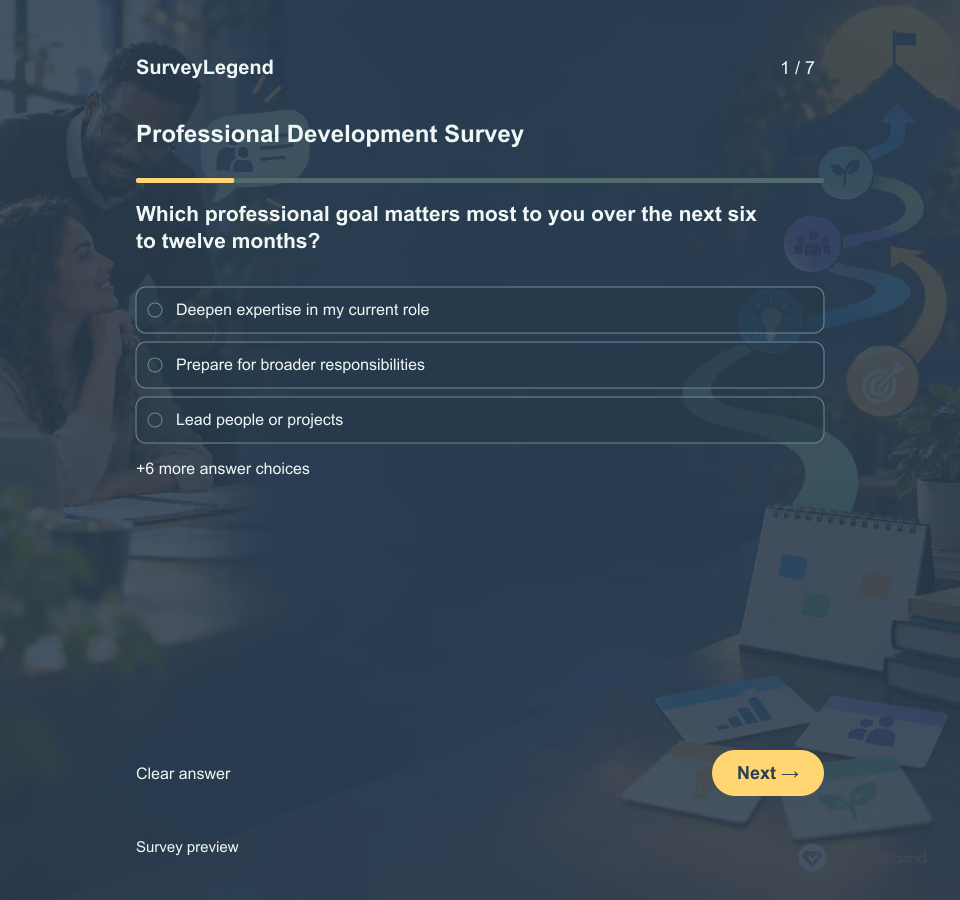 Professional Development Survey Template State the planning period and who will review the answers. Ask employees to choose one priority rather than rank an unlimited wish list. Explain which types of support are realistically in scope and that a response is not a promise of funding, promotion, certification or a particular program.
 -
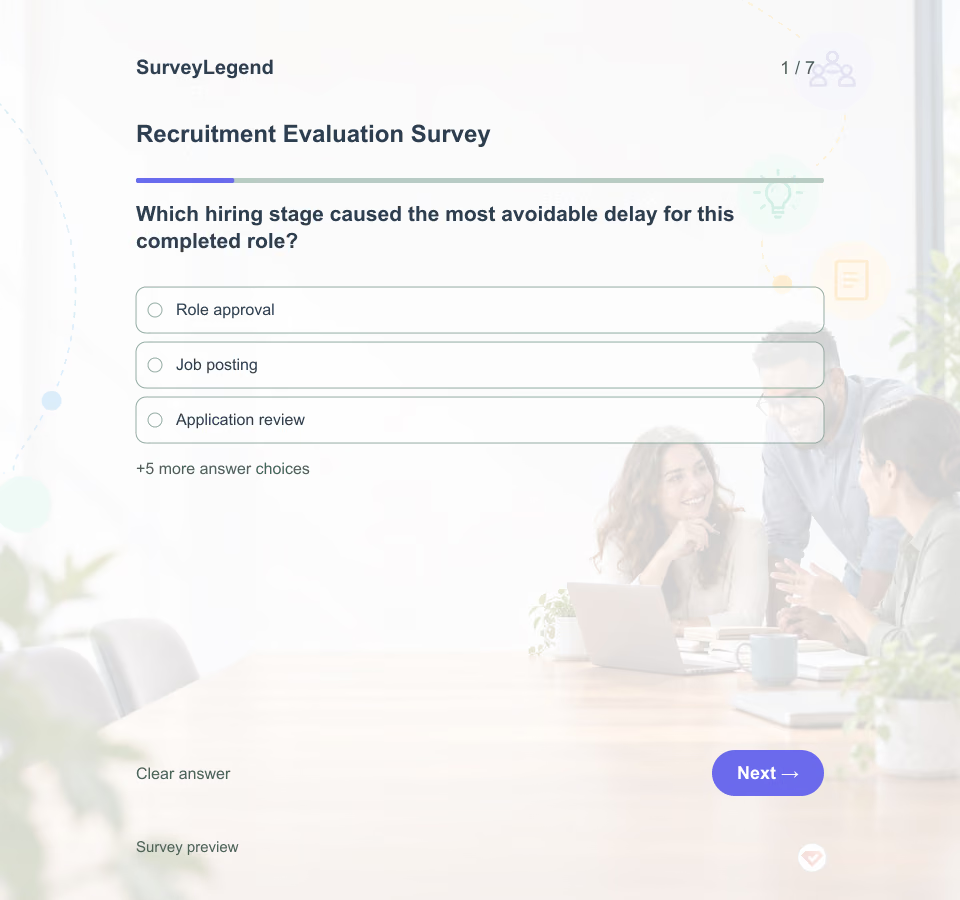 Recruitment Evaluation Survey Template Invite the hiring team after a specific role is filled or the search ends. Name the role family and recruitment period, but do not put candidates' names or personal information into this questionnaire. Ask each participant to answer based on the stages they observed. This is a process retrospective, not a candidate scorecard or a substitute for an applicant's perspective.
 -
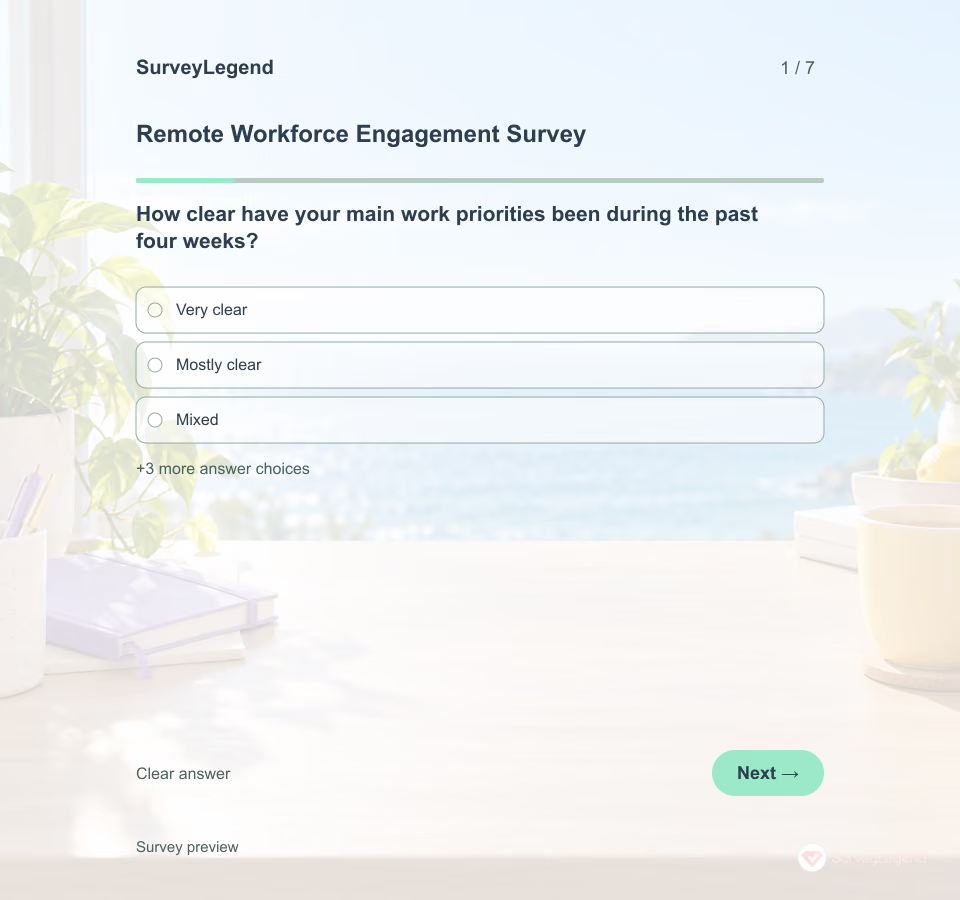 Remote Workforce Engagement Survey Template Remote work changes how employees get answers, meet colleagues and protect focus time. SurveyLegend helps a people team adapt a seven-question check-in to the actual rhythm of its distributed team.
 -
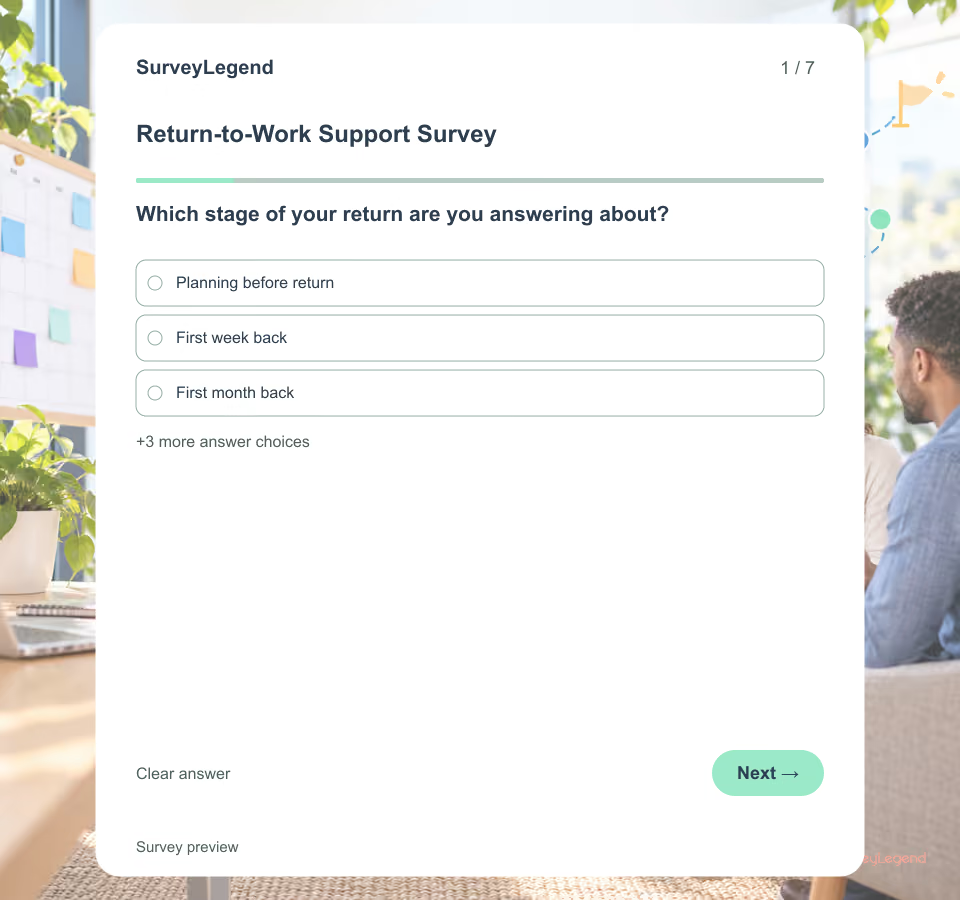 Return-to-Work Support Survey Template Use this survey after an employee has returned and had time to experience the agreed plan. It asks about work arrangements and support, not diagnosis, treatment or fitness for work. Keep individual accommodation requests in the organization’s confidential case process.
 -
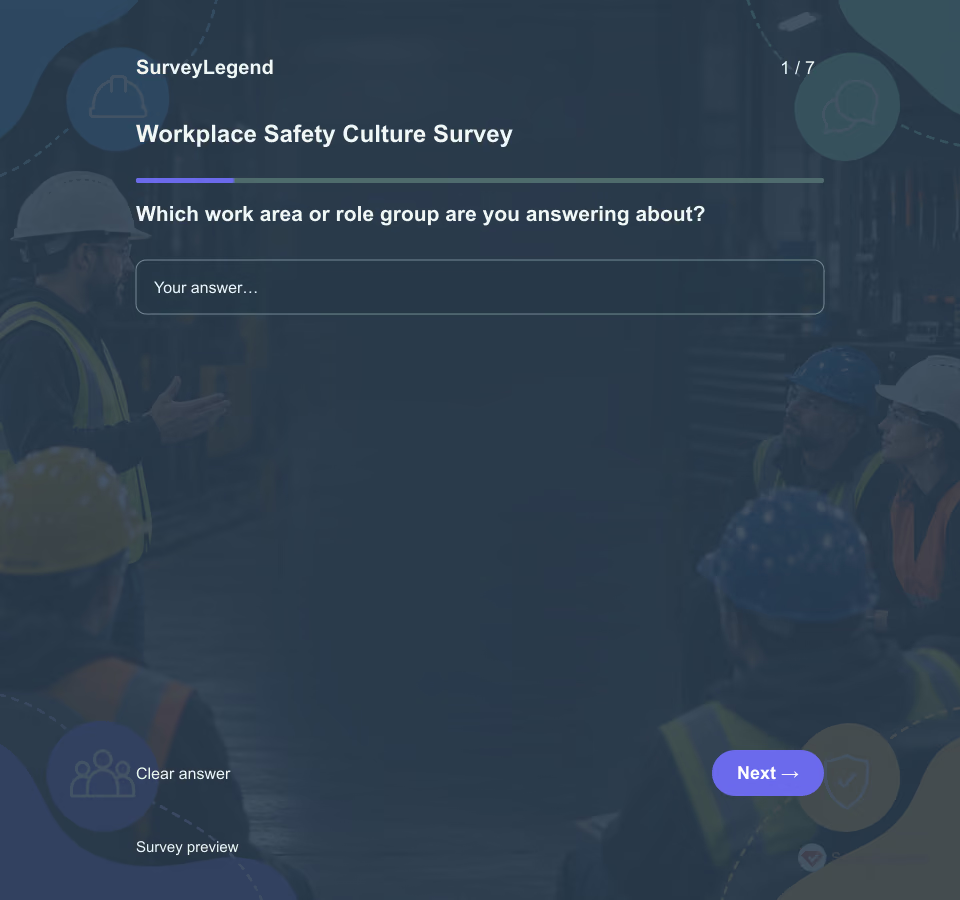 Workplace Safety Culture Survey Template Use this survey to learn how employees experience everyday safety priorities during the past three months. It asks about supervisors, coworkers, reporting and training. Keep urgent hazard reporting and formal incident investigation in the organization’s established safety channels.
 -
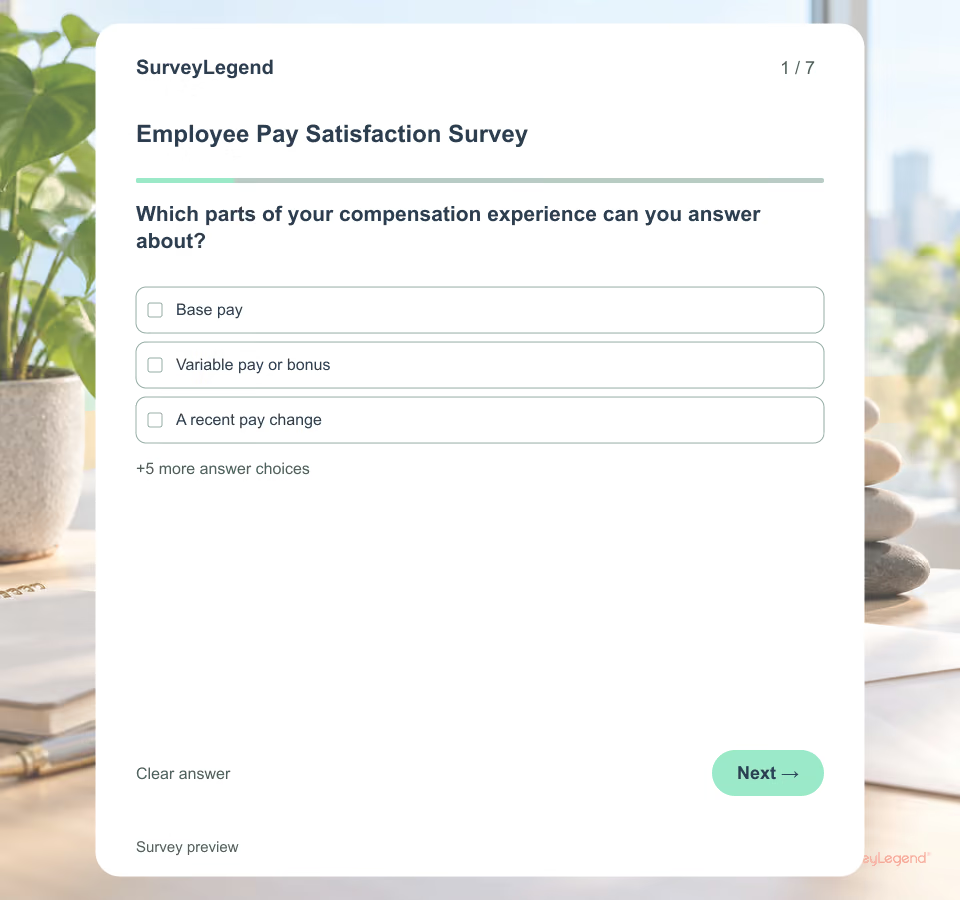 Employee Pay Satisfaction Survey Template “Salary satisfaction” can hide several different issues. An employee may accept the pay level but find raise criteria unclear, or trust the criteria while experiencing payroll errors. This original template separates those experiences so HR can identify a process to investigate. Browse [employee templates](https://www.surveylegend.com/survey-examples-templates/human-resource-and-employee-satisfaction-surveys/) when the task concerns another stage of work.
 -
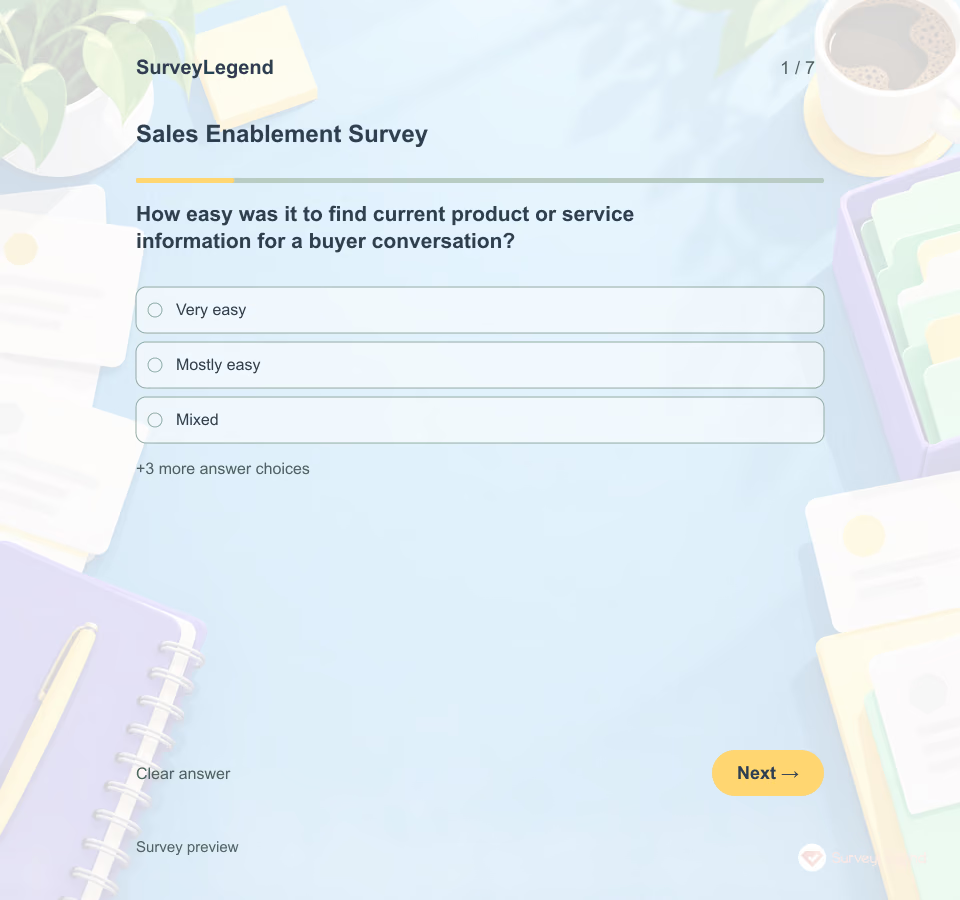 Sales Enablement Survey Template A sales team may have a large library of materials but still struggle to find the right answer when a prospect asks. SurveyLegend helps leaders gather task-level feedback before changing content or training.
 -
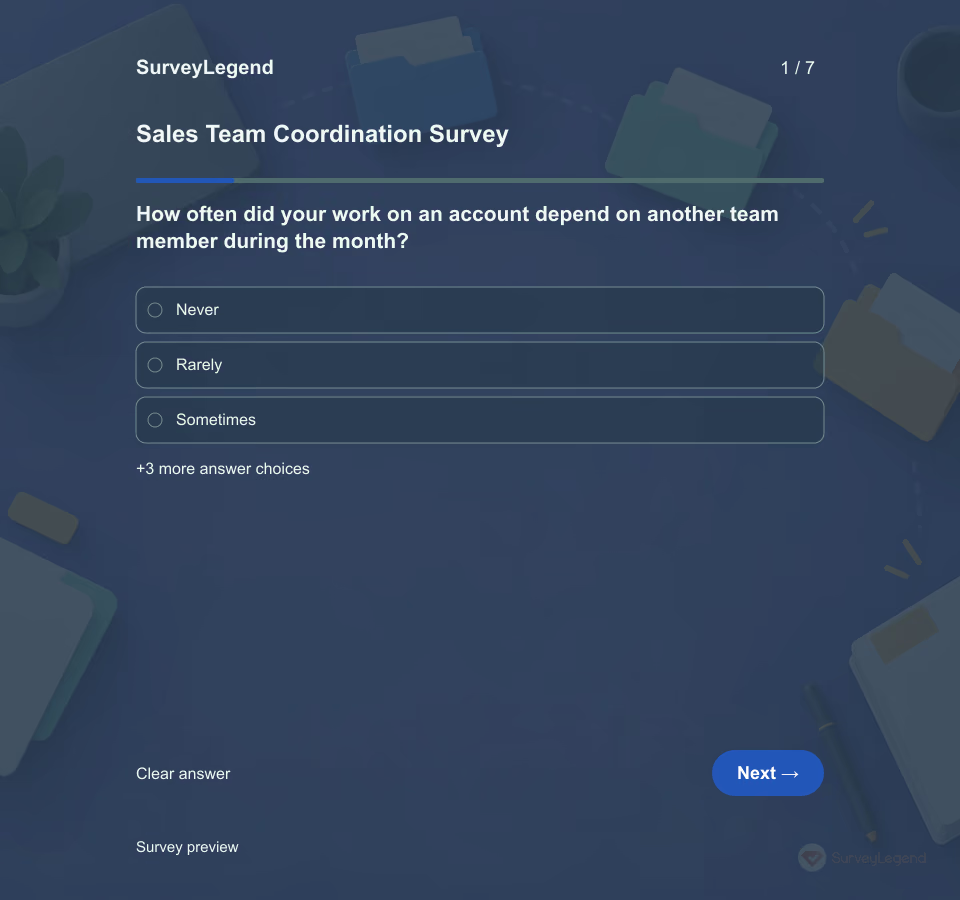 Sales Team Coordination Survey Template Use the survey after a defined month of team selling, especially when several people contribute to the same account. A useful sales resource does little good if the next owner cannot find it or does not know an action is theirs. Adapt this SurveyLegend example to the coordination process rather than using it to grade individual sellers.
 -
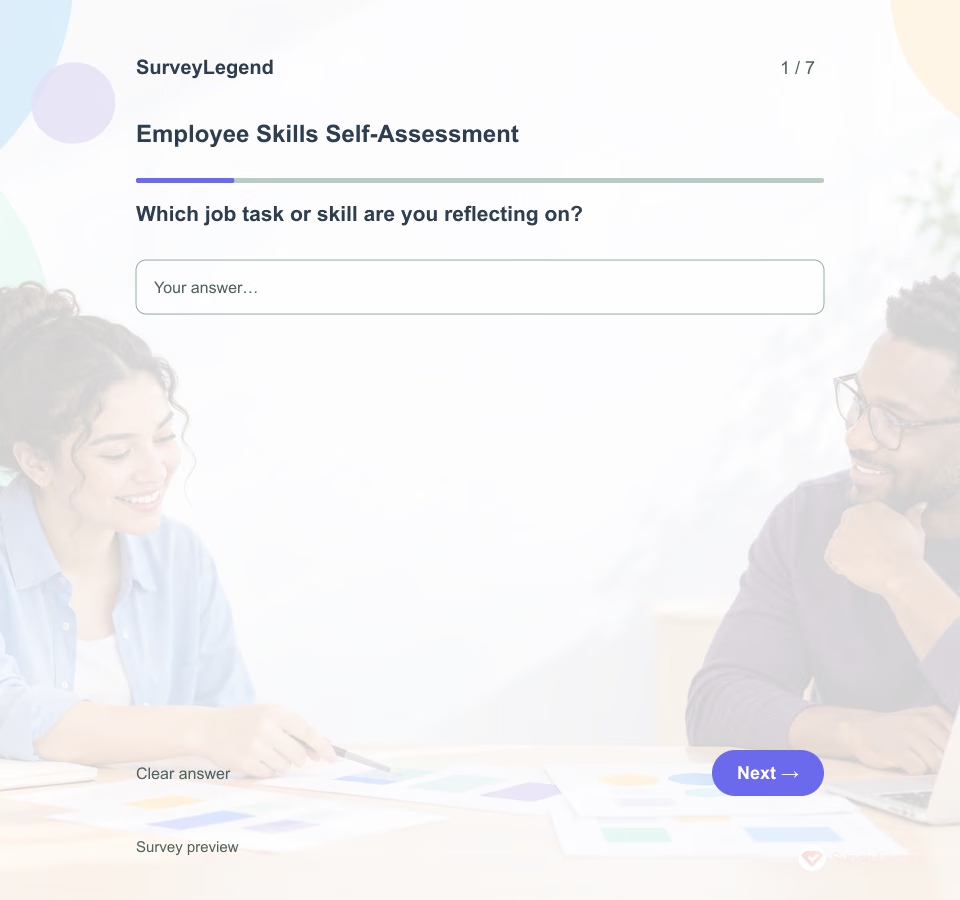 Employee Skills Self-Assessment Template A skills self-assessment gathers a person's experience and support needs for development. It is not a validated test, certification or hiring screen. Explore employee templates and employee recognition for related tasks.
 -
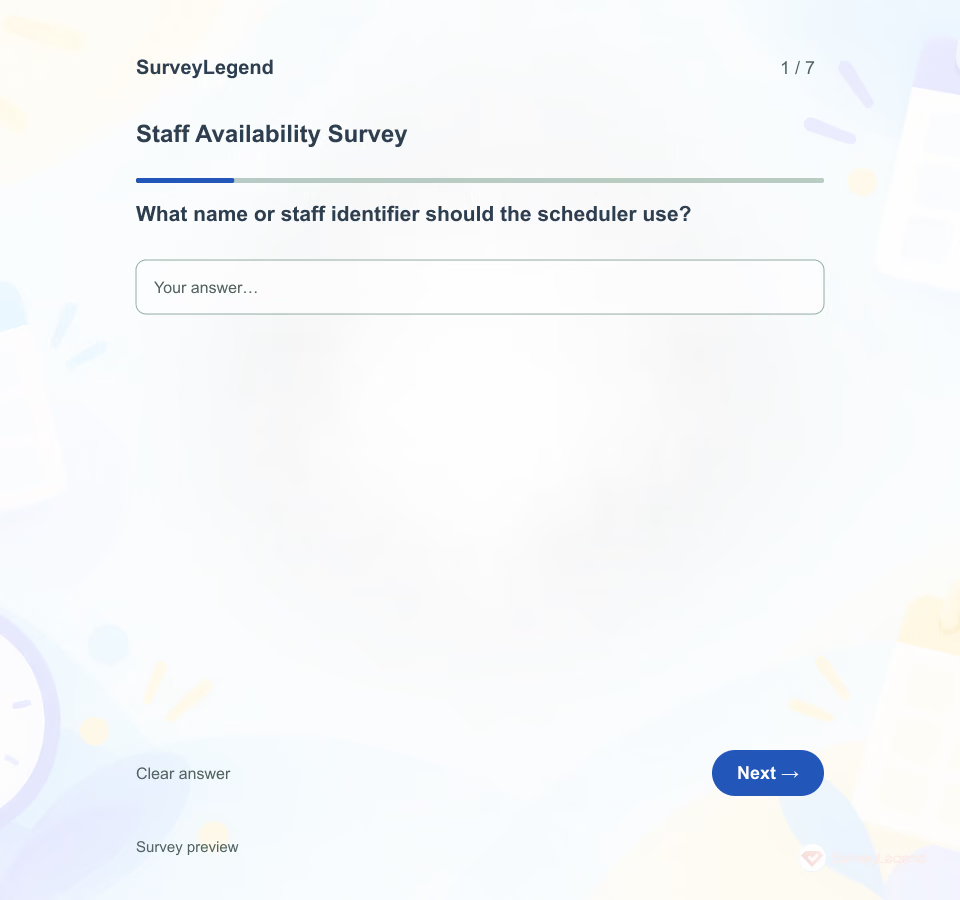 Staff Availability Survey Template A preference is not the same as a time someone can actually work. Collect the period, available windows and scheduling preferences clearly so managers do not have to guess what a short reply means.
 -
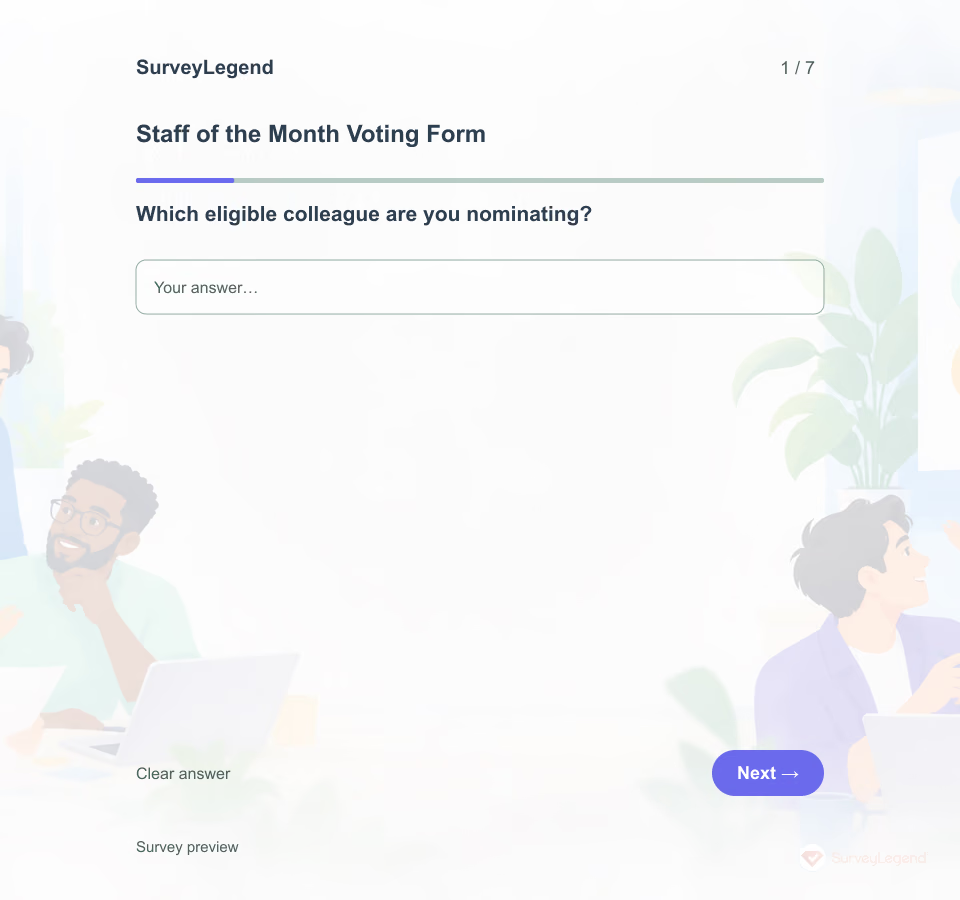 Staff of the Month Voting Form Template This form captures a nomination and concrete example. A committee should verify eligibility and fairness; raw popularity does not establish performance. Related SurveyLegend material: employee recognition and employee templates.
Free survey maker
Start creating surveys today for free
Create and bring your ideas to life with the survey tool used by people all over the world.
Ready to collect better research data?
Create academic surveys and questionnaires from ready-made templates.